
This form is for macOS menu bar apps: apps where the menu bar is where you actually use them.
A good fit is an app whose menu or popover is where the work happens. You click the icon and do what you came to do, right there.
It’s probably not a good fit if:
- the app mainly lives in its own window, and the menu bar icon is a shortcut to it.
- the icon is mostly a status indicator or a launcher for a dashboard, settings window or web page.
- the app does its work in the background or somewhere else on screen, and keeps working just as well with the icon hidden.
A simple test: if removing the menu bar icon wouldn’t really change how people use your app, it probably doesn’t belong here.
I currently test apps on macOS 26 (Tahoe). Apps that require macOS 27 can still be listed, but I can’t install them myself, so I’ll judge them by your website and screenshots alone. Make sure those show clearly how the app works in the menu bar.
I check every submission by hand. Often I install the app myself; otherwise I go by your website and screenshots. So make sure they clearly show the menu bar part of your app in action. If I can’t see how the menu bar is used, I’ll assume it isn’t central.
Not sure about your app? Browse a few listings, or just ask me before submitting.
Before submitting, please use the search bar to check whether your app is already listed.
Screenshots
Please upload at least 3 high-quality screenshots showing your app in the actual macOS menu bar. Click the examples below to see what qualifies as an acceptable screenshot and what doesn’t.
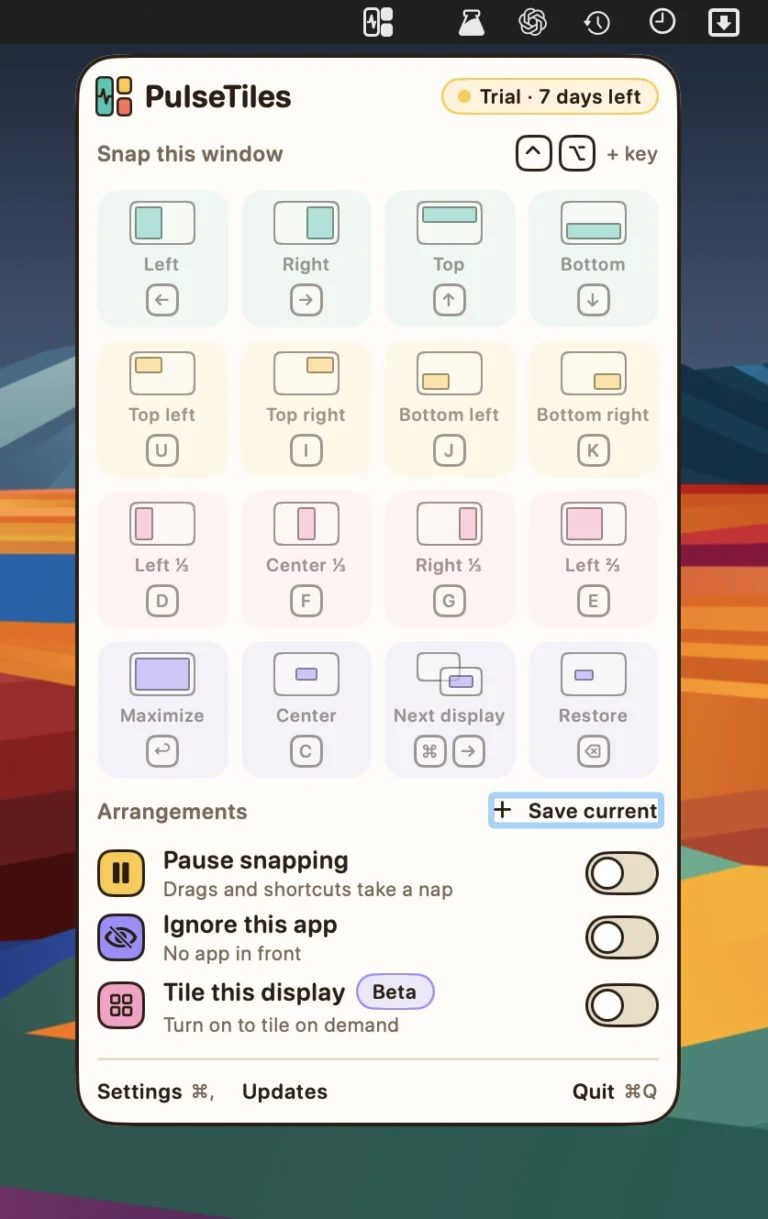
Good example: The app shown in the actual macOS menu bar.
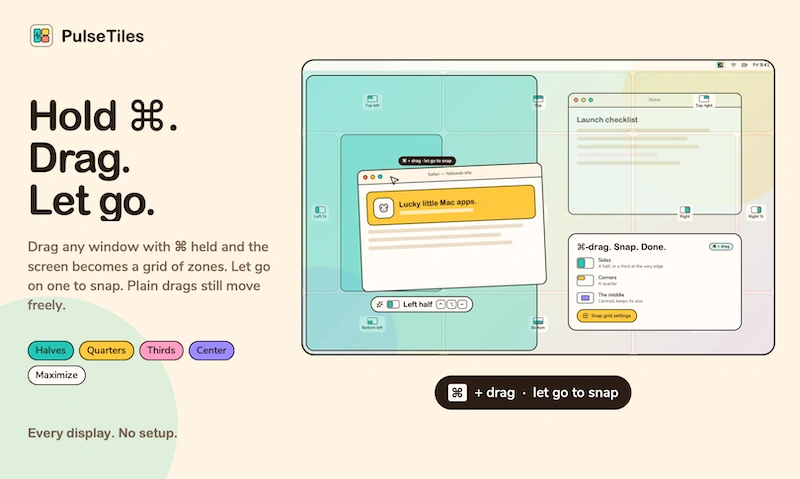
Bad example: Promotional images, mockups, or screenshots without the actual macOS menu bar.

Best,
Luuk