Turn images into usable text in seconds. Capture text from screenshots, PDFs, images, or even live camera input directly from your menu bar, with fast recognition, translation, annotation, and instant clipboard access.
Show me the free apps only
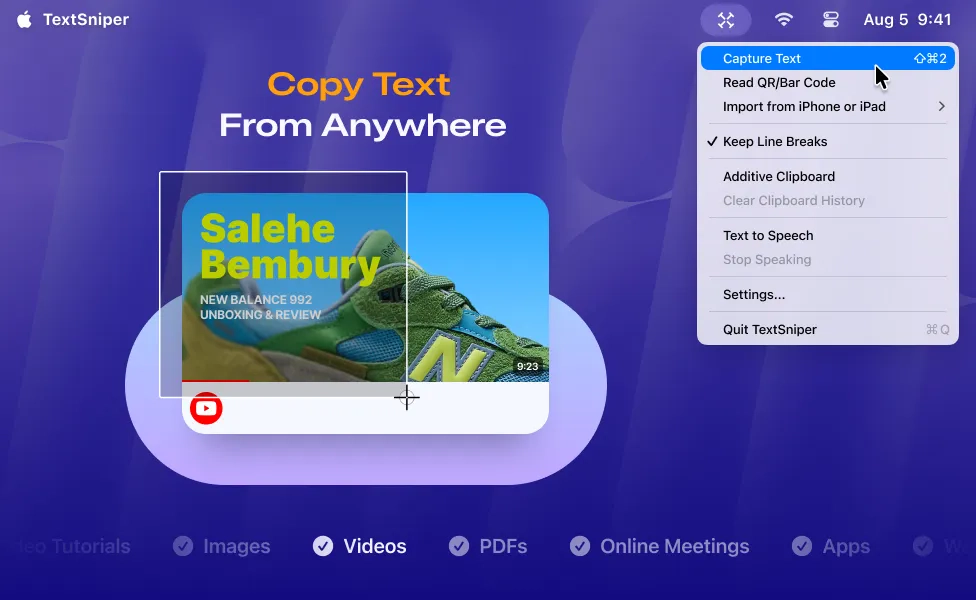
TextSniper allows you to quickly convert uncopiable or unselectable text from any content visible on your mac’s screen into editable text copied to your clipboard.
Use it to capture and recognize text, scan QR codes, and more – from presentations, screencasts, PDFs, images, webpages, video tutorials, photos, etc.
Visit Watch
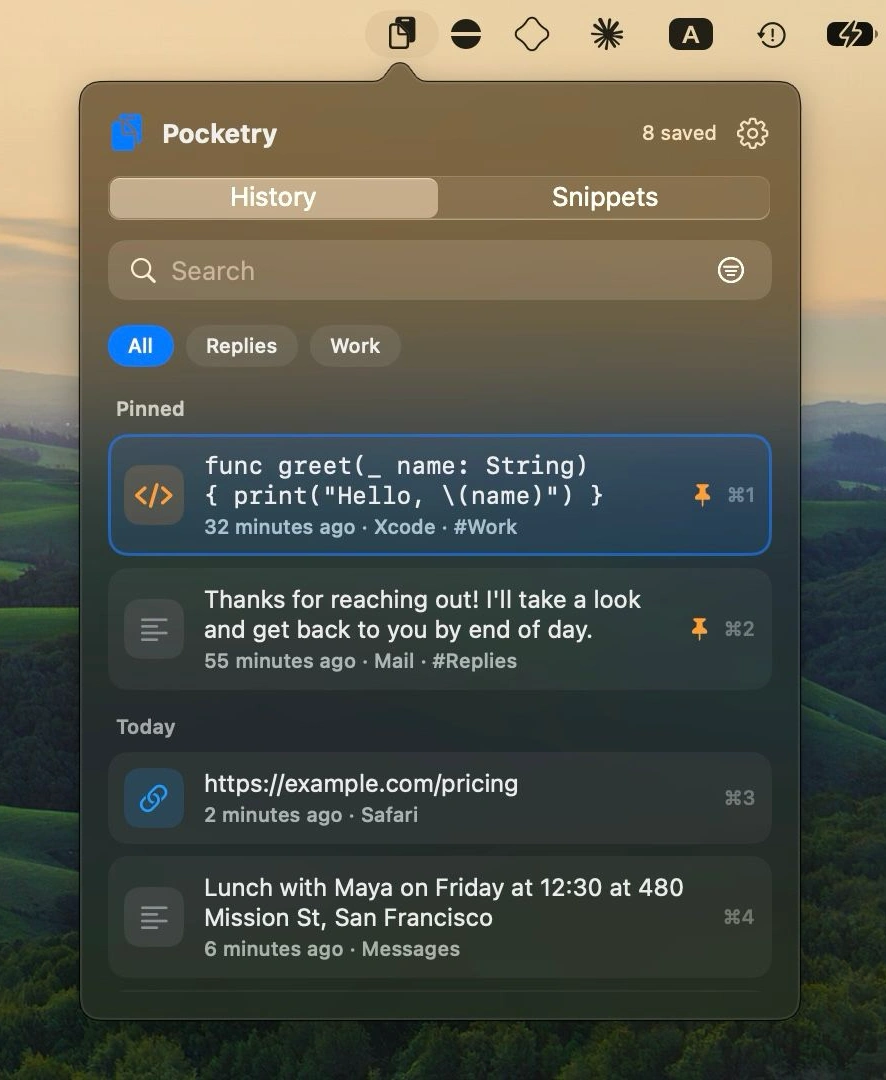
Search your clipboard history, extract text from screenshots, and expand reusable snippets. Pocketry keeps everything encrypted on your Mac, with no account needed and no recurring fees.
Visit Watch
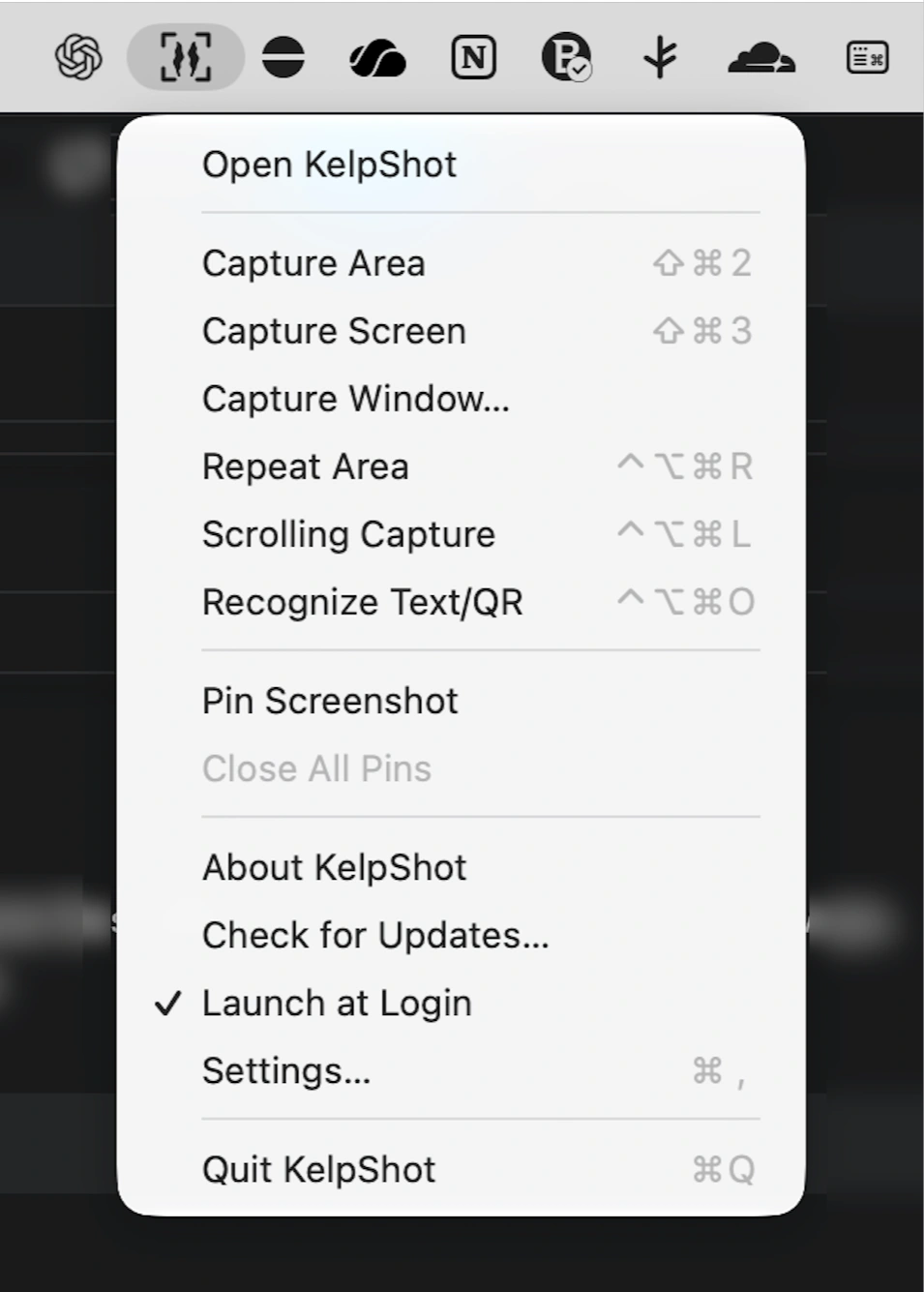
Capture screenshots, add arrows and numbered steps, redact sensitive information, and extract text locally. Scrolling capture is supported, and everything stays on your Mac.
Visit
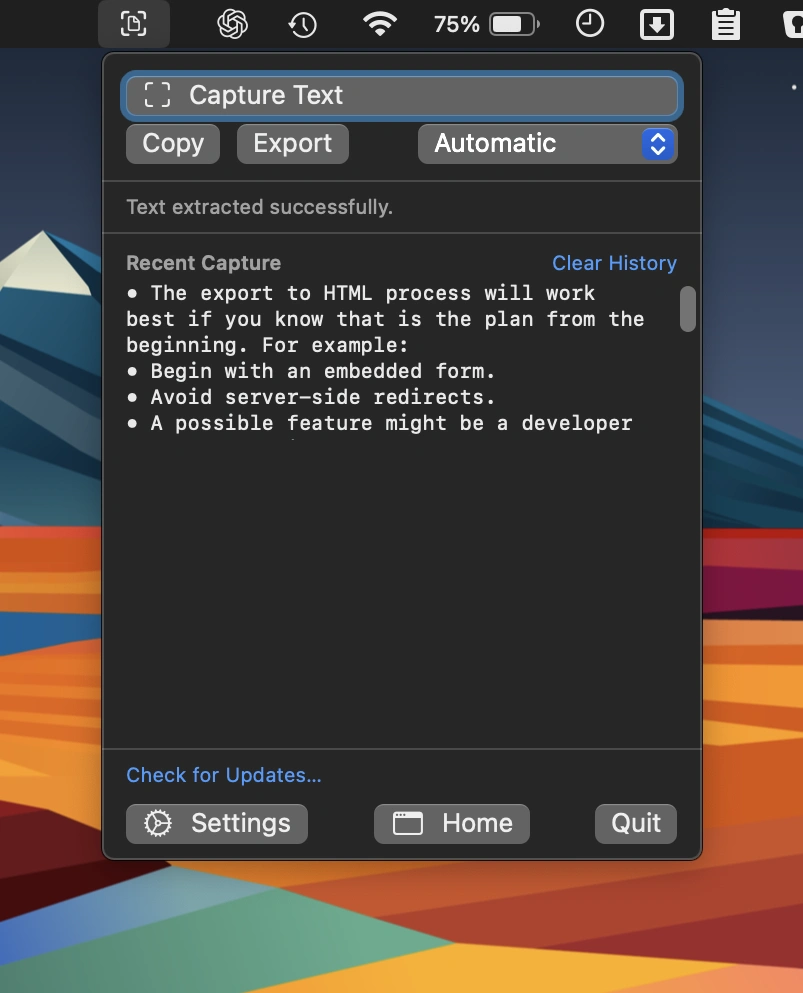
Extract unselectable text from images, videos, presentations, and dialogs using on-device OCR. Capture, copy, or export text privately with Apple Vision, without uploading anything.
Visit Watch
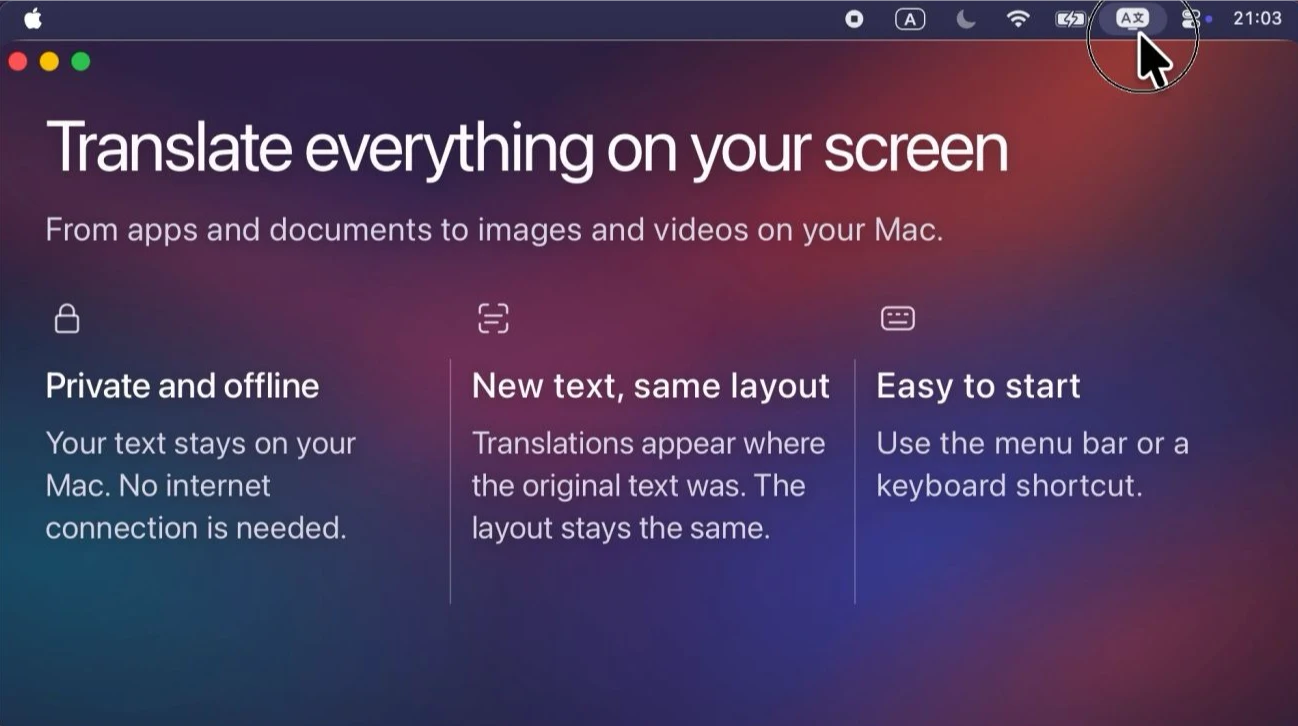
This menu bar app translates text from apps, websites, images, and games, displaying the result over the original text while preserving its layout and colors. Everything is processed locally on your Mac.
Visit
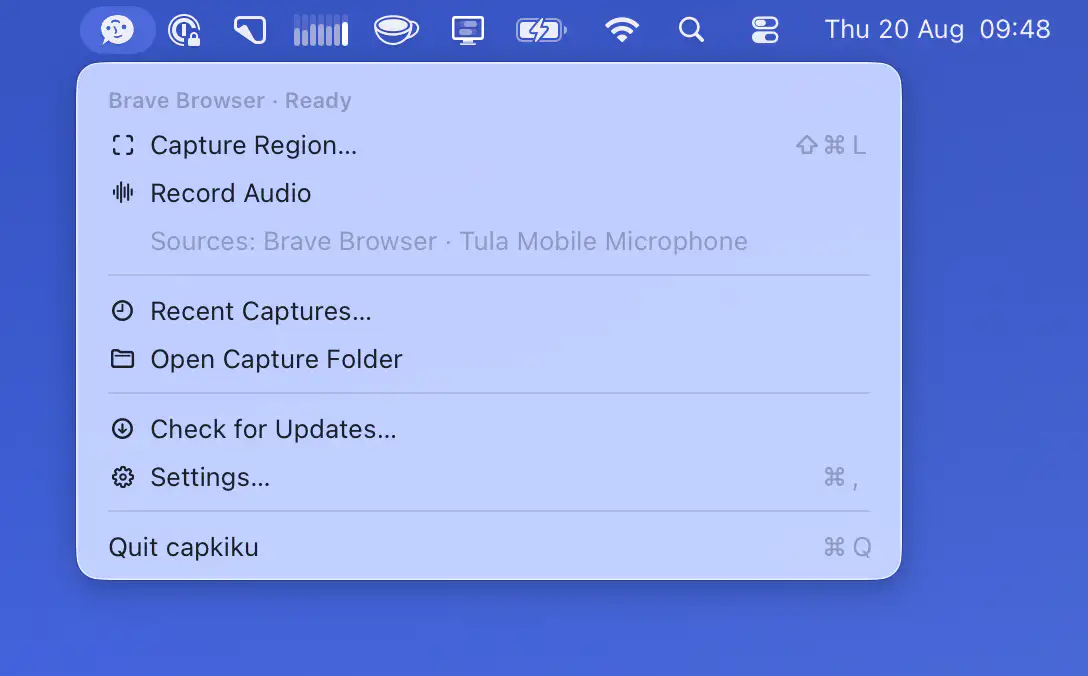
This menu bar app turns any screen region into editable Markdown using on-device Apple Vision OCR. Review, edit, and save captured text locally, with no account, uploads, or screenshots retained.
Visit
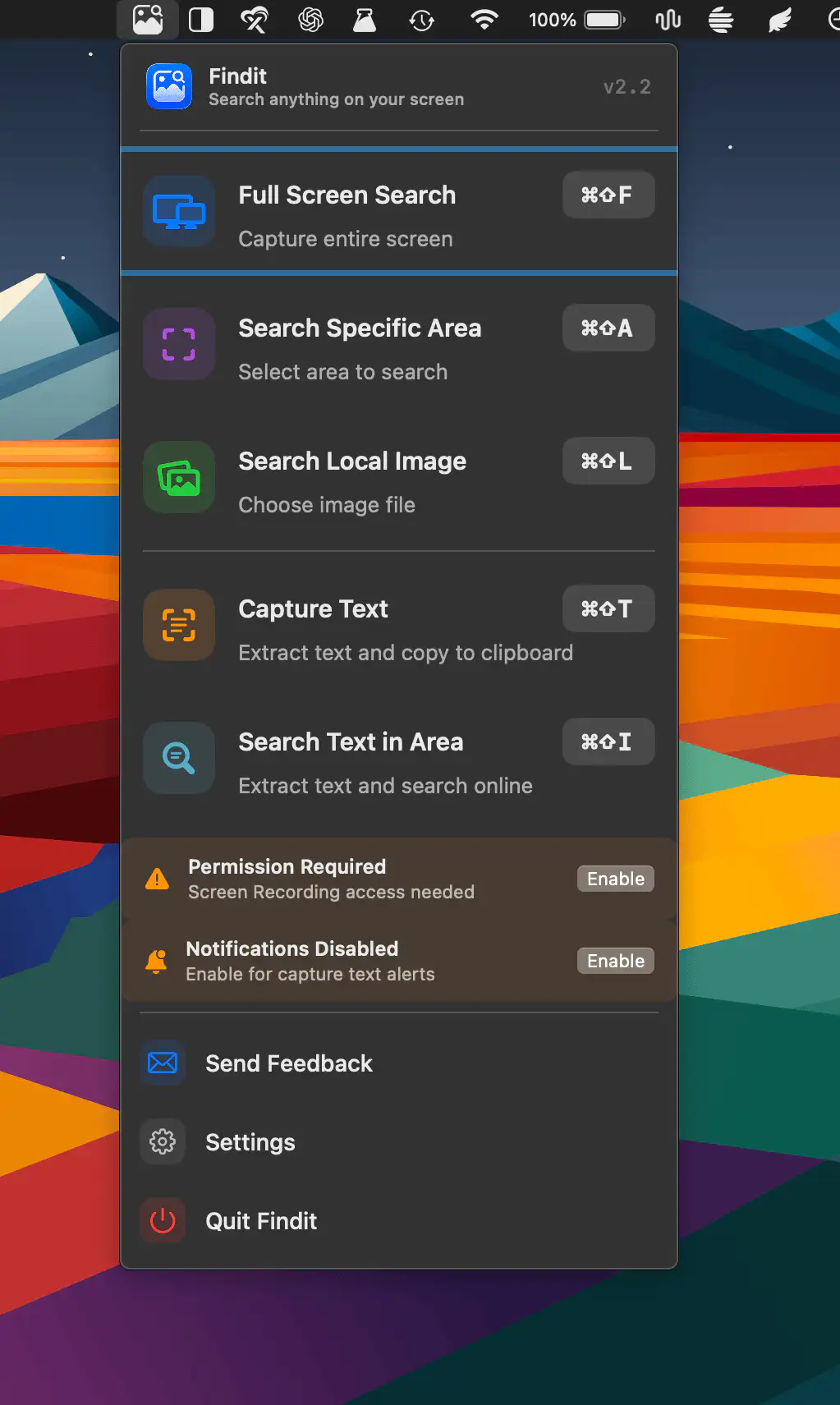
Findit lets you search anything on your screen by capturing text or images from any selected area. It supports multiple search engines, built-in OCR, customizable shortcuts, and flexible settings for a faster workflow.
Visit
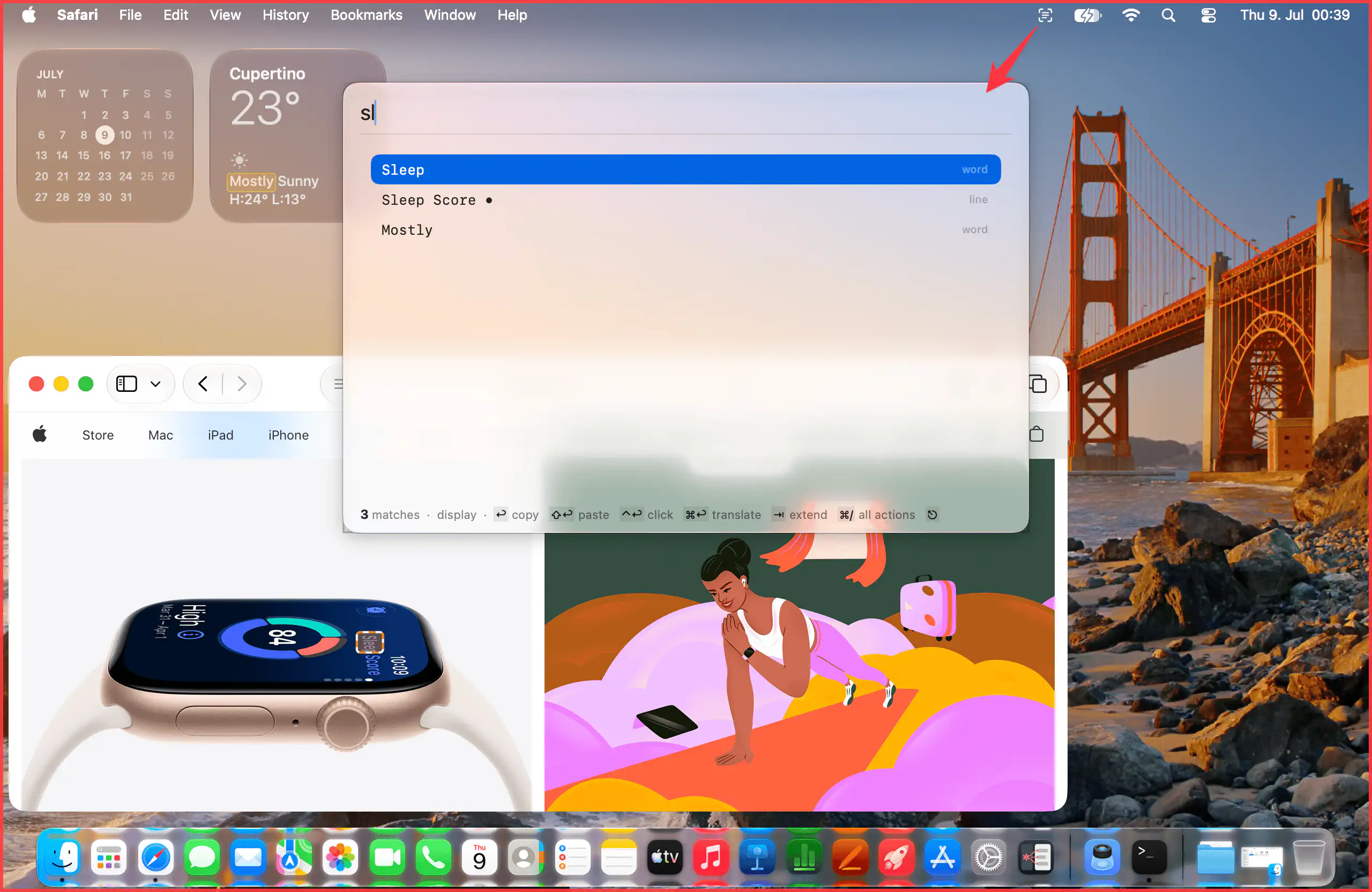
SnapGrep makes all visible text on your Mac searchable, from dialogs and videos to PDFs and screen shares. A keyboard-driven workflow combines Accessibility and on-device OCR to quickly find, copy, translate, or interact with content.
Visit
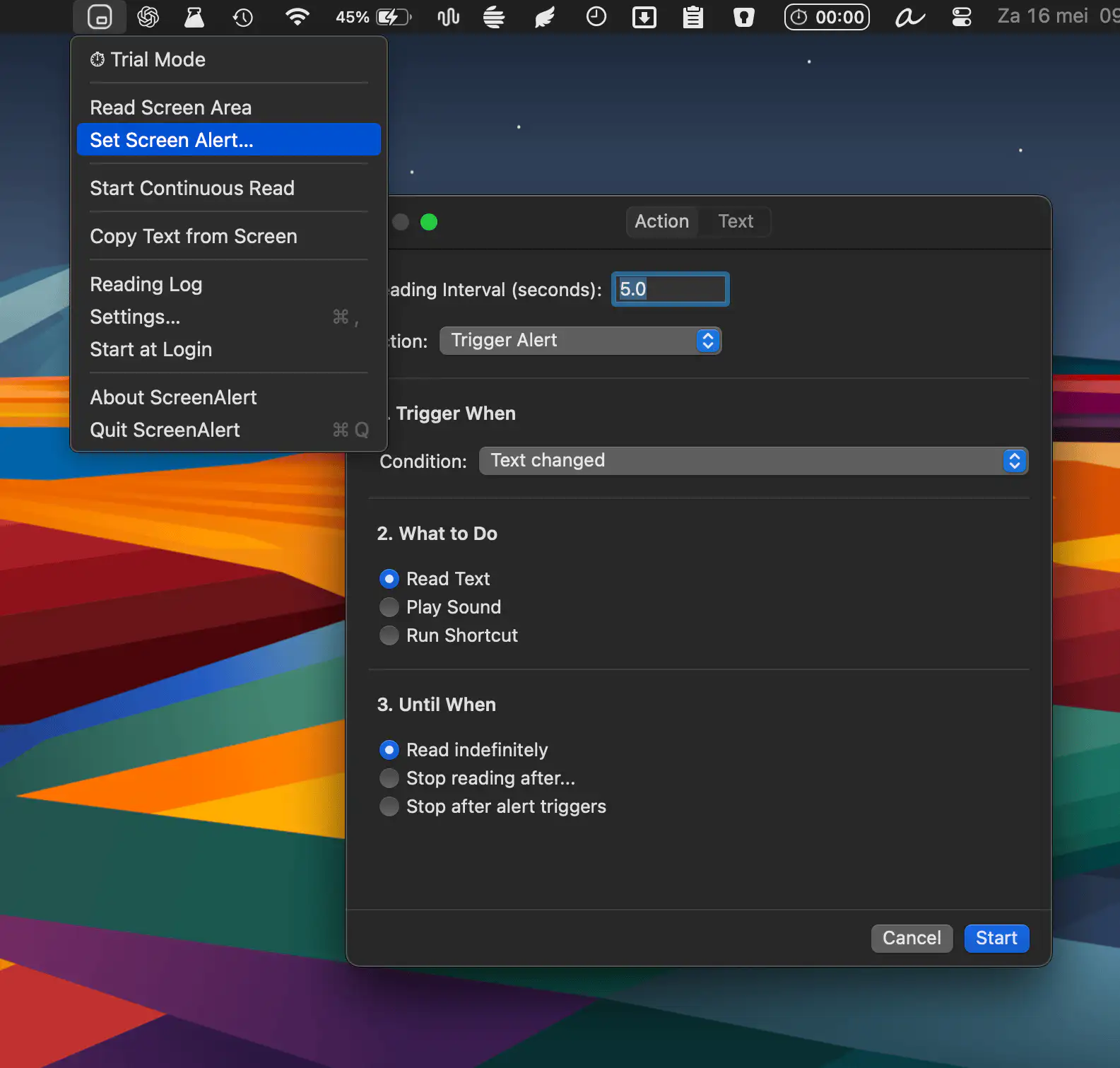
ScreenAlert keeps an eye on any part of your screen and alerts you the moment something changes, whether it’s a stock price, build status, or live score.
Visit
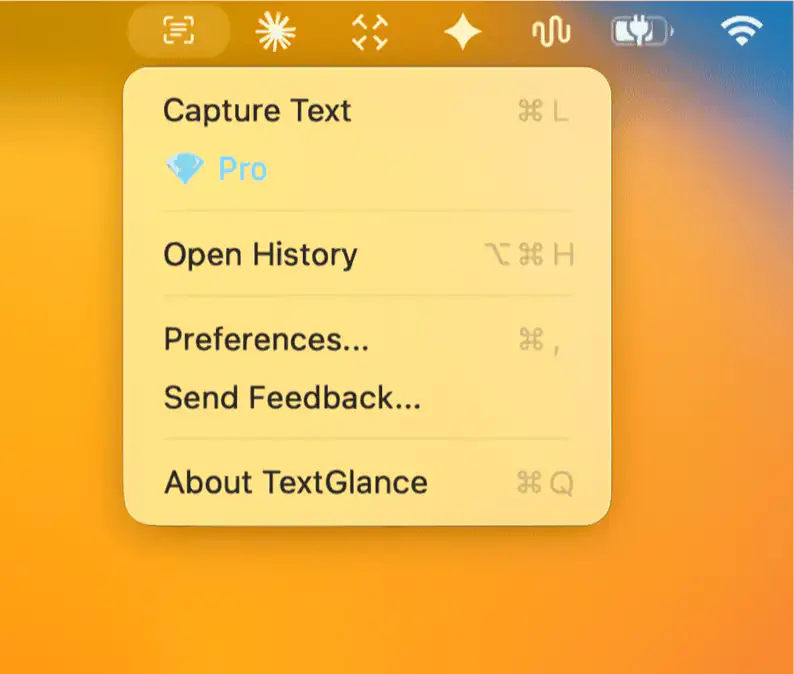
LudyLens adds fast, local OCR to your Mac, letting you capture on-screen text and read QR codes and barcodes. It recognizes multiple languages, preserves code formatting, and keeps your recent captures easily accessible.
Visit
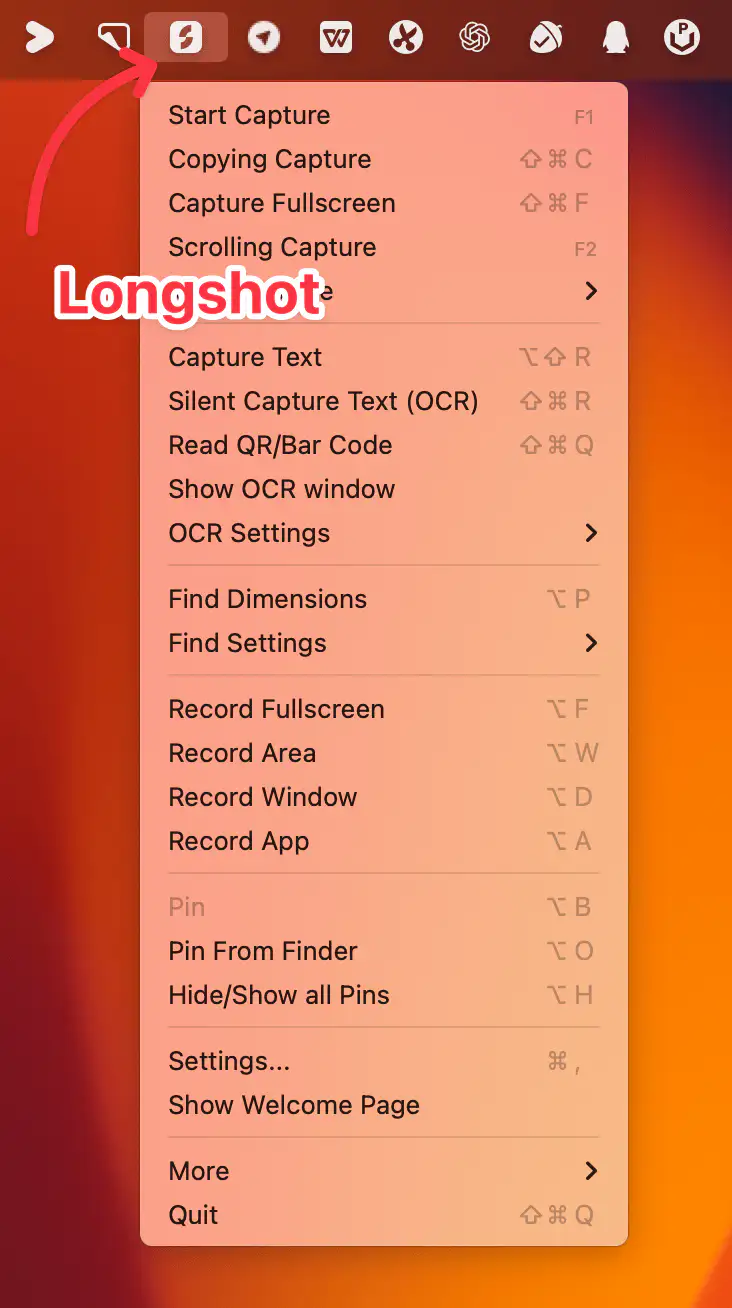
Longshot is a versatile Mac menu bar app for capturing, annotating, pinning, measuring, scrolling screenshots, OCR, and recording — making it easy to work, share, and organize visual information effortlessly.
Visit
