Make Mac Better
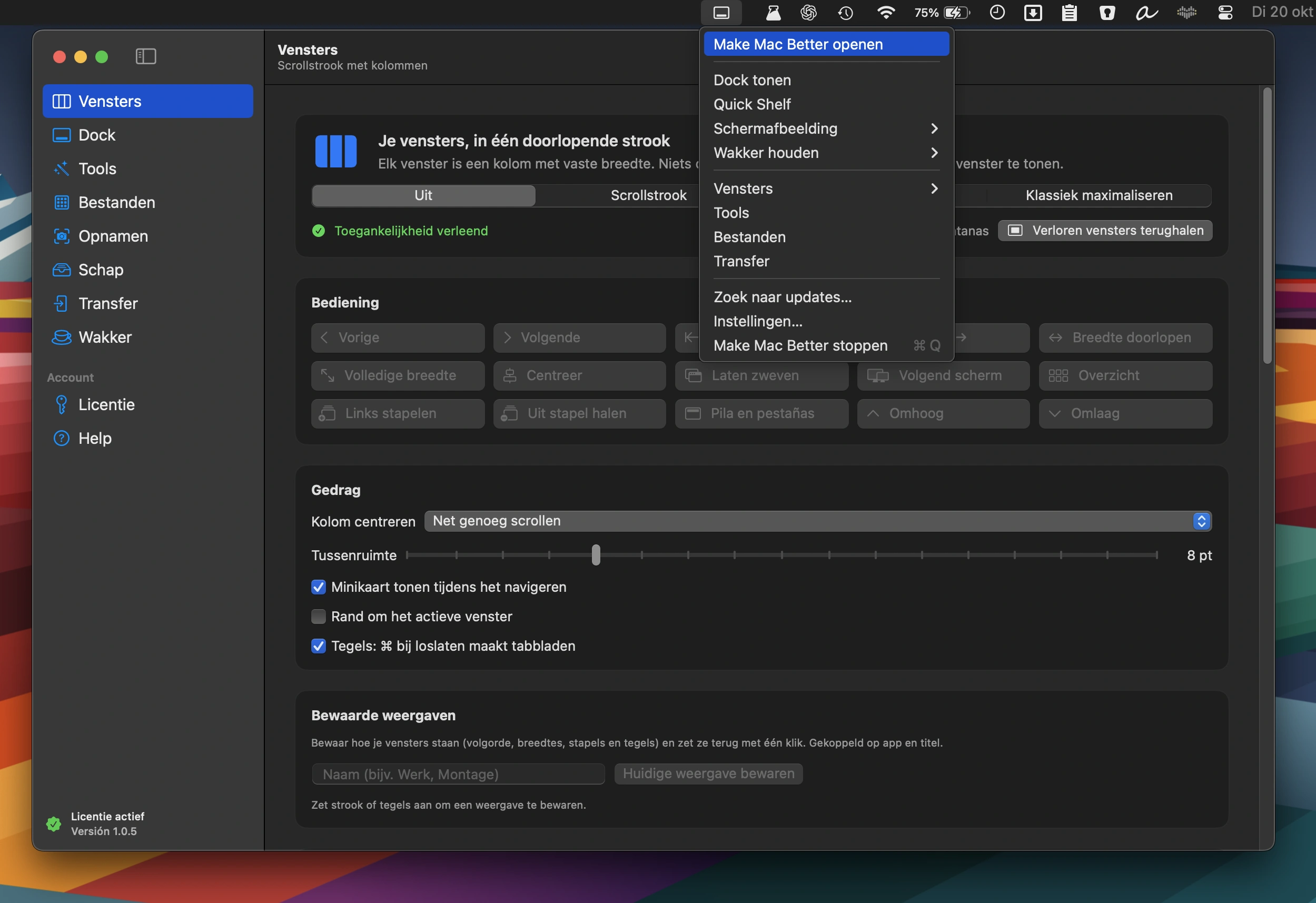
An all-in-one Mac toolkit featuring window management, a second Dock with widgets, 38 file, video, PDF and image tools, photo transfers, screenshot editing, and a Keep Awake mode.

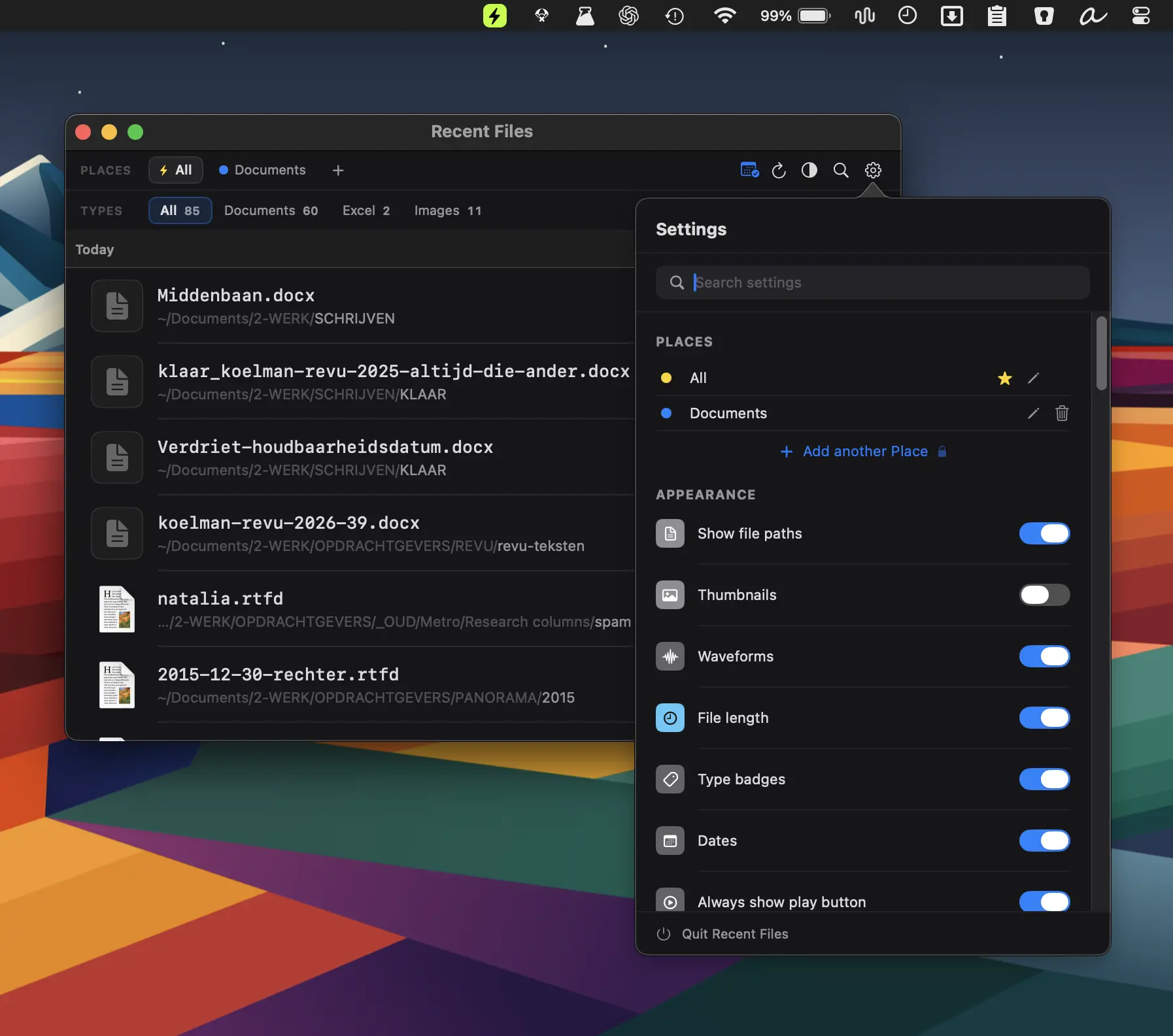
Keep your files within reach, not in the way. Open folders instantly, manage recent files, automate sorting, rename in bulk, tag smarter, mount remote drives, and drag, drop, share, or convert files directly from your menu bar without digging through Finder.
Keep your files within reach, not in the way. Open folders instantly, manage recent files, automate sorting, rename in bulk, tag smarter, mount remote drives, and drag, drop, share, or convert files directly from your menu bar without digging through Finder.
An all-in-one Mac toolkit featuring window management, a second Dock with widgets, 38 file, video, PDF and image tools, photo transfers, screenshot editing, and a Keep Awake mode.
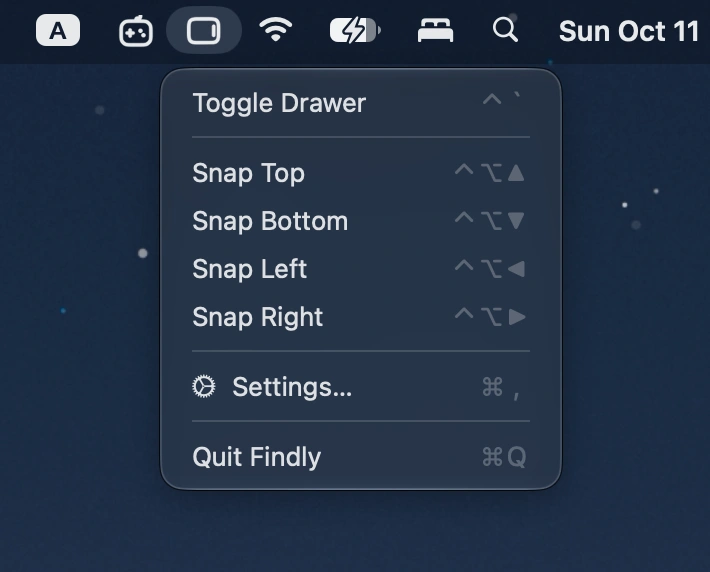
Summon a Finder-style file drawer from any screen edge with a hotkey. Browse files, access Finder favorites, preview items, and drag files between apps.
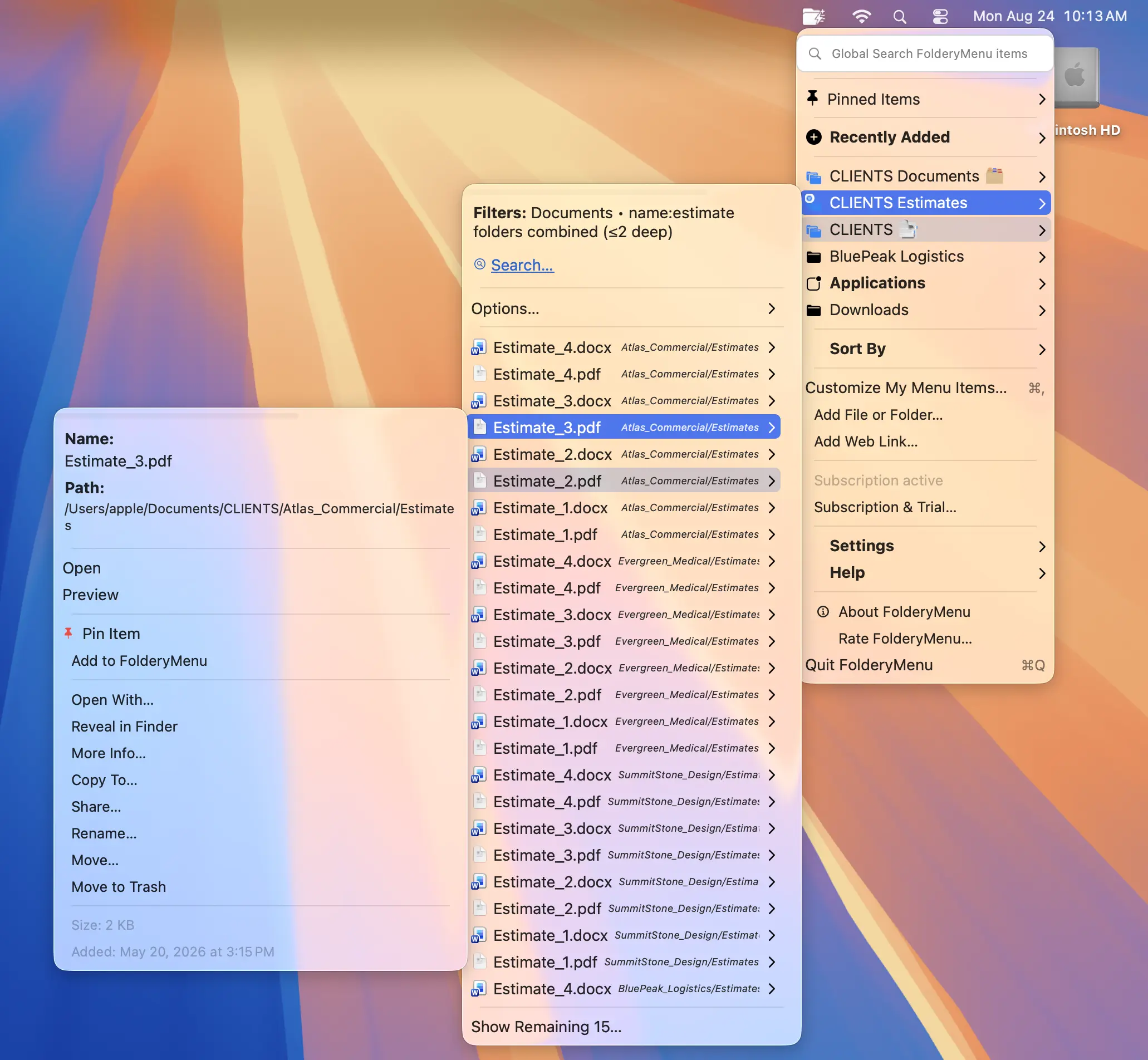
Turn folders into customizable, searchable menus for quick access to files, apps, and system settings. Filter by name, type, or date, combine subfolders, pin favorites, and keep everything within reach.
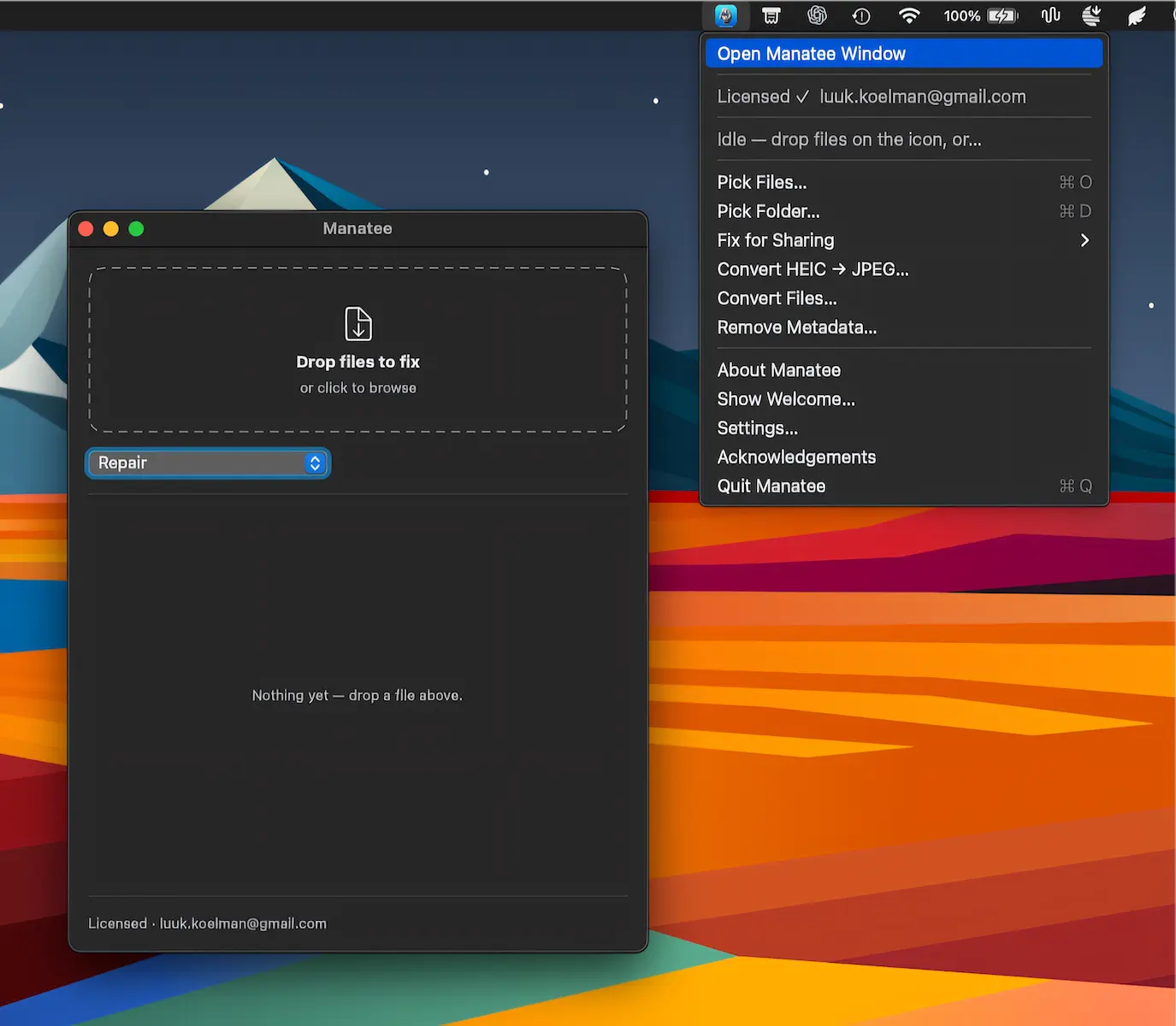
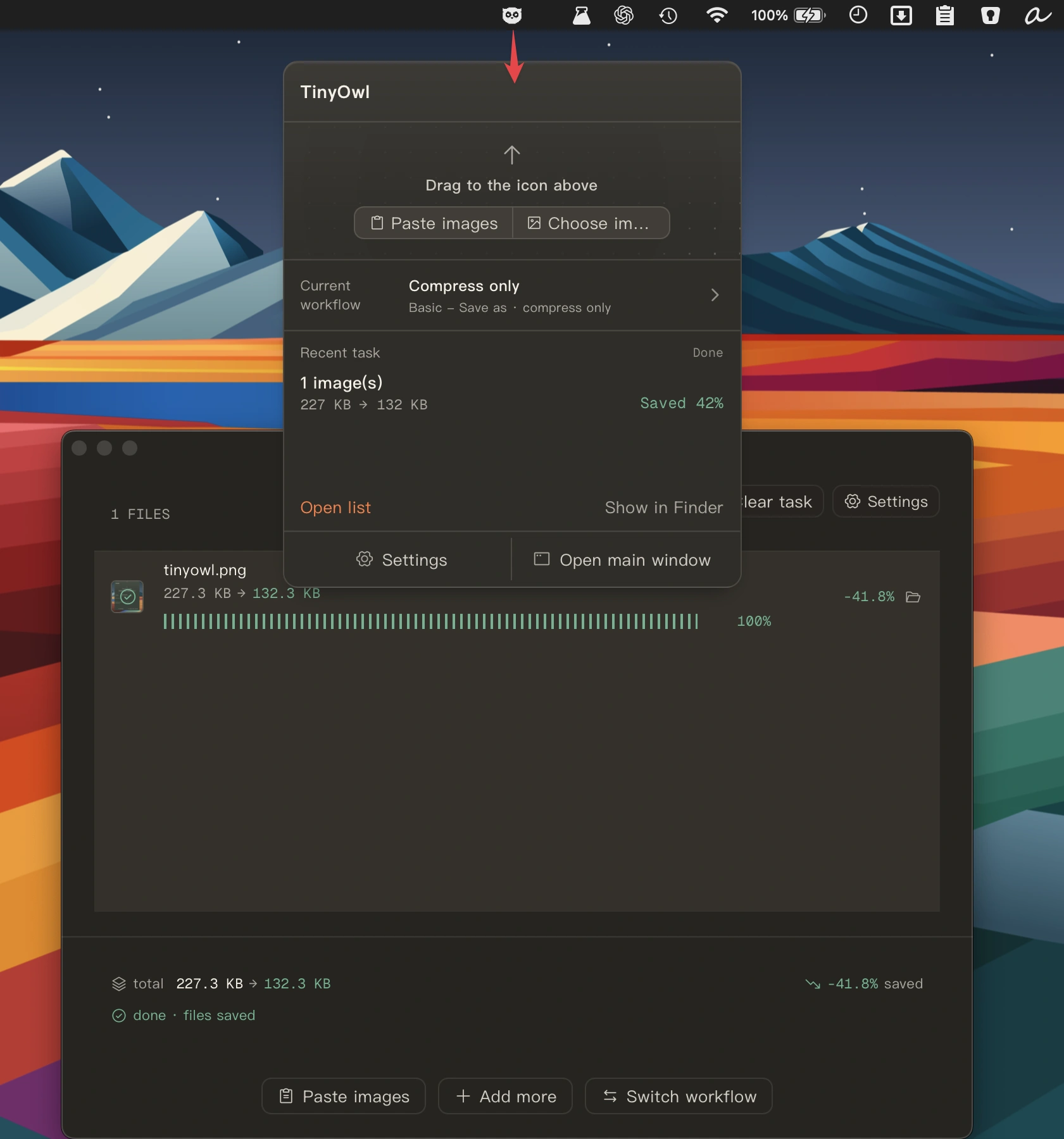
Manatee repairs, converts, reduces and cleans metadata from files entirely on your Mac. With support for 122 formats, it works locally while keeping your originals untouched and your data private.
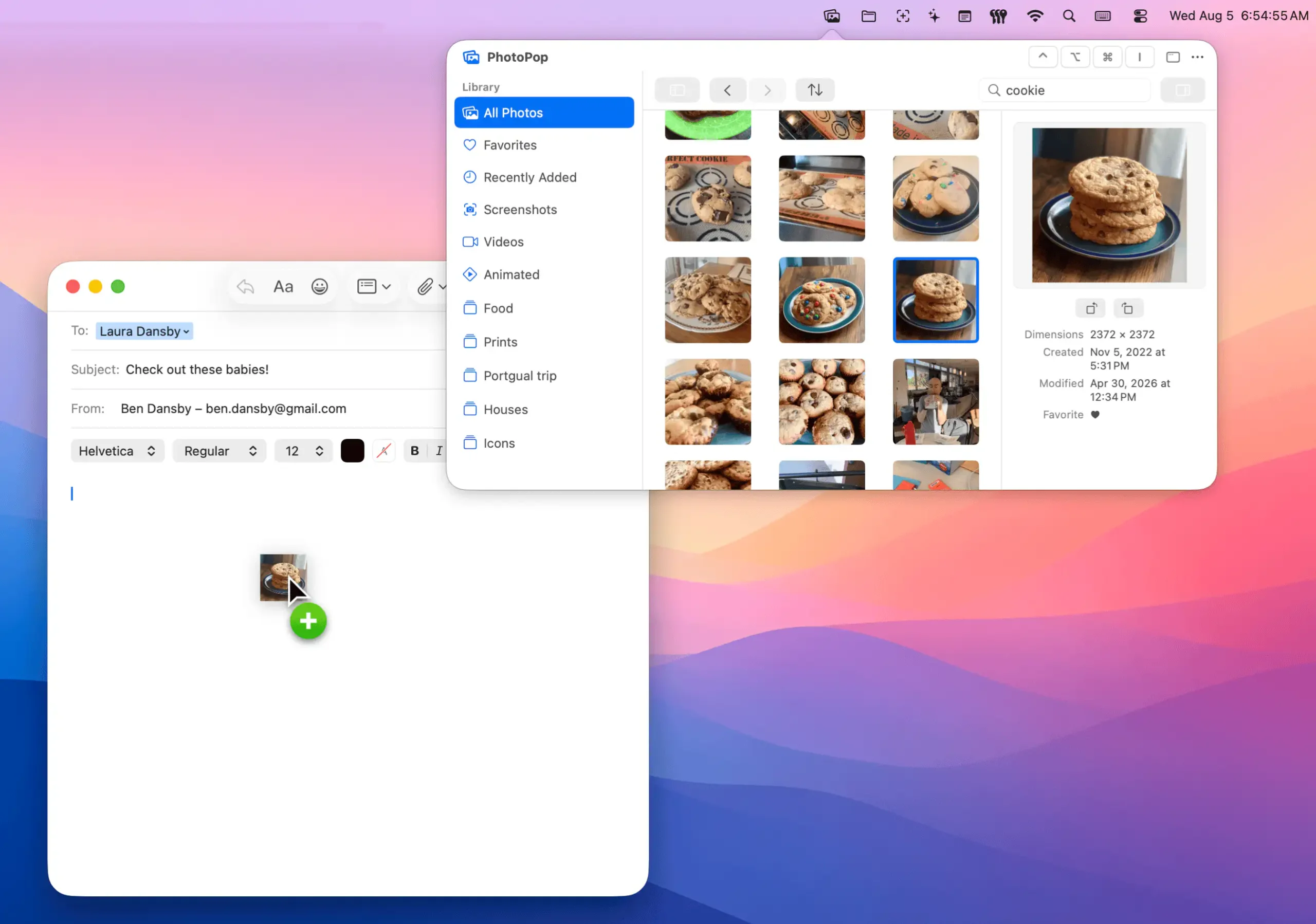
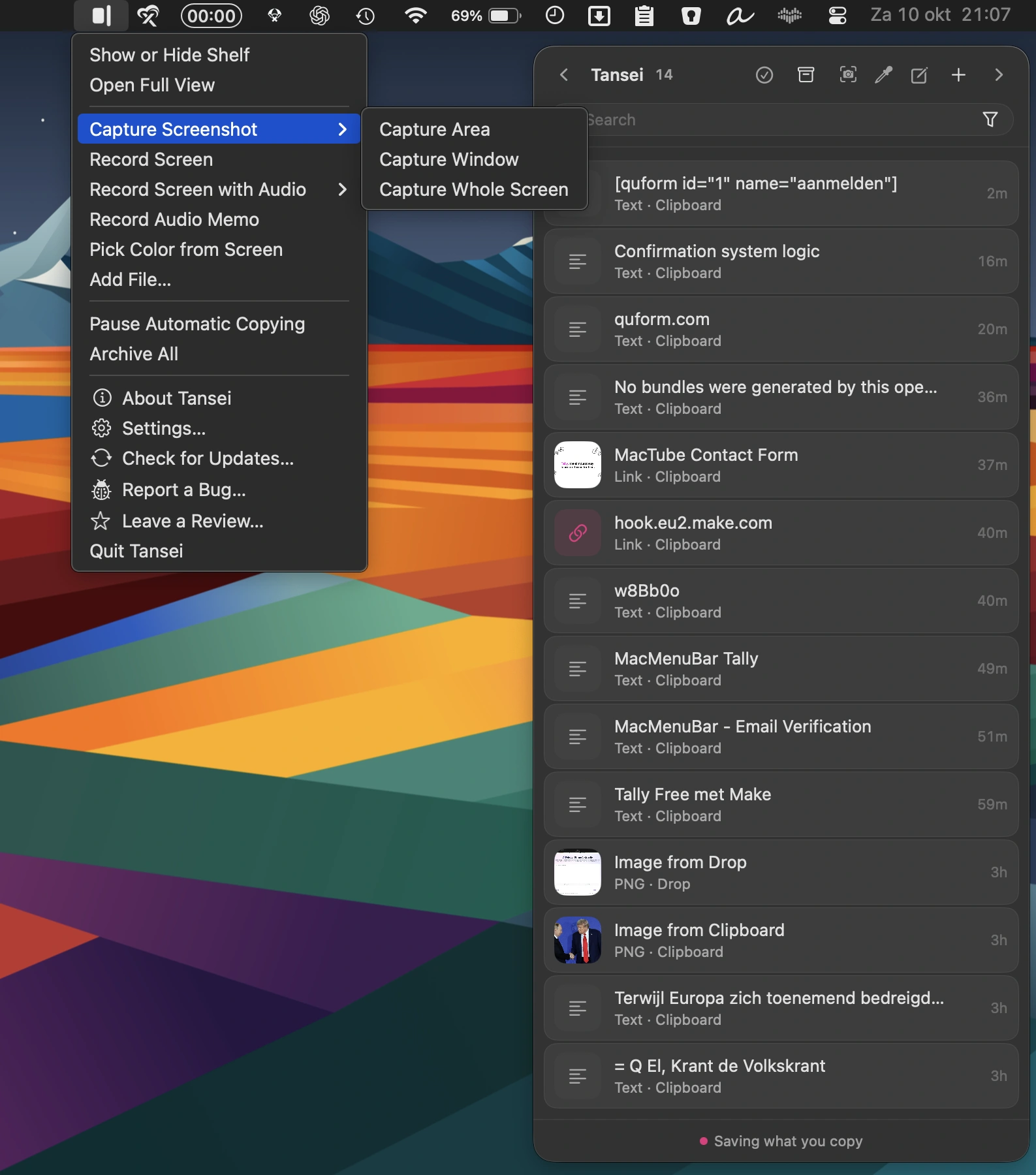
PhotoPop puts your Photos library at your fingertips, letting you browse albums, search by subjects or text, drag photos between apps, and edit images without opening Photos.
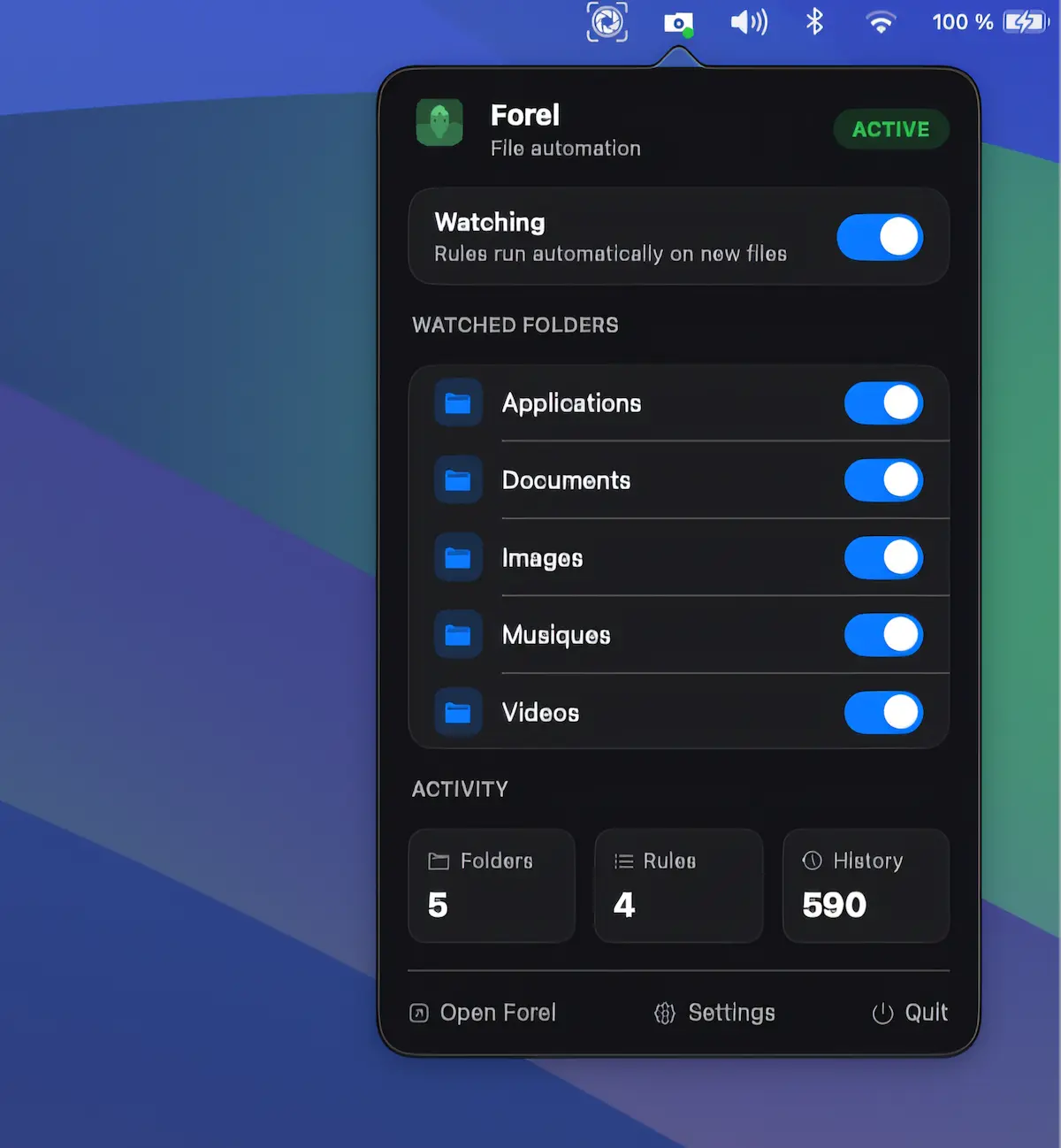
Privacy-focused file automation for macOS. Create rules to automatically move, rename, tag, or organize files by name, type, size, date, or labels, entirely on-device.
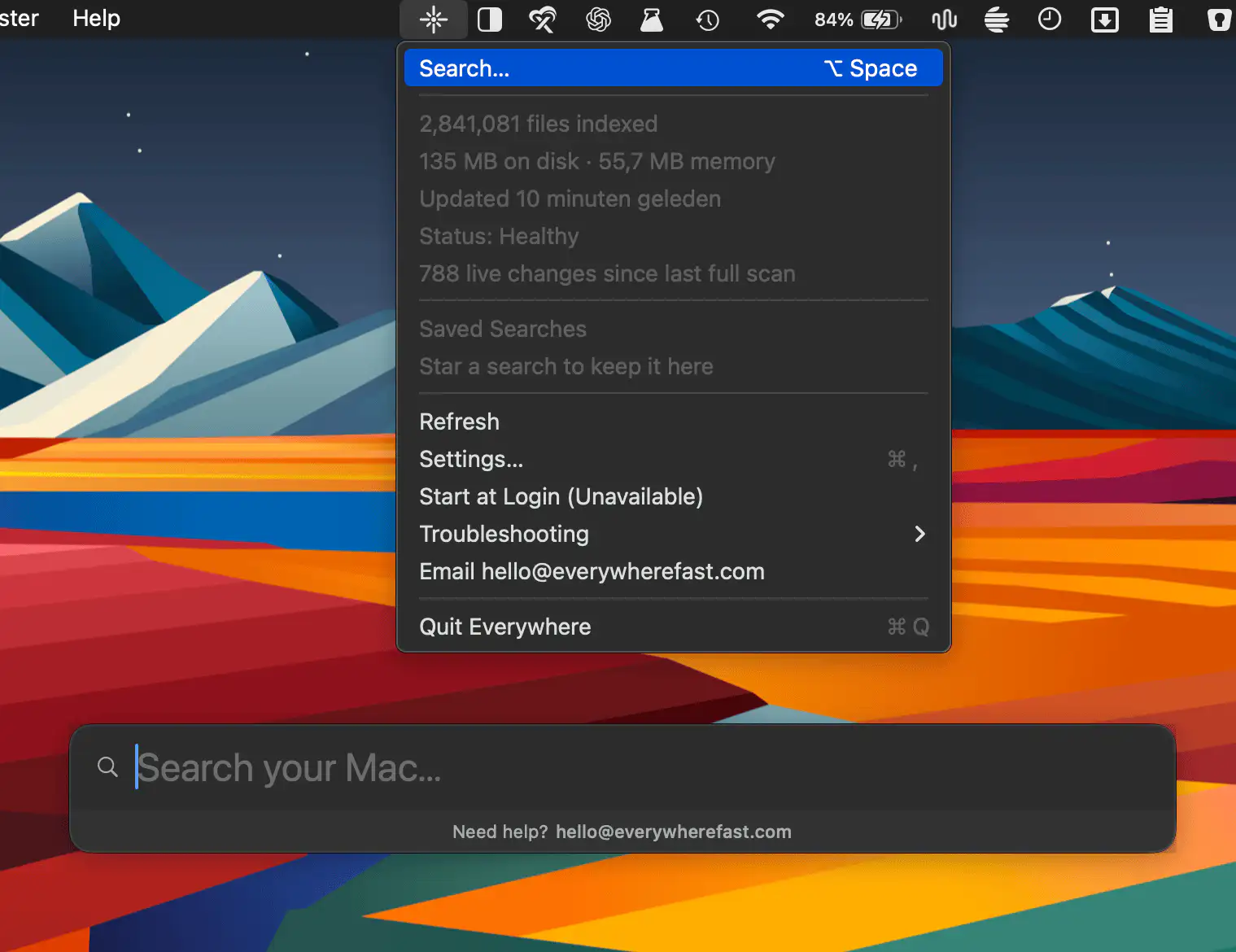
Everywhere brings ultra-fast file search to your Mac, indexing files Spotlight overlooks across internal and external drives. Find documents instantly with keyboard shortcuts, local indexing, and a privacy-focused approach.