Collection:
Keyboard & Mouse Apps
Tap2Click
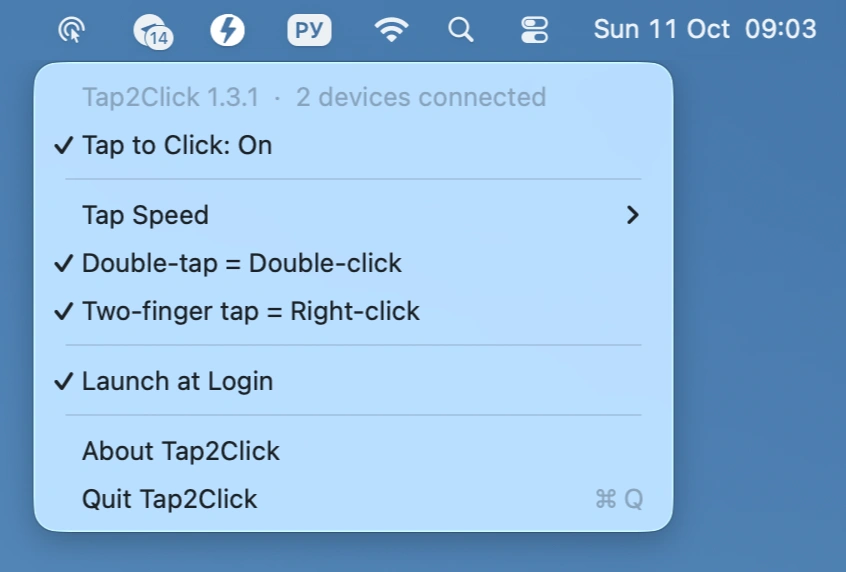
Add silent tap-to-click to your Apple Magic Mouse, with adjustable tap speed, double-tap for double-click, and two-finger tap for right-click, all controlled from the menu bar.

Take control of every click and keystroke. Customize gestures, remap keys, automate shortcuts, smooth scrolling, simulate activity, switch keyboards intelligently, add typing sounds, or even replay input actions, all directly from your menu bar.
Take control of every click and keystroke. Customize gestures, remap keys, automate shortcuts, smooth scrolling, simulate activity, switch keyboards intelligently, add typing sounds, or even replay input actions, all directly from your menu bar.
Add silent tap-to-click to your Apple Magic Mouse, with adjustable tap speed, double-tap for double-click, and two-finger tap for right-click, all controlled from the menu bar.
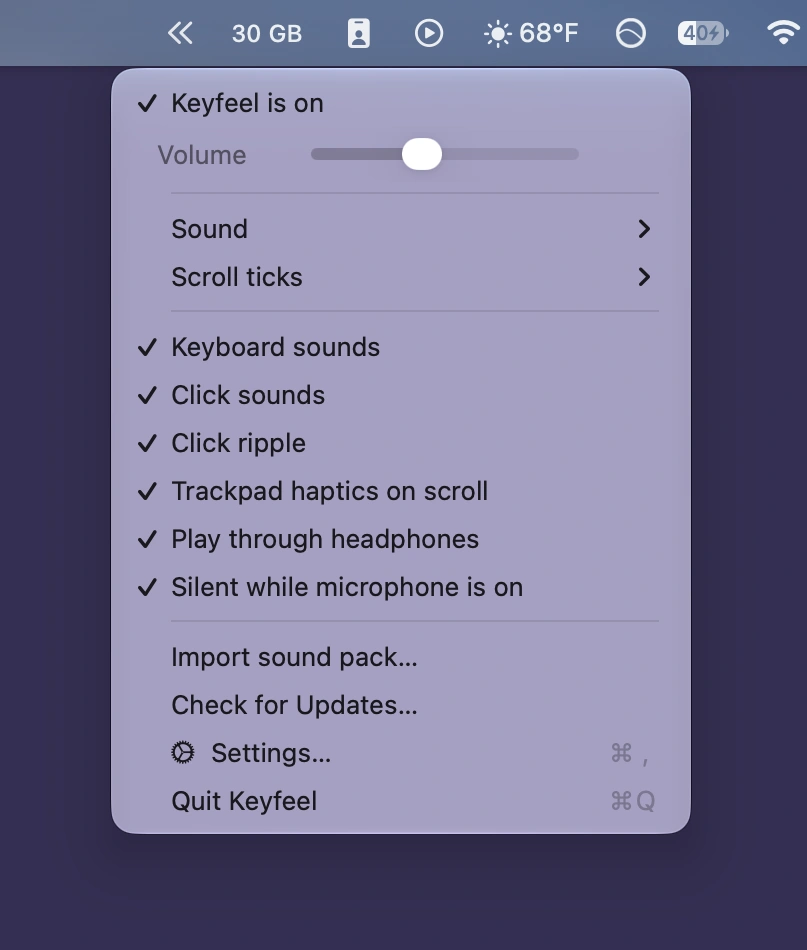
Add authentic mechanical keyboard sounds to every keystroke, along with mouse clicks, scrolling sounds, and optional trackpad haptics. Choose playful or calming sound profiles, customize shortcuts, and enjoy offline playback.
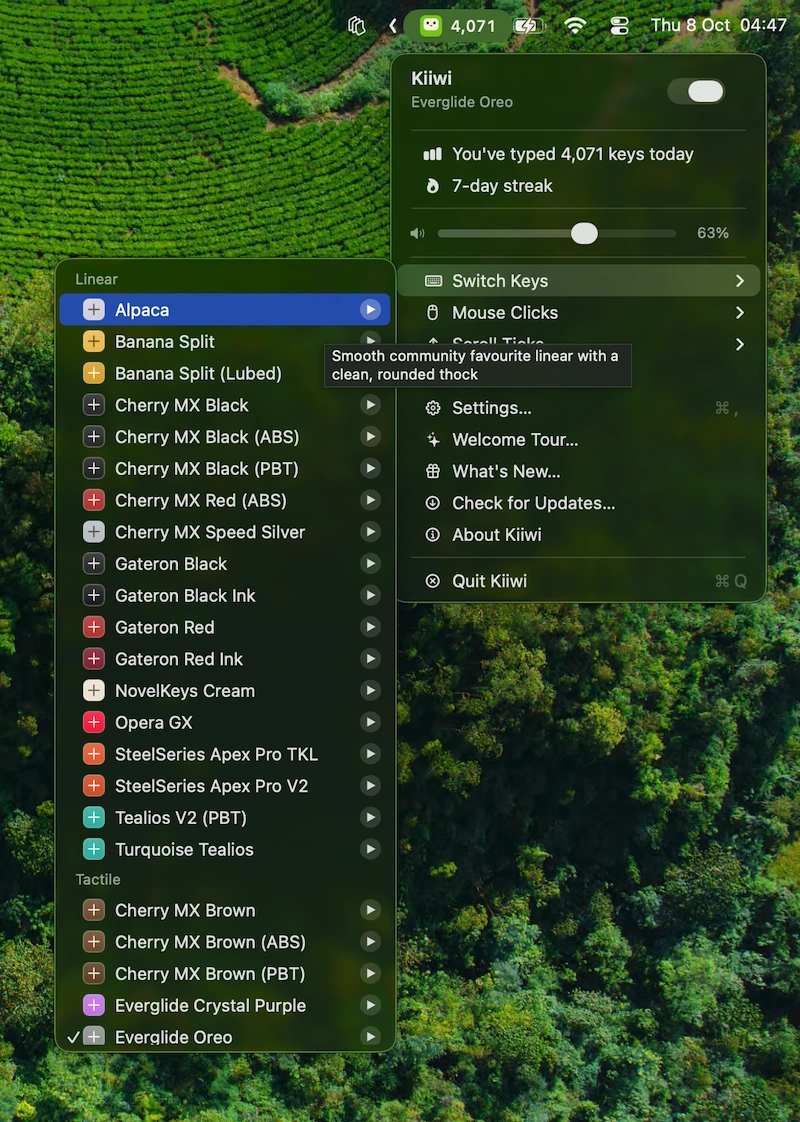
Kiiwi adds mechanical keyboard sounds to every keystroke, with 38 real switch recordings, mouse clicks, scroll sounds, spatial audio, typing stats, streaks, and weekly share cards.
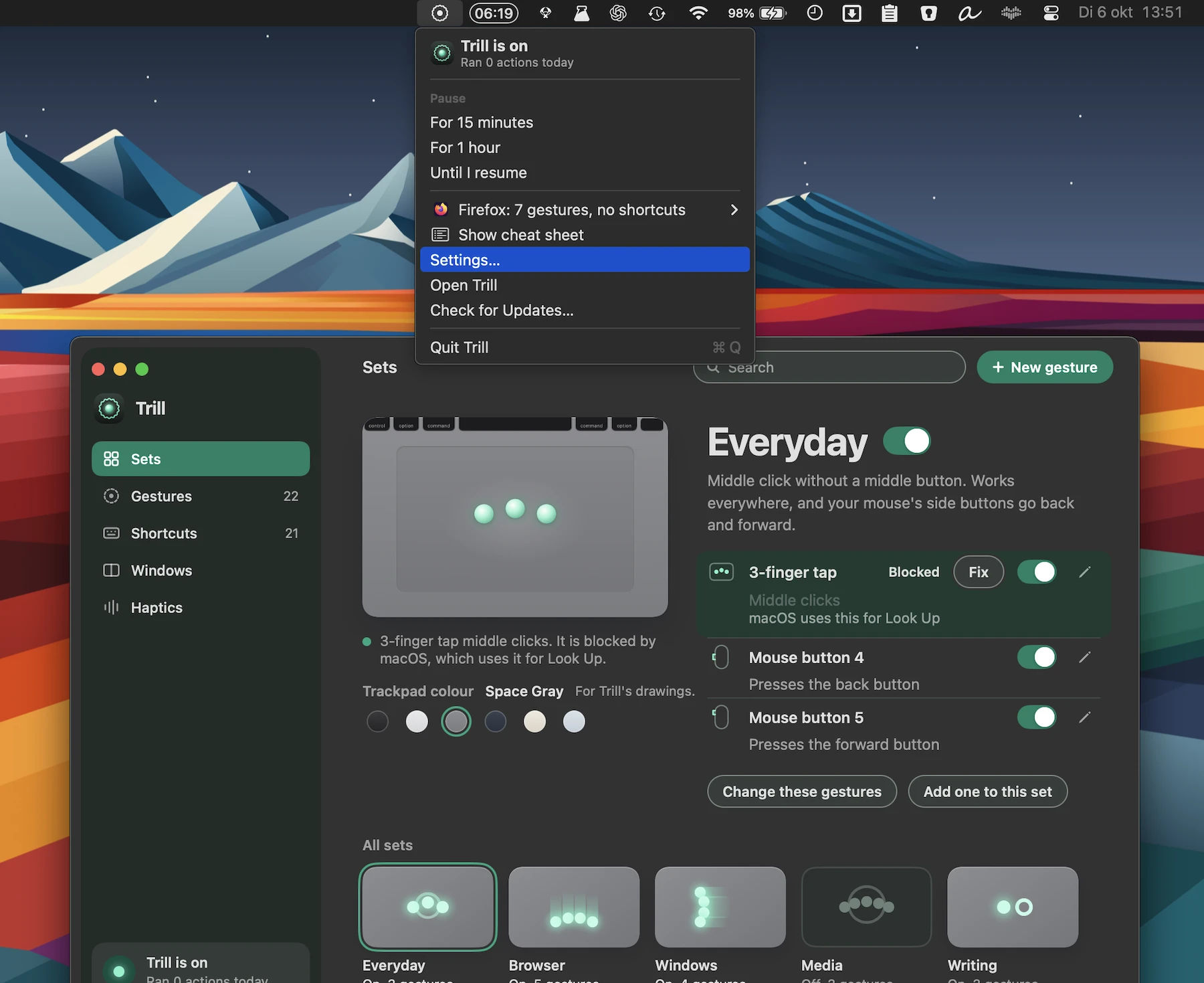
Trill adds customizable gestures, haptic feedback, shortcuts, window snapping, and a Hyper Key to your Mac’s trackpad. Ready-made gesture sets make it easy to control apps, media, windows, and more.
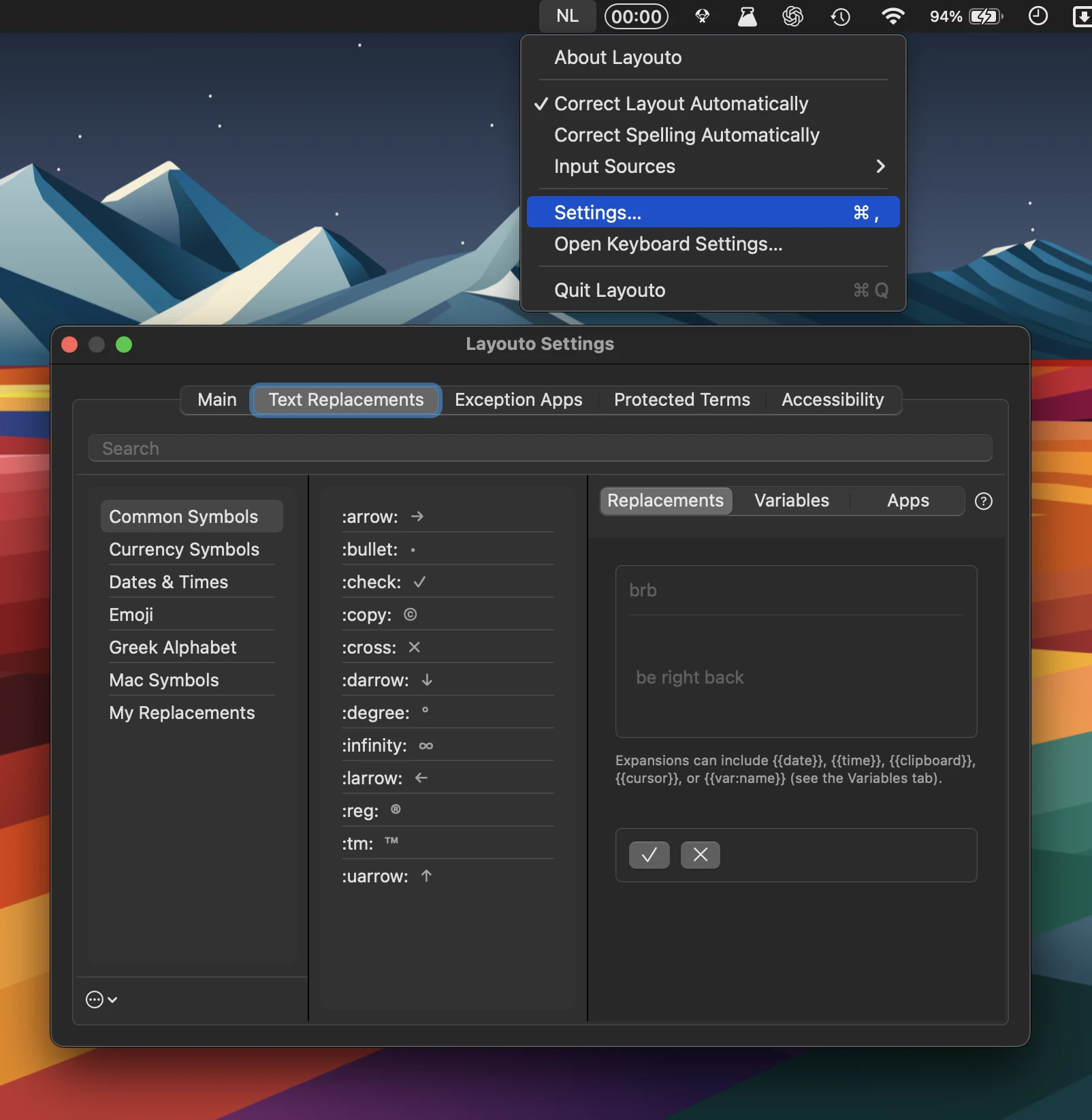
Layouto combines text shortcuts, typo correction, and keyboard-layout fixes, working offline throughout macOS. It supports dozens of languages, customizable exceptions, accessibility features, and zero tracking.
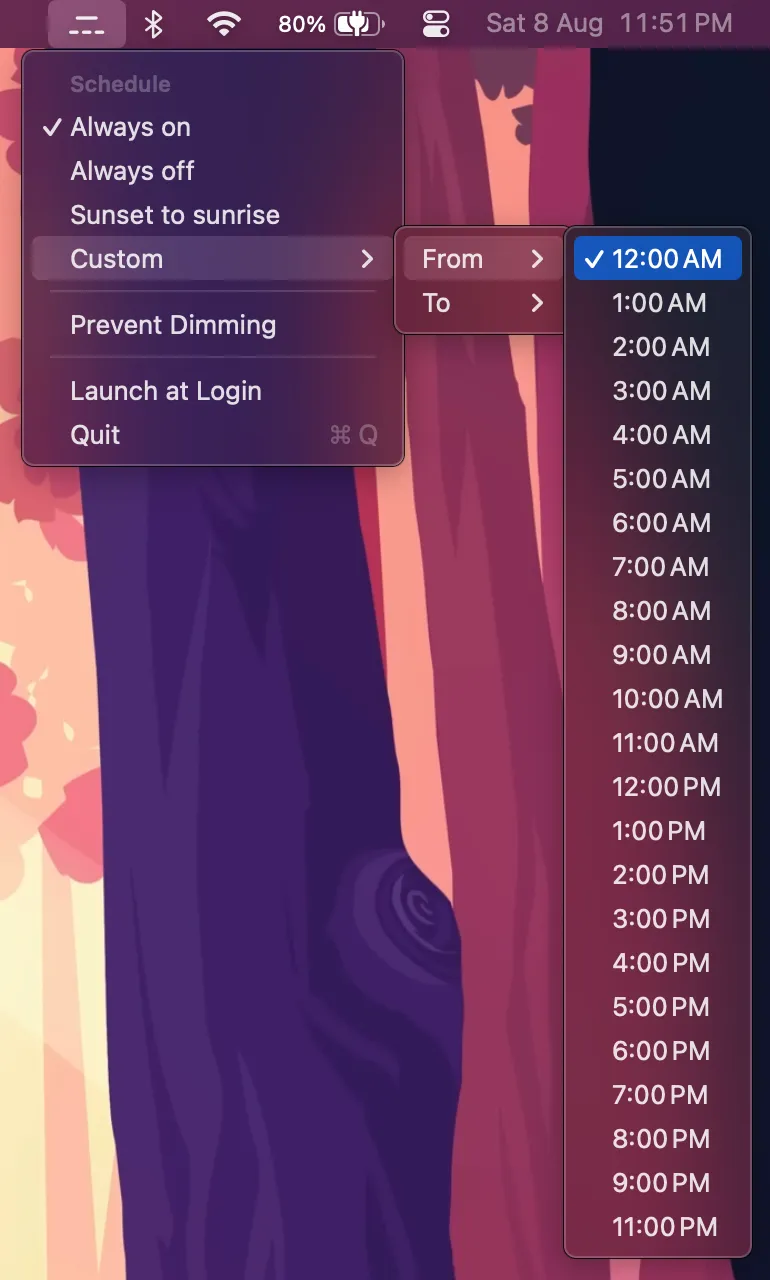
This menu bar app automatically turns off your Mac’s keyboard backlight when you don’t need it, using flexible schedules or local sunrise and sunset times. Pause it anytime and restore the backlight whenever needed.
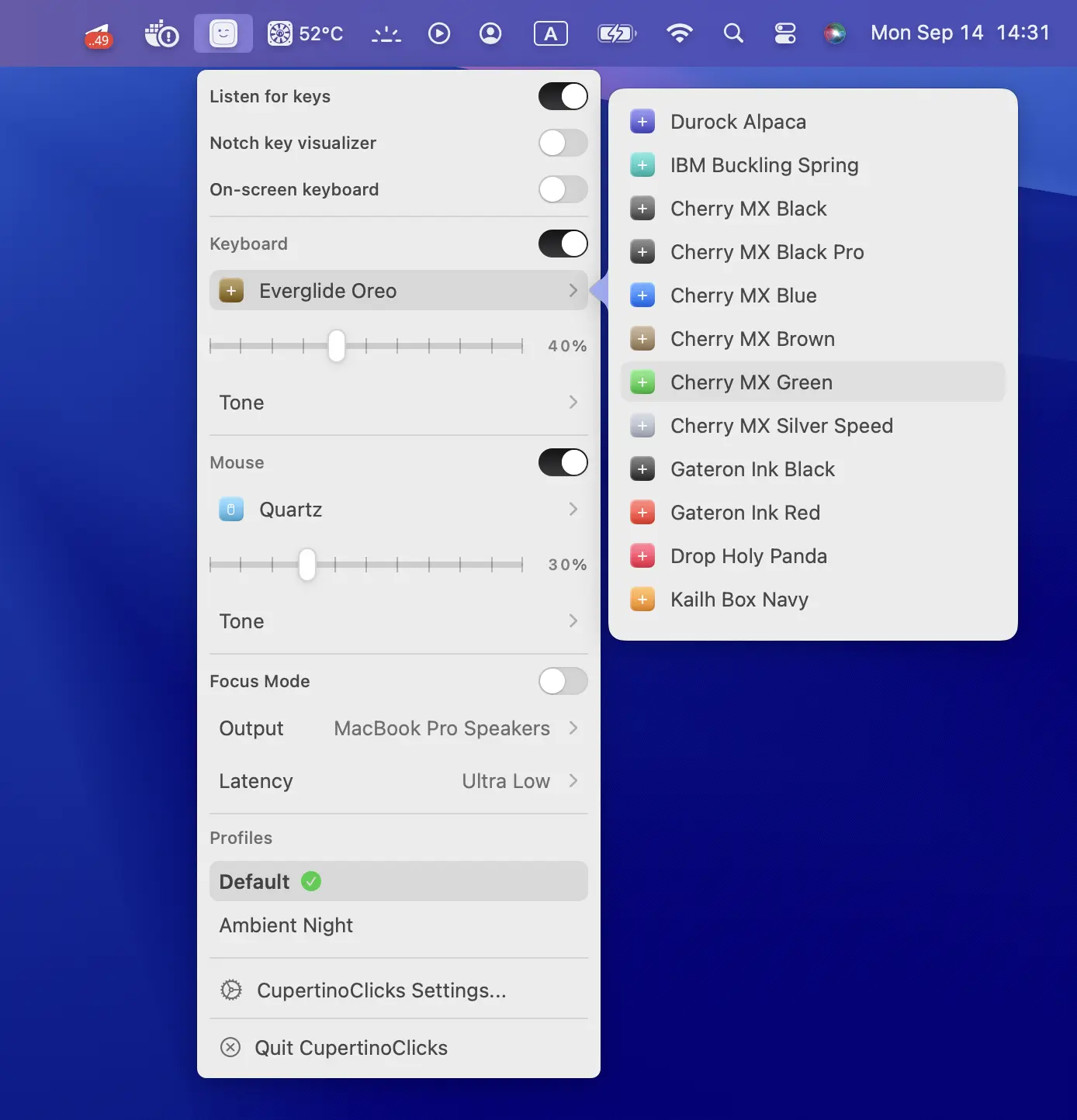
CupertinoClicks adds realistic mechanical keyboard and mouse sounds to your Mac, with ultra-low latency, Spatial Audio, and 30 switch presets.
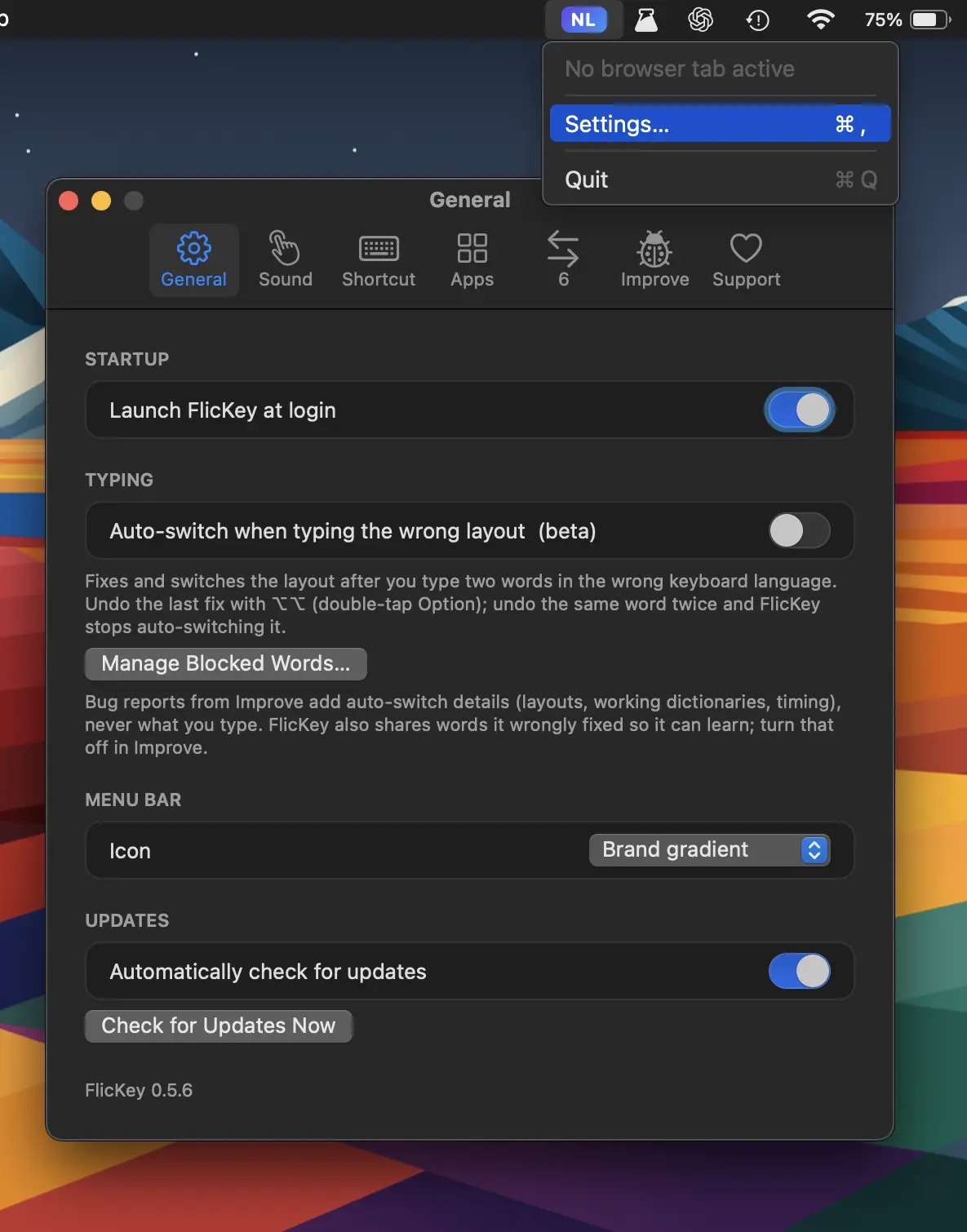
FlicKey automatically detects wrong keyboard layouts and switches them as you type, while remembering language preferences per app, website, and chat. Everything stays local.
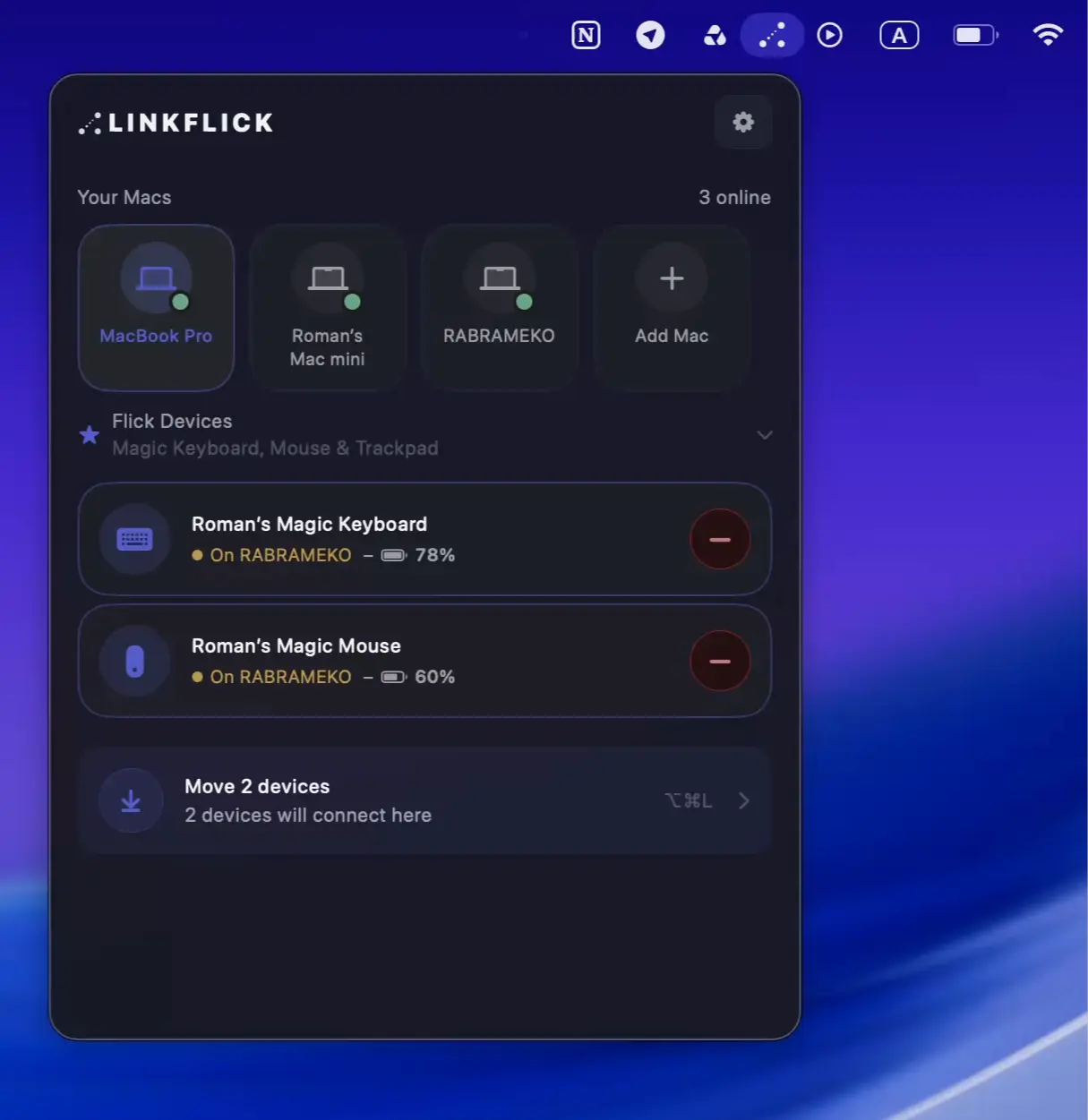
LinkFlick instantly switches your Magic Mouse, Keyboard, and Trackpad between Macs on the same network, re-pairing devices at the Bluetooth level without iCloud, accounts, or cloud services.