Collection:
OCR Apps | Screen Capturing Apps
KelpShot
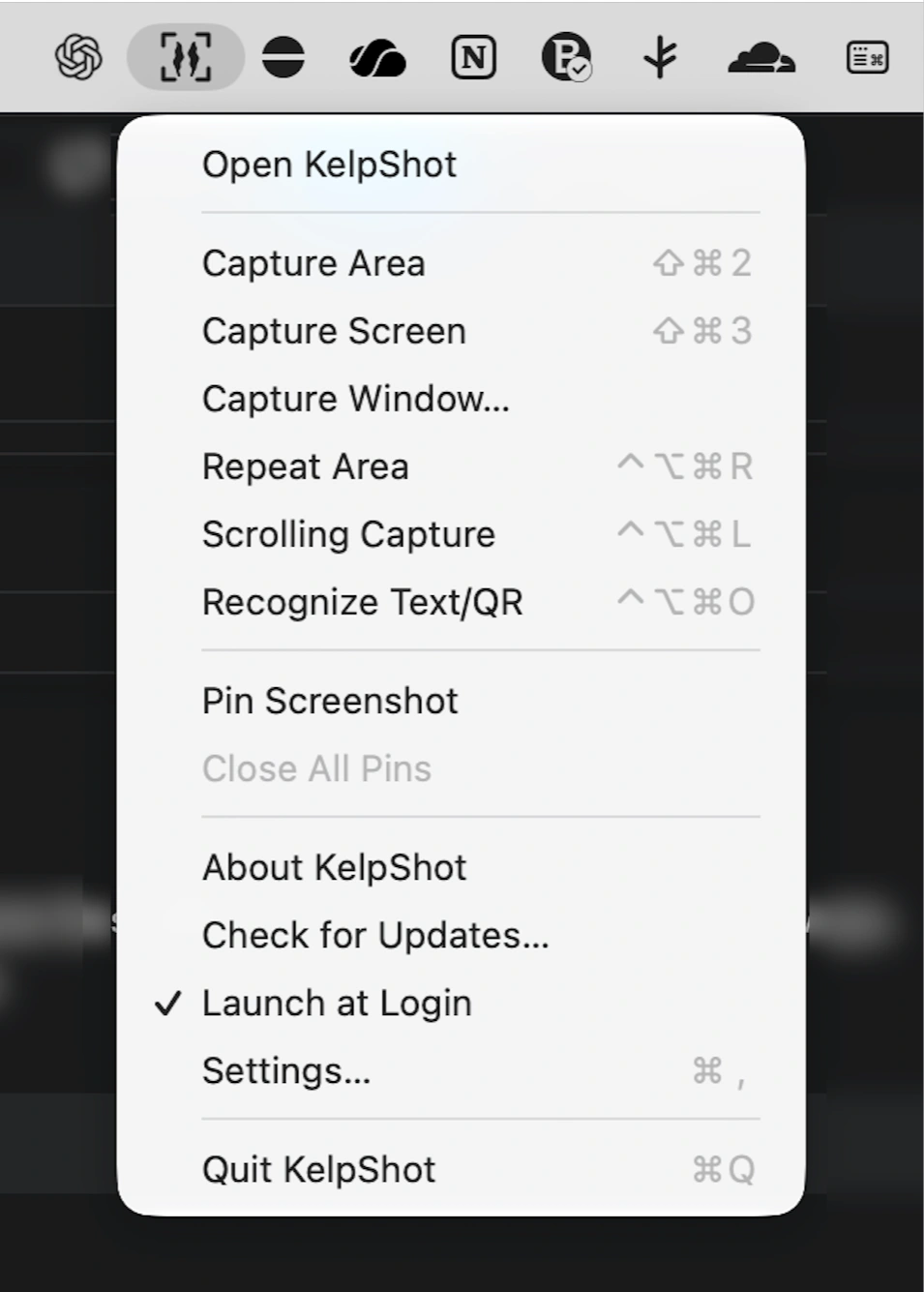
Capture screenshots, add arrows and numbered steps, redact sensitive information, and extract text locally. Scrolling capture is supported, and everything stays on your Mac.

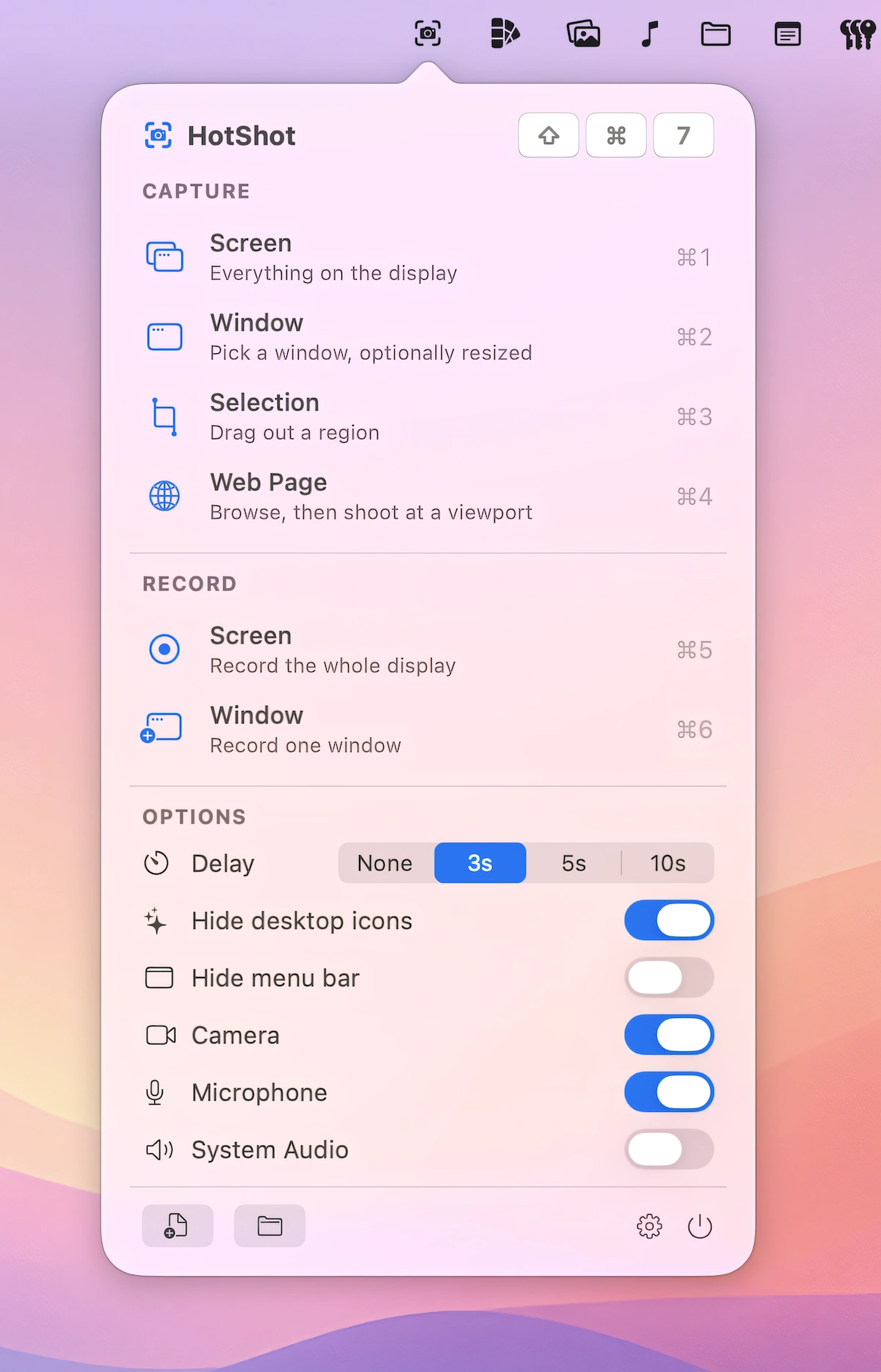
Capture, record and share what’s on your screen instantly. Take screenshots, record video or audio, annotate visuals, recognize text, generate shareable links, or automatically organize and optimize your captures directly from your menu bar.
Capture, record and share what’s on your screen instantly. Take screenshots, record video or audio, annotate visuals, recognize text, generate shareable links, or automatically organize and optimize your captures directly from your menu bar.
Capture screenshots, add arrows and numbered steps, redact sensitive information, and extract text locally. Scrolling capture is supported, and everything stays on your Mac.
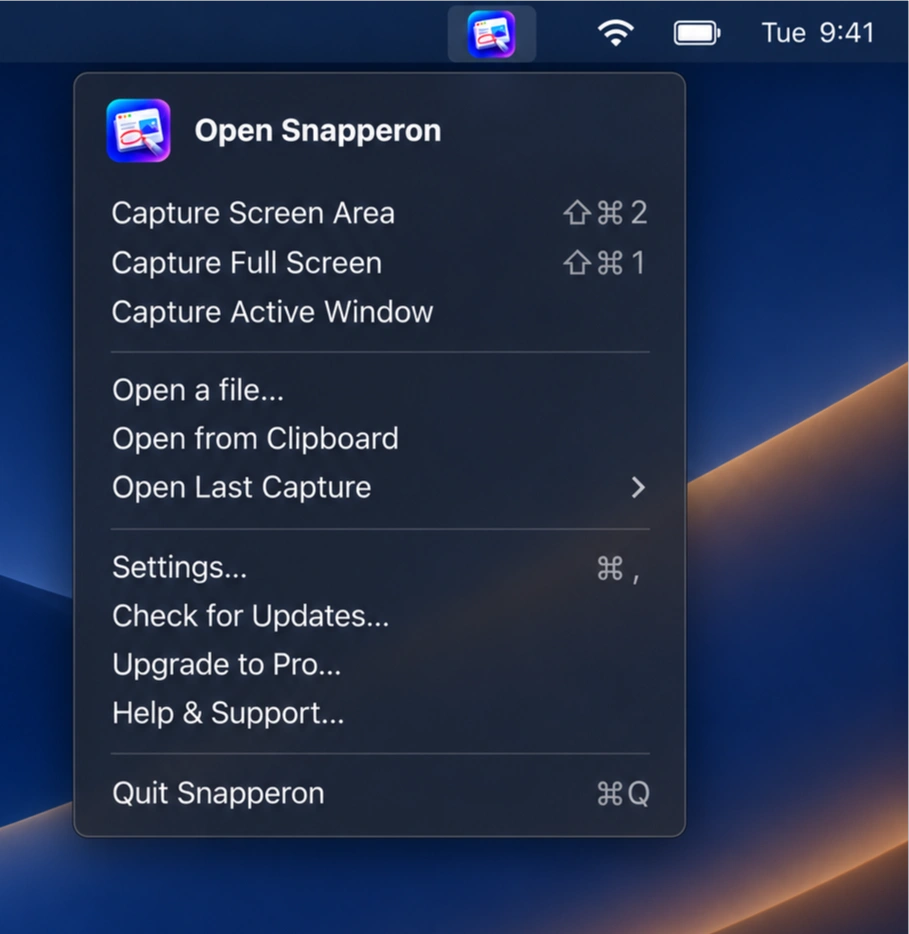
Capture and annotate screenshots with arrows, numbered steps, text, and highlights. Redact sensitive information, add polished backgrounds and borders, then copy or export your images for sharing.
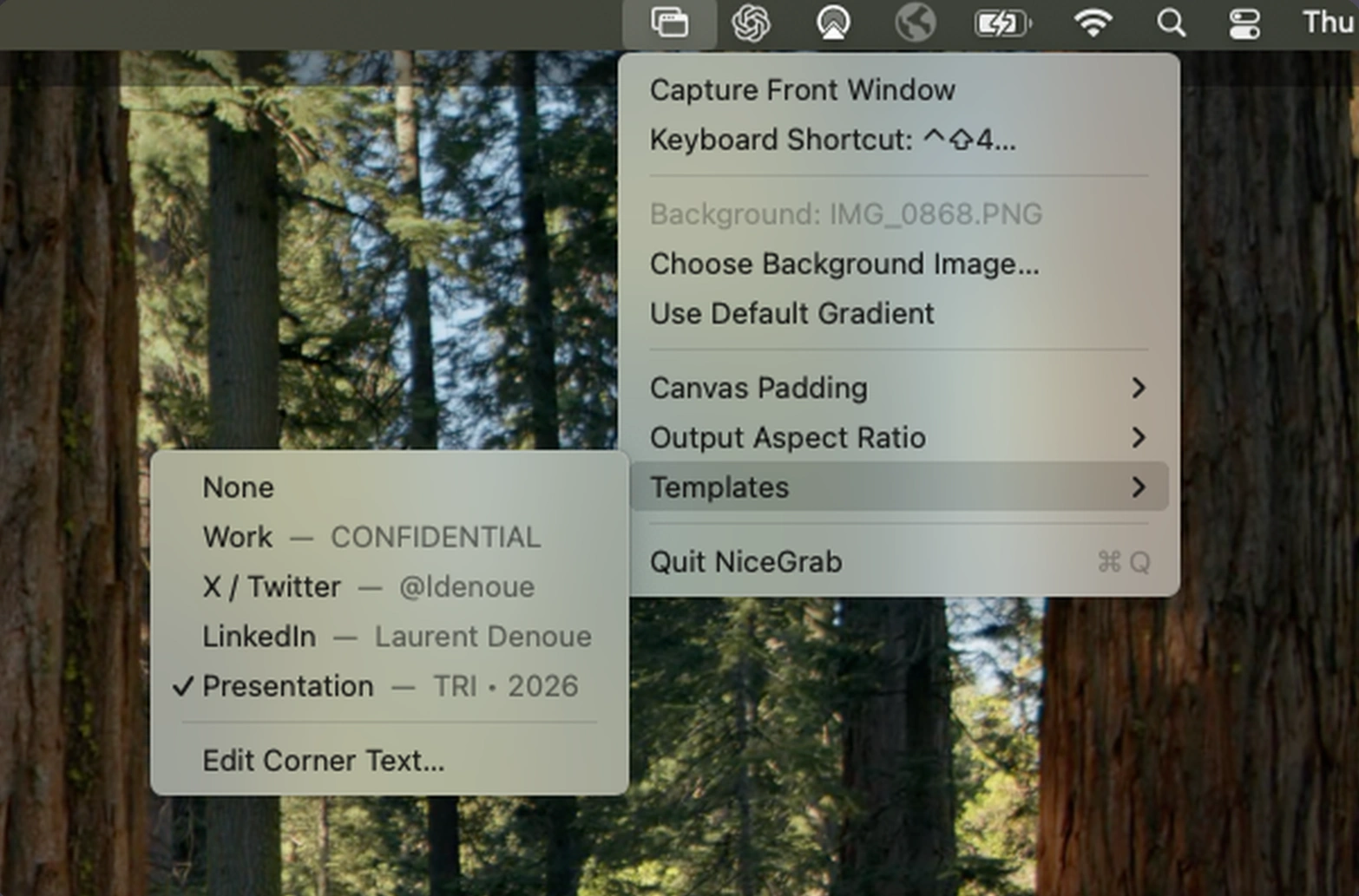
Capture polished screenshots and videos of any Mac window with custom backgrounds, rounded corners, and shadows. NiceGrab adds templates, flexible layouts, and instant clipboard sharing, with everything processed locally.
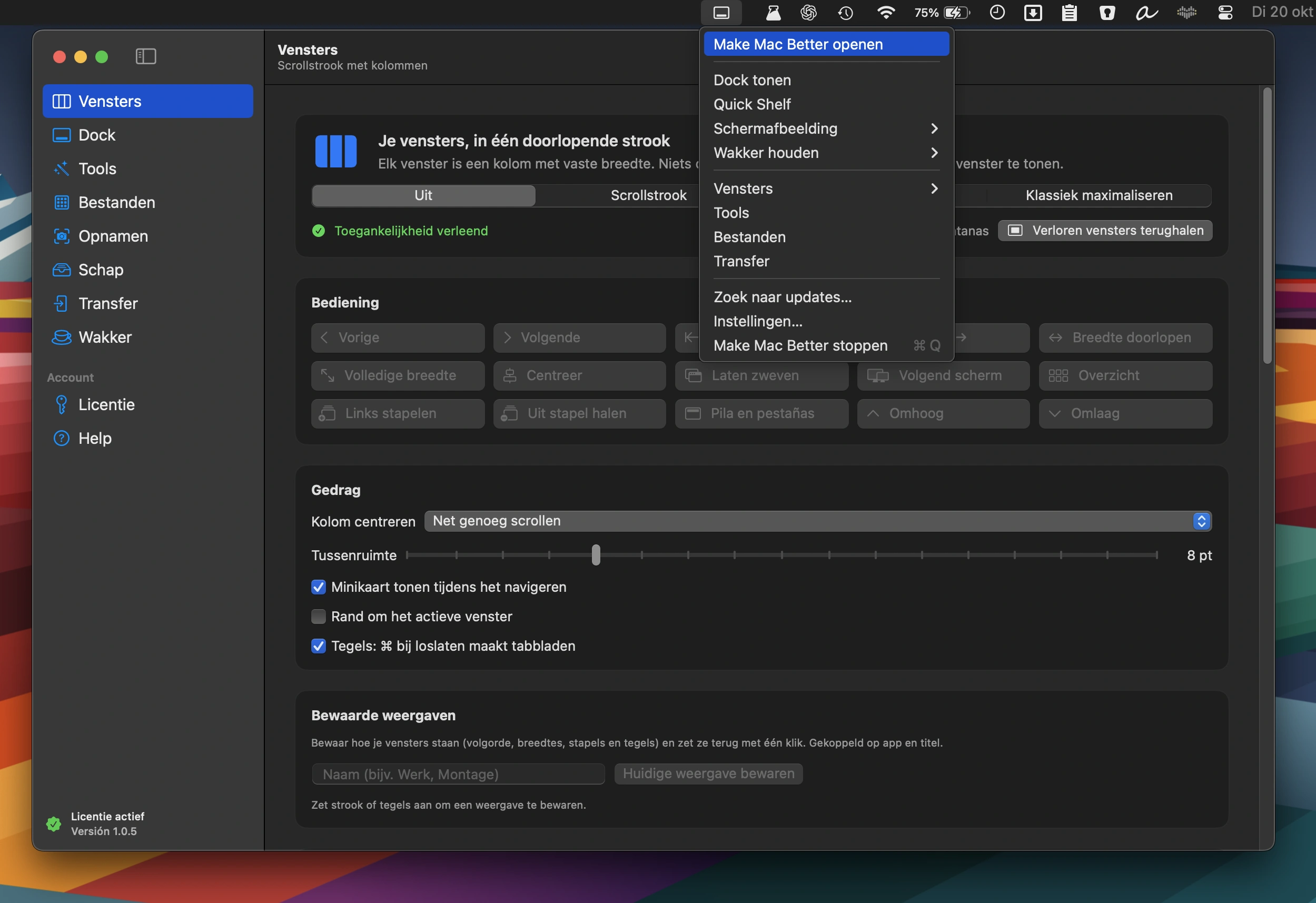
An all-in-one Mac toolkit featuring window management, a second Dock with widgets, 38 file, video, PDF and image tools, photo transfers, screenshot editing, and a Keep Awake mode.
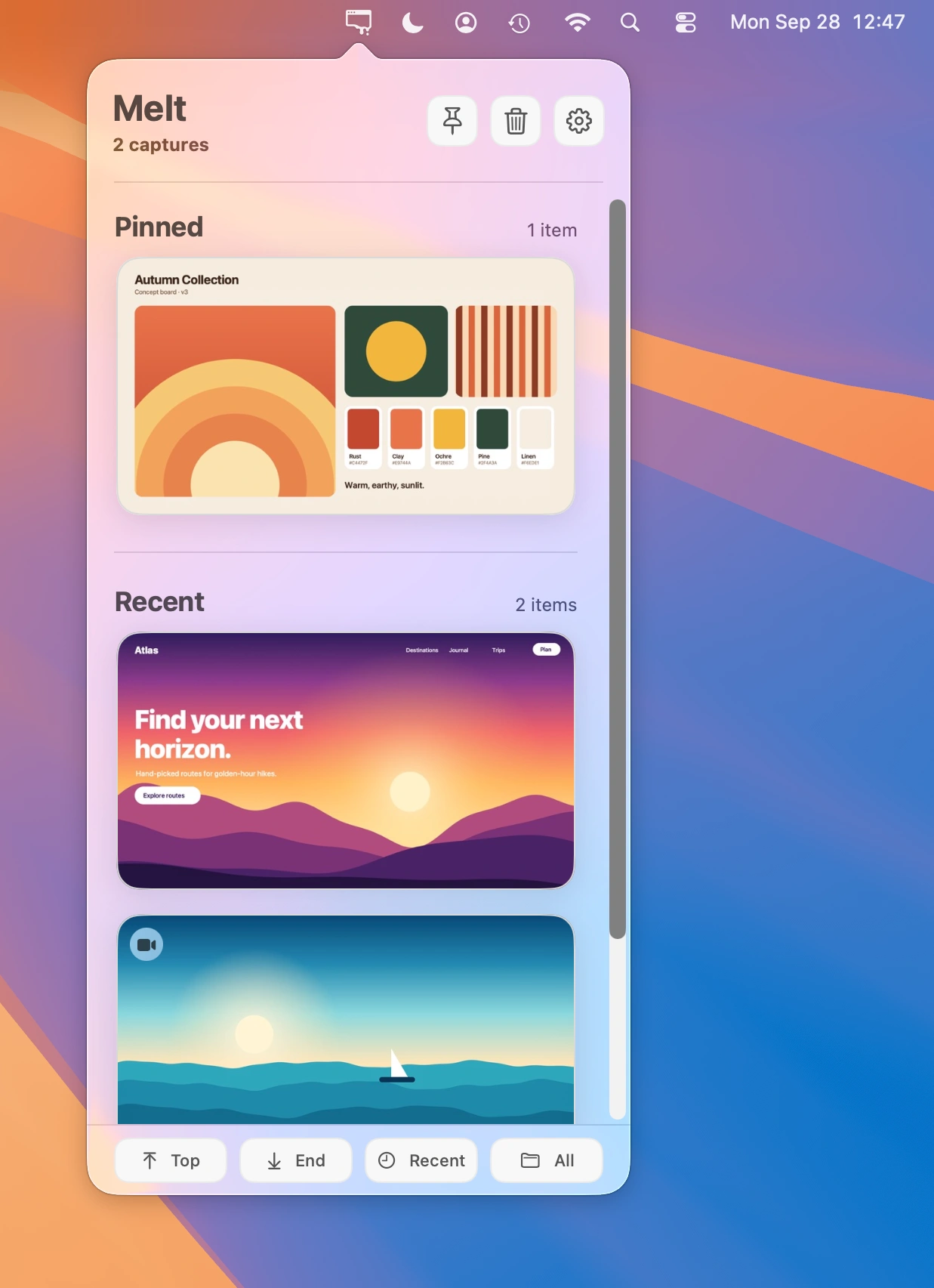
Keep recent screenshots and screen recordings within reach. Copy, drag, and share captures instantly, while automatically moving old, unpinned files to the Trash.
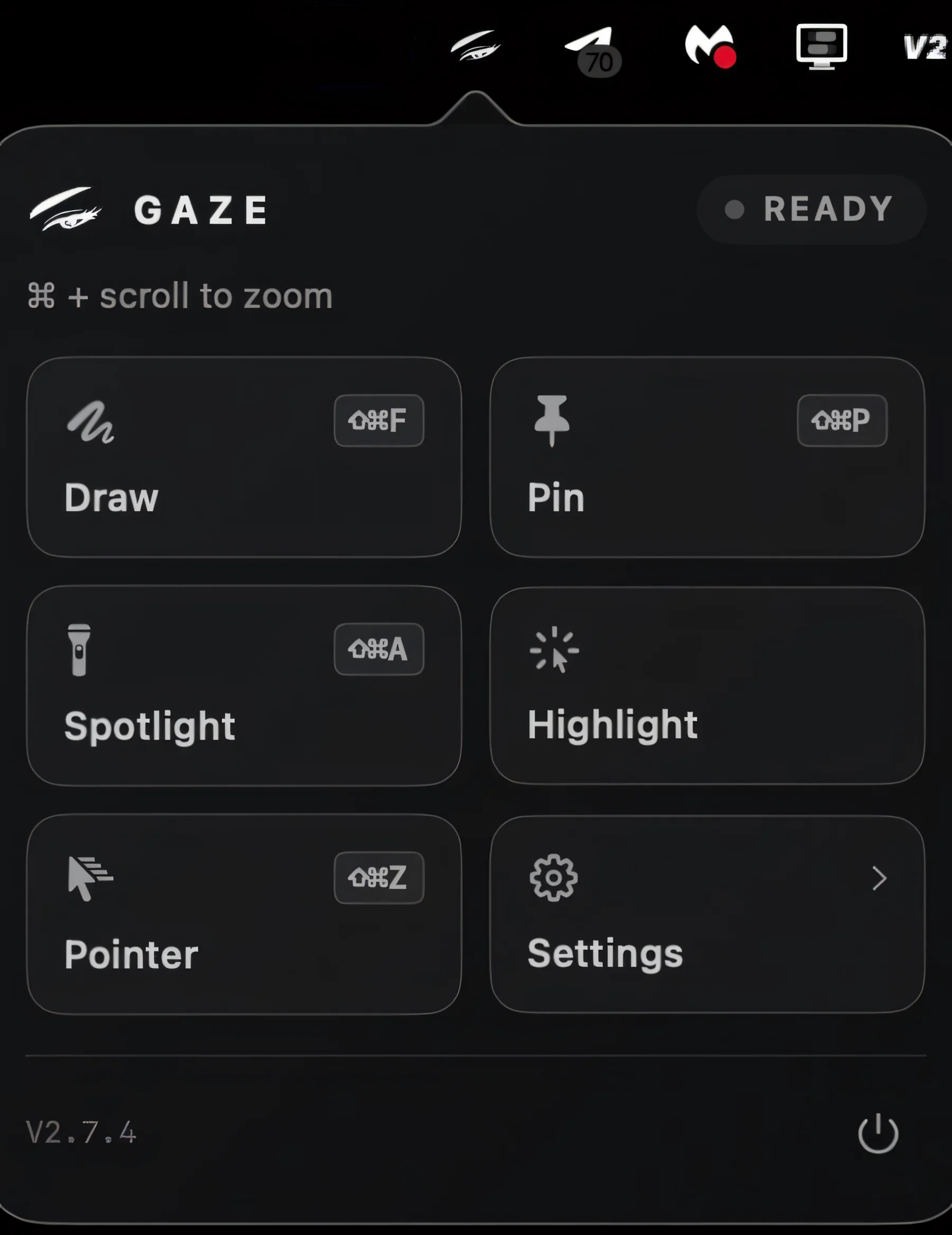
Magnify your Mac screen for presentations, screen sharing and recordings, with zoom that stays visible and interactive. Spotlight, freeze, annotate or pin areas while clicks still land exactly where you point.
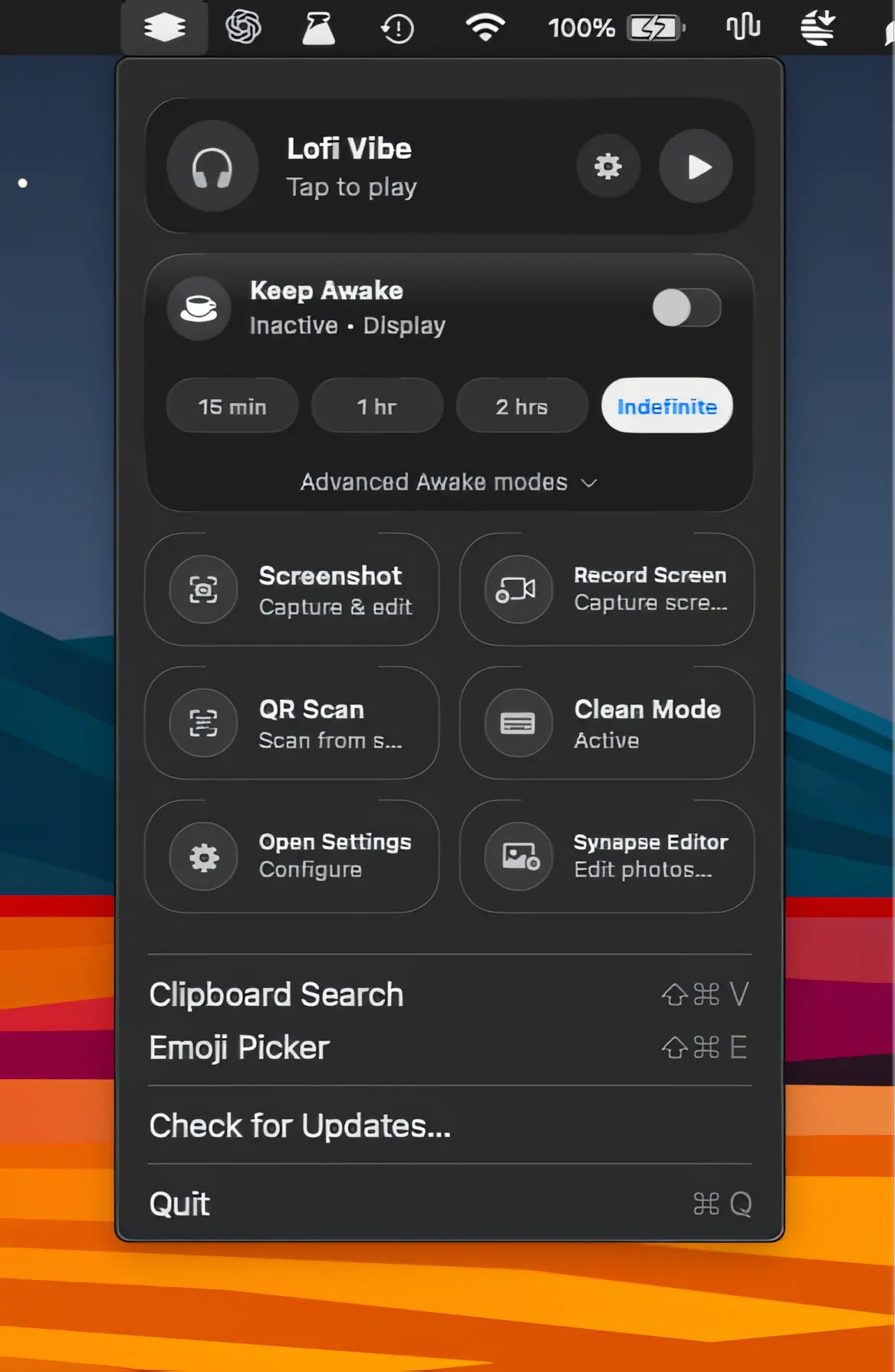
A lightweight collection of everyday Mac utilities for screen recording, screenshots, clipboard history, OCR, QR scanning, sleep prevention, and more, all packed into one streamlined app.
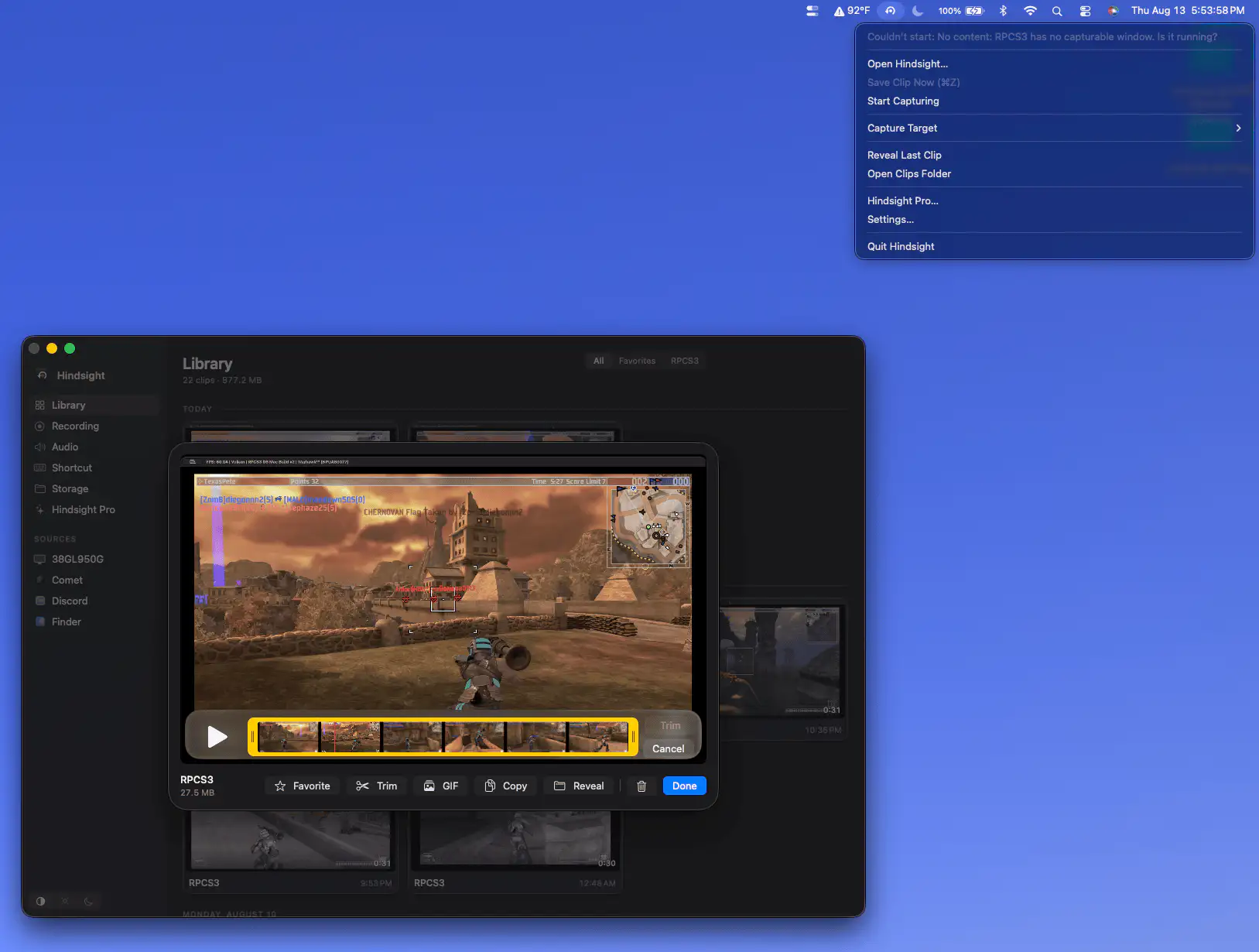
Hindsight continuously buffers your gameplay in memory, letting you save the last 15 seconds to five minutes with a shortcut. Capture clips instantly without recording your entire gaming session.
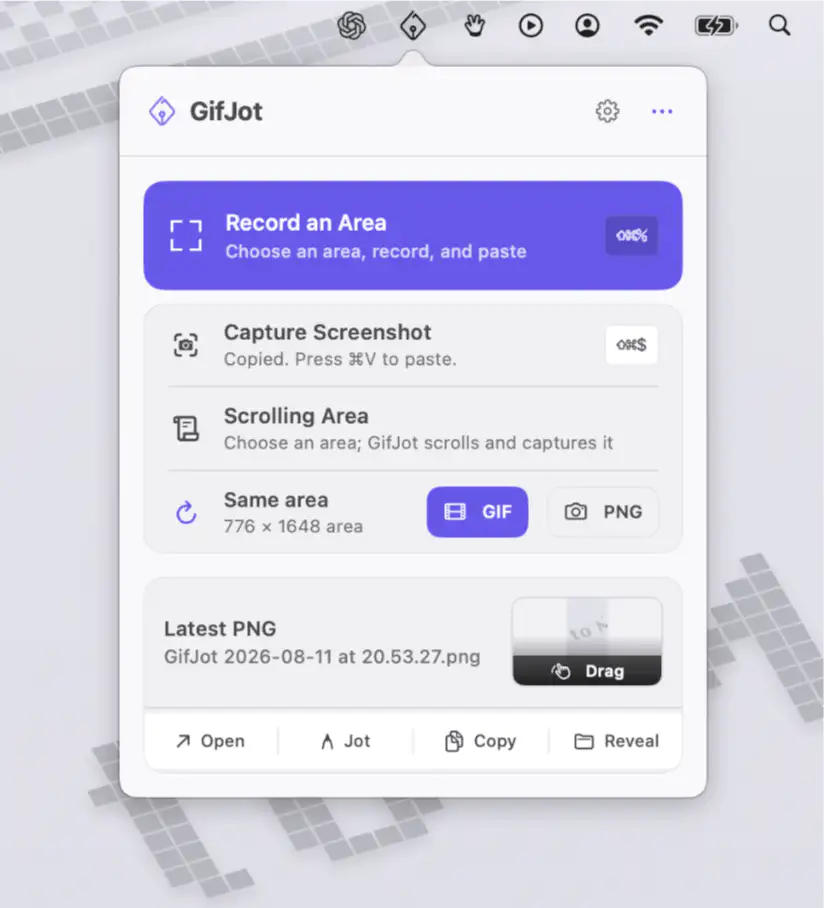
Capture any part of your screen as a GIF or PNG, then paste it instantly. GifJot keeps captures local, remembers previous capture areas, and includes simple markup for quick visual explanations.