Take full control of how your Mac looks and behaves. Adjust brightness, contrast, resolution, and color, manage multiple monitors, lock docks in place, blur distractions, fine-tune window focus, and switch display profiles instantly from your menu bar.
Show me the free apps only
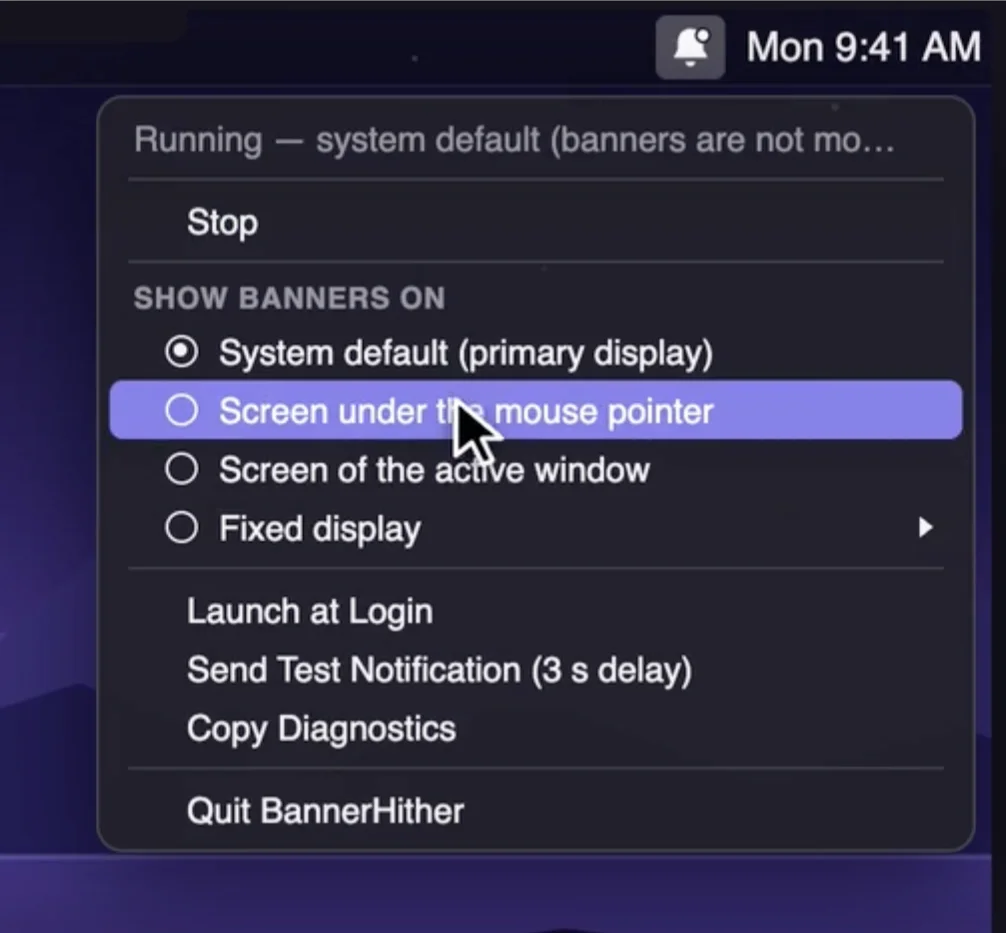
Control where macOS notification banners appear across multiple displays. BannerHither sends them to the display you’re using, your active window, or a screen of your choice, keeping alerts right where you’re looking.
Visit
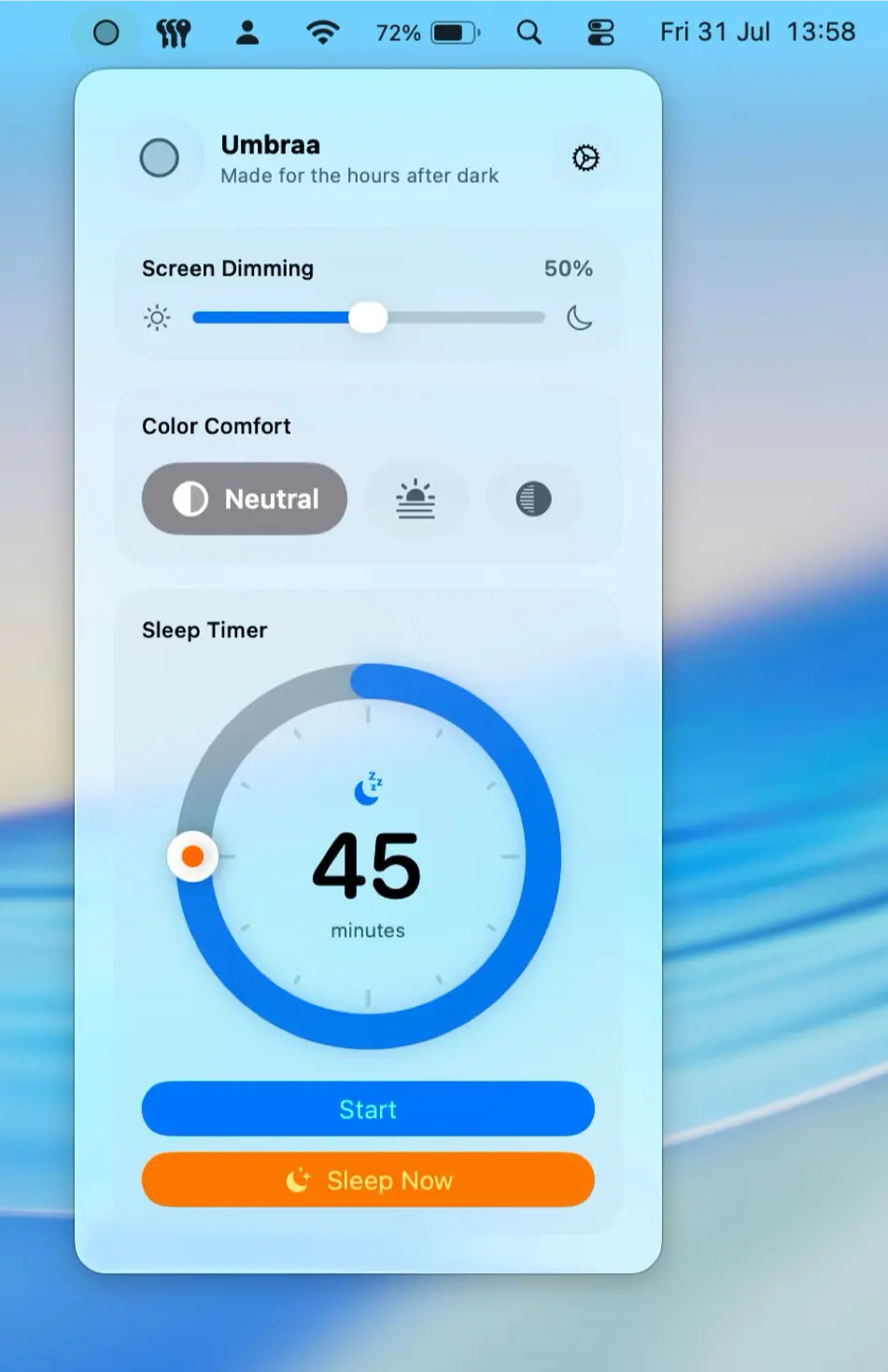
Go darker after sunset with Umbraa, which dims your Mac below its normal limit, warms the display, and gently fades the screen to black when it’s time to sleep.
Visit

DisplaySpan makes multi-monitor setups smoother by letting your cursor cross unreachable screen edges, restoring saved display layouts, and adjusting supported external displays from the menu bar.
Visit
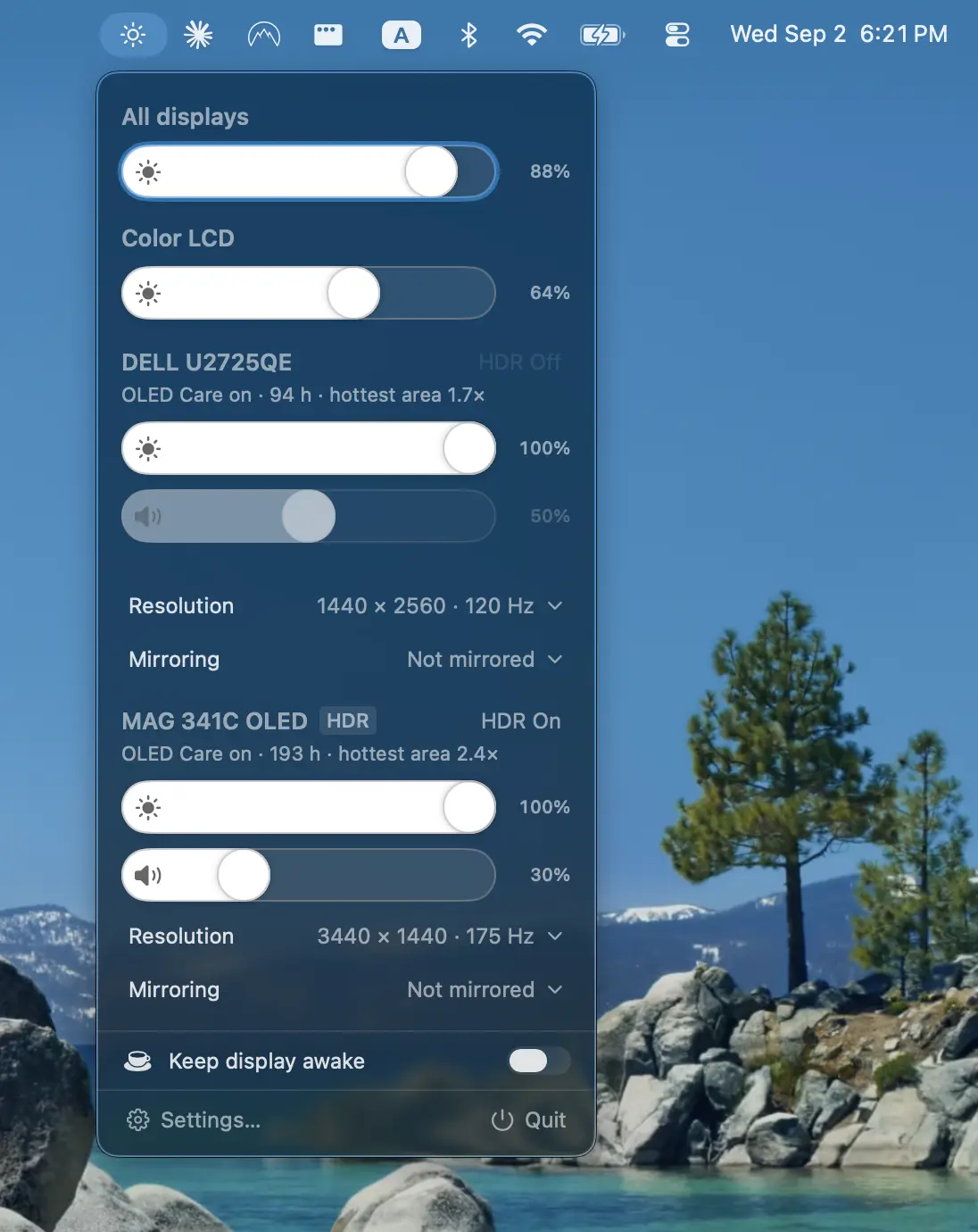
Protect your displays with adaptive burn-in prevention, panel health tracking, diagnostics, and advanced controls for brightness, volume, contrast, HDR, HiDPI scaling, resolution, and more.
Visit
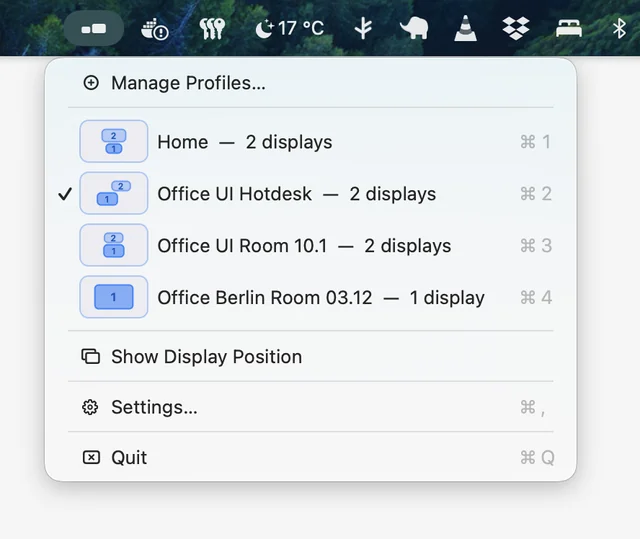
Quick Display Settings lets you save display configurations as reusable profiles, including layout, resolution, rotation, and refresh rate. Switch between setups instantly with a single click, without opening System Settings.
Visit
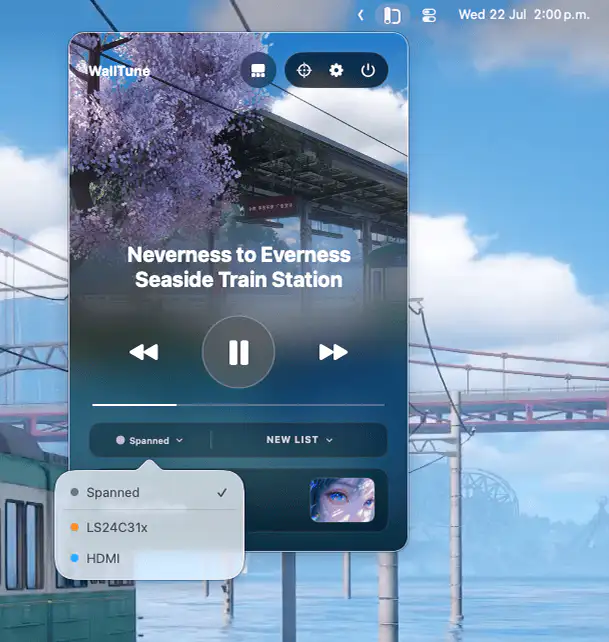
WallTune lets you create dynamic multi-monitor wallpaper setups with images, videos, profiles, and Focus Mode automation. Assign unique scenes to each display or span one across your entire desk with ease.
Visit
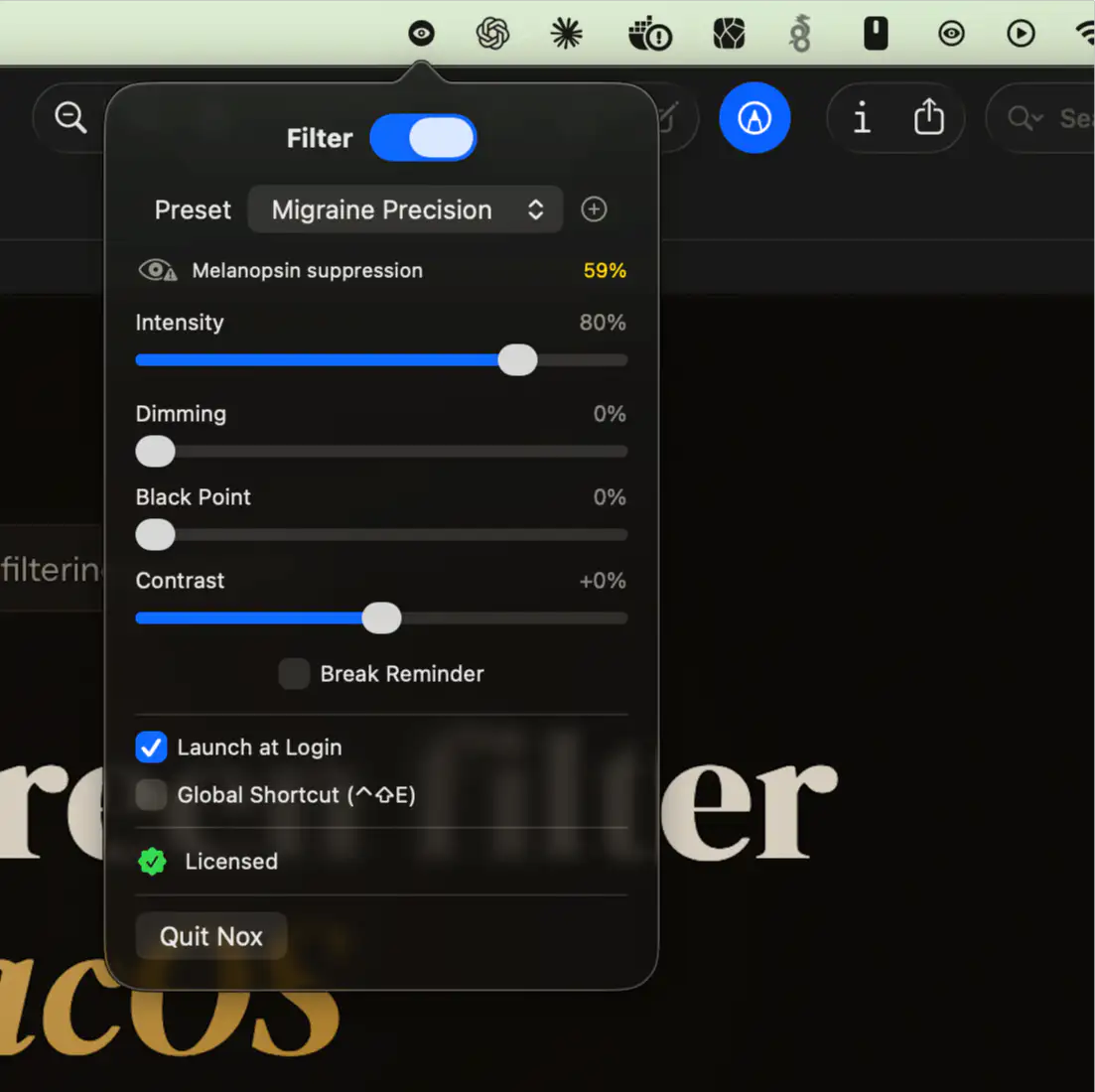
Nox provides precise display control with research-inspired light filters for light-sensitive users. It offers customizable presets, multi-display support, and advanced adjustments for color, brightness, and contrast.
Visit
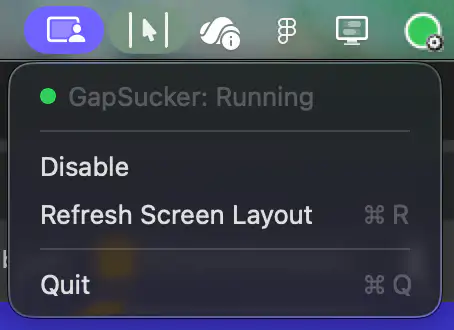
GapSucker makes multi-monitor setups feel like one continuous workspace by automatically moving your cursor across display gaps. It intelligently detects adjacent screens and can be enabled or disabled with a single click.
Visit
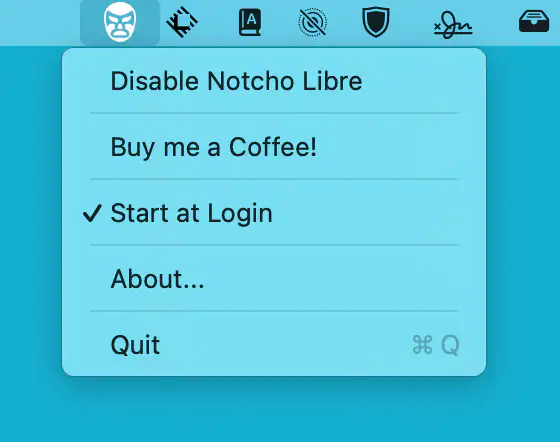
Notcho Libre automatically switches your MacBook to notch-hiding display modes, reclaiming valuable menu bar space and keeping your tools visible across the full width of the screen without requiring extra permissions.
Visit Watch
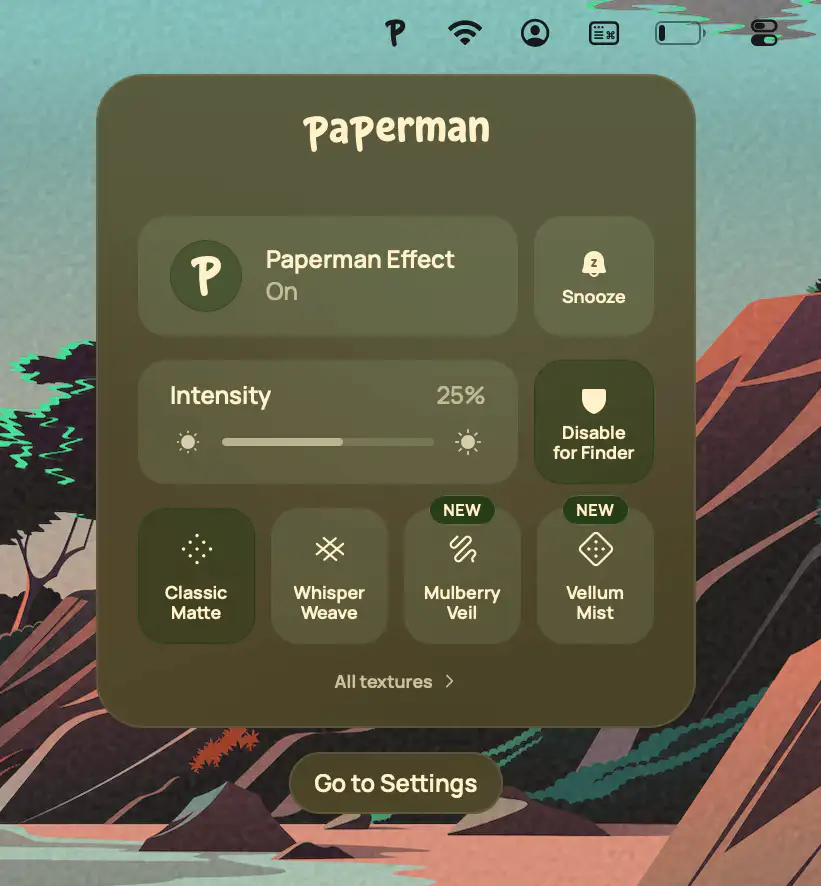
Paperman adds a subtle paper texture to your display, reducing visual fatigue while preserving color accuracy. With customizable textures, automatic switching, and per-app controls, it makes screens feel noticeably softer and more natural to read.
Visit
