
Collection:
Cleaning Apps
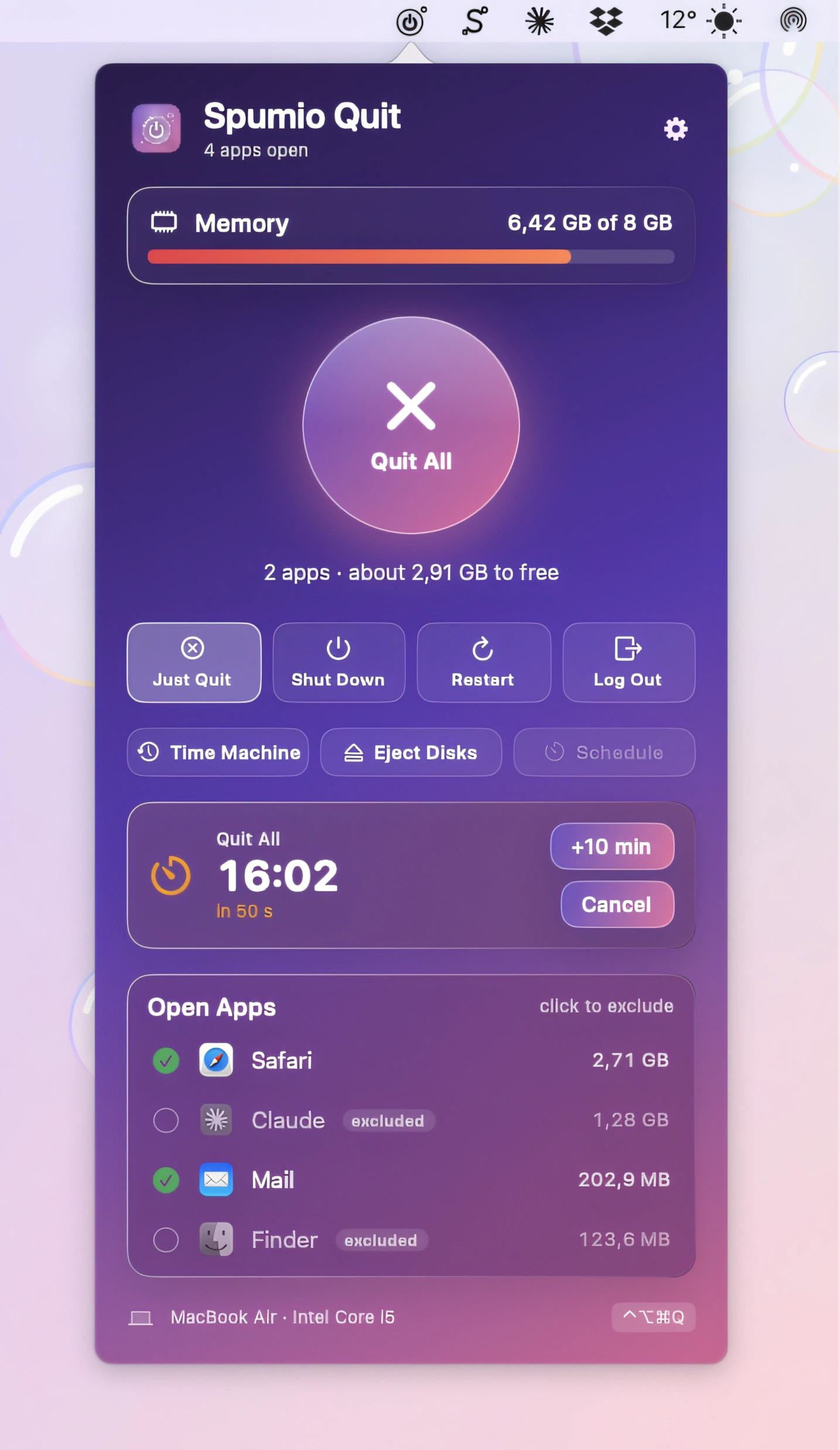
Declutter your Mac in seconds. Quit unused apps, hide desktop chaos, free up storage and memory, remove junk files, manage duplicates, and automate folder cleanup. These menu bar tools keep your workspace lean, calm, and under control.
Collection:
Cleaning Apps
GhostTile

GhostTile keeps your Dock tidy by hiding running apps without quitting them. Quickly switch between hidden apps, set per-app rules, and manage app visibility with keyboard shortcuts, terminal commands, and automation.
Collection:
Cleaning Apps
Aion
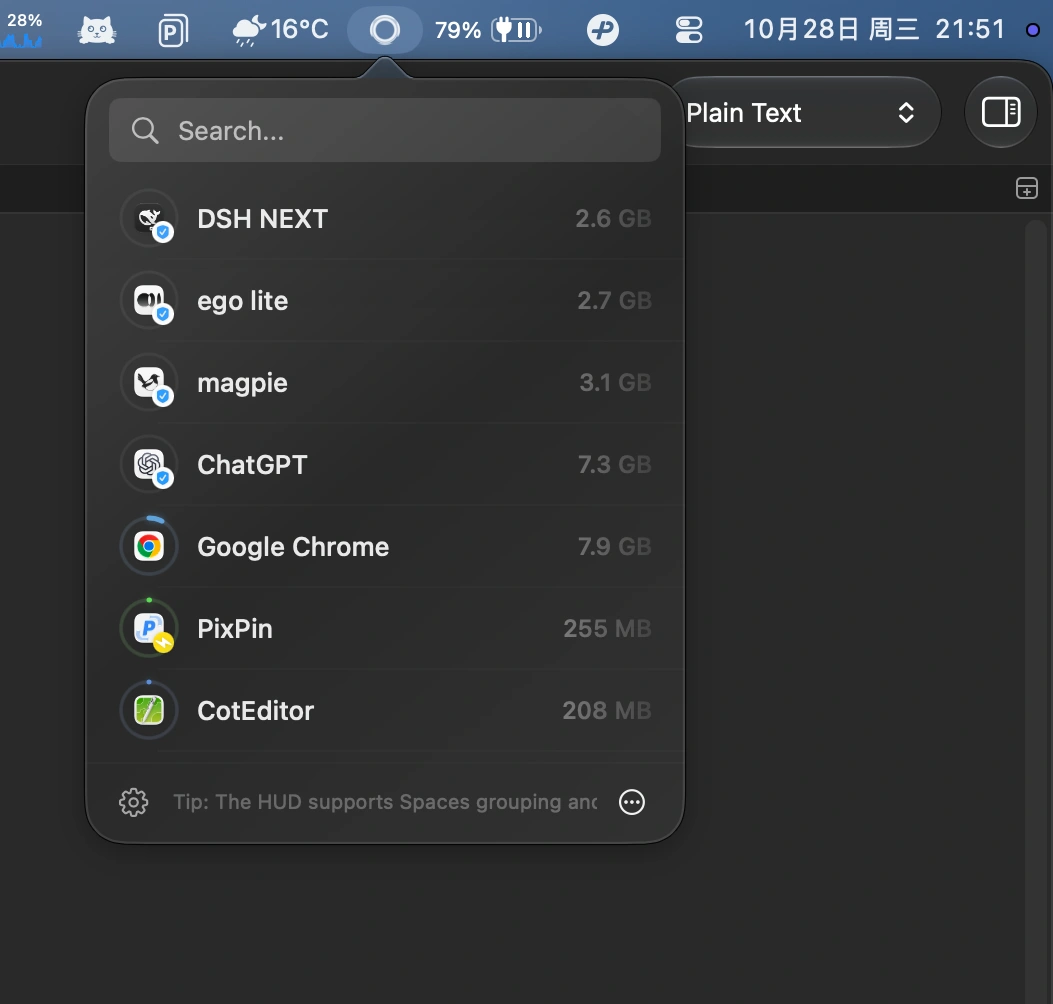
Aion automatically closes idle Mac apps without interrupting downloads, media playback, meetings, or automation. Customize app-specific rules and focus modes while keeping activity checks local.
Collection:
Cleaning Apps | Developer Apps
Ramback
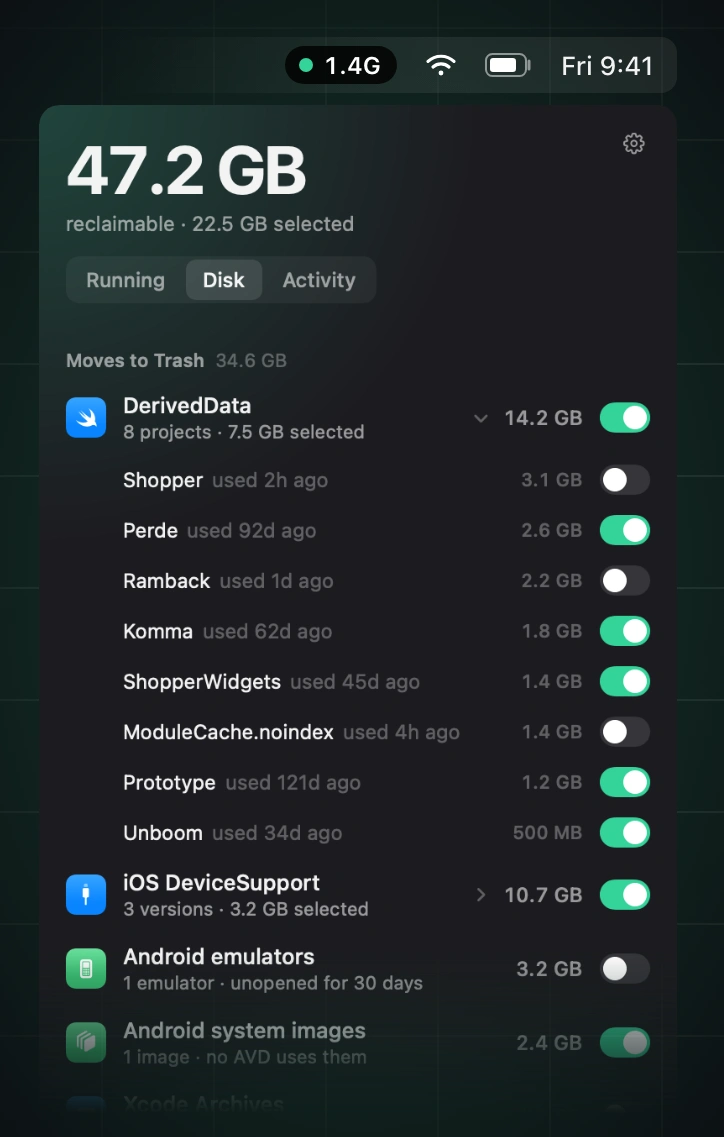
Reclaim memory by finding and stopping idle simulators, emulators, dev servers, containers, and lingering AI agent processes, while leaving databases, active builds, and pinned processes untouched.
Collection:
Cleaning Apps
Plumby
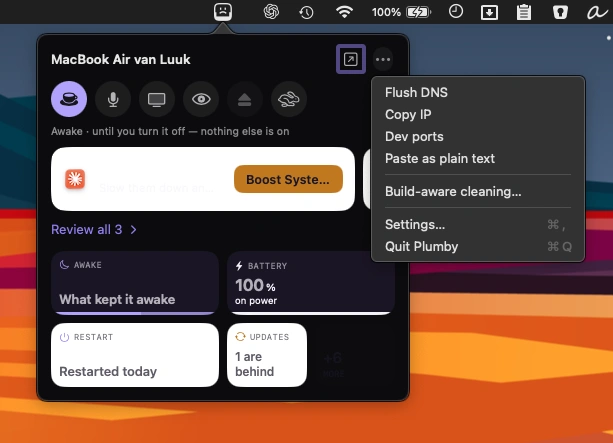
Keep an eye on your Mac’s health with system stats, storage cleanup, complete app removal, and 26 diagnostic checks. A friendly menu bar companion makes maintenance easier to understand.
Collection:
Cleaning Apps
Legroom
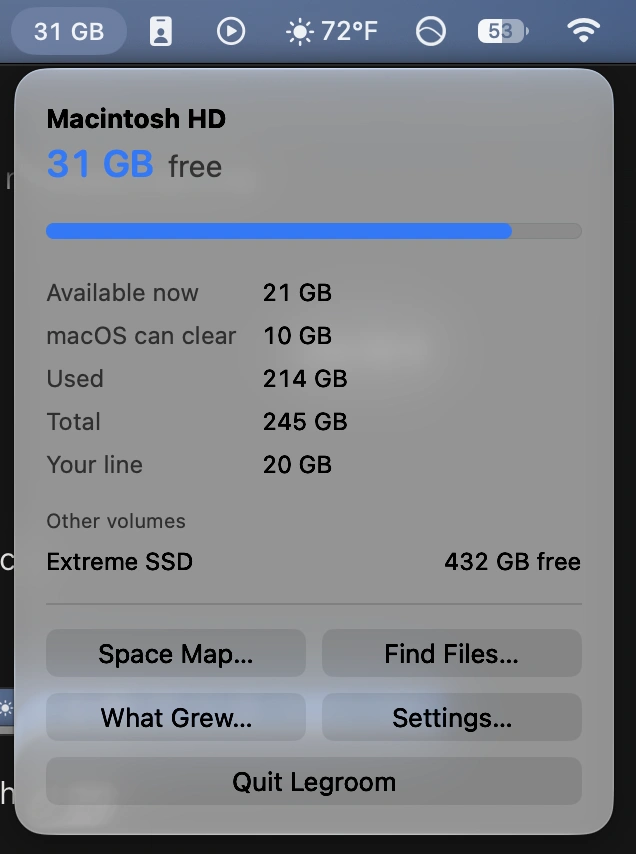
Monitor available disk space, get low-storage warnings, and clean selected folders and caches. Preview and approve every cleanup, track disk usage over time, and find large, old, or duplicate files.
Collection:
Cleaning Apps
DiskPress
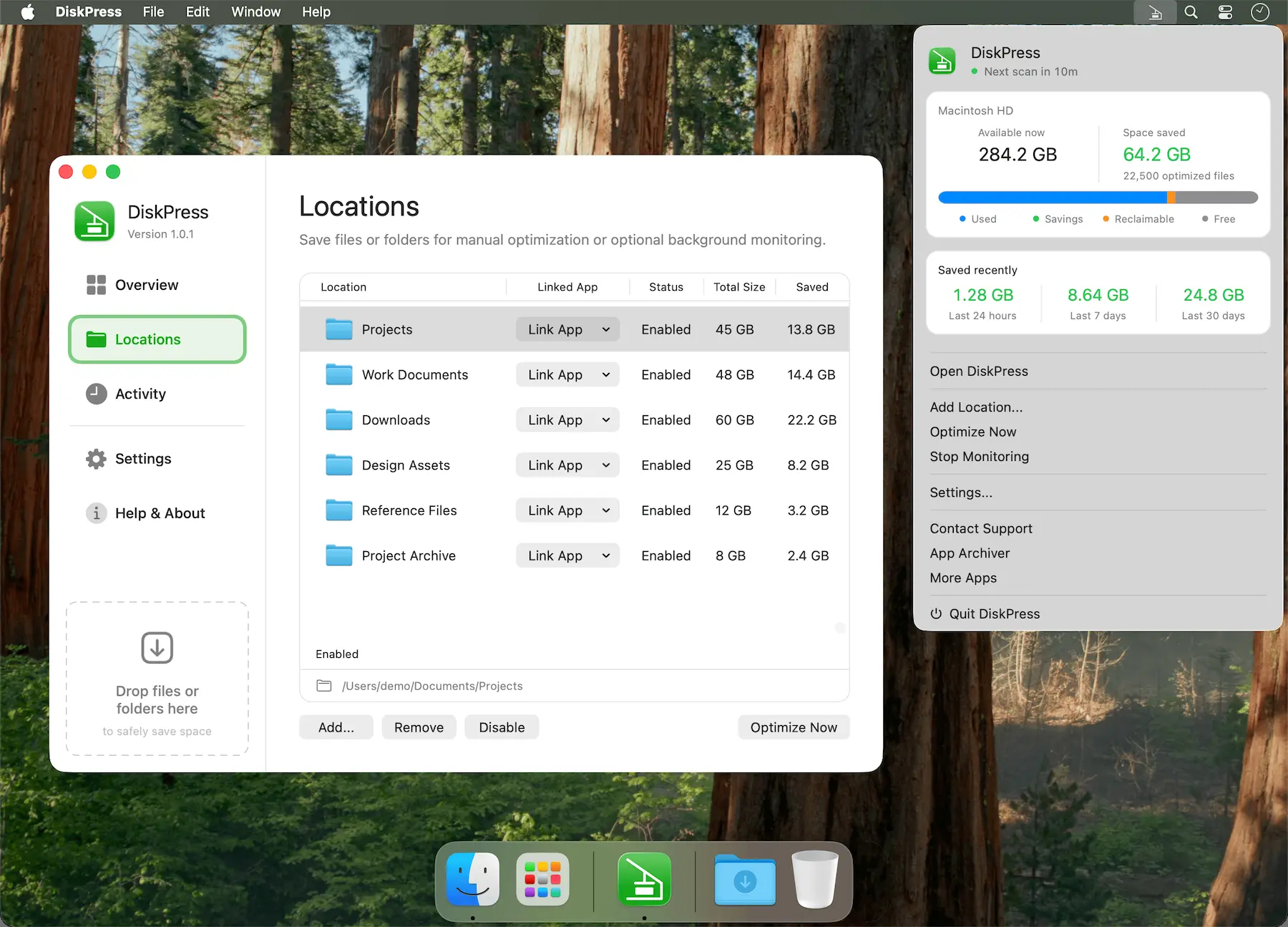
Free up Mac storage without deleting your files. DiskPress combines native compression and APFS deduplication to reduce storage usage while keeping files in place, accessible, and entirely on your Mac.
Collection:
Cleaning Apps | System Stats
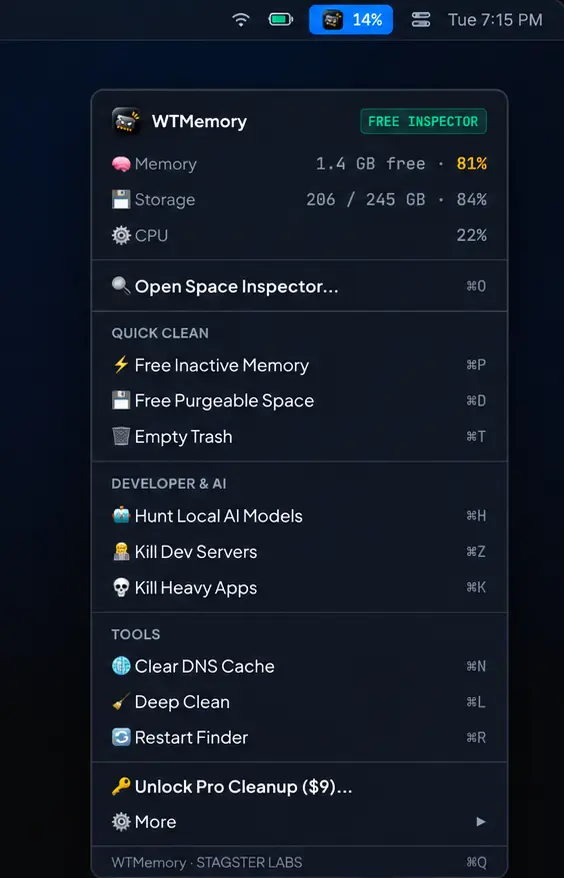
WTMemory
Collection:
Cleaning Apps
Tidy
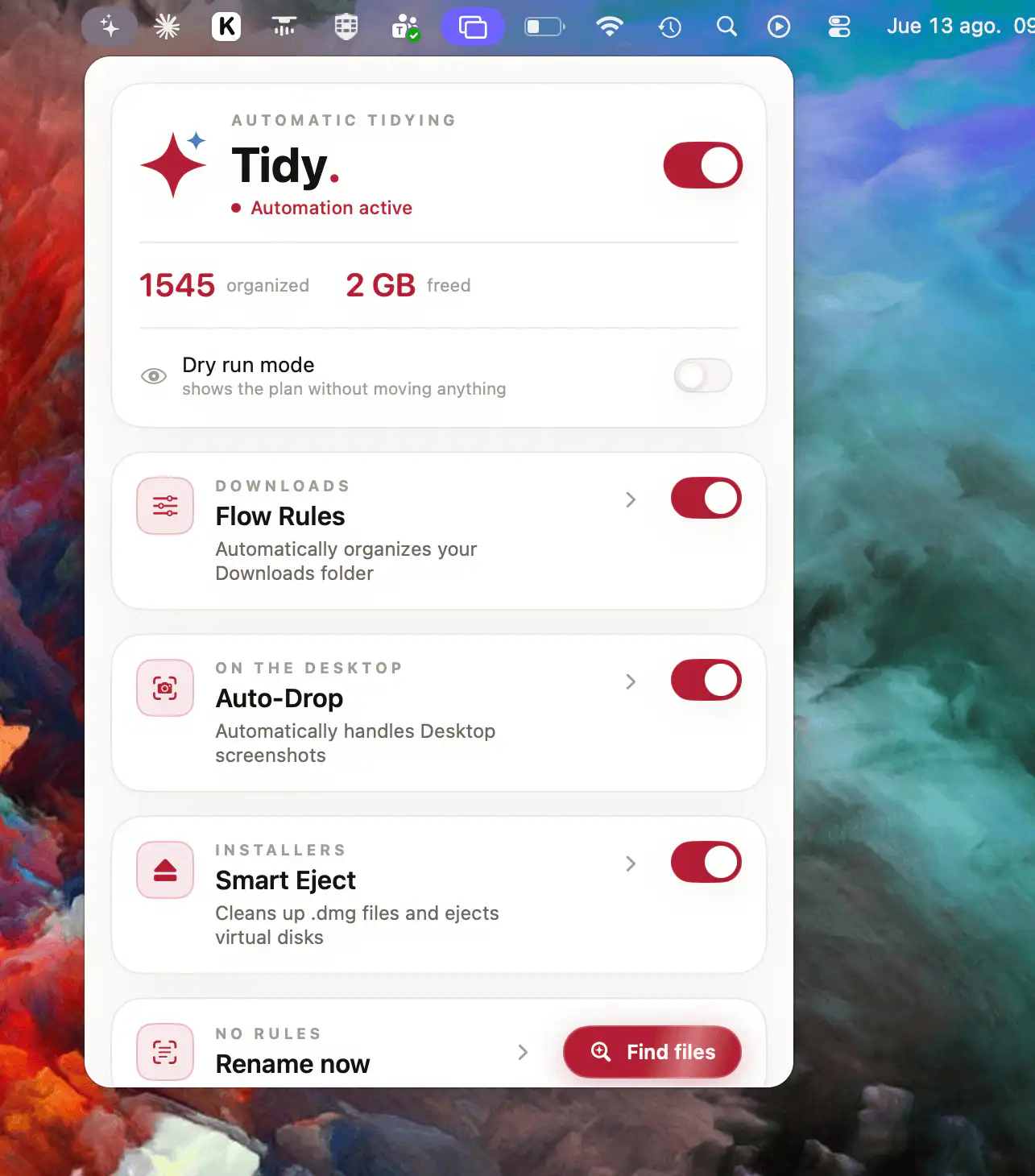
Tidy automatically organizes Downloads and Desktop files with smart rules. It uses on-device OCR to understand file contents, finds text in scanned PDFs, and keeps every action reversible with previews and one-click undo.
Collection:
Cleaning Apps
TidyBar
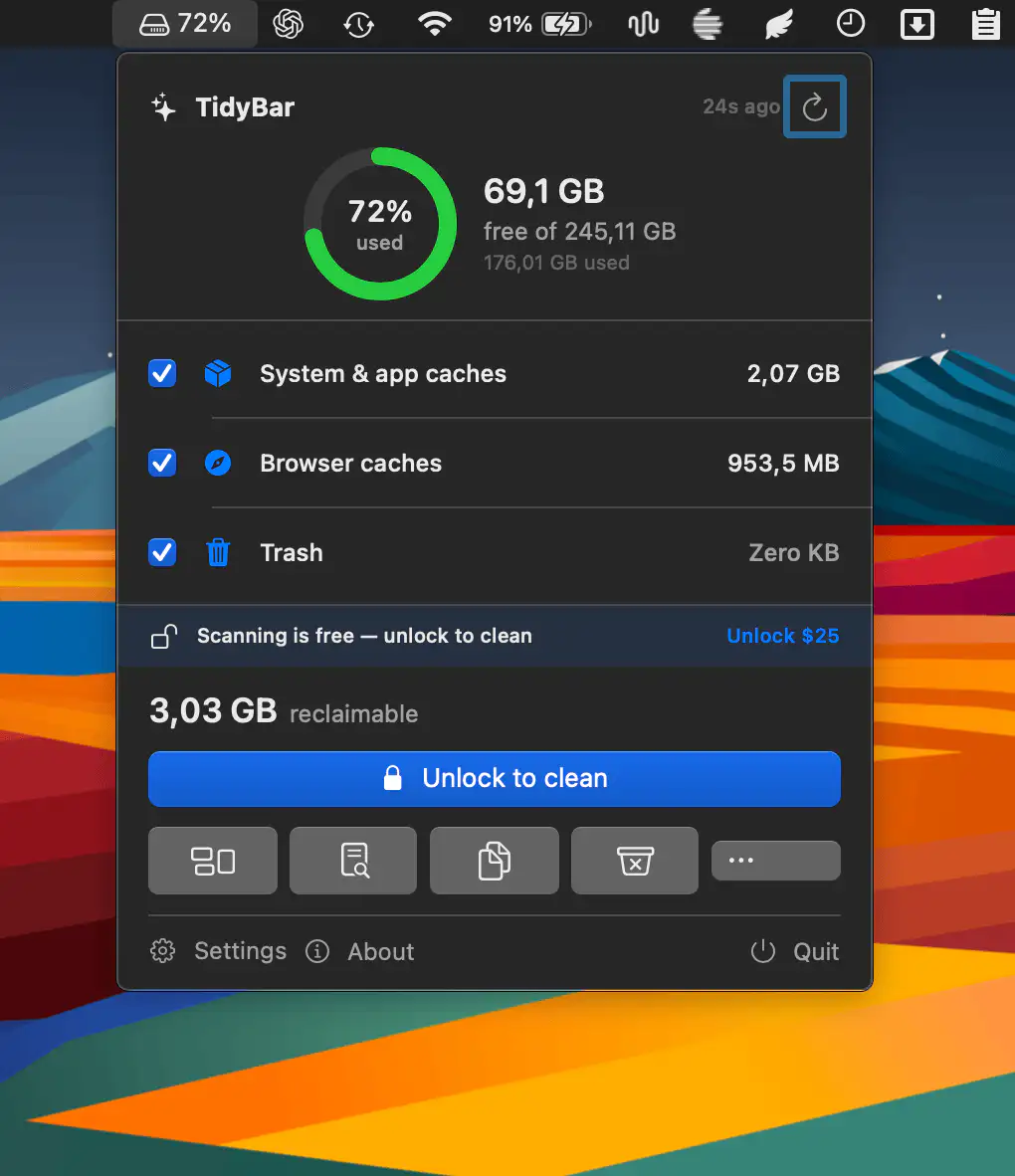
This menu bar app scans your disk for reclaimable space and helps you free gigabytes with a single action. It visualizes storage usage, removes leftovers, finds duplicates, and cleans development clutter.