Collection:
Meeting Apps
DRFT
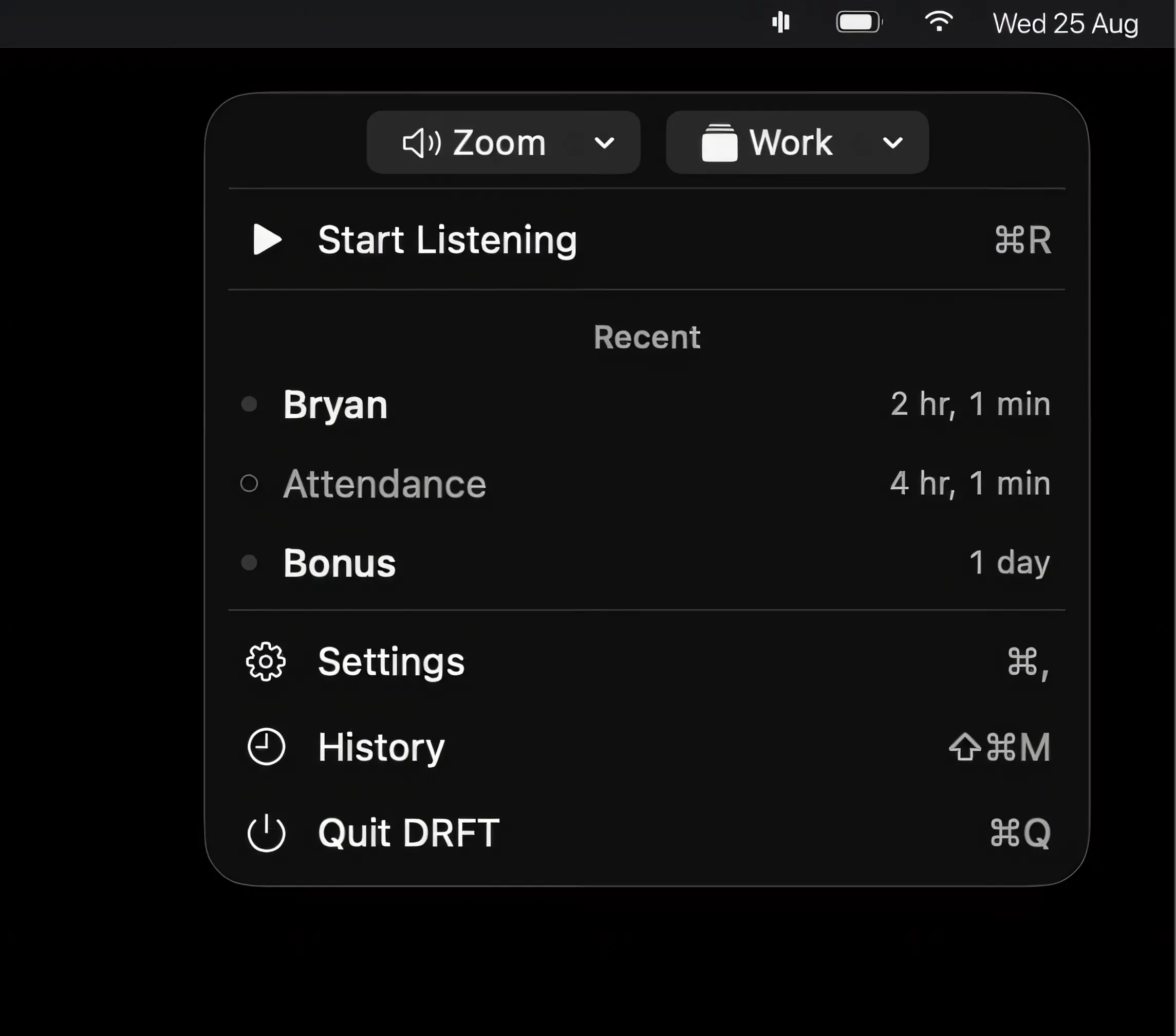
DRFT listens for words that matter during meetings and alerts you when they’re spoken. On-device speech recognition keeps audio private, while saved moments and AI summaries help you catch what matters.
The next time a site asks for a code, you’ll just tap it in. iPhone · iPad · Mac

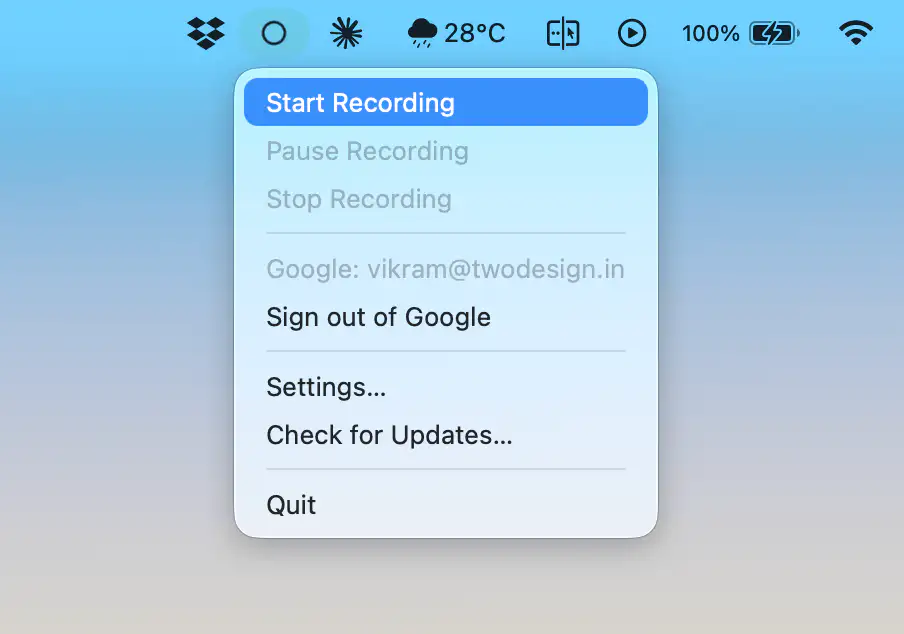
Run your meetings without chaos. Join calls in one click, see what’s next, auto-mute your mic, blur sensitive areas, silence notifications, manage time zones, transcribe conversations, and protect your screen during recordings, all from your menu bar.
Run your meetings without chaos. Join calls in one click, see what’s next, auto-mute your mic, blur sensitive areas, silence notifications, manage time zones, transcribe conversations, and protect your screen during recordings, all from your menu bar.
DRFT listens for words that matter during meetings and alerts you when they’re spoken. On-device speech recognition keeps audio private, while saved moments and AI summaries help you catch what matters.
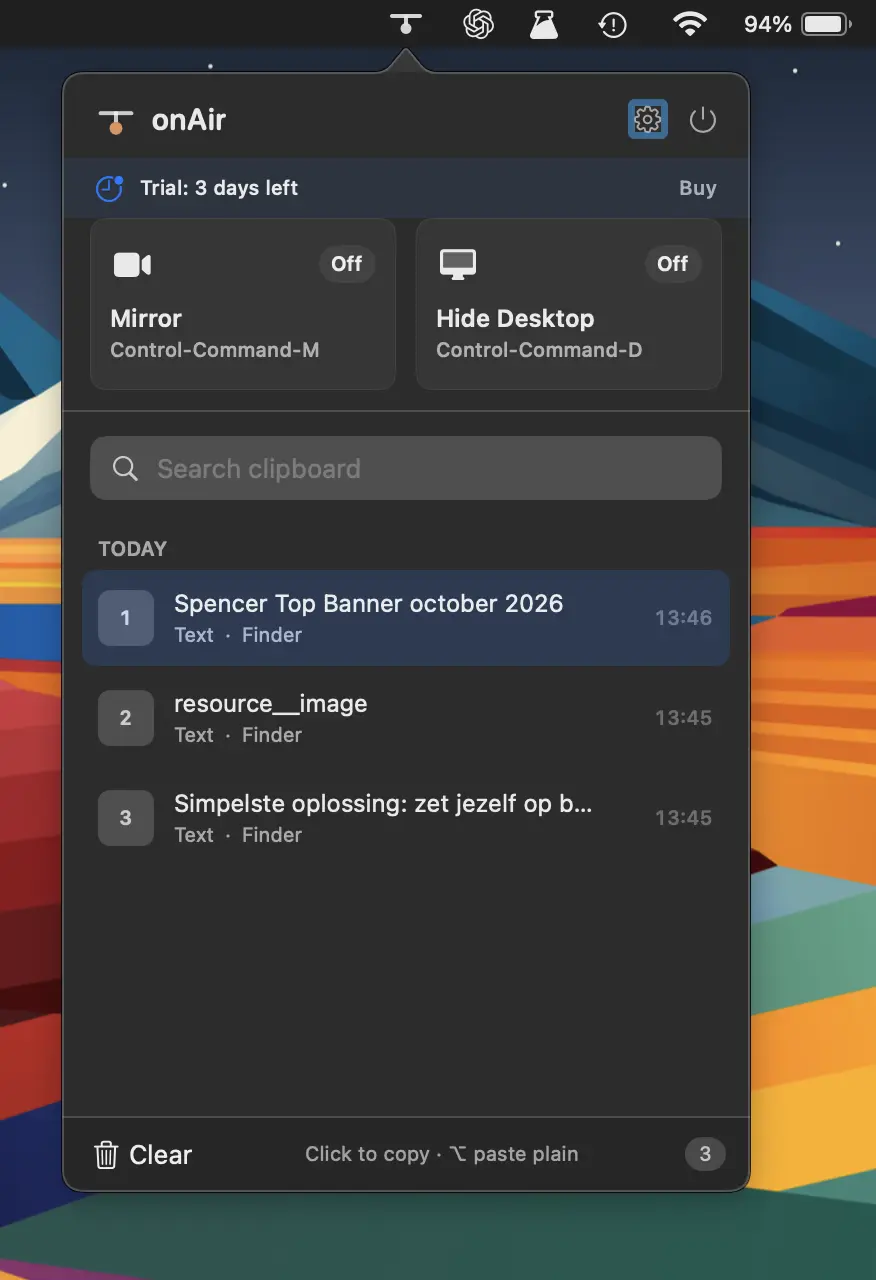
Streamline your on-air workflow with clipboard history, camera preview, desktop clutter hiding, global shortcuts, and privacy-focused tools, all built natively for macOS without bloat or tracking.
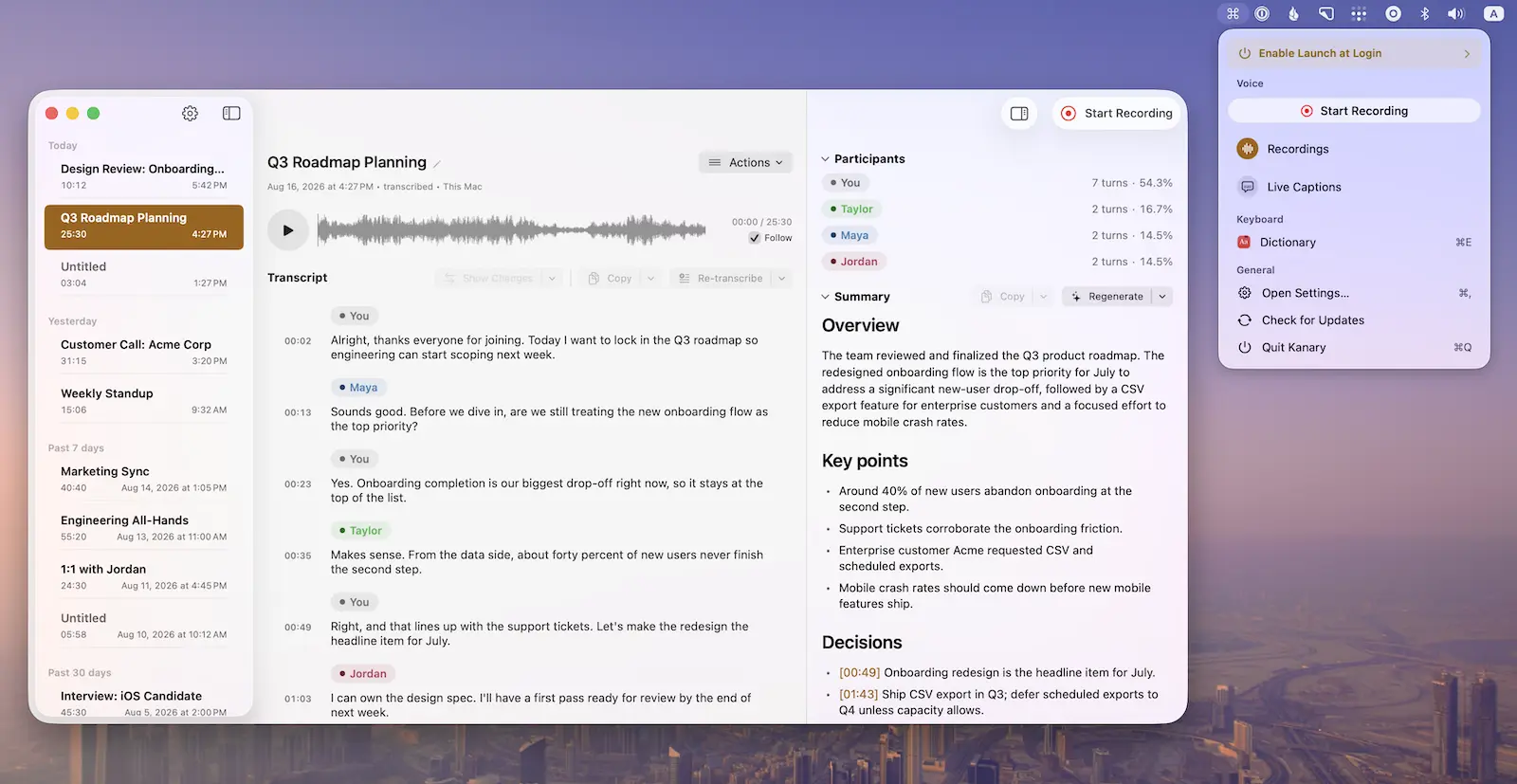
Record meetings, calls, podcasts, and voice memos with live captions, on-device transcription, and summaries, while powerful keyboard shortcuts and window controls keep everything efficient and private on your Mac.
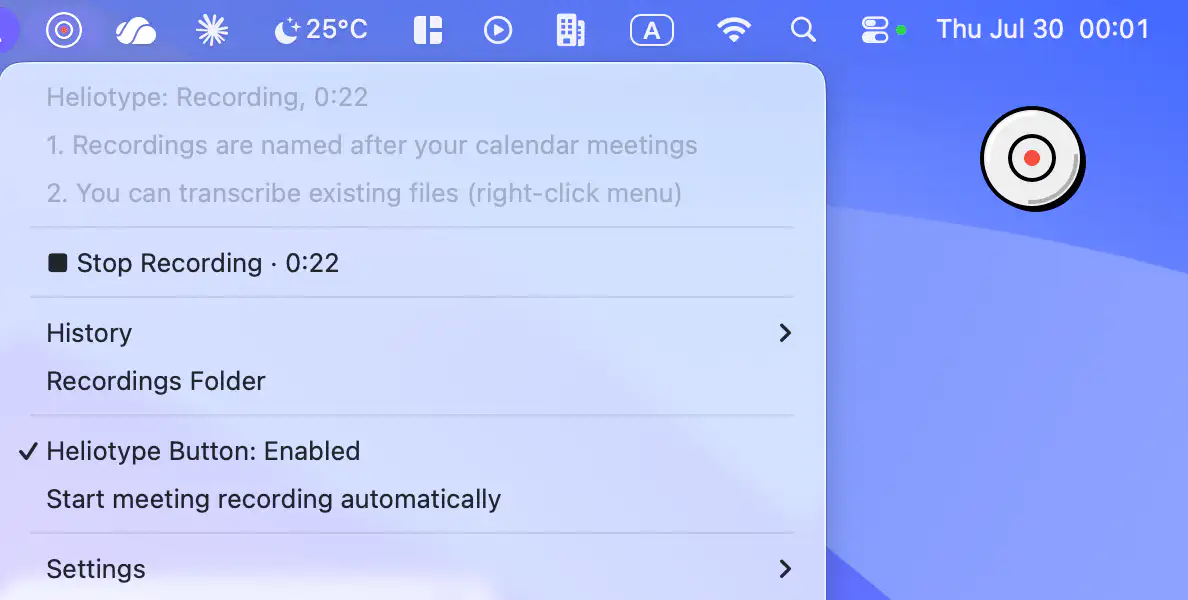
Heliotype records meetings without a bot joining calls, then automatically names recordings from your calendar and creates speaker-labeled transcripts. With local storage and your own transcription key, it keeps meeting notes private and under your control.
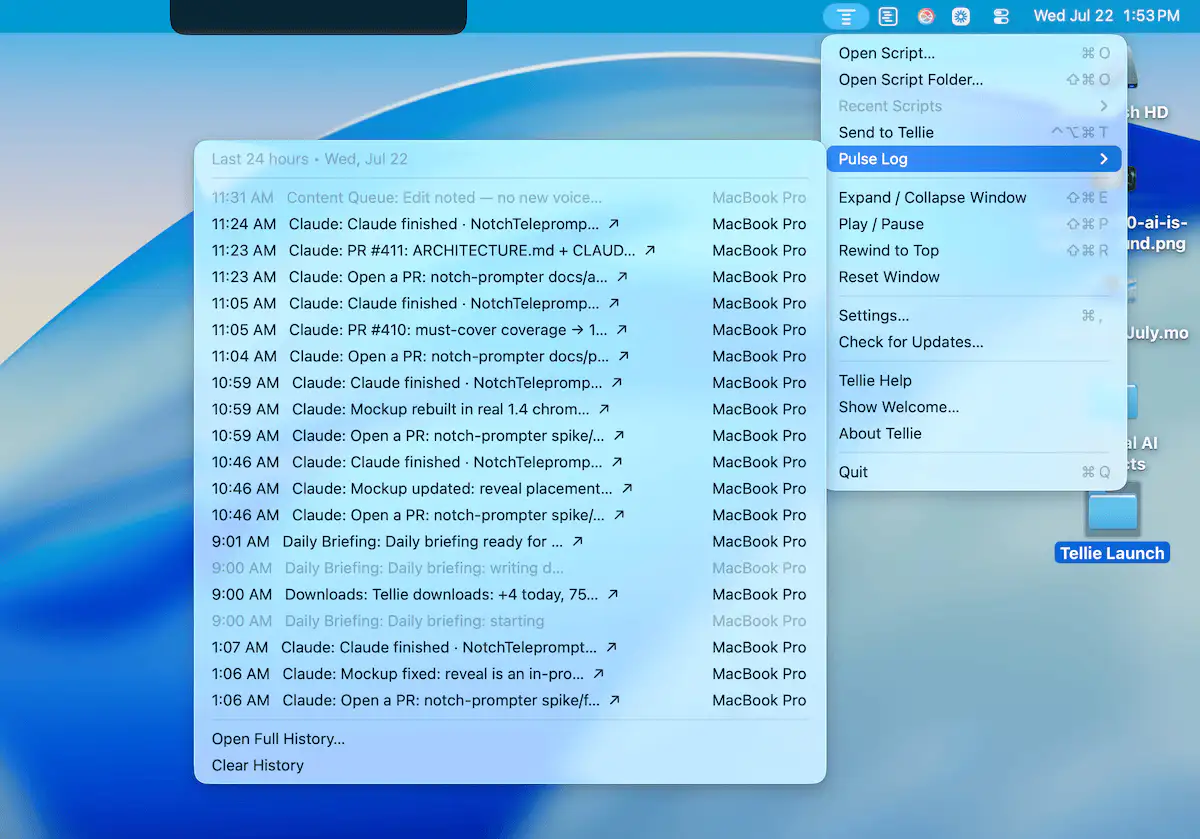
Tellie helps you stay focused while speaking by following your voice with on-device speech recognition. Use it for presentations, recordings, meetings, and scripts that stay private and follow your flow.
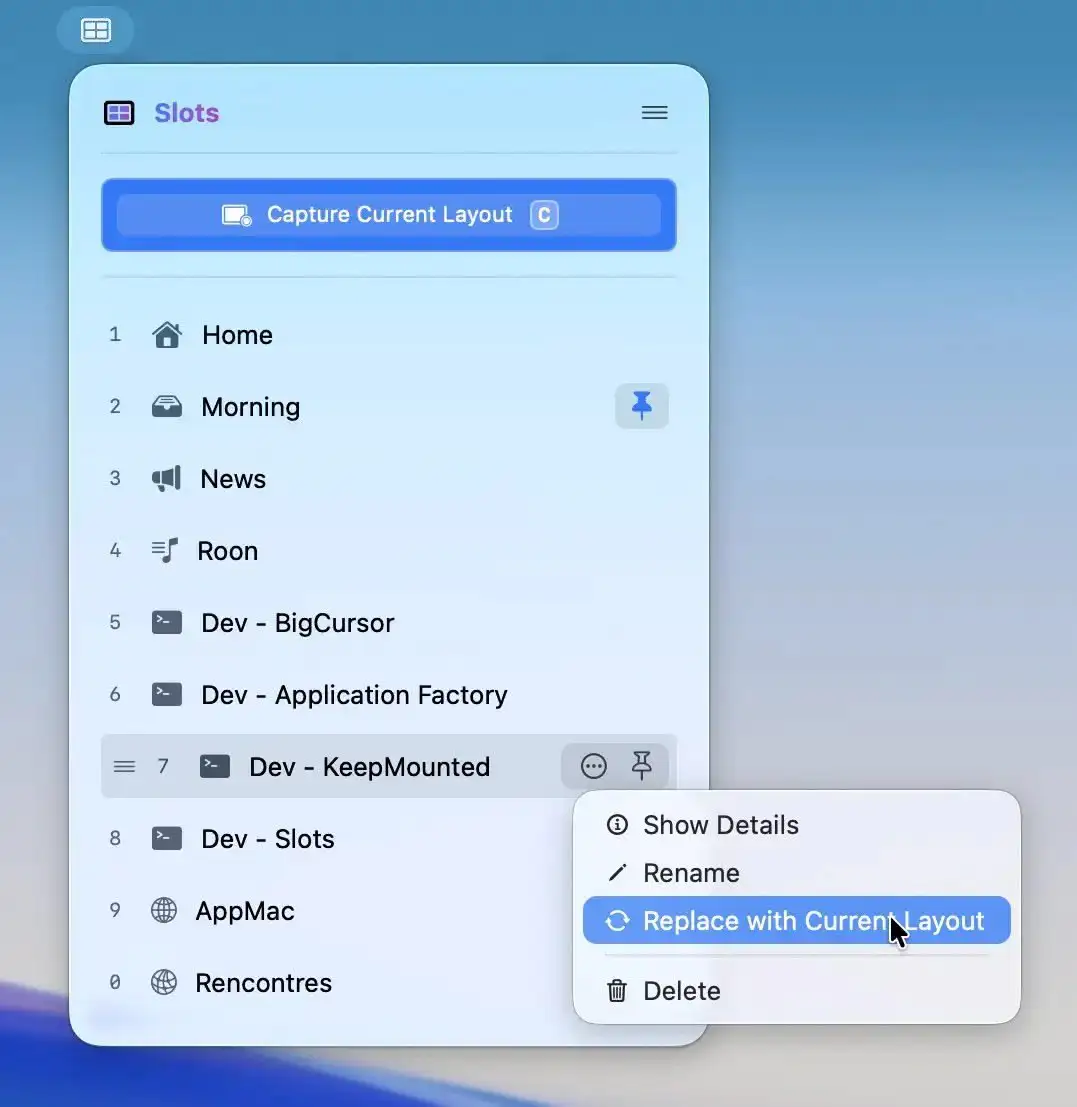
Slots lets you capture a perfectly arranged workspace and restore it instantly, relaunching apps and placing windows exactly where they belong. For supported apps, even tabs and documents return, all in a fast, native experience.
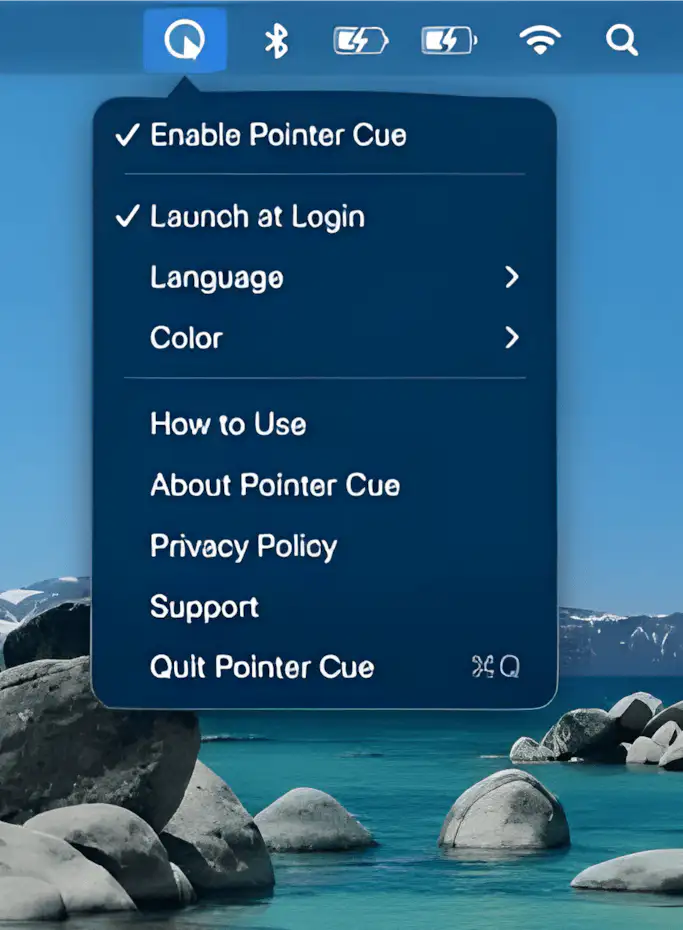
Pointer Cue helps audiences follow your on-screen actions during presentations, demos, and screen sharing. Highlight your cursor and important areas with customizable visual cues and temporary frames, all processed locally on your Mac.
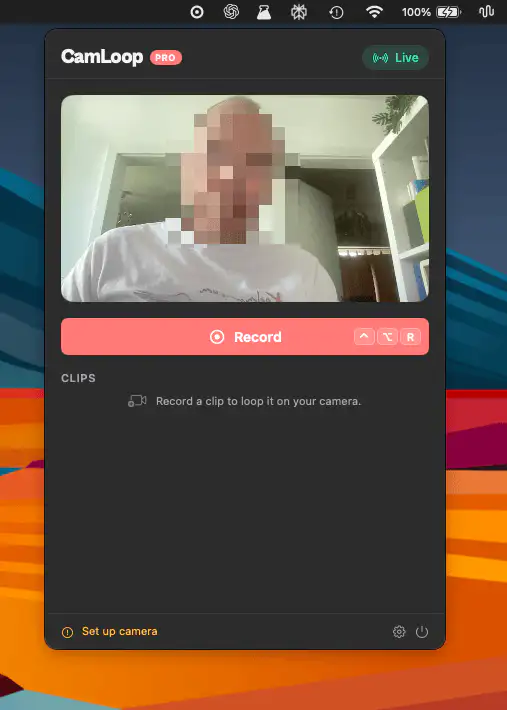
CamLoop lets you record a short video loop and switch to it during video calls, giving you a moment away from the camera while keeping your presence natural. Works across major meeting platforms and keeps everything on-device.