Collection:
Audio Apps
Recadio
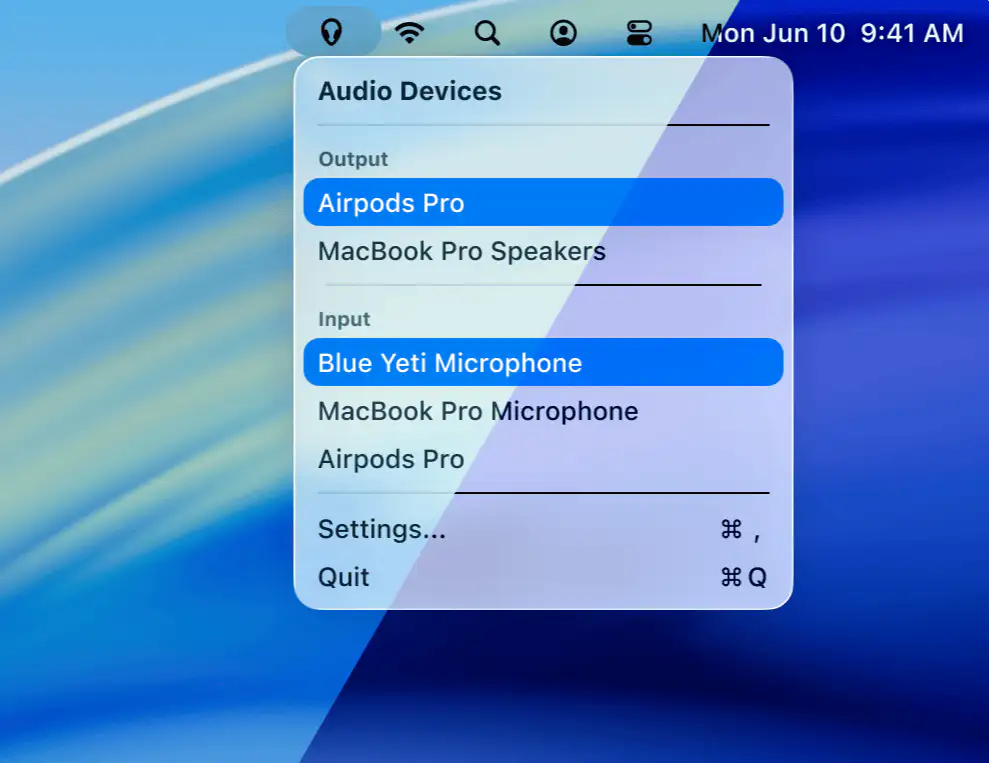
Recadio keeps your Mac’s audio under control by prioritizing preferred input and output devices automatically, so Bluetooth no longer hijacks quality and switching feels effortless, fast, and reliable.

The best of both worlds: great menu bar apps you can try for free — and unlock when you’re ready.
The best of both worlds: great menu bar apps you can try for free — and unlock when you’re ready.
Recadio keeps your Mac’s audio under control by prioritizing preferred input and output devices automatically, so Bluetooth no longer hijacks quality and switching feels effortless, fast, and reliable.
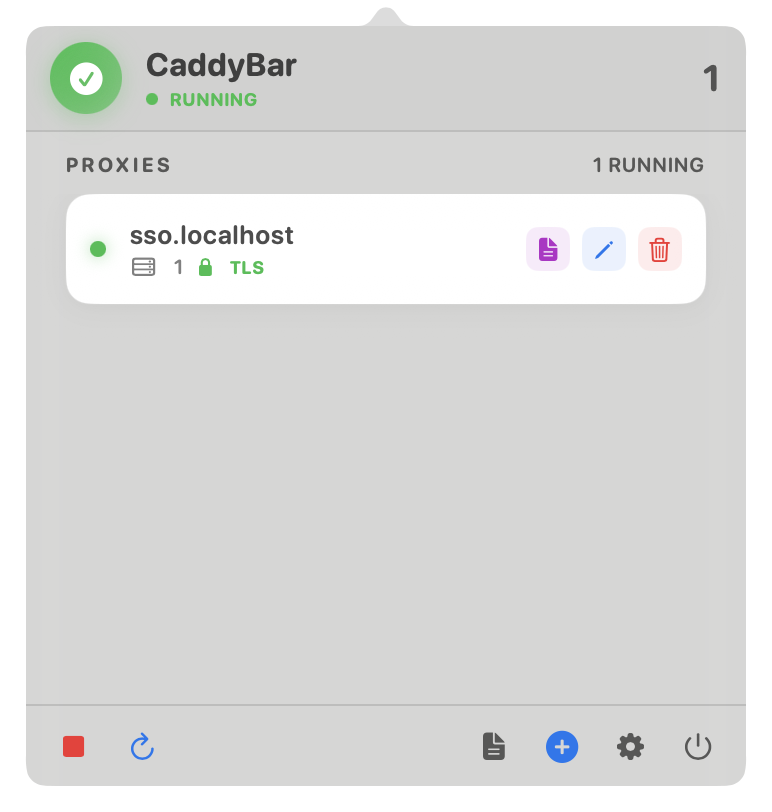
CaddyBar brings Caddy Server to your macOS menu bar, making local development smoother with automatic HTTPS, reverse proxies, and effortless control over sites and domains.
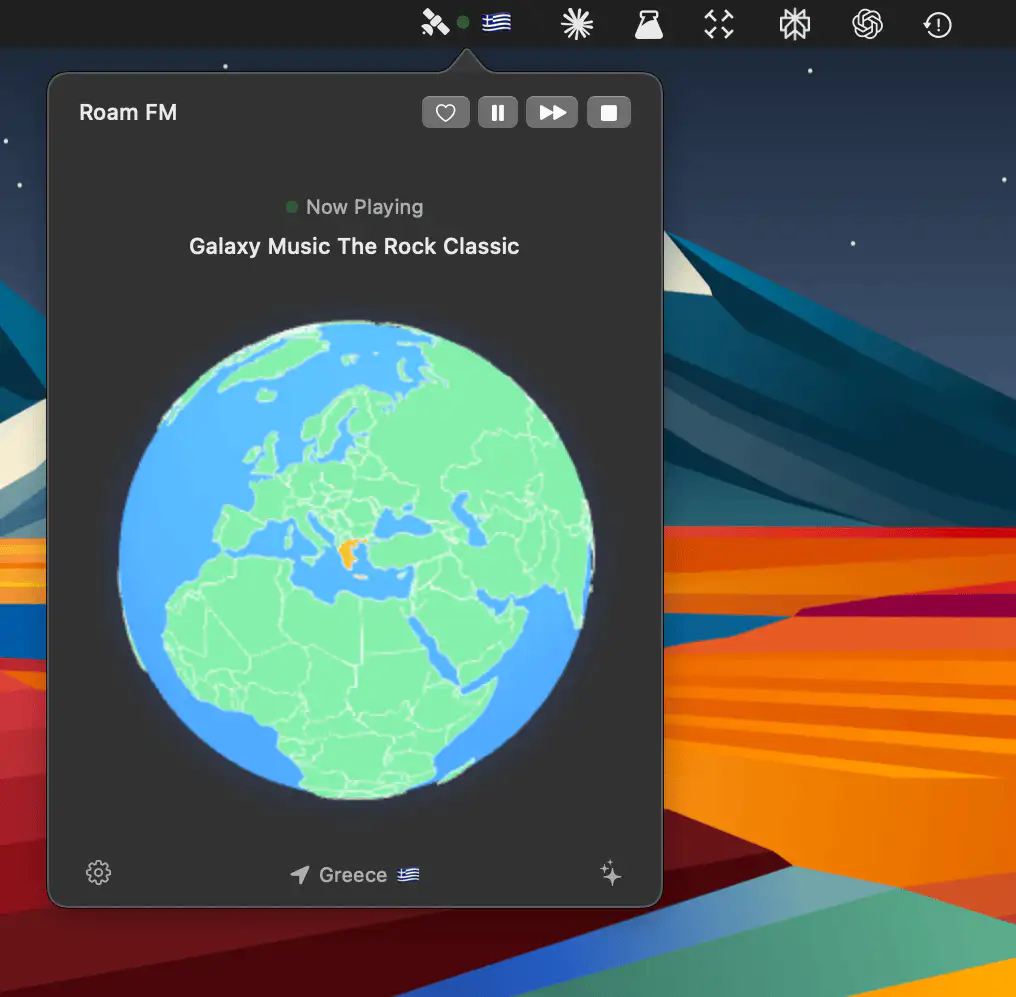
Roam FM turns live radio from 40,000 stations worldwide into ambient background sound, letting you drift through unfamiliar voices and places in real time, from your menu bar.
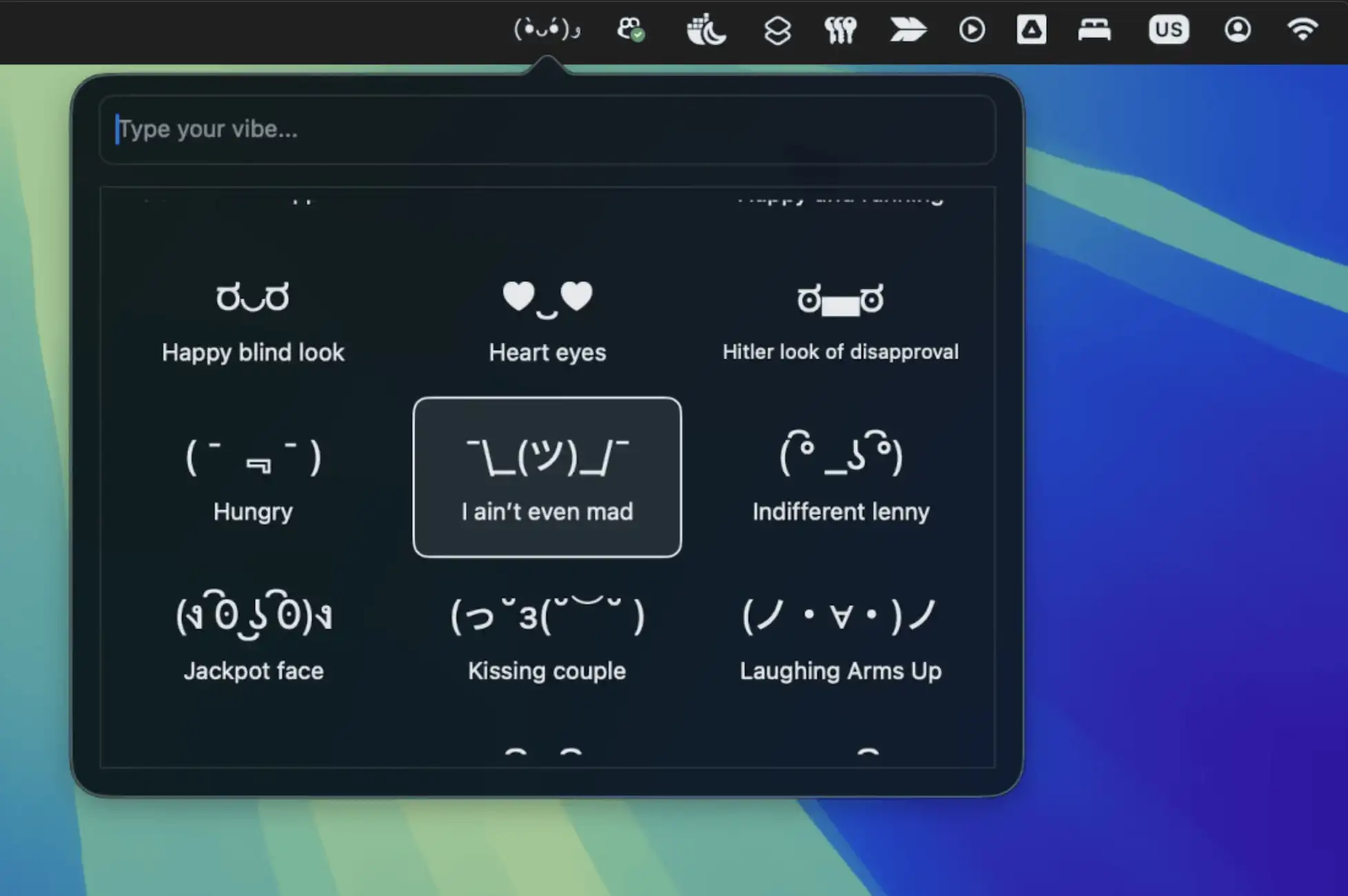
Emojo is a lightweight menu bar app that brings playful text-based emoticons to your chats, offering quick access to expressive ASCII art that works everywhere, without subscriptions or fuss.
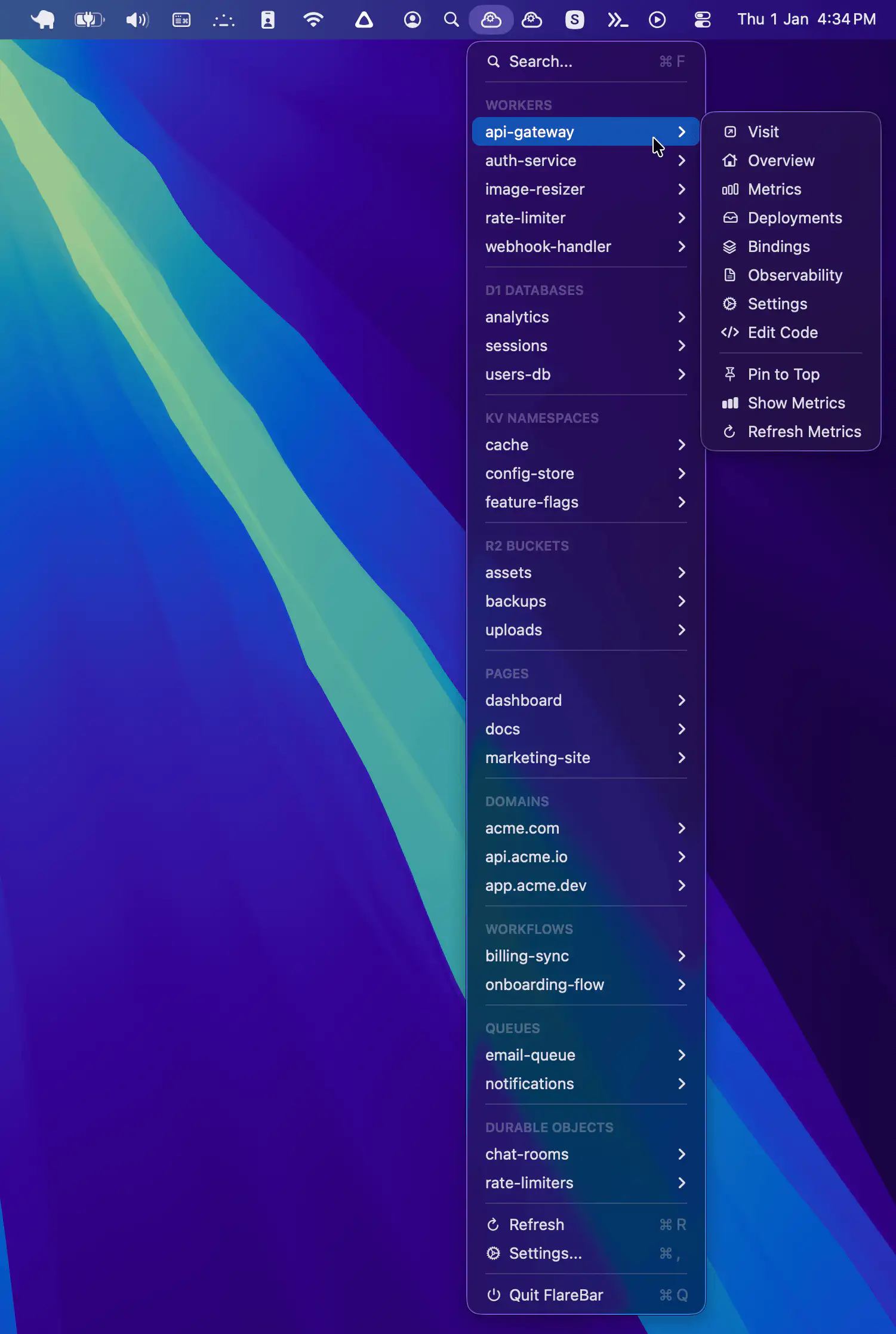
FlareBar brings Cloudflare to your Mac menu bar, letting developers search resources, jump to dashboards instantly, and monitor live metrics without breaking focus or opening endless browser tabs.
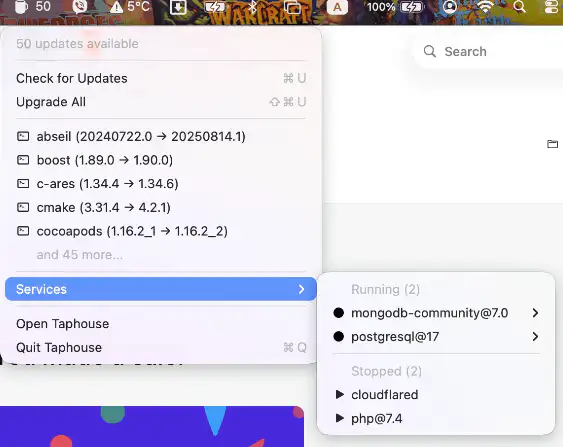
Taphouse brings Homebrew out of the terminal and into a clean, native macOS interface, letting you browse, install, update, and manage packages visually with minimal effort.
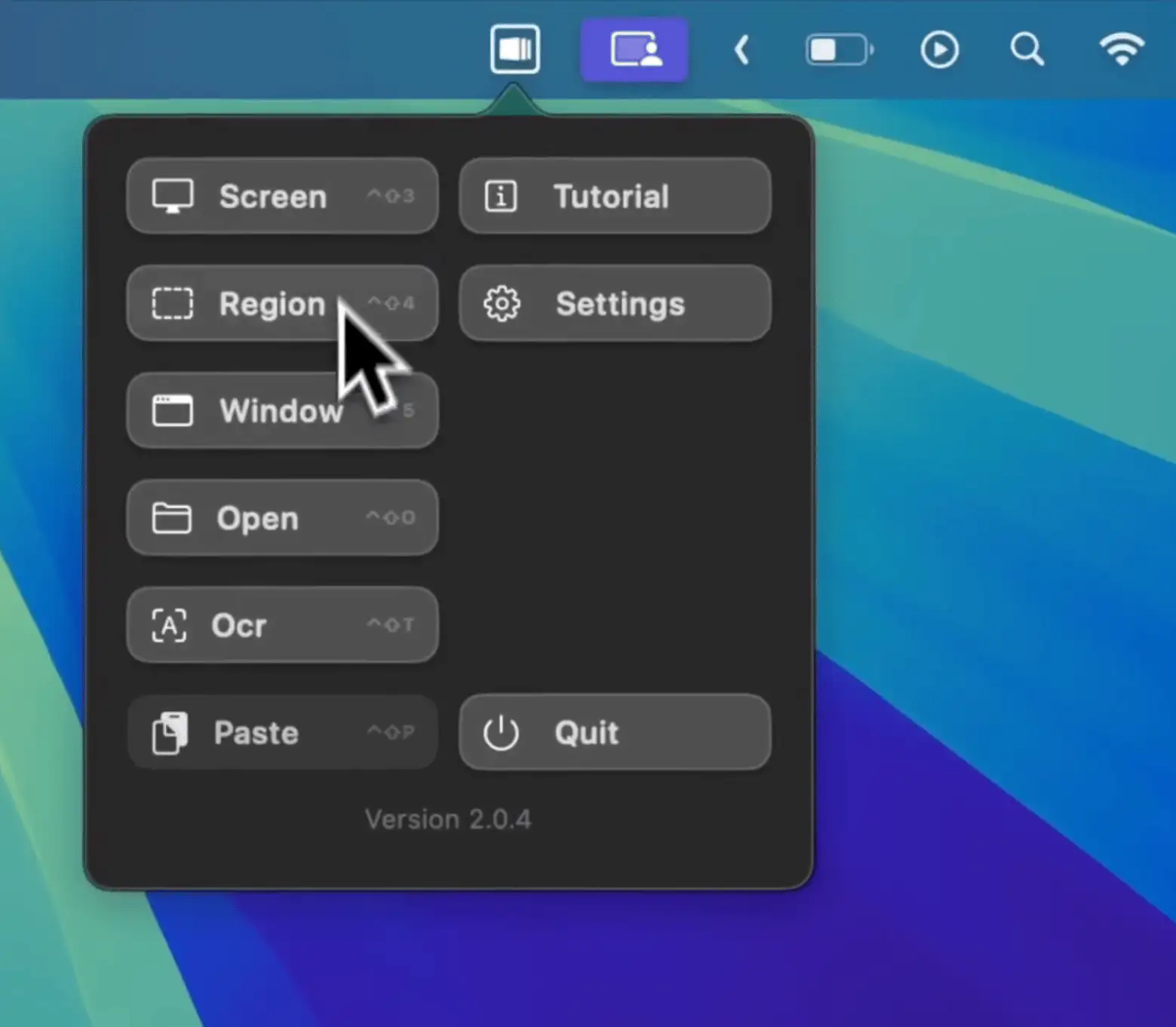
Capcha is a macOS menu bar app for capturing, enhancing, and animating screenshots, helping you turn everyday captures into polished visuals quickly, ready for sharing or presentation.