The best of both worlds: great menu bar apps you can try for free — and unlock when you’re ready.
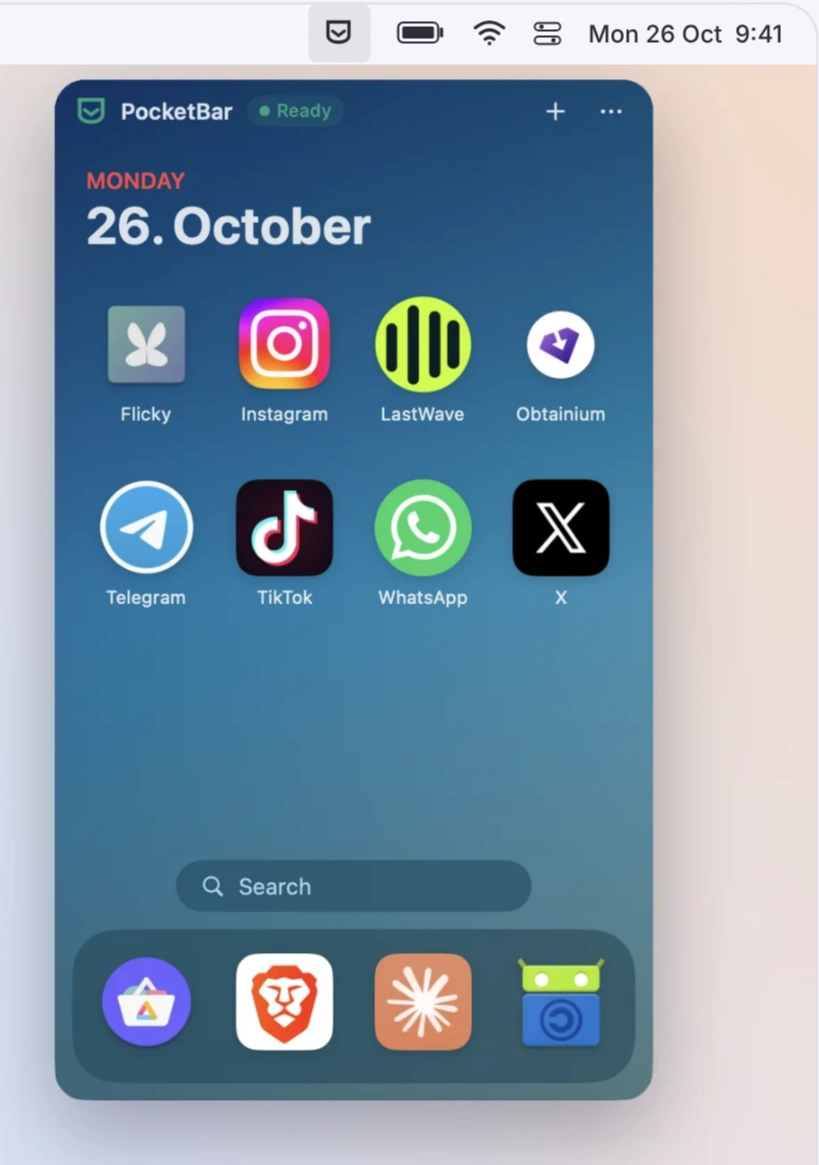
Bring your favourite Android apps to your Mac in compact, individual windows. Personalise the experience with custom themes and wallpapers, manage notifications, block ads, and install apps from multiple sources.
Visit
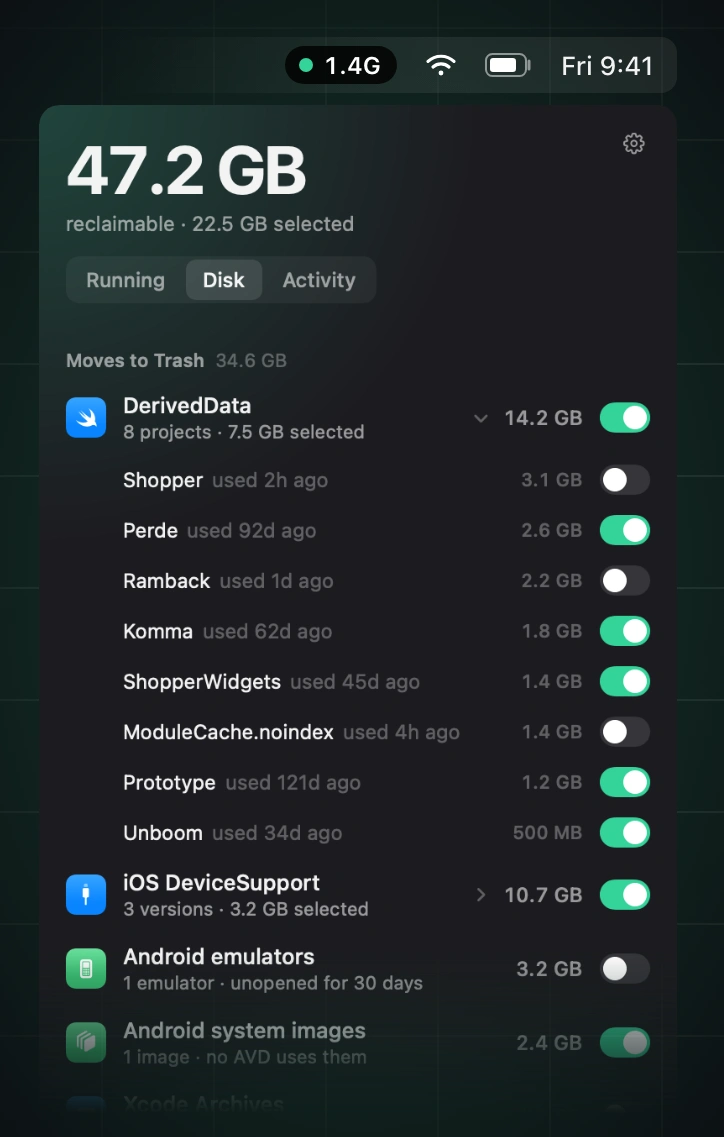
Reclaim memory by finding and stopping idle simulators, emulators, dev servers, containers, and lingering AI agent processes, while leaving databases, active builds, and pinned processes untouched.
Visit
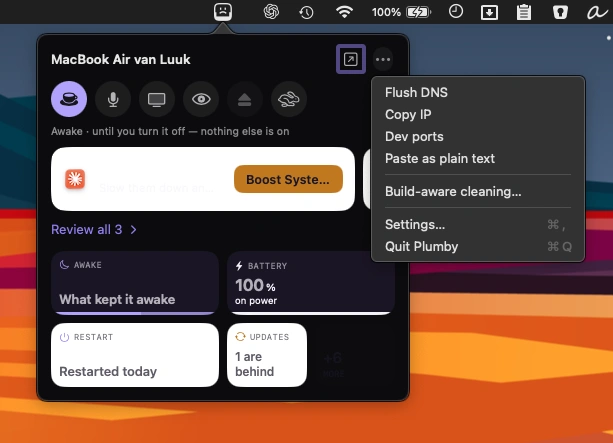
Keep an eye on your Mac’s health with system stats, storage cleanup, complete app removal, and 26 diagnostic checks. A friendly menu bar companion makes maintenance easier to understand.
Visit
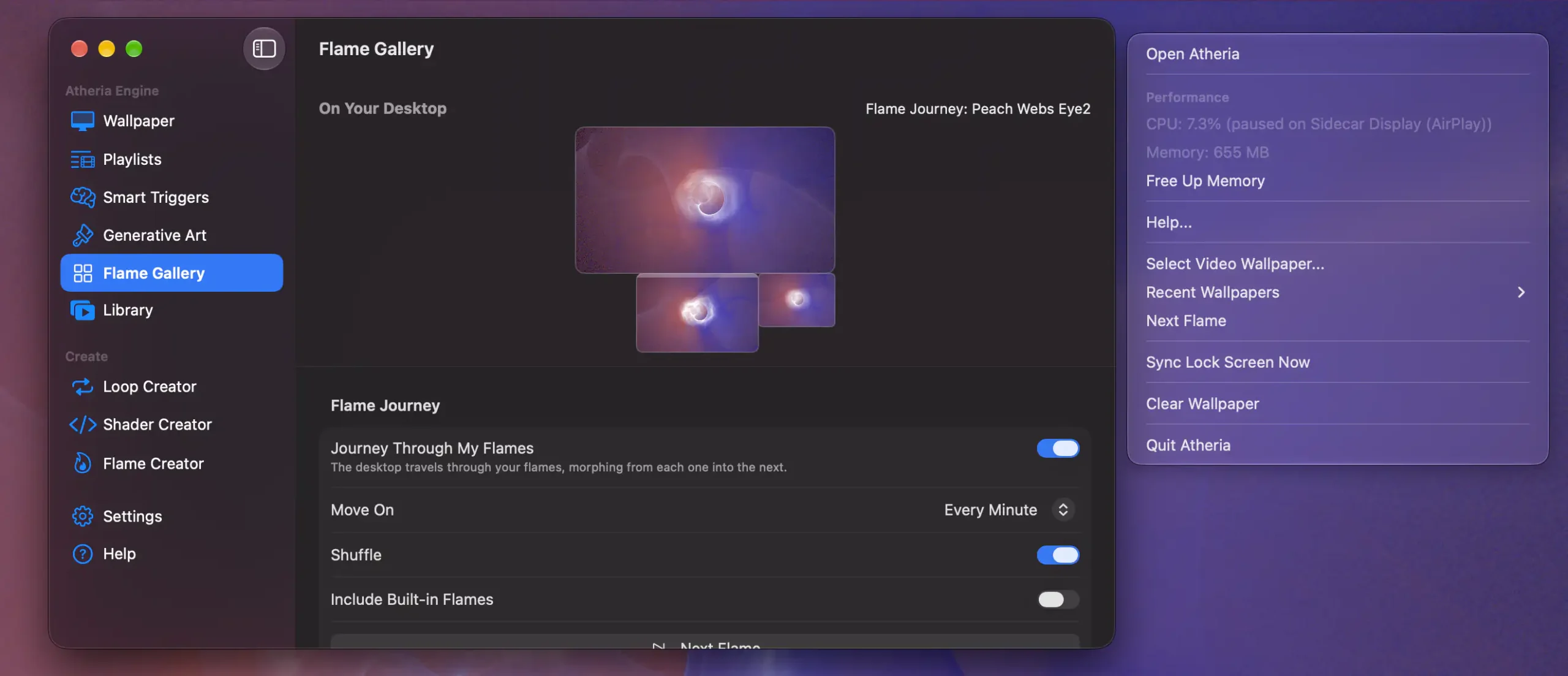
Bring your desktop to life with 85 GPU-generated animated wallpapers, customizable fractal flames, and personal videos. Smart rendering pauses when hidden, helping preserve battery life and keep your Mac quiet.
Visit Watch
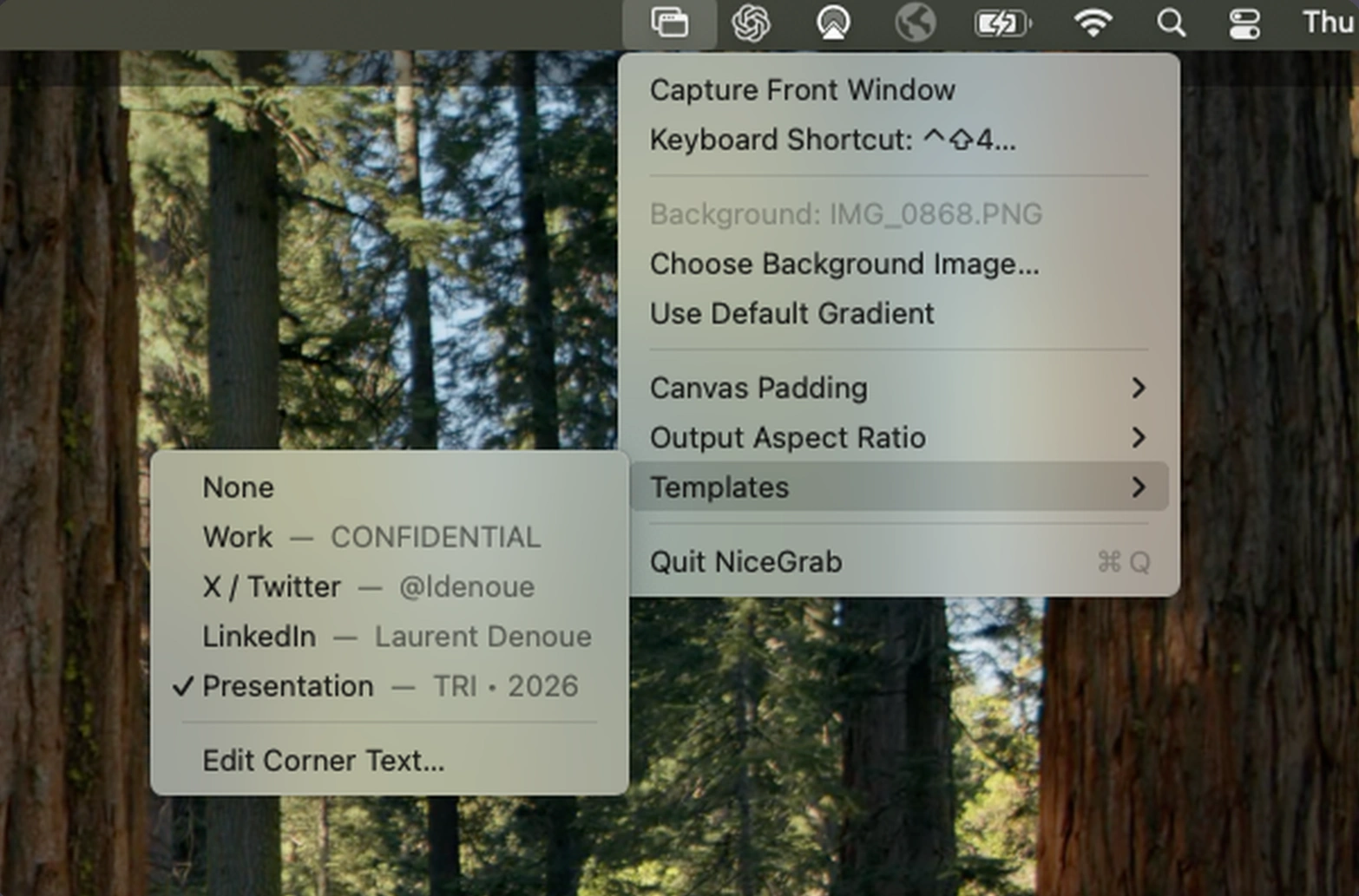
Capture polished screenshots and videos of any Mac window with custom backgrounds, rounded corners, and shadows. NiceGrab adds templates, flexible layouts, and instant clipboard sharing, with everything processed locally.
Visit
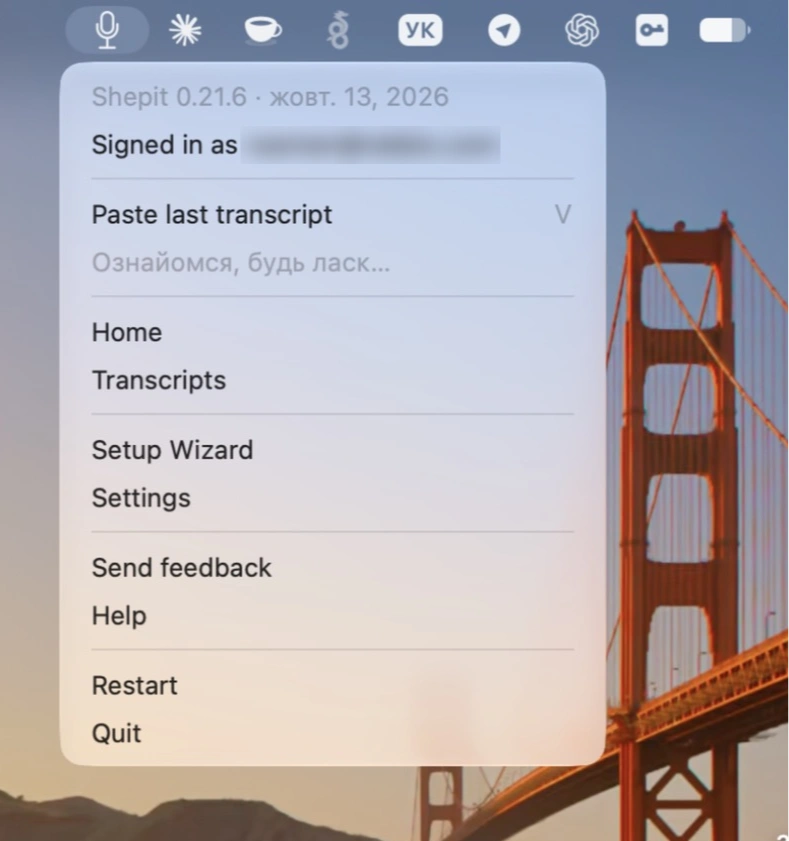
Dictate naturally in around 100 languages, while AI removes filler words, corrects punctuation, and polishes your speech before pasting it into any Mac app.
Visit
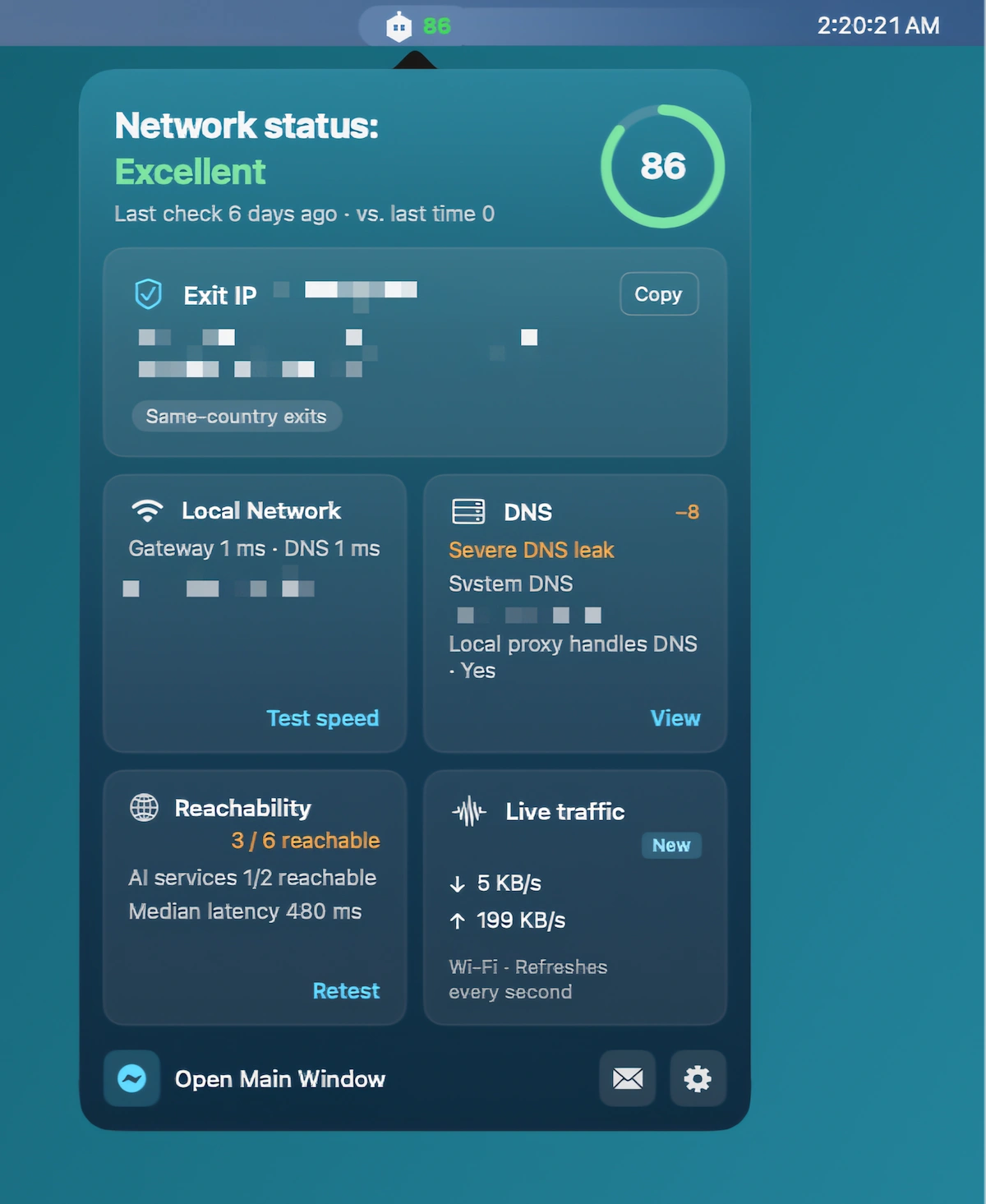
Monitor VPN leaks and exit IP changes, then diagnose DNS, proxies, IPv6, and routing issues with an eight-stage network check, clear security scores, and actionable fixes.
Visit Watch
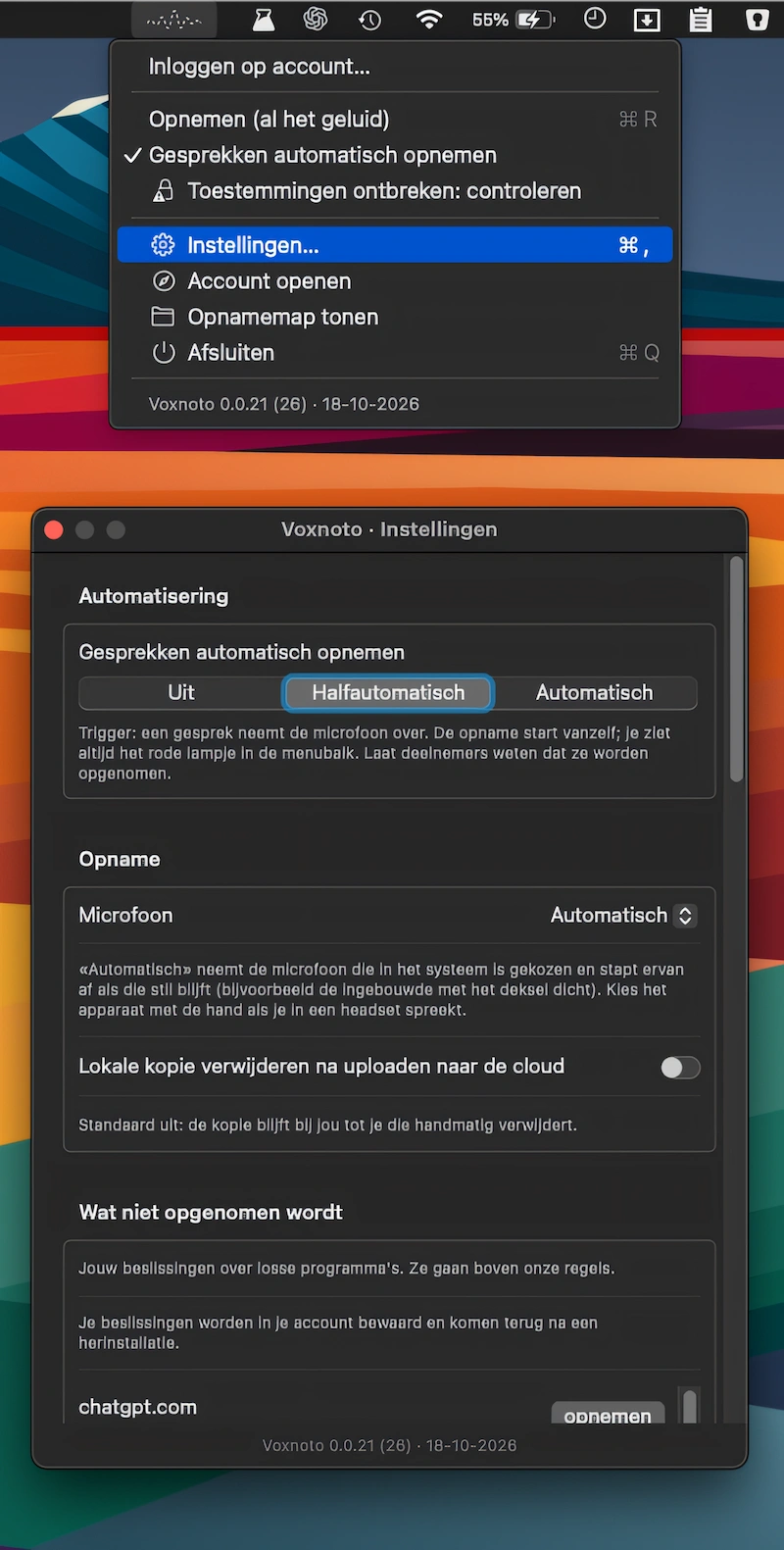
Automatically record calls in Zoom, Meet, Teams, and Webex, then get accurate AI transcripts with speaker labels, summaries, translations, and TXT or SRT exports.
Visit
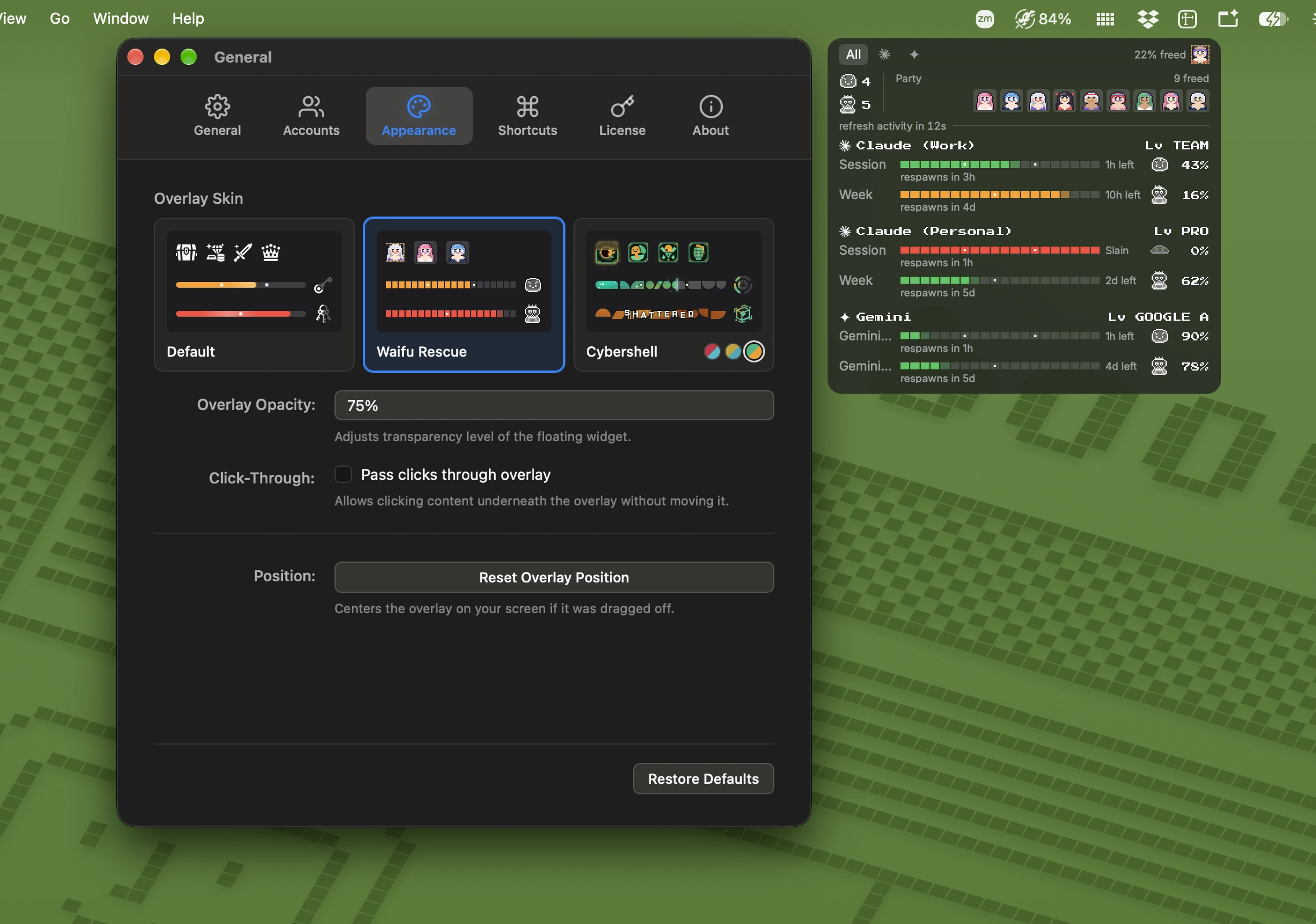
Track AI coding plan usage across Claude, ChatGPT, Gemini, Copilot, and OpenRouter. Gamified progress bars, floating overlays, and customizable skins make usage limits more fun to monitor.
Visit
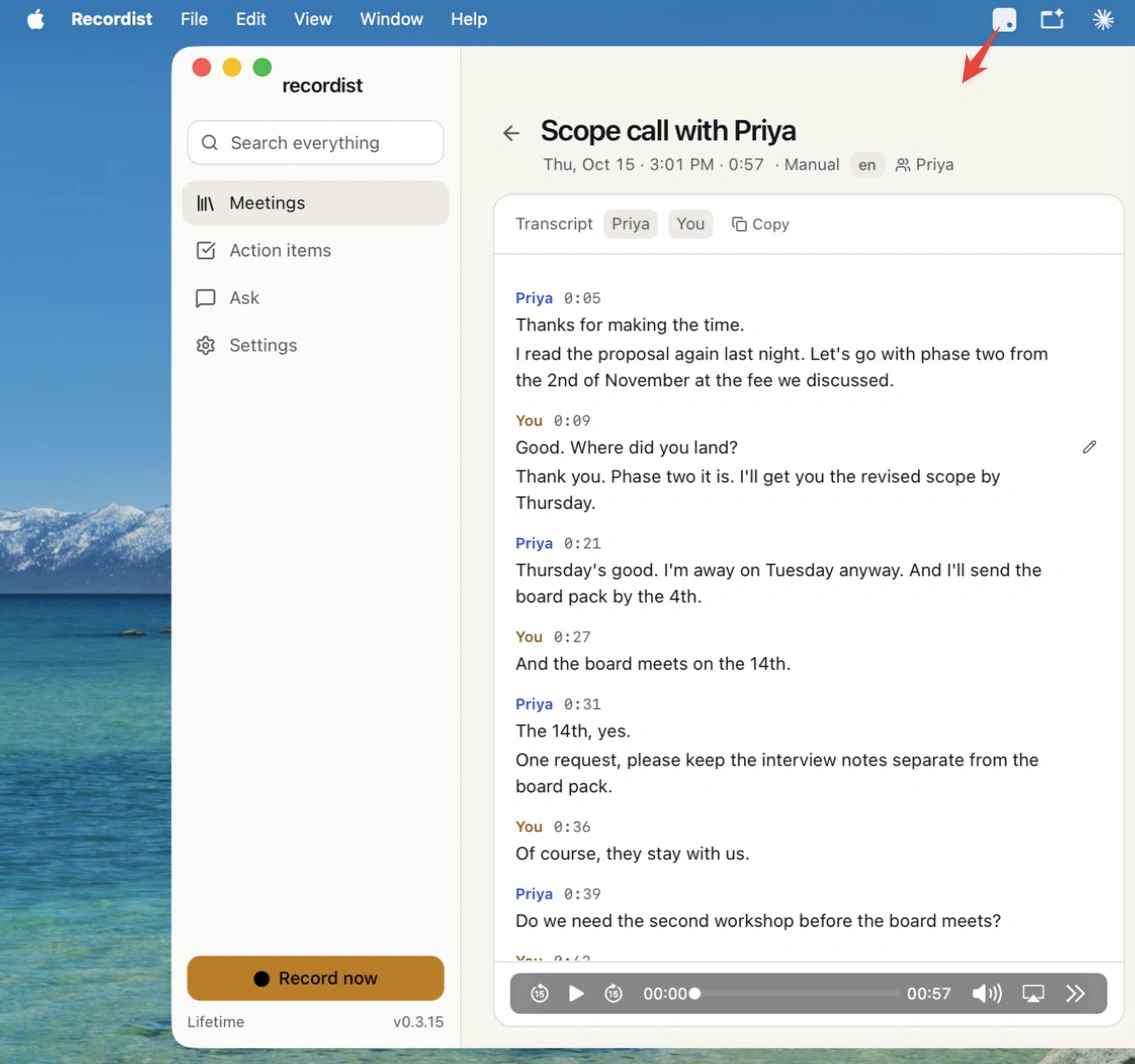
Recordist records and transcribes calls locally, turning conversations into searchable transcripts, timestamped audio, concise notes, and follow-up email drafts. No bots join calls, and your recordings stay on your Mac.
Visit
