Collection:
Cloud Apps
Tiiny Host
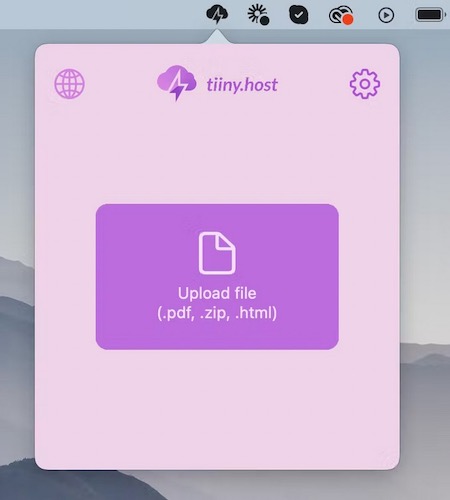
Whether you’re a designer, marketer, developer or a student, with this menu bar app you can easily share your work (HTML, PDF or anything in a Zip file) online.

The best of both worlds: great menu bar apps you can try for free — and unlock when you’re ready.
The best of both worlds: great menu bar apps you can try for free — and unlock when you’re ready.
Whether you’re a designer, marketer, developer or a student, with this menu bar app you can easily share your work (HTML, PDF or anything in a Zip file) online.
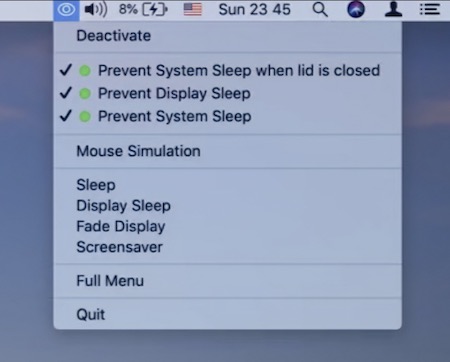
This menu bar app prevents your Mac from entering Sleep mode. You can control your system in terms of display, sleep, and power saving.
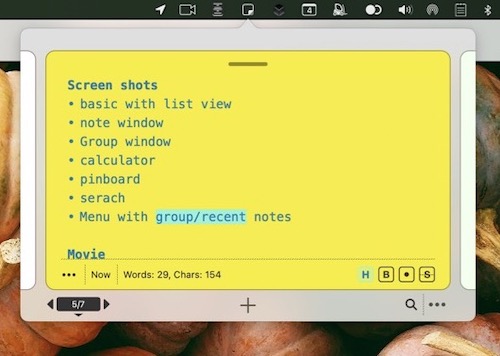
Sticklet (Inspired by real world Sticky Notes) is a menu app that’s always available for quick notes. It also has tools to structure and organise notes, and even for brainstorming ideas.
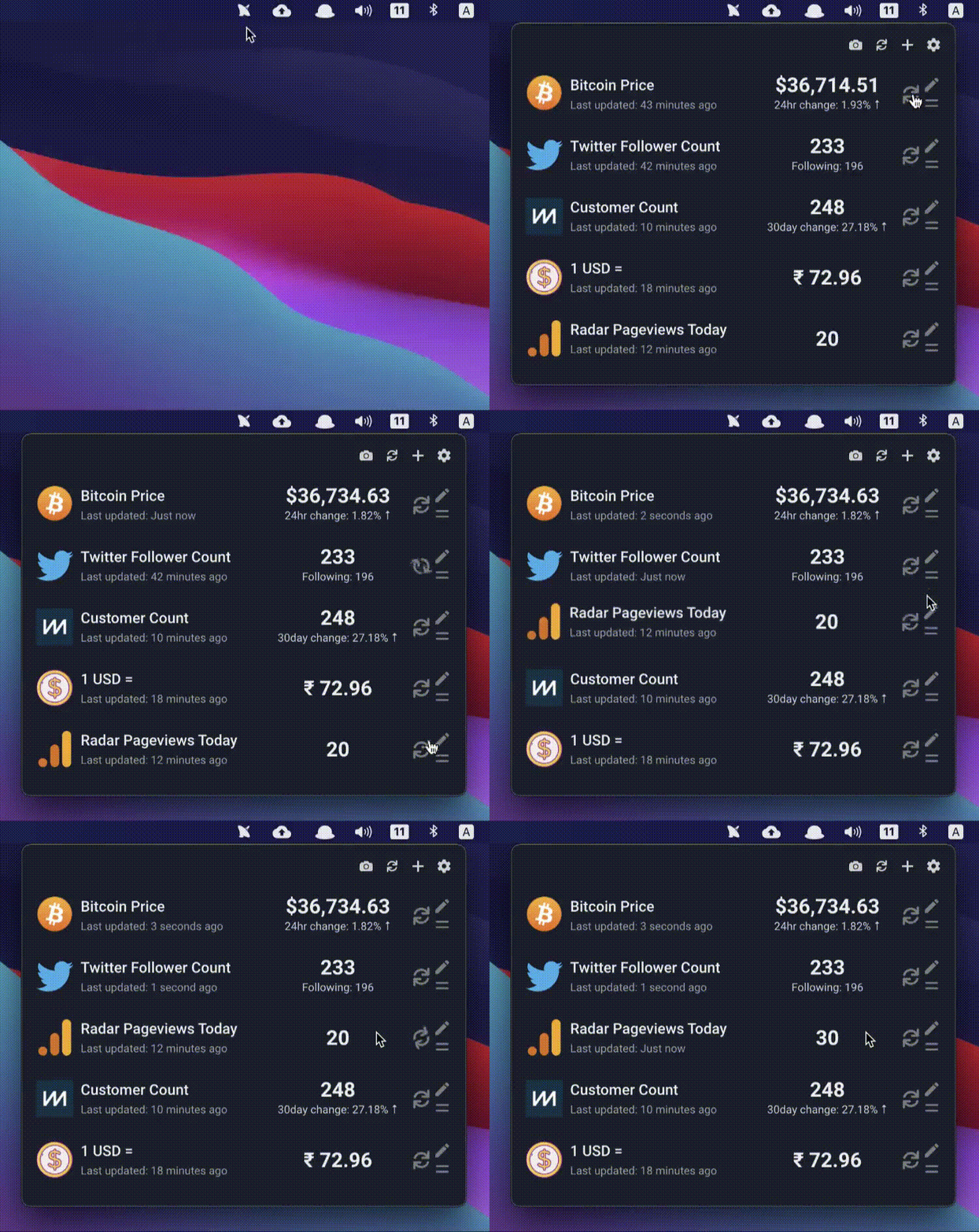
With Radar you can check different metrics from your menu bar. All the things that matter to you in one place.
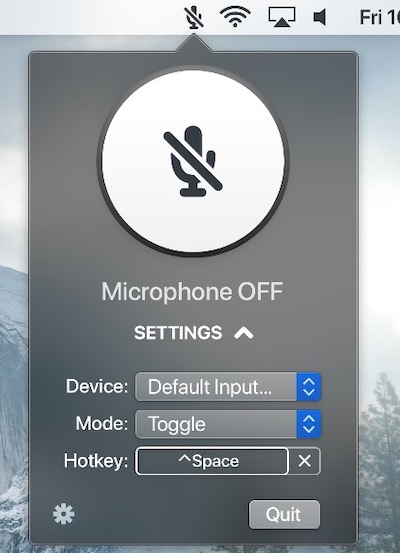
Mute and unmute your microphone, in any app. You can also choose between Toggle and Push-to-talk modes.
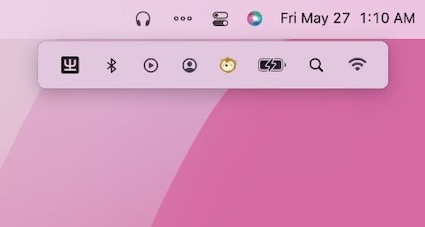
This menu bar app lets you hide and display icons when necessary. The enhanced mode offers you a separate menu bar under the original one.
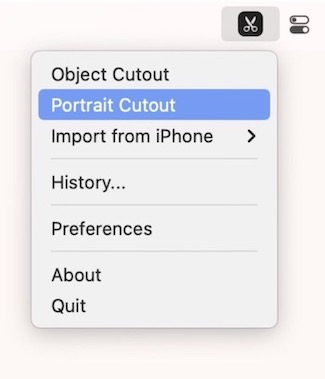
Select and remove an object from any photo without using complex selection tools. SpeedCut is the background removal tool, straight from your menu bar.
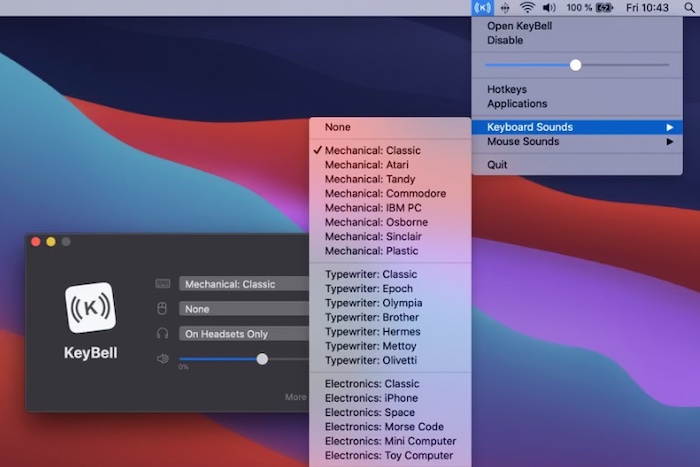
KeyBell plays a nostalgic mechanical sound every time you type something on your keyboard. It works on your entire Mac, on all apps. It is designed as a productivity boost if you dislike the boring and silent keyboards.