Collection:
Fun Apps
CatFidget
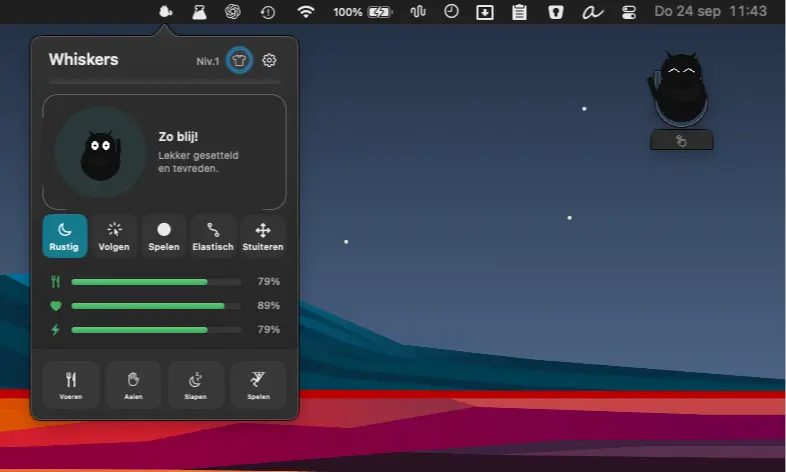
Cat Fidget adds a playful desktop companion to your Mac. Drag, toss, follow or simply watch it nap, with five behaviors, optional care modes, custom photo pets, and one-time unlocks.

The best of both worlds: great menu bar apps you can try for free — and unlock when you’re ready.
The best of both worlds: great menu bar apps you can try for free — and unlock when you’re ready.
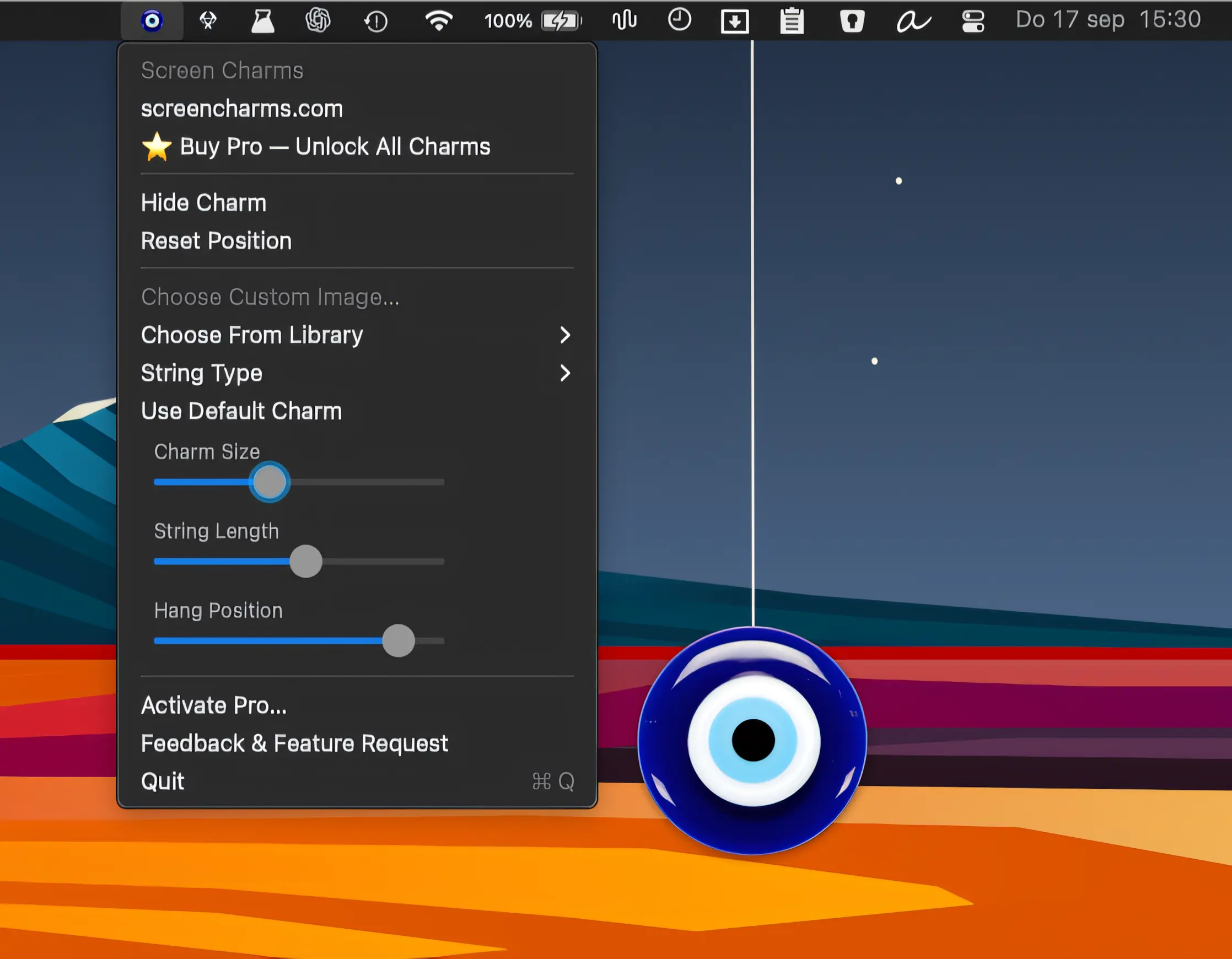
Add a little charm to your Mac with playful decorations that swing beneath the menu bar, featuring custom images, physics-based motion, and a growing library.
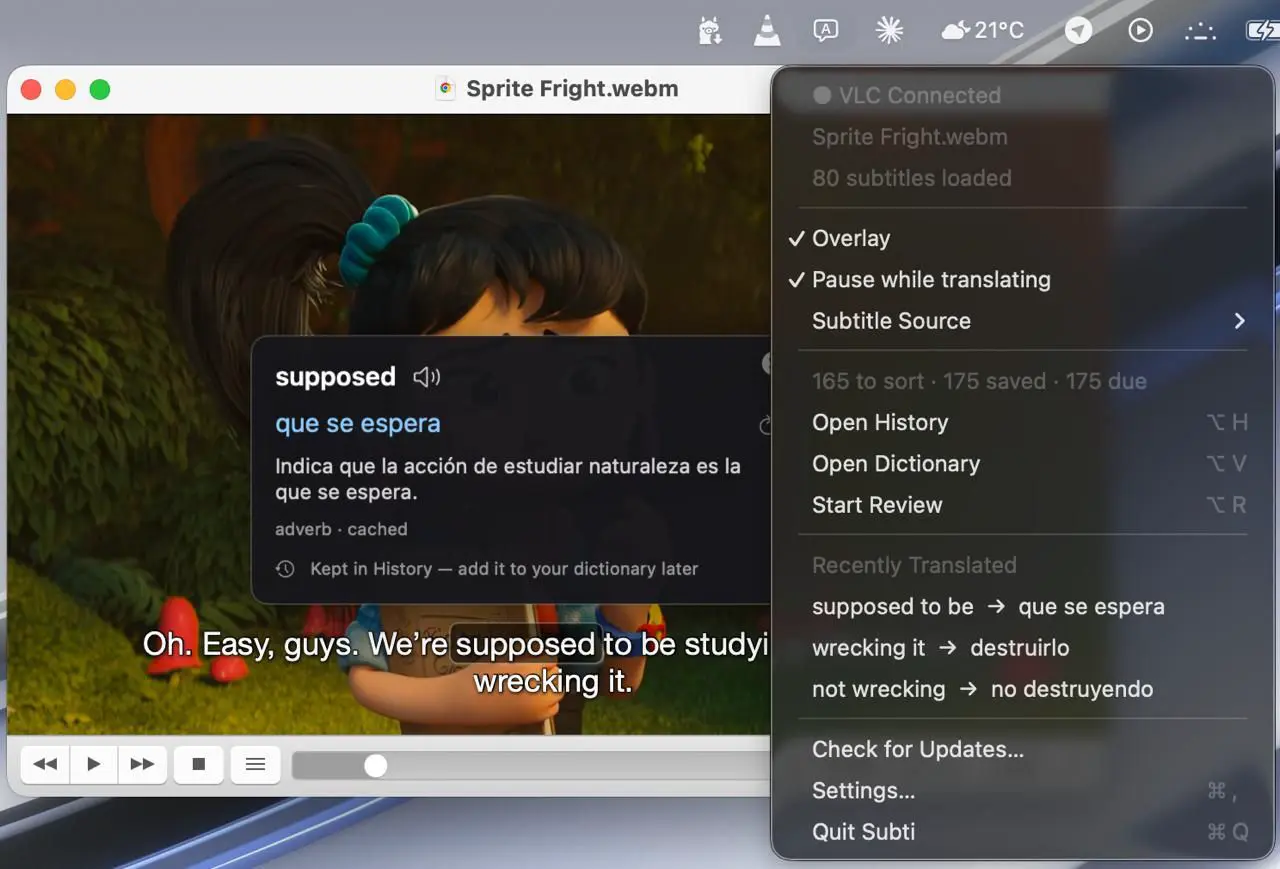
Subti makes language learning part of your movie nights, translating words and phrases in VLC with contextual accuracy. Save new vocabulary, revisit it with spaced repetition, and keep everything local.
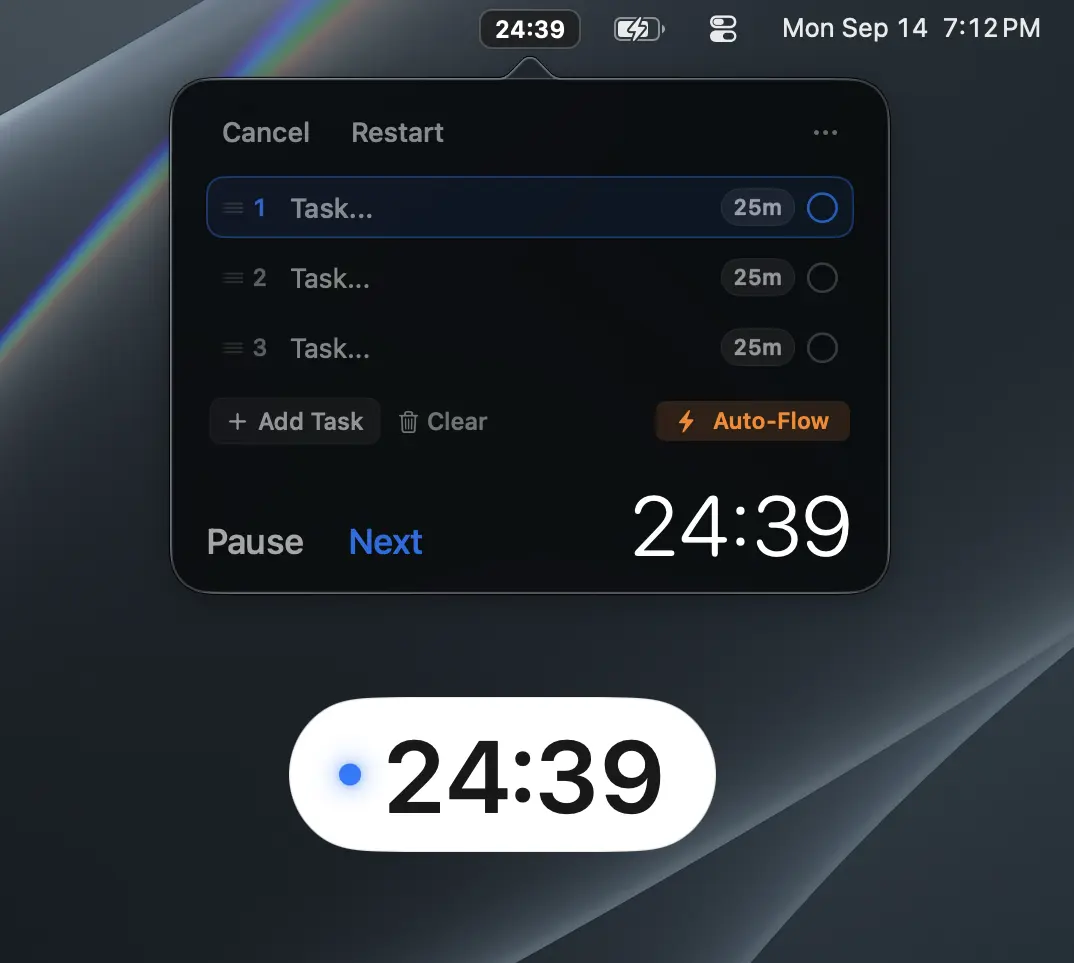
Turn your to-do list into a focused, timed workflow. Timelist lets you queue tasks, set individual durations, and stay on track with a compact floating HUD.
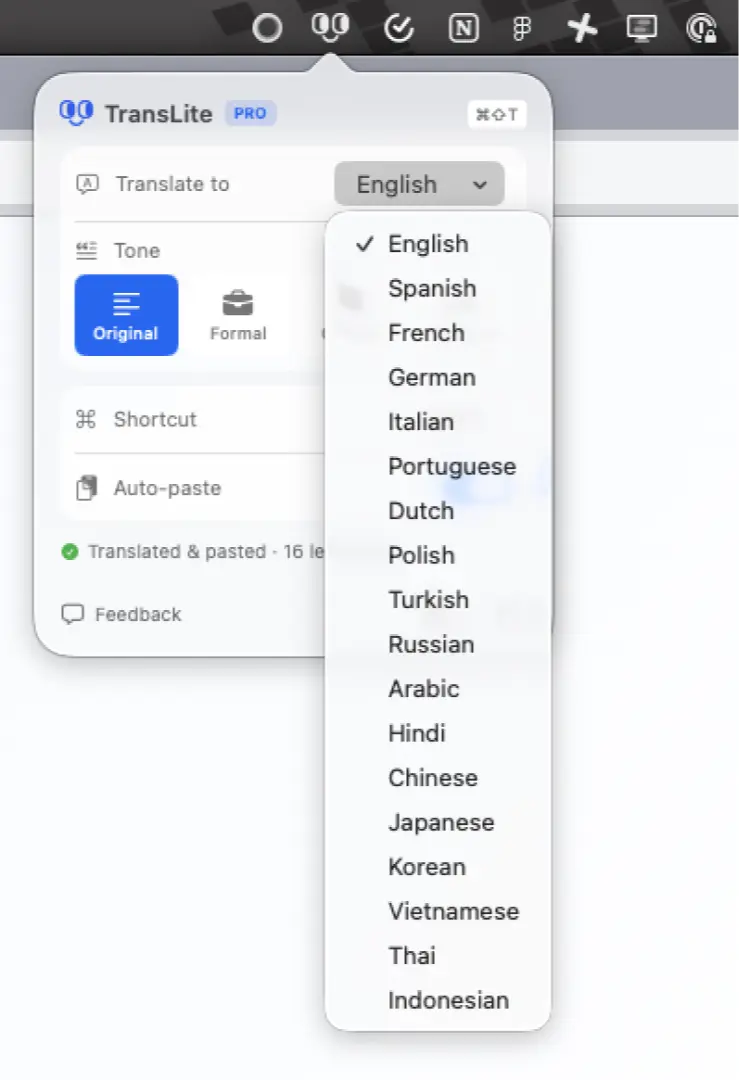
TransLite translates selected text instantly with a shortcut, working across your Mac without copy-pasting. Auto-detect languages, choose your preferred tone, and paste translations directly into any app.

Creative Command makes focus sessions accountable by pausing the timer when you go idle. Customize engagement rules, block distractions, schedule routines, and stay focused on making real progress.
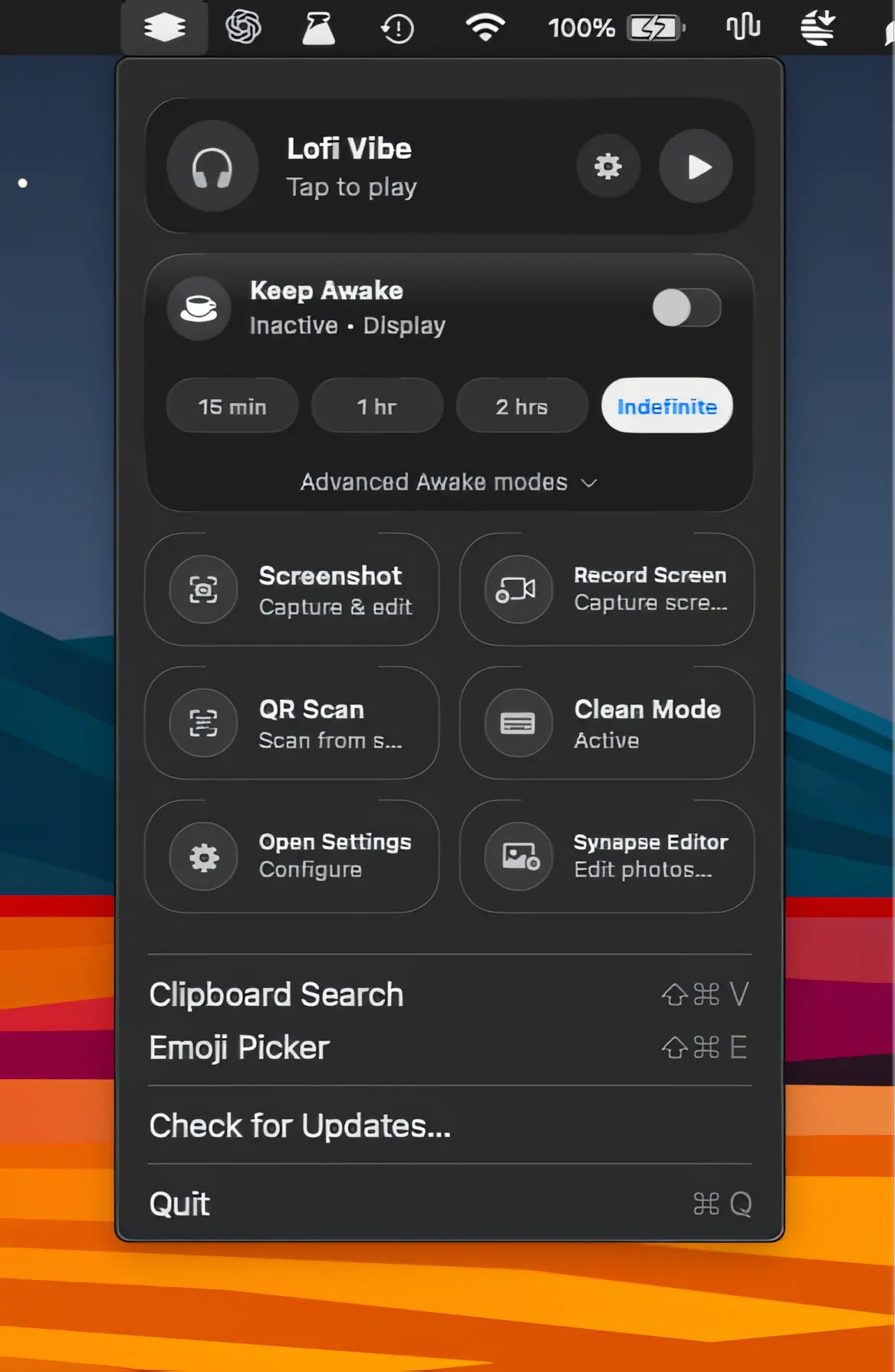
A lightweight collection of everyday Mac utilities for screen recording, screenshots, clipboard history, OCR, QR scanning, sleep prevention, and more, all packed into one streamlined app.