Collection:
Clipboard Managers
Klipto
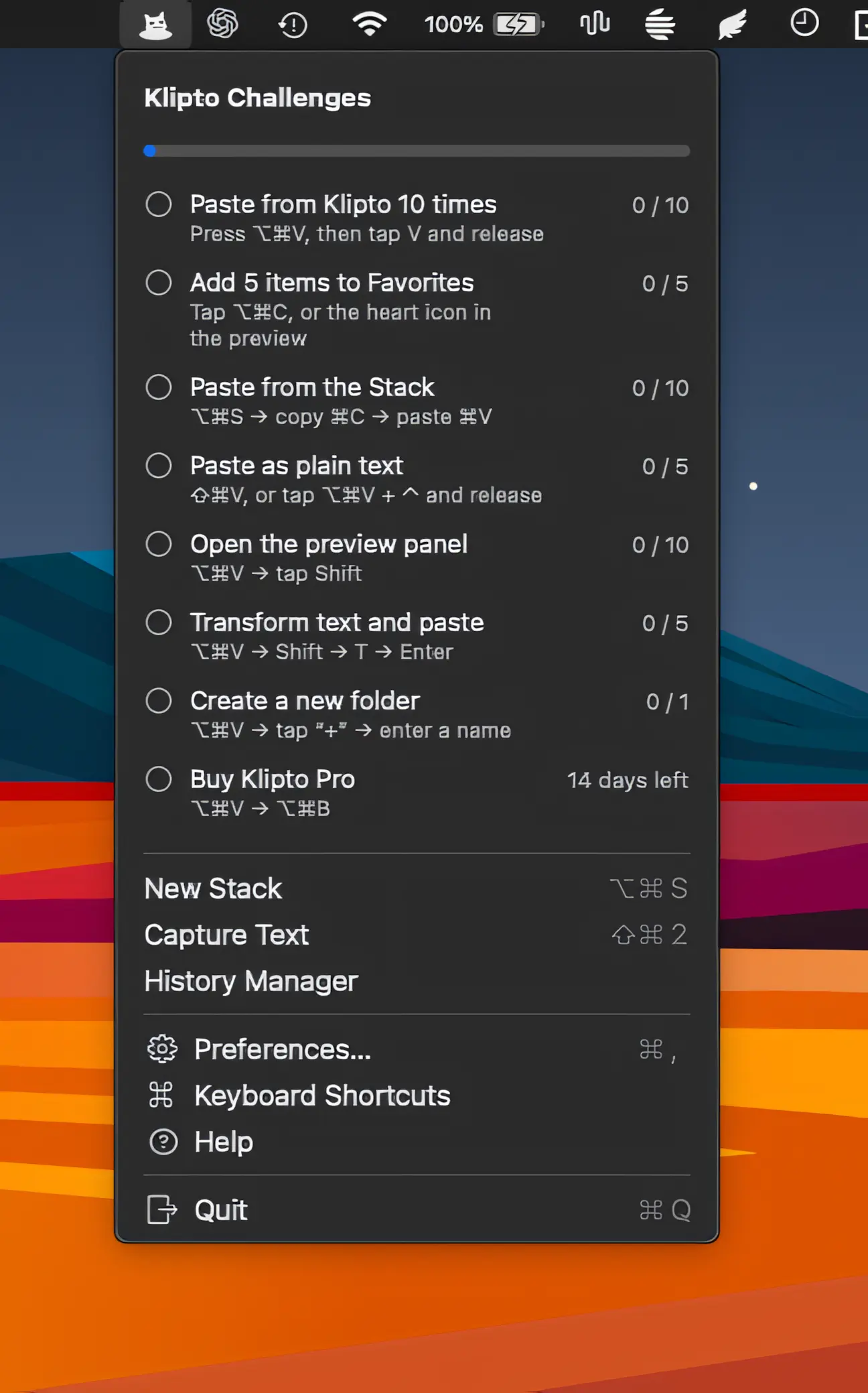
Klipto makes copying and pasting faster with ordered clipboard stacks, automatic Tab and Enter navigation, text transformations, screenshot OCR, unlimited history, and private on-device processing.

The best of both worlds: great menu bar apps you can try for free — and unlock when you’re ready.
The best of both worlds: great menu bar apps you can try for free — and unlock when you’re ready.
Klipto makes copying and pasting faster with ordered clipboard stacks, automatic Tab and Enter navigation, text transformations, screenshot OCR, unlimited history, and private on-device processing.
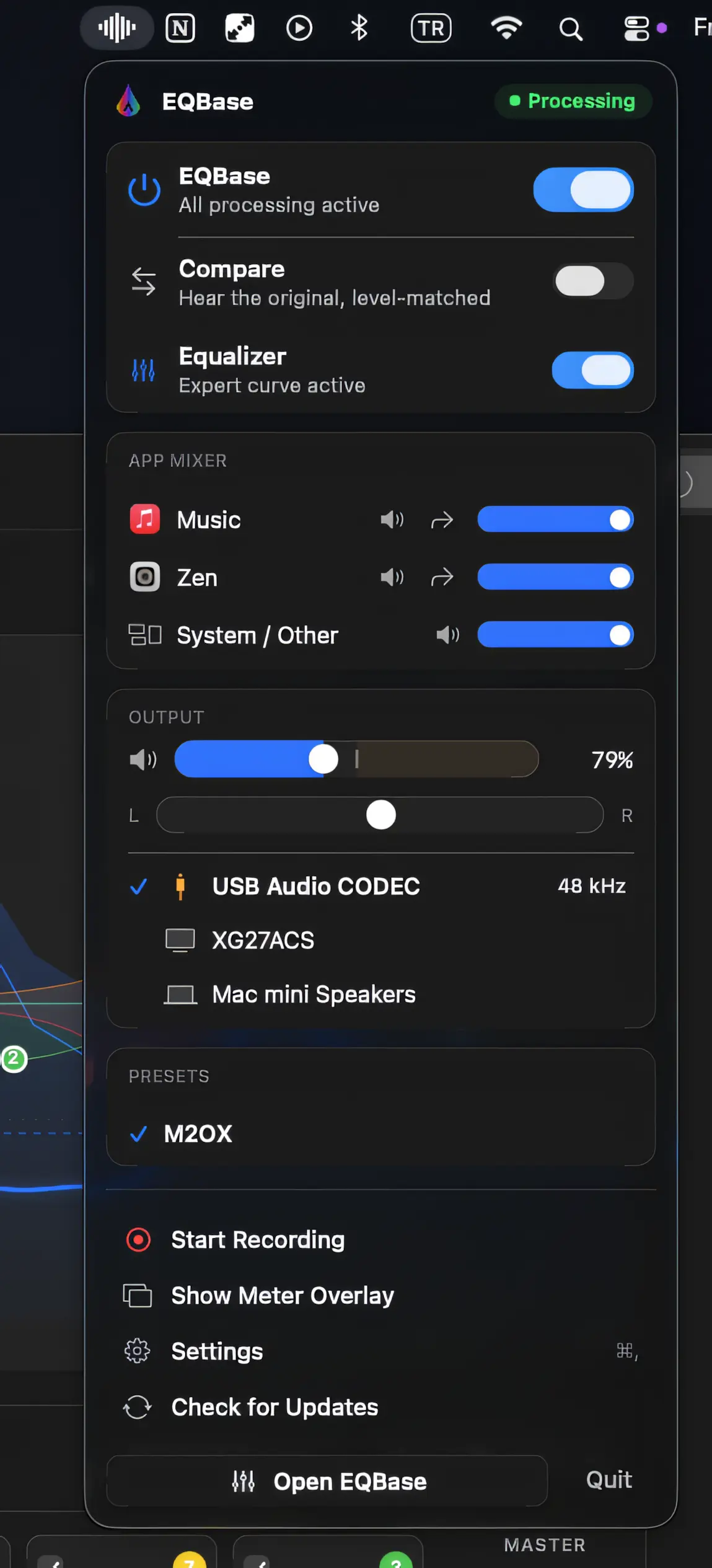
EQBase is a system-wide equalizer with real-time audio processing, per-app volume control, output switching, presets and parametric EQ. It stays bit-perfect when flat, with zero-latency processing and no driver required.
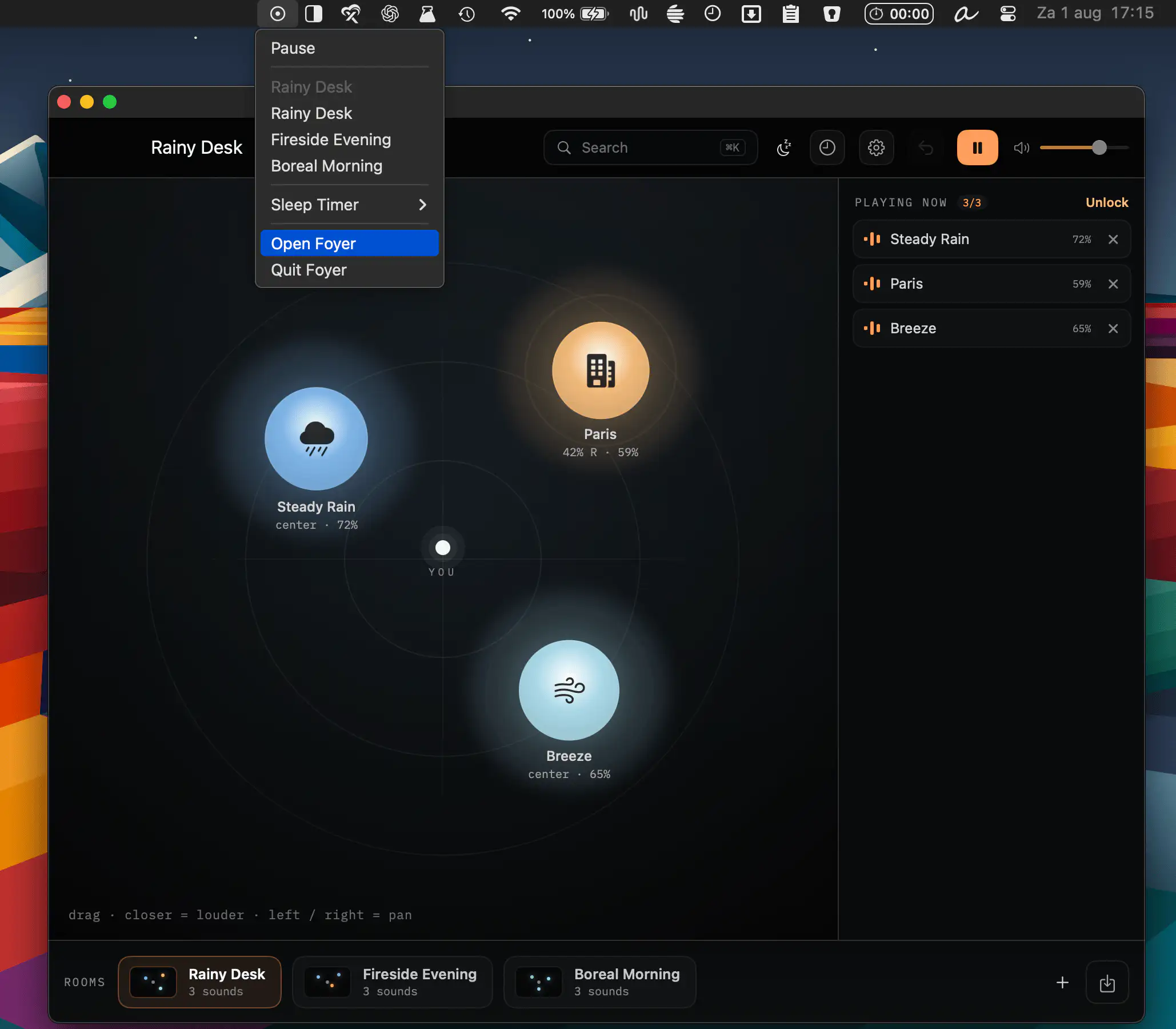
Foyer transforms ambient sounds into immersive spaces, letting you arrange binaural audio scenes with rain, forests, city sounds, and more. Create calming rooms, save moods, and enjoy private, distraction-free listening.
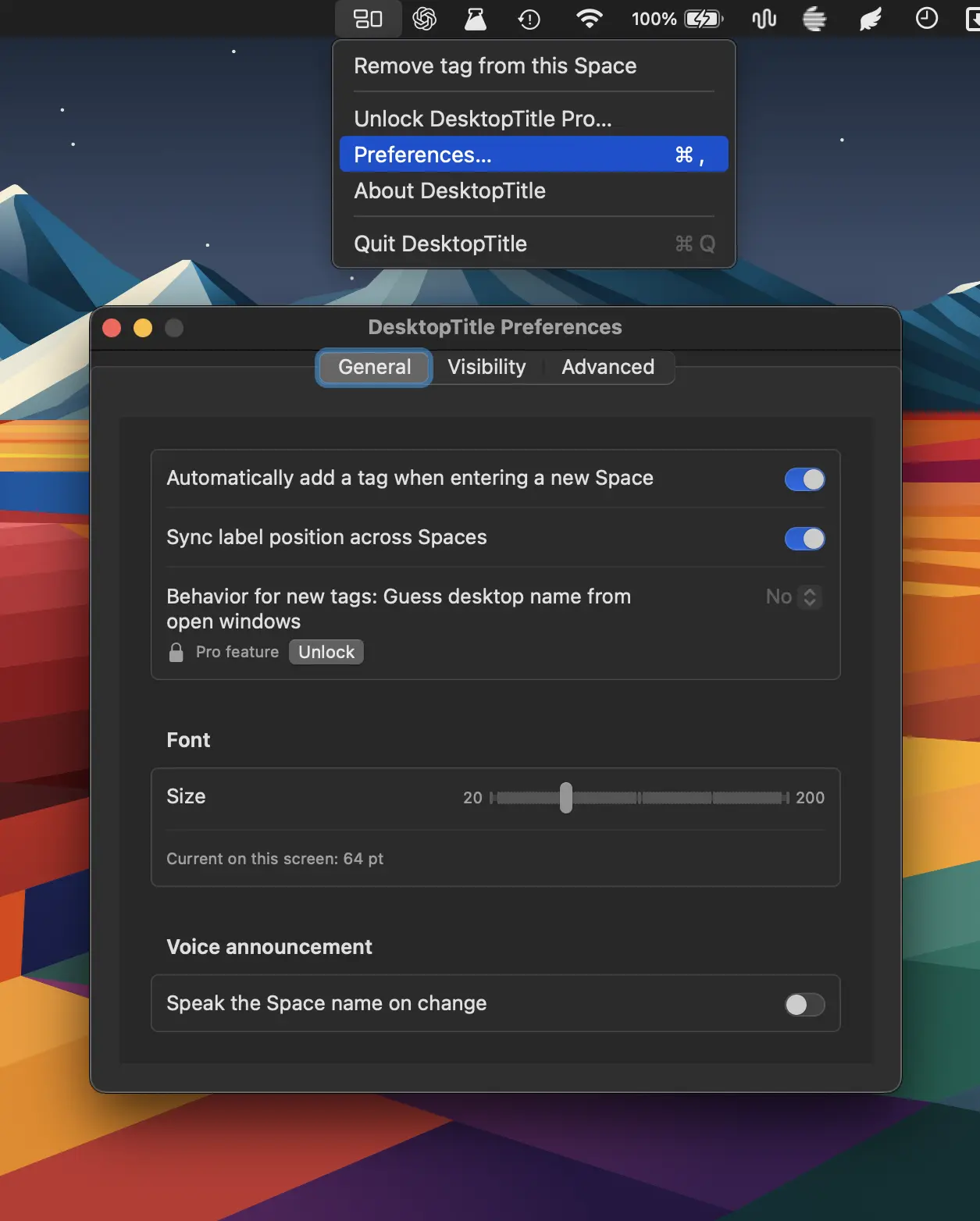
DesktopTitle keeps you oriented across multiple Spaces with always-visible, customizable desktop names. Rename each Space in one click and instantly know whether you’re in Work, Personal, Design, Code, or more.
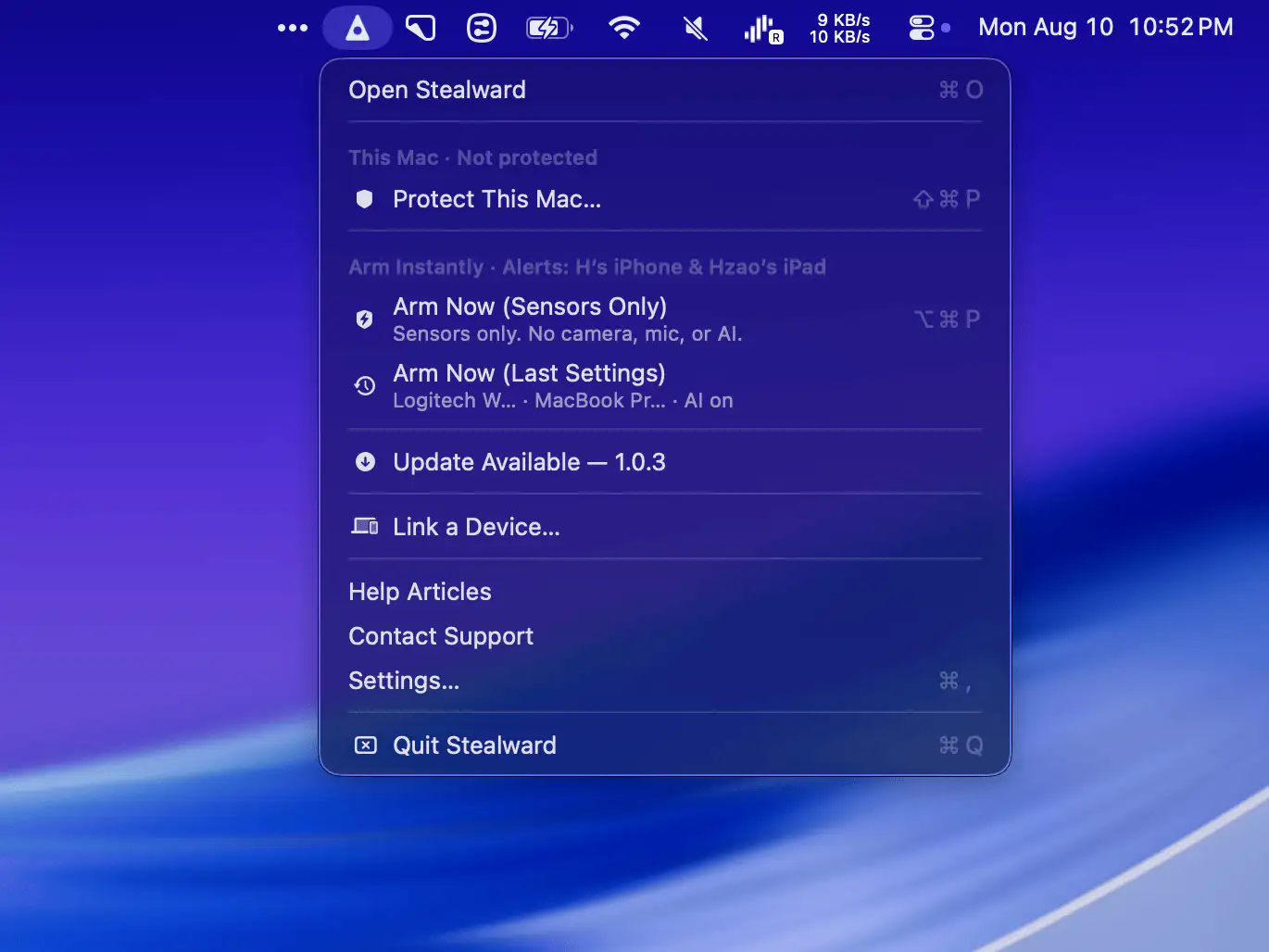
Protect your Mac and belongings when you step away in public spaces. Stealward combines anti-theft alerts, movement and charger monitoring, encrypted live video, recording, and AI-powered threat detection.
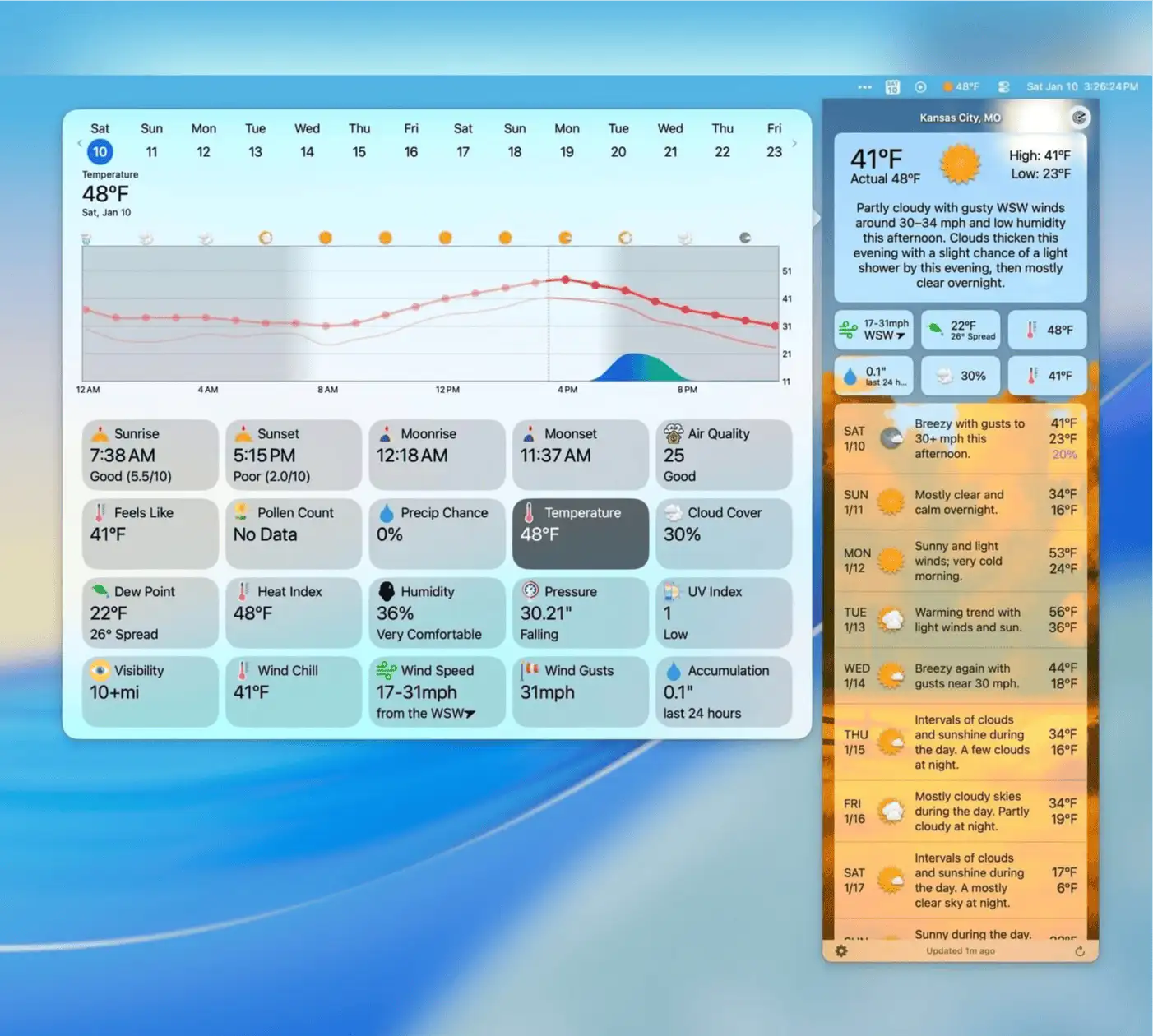
Forecast Bar delivers detailed weather forecasts with interactive charts, animated radar, customizable alerts, air quality, pollen, tides, and smart weather stories tailored to your location.
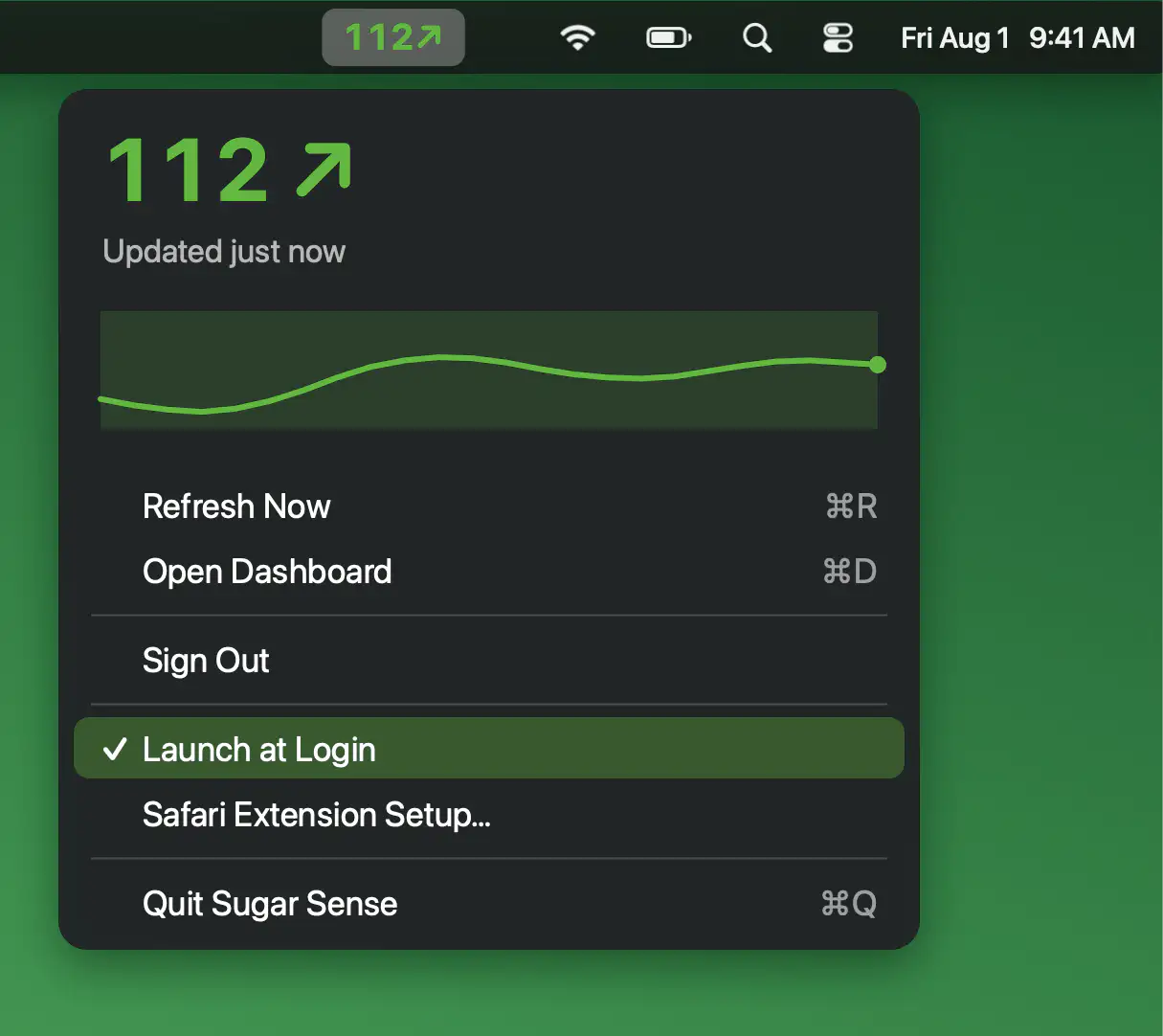
Keep your glucose in view while you work with live readings, trend arrows and a three-hour mini graph. Sugar Sense also brings the same data to Safari, making it easy to check at a glance.
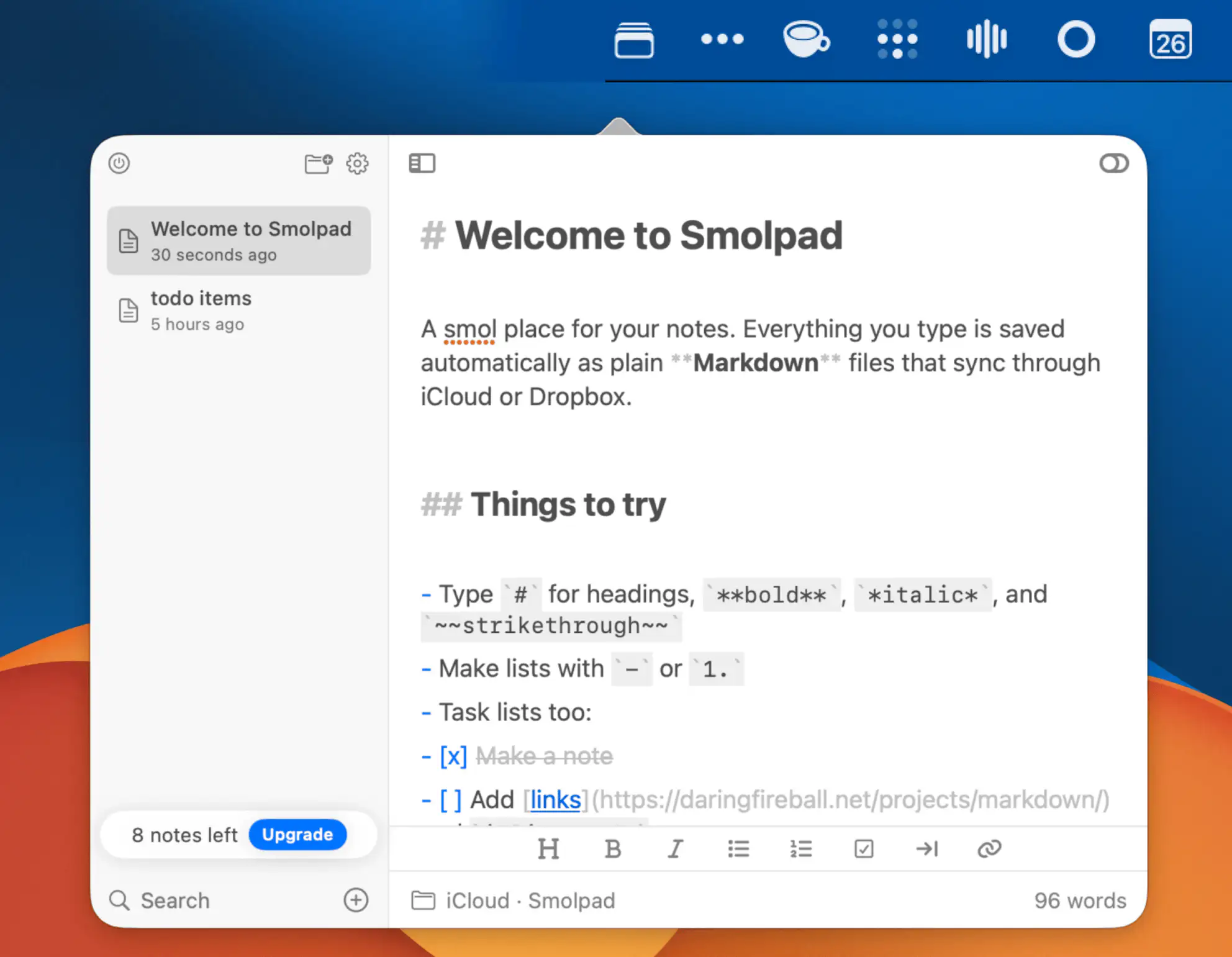
Smolpad is a lightweight Markdown notes app that keeps your writing portable. Create notes instantly, save them as plain files in iCloud Drive or Dropbox, and customize your workspace with themes, icons, and flexible editing tools.
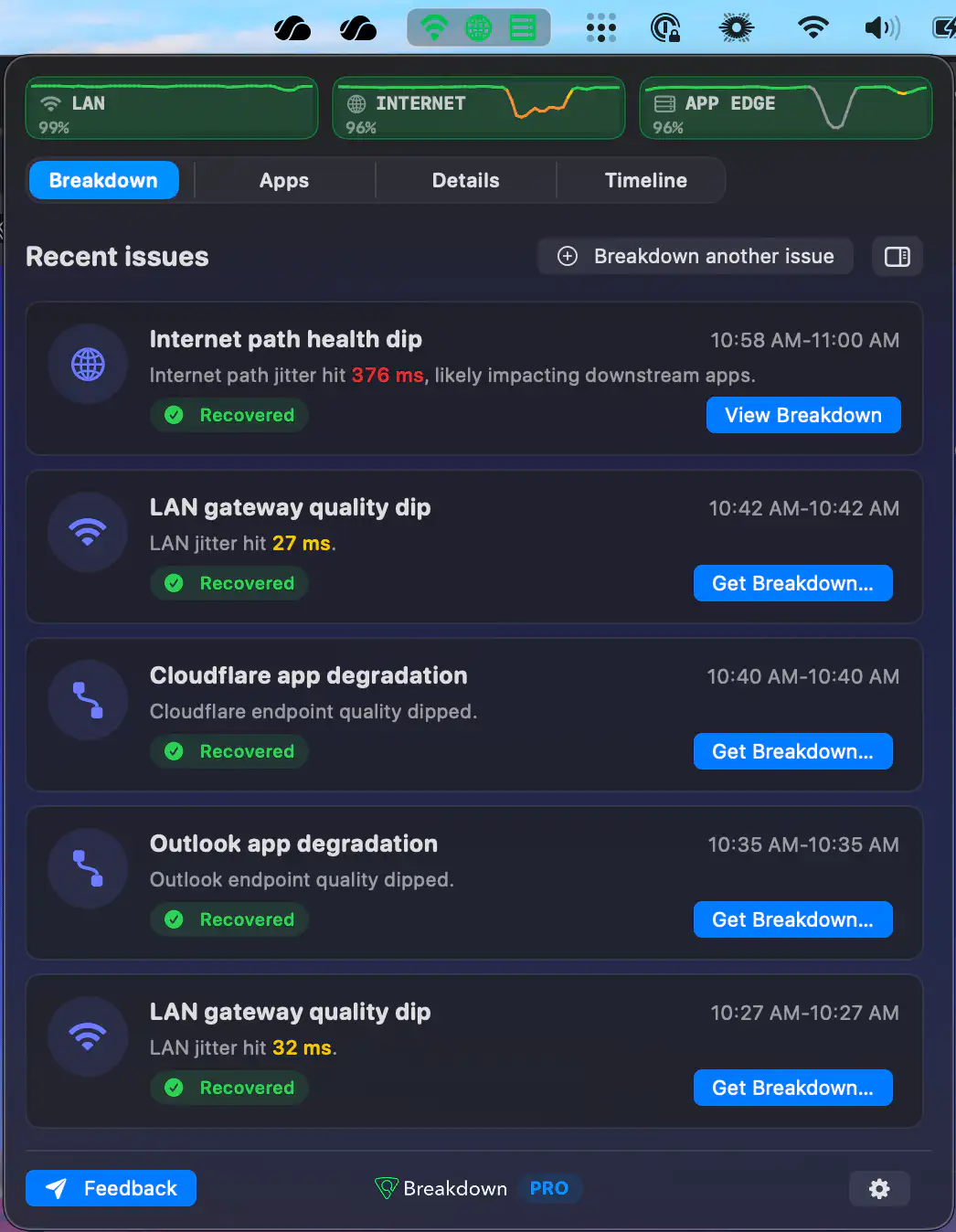
Breakdown helps diagnose frustrating connection issues by showing whether problems come from Wi-Fi, your ISP path, or an app. Track failures, uncover network bottlenecks, and troubleshoot with clear evidence instead of guesswork.
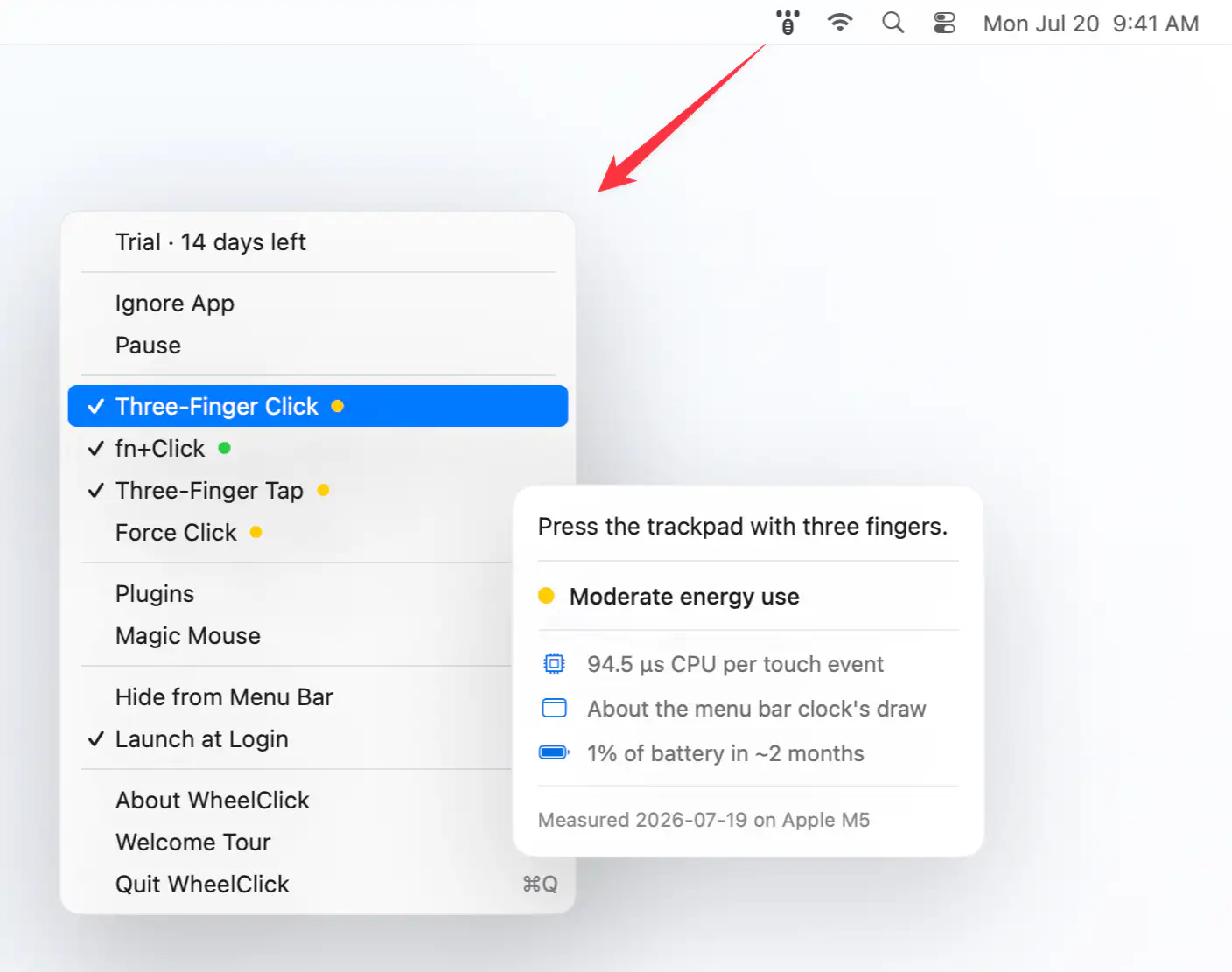
WheelClick brings middle-click support to macOS with customizable trackpad and Magic Mouse gestures, Windows-style autoscroll, CAD-friendly drag controls, and per-app rules. Built as the successor to MiddleClick.