Collection:
Meeting Apps
Tellie
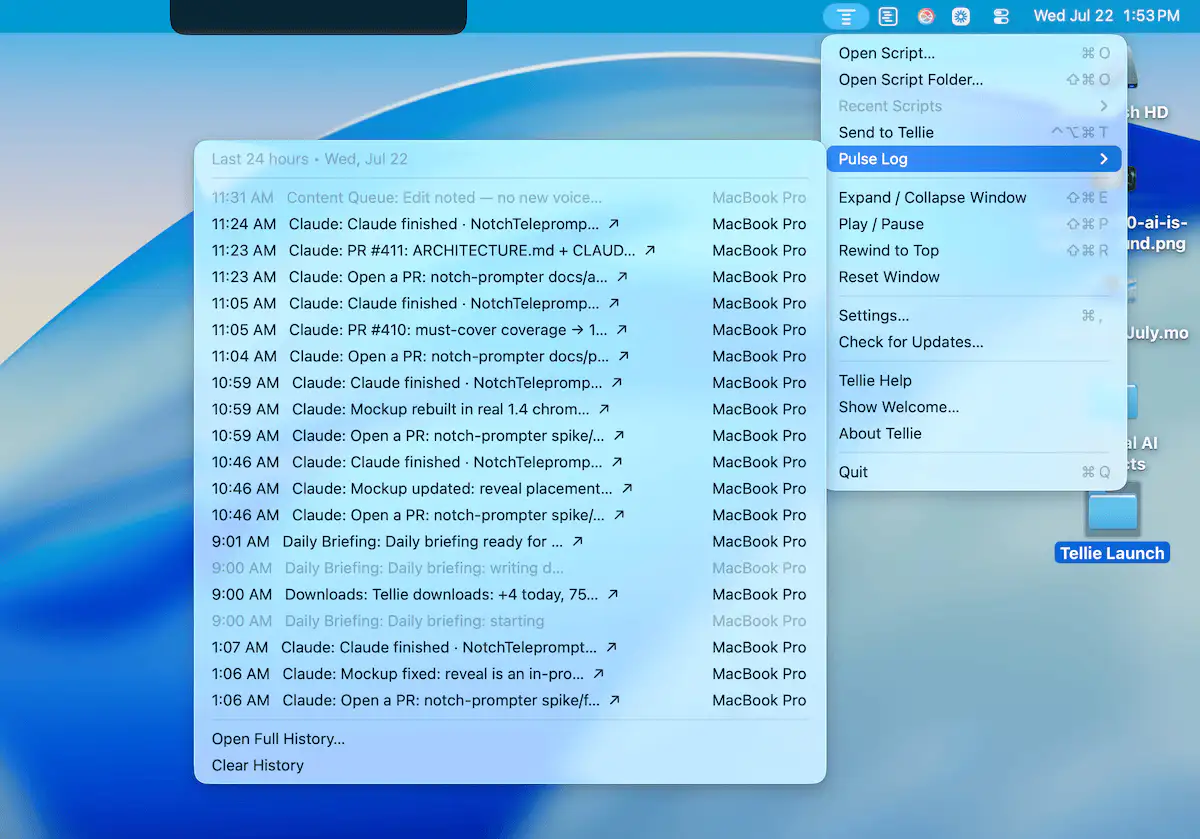
Tellie helps you stay focused while speaking by following your voice with on-device speech recognition. Use it for presentations, recordings, meetings, and scripts that stay private and follow your flow.

The best of both worlds: great menu bar apps you can try for free — and unlock when you’re ready.
The best of both worlds: great menu bar apps you can try for free — and unlock when you’re ready.
Tellie helps you stay focused while speaking by following your voice with on-device speech recognition. Use it for presentations, recordings, meetings, and scripts that stay private and follow your flow.
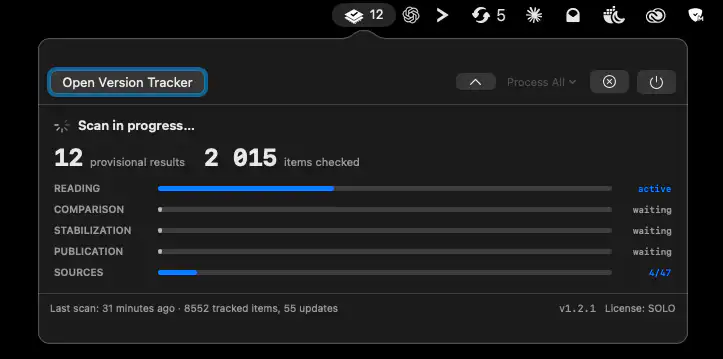
Version Tracker keeps your Mac software up to date by monitoring applications, developer tools, and packages from 47 update sources. It combines one-click updates, security checks, and detailed version tracking with a privacy-first approach.
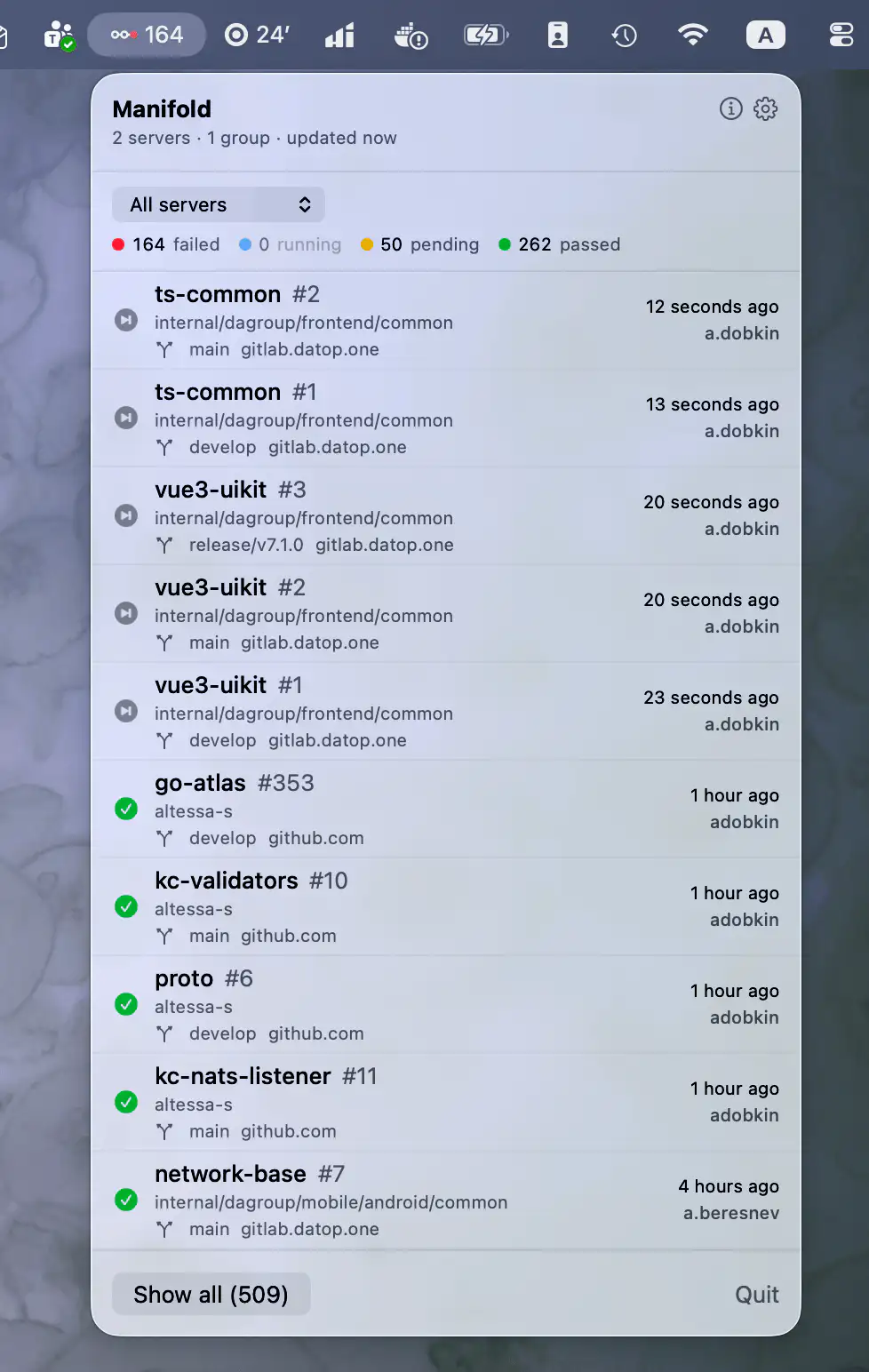
Manifold brings GitLab and GitHub Actions pipelines into one place, showing status at a glance with alerts, filtering, logs, retries, and secure access across multiple projects and servers.
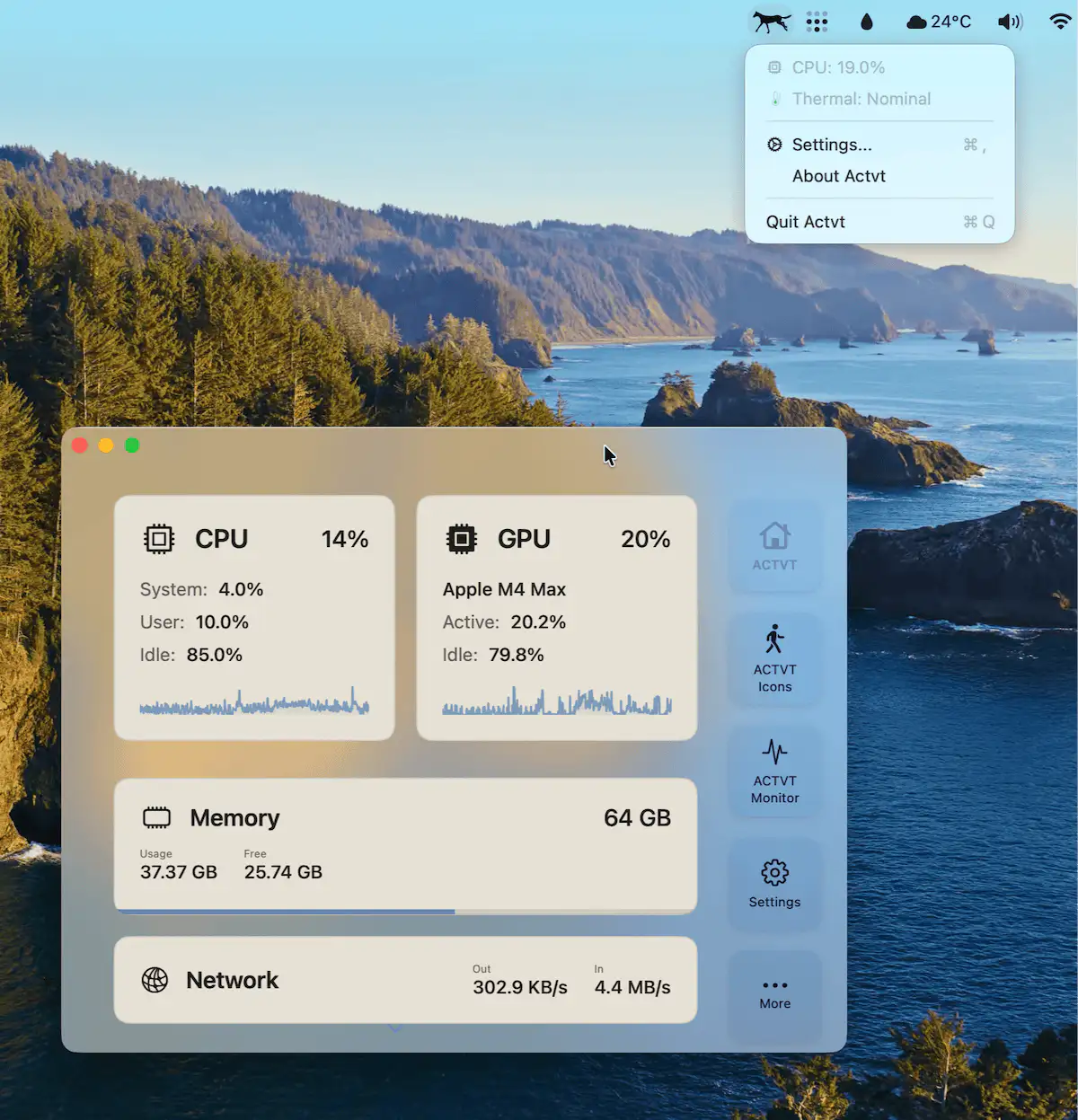
Actvt combines live CPU, GPU, memory, and network monitoring with AI cost tracking, searchable Claude Code and Codex session transcripts, and a customizable animated menu bar icon.
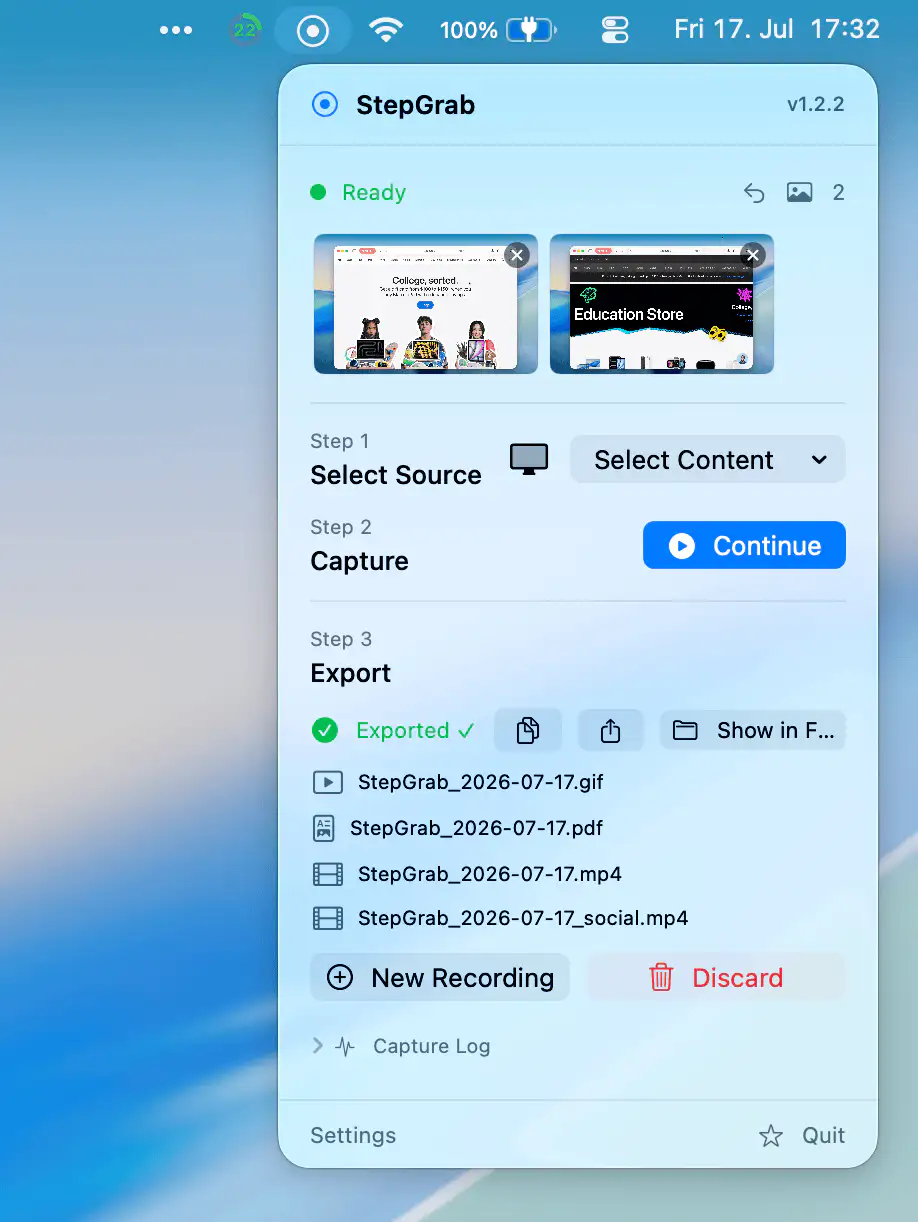
StepGrab turns any workflow into a polished step-by-step guide, capturing each click as a clean, annotated screenshot, then exporting to PDF, GIF, or MP4, with everything processed locally on your Mac.
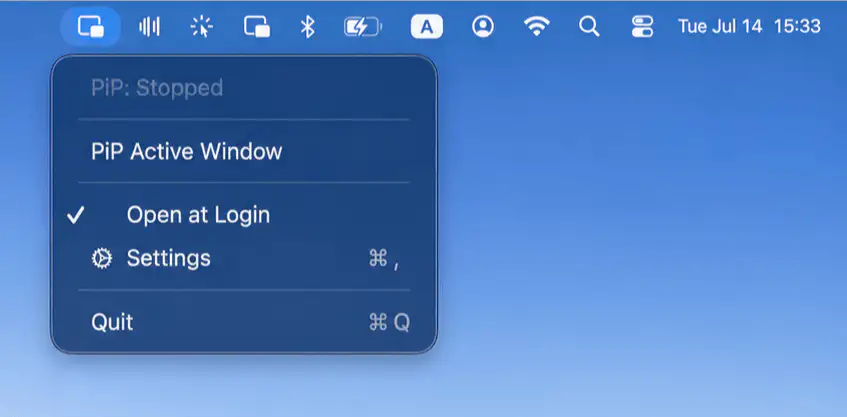
Pocket Screen keeps important content visible while you work with compact, always-on-top reference windows. Resize, reposition, adjust opacity, and stay focused with flexible controls.
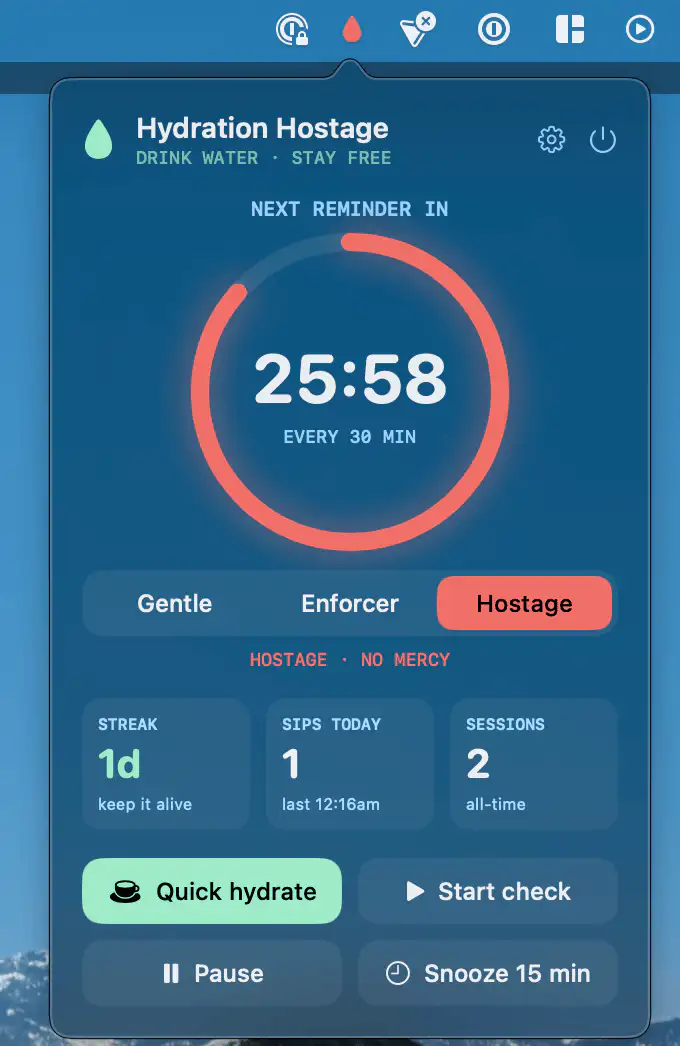
Hydration Hostage takes hydration reminders further than a notification you’ll just dismiss. It can lock your screen until the camera confirms a real sip, with gentle-to-ruthless modes, streak tracking, and everything verified locally.
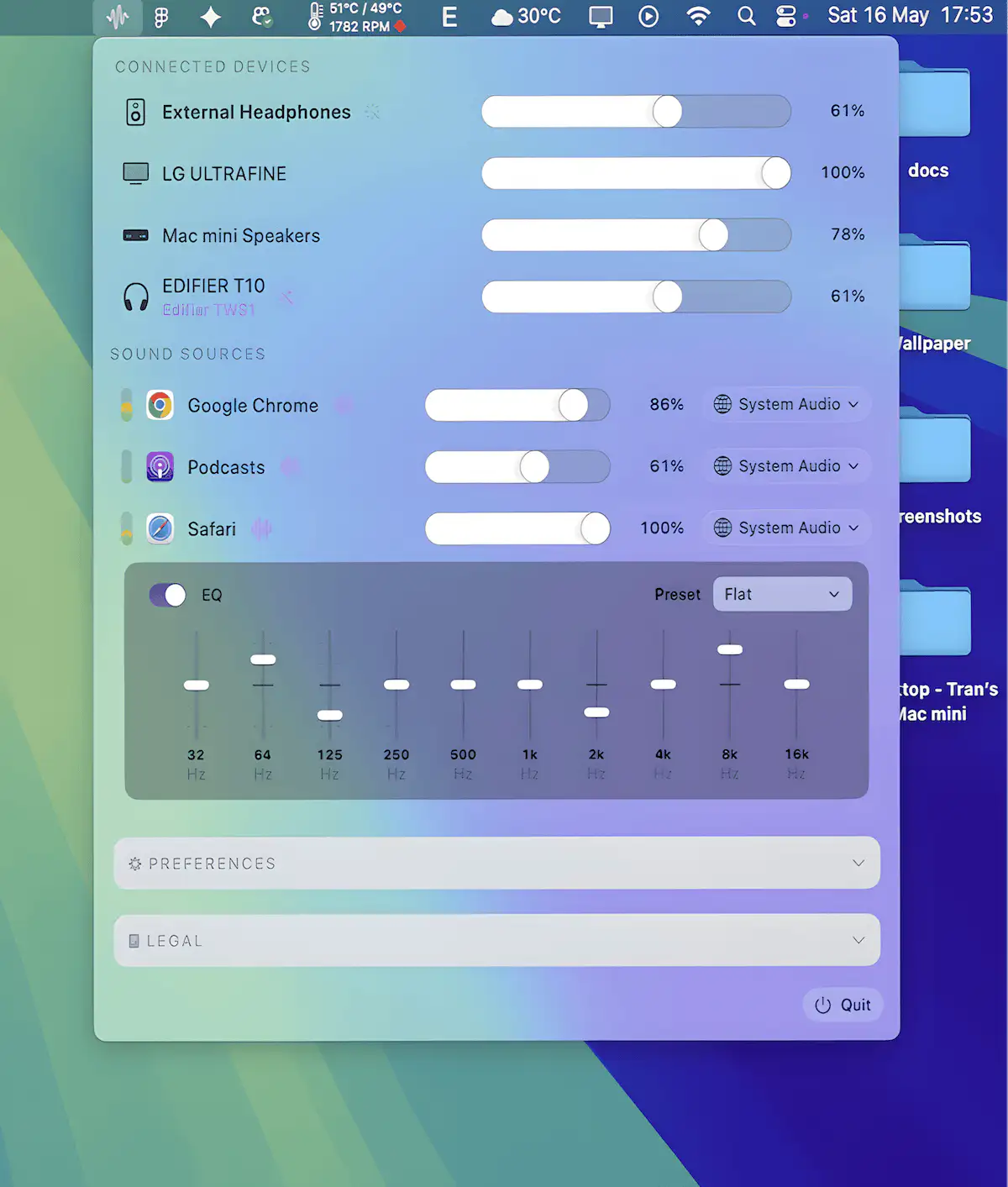
Take full control of your Mac’s audio with per-app volume and routing, multi-device output, and powerful EQ tools including AutoEQ profiles.