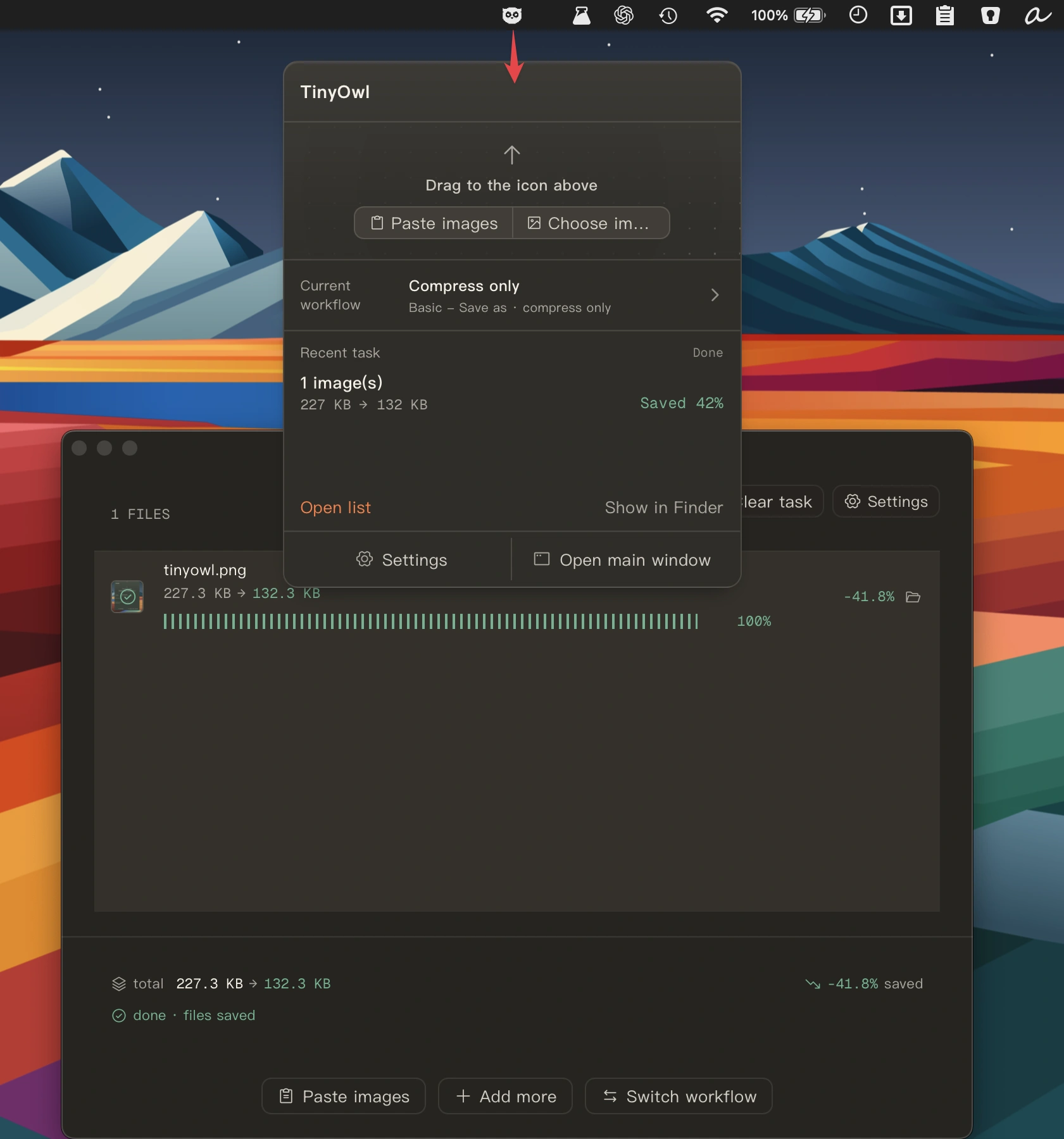
Collection:
Audio Apps
Some apps are worth paying for. These premium menu bar tools deliver serious value.
Collection:
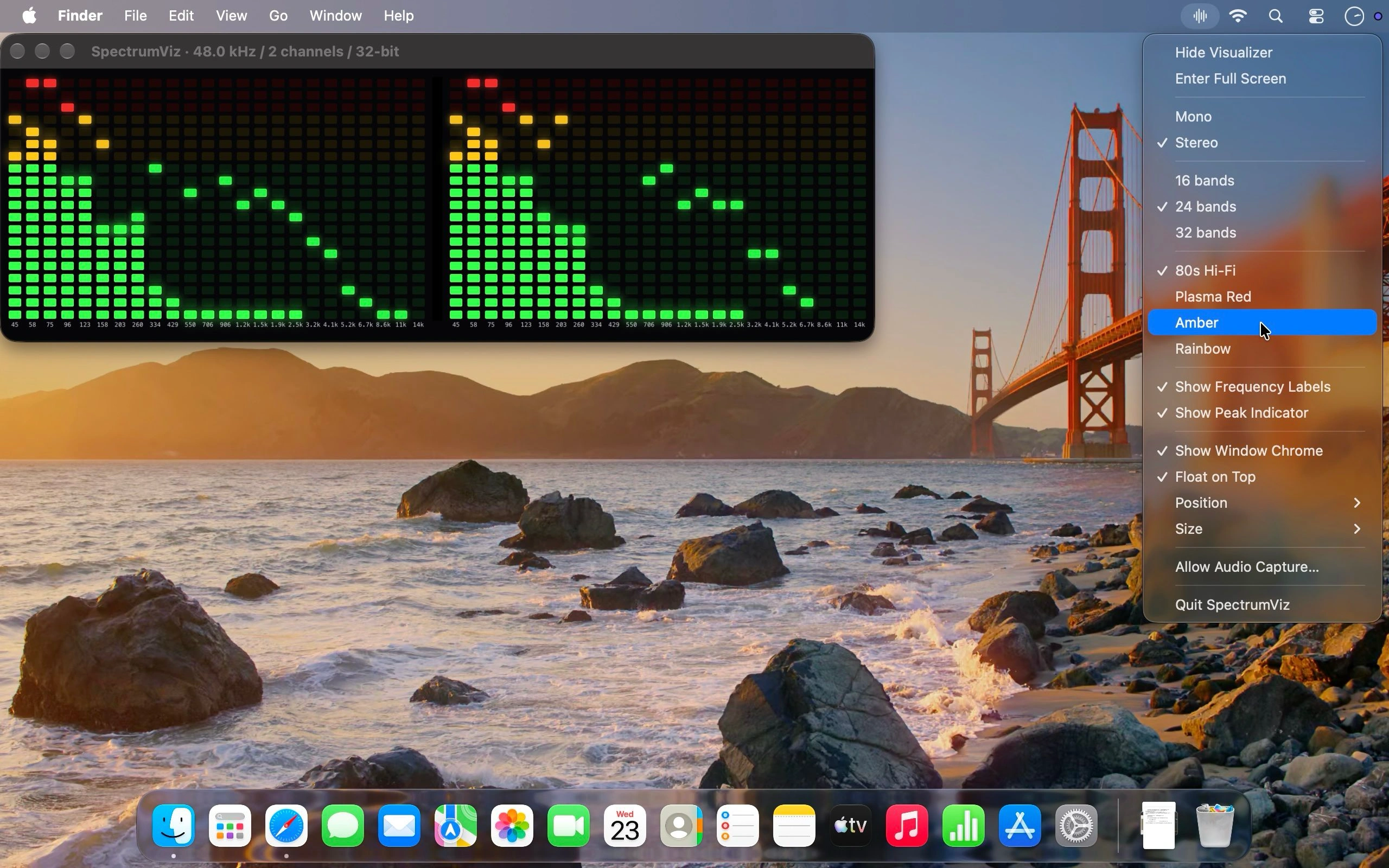
Color Apps
ColorPop
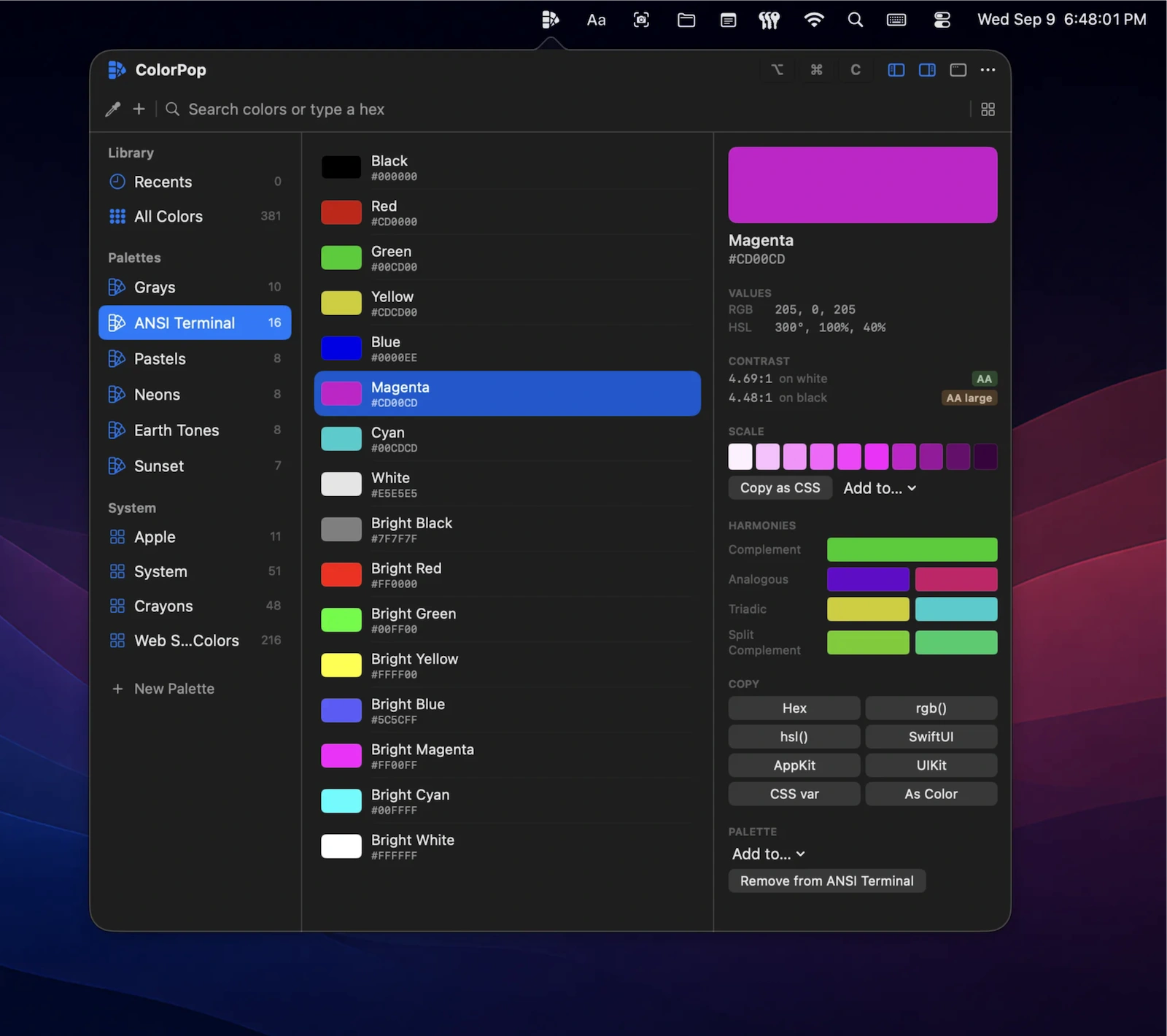
Create, organize, and sync color palettes across your Mac, iPhone, and iPad. Pick colors from anywhere, check WCAG and APCA contrast, and copy color values in the format you need.
Collection:
System Tools
Aide
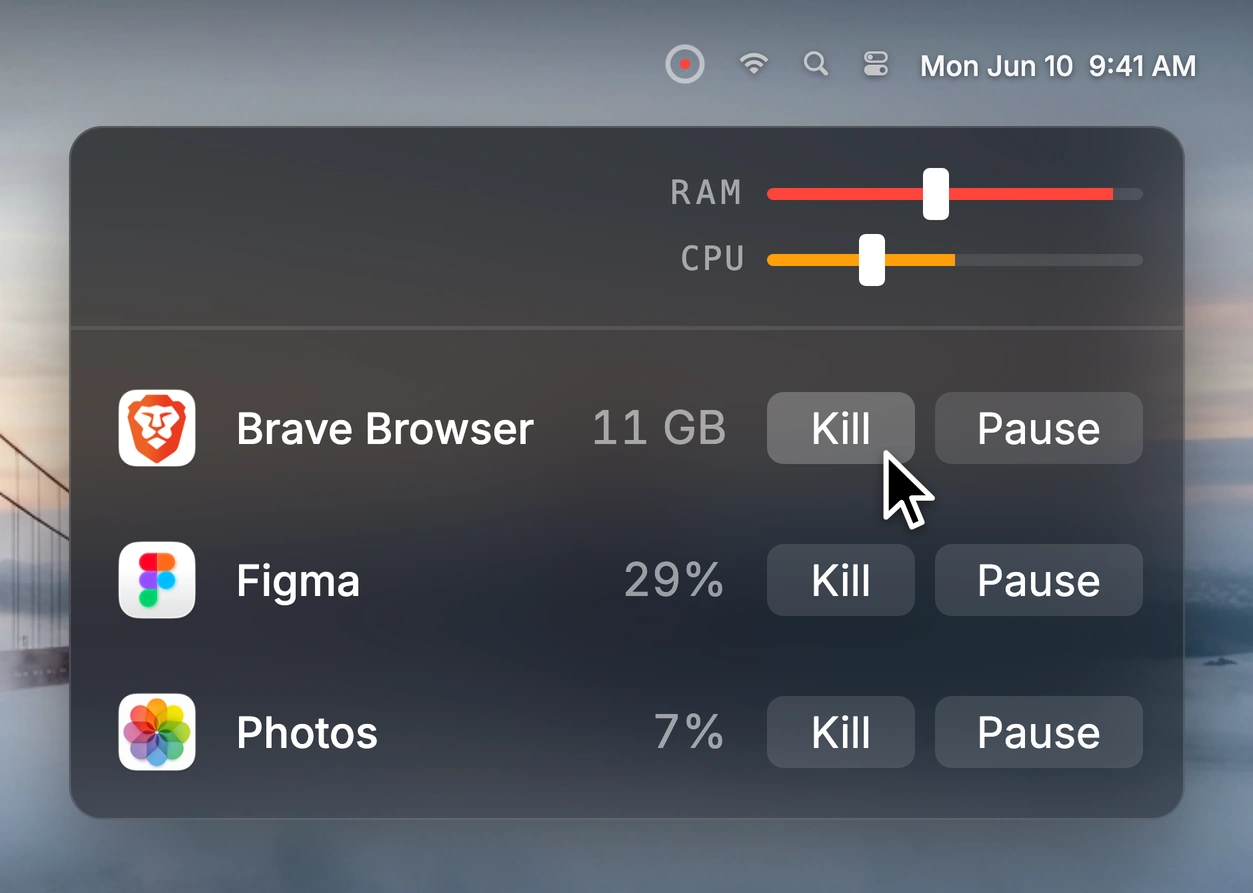
Aide monitors CPU and memory usage against custom limits, turning its indicator orange or red when thresholds are exceeded. Identify resource-heavy apps, then pause, resume, restart, or terminate them.
Collection:
Calendar Apps
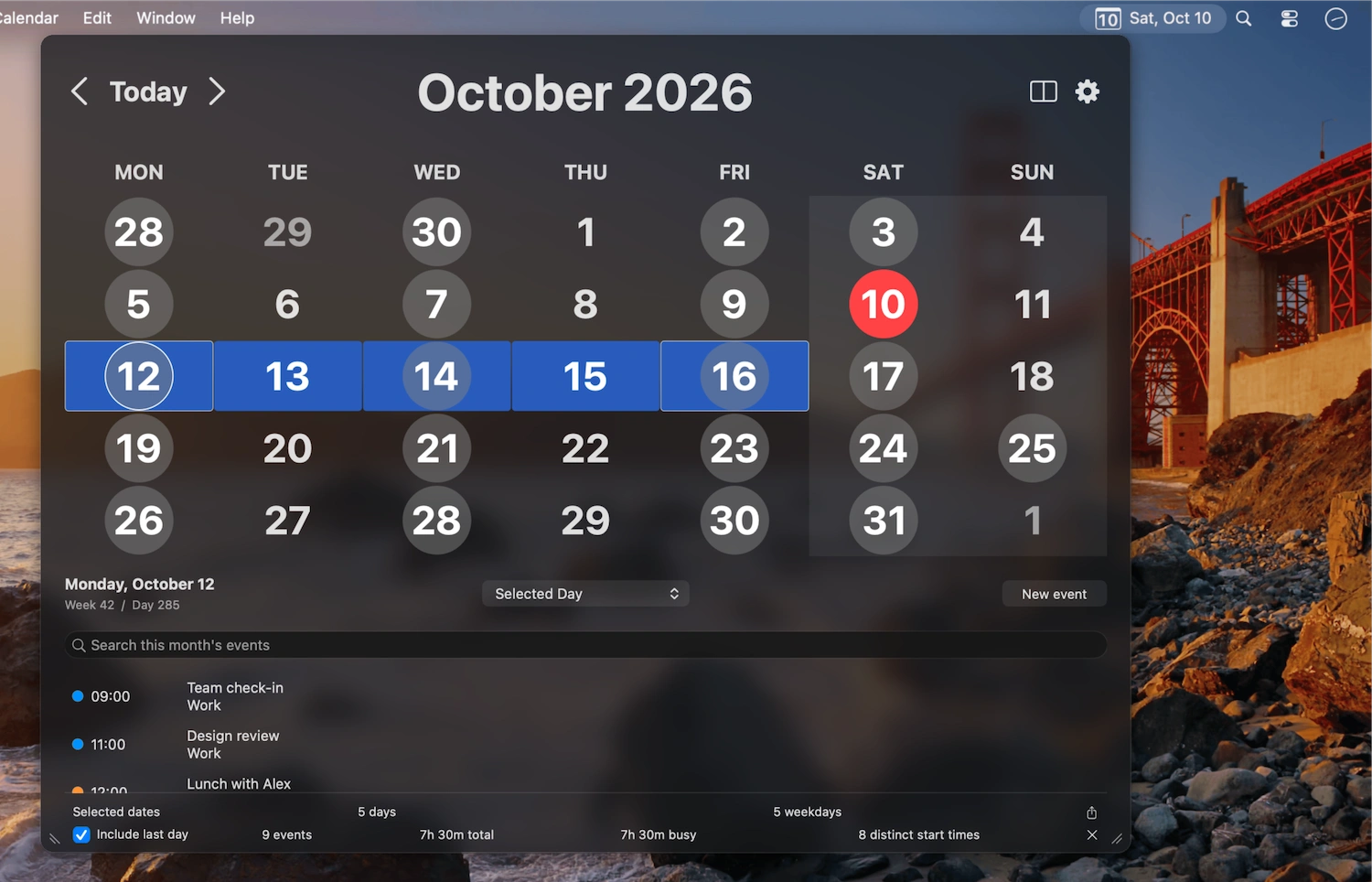
popCalendar
Collection:
AI Apps
AgentAwake
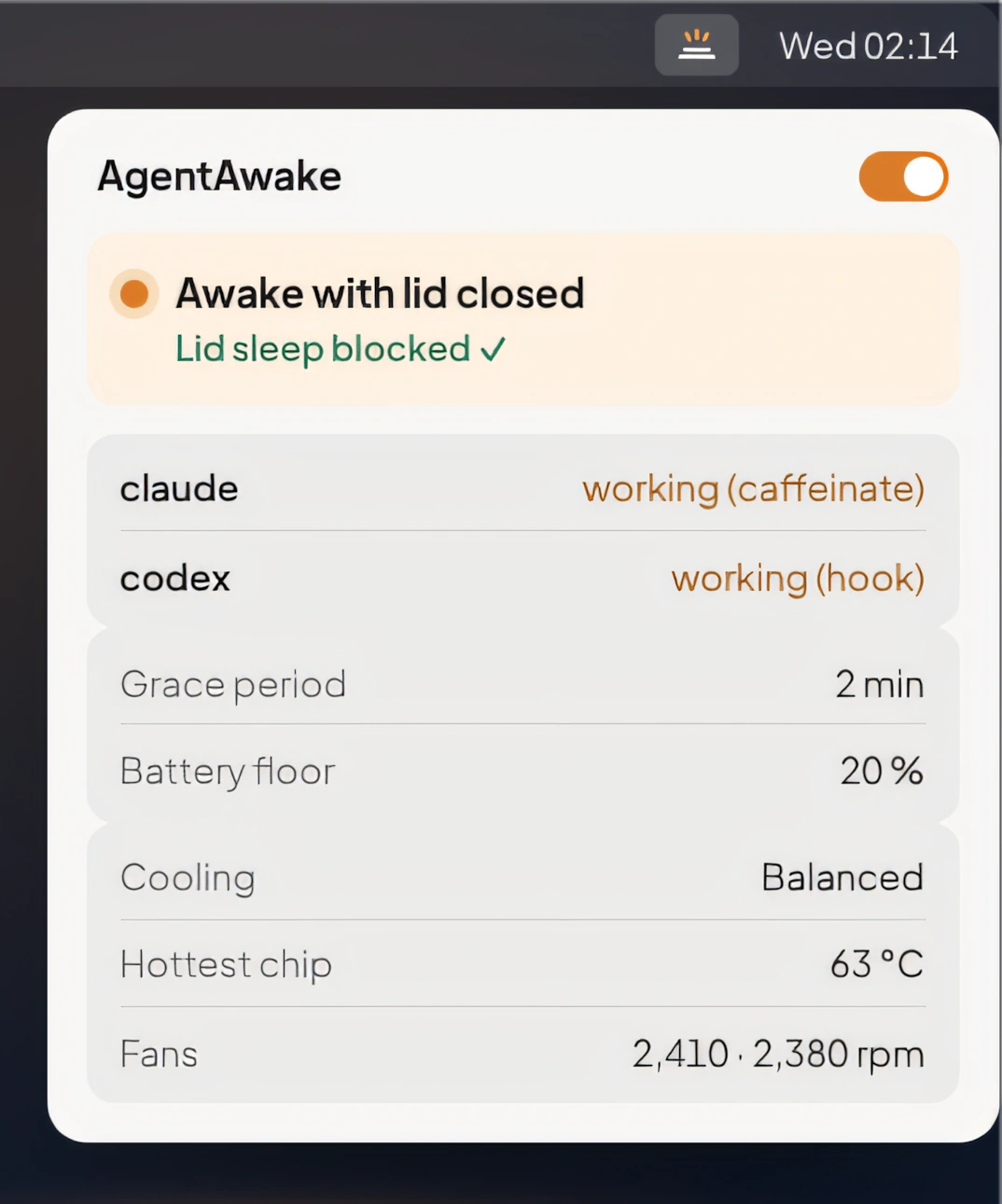
Keep your MacBook awake with the lid closed while AI coding agents like Claude Code and Codex are working, with automatic sleep, battery protection, thermal monitoring, and fan control.
Collection:
Security Apps
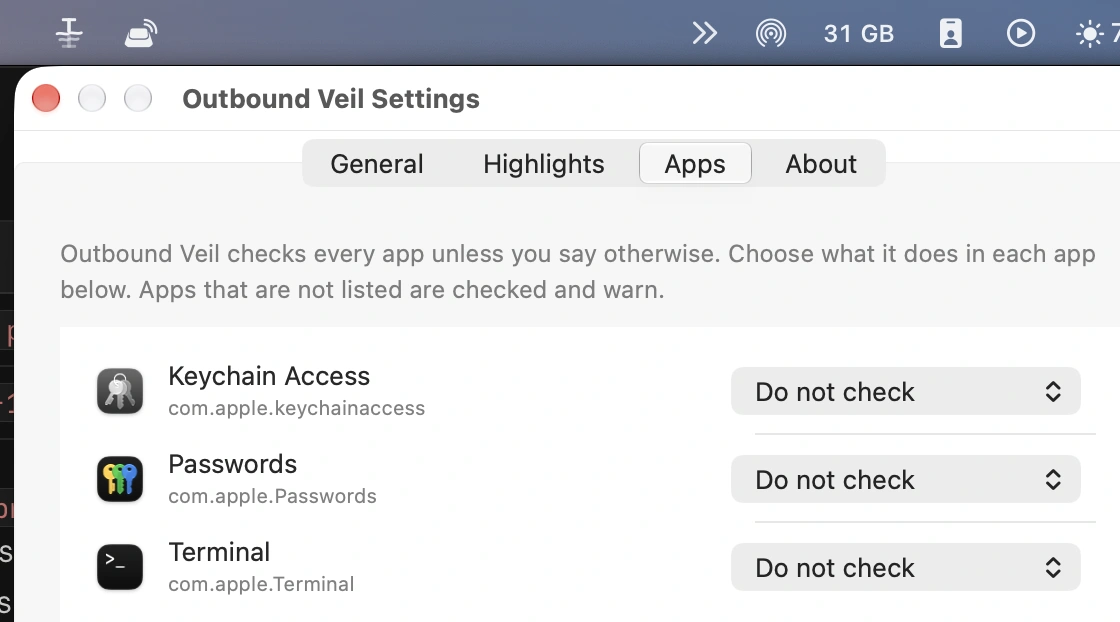
Outbound
Make Mac Better
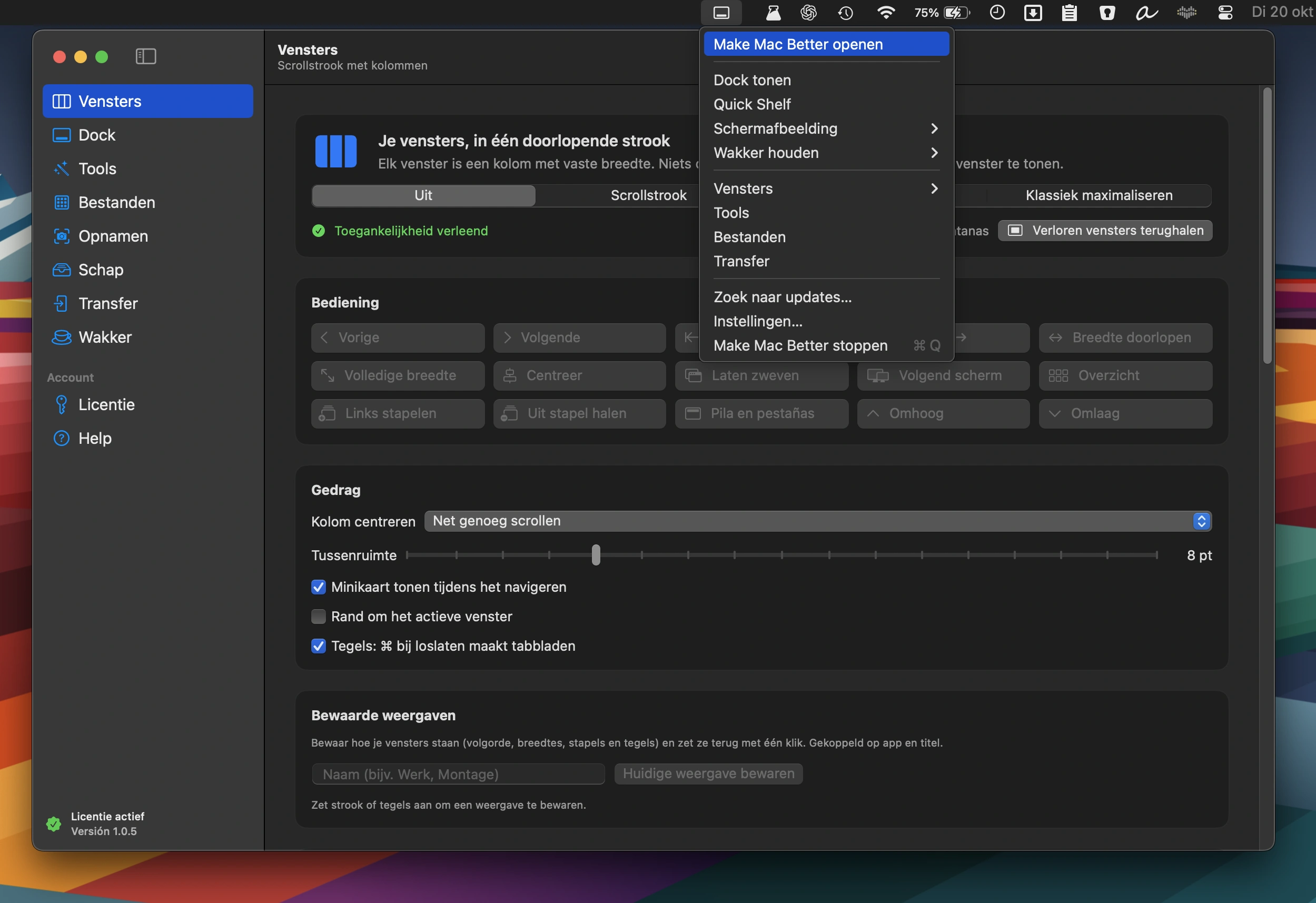
An all-in-one Mac toolkit featuring window management, a second Dock with widgets, 38 file, video, PDF and image tools, photo transfers, screenshot editing, and a Keep Awake mode.
Collection:
Window Managers
TidyFrame
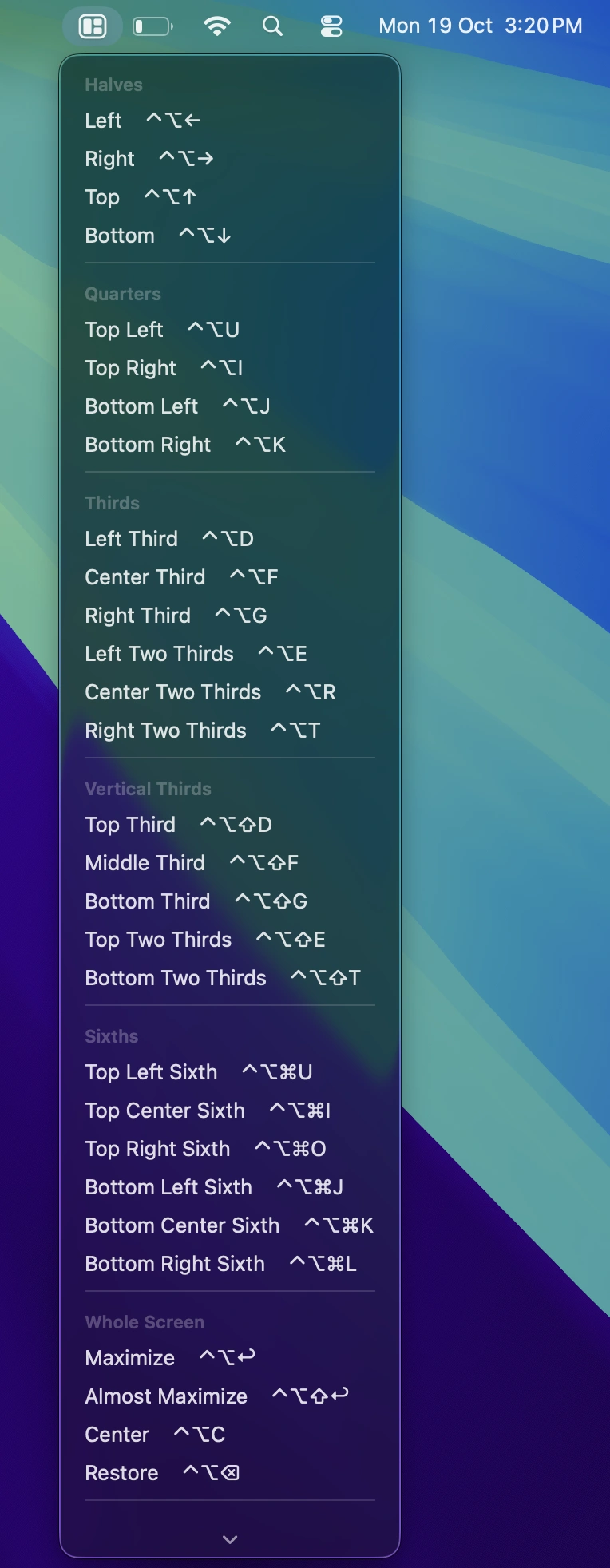
Snap windows into place, save custom layouts as workspaces, and restore entire setups with a shortcut. Includes smart window snapping and app-specific rules.
Collection:
Finance Apps
LilMoon
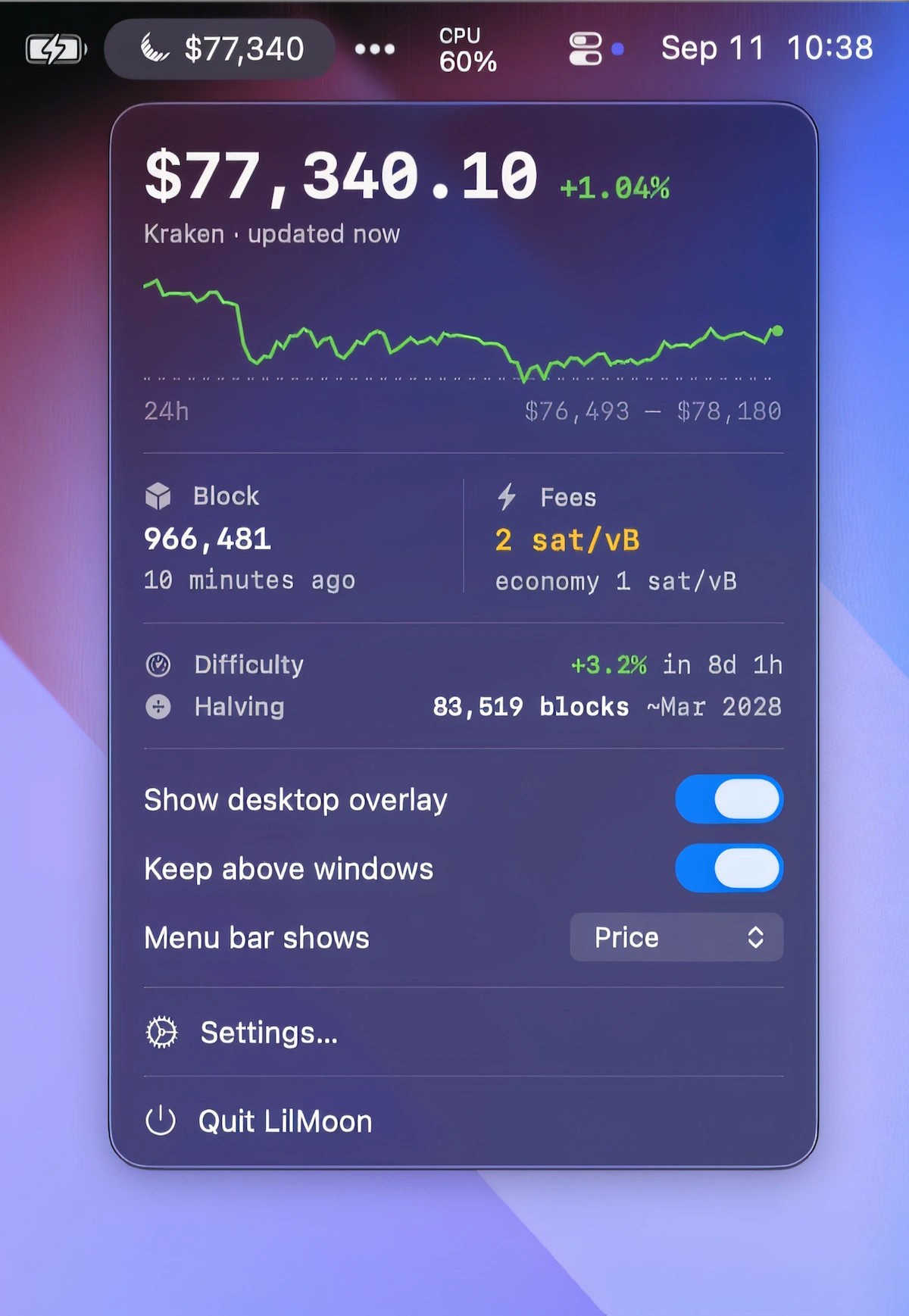
Keep an eye on Bitcoin’s price, fees and network activity at a glance, with alerts, block data, customizable desktop and menu bar views, and no account or subscription.
Collection:
Files & Folders