Some apps are worth paying for. These premium menu bar tools deliver serious value.
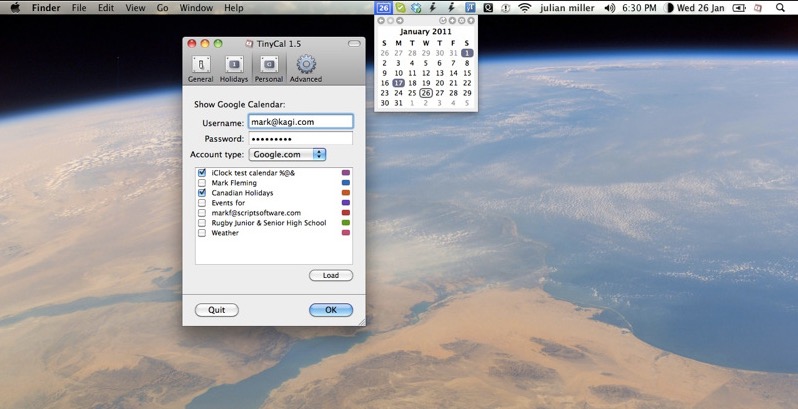
TinyCal brings Google and Apple Calendar to your Mac in a clean, compact view that keeps your schedule within reach. You can add events and reminders in seconds, display multiple months, combine personal and business calendars, and even include holidays from countries and religions worldwide, all without interrupting your workflow.
Visit
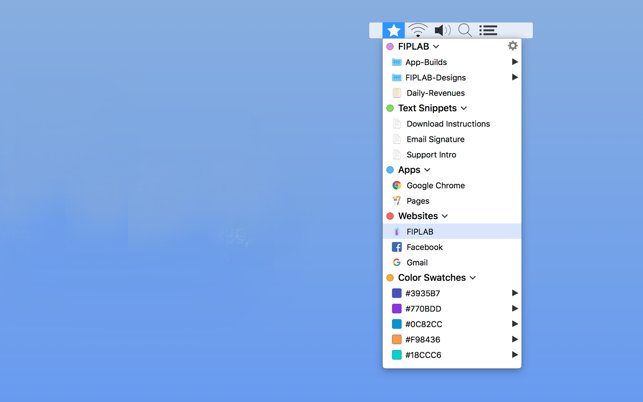
Shortcut Bar keeps your most important files, folders, apps, bookmarks, text snippets and even color swatches within instant reach. Add as many shortcuts as you like and access everything with a quick click, so the things you use every day are never more than a moment away.
Visit
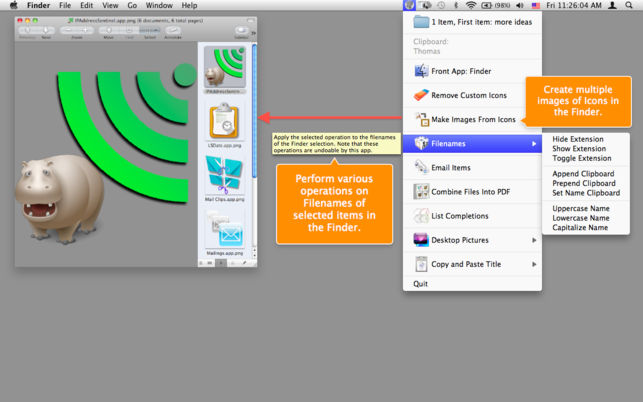
Amelita adds a smart context menu to your menu bar to grant you quick access to functions, like the ability to quickly change desktop backgrounds, copy images to your clipboard, add multiple senders to your address book with one click and so much more. It takes all these complex tasks and puts them in the menu bar, ready to go when you need them.
Visit

You know that tiny moment of panic when your cursor disappears on a giant display and you start wiggling the mouse like you’re summoning help from the tech gods. Cursor Pro fixes that with a customizable highlight and a precise, one-key magnifier that makes clicks, movements, and pixels unmistakably clear. It is built for polished presentations, remote demos, and anyone who prefers looking in control instead of slightly lost.
Visit
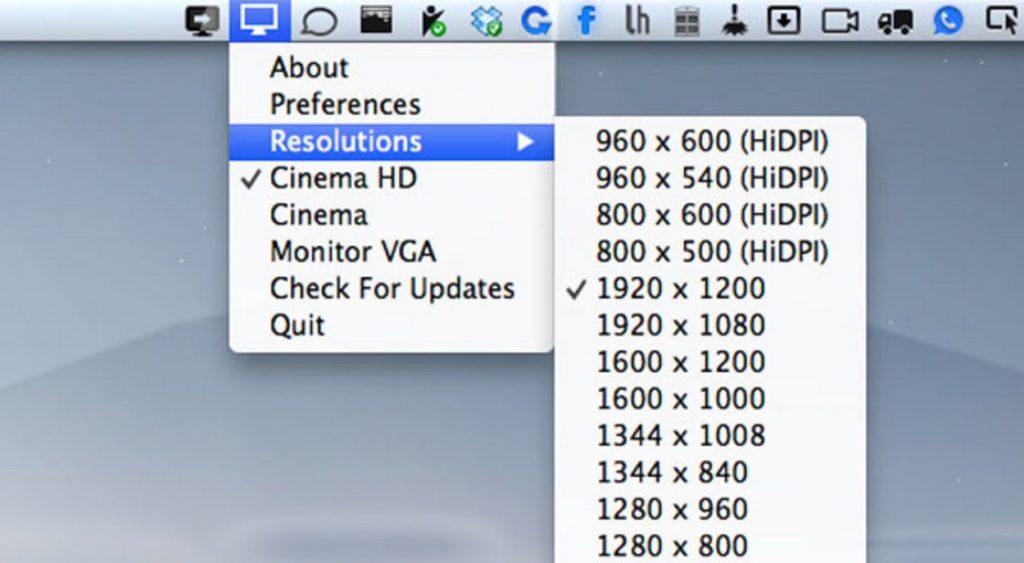
QuickRes makes switching screen resolutions on your Mac effortless, whether you are pushing a 15-inch Retina MacBook Pro to a sharp 3840 × 2400 or unlocking crisp HiDPI modes on older displays for a surprisingly refined workspace.
Visit
End of content
End of content

