Some apps are worth paying for. These premium menu bar tools deliver serious value.
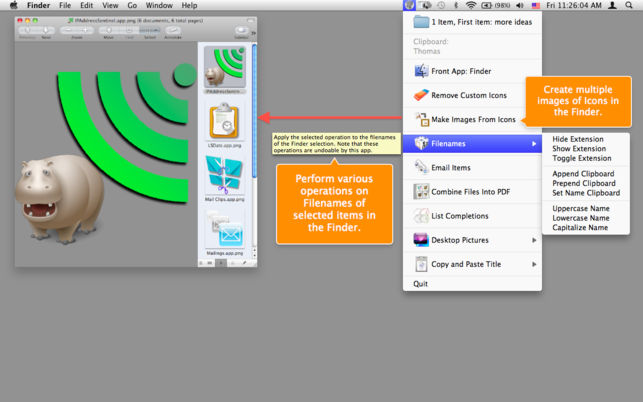
Amelita adds a smart context menu to your menu bar to grant you quick access to functions, like the ability to quickly change desktop backgrounds, copy images to your clipboard, add multiple senders to your address book with one click and so much more. It takes all these complex tasks and puts them in the menu bar, ready to go when you need them.
Visit
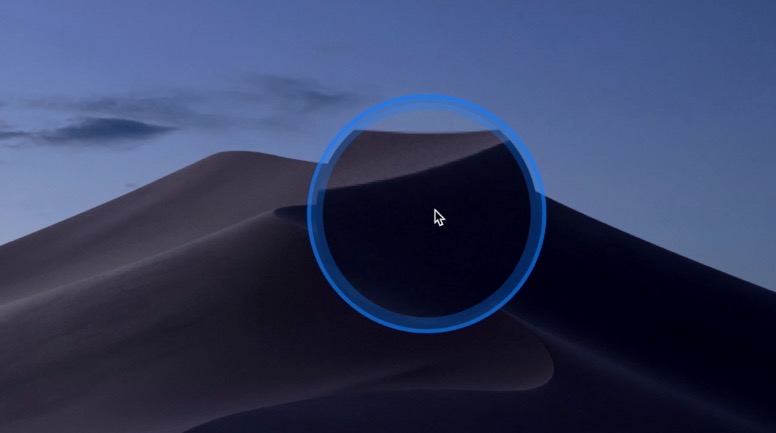
You know that tiny moment of panic when your cursor disappears on a giant display and you start wiggling the mouse like you’re summoning help from the tech gods. Cursor Pro fixes that with a customizable highlight and a precise, one-key magnifier that makes clicks, movements, and pixels unmistakably clear. It is built for polished presentations, remote demos, and anyone who prefers looking in control instead of slightly lost.
Visit
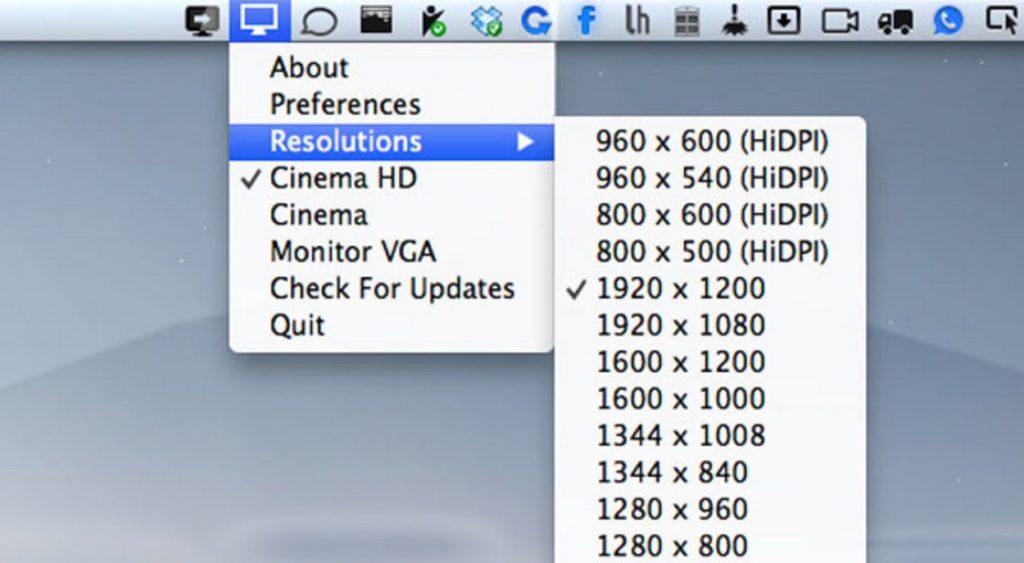
QuickRes makes switching screen resolutions on your Mac effortless, whether you are pushing a 15-inch Retina MacBook Pro to a sharp 3840 × 2400 or unlocking crisp HiDPI modes on older displays for a surprisingly refined workspace.
Visit
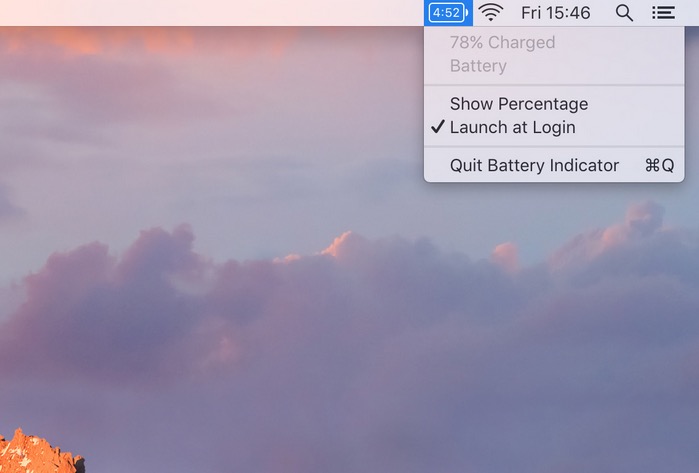
Battery Indicator shows the remaining battery time or percentage right in your menu bar. This is especially useful on macOS Sierra 10.12.2 or later where clicking the battery icon no longer shows the remaining time.
Visit
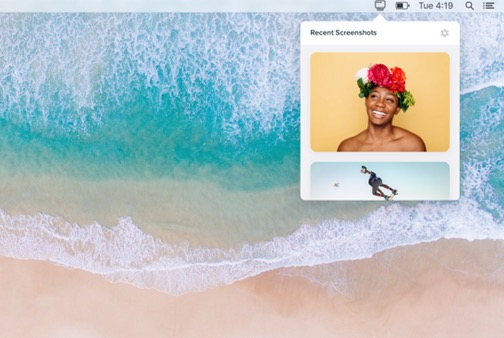
Shotty keeps your latest screenshots right at hand, so you can drag, drop, and annotate them in seconds. It even supports screen recordings, all wrapped in a clean, thoughtful design that makes Finder digging feel like ancient history.
Visit
End of content
End of content