Collection:
Audio Apps
Auto Ducking
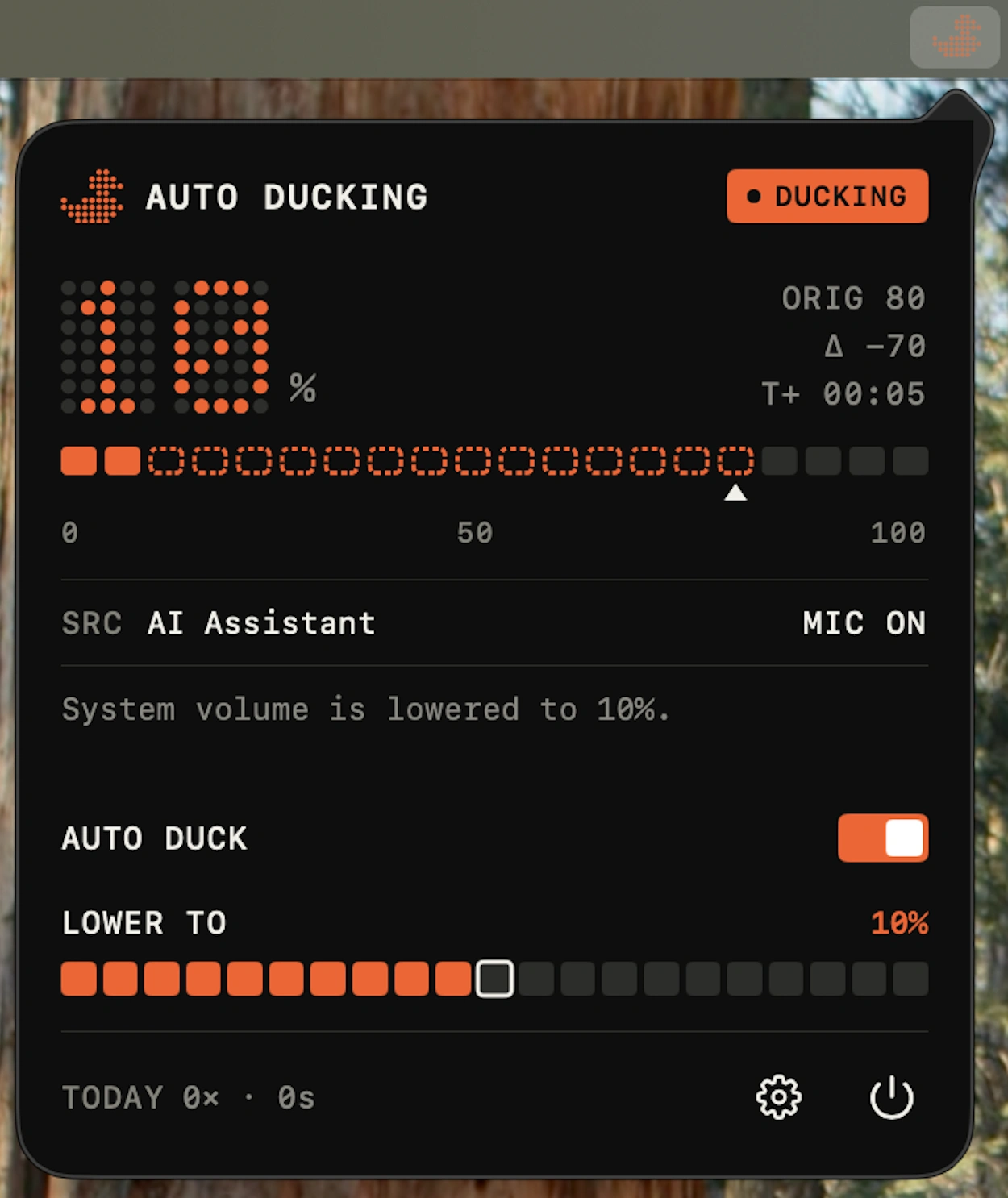
Auto Ducking automatically lowers background audio whenever your microphone becomes active, then restores the previous volume when you’re done.

Some apps are worth paying for. These premium menu bar tools deliver serious value.
Some apps are worth paying for. These premium menu bar tools deliver serious value.
Auto Ducking automatically lowers background audio whenever your microphone becomes active, then restores the previous volume when you’re done.
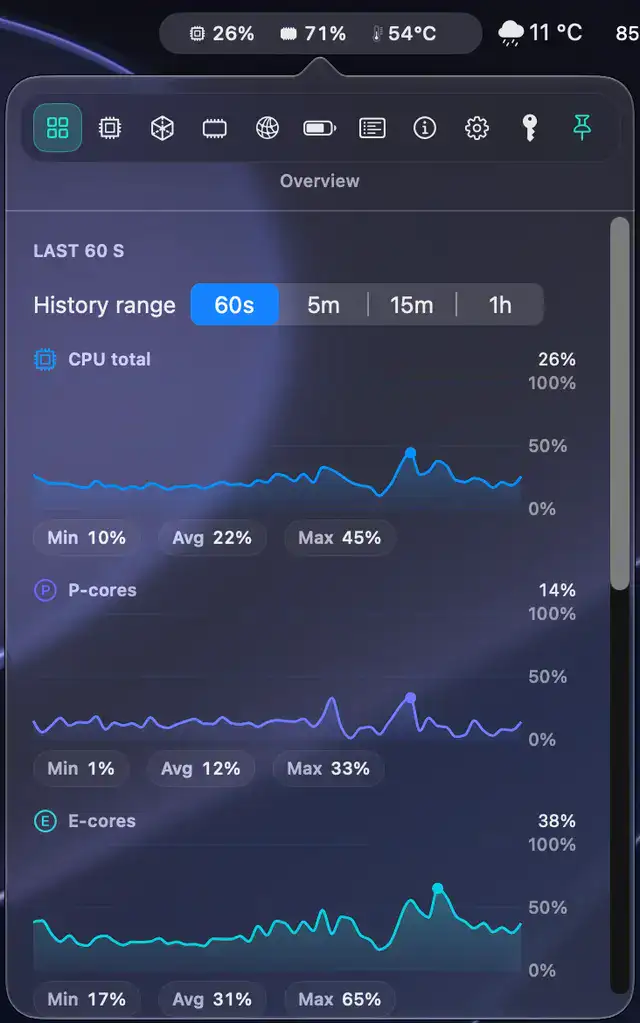
MenuBarMonitor keeps essential Mac performance stats within easy reach, displaying live CPU, GPU, memory, temperatures, and system activity while helping you quickly spot resource-hungry background apps before they slow everything down.
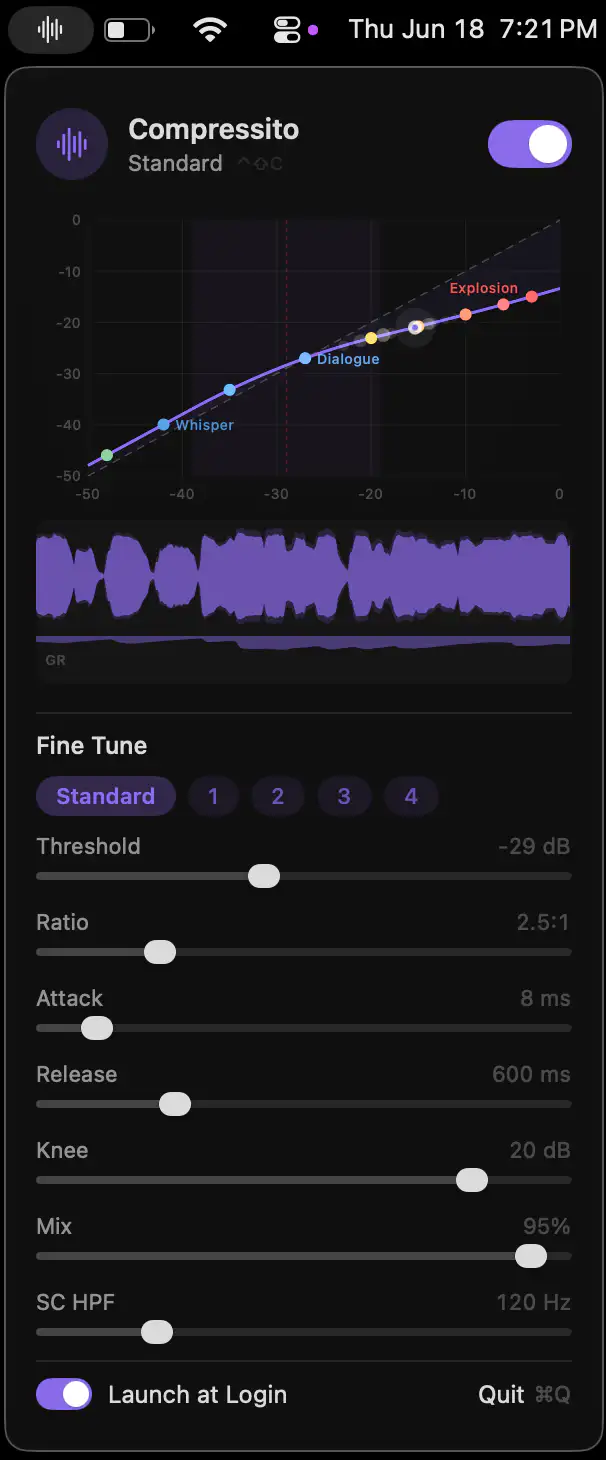
Compressito brings studio-grade dynamic audio compression to your Mac, making dialogue clearer while keeping sudden volume spikes under control. Ideal for movies, late-night listening, and shared living spaces.
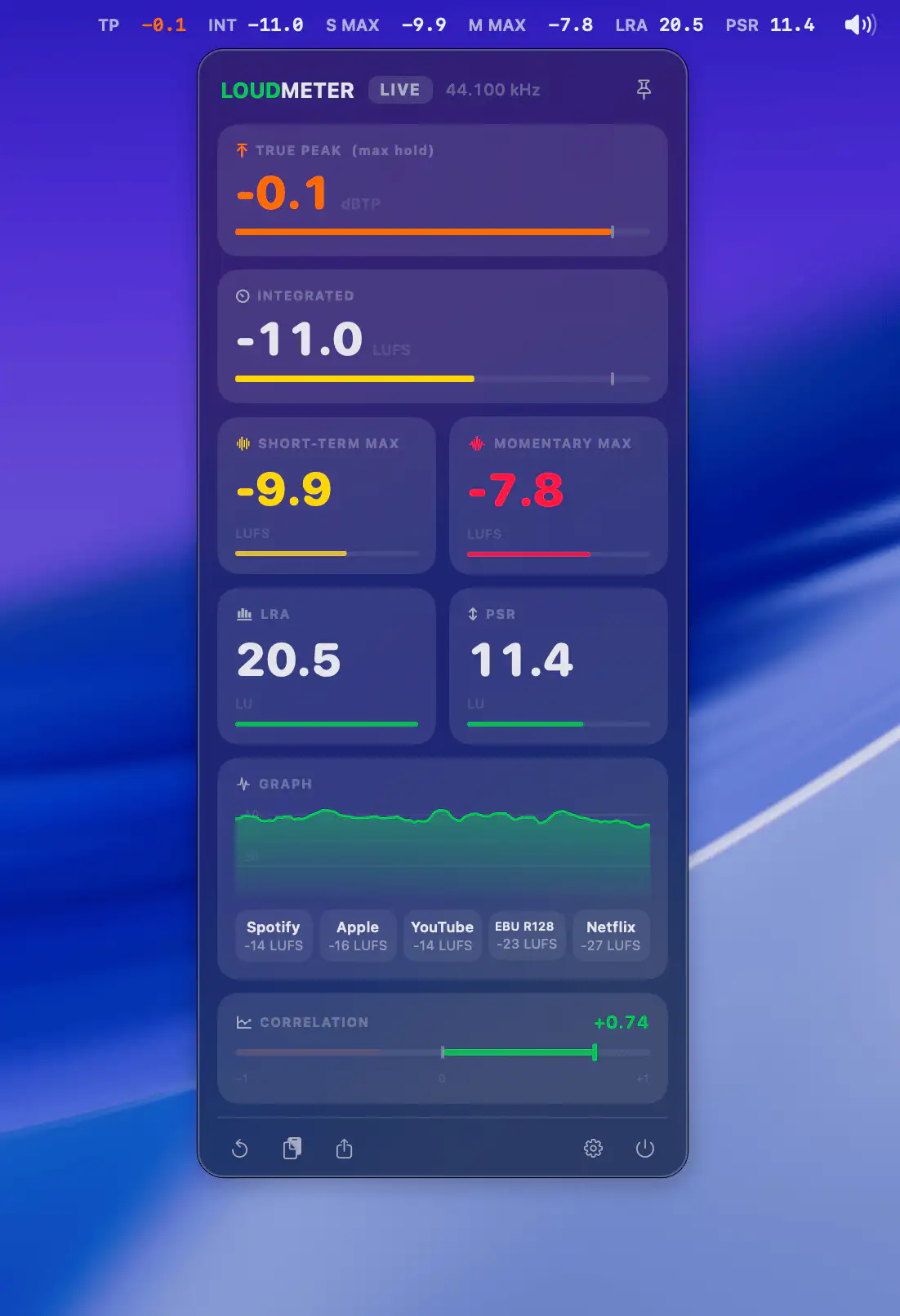
LOUDMETER gives producers and mastering engineers instant access to accurate LUFS, True Peak, LRA and PSR metering, while offline analysis, smart alerts and iPhone mirroring help streamline everyday audio workflows.
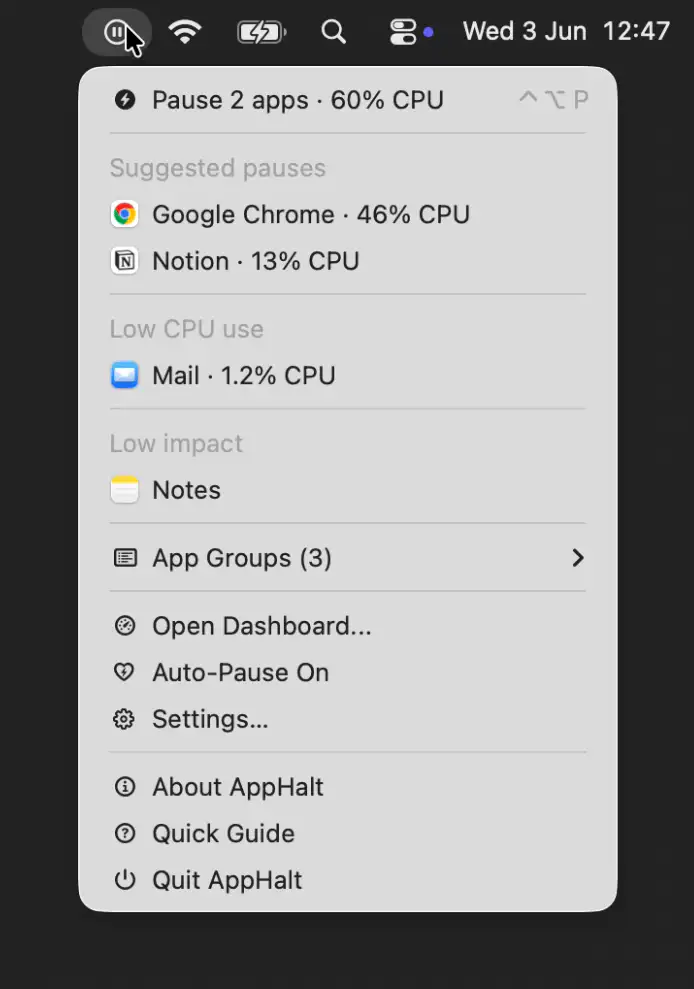
AppHalt helps keep your Mac responsive by pausing unused apps without closing their windows, tabs, or documents. It offers a simple way to reduce background activity while keeping your workspace fully intact.
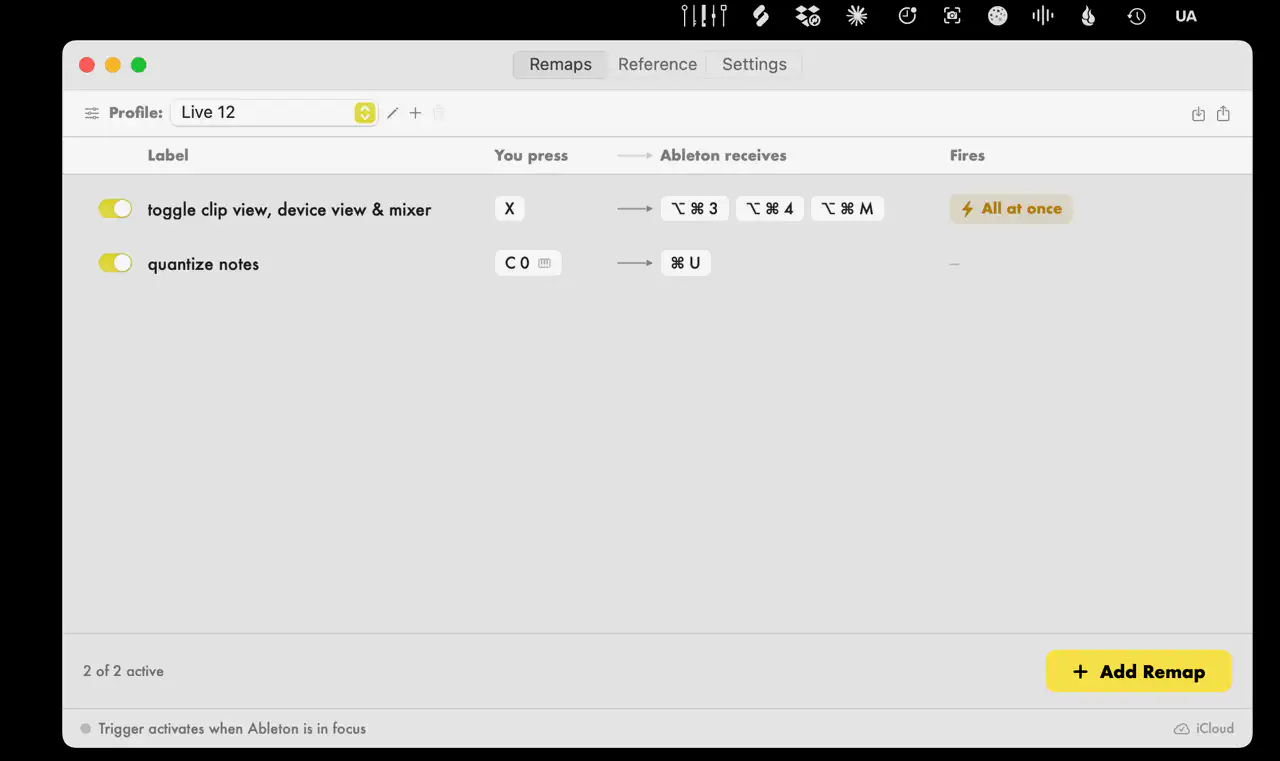
Trigger helps Ableton Live users take control of their workflow by remapping keyboard shortcuts and MIDI controls to more comfortable commands. It also supports macros, profiles, and iCloud sync across multiple Macs.