Collection:
Screen Capturing Apps
Snapperon
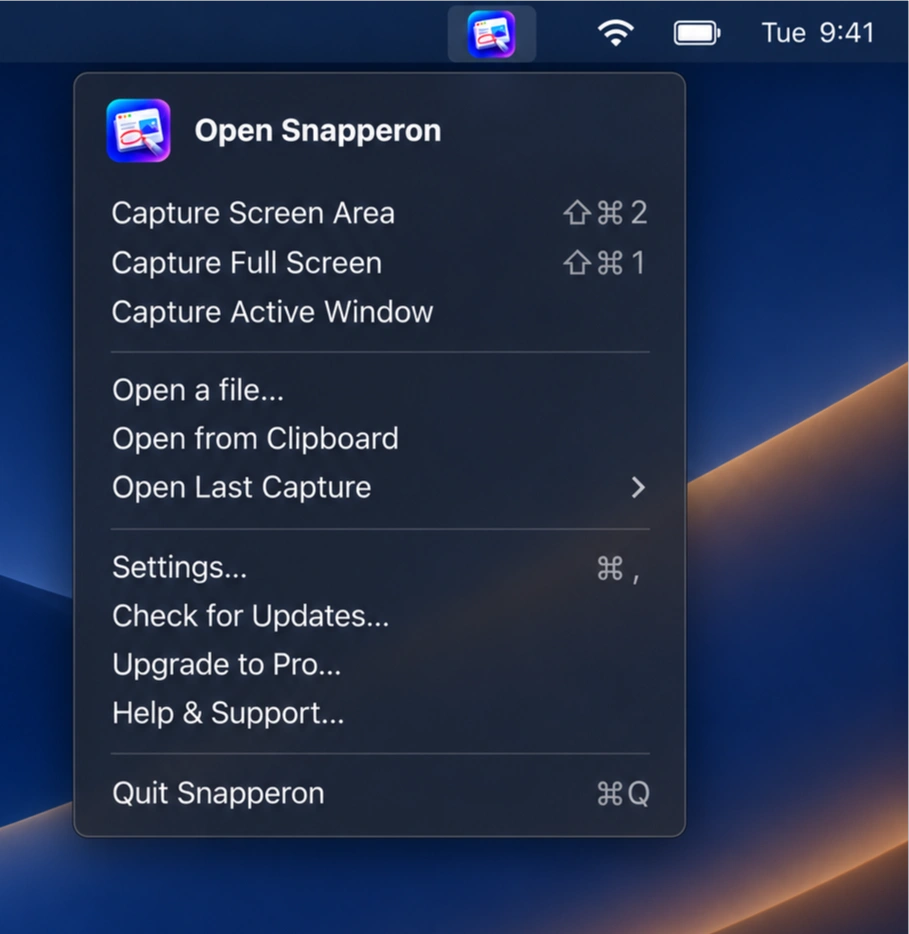
Capture and annotate screenshots with arrows, numbered steps, text, and highlights. Redact sensitive information, add polished backgrounds and borders, then copy or export your images for sharing.

Some apps are worth paying for. These premium menu bar tools deliver serious value.
Some apps are worth paying for. These premium menu bar tools deliver serious value.
Capture and annotate screenshots with arrows, numbered steps, text, and highlights. Redact sensitive information, add polished backgrounds and borders, then copy or export your images for sharing.
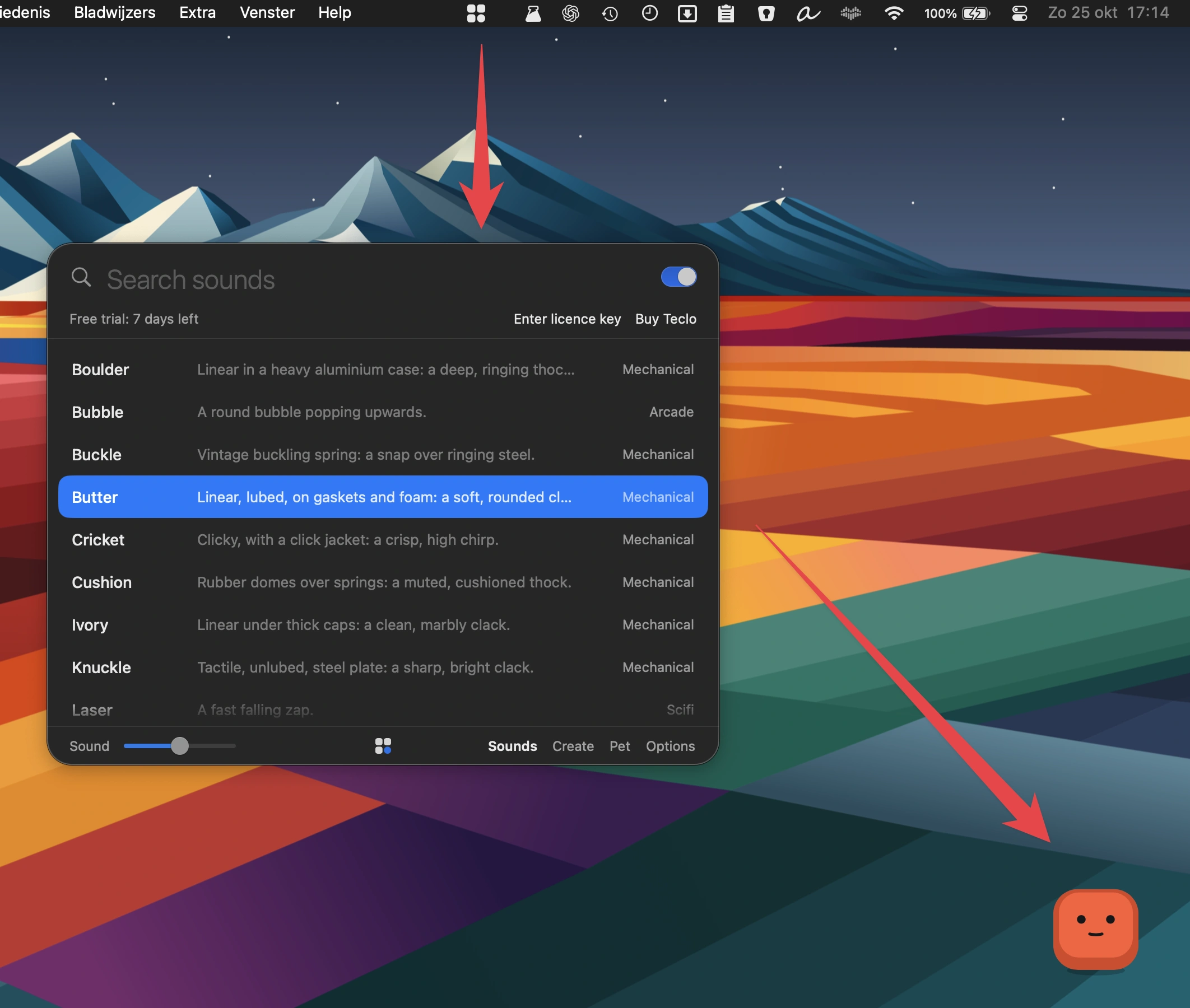
Bring satisfying mechanical keyboard sounds to every keystroke, with 16 sound packs across five moods, optional mouse clicks and a customizable keycap pet that reacts to your typing rhythm.
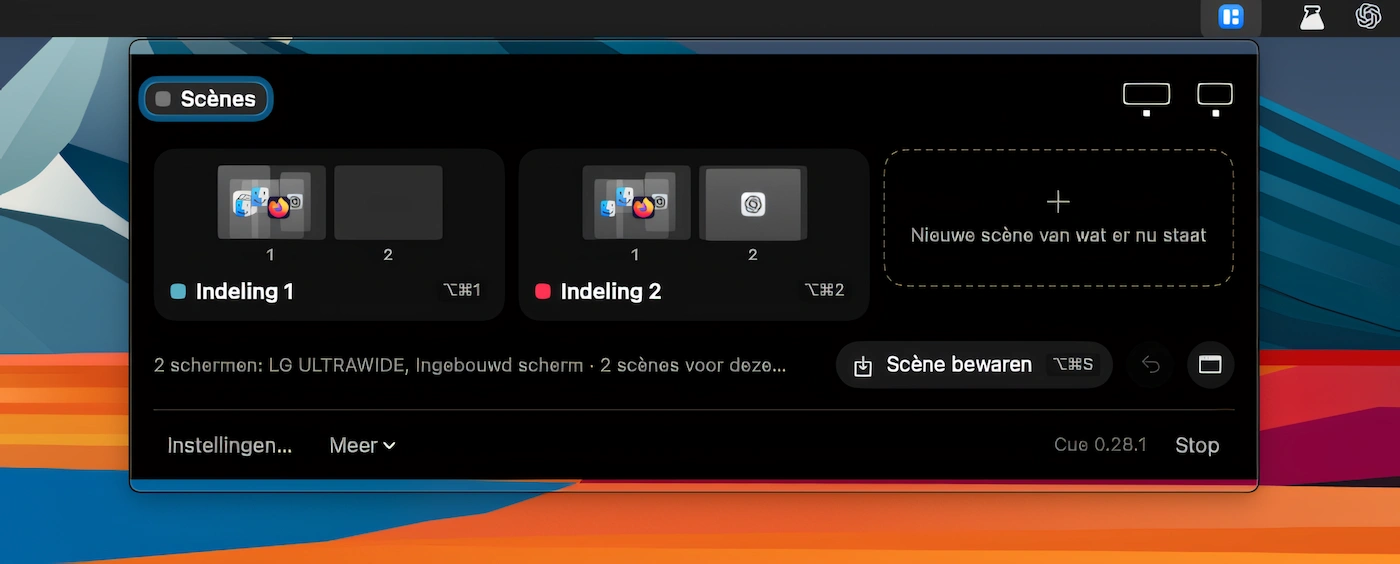
Save window layouts across multiple displays as scenes, then restore them with a keystroke. Cue remembers each monitor, supports automatic scene switching and is accessible from the menu bar or notch.
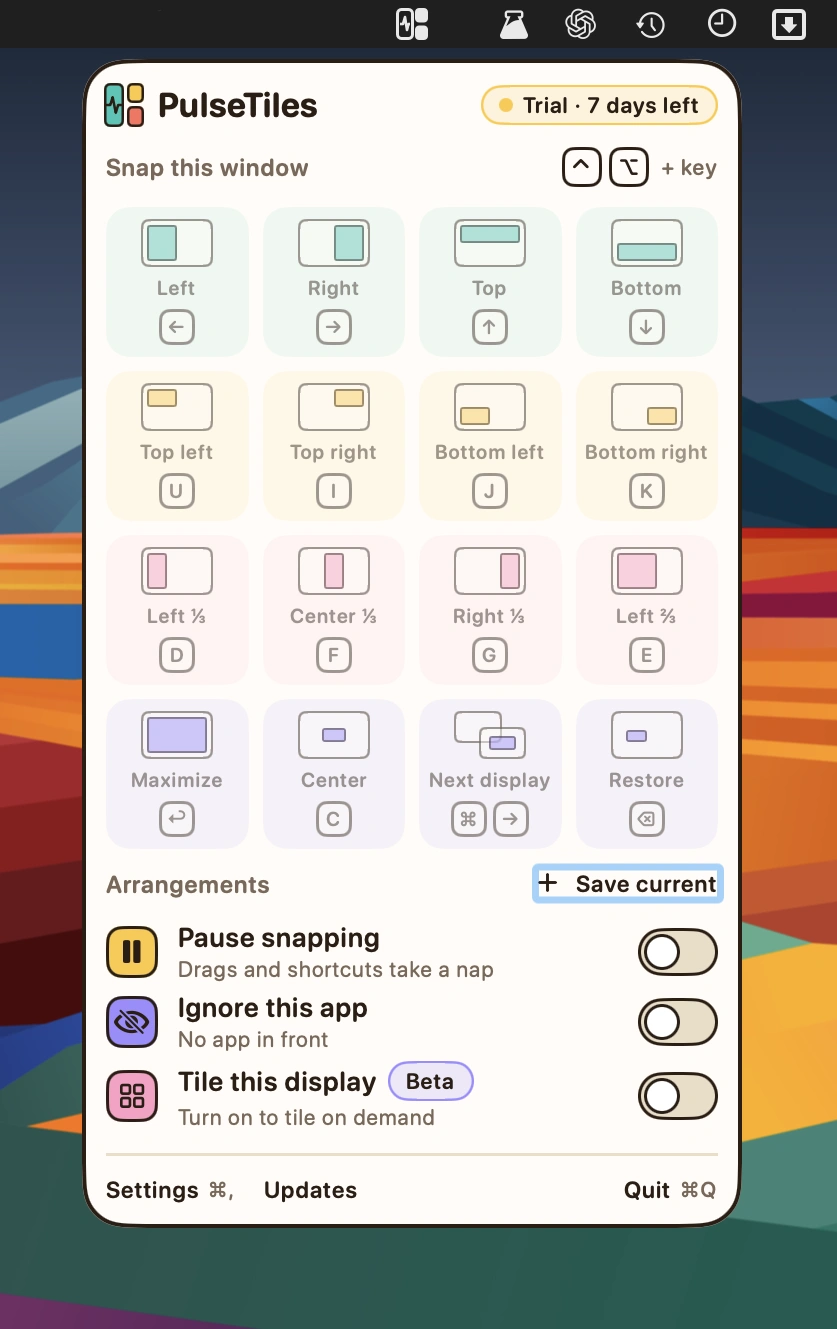
Snap windows into place with intuitive drag-and-drop controls, customizable keyboard shortcuts and a quick launcher. Save window arrangements, adjust spacing and position windows across multiple displays.
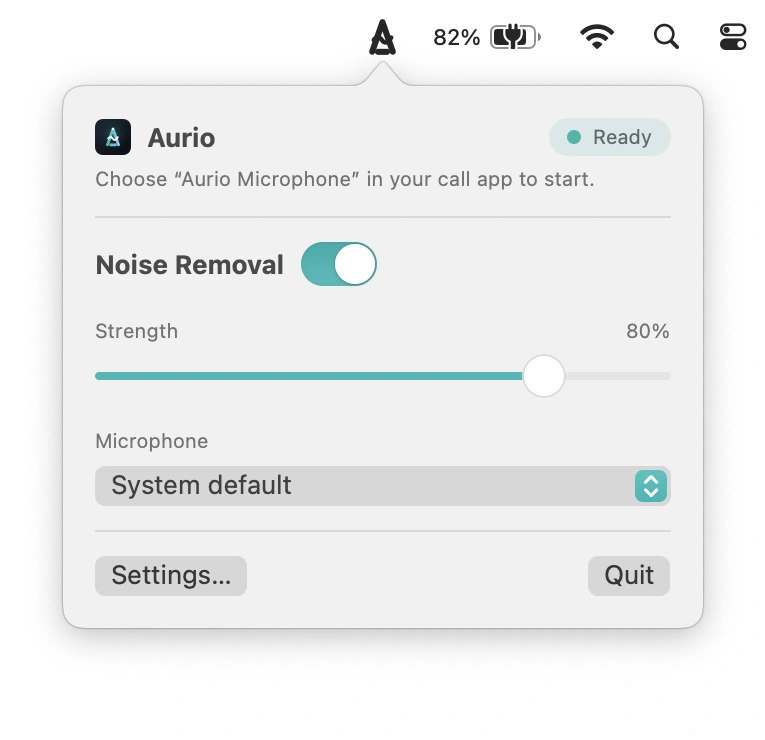
Remove background noise in real time, filtering out fans, keyboards and traffic. Works with any app that accepts microphone input, processing audio entirely on your Mac without requiring an account.
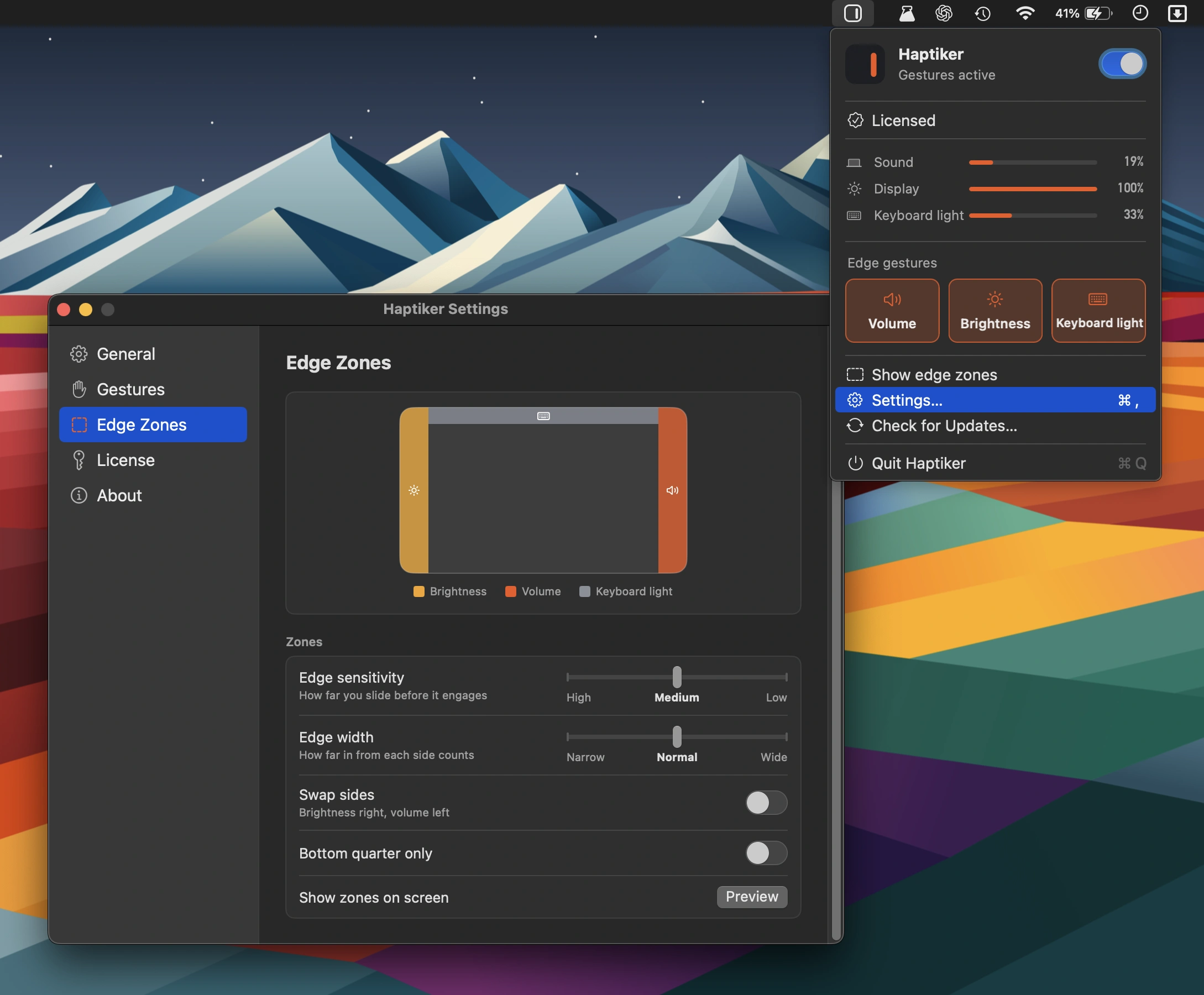
Turn your trackpad’s edges into handy controls for volume, display brightness, keyboard backlight and app switching, with haptic feedback and support for external displays. No subscription required.