Some apps are worth paying for. These premium menu bar tools deliver serious value.
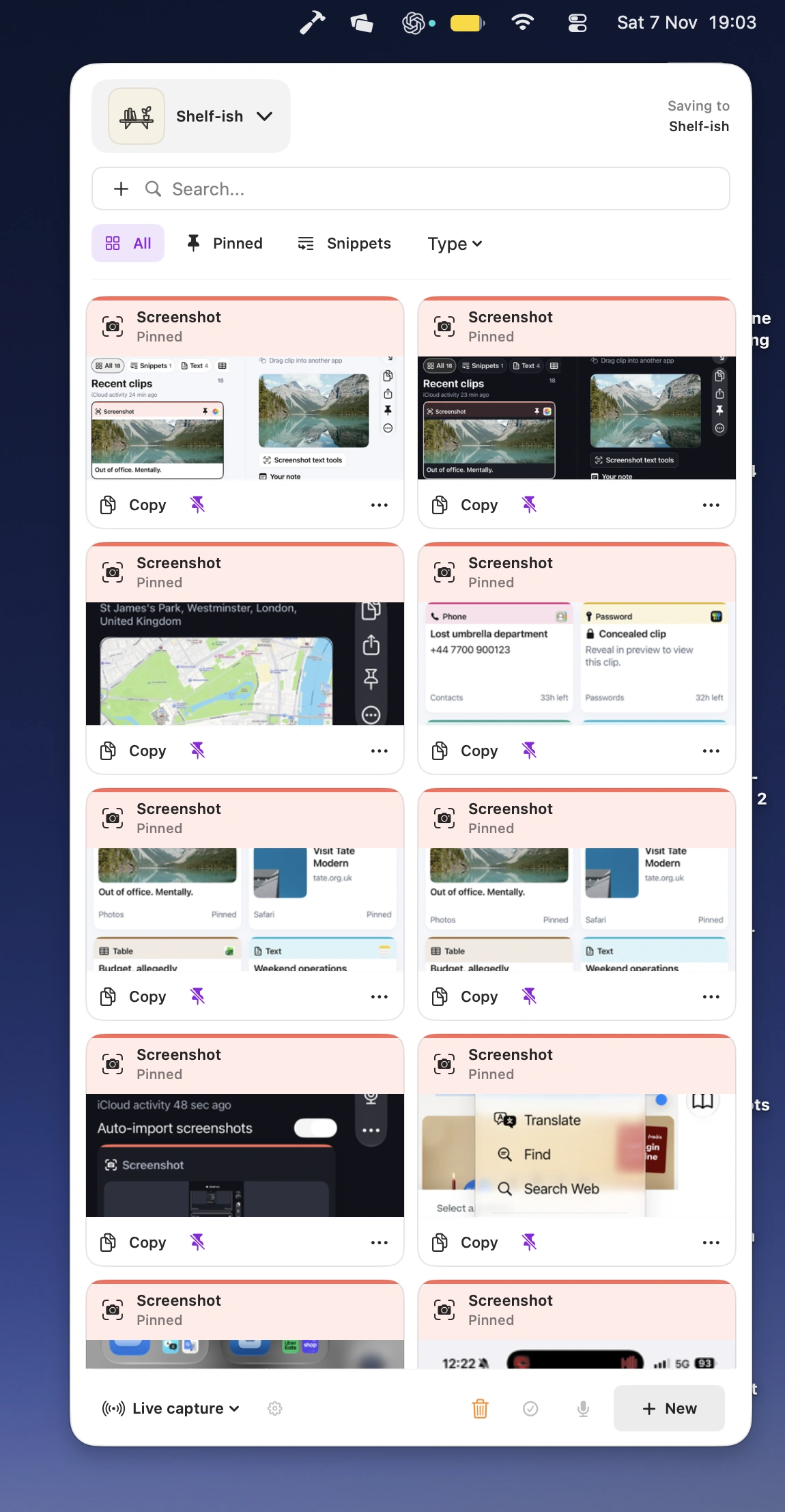
Keep useful snippets, links, files, images, audio notes and code close at hand with this private, local-first shelf. Pin important items, let temporary clips expire automatically, and quickly search, preview and paste anything you need. Optional AI features add smart tagging, transcription and text analysis, while iCloud sync keeps everything available across your Macs.
Visit Watch
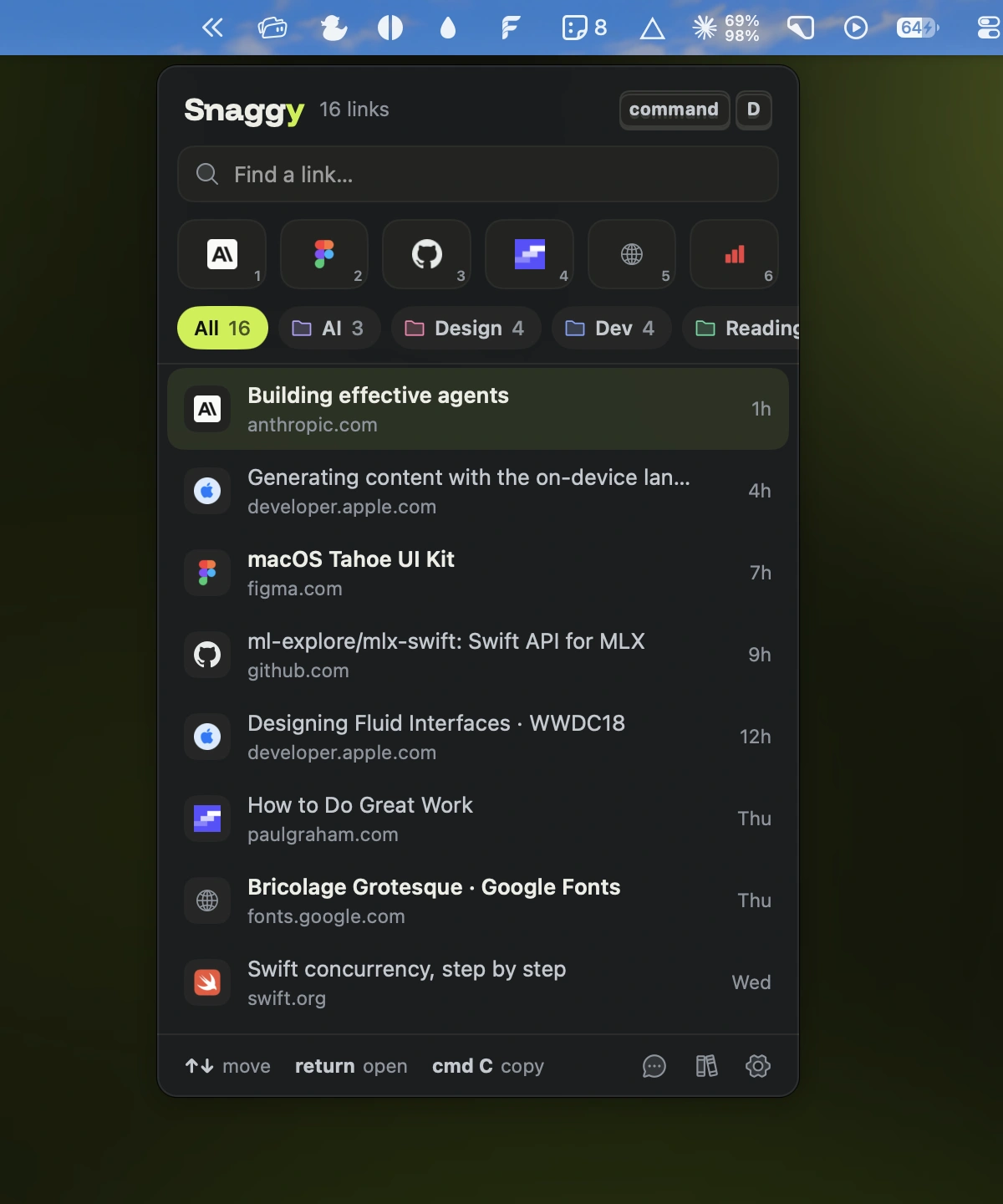
Save webpages from any browser with a single shortcut. Snaggy automatically sorts your links into folders, offers a built-in reader, and lets AI assistants search and retrieve saved pages.
Visit
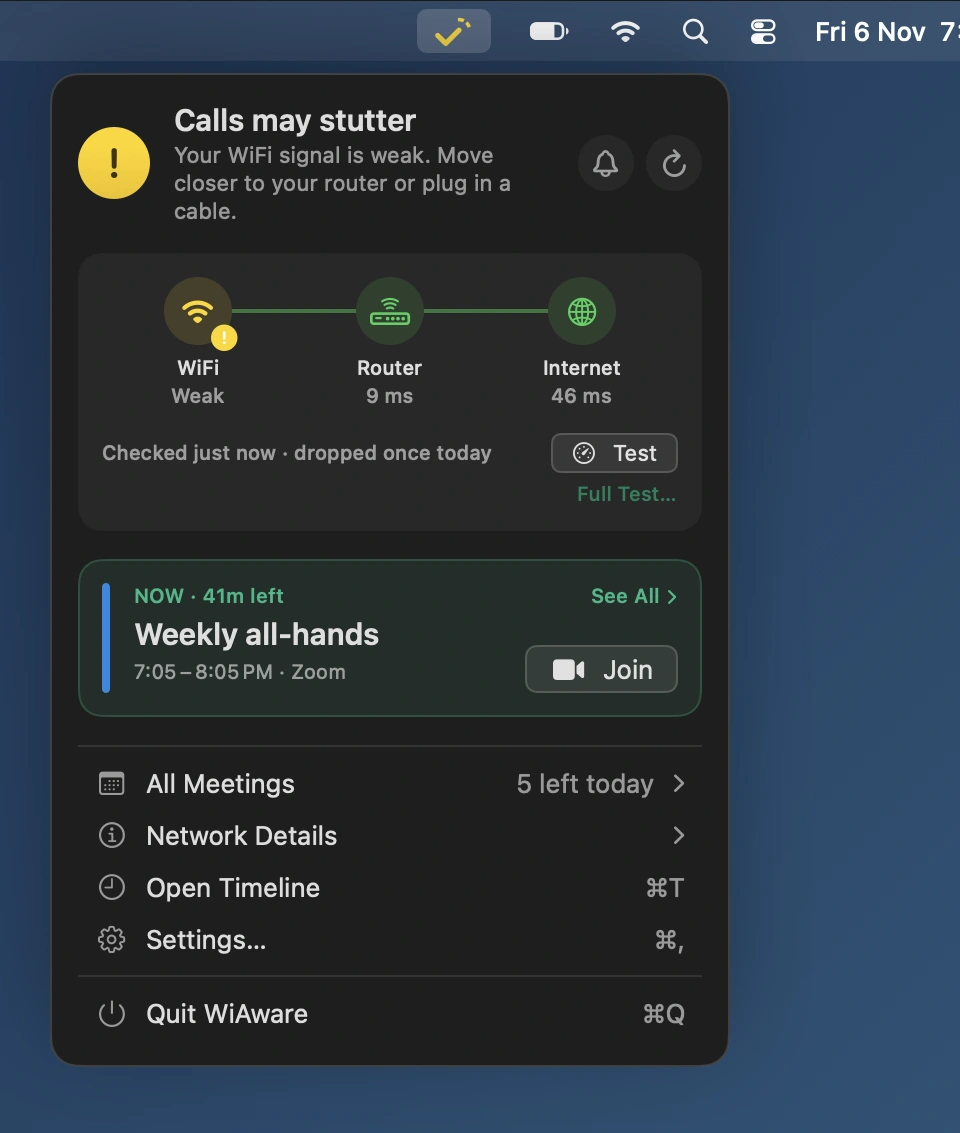
WiAware monitors your connection quality and tells you whether it’s ready for video calls. Get early warnings, pinpoint network issues, track bandwidth-hungry apps, and join upcoming meetings directly from the menu.
Visit
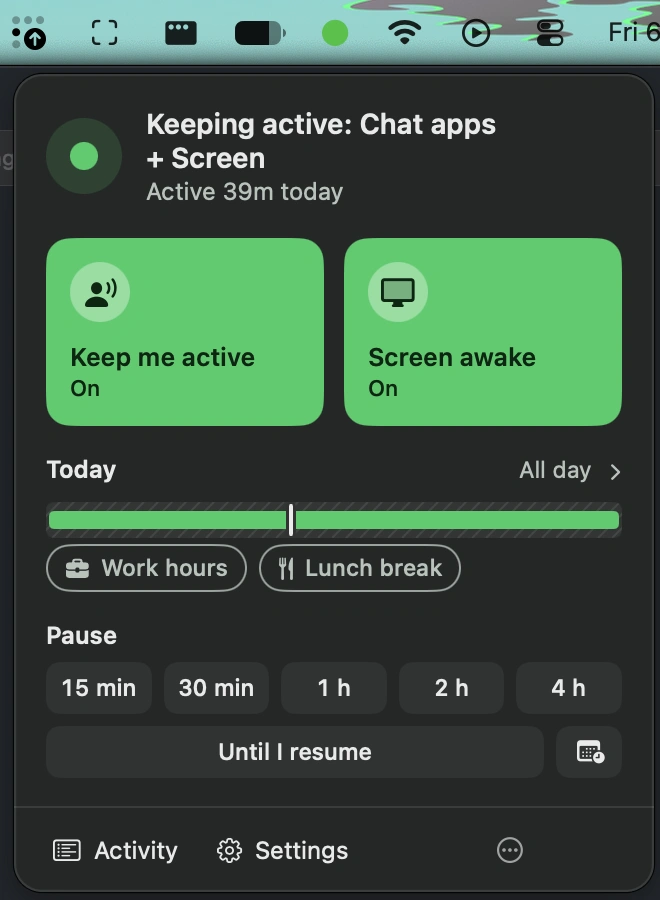
Keep Teams, Slack, and other chat apps showing Available while you read, think, or step away. Stay Green manages idle detection, work schedules, and automatic pauses without moving your cursor.
Visit
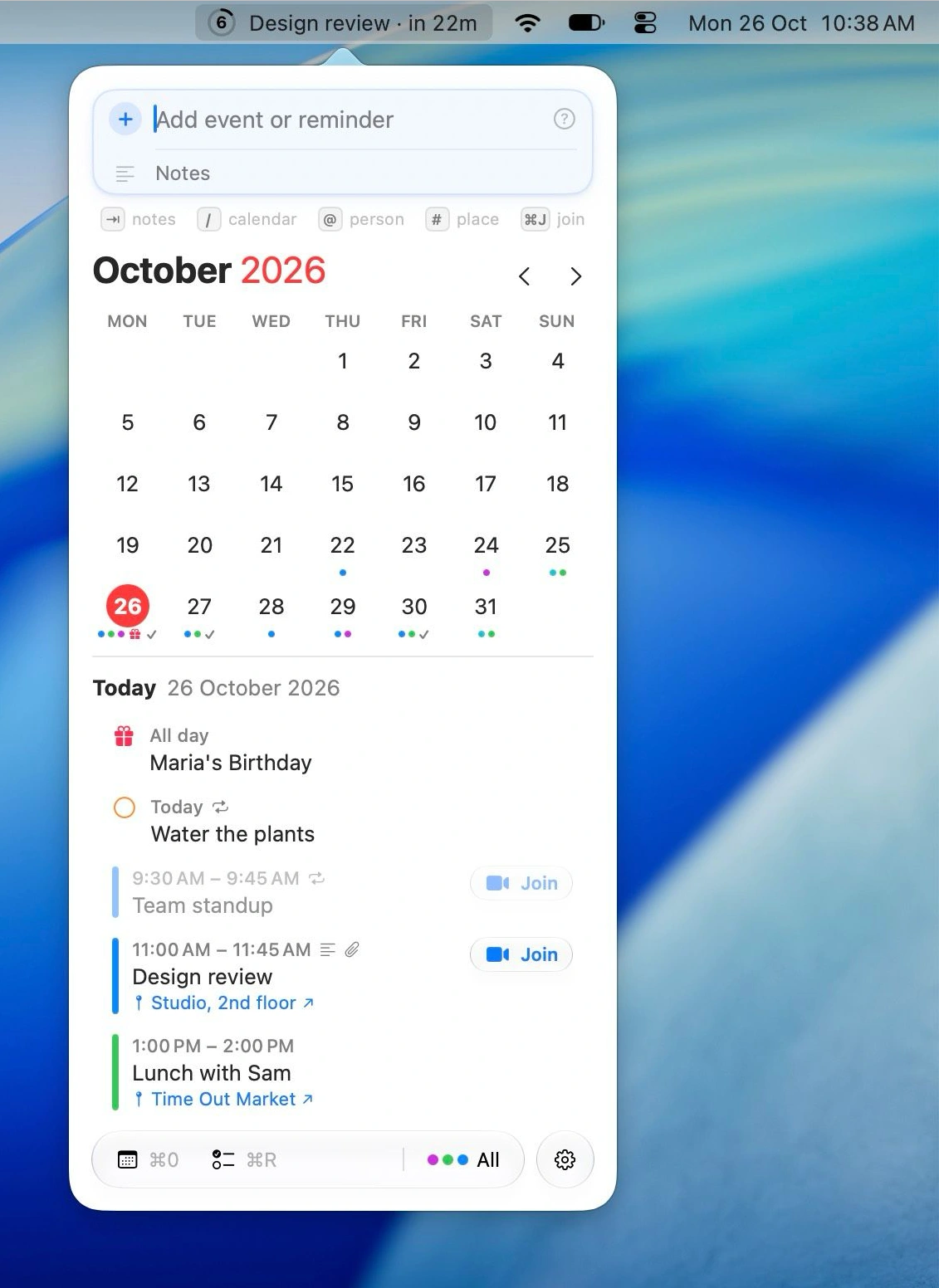
This menu bar app puts Calendar and Reminders at your fingertips, with a countdown to your next event and natural-language input for adding or rescheduling events and reminders. It also handles invitations, attachments and time zones, and can turn screenshots of posters or tickets into calendar entries.
Visit
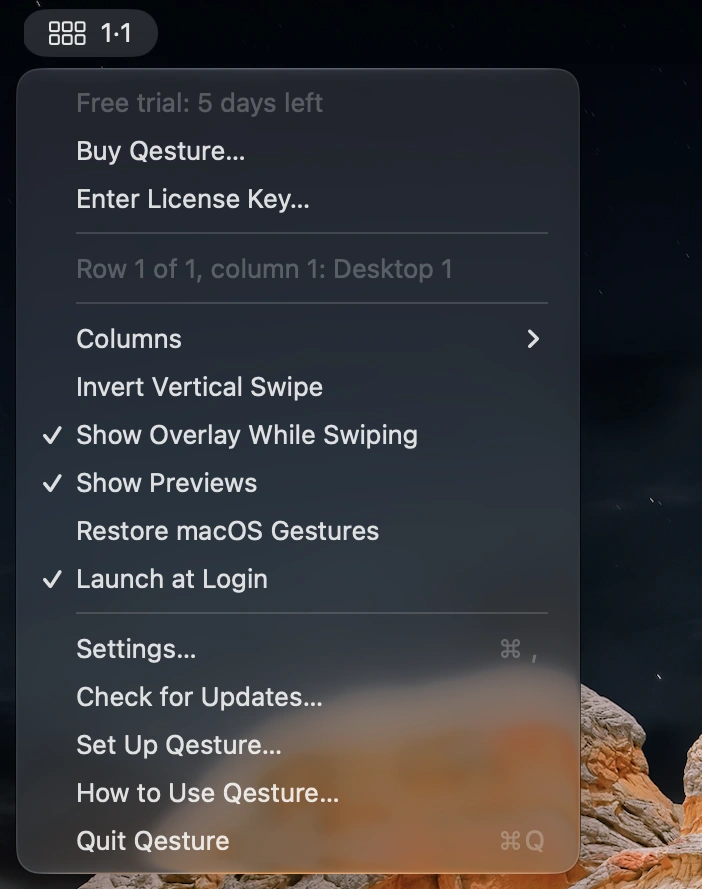
Qesture adds more ways to use your trackpad and mouse, with gesture-based desktop navigation, window switching, smooth scrolling and window tiling. A customizable Space Grid and radial app launcher make everyday navigation more fluid.
Visit
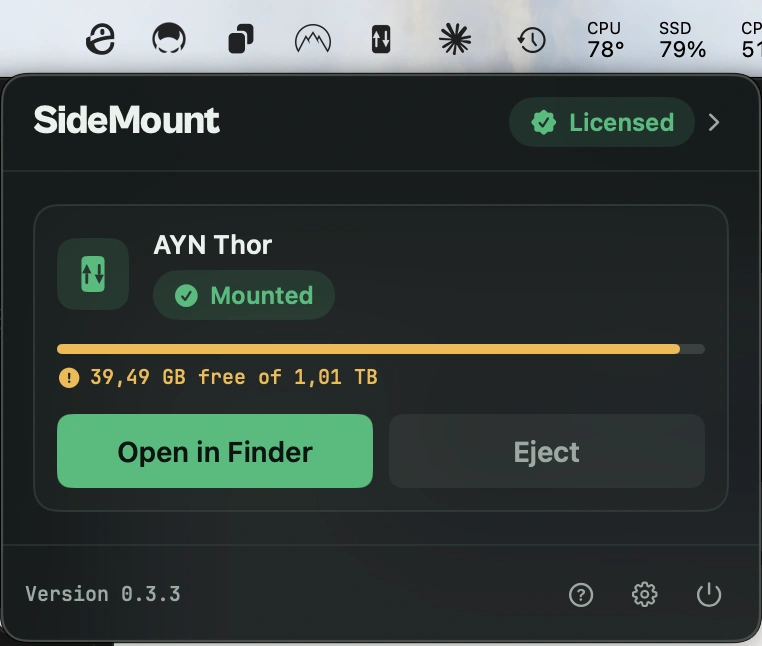
Mount your Android phone as a regular drive in Finder over USB or Wi-Fi. Transfer files both ways, manage multiple devices, and use tools like rsync without installing anything on your phone.
Visit
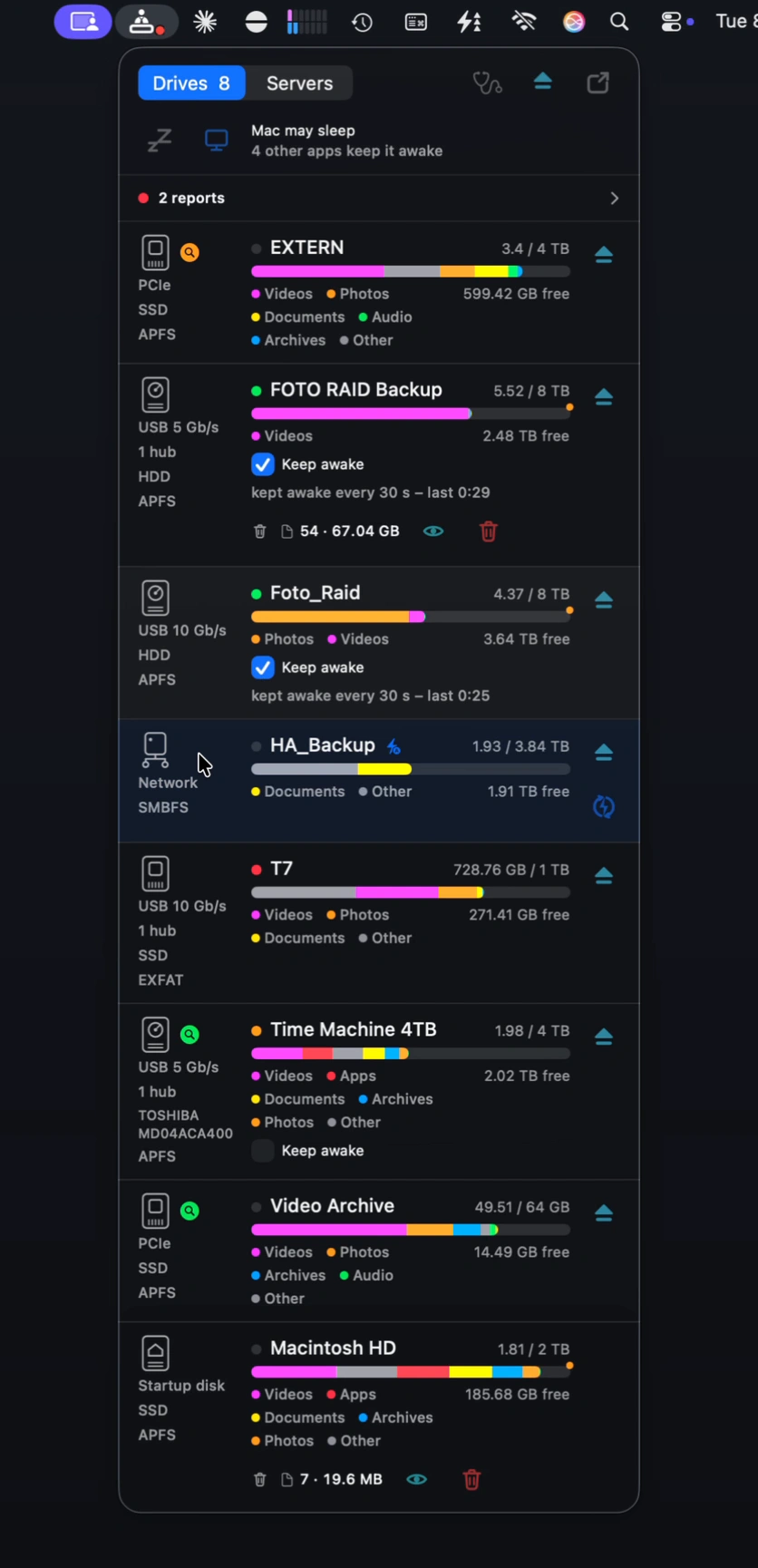
Manage drives, analyze storage, and diagnose problems with ease. Find large files across multiple drives, gather items for cleanup, compare scans, and keep external hard disks awake.
Visit Watch
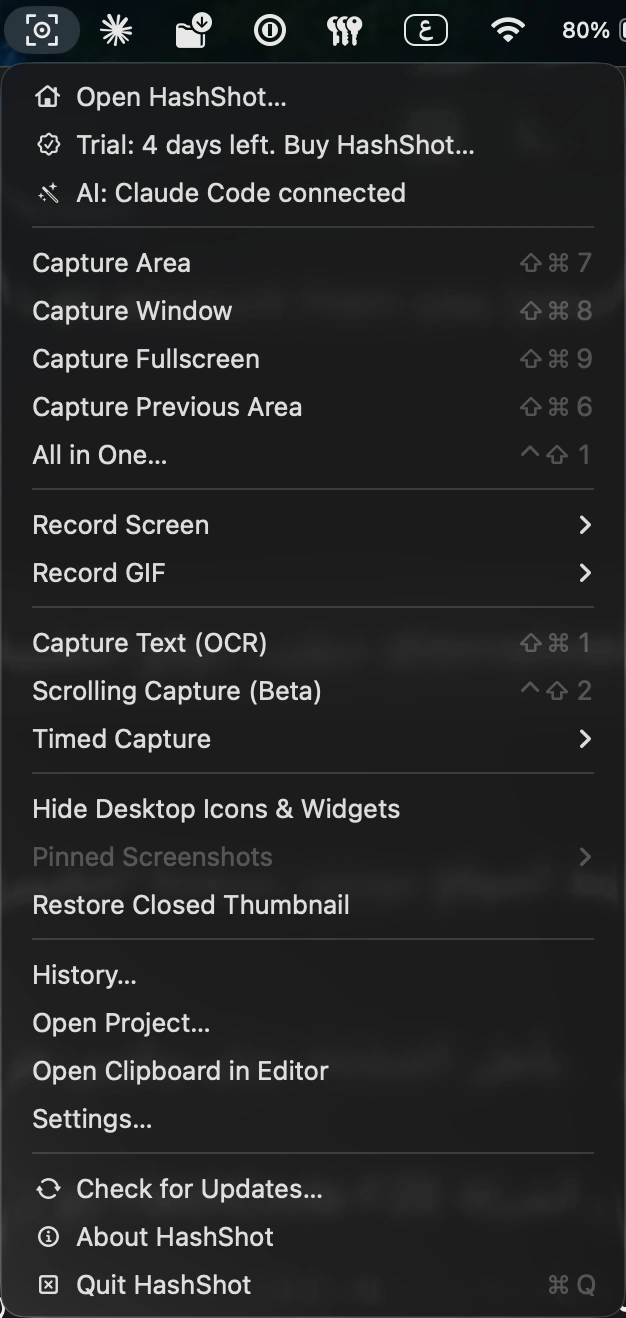
HashShot captures, annotates, and records your screen, adding polished backgrounds, smooth zooms, captions, and automatic redaction. Captures and recordings stay on your Mac, with no account or uploads required.
Visit
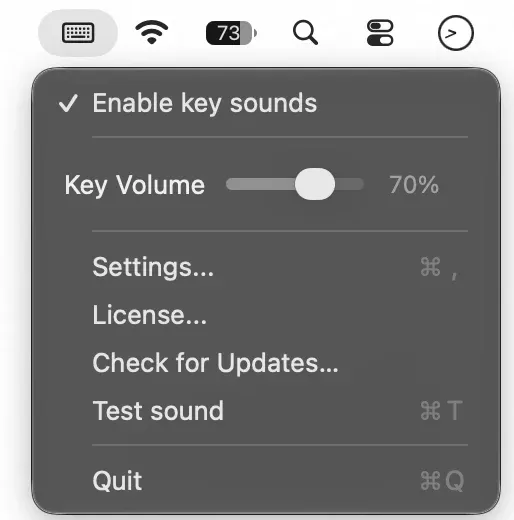
Add sound to every keystroke with musical presets like Marimba and Kalimba, or classic clicks and mechanical keyboard effects. Adjust the volume, change presets, and save your preferences from the menu bar.
Visit