Some apps are worth paying for. These premium menu bar tools deliver serious value.

Finbar extends your Mac’s built-in Menu Bar Search with fuzzy filtering and remembers every menu item you’ve selected, gradually accumulating a list of your favorite menu items.
It also comes with a powerful Rule Editor to exclude items from search results.
Visit
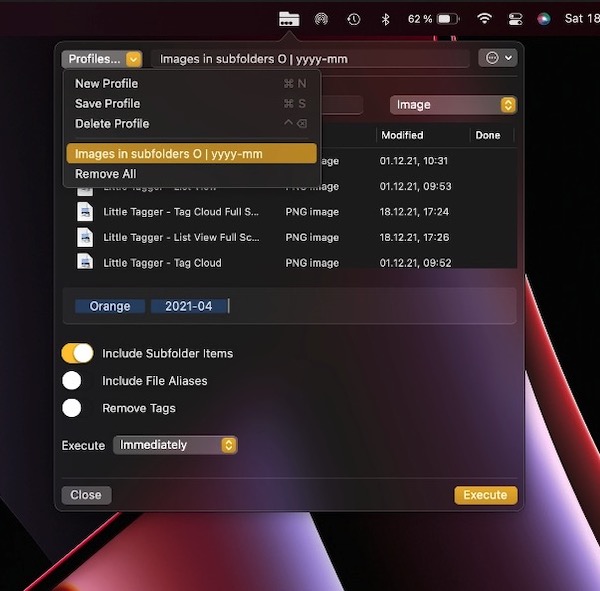
This menu bar app assists you in tagging your files and folders. It comes with options to filter files as well as control the execution timing. You can create new tags and save profiles for recurring tagging jobs.
Visit Watch
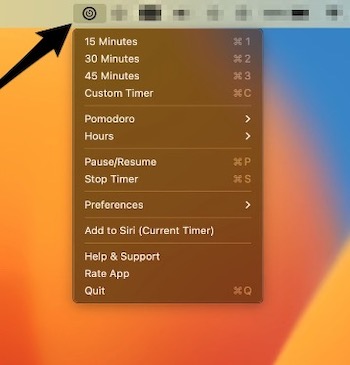
MenuBar Timer is designed to simplify your time management, whether you’re working, studying, cooking, or simply looking to boost your productivity. Probably the most important feature of this app is the ability to use Siri to ask it to start a timer.
Visit
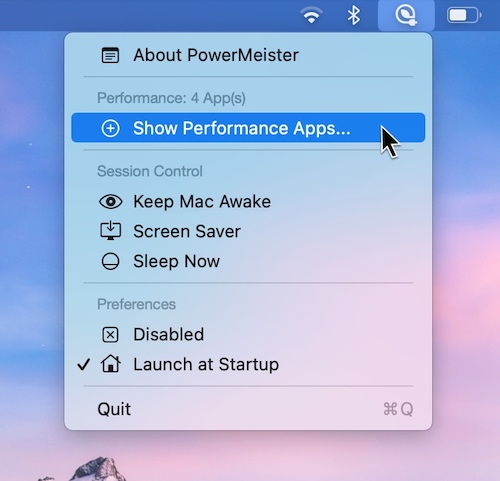
PowerMeister is a menu bar app that lets you run apps exclusively in Low Power Mode while also increasing performance by selecting apps that run exclusively in Performance Mode.
Visit
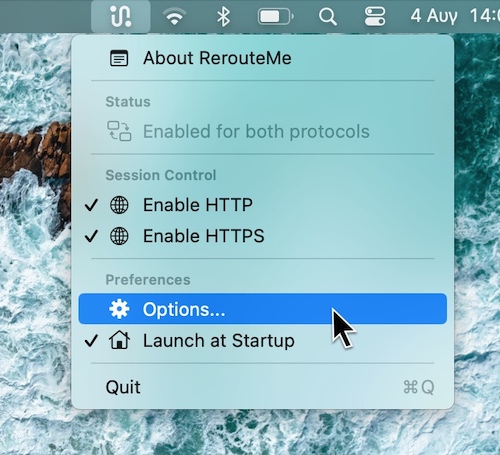
Just one click in your menu bar app to switch between Proxy Configurations. You can switch between a Localhost, WAN, or Custom Proxy Configuration.
Visit
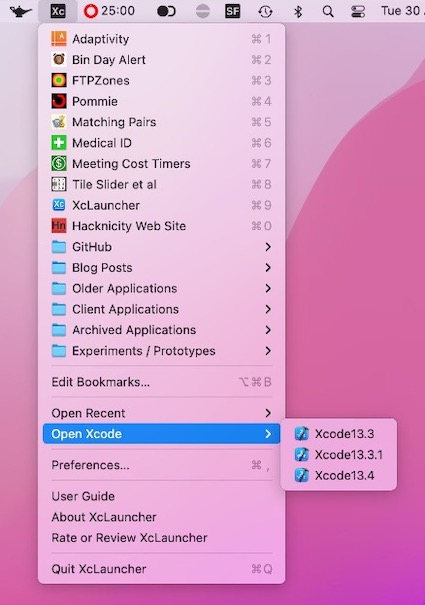
XcLauncher is a menu bar app that provides instant access to your favorite projects, workspaces, playgrounds and Swift files. It’s like having browser bookmarks for your Xcode files.
Visit
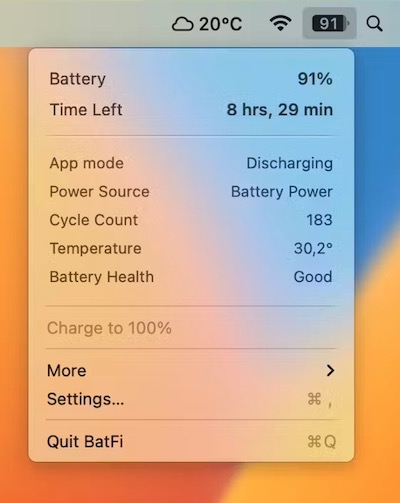
BatFi offers intelligent control over your battery to ensure optimal performance and longevity while preserving your full control. When needed you can select the ‘Charge to 100%’ command.
Visit
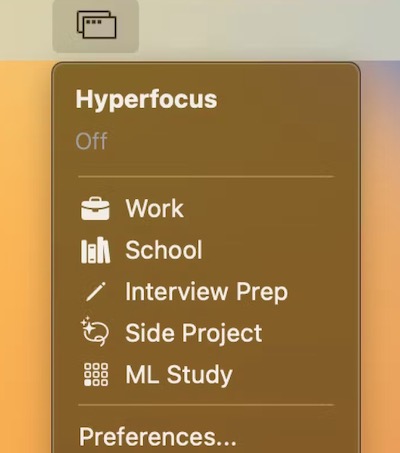
This menu bar app combines a window manager, app launcher and website blocker. You can for instance define specific screens/monitors to open your apps in and create a custom layout for their positions/sizes.
Visit
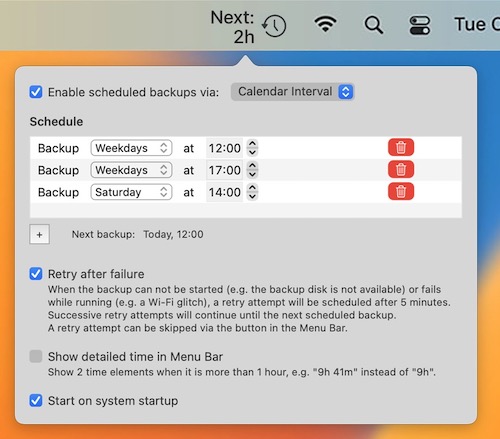
Schedule your Time Machine backups right inside your Mac’s menu bar. The app also shows the remaining time until the next backup.
Visit
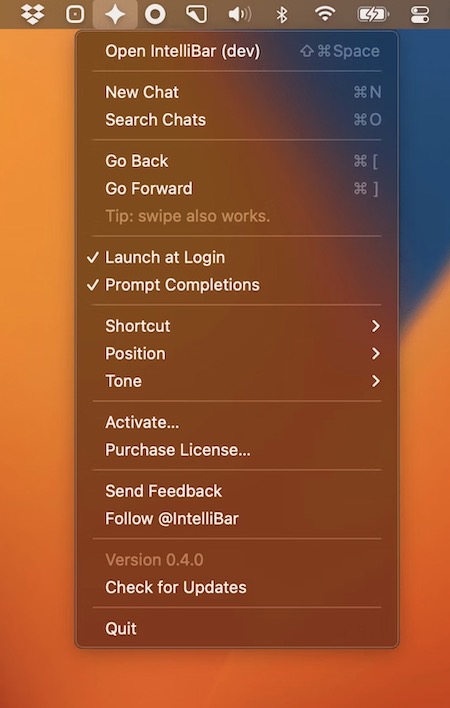
IntelliBar puts ChatGPT, Claude, Gemini and other AI models, including local ones via Ollama, in a single Spotlight-style window you open from your menu bar. Compare answers side by side, and keep your chats stored on your own Mac.
Visit