
Collection:
Meeting Apps
Some apps are worth paying for. These premium menu bar tools deliver serious value.
Collection:
Audio Apps
Ears
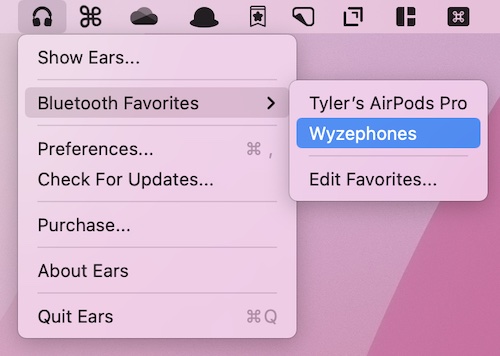
Quickly change your Mac’s sound output and input from the menu bar or with a global hotkey. Ears also gives your microphone a single mute key that works in every meeting app, with push-to-talk if you prefer.
Collection:
Meeting Apps
In Your Face
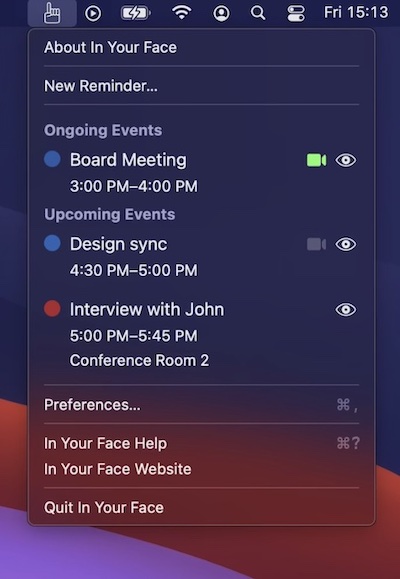
In Your Face makes sure you never miss a meeting. Right before it starts, the app takes over your screen with a full-screen alert and a button to join the call in one click. It works with Apple Calendar or directly with your Google and Microsoft accounts.
Collection:
Browser Apps
BarLinks
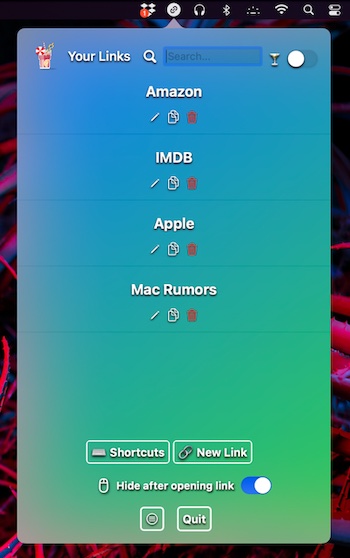
Too many bookmarks saved in your browser? This bookmark manager lets you store, find and open bookmarks in your menu bar. It opens any link you save in a new tab, using your default browser.
Collection:
Network Apps
Public IP
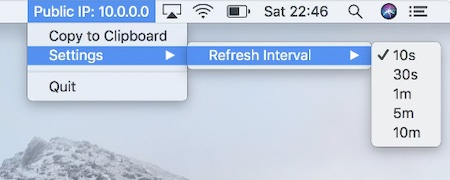
This menu bar app displays your public IP address and is updated frequently. The frequency can be adjusted to meet your needs.
Collection:
Developer Apps
Arch Info
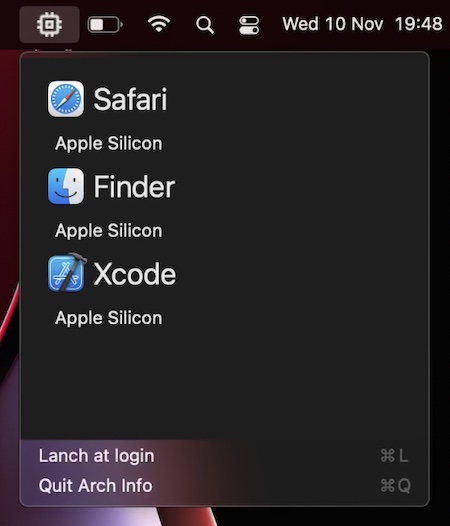
This menu bar app tells you if the currently selected application is an Apple Silicon or an Intel (translated via Rosetta 2) application.
Collection:
Sleep Control Apps
Insomniacs
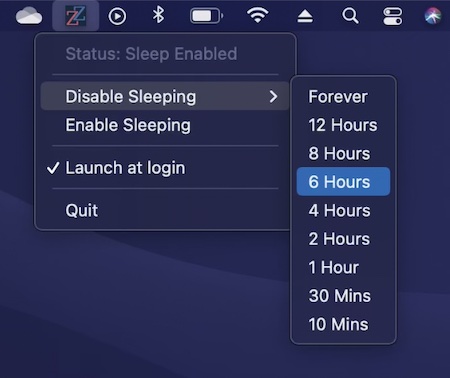
This menu bar app disables sleep forever or just for a selected time period. It also prevents sleeping/hibernation when your MacBook lid/screen is closed. Comes in handy when you’ve got time consuming operations to complete.
Collection:
Code Apps
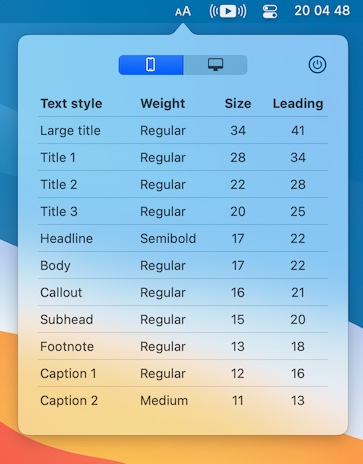
HIG Typography
Collection:
Network Apps
DataCever
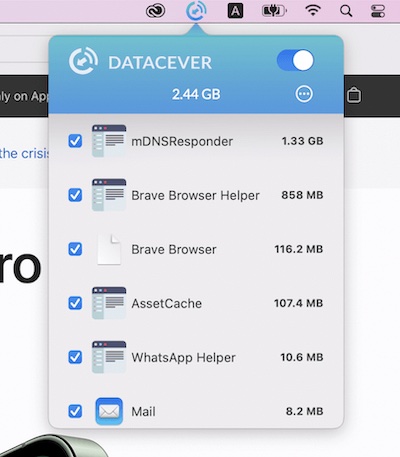
This menu bar app allows you to monitor and control internet traffic, allowing you to know what consumes your data plan. You can also specify quota for each application.
Collection:
Weather Apps
AeroWeather
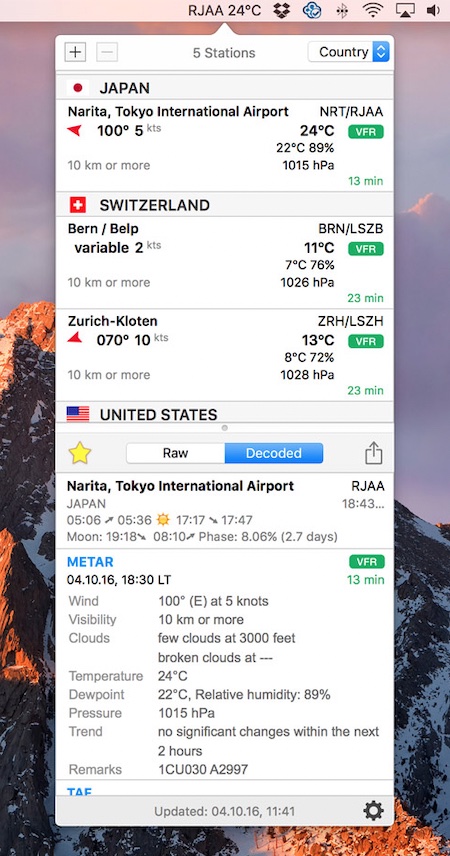
Quickly access your favorite airport weather. This menu bar app uses weather data from freely available sources like US NOAA.