Collection:
Meeting Apps
Final Call
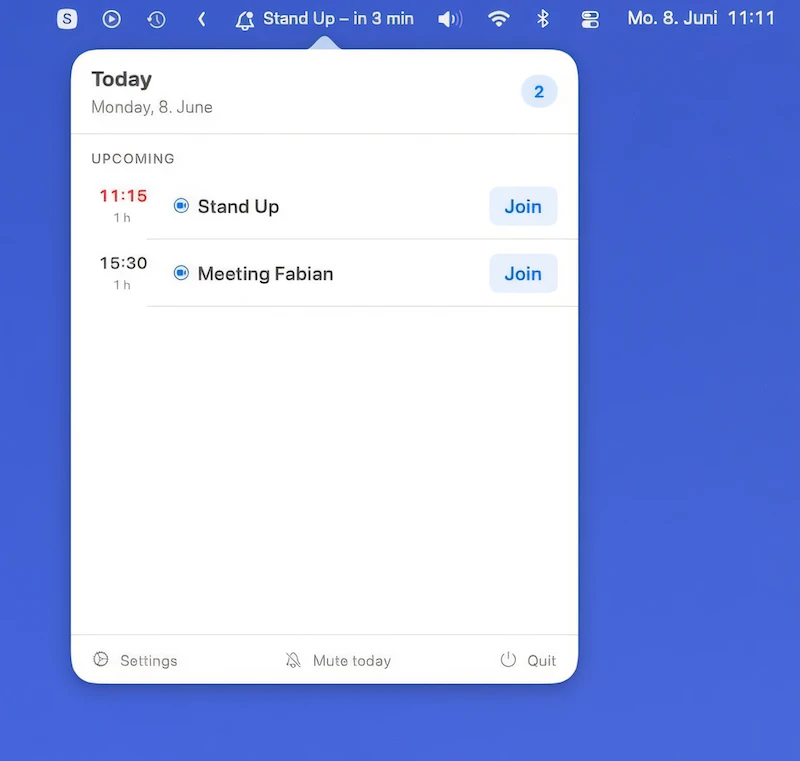
Final Call makes meetings hard to miss with fullscreen countdowns, one-click joining, calendar integration, agenda views, snoozing, and automatic music pausing, while keeping your calendar data local.

Some apps are worth paying for. These premium menu bar tools deliver serious value.
Some apps are worth paying for. These premium menu bar tools deliver serious value.
Final Call makes meetings hard to miss with fullscreen countdowns, one-click joining, calendar integration, agenda views, snoozing, and automatic music pausing, while keeping your calendar data local.
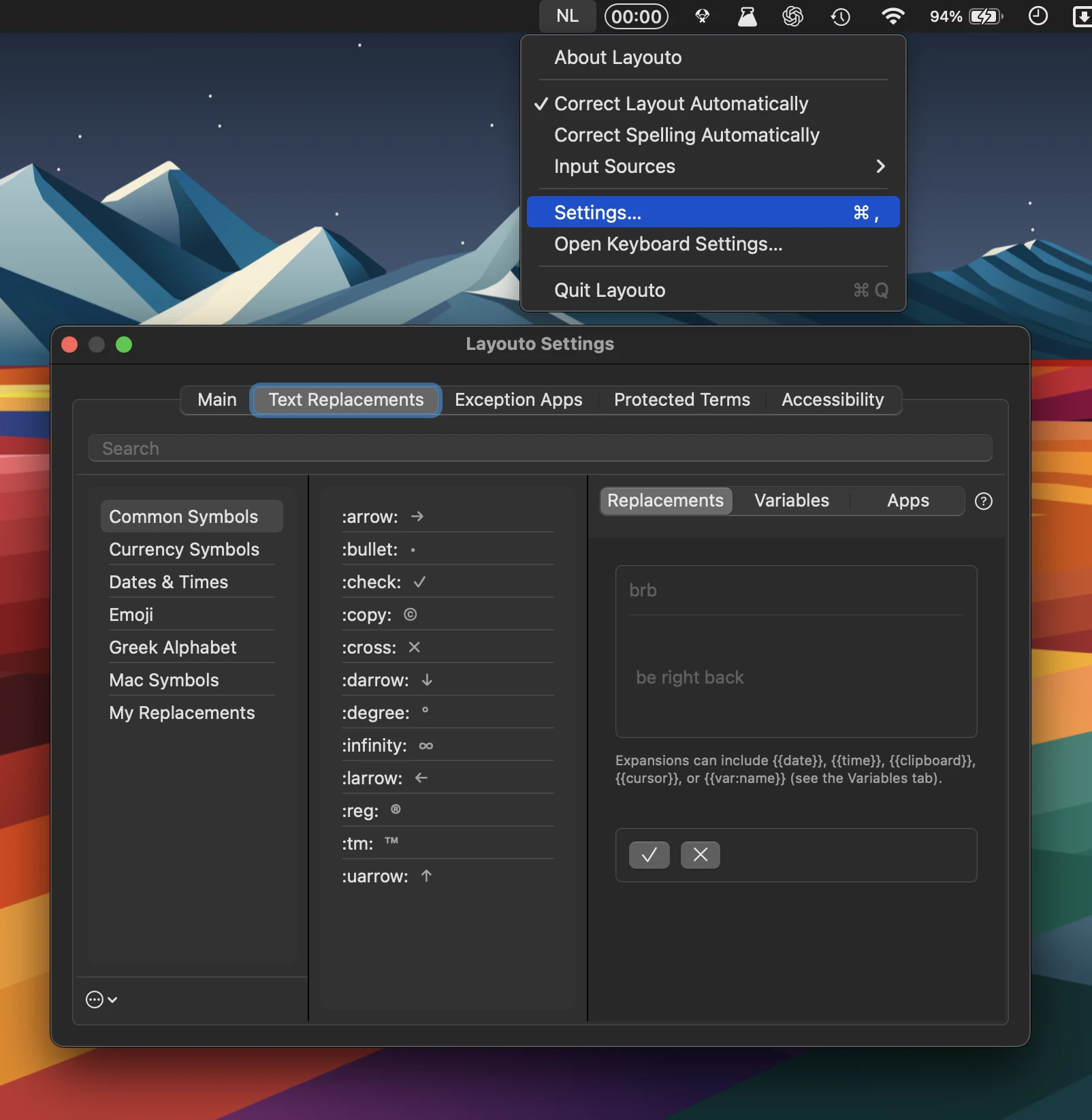
Layouto combines text shortcuts, typo correction, and keyboard-layout fixes, working offline throughout macOS. It supports dozens of languages, customizable exceptions, accessibility features, and zero tracking.
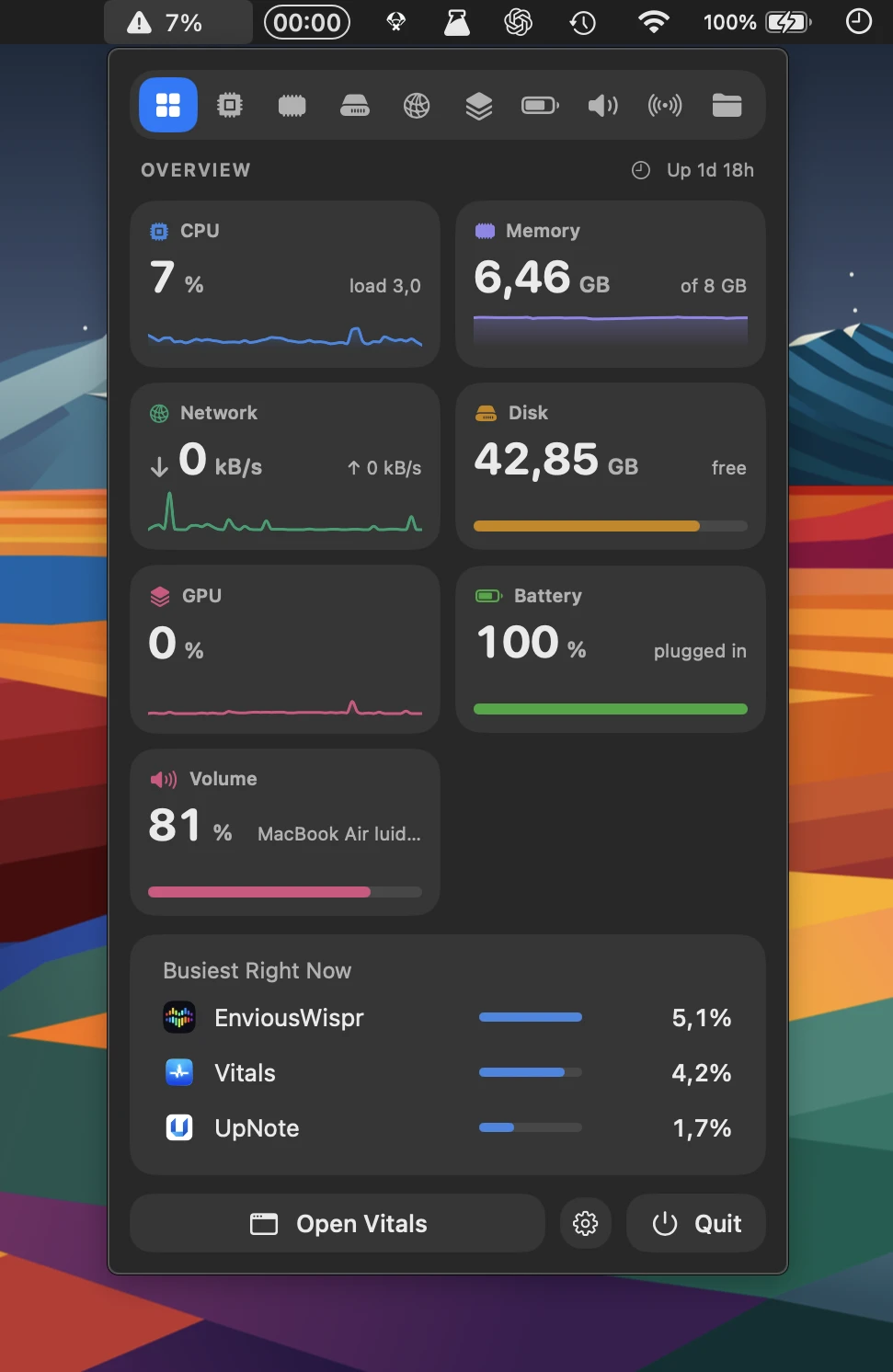
Vitals makes Mac system monitoring easier to understand by grouping processes under the apps they belong to. Track CPU, memory, energy, disk and network usage, with 30 days of history and alerts.
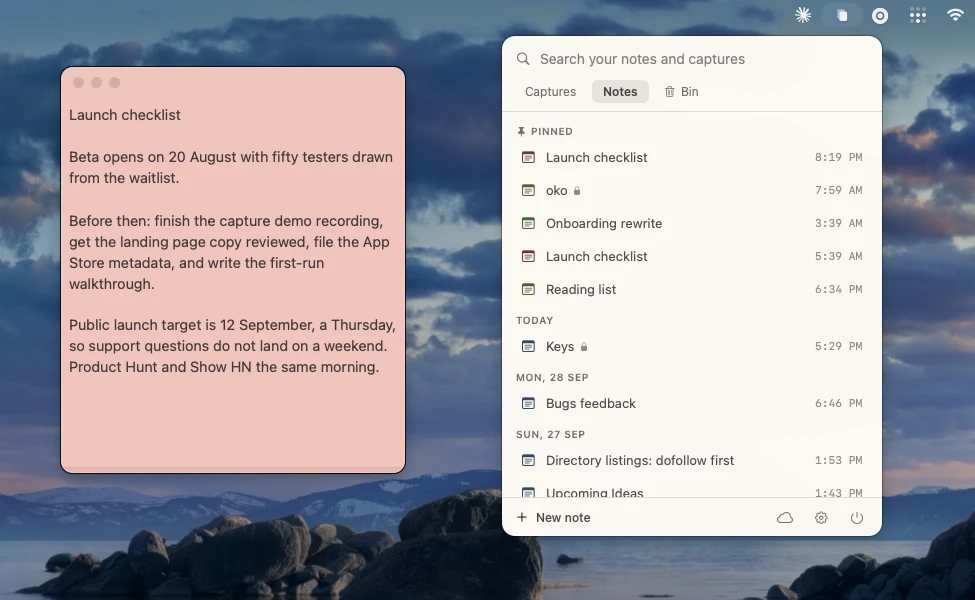
Keep notes and text captures close at hand with a searchable shelf, floating windows that stay on top, and handy keyboard shortcuts. Notes are stored locally, with optional iCloud sync.
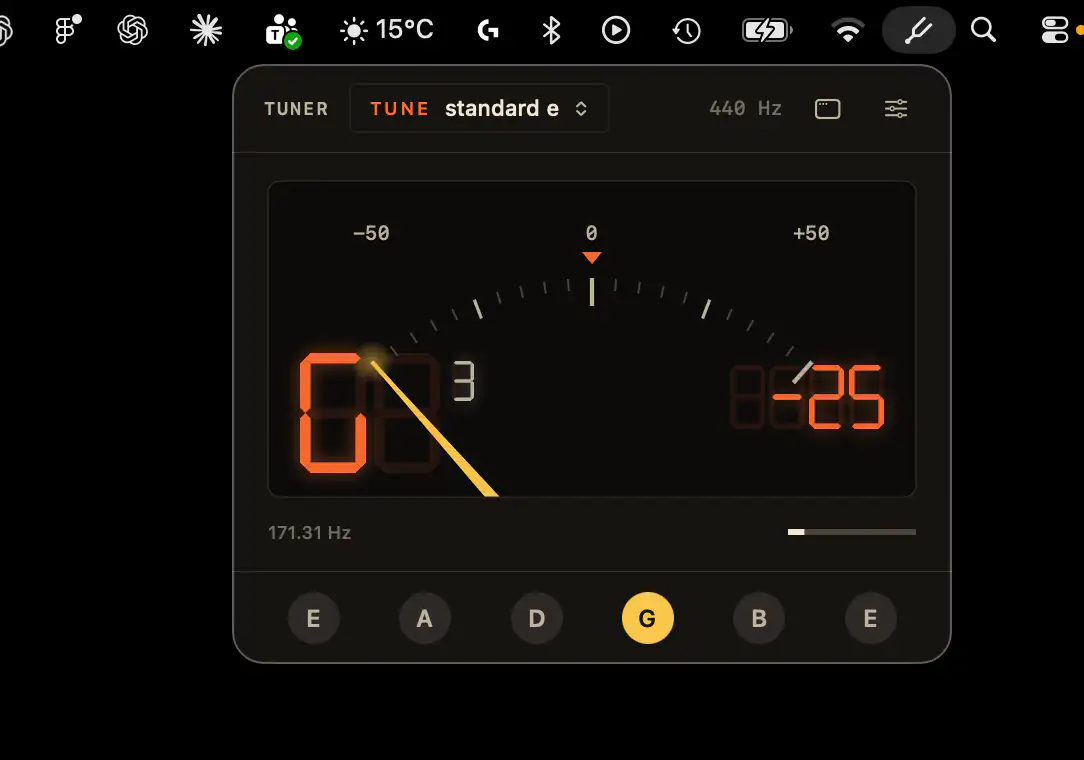
A precise chromatic tuner for musicians, with pitch accuracy to within one cent, switchable tunings, and keyboard controls. Runs directly on Core Audio, works offline, and supports USB audio interfaces.
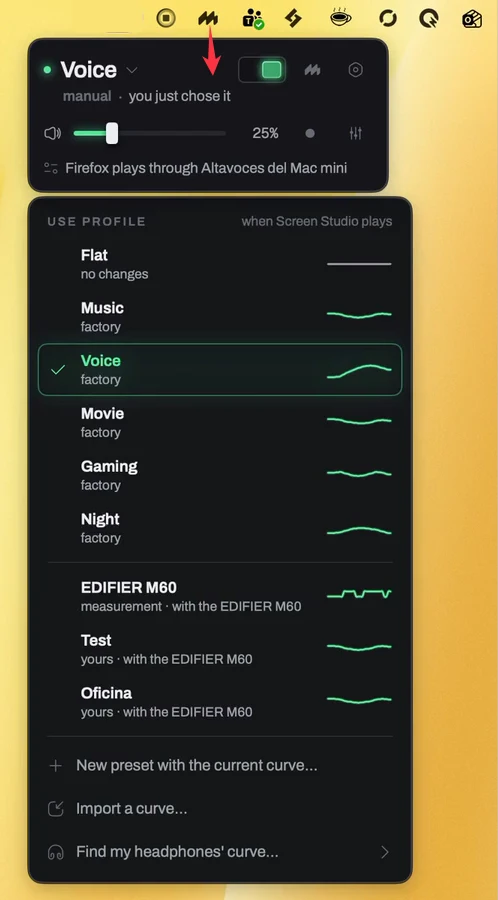
Ekhio automatically switches EQ profiles for calls, music, and movies, while offering volume and output controls plus microphone-based room correction for your speakers.
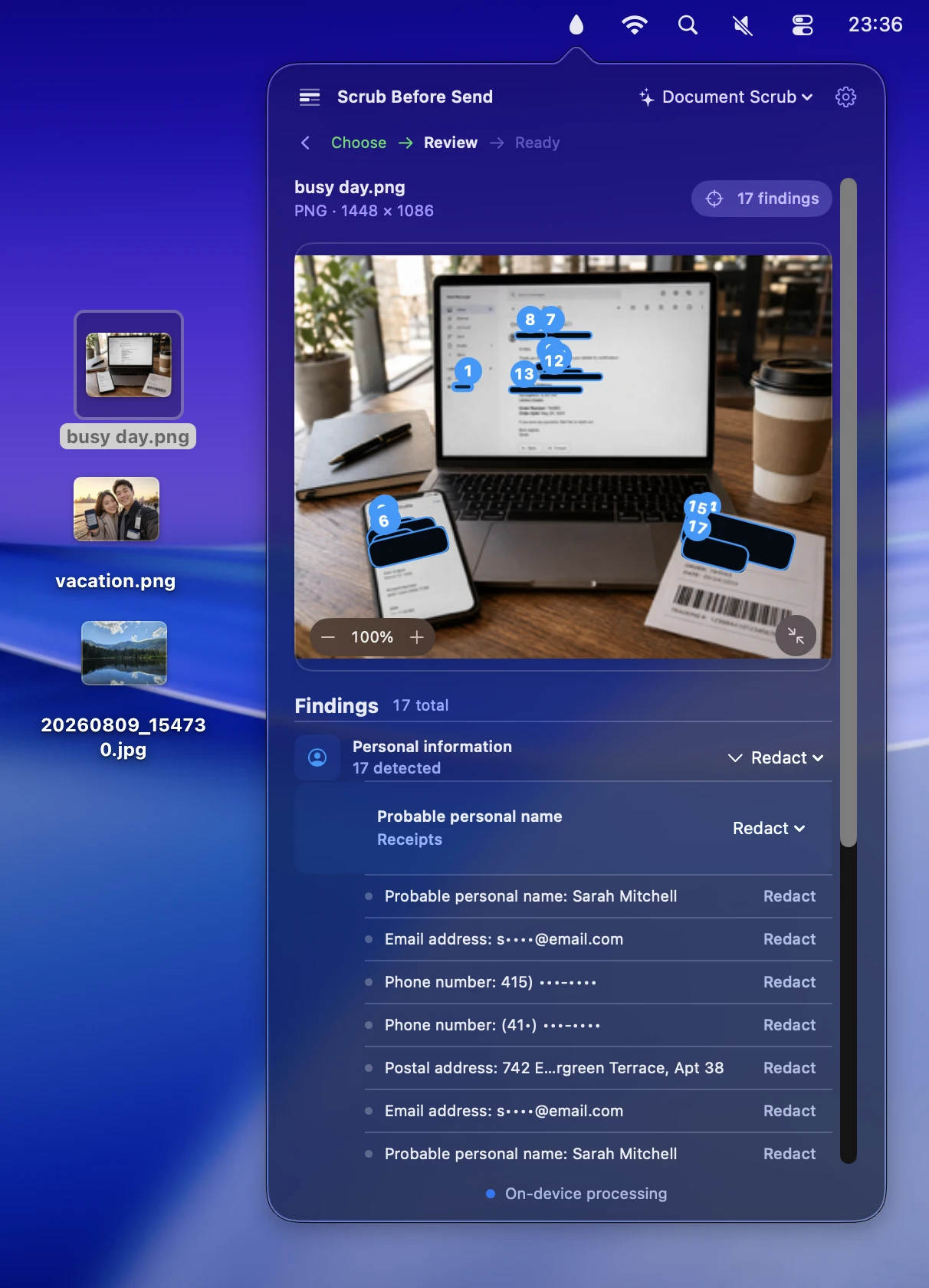
Scrub Before Send protects your privacy when sharing photos by removing hidden metadata, detecting sensitive text, and blurring, pixelating, or covering faces before sharing.
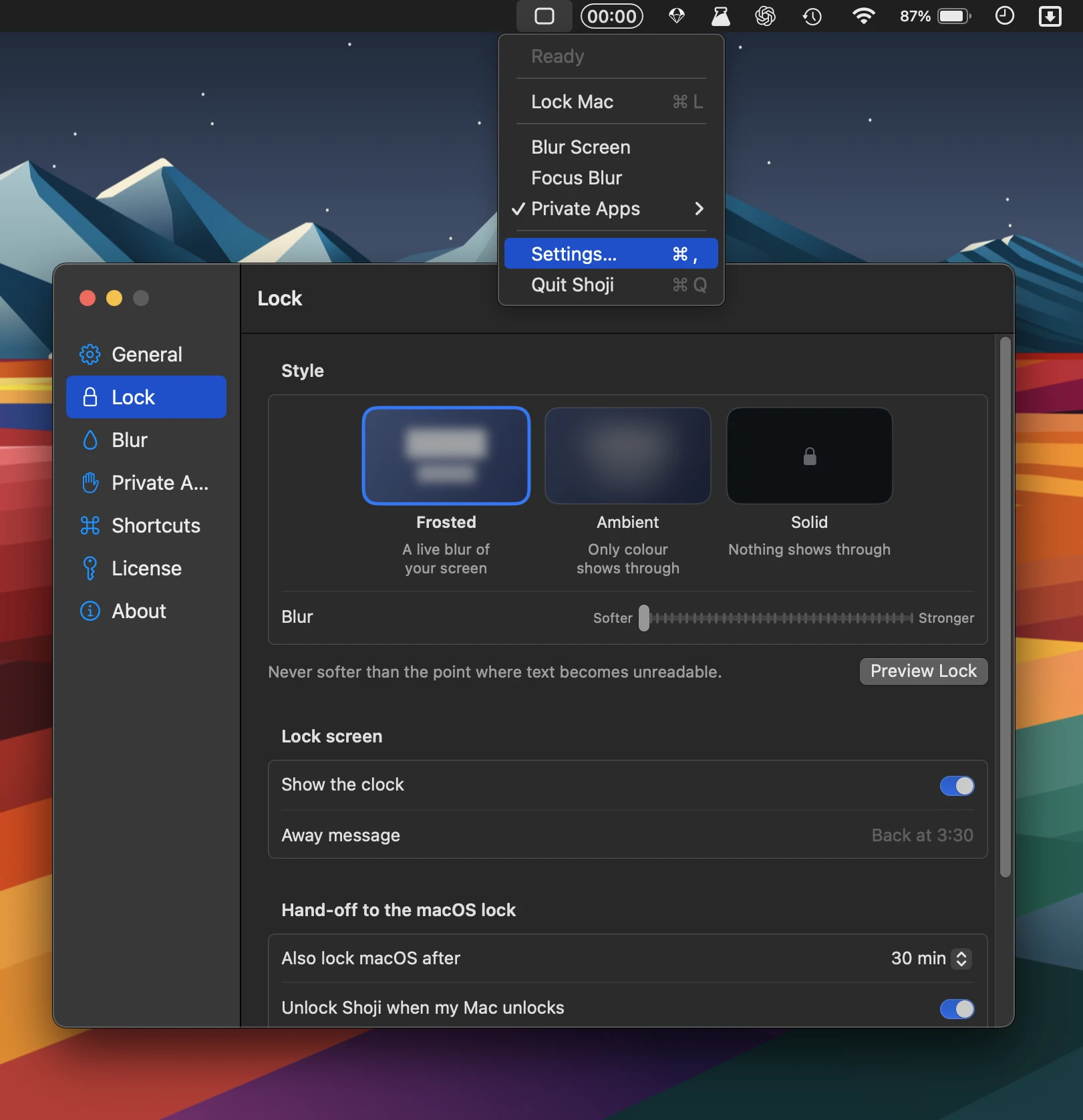
Shoji adds instant privacy with a soft screen blur, app-specific locking, and Touch ID authentication, while keeping windows, music, and downloads running without permissions, accounts, or analytics.
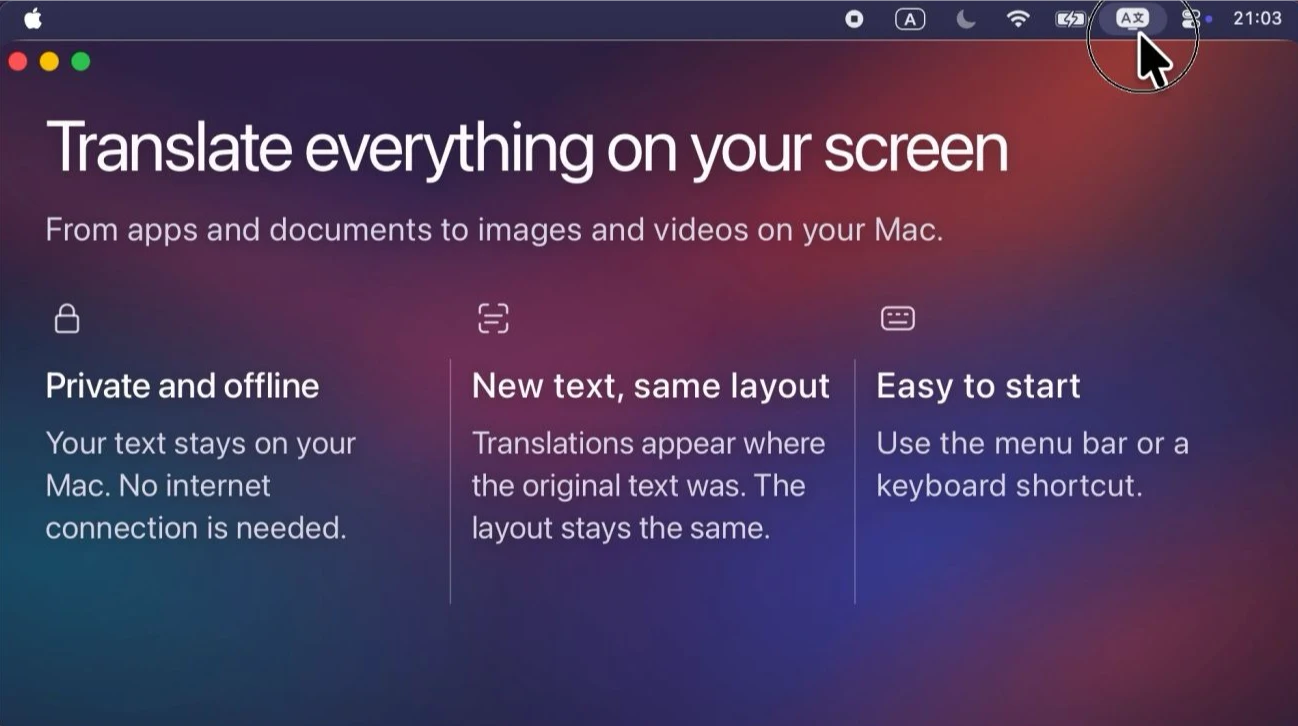
This menu bar app translates text from apps, websites, images, and games, displaying the result over the original text while preserving its layout and colors. Everything is processed locally on your Mac.