Collection:
Window Managers
Desktops
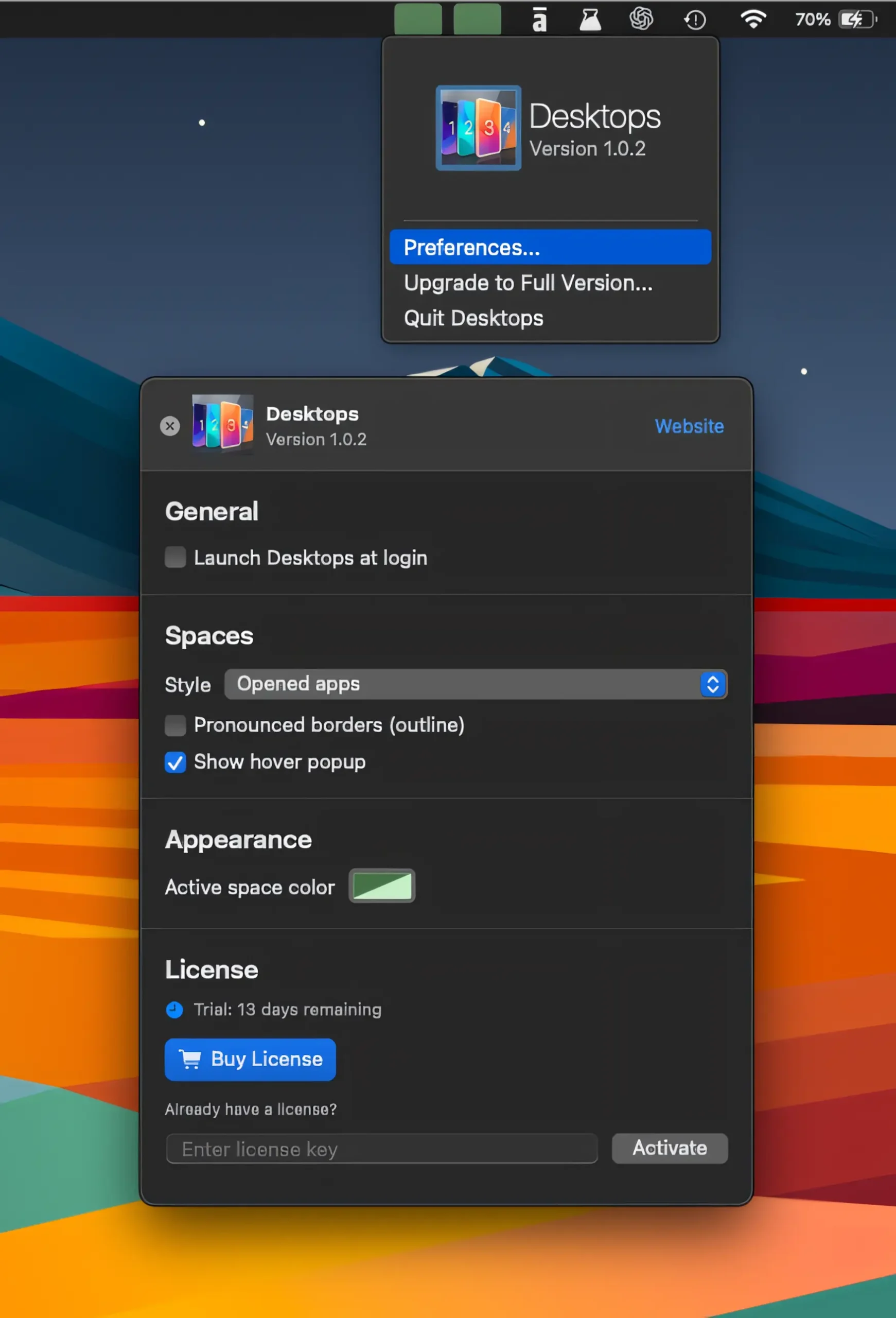
Keep track of your virtual desktops at a glance, switch between Spaces with a click, and see apps on nearby desktops without losing your flow.

Some apps are worth paying for. These premium menu bar tools deliver serious value.
Some apps are worth paying for. These premium menu bar tools deliver serious value.
Keep track of your virtual desktops at a glance, switch between Spaces with a click, and see apps on nearby desktops without losing your flow.
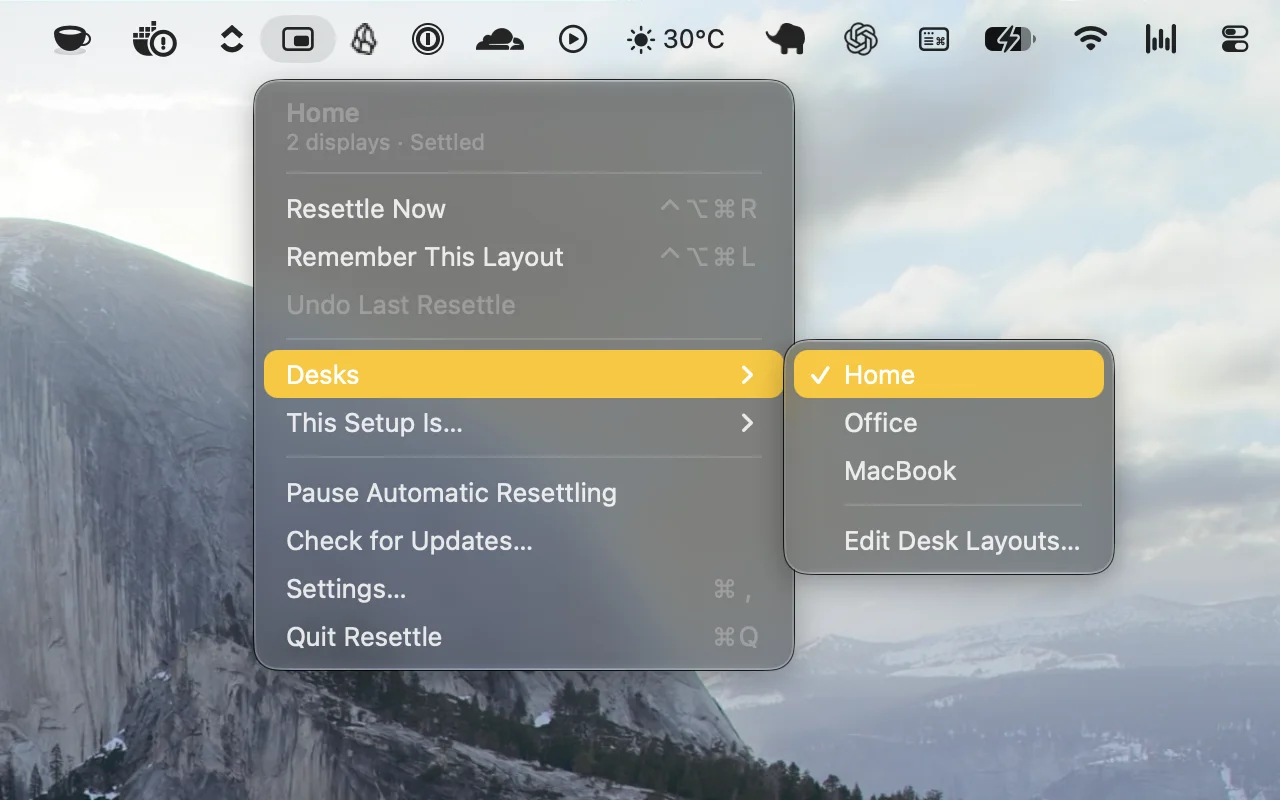
Automatically restores your window layouts when you dock, connect displays, or wake your Mac. Resettle remembers each setup, adapts to changes, and puts your windows back where they belong.
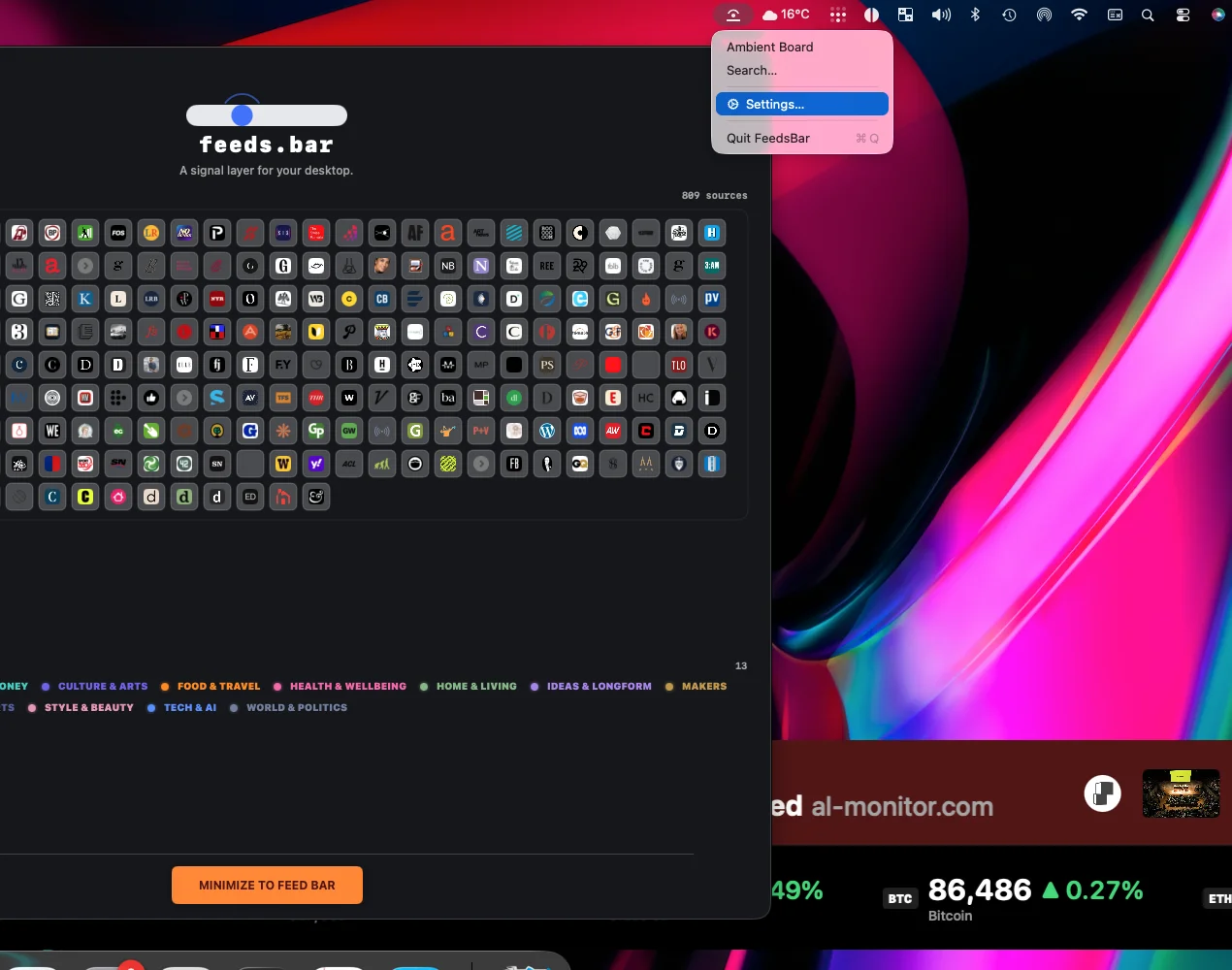
FeedsBar streams curated news headlines across your desktop in a slim ticker, with topic-based feeds, customizable placement and speed, full-screen mode, and optional music-based updates.
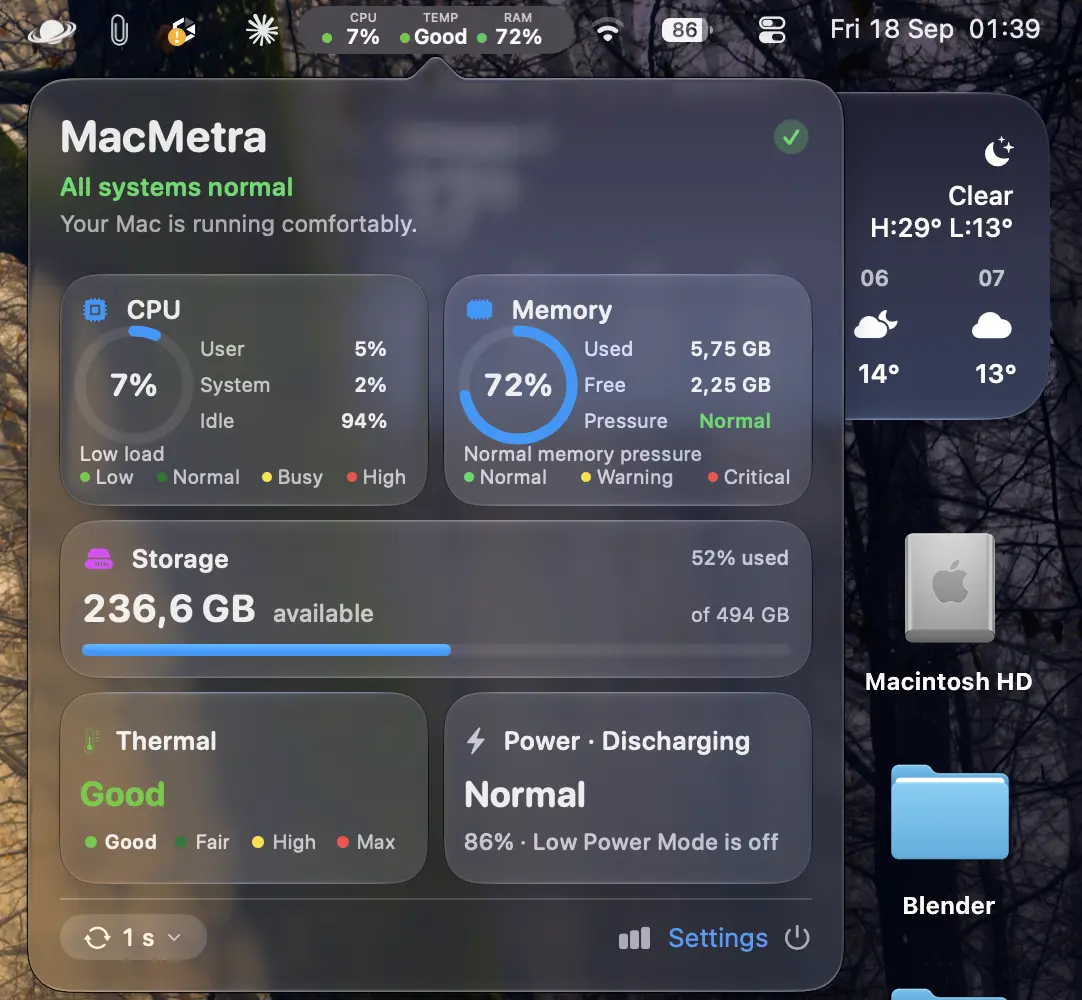
Monitor CPU, memory, storage, thermal state and power from one compact dashboard, with configurable menu bar readings, fast updates and a fully sandboxed app with no network access.
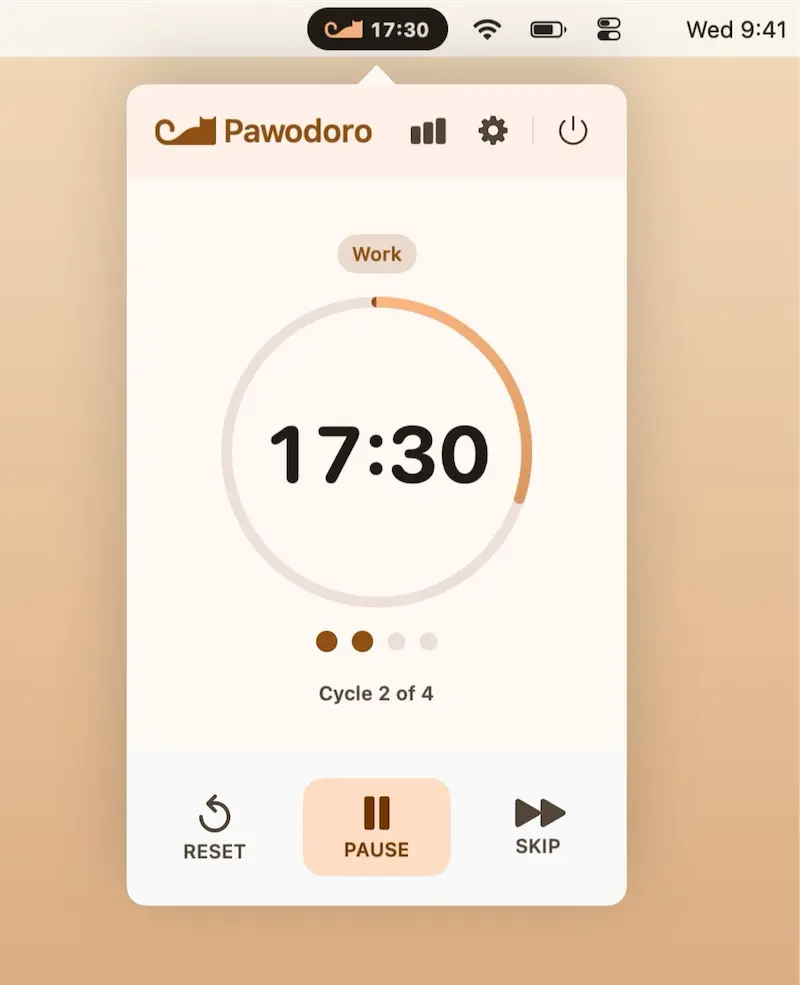
A playful Pomodoro timer that turns every break into a full-screen cat video, with customizable sessions, automatic cycles, and focus statistics to make productive habits more enjoyable.
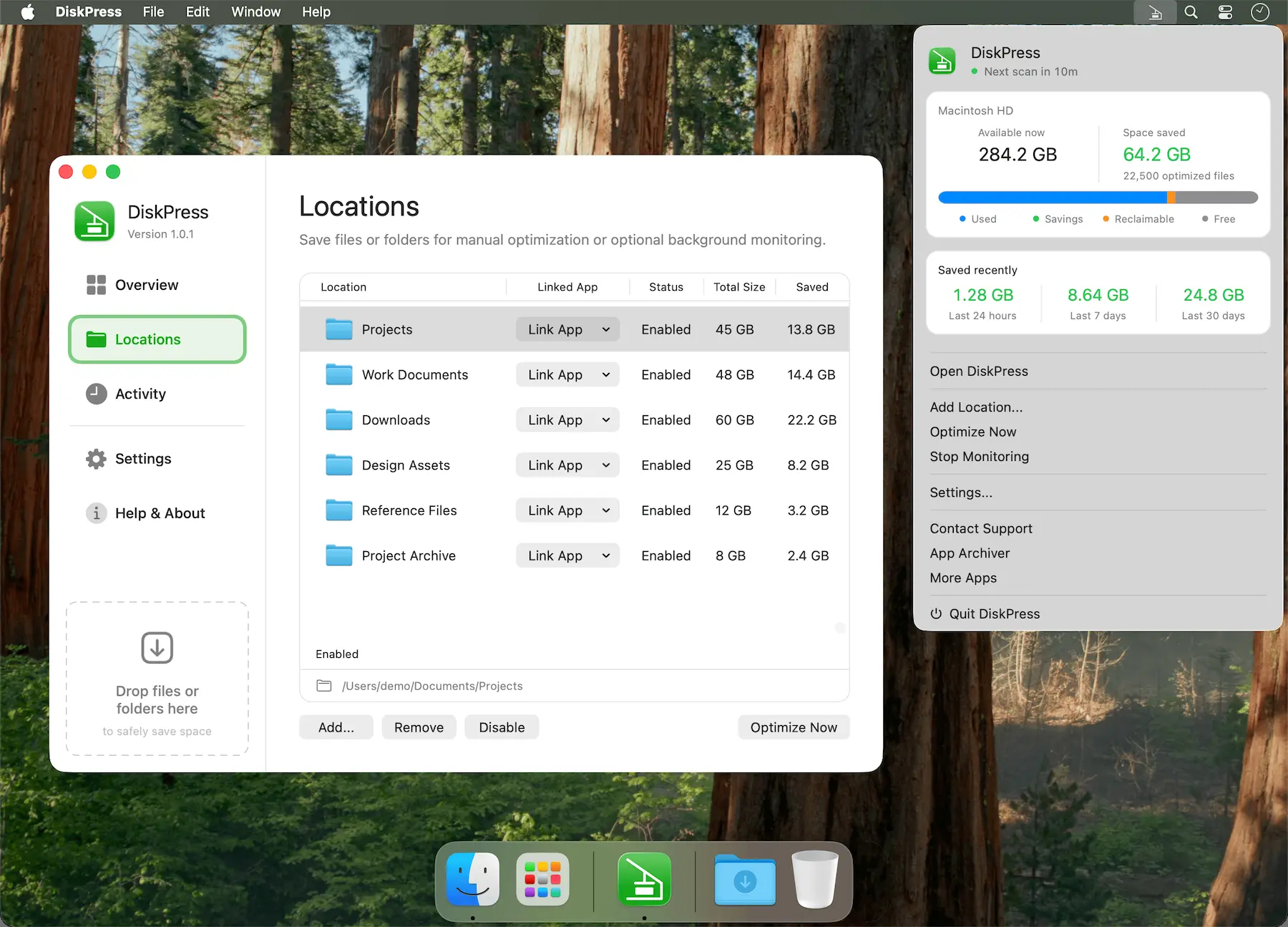
Free up Mac storage without deleting your files. DiskPress combines native compression and APFS deduplication to reduce storage usage while keeping files in place, accessible, and entirely on your Mac.
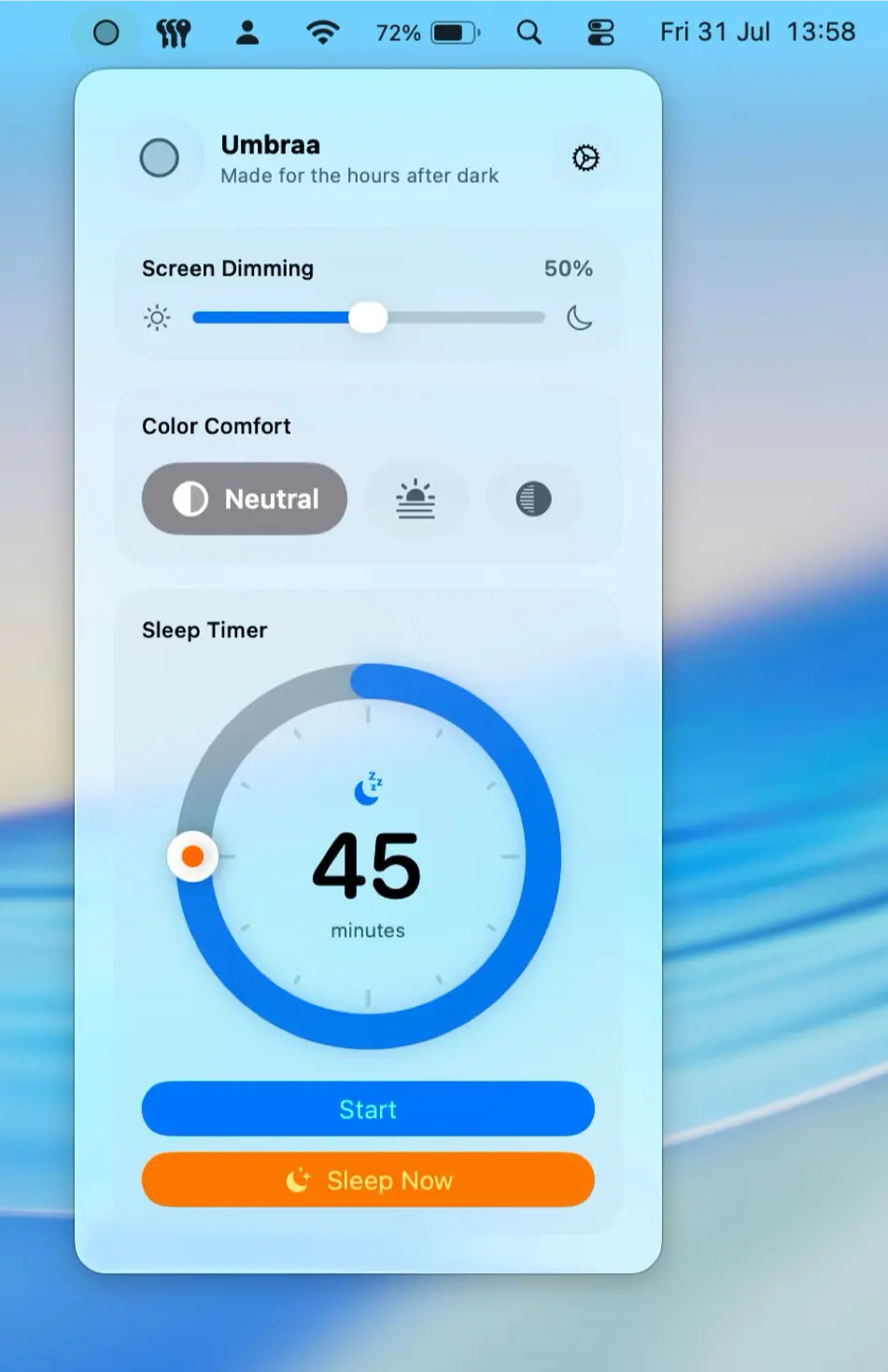
Go darker after sunset with Umbraa, which dims your Mac below its normal limit, warms the display, and gently fades the screen to black when it’s time to sleep.
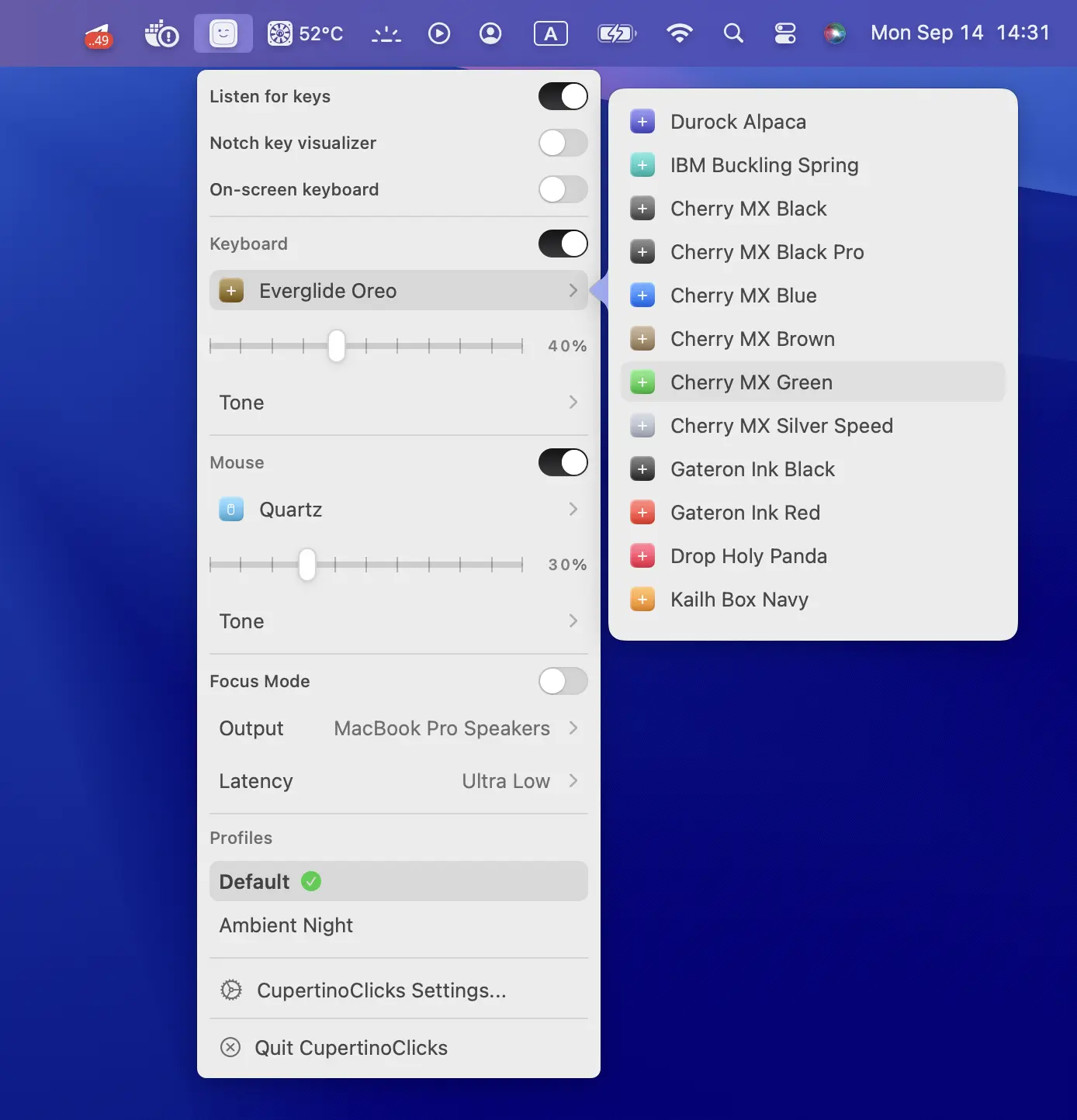
CupertinoClicks adds realistic mechanical keyboard and mouse sounds to your Mac, with ultra-low latency, Spatial Audio, and 30 switch presets.