
Collection:
AI Apps | Writing Apps
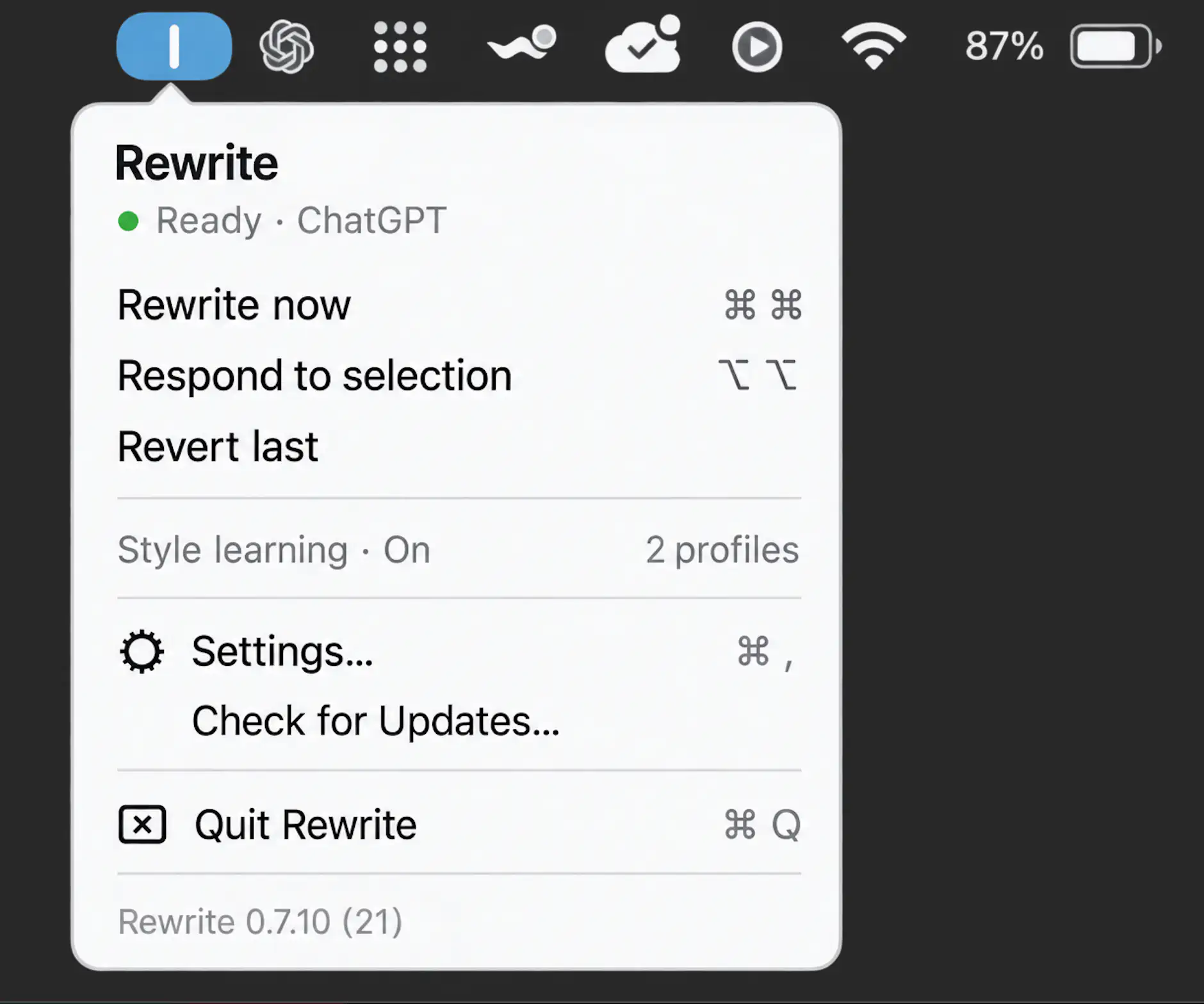
Bring AI directly into your workflow. From instant chat access and smart writing assistance to local LLMs, voice transcription, usage tracking, and developer monitoring, these menu bar apps keep powerful AI tools always within reach.
Collection:
AI Apps | Developer Apps
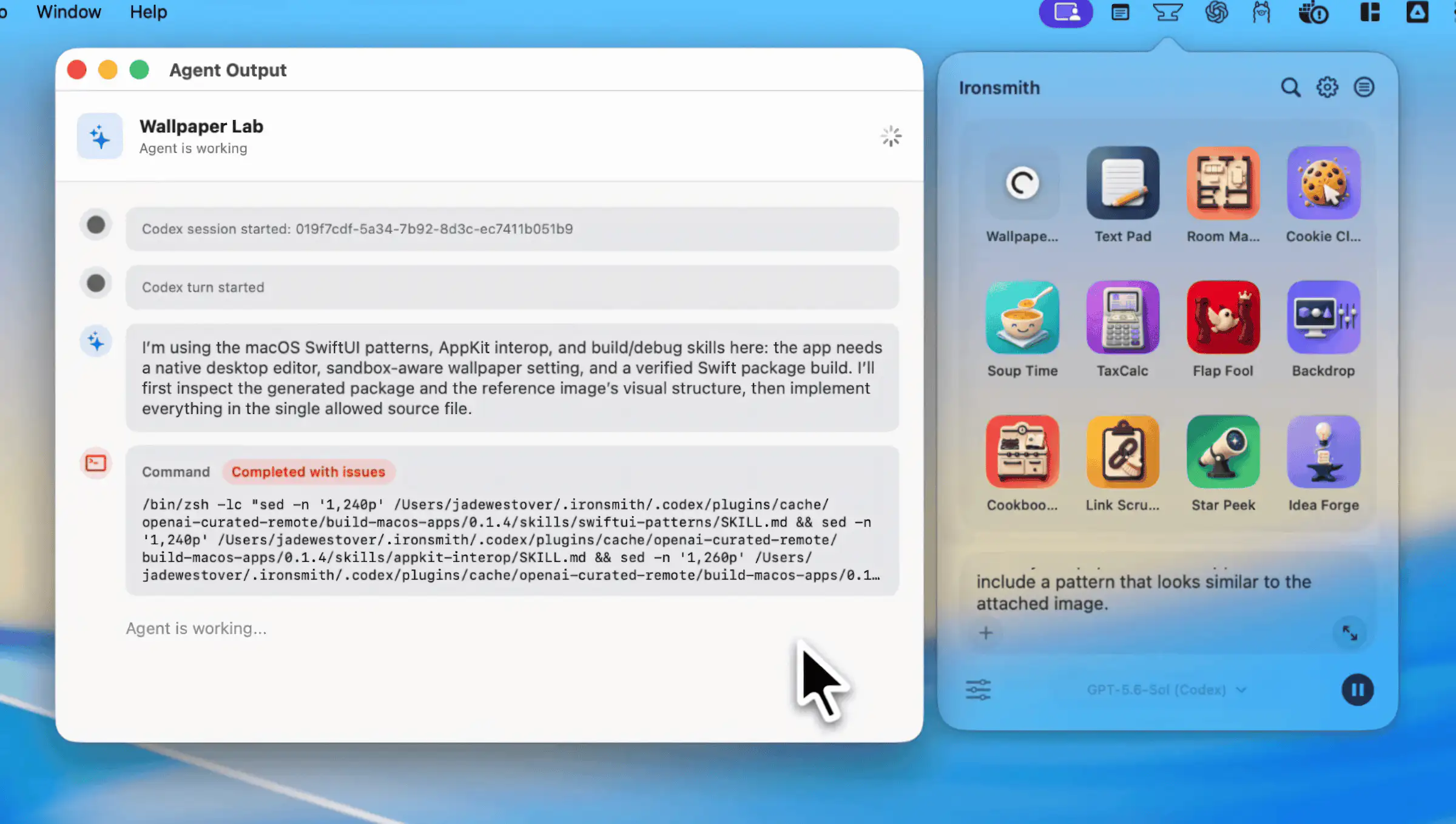
Ironsmith
Collection:
AI Apps
UseReserve
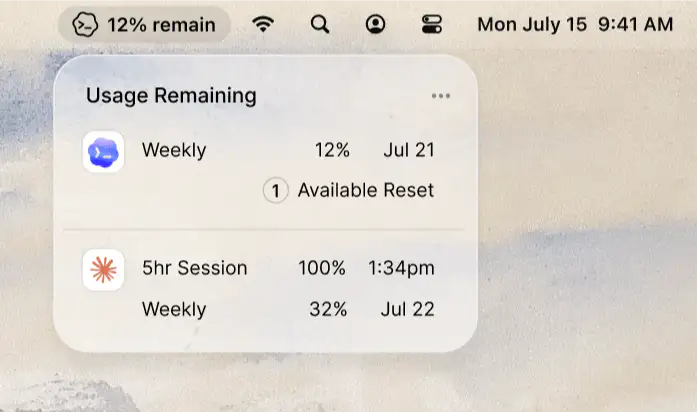
UseReserve keeps your remaining Claude and Codex usage visible at a glance, so you always know how much is left without interrupting your workflow.
Collection:
AI Apps | Developer Apps
IAXT
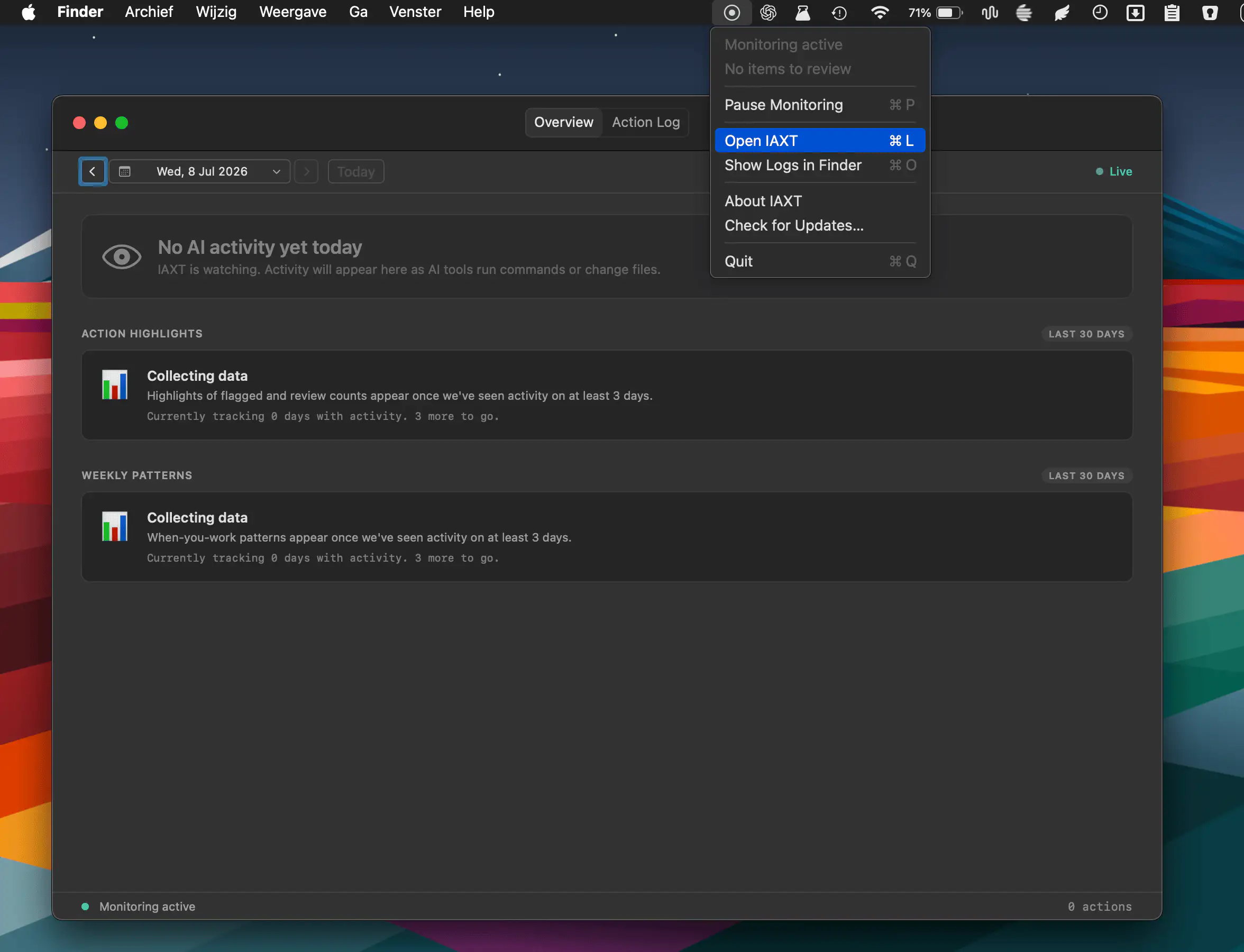
IAXT monitors AI coding agents like Claude Code, Cursor, and Codex by locally recording commands, file changes, and system actions. Review activity logs, spot unusual behavior, and keep AI workflows secure.
Collection:
AI Apps | Developer Apps
cctop
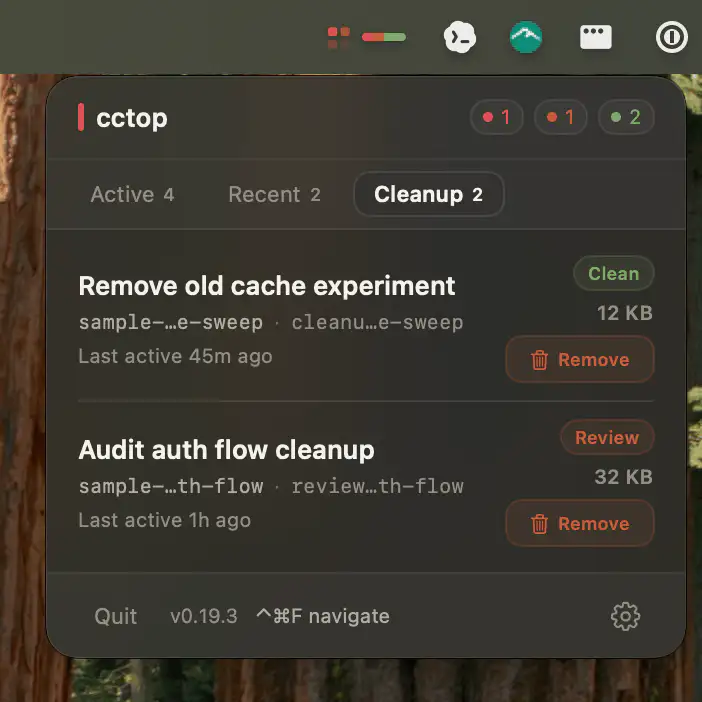
This menu bar app helps developers monitor multiple AI coding sessions from tools like Claude Code, Codex, opencode, and pi, making it easy to spot when attention is needed and jump straight to the right terminal, editor, or conversation.
Collection:
AI Apps
Quotawarmer
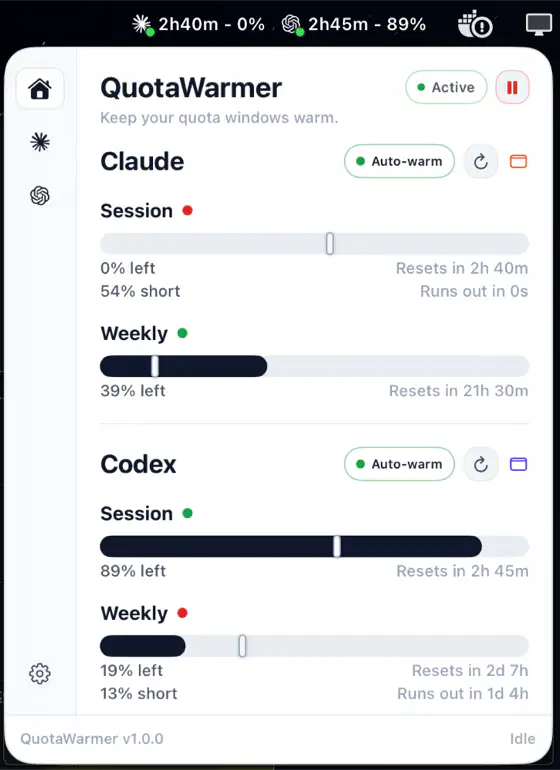
QuotaWarmer helps Claude Code and Codex CLI users keep track of rolling quota windows and optionally claim fresh capacity the moment it becomes available.
Collection:
AI Apps
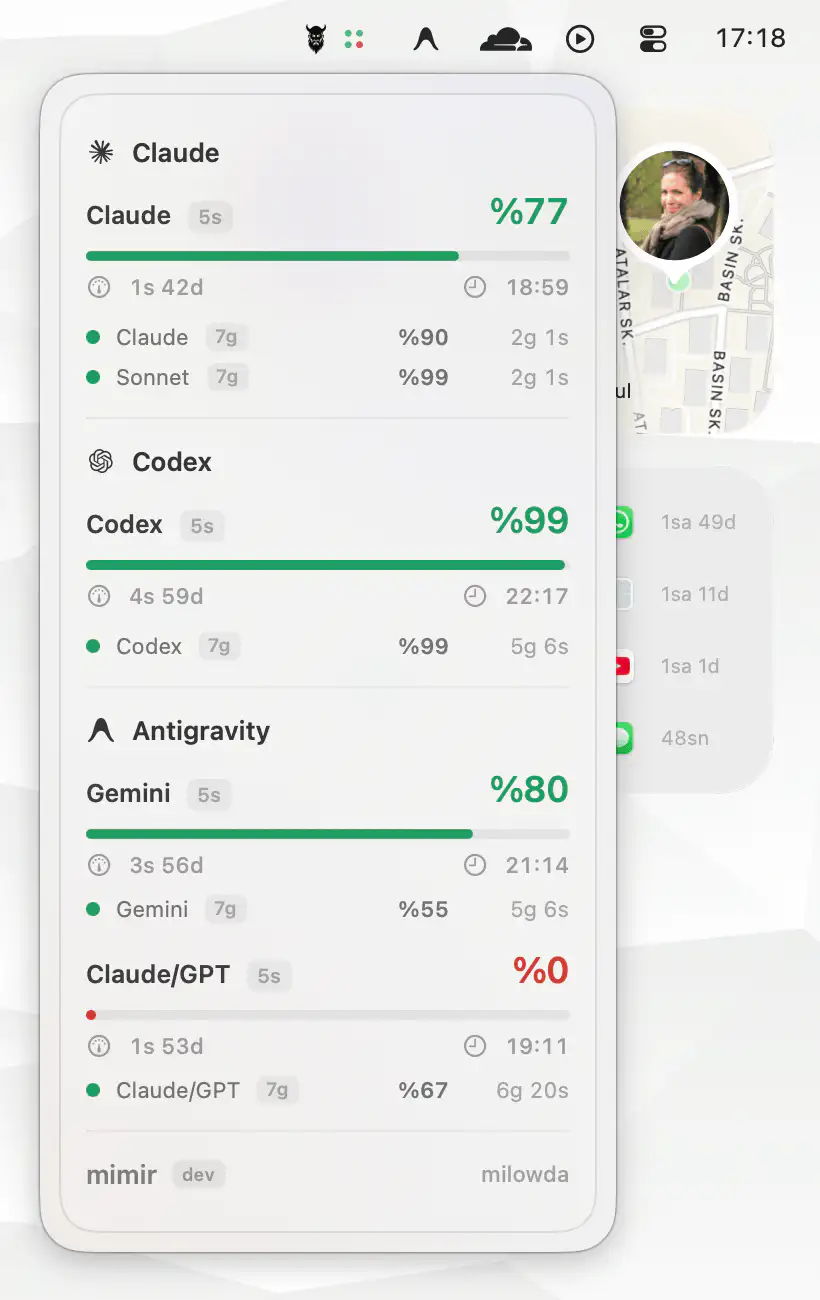
Claude Cap
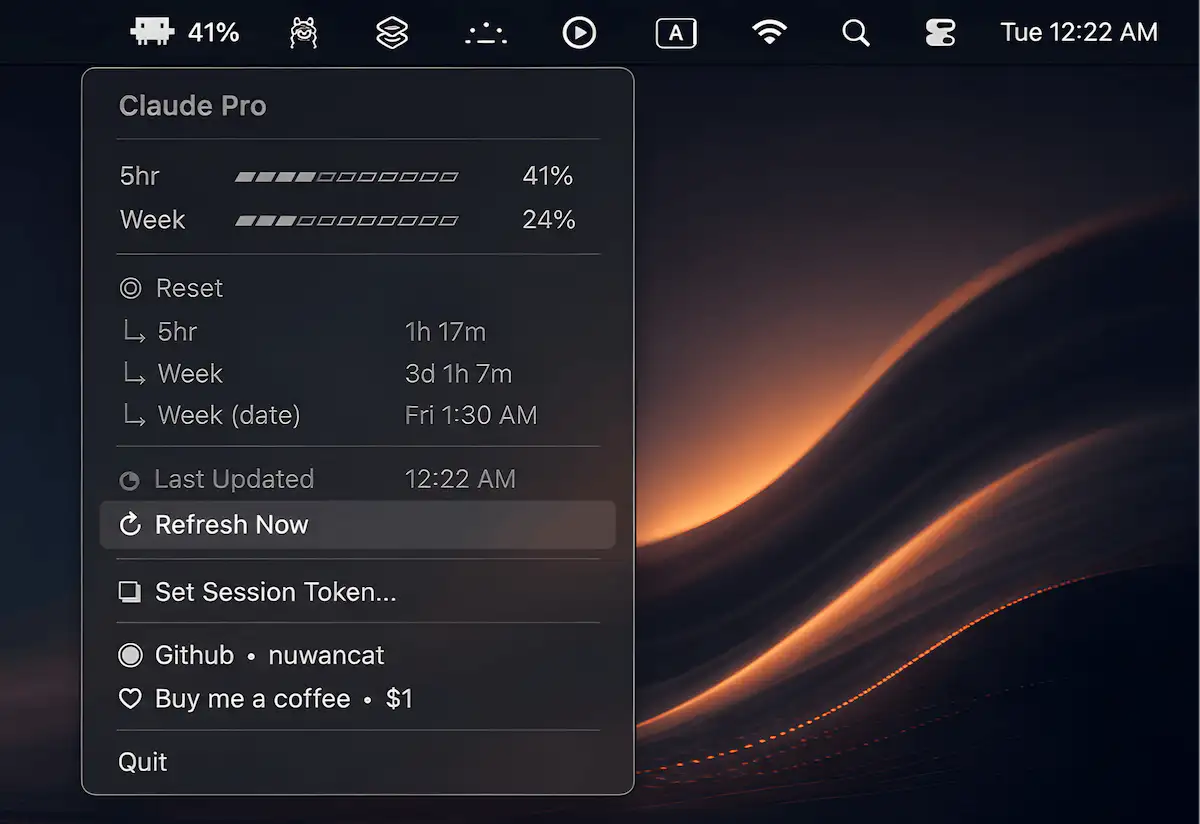
Claude Cap keeps an eye on your Claude.ai usage in real time, helping you avoid unexpected limits and stay focused. Built with Python and rumps, it places essential stats within easy reach.
Collection:
AI Apps | Developer Apps
Drafty
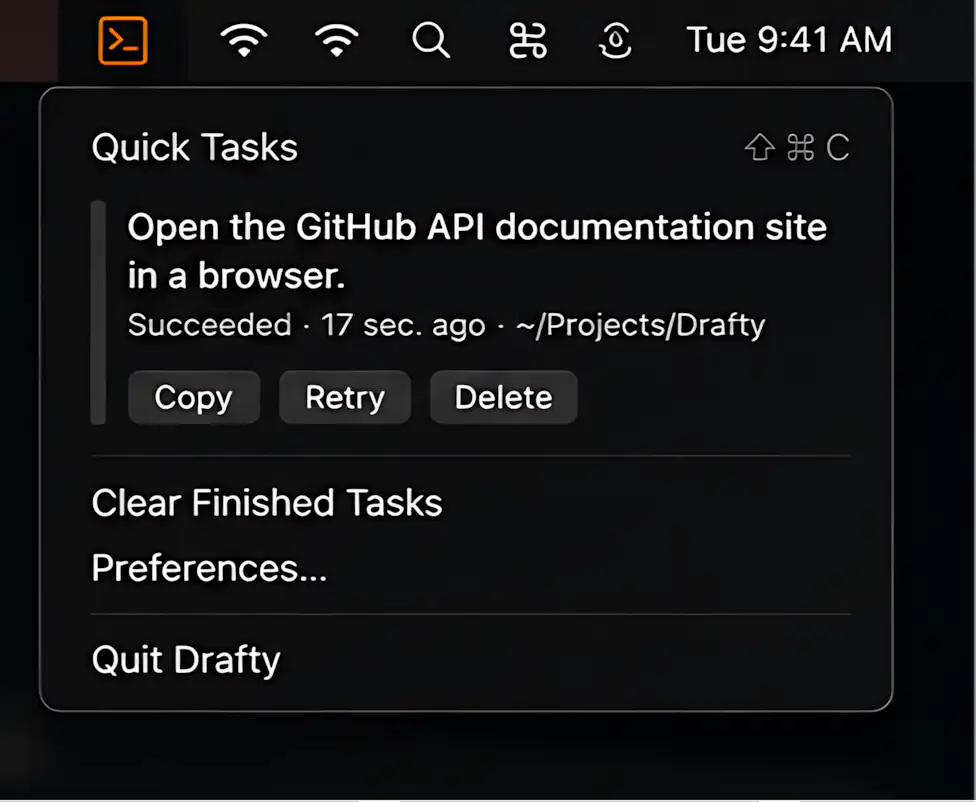
Drafty keeps lightweight Codex tasks close at hand, making it easy to launch quick prompts, attach files, hand off to terminal editors, or dictate drafts locally without interrupting your command-line workflow.
Collection:
AI Apps | Developer Apps
Headroom
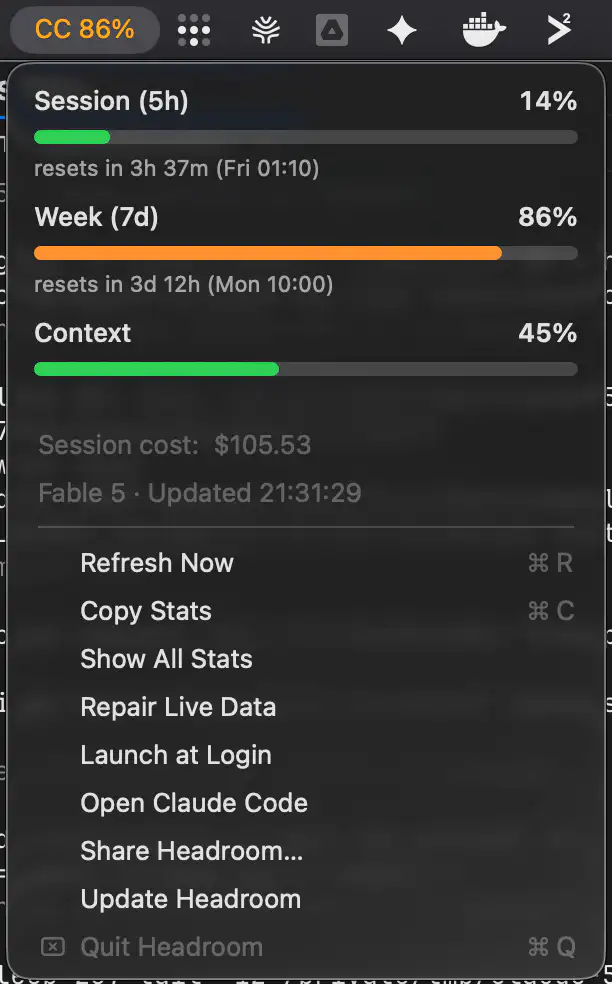
Headroom keeps your Claude Code usage visible at a glance, showing live 5-hour and 7-day limits directly in the menu bar before they catch you in the middle of a task. It reads the usage data Claude Code already stores locally, requires no setup, API key, or login, and never makes a network connection.