Open code. Open minds. Open source menu bar apps.
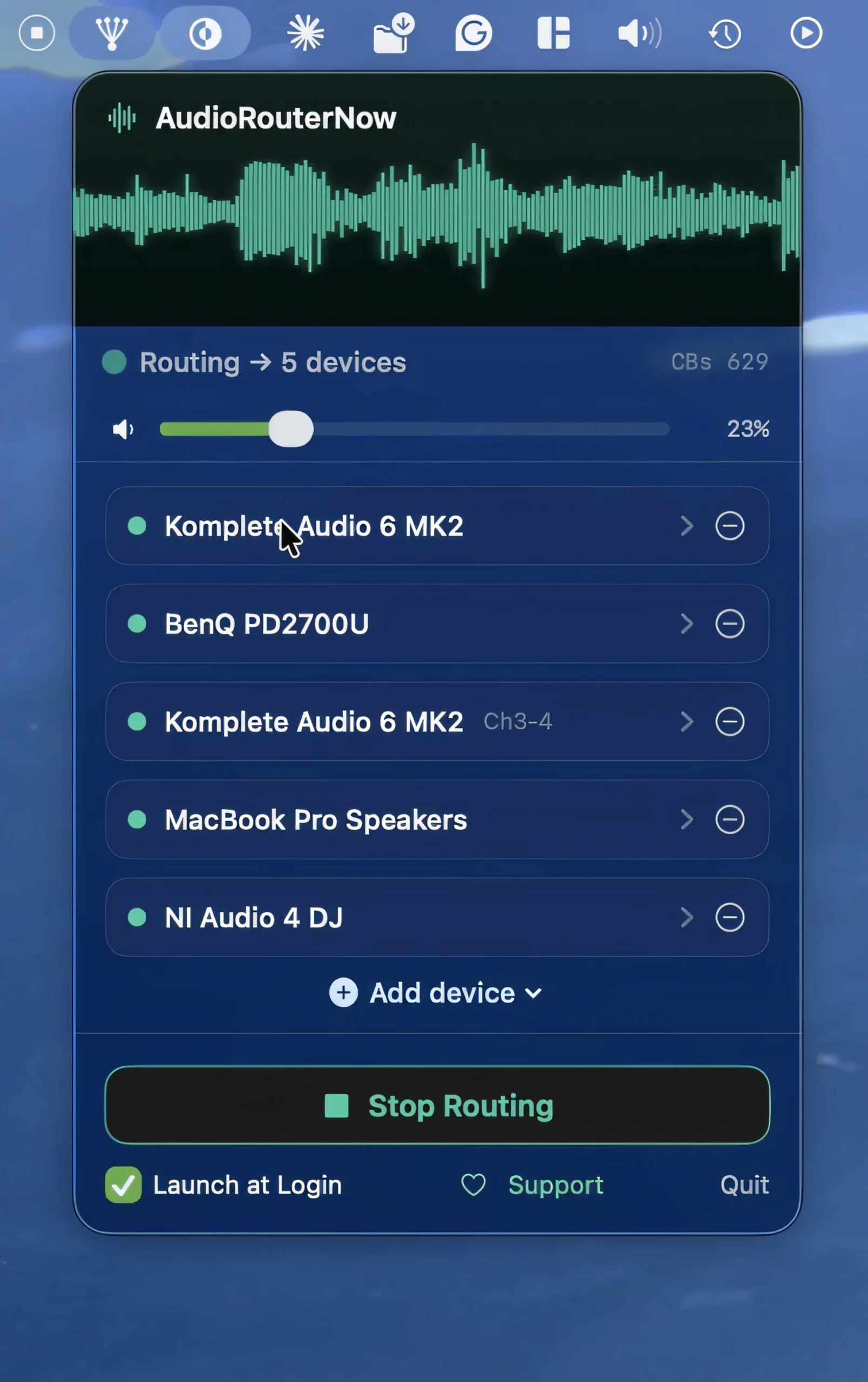
Play your Mac’s system audio through multiple outputs simultaneously, including speakers, headphones, and external interfaces. This utility preserves volume controls and remembers your setup across reboots.
Visit
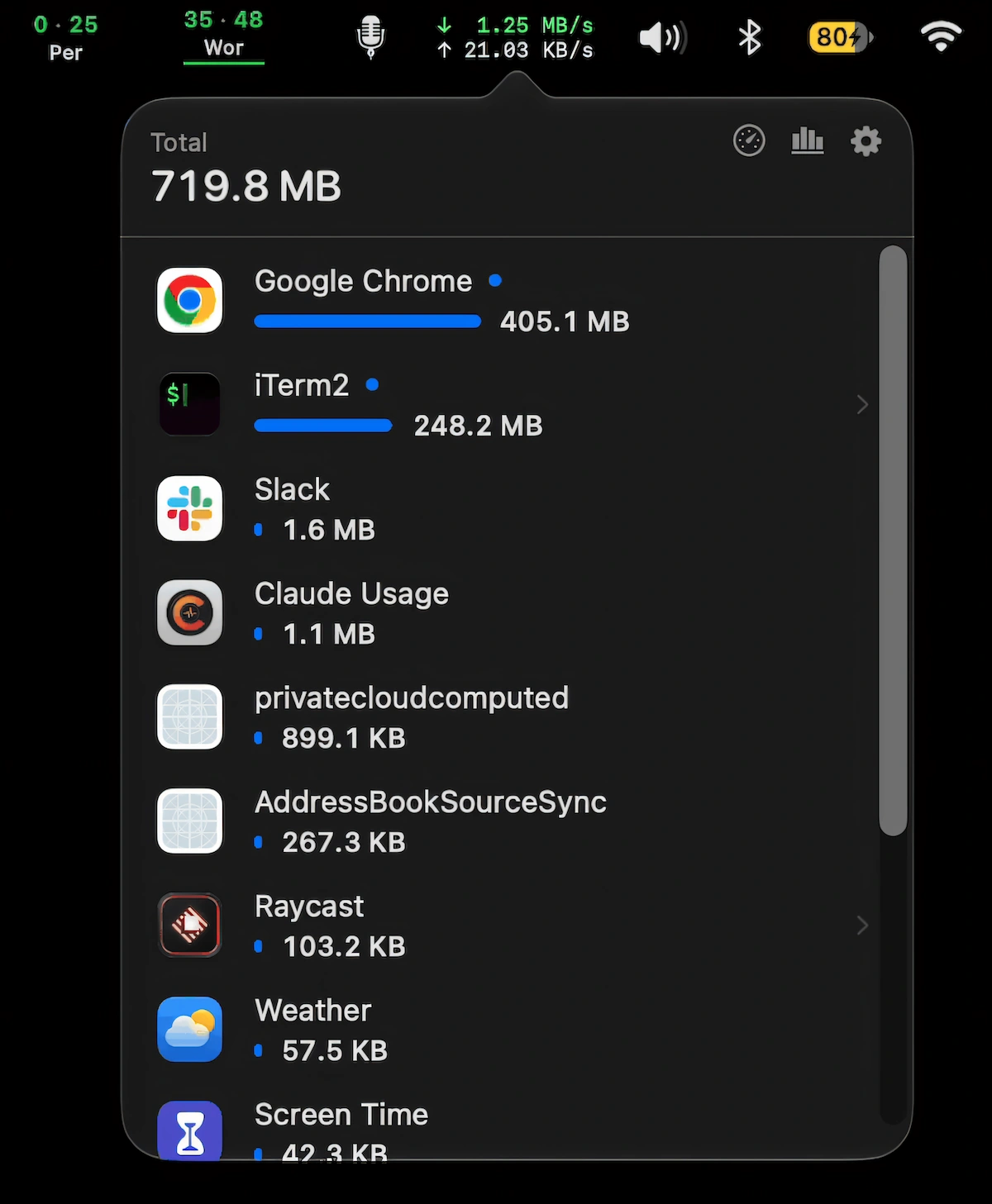
Monitor live network speeds and per-app data usage, see which apps consume the most data, pause automatic updates on hotspots, and run speed tests.
Visit
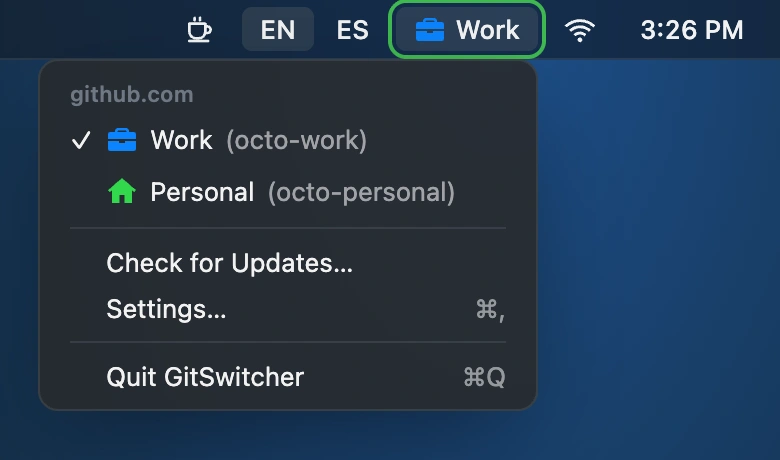
Switch between work and personal GitHub accounts with one click. GitSwitcher displays your active account, syncs with the GitHub CLI, and leaves your credentials safely in the macOS Keychain.
Visit
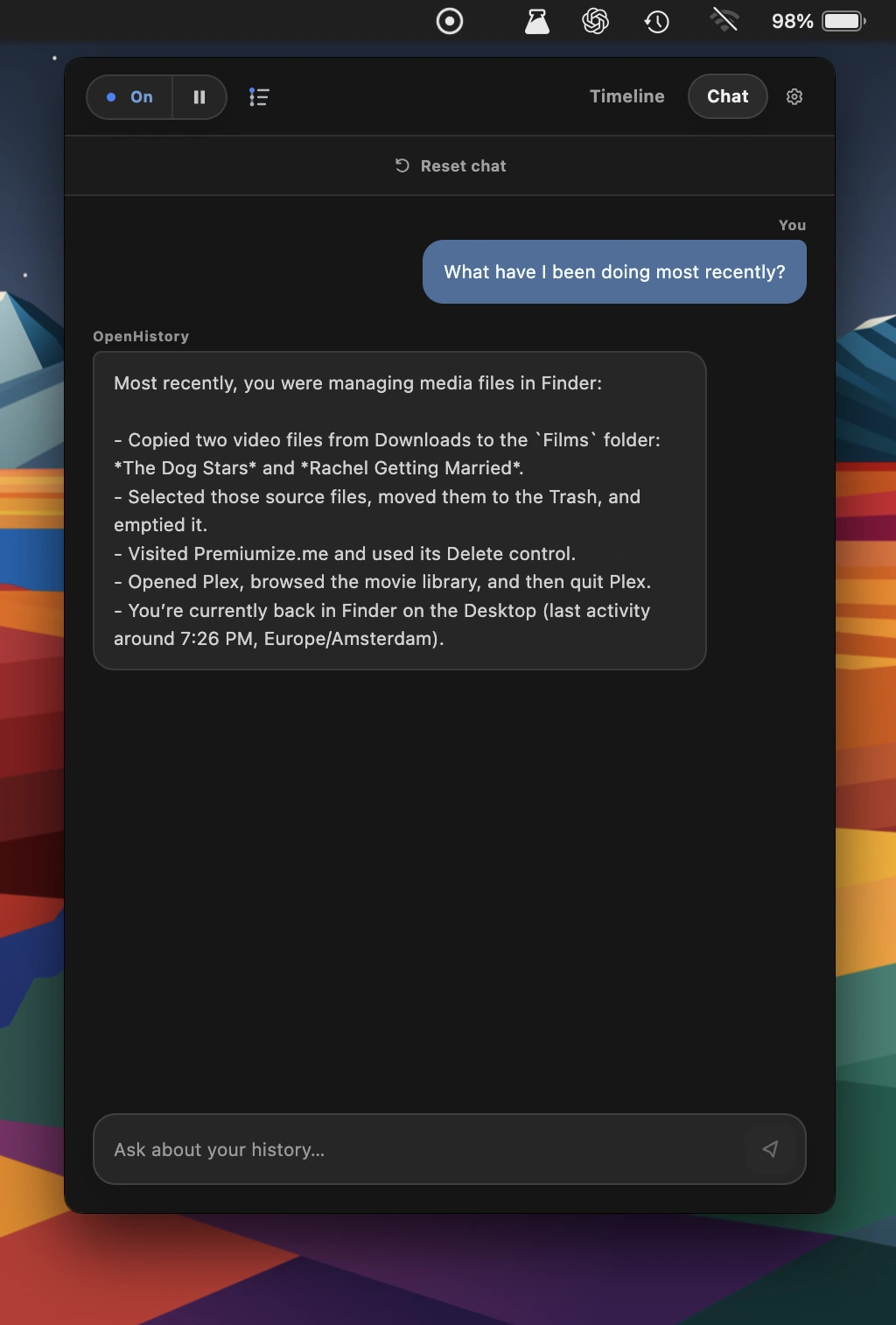
This menu bar app turns your Mac activity into a private, searchable work timeline. Open source and local-first, OpenHistory summarizes tasks, decisions, and unfinished work, helping AI agents recall what you’ve been working on.
Visit Watch
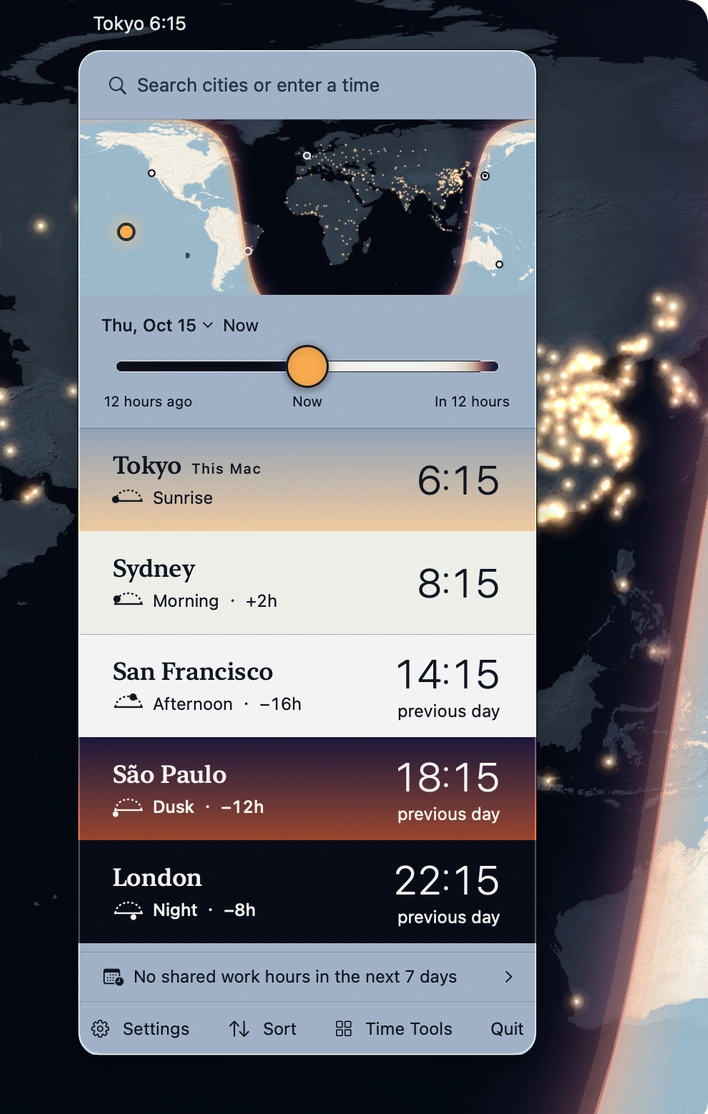
Track time around the world with sky-colored clocks, a day-and-night map, and smart meeting planning. Extract dates and time zones from messages in 16 languages, entirely offline.
Visit
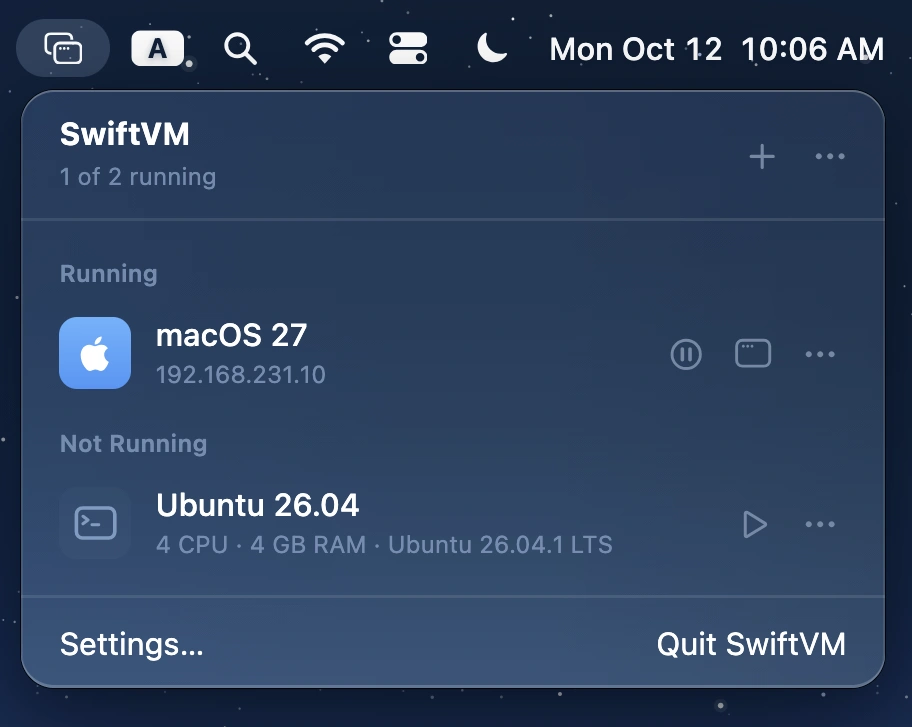
Run macOS and Linux virtual machines on Apple silicon, with streamlined setup, snapshots, shared folders, SSH access, and command-line control. Free, open source, and built with Swift.
Visit
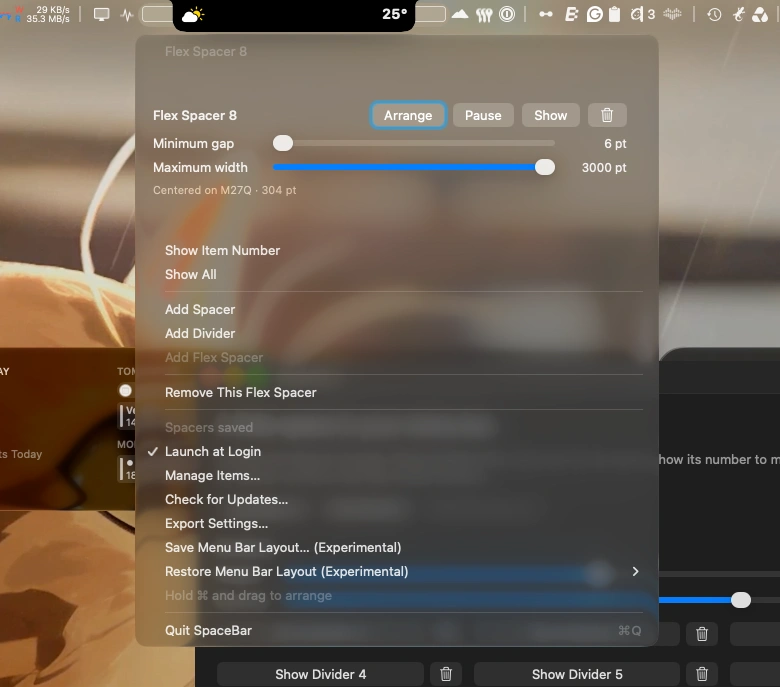
Customize your Mac’s menu bar with flexible spacers and subtle dividers. Arrange icons with ease and keep your menu bar neatly organized.
Visit
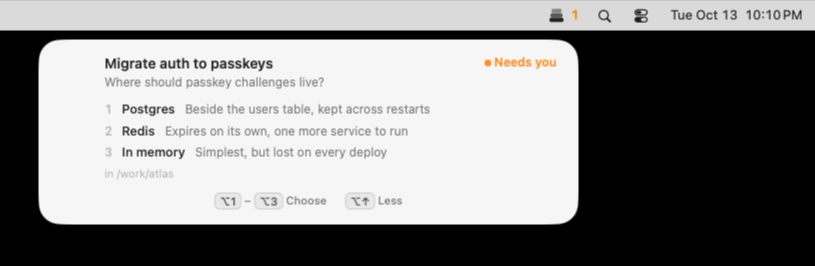
Keep Claude Code, Codex and Cursor agents moving without losing track of their requests. Muster alerts you when they need input, lets you approve or deny actions with keyboard shortcuts, and keeps multiple sessions organized, all locally on your Mac.
Visit
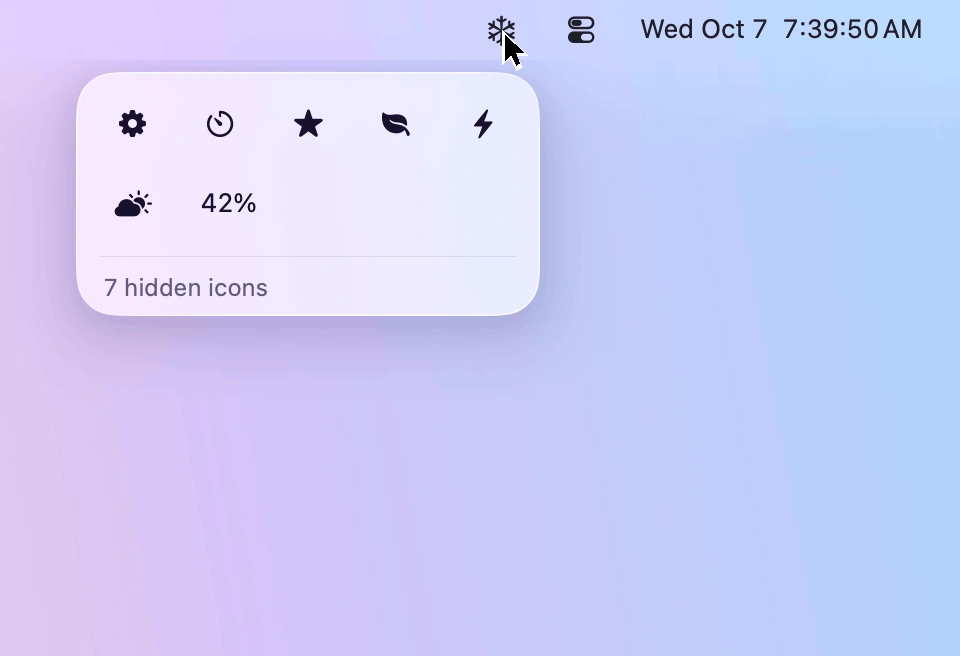
Keep your menu bar tidy by hiding rarely used icons and bringing them back with one click. Designed for macOS 26 and 27, Frost features Liquid Glass, customizable icon layouts, and easy access to hidden menus.
Visit
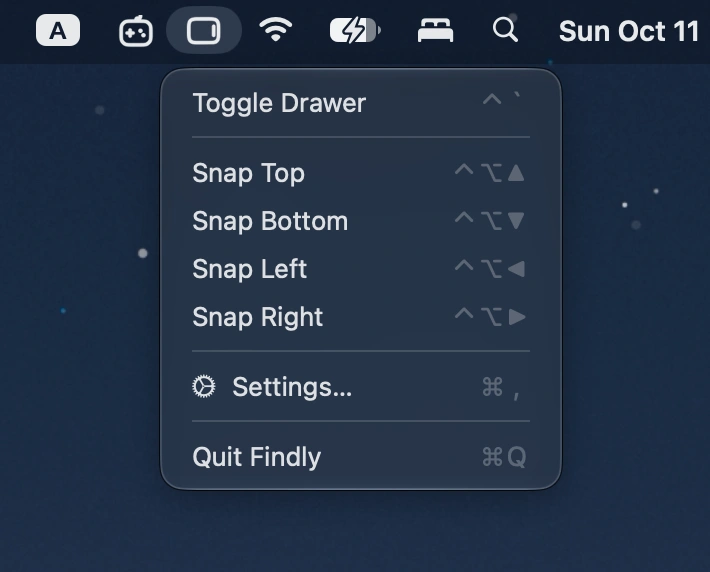
Summon a Finder-style file drawer from any screen edge with a hotkey. Browse files, access Finder favorites, preview items, and drag files between apps.
Visit
