Good apps don’t always come with a price tag. These menu bar gems are free — and worth your space.
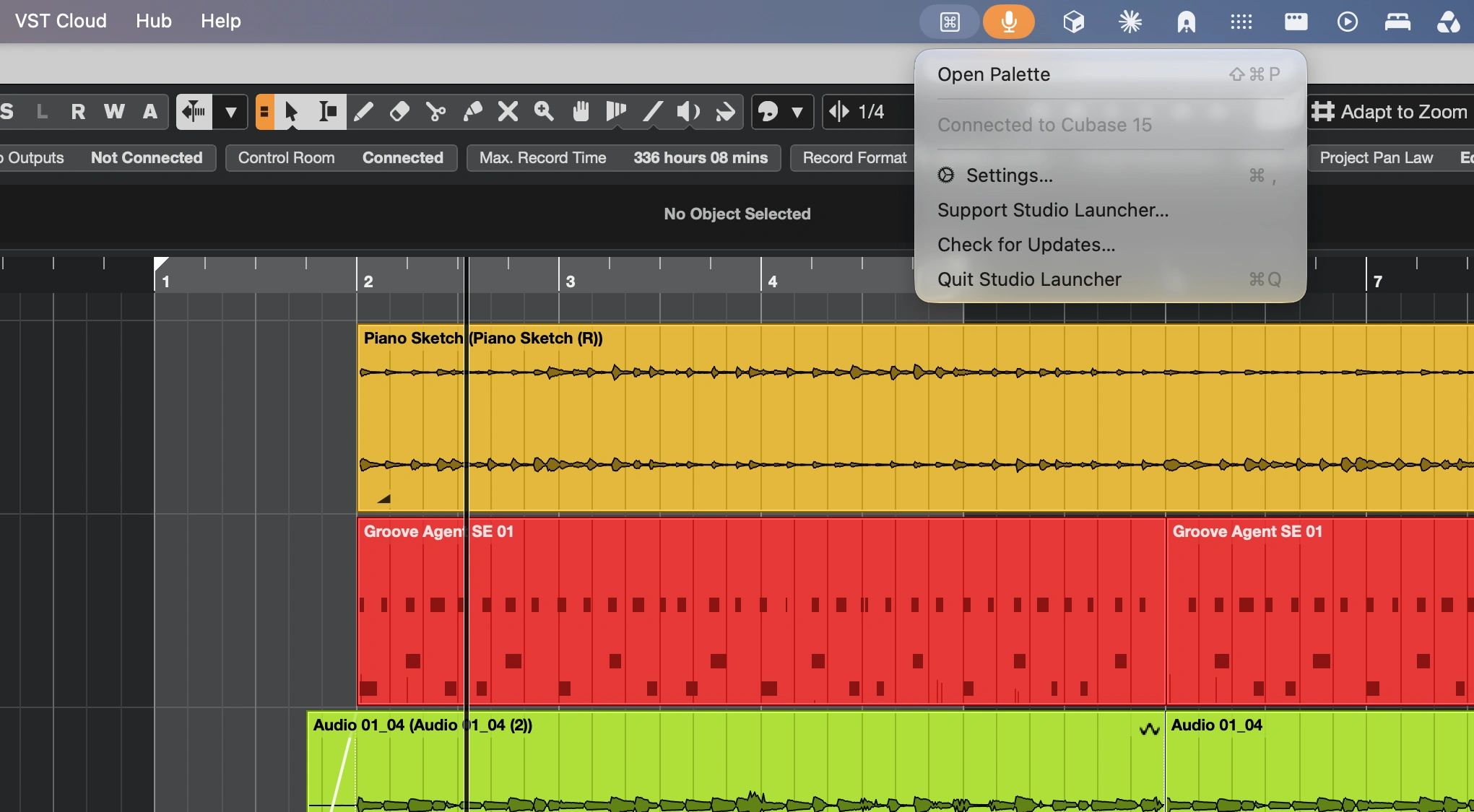
Launch Cubase commands, macros, plug-ins and FX chains instantly with a context-aware command palette. Customize shortcuts, automate workflows and enjoy personalized results, all without leaving Cubase.
Visit
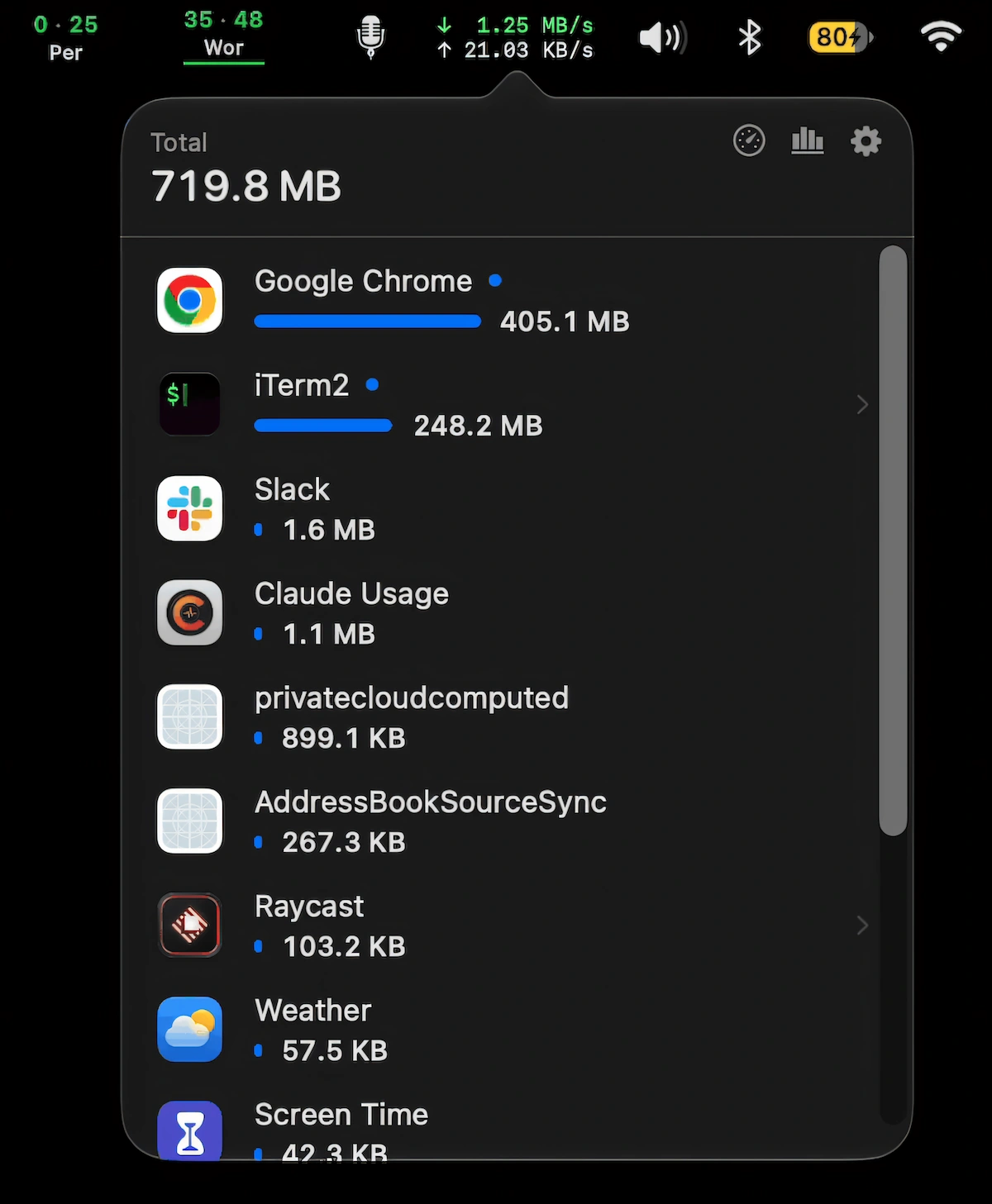
Monitor live network speeds and per-app data usage, see which apps consume the most data, pause automatic updates on hotspots, and run speed tests.
Visit
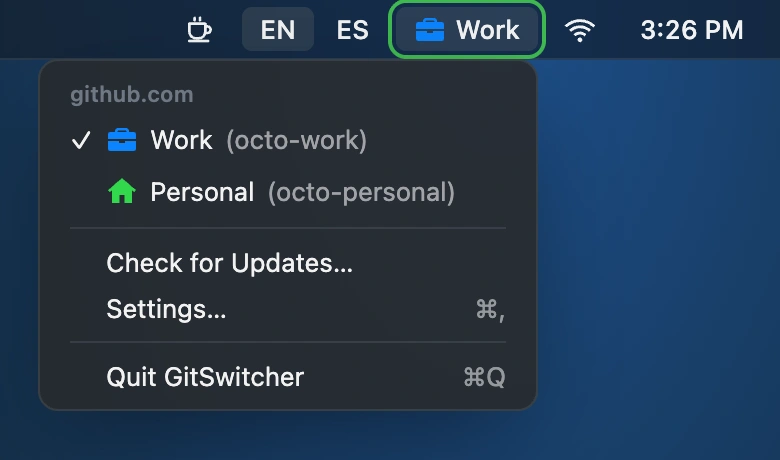
Switch between work and personal GitHub accounts with one click. GitSwitcher displays your active account, syncs with the GitHub CLI, and leaves your credentials safely in the macOS Keychain.
Visit
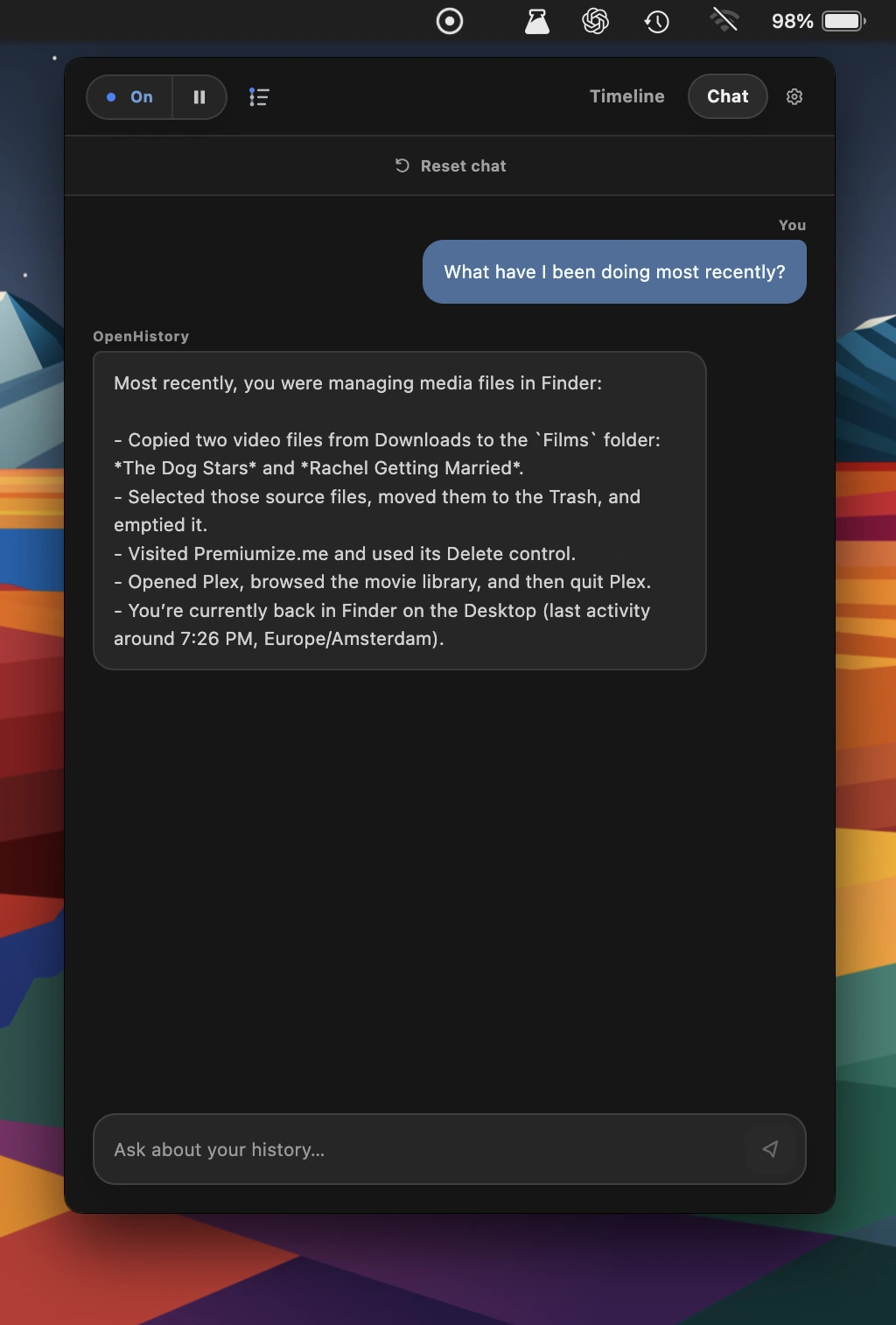
This menu bar app turns your Mac activity into a private, searchable work timeline. Open source and local-first, OpenHistory summarizes tasks, decisions, and unfinished work, helping AI agents recall what you’ve been working on.
Visit Watch
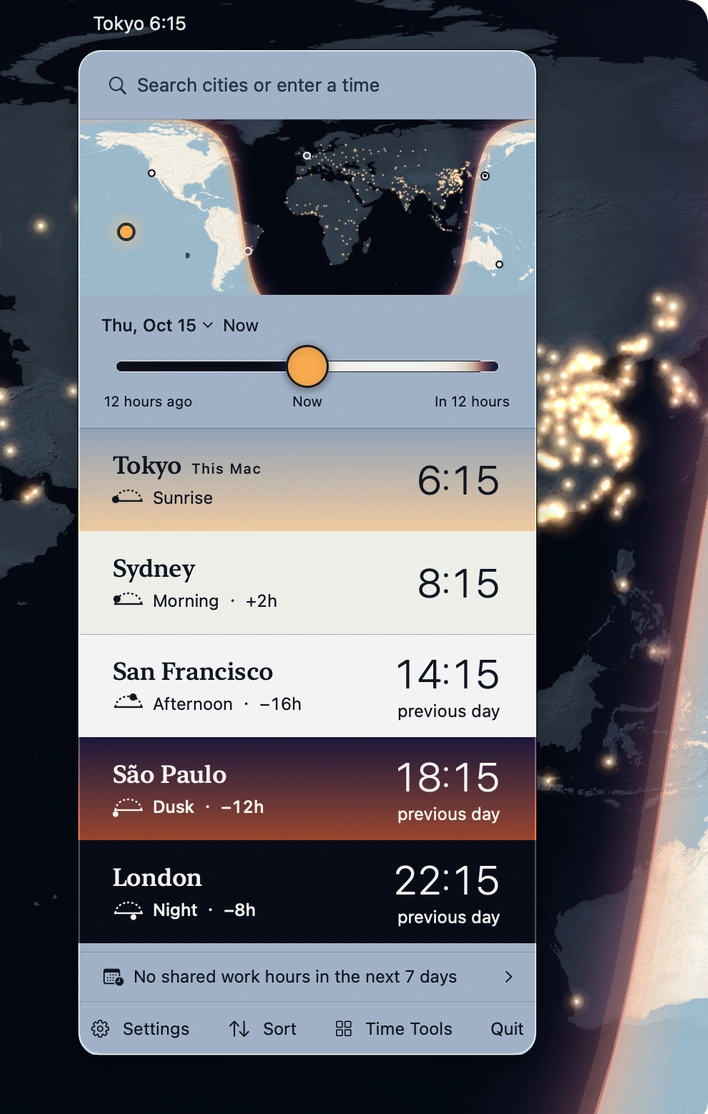
Track time around the world with sky-colored clocks, a day-and-night map, and smart meeting planning. Extract dates and time zones from messages in 16 languages, entirely offline.
Visit
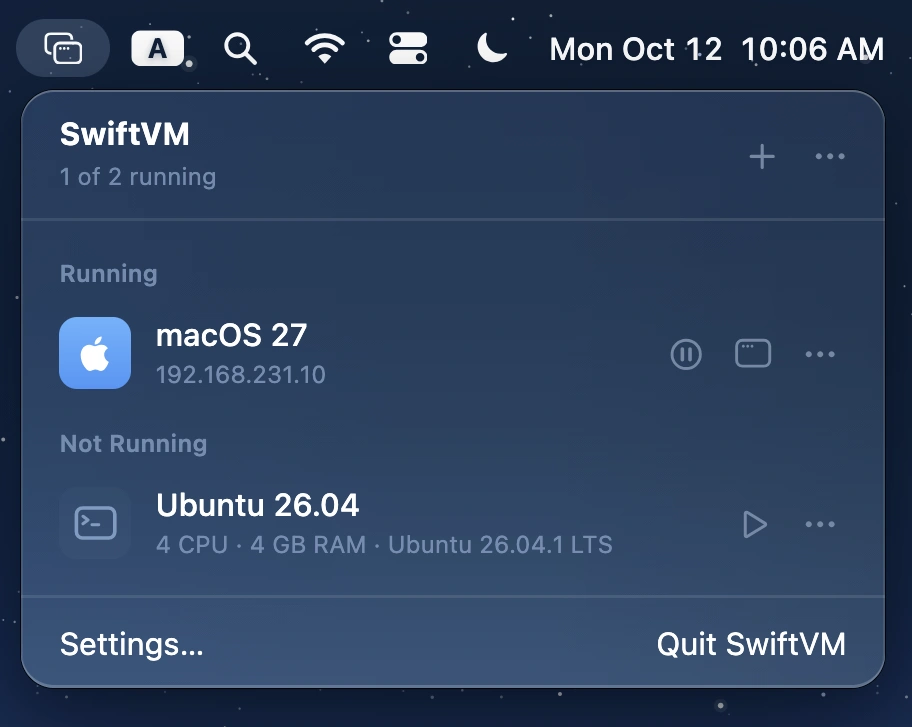
Run macOS and Linux virtual machines on Apple silicon, with streamlined setup, snapshots, shared folders, SSH access, and command-line control. Free, open source, and built with Swift.
Visit
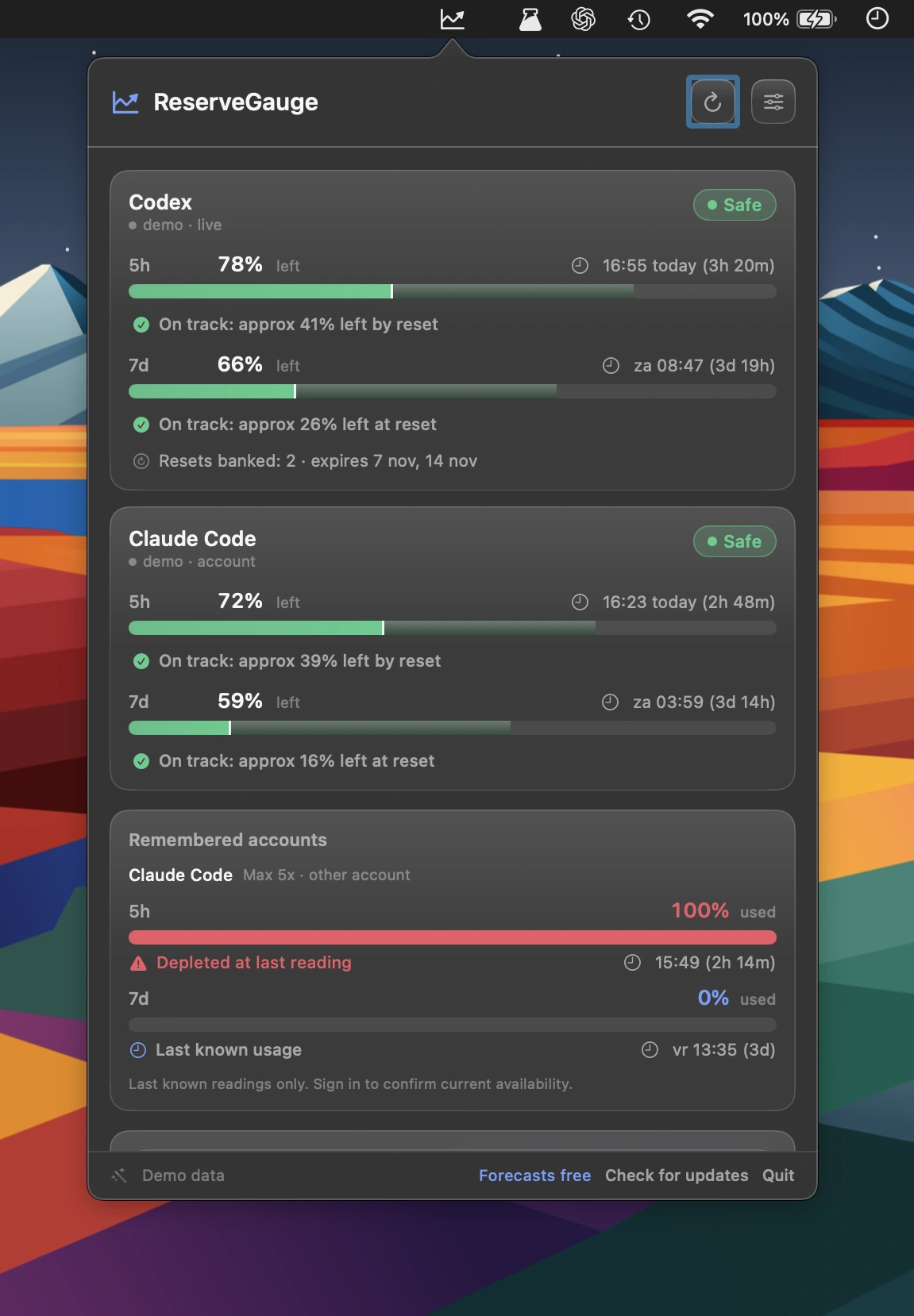
Track Claude Code, Codex and other AI coding usage limits in real time, with reset countdowns, personalised forecasts and early warnings. All usage history stays locally on your Mac.
Visit
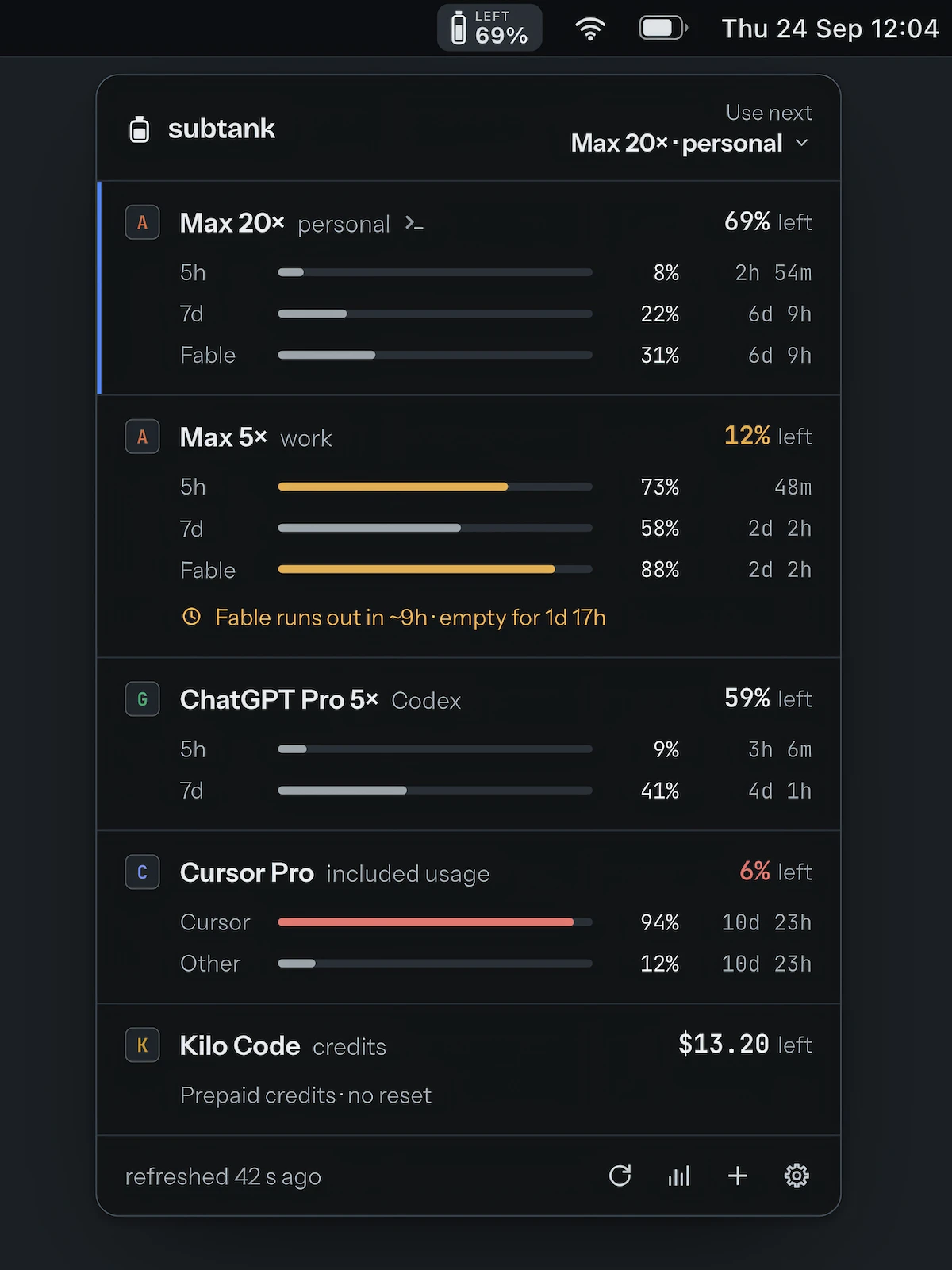
Track remaining limits across Claude, ChatGPT, Cursor, Copilot, Kilo, Ollama, and API accounts. See usage, reset times, credits, and which account has the most room to use next.
Visit
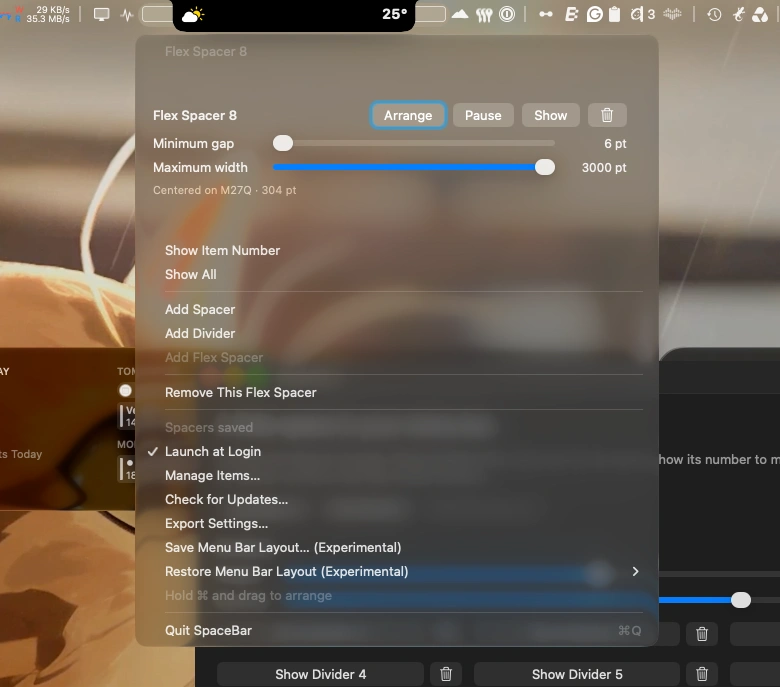
Customize your Mac’s menu bar with flexible spacers and subtle dividers. Arrange icons with ease and keep your menu bar neatly organized.
Visit
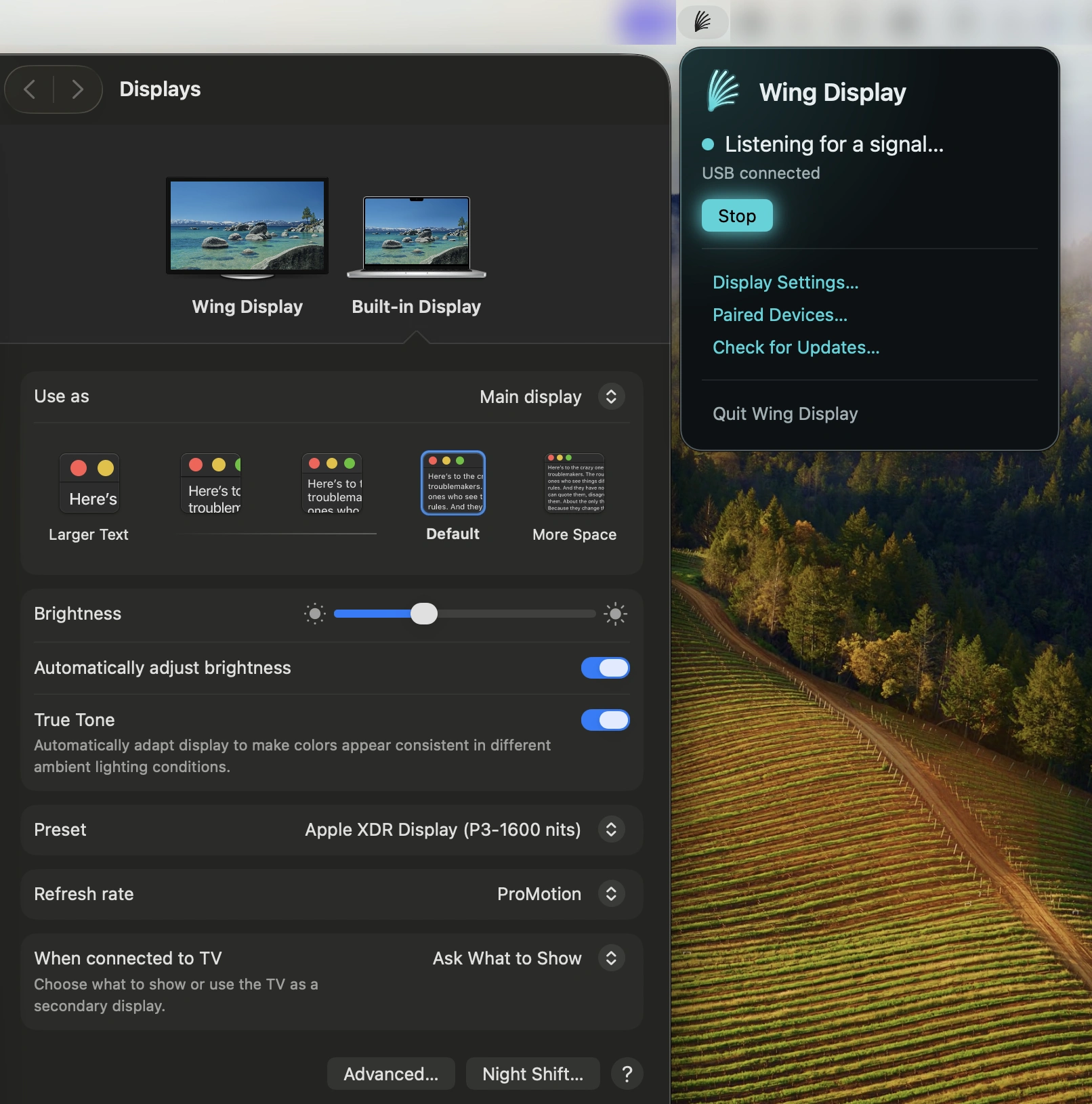
This menu bar app turns your Android tablet into a second screen for your Mac. Extend your desktop wirelessly for free, with optional Pro features for touch input and S Pen support.
Visit
