Collection:
Color Apps | Design Apps
ColorKeep
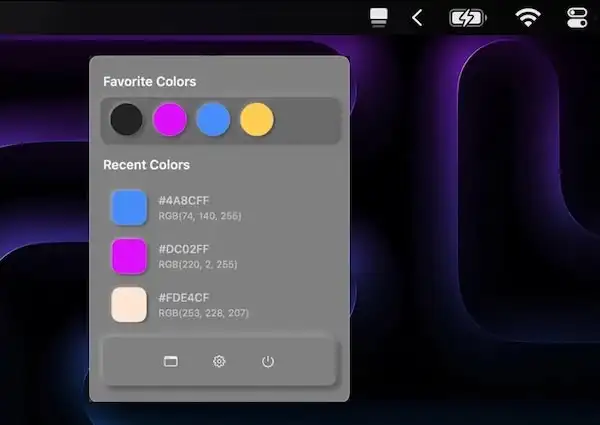
ColorKeep automatically captures HEX values from your clipboard, creating your perfect color library in seconds. Perfect for designers who need to quickly reuse colors.

Capture, manage, and perfect your colors. Pick colors from anywhere on your screen, build reusable palettes, convert formats, validate contrast, and manage ICC profiles. These menu bar tools keep your design workflow precise and consistent.
Capture, manage, and perfect your colors. Pick colors from anywhere on your screen, build reusable palettes, convert formats, validate contrast, and manage ICC profiles. These menu bar tools keep your design workflow precise and consistent.
ColorKeep automatically captures HEX values from your clipboard, creating your perfect color library in seconds. Perfect for designers who need to quickly reuse colors.
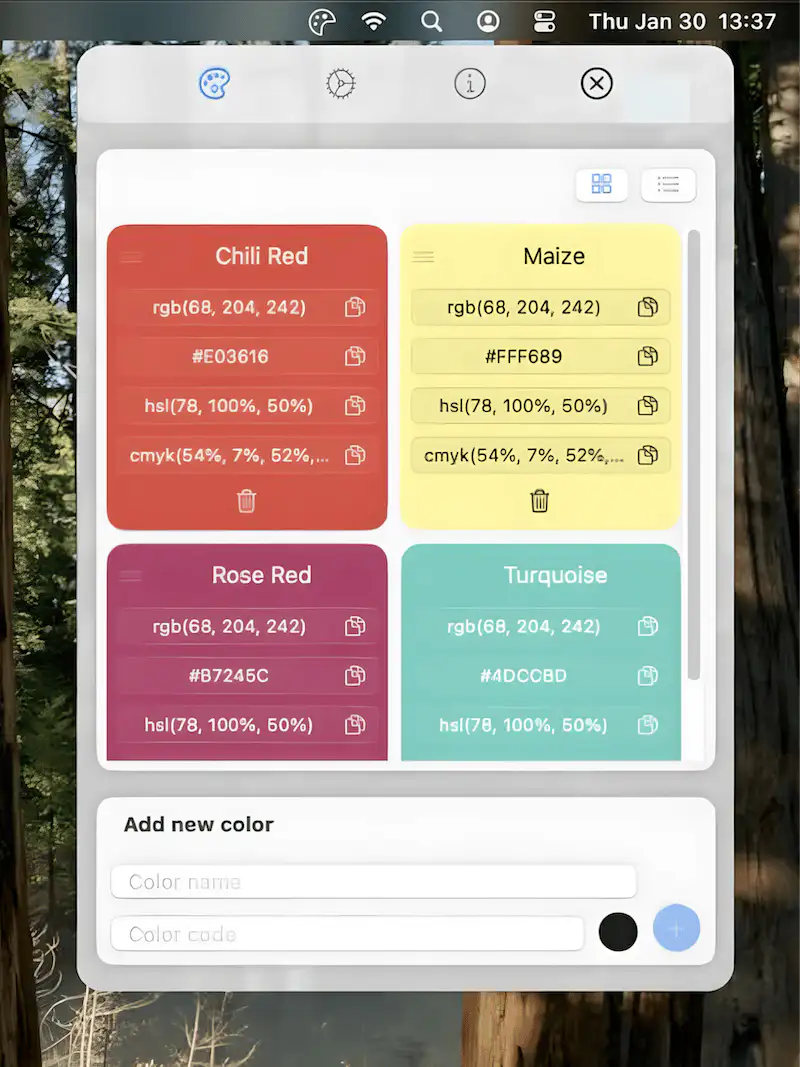
SwatchKeep keeps your color palettes always accessible. Capture, store, and retrieve colors instantly with a global shortcut—perfect for designers, developers, and creatives.

This menu bar app is designed for color management, enabling you to create, edit, and optimize ICC color profiles for precise color reproduction.
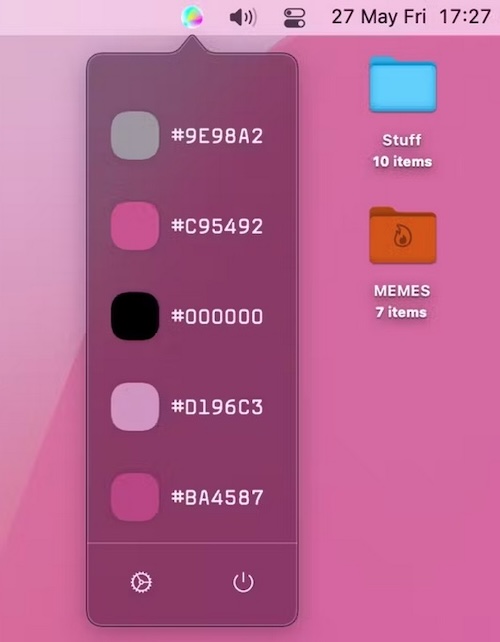
This menu bar app lets you grab colors on the web, collect them, and create your color palette.
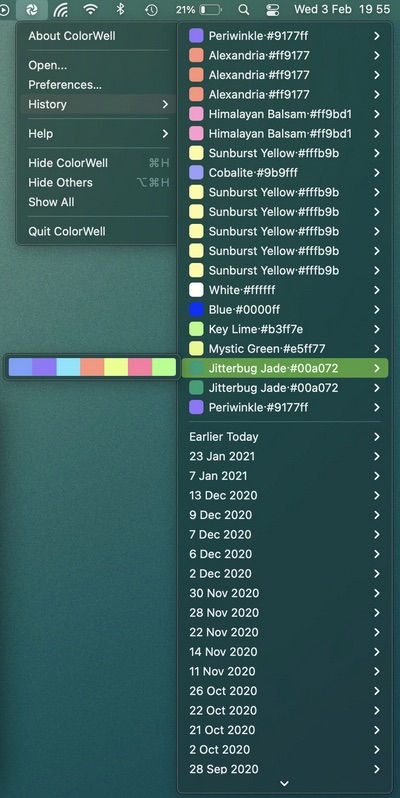
With this menu bar app you can generate color palettes with quick access to all color information, and on the fly code generation for app development.
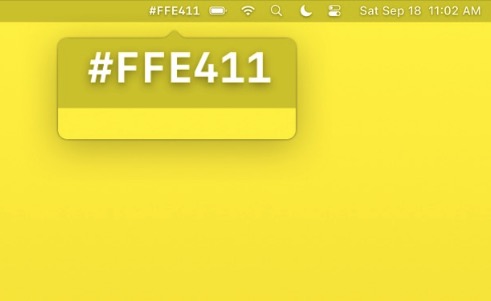
This menu bar app shows the hex code of the color under your mouse pointer. You can also turn on Copy on Right Click, so that when you right click, the color code is copied immediately.
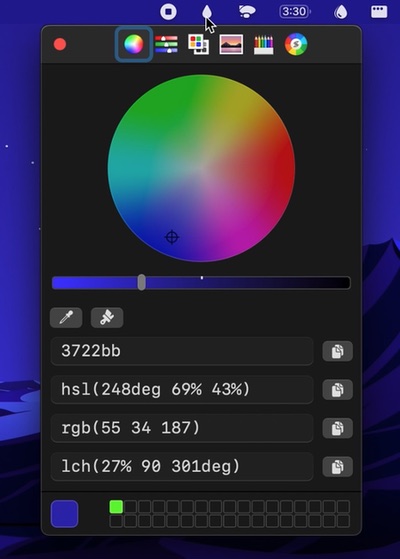
The macOS color picker, but now as an app with more features. For instance: Quickly copy, paste, and convert colors in Hex, HSL, RGB, LCH format.
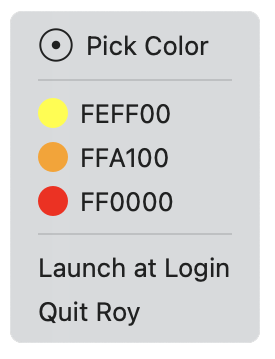
Roy is a simple color picker for designers that lives in your menu bar with hex values only. Not too feature-heavy like other color pickers.
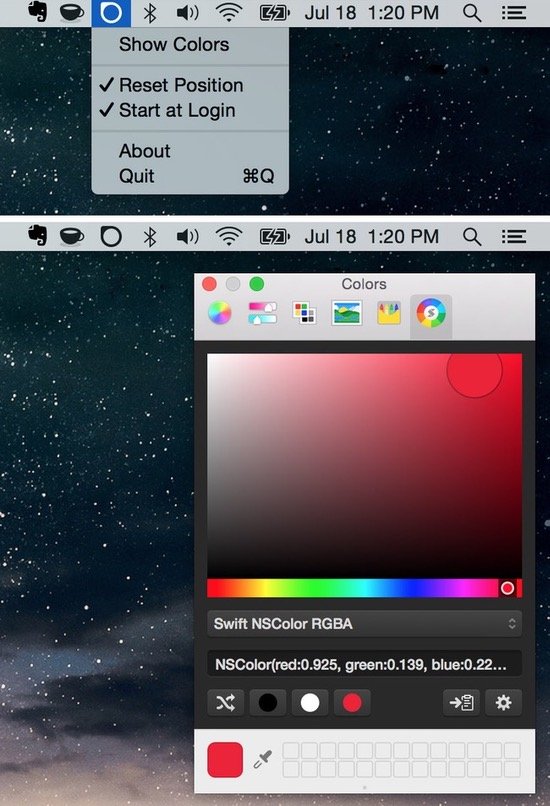
Menubar Colors is a Mac menu bar app that allows for quick access to the system-wide color panel.