Collection:
Cleaning Apps
DevCleaner
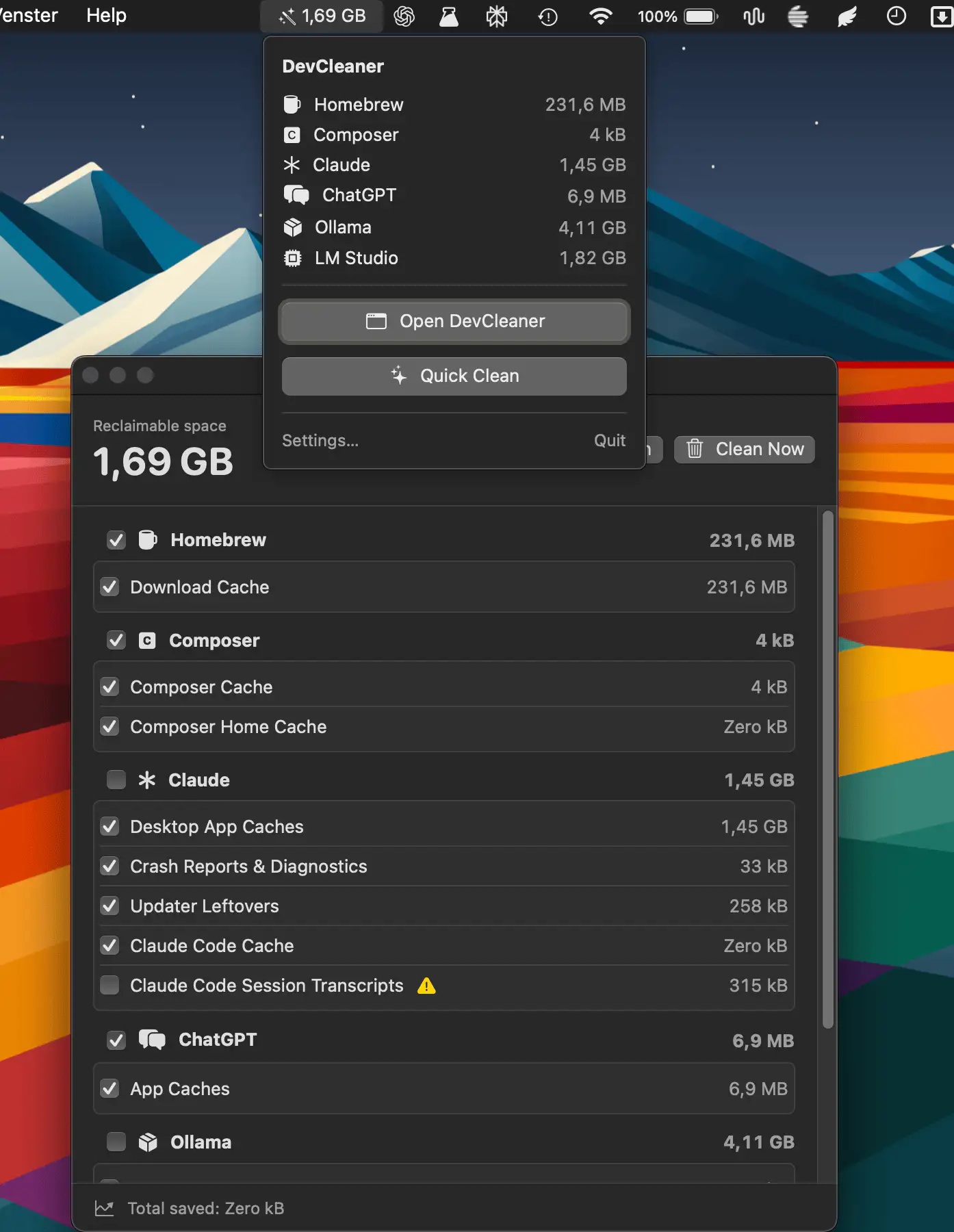
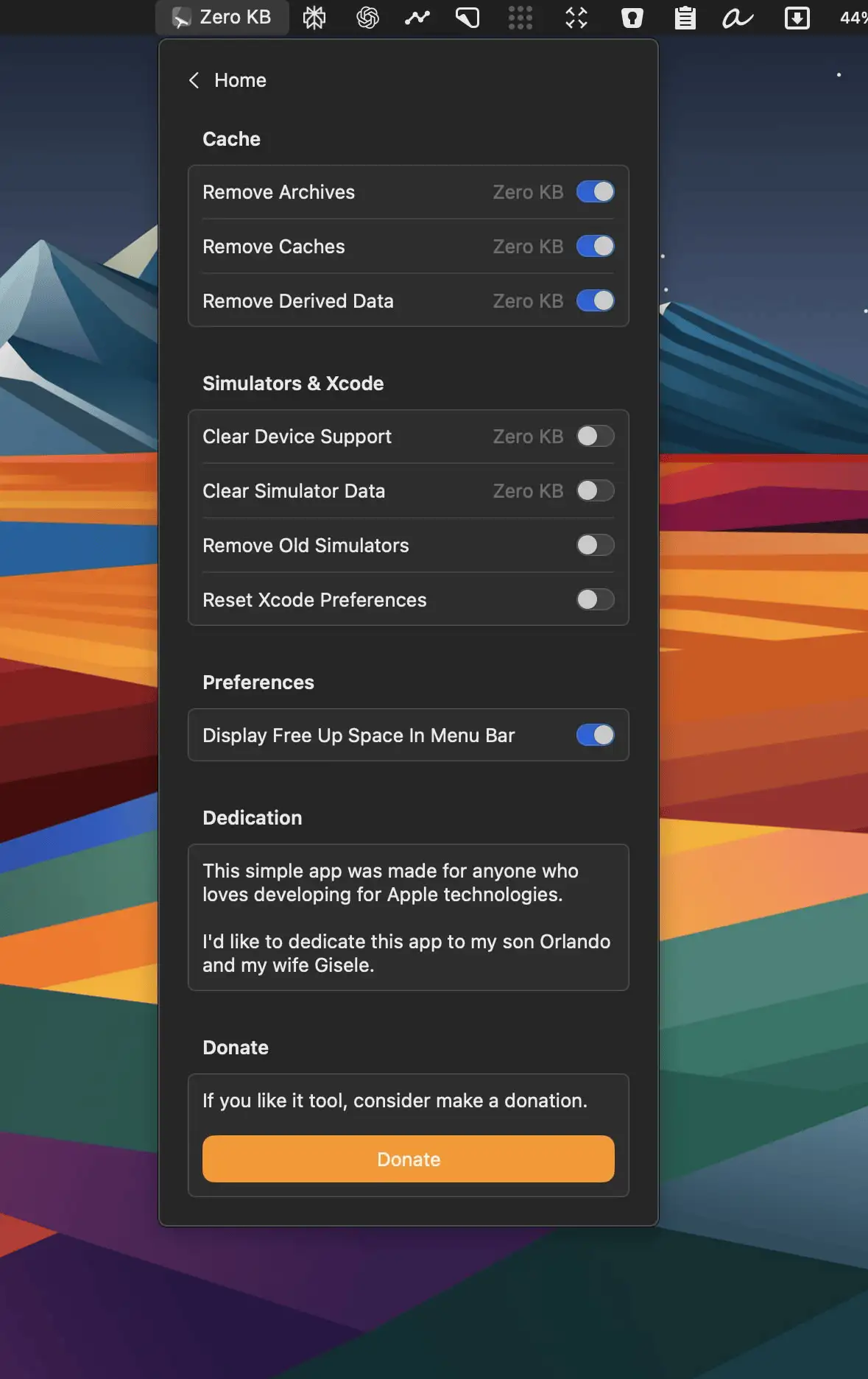
DevCleaner helps developers reclaim wasted disk space by scanning caches, build artifacts, old simulators, and AI tool leftovers across 22 ecosystems.

Declutter your Mac in seconds. Quit unused apps, hide desktop chaos, free up storage and memory, remove junk files, manage duplicates, and automate folder cleanup. These menu bar tools keep your workspace lean, calm, and under control.
Declutter your Mac in seconds. Quit unused apps, hide desktop chaos, free up storage and memory, remove junk files, manage duplicates, and automate folder cleanup. These menu bar tools keep your workspace lean, calm, and under control.
DevCleaner helps developers reclaim wasted disk space by scanning caches, build artifacts, old simulators, and AI tool leftovers across 22 ecosystems.
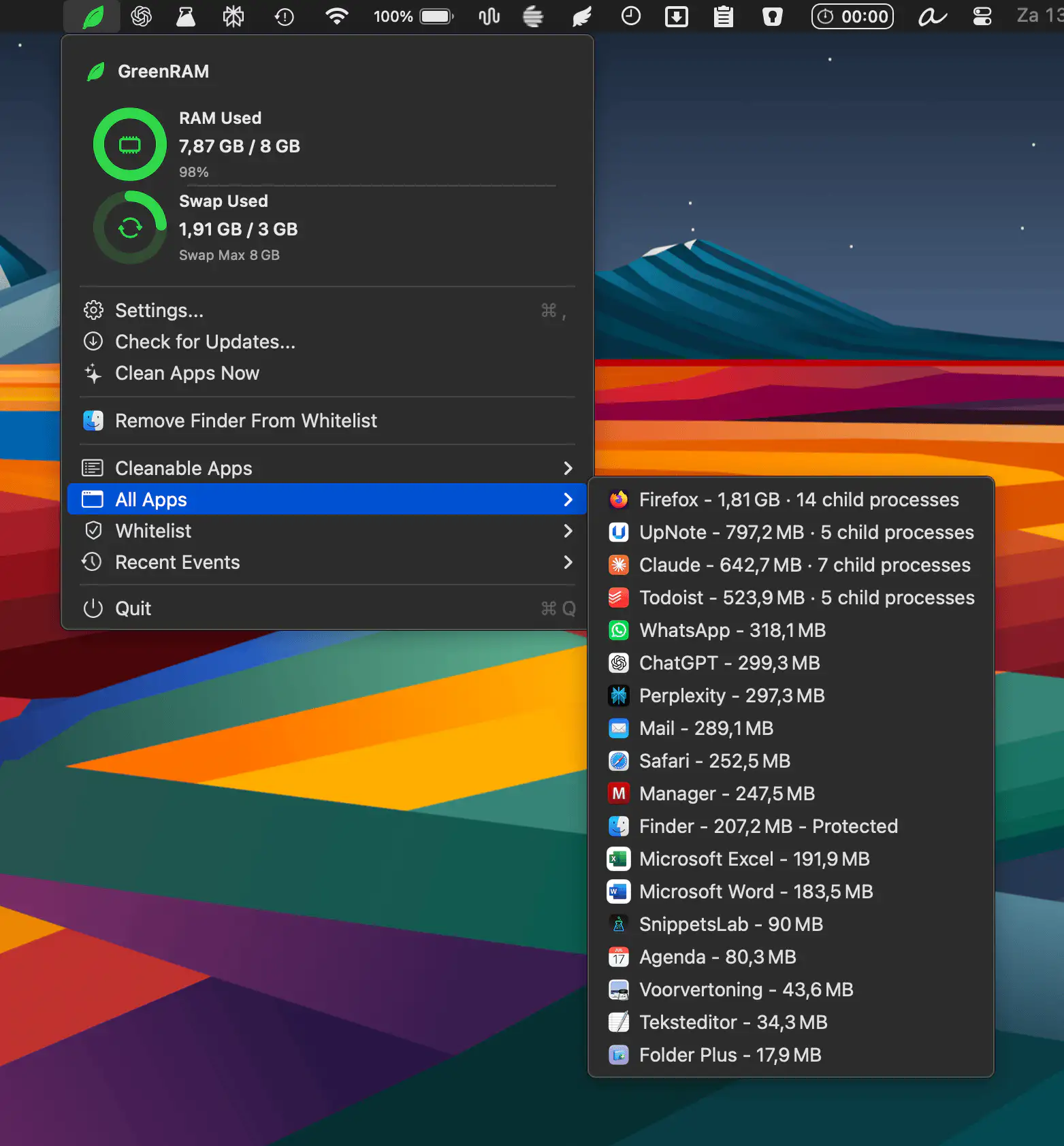
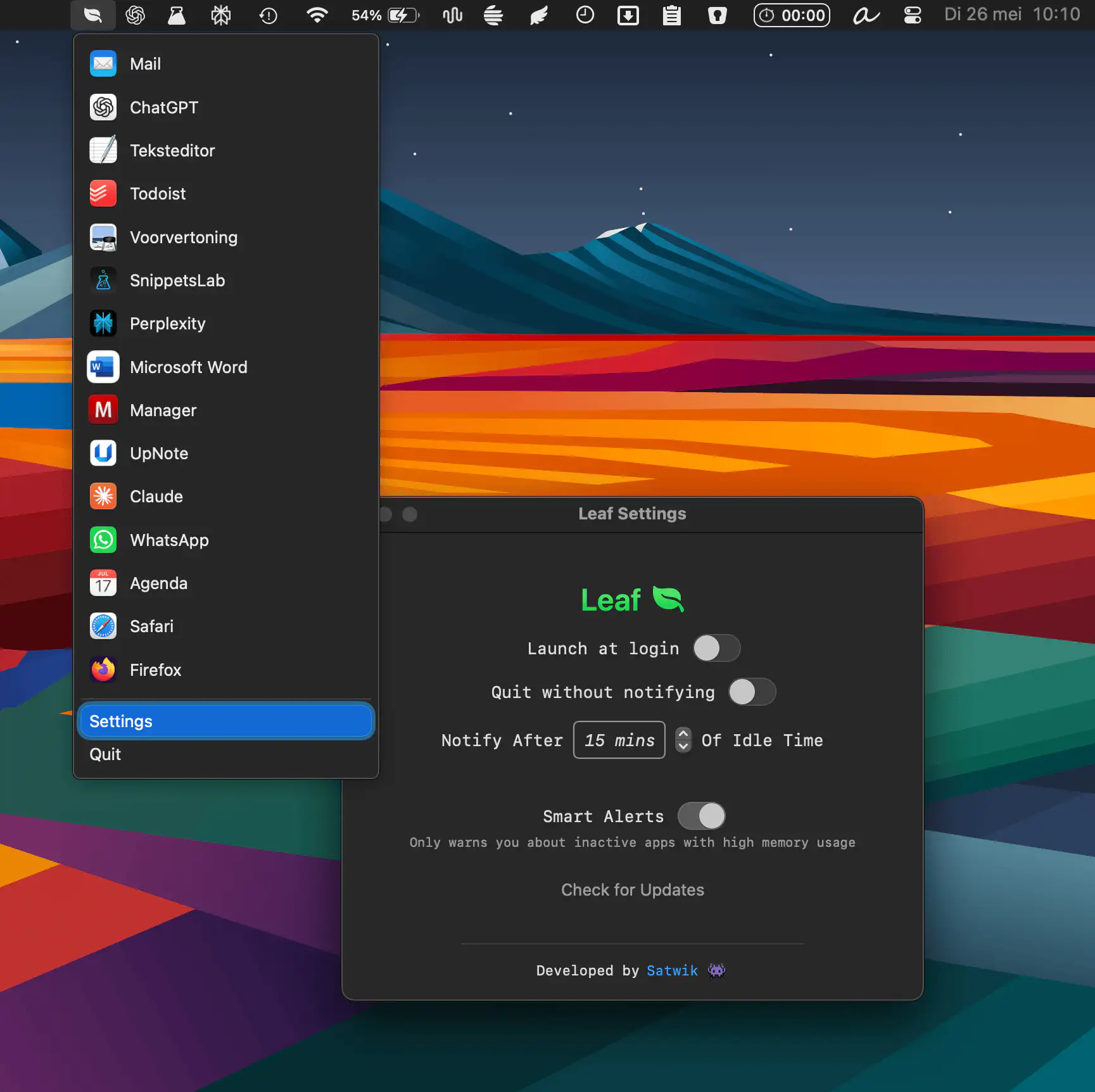
GreenRAM helps keep your Mac responsive by monitoring memory usage and automatically closing long-idle background apps. With customizable rules, smart app handling, and whitelist support, it reduces memory pressure without interfering with the app you’re actively using.
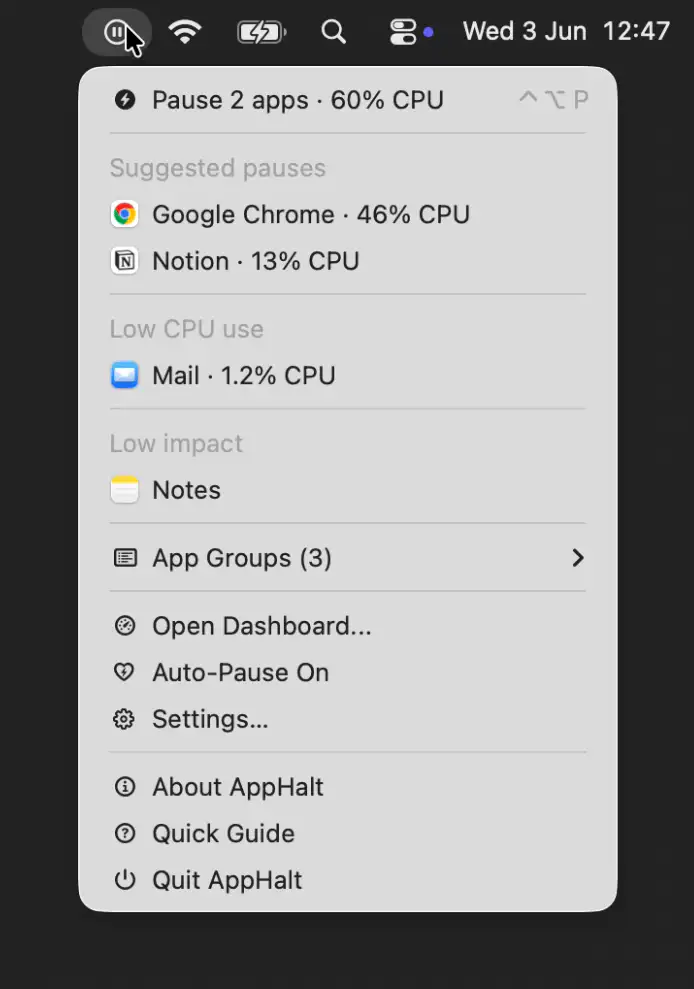
AppHalt helps keep your Mac responsive by pausing unused apps without closing their windows, tabs, or documents. It offers a simple way to reduce background activity while keeping your workspace fully intact.
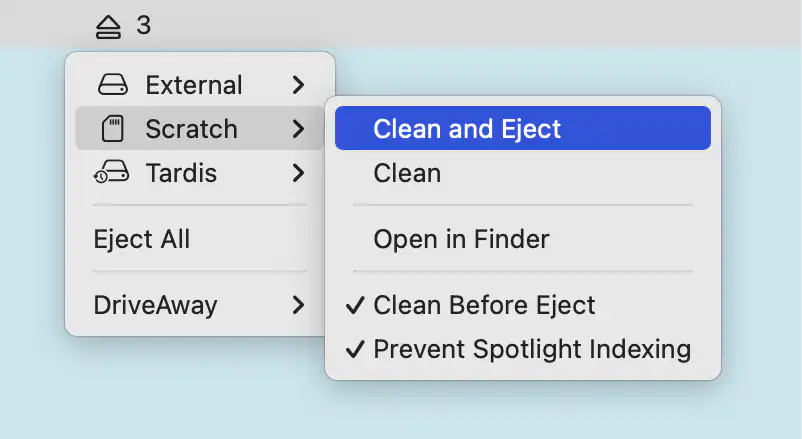
Driveaway cleans external drives before ejecting, removing macOS metadata like DS_Store and Spotlight files. It detects volumes in real time, supports one-click eject, and keeps storage tidy across platforms.
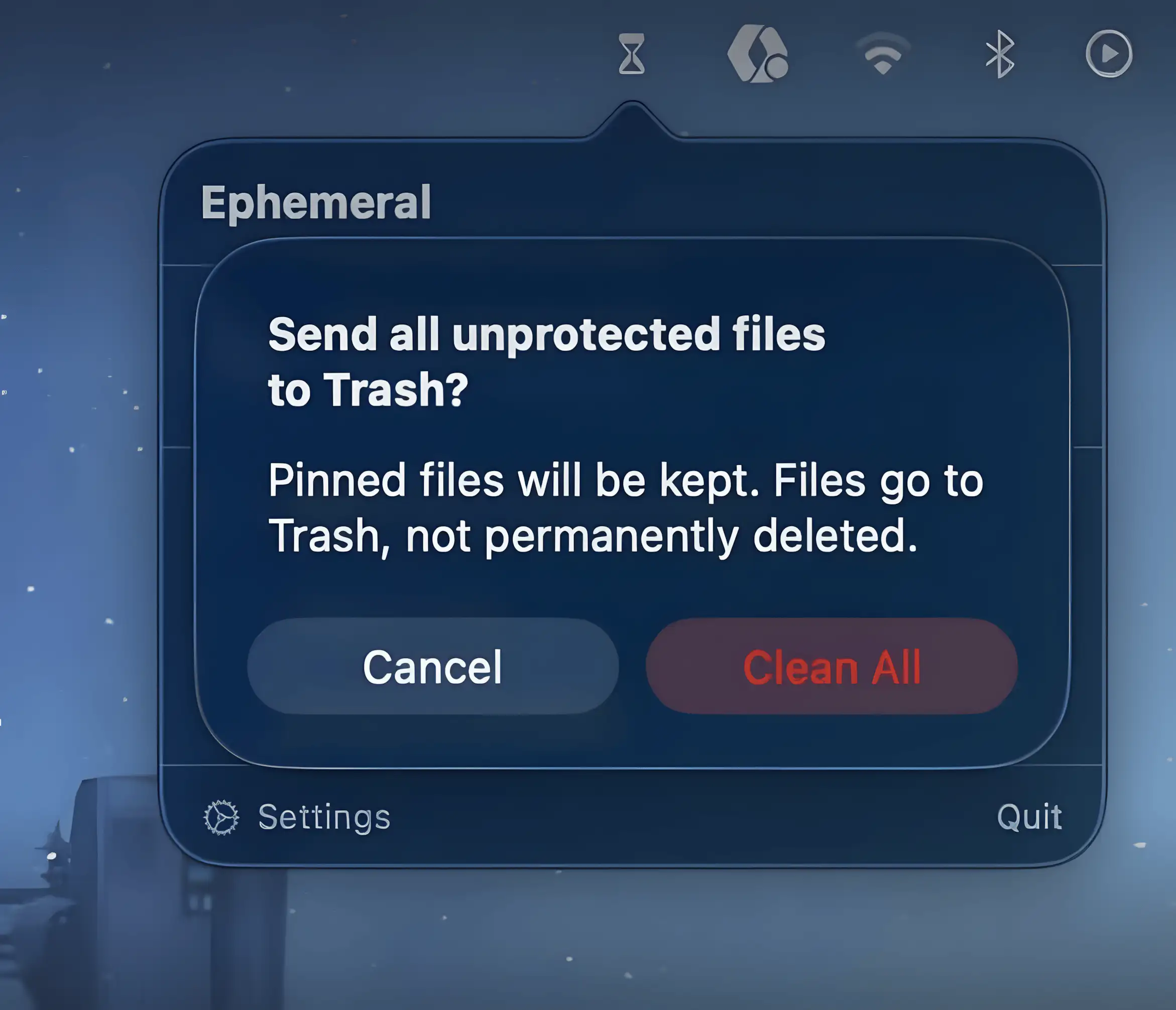
Ephemeral keeps temporary files from piling up by automatically sending them to Trash after a set time. Drop files in, forget about them, and your folders quietly stay tidy without constant manual cleanup.

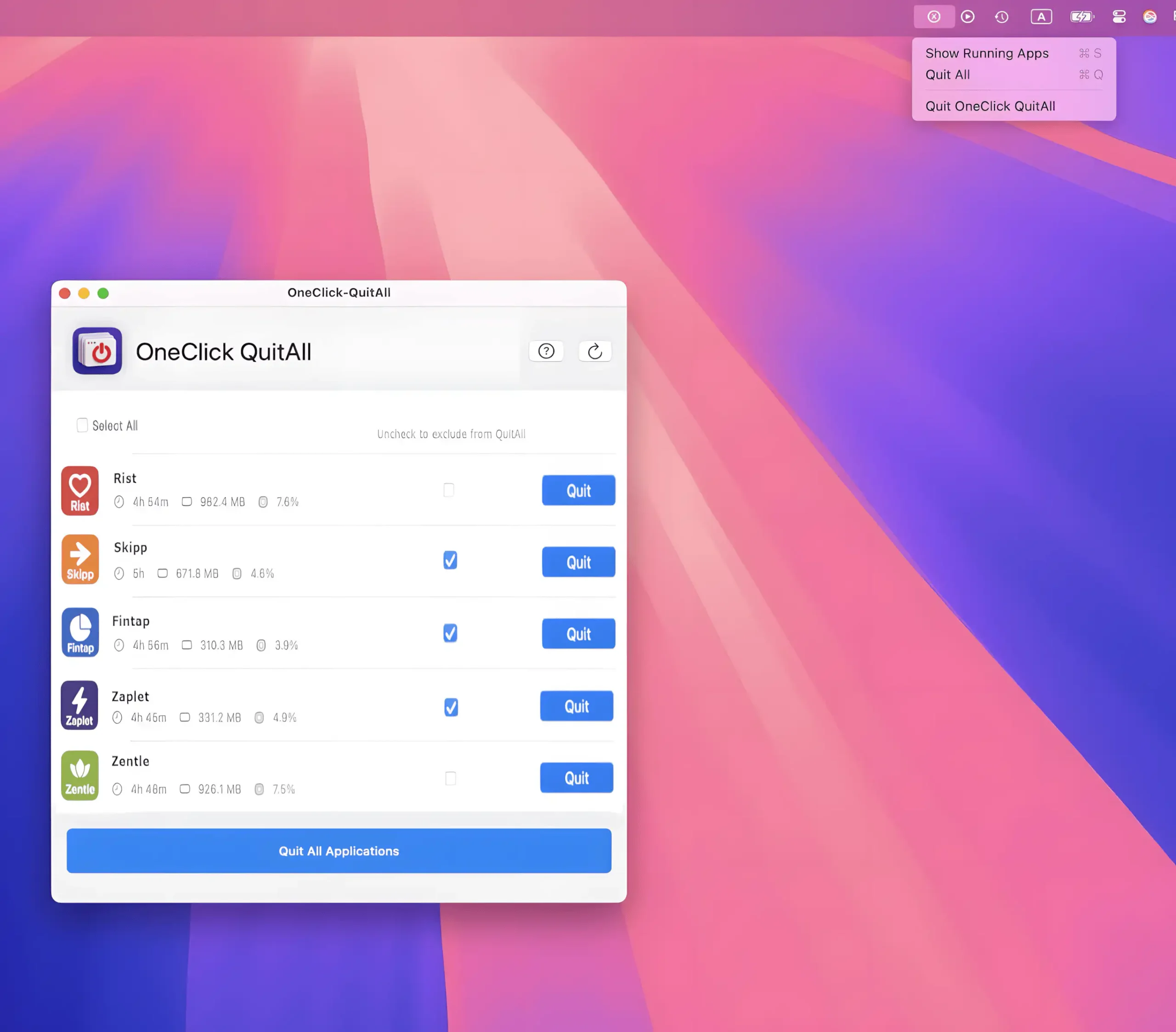
Closes every open app on your Mac with a single click or shortcut, giving you an instant clean slate. Choose which apps to exclude, quit selected ones in bulk, or simply hide everything.
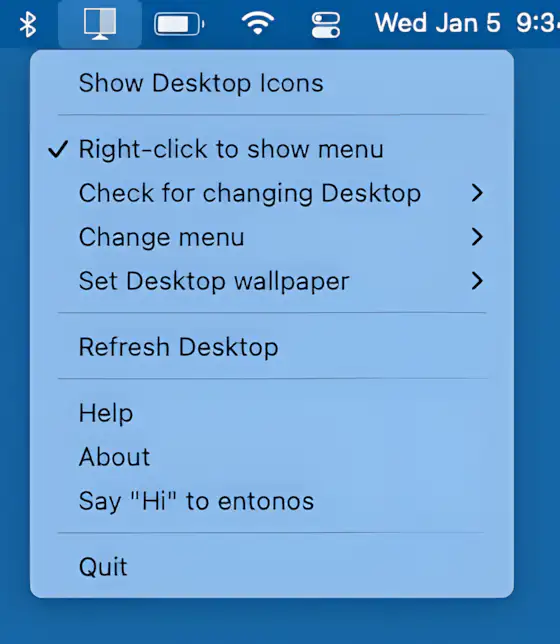
Hide Icons cleanly hides your Mac desktop clutter by overlaying a blank background, keeping your workspace distraction-free. Lightweight, customizable, and ideal for multi-desktop setups.