Declutter your Mac in seconds. Quit unused apps, hide desktop chaos, free up storage and memory, remove junk files, manage duplicates, and automate folder cleanup. These menu bar tools keep your workspace lean, calm, and under control.
Show me the free apps only

This menu bar app is a 6-in-one software bundle that helps optimize and clean up a Mac. It offers a wide range of functions, including cache clearing, duplicate file deletion, application uninstallation, hard disk analysis, RAM cleaning, and more.
Visit

When your bin takes up a lot of disk space, this menu bar app makes that visible by adding buzzing flies to your bin. You can select whether the flies appear from 10 MB, 1 GB, or 10 GB in your settings.
Visit
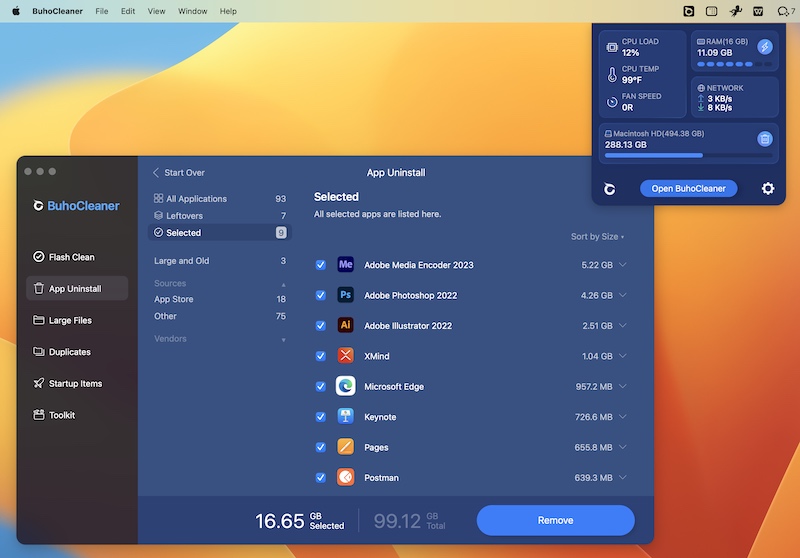
BuhoCleaner is a storage cleaning app that can reclaim more free storage space and boost performance. It also enables you to flexibly choose what Mac status will show in the menu bar, like CPU Load/Temp, RAM, Network, etc.
Visit Watch
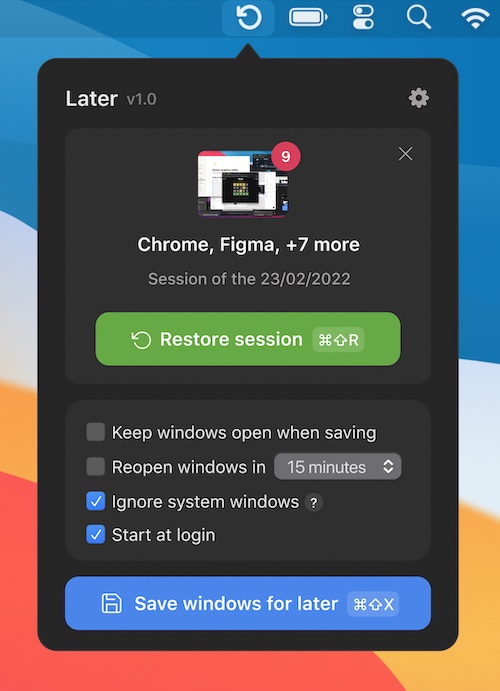
Later is a Mac menu bar app that clears and restores your workspace with ease. Switch off from work, tidy up your desktop before screen sharing, schedule apps for later, and more.
Visit Watch
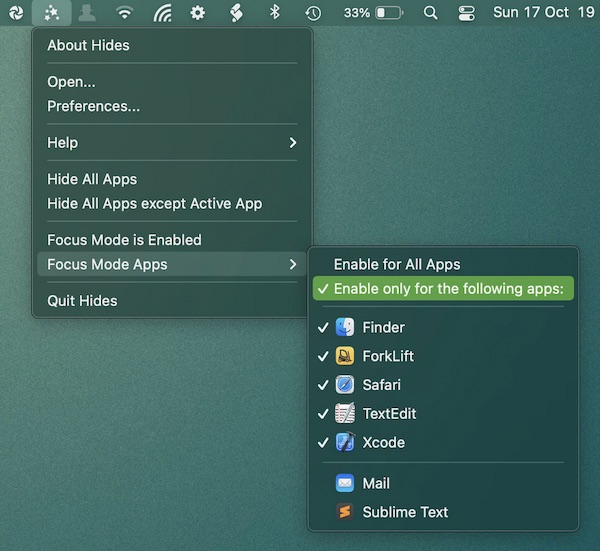
Enable focus mode, to quickly hide all apps except the app you’re currently working in. This menu bar app can be configured globally or for specific apps.
Visit
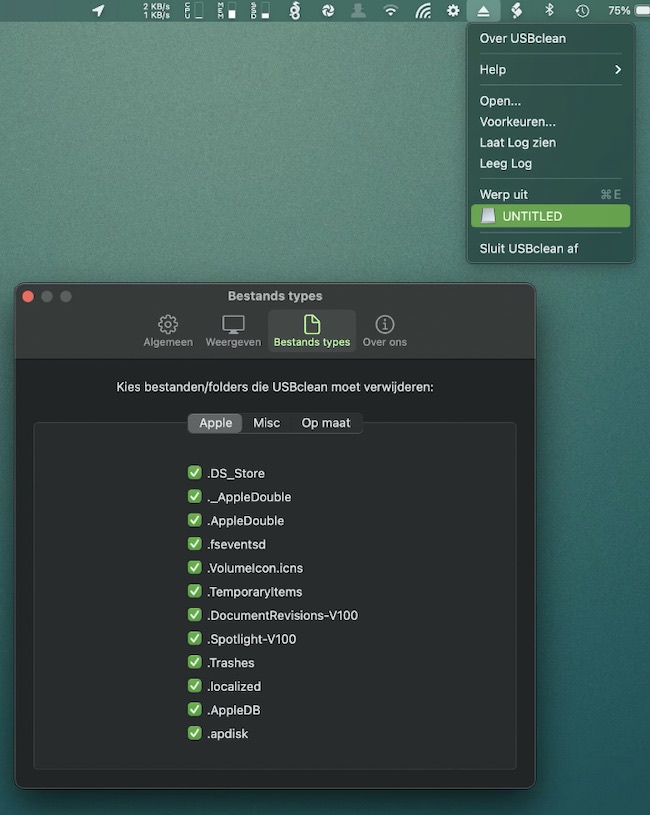
USBclean removes all those pesky junk and ghost files from your external Windows formatted USB drives, like DS_Store and Thumbs.db.
Remove files by simply dragging your drive into the menu bar’s drop zone.
Visit
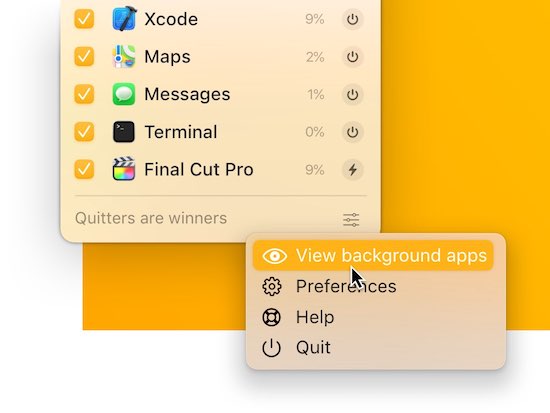
Quit one, some, or all apps from one tidy spot in your menu bar. Apps will prompt you to save any unsaved work before they close.
Visit Watch
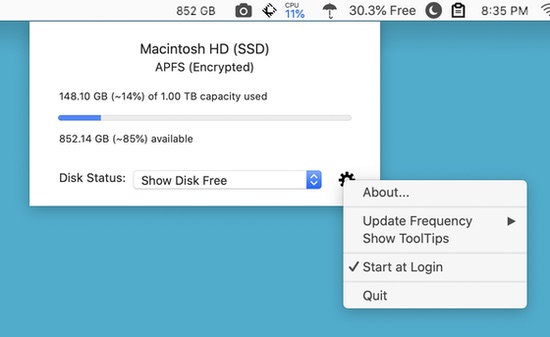
Disk-O lets you check the utilization of your Mac’s built-in storage device so you always know how much space is being used and how much is available.
Visit Watch
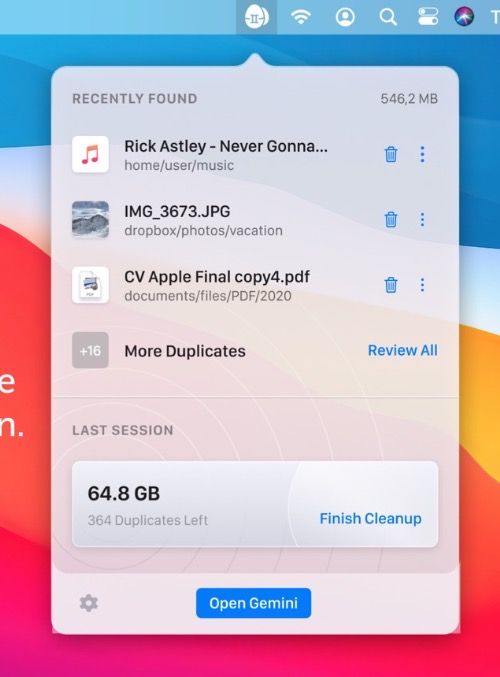
Keep your Mac duplicate-free at all times. Gemini lives in your menu bar. There it spots new copies and notifies you about them. You can view duplicates in detail or quickly destroy them.
Visit Watch
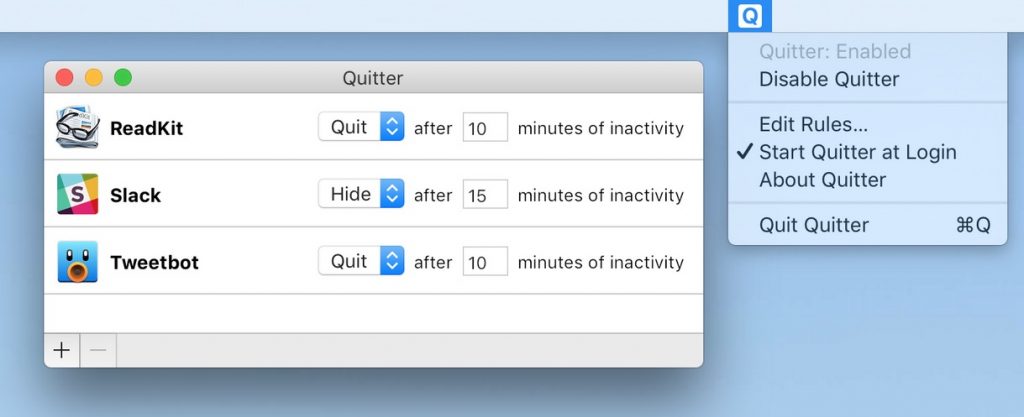
Quitter automatically hides or quits apps after periods of inactivity, helping you keep your Mac organized and your battery life extended throughout the day.
Visit Watch
