Collection:
Clipboard Managers
ClipStack
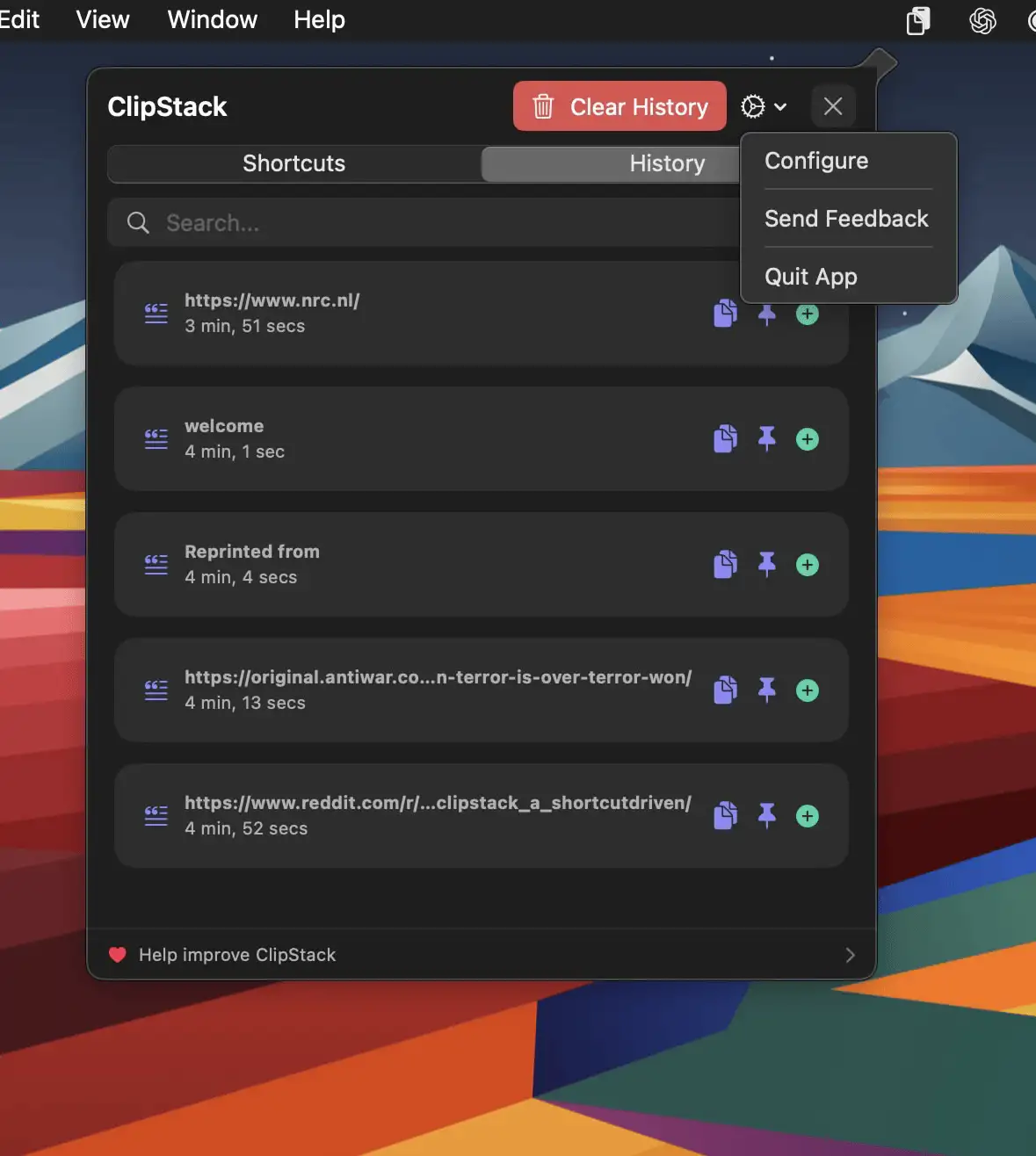
ClipStack gives you instant access to your most-used text snippets, right from the menu bar—with full support for Shortcuts.
The next time a site asks for a code, you’ll just tap it in. iPhone · iPad · Mac

Never lose what you copied. Store, search, organize, and instantly reuse text, images, files, and snippets from your clipboard history. From minimal, privacy-first tools to powerful snippet managers with sync and automation, everything stays one click away.
Never lose what you copied. Store, search, organize, and instantly reuse text, images, files, and snippets from your clipboard history. From minimal, privacy-first tools to powerful snippet managers with sync and automation, everything stays one click away.
ClipStack gives you instant access to your most-used text snippets, right from the menu bar—with full support for Shortcuts.
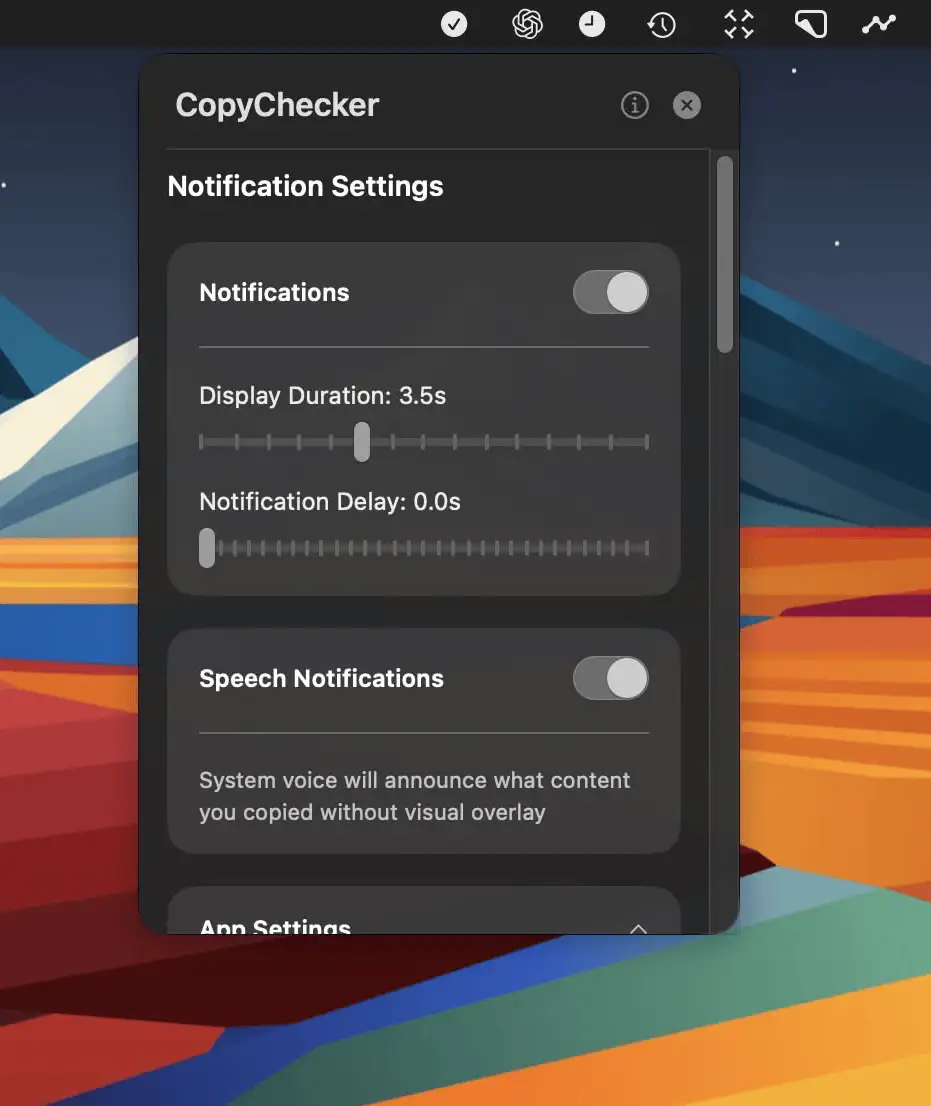
CopyChecker is a Mac menu bar app that confirms what you copy with instant visual or spoken alerts—helping you avoid mistakes and stay focused on your work.
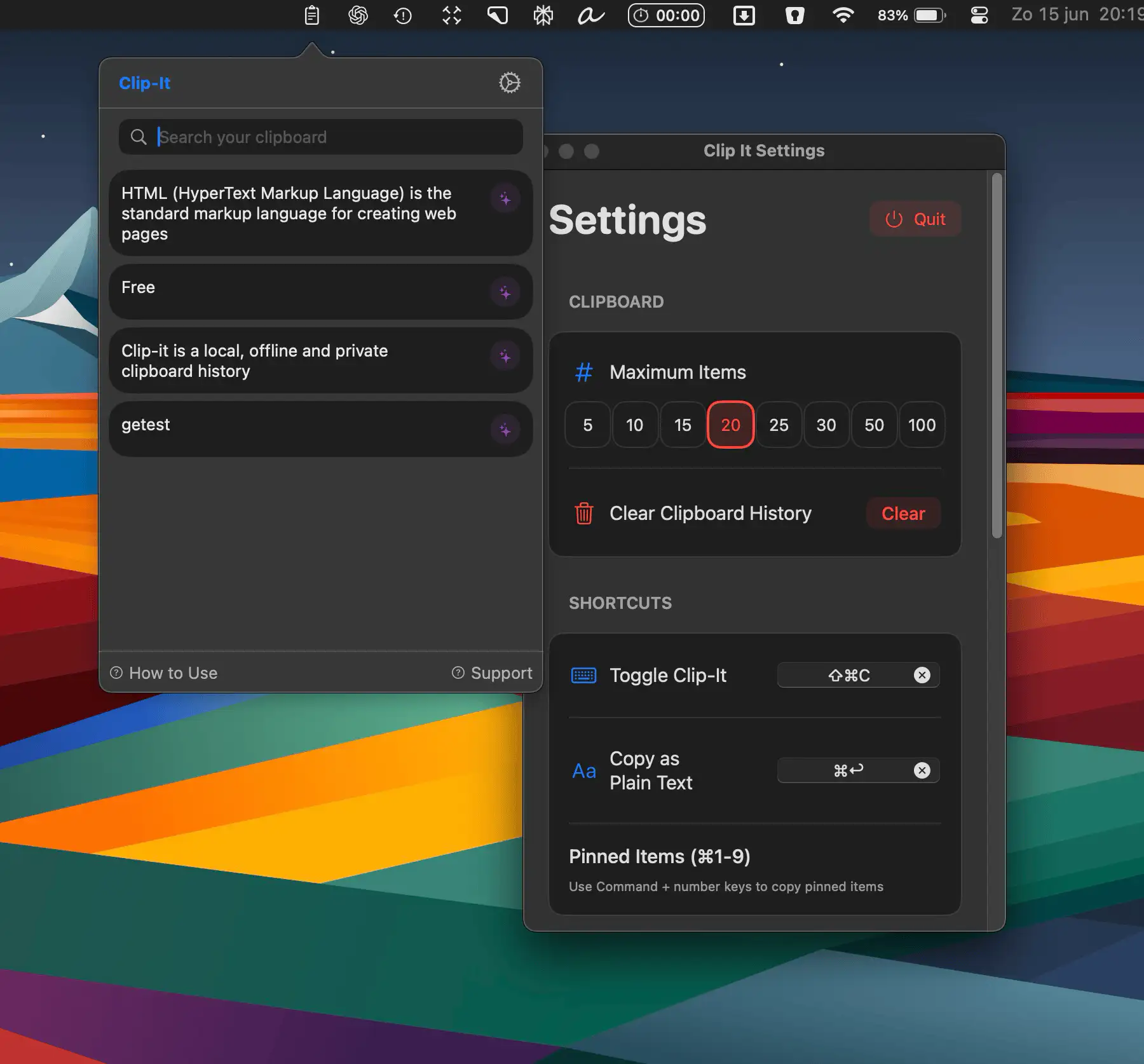
Clip-it is a fast, secure clipboard history manager for macOS that keeps your copied text organized, private, and always within reach—right from your menu bar.
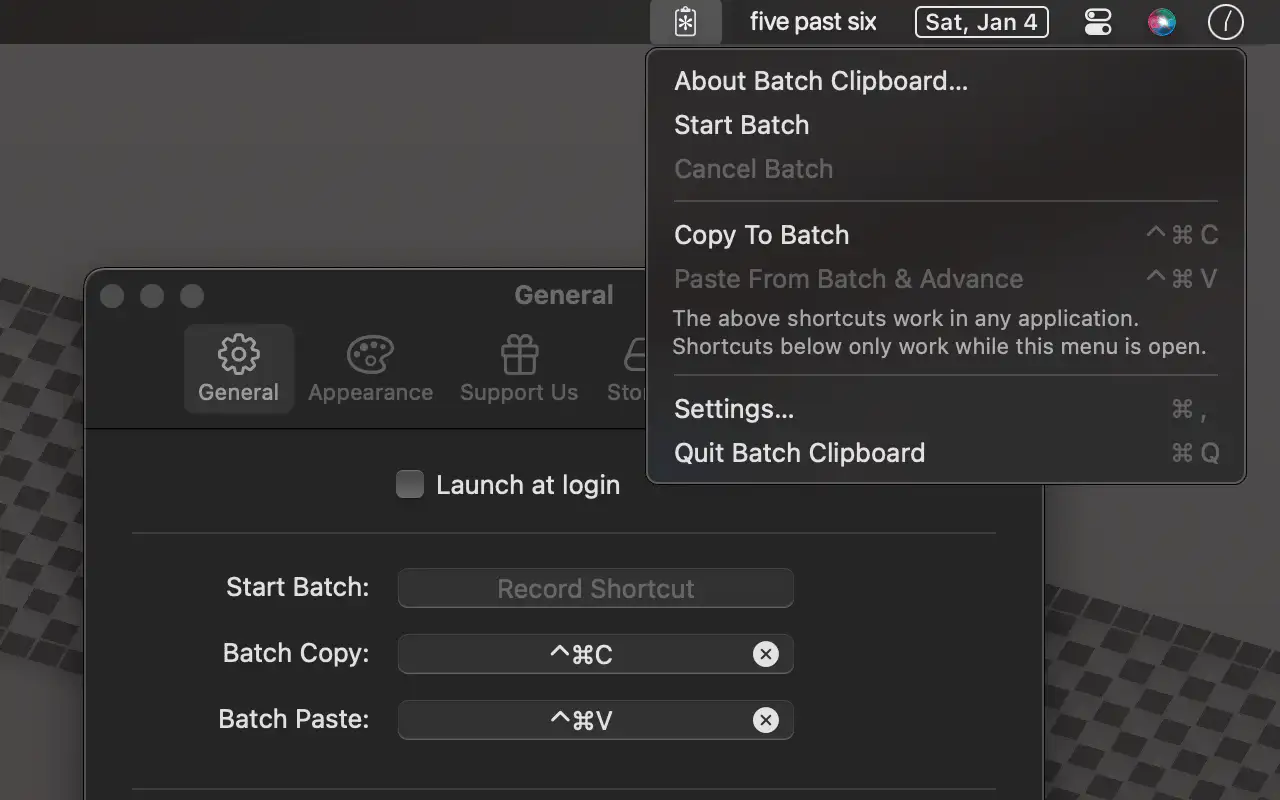
Batch Clipboard is a minimalistic menu bar app that lets you copy and paste multiple items in sequence—simple, fast, and private, without the clutter of full clipboard managers.
The App Store version has some additional features unlocked via an in-app purchase.
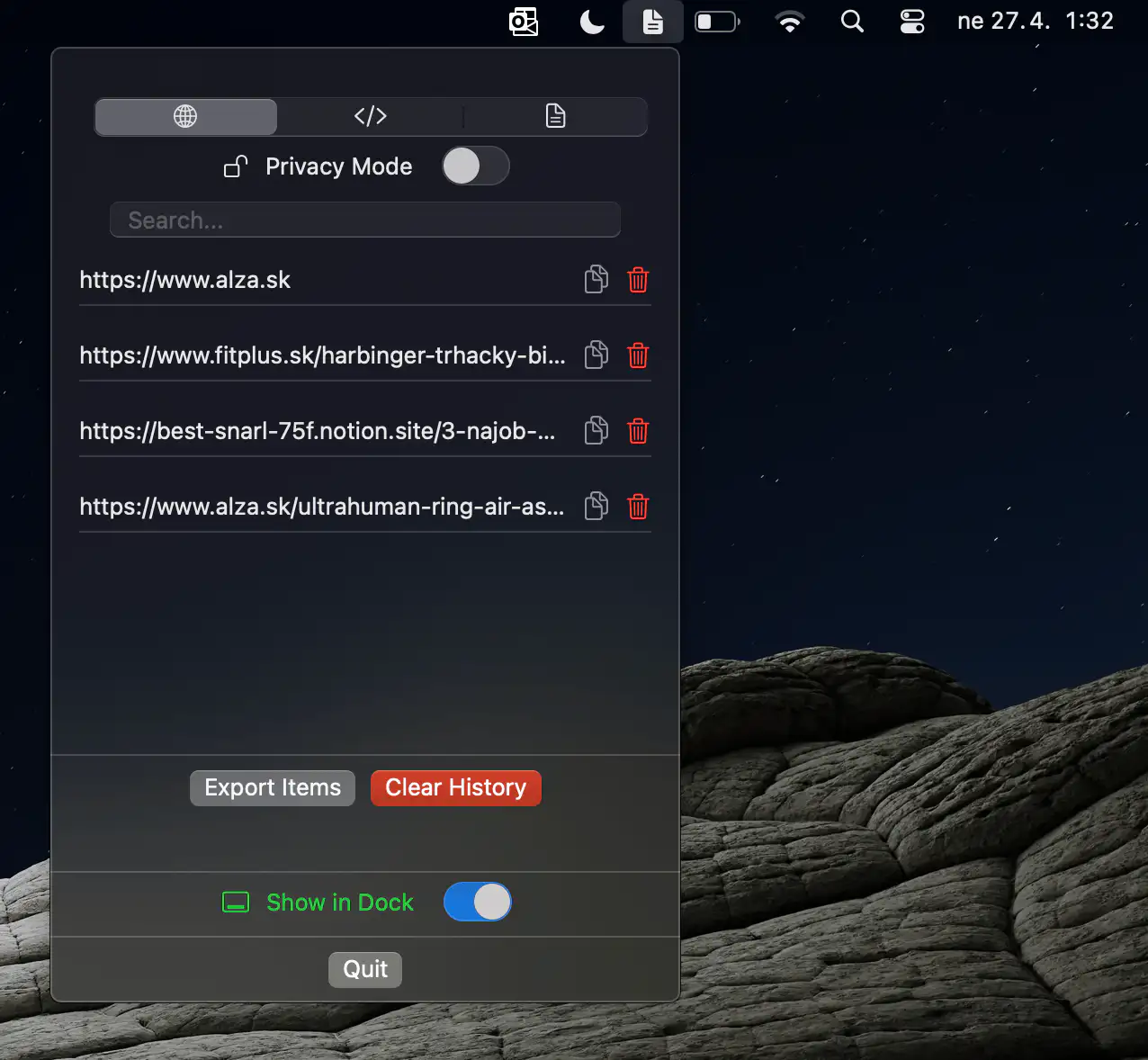
ClipSort is a lightweight, privacy-first clipboard manager that keeps your snippets organized, searchable, and always within easy reach from your Mac’s menu bar.
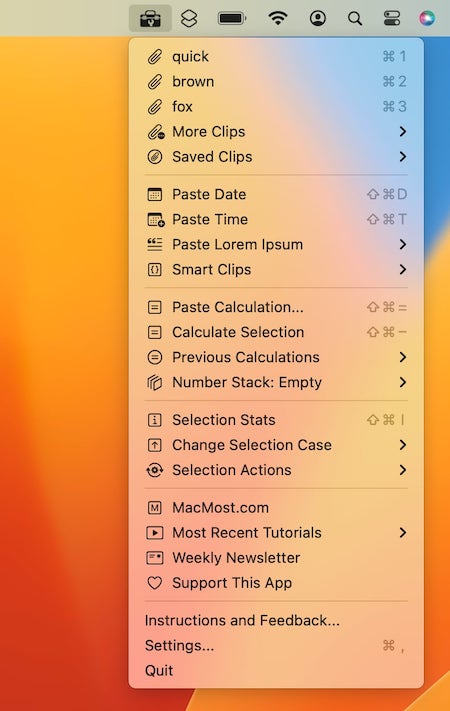
Access your clipboard history, save clips, use programmable Smart Clips, paste the date or time, insert example text, perform calculations and paste the result or replace the selection, convert numbers to words, sorts lines and much more.
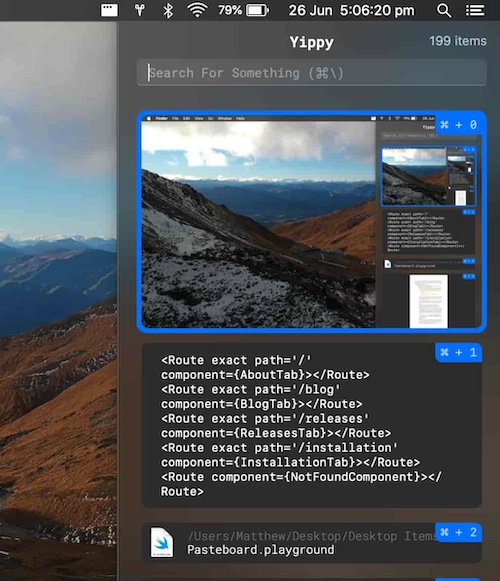
Yippy is an open source clipboard manager. The history window shows all text ever copied from when it is first run.
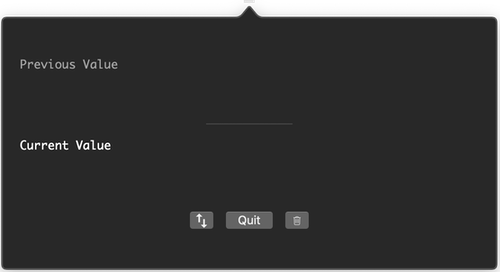
Minimal menu bar app for stashing clipboard content. You can view the current and previous values, swap between current and previous values and clear clipboard content.