

Collection:
Files & Folders
Keep your files within reach, not in the way. Open folders instantly, manage recent files, automate sorting, rename in bulk, tag smarter, mount remote drives, and drag, drop, share, or convert files directly from your menu bar without digging through Finder.
Collection:
Cleaning Apps | Files & Folders
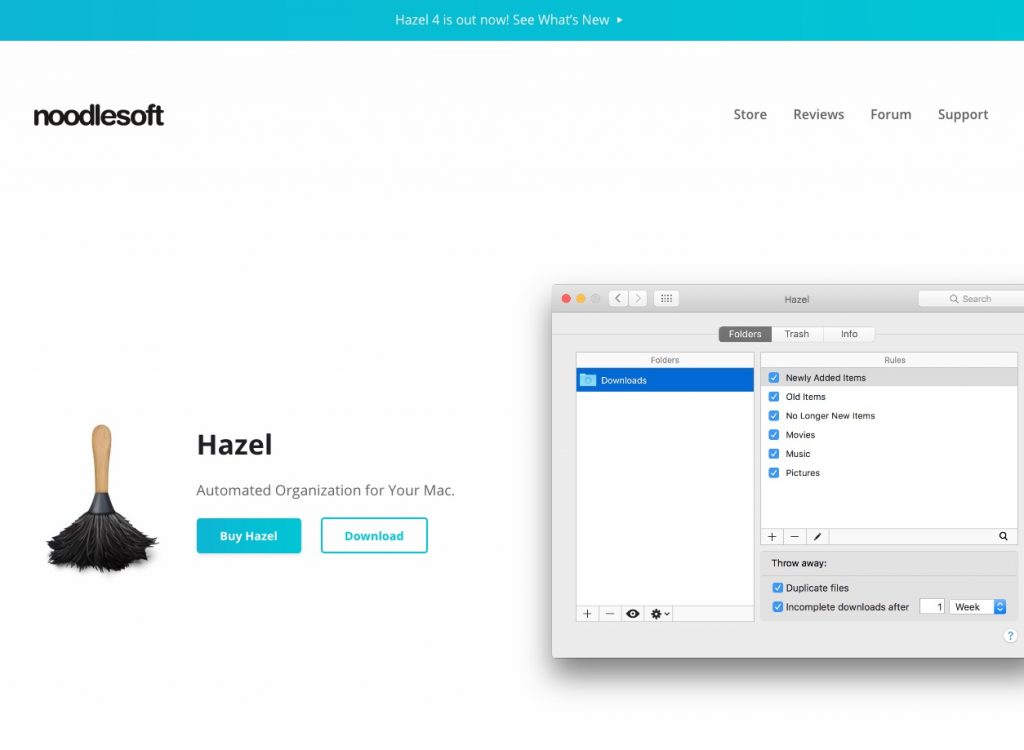
Hazel
Collection:
Files & Folders
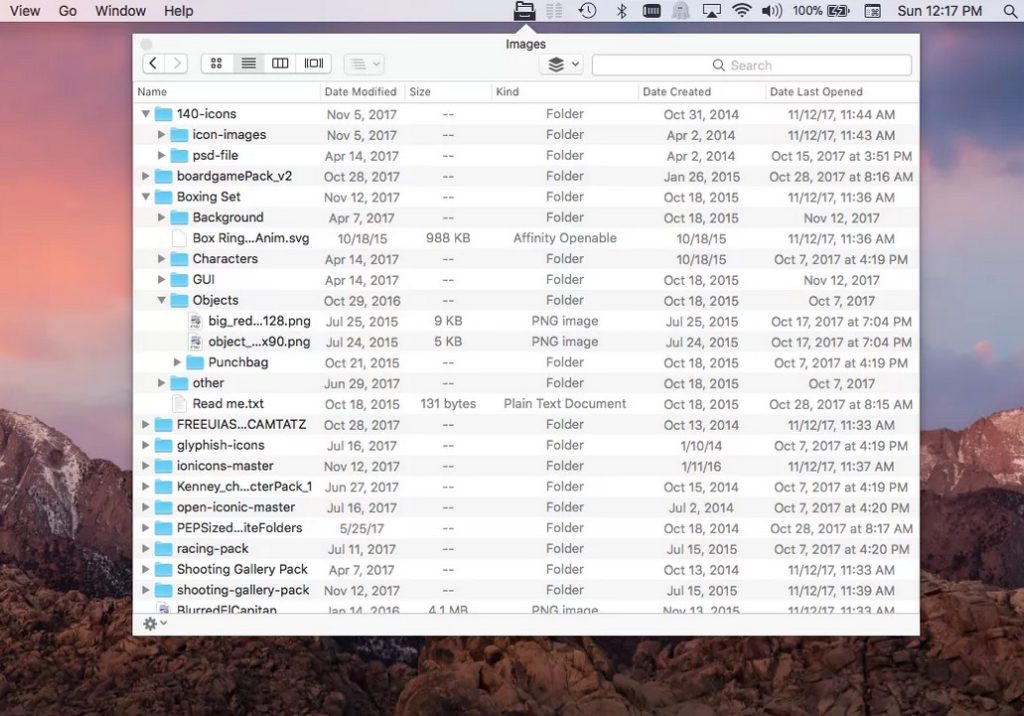
File Cabinet Pro
Collection:
Cleaning Apps | Files & Folders
Clean
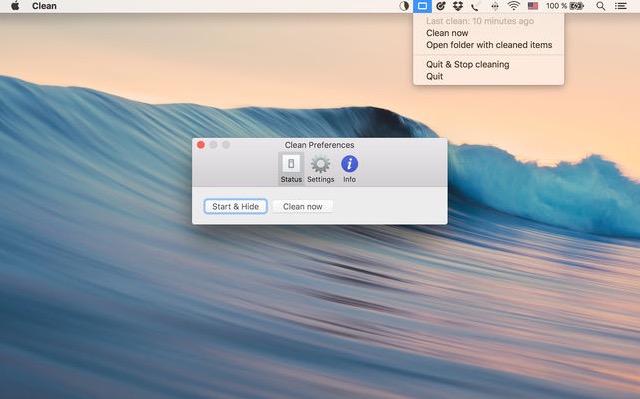
Because we all treat our desktop like a digital junk drawer, Clean quietly steps in and restores order. With a single click or on a schedule you choose, it moves scattered files into a designated folder and neatly organizes them by month or day. Your desktop stays clear, while everything remains safely stored and easy to find whenever you need it again.
Collection:
Files & Folders
XMenu
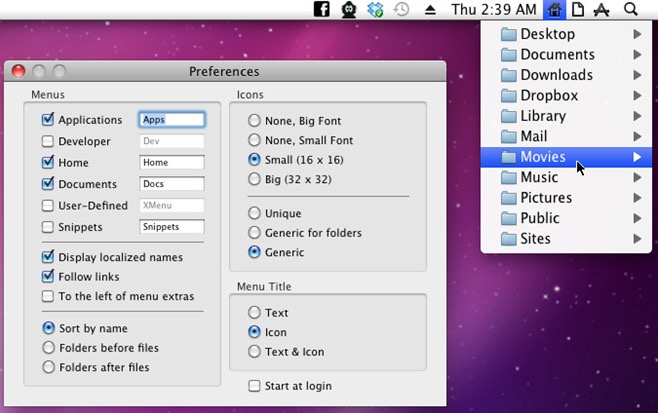
XMenu adds customizable global menus to the right side of your screen, giving instant access to apps, folders, documents, and text snippets. It works without setup, feels native, and offers a clean, free alternative to Dock folders.
End of content
End of content