Collection:
Note Taking Apps
Scratchpad

Scratchpad gives you a single note in your menu bar for jotting down quick thoughts and ideas, synced across your Apple devices.
Capture thoughts before they disappear. Jot down quick notes, ideas, to-dos, snippets, reminders, or full drafts directly from your menu bar, with instant access, autosave, sync options, and minimal distraction.
Capture thoughts before they disappear. Jot down quick notes, ideas, to-dos, snippets, reminders, or full drafts directly from your menu bar, with instant access, autosave, sync options, and minimal distraction.
Scratchpad gives you a single note in your menu bar for jotting down quick thoughts and ideas, synced across your Apple devices.

Alto adds handy tools to Apple Notes: copy links or markdown, see backlinks, and publish your notes online as a blog or website.

Steecky puts notes, tasks, clipboard history, code snippets and quick links together in one menu bar app. Everything is stored locally on your Mac, and a global shortcut opens it from anywhere.
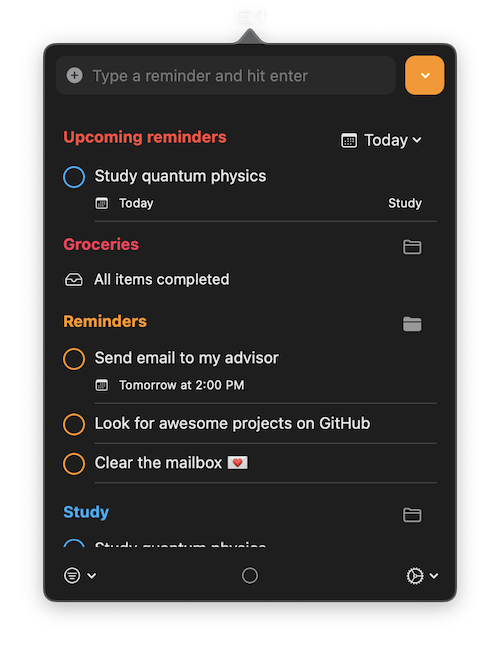
A simple menu bar app to view and interact with reminders. You can keep everything in sync with Apple Reminders.
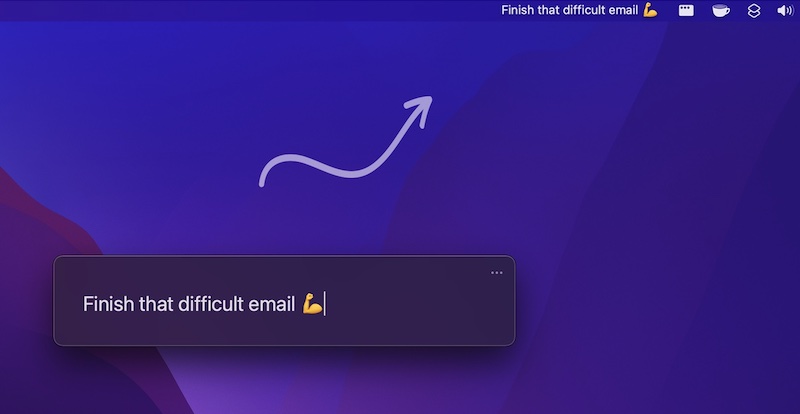
Always focus on one thing at a time. With One Thing you can put a single task or goal in your menu bar.
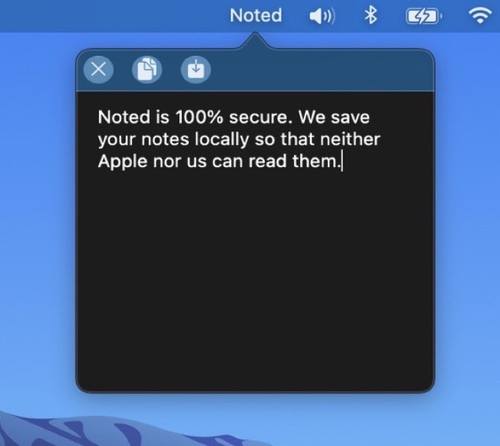
Noted is a scratchpad in your menu bar: one click, or Option + backtick, and you can jot down whatever is on your mind. Change the font and color to taste. Your note survives restarts and never leaves your Mac.
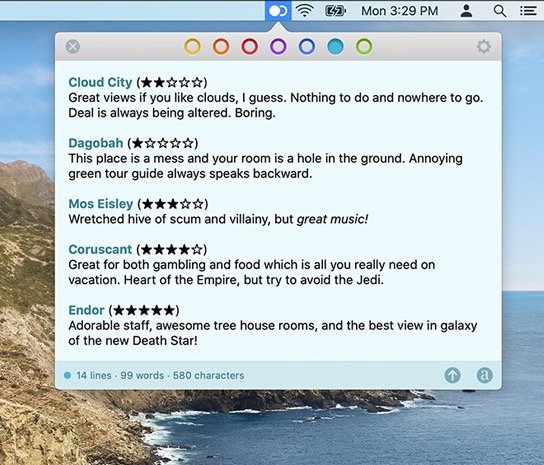
With Tot you can collect and edit text across your Mac, iPhone, and iPad, all via the menu bar. Seven color-coded dots let you organize your notes.