Collection:
Security Apps
Goose
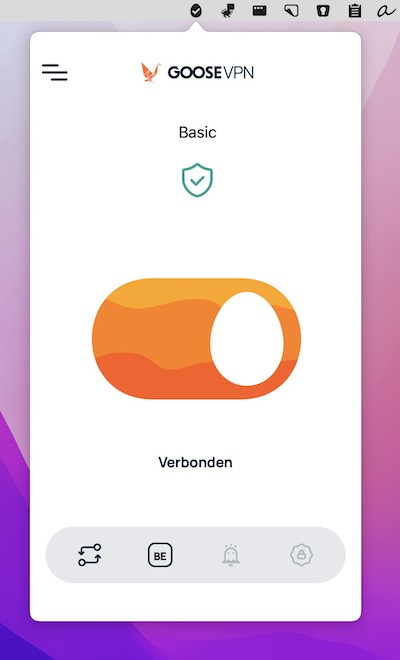
Goose VPN protects your privacy with a strict no-logging policy and lets you connect an unlimited number of devices. Switch servers or turn the VPN on and off straight from your menu bar.

Protect your Mac, your data and your privacy in real time. Monitor network activity, control outgoing connections, manage VPNs and DNS, secure apps with locks and 2FA, detect surveillance, prevent theft, automate backups and guard against malware directly from your menu bar.
Protect your Mac, your data and your privacy in real time. Monitor network activity, control outgoing connections, manage VPNs and DNS, secure apps with locks and 2FA, detect surveillance, prevent theft, automate backups and guard against malware directly from your menu bar.
Goose VPN protects your privacy with a strict no-logging policy and lets you connect an unlimited number of devices. Switch servers or turn the VPN on and off straight from your menu bar.
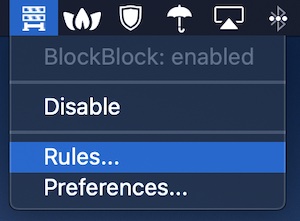
BlockBlock is a menu bar app that warns of persistently installed software. In other words, it looks for software that’s installing itself in such a way that it will always be running and will fire up again after a system reboot.
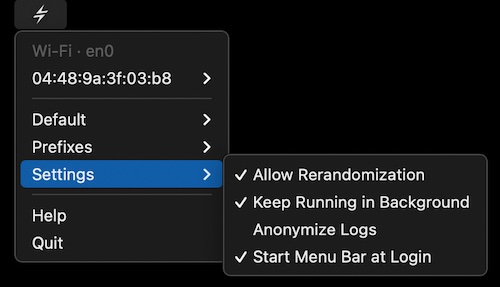
This menu bar app keeps the MAC addresses of your Wi-Fi and Ethernet interfaces random for privacy.
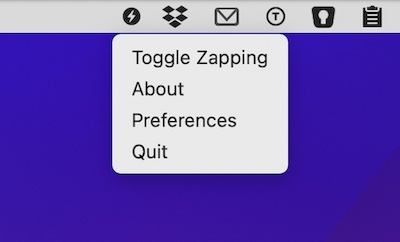
Strip tracking parameters from copied links to protect your privacy. This tool integrates seamlessly into your workflow without opening other applications or additional windows.
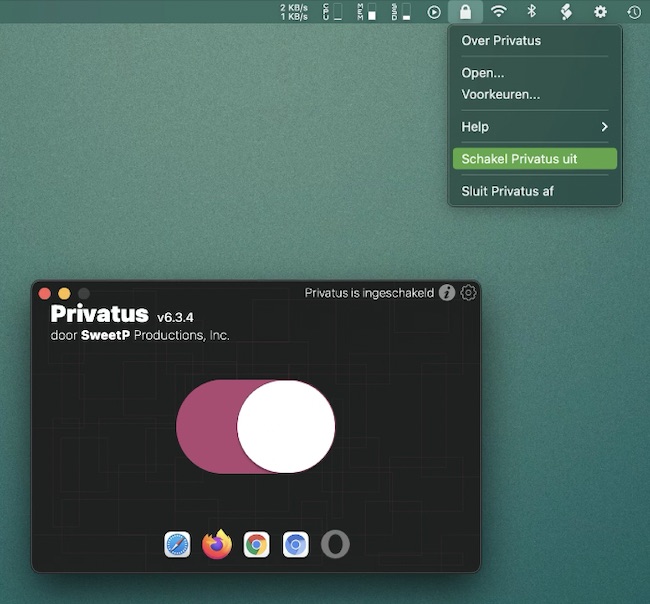
Privatus will take care of clearing your personal and private browsing tracks automatically after each browsing session. Set it up once, and forget about it.
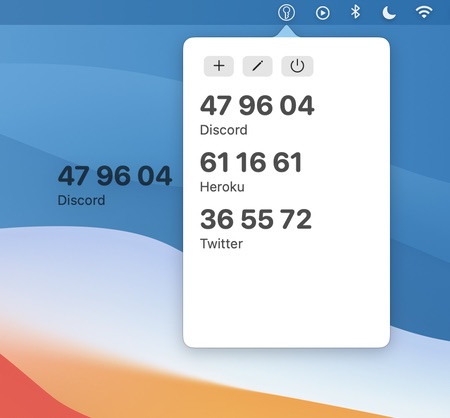
MiniKey is a one time password generator for two-factor authentication. It lets you copy generated codes with a click, and drag codes from MiniKey into authenticating apps.
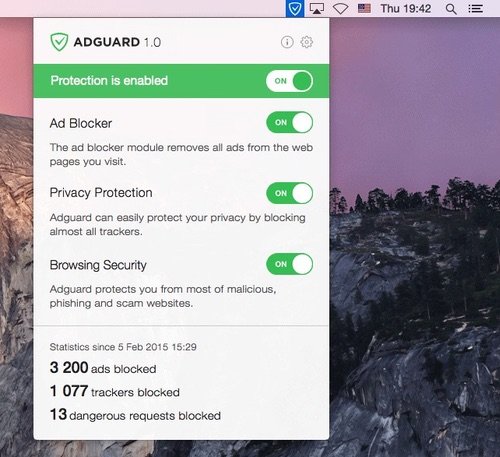
This standalone ad blocker for Mac lives in your menu bar. All settings and statistics can be found there. AdGuard blocks all kinds of ads in all browsers and even in other apps.