Take full control over when your Mac sleeps or stays awake. Schedule sleep, prevent idle timeouts, disable clamshell restrictions, simulate activity, manage power behavior or automate WiFi and Bluetooth actions when your Mac sleeps or wakes, all directly from your menu bar.
Show me the free apps only
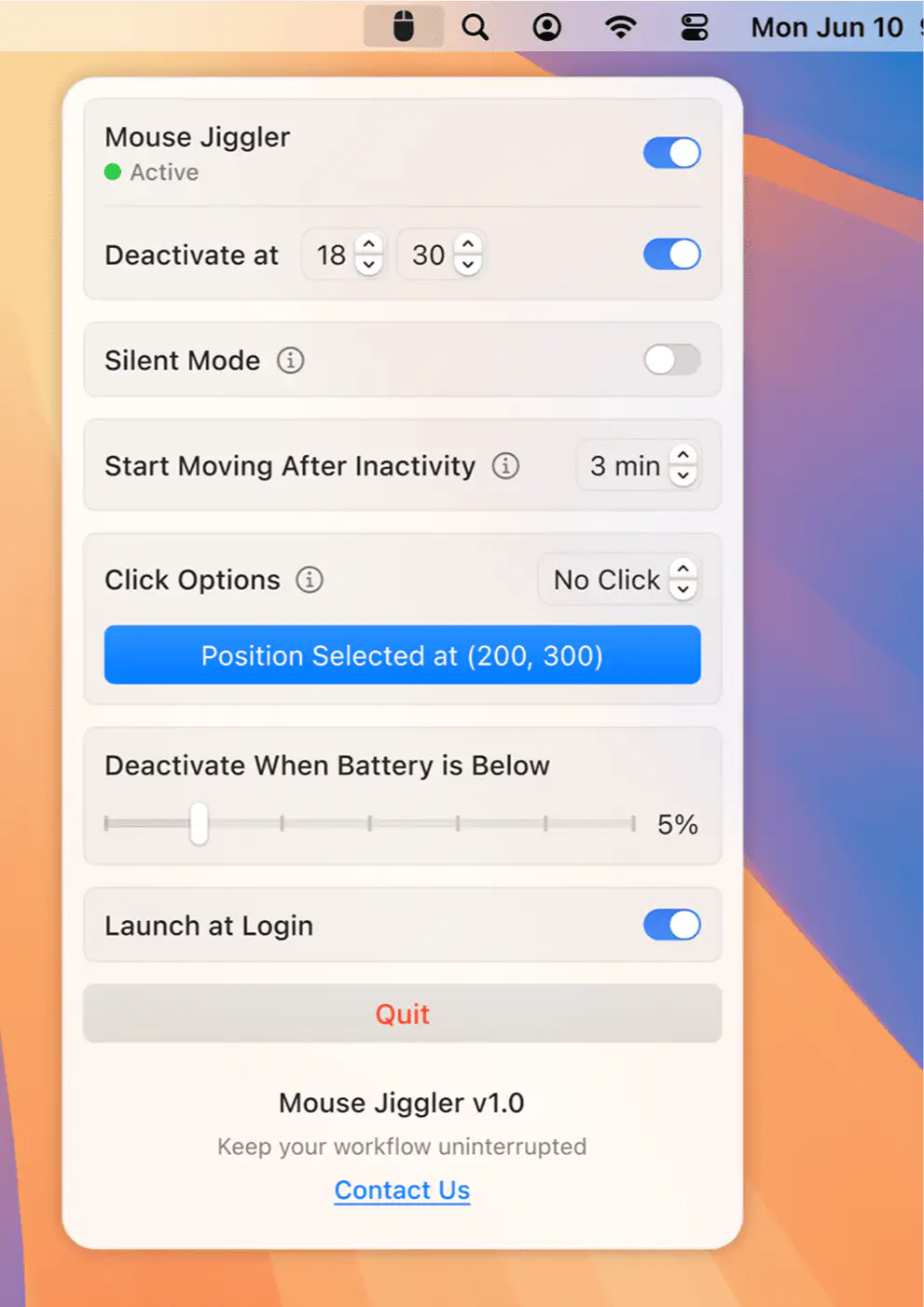
Prevent your Mac from entering sleep mode reliably, protecting against unexpected sleep cycles interrupting work. Perfect for long downloads, presentations, or when you need continuous operation without interruptions.
Visit
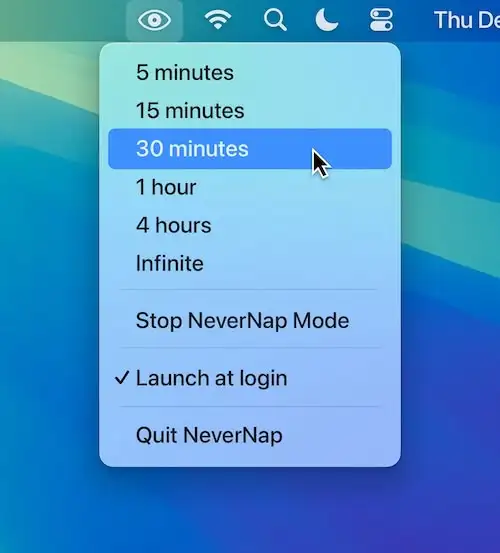
NeverNap keeps your Mac awake, preventing sleep or screensaver activation for 5 minutes or indefinitely. It ensures smooth operation without manual system adjustments. (there’s also a pro version)
Visit

This menu bar app disables the clamshell mode and puts your MacBook to sleep when the lid is closed.
Visit
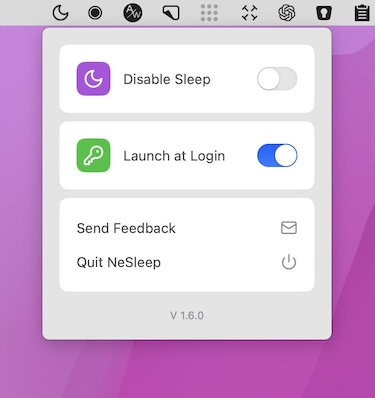
This menu bar app prevents any Mac from entering sleep mode, providing hassle-free protection against unexpected sleep cycles.
Visit Watch
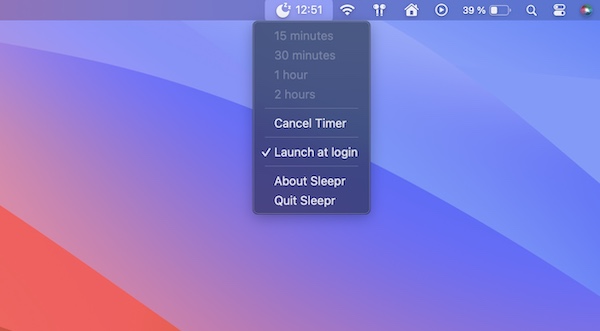
This simple menu bar app brings back the option to set a timer at the end of which your Mac goes into sleep mode (removed from macOS Ventura and Sonoma).
Visit
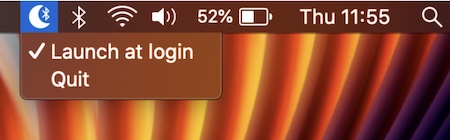
With this menu bar app the Bluetooth connection is switched off when your Mac sleeps, and switched on when your Mac wakes.
Visit

When the CoffeeBar is off the app will allow your Mac to go to sleep. When it’s on the app will keep your Mac awake indefintly.
Visit
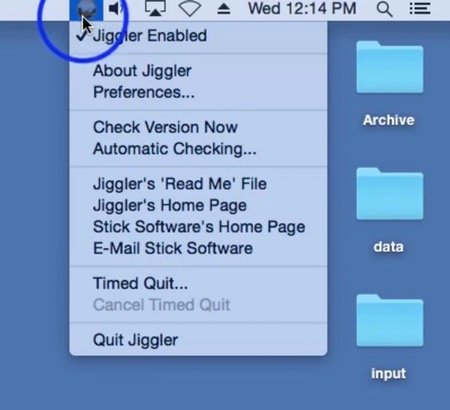
When you have some lengthy task for your computer to do, it’s annoying to have to turn off your screensaver and turn off the sleep timer, only to have to turn it all back on again when you’re done. Jiggler is a freeware menu bar app that keeps your Mac awake. It’s a little helper that bumps your mouse every once in a while to keep your machine alert.
Visit
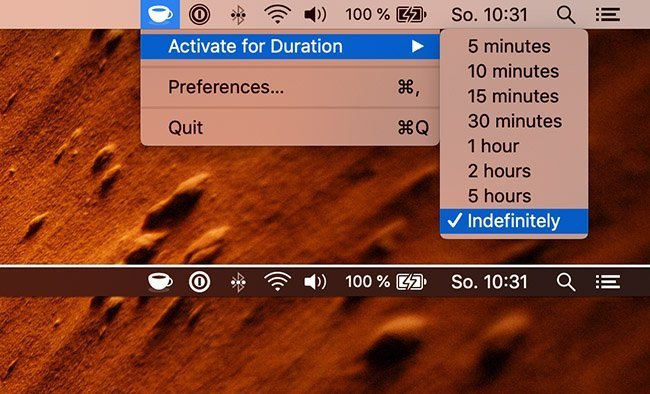
KeepingYouAwake prevents your Mac from entering sleep mode for a predefined duration or as long as it is activated. Inspired by Caffeine.
Visit
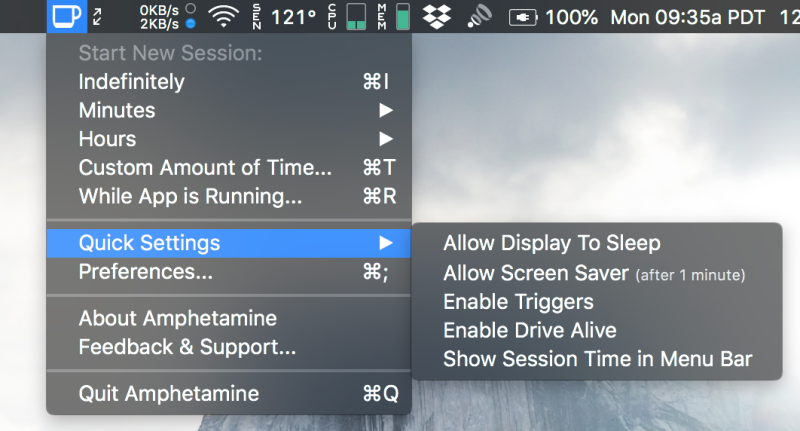
With Amphetamine, you can effortlessly override your energy saving settings and keep your Mac awake. You just have to tap on a single icon on your macOS Menu Ba. Once activated, your system will stop going to sleep. You can also set it up so that Amphetamine only kicks on when it notices that a particular app is running.
Visit Watch