The best of both worlds: great menu bar apps you can try for free — and unlock when you’re ready.
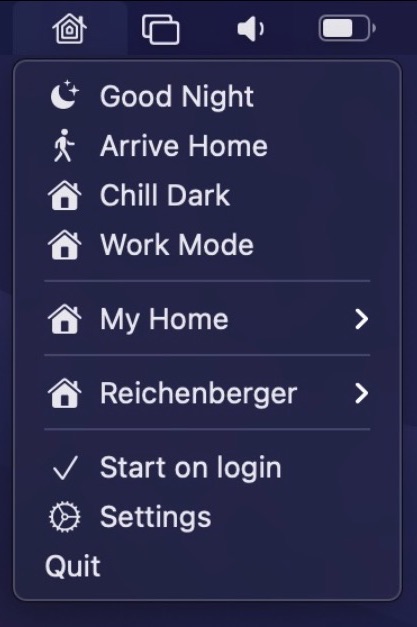
Control your HomeKit devices straight from your menu bar. There is also support for global keyboard shortcuts to enable scenes and automation support to trigger certain scenes automatically, e.g. when the computer is locked or wakes up from sleep. You can also pin sensors like temperature or air quality straight to your menu bar.
Visit
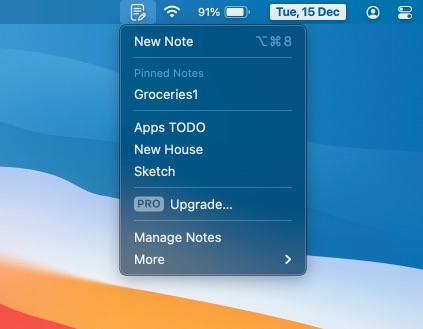
Quick Note is a clutter-free note-taking in your menu bar. optimized for a fast and quick note-taking experience. The Note floats on top of all other apps, so your notes are always visible.
Visit
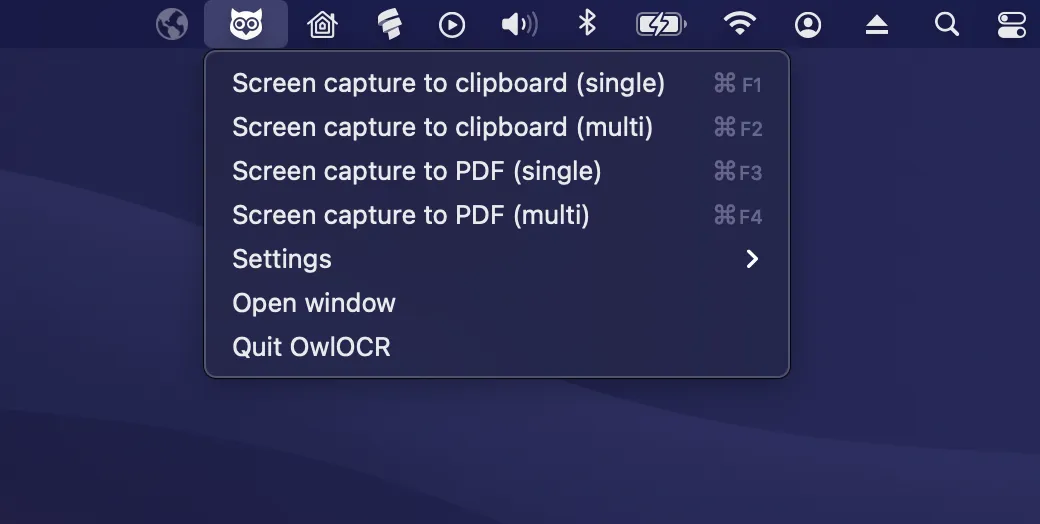
OwlOCR turns unselectable text on your screen, in images, and in PDFs into editable, searchable text. It uses Apple Vision OCR locally, with optional AI for messy screenshots, scans, and complex layouts.
Visit
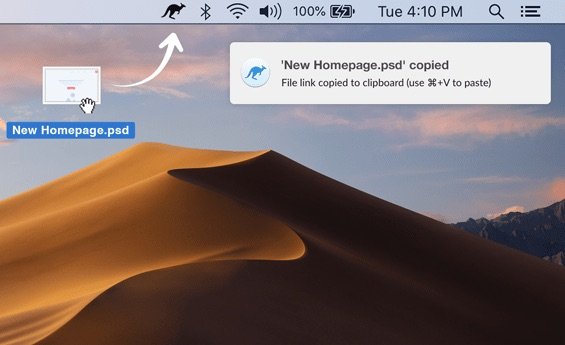
Jumpshare combines file sharing, screenshot capture, and video recording – all in one platform. Drag files to the Jumpshare menu bar icon and a shareable link will be copied to your clipboard.
Visit Watch

Plume is a simple note-taking app that lets you write down your thoughts. It also has an inbuilt to-do list button that lets you quickly generate to-do lists.
Visit

Tick Tick lets you capture ideas and organize your life and tasks right from your menu bar.
Visit

FastScripts puts your AppleScripts, shell scripts and Automator workflows in one tidy menu bar menu, each with its own keyboard shortcut if you like. Start typing to find the right script, and keep an eye on long-running tasks while you get on with your work.
Visit
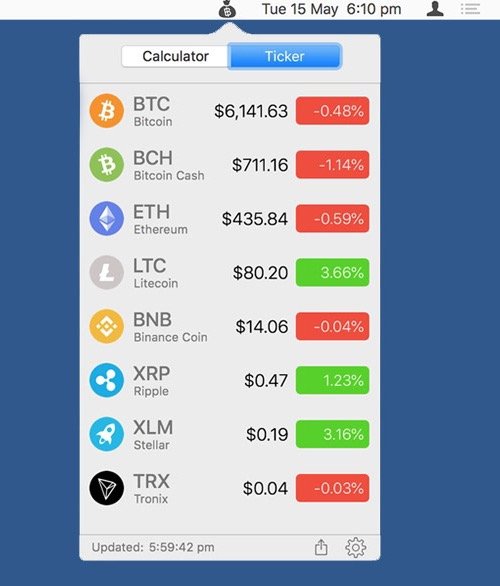
Live conversion between hundreds of crypto and fiat currencies in your menu bar. The free version is limited to 6 currencies.
Visit

A one-click camera check, right from the menu bar. Ideal if you’re constantly opening Photo Booth to pre-check your face before jumping onto calls.
Visit Watch

A secure vault to store everything at one place using a single master password. All your data is saved locally on your device. Your information never leaves your device until you explicitly choose to do so by syncing through any of your cloud accounts, and even then it’s encrypted.
Visit