The best of both worlds: great menu bar apps you can try for free — and unlock when you’re ready.
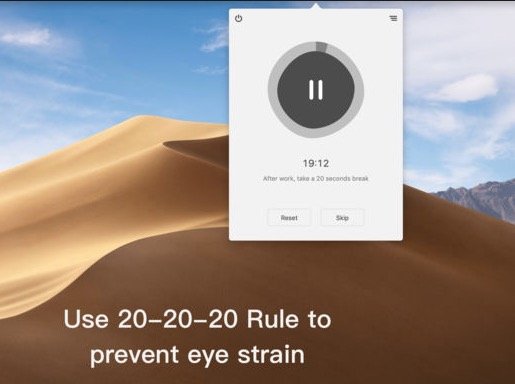
Use ‘Take a break’ to remind you to take regular breaks that help you relieve eye strain. As the doctor mentions, every 20 minutes spent using a screen, look away at something that is 20 feet away for a total of 20 seconds.
Visit
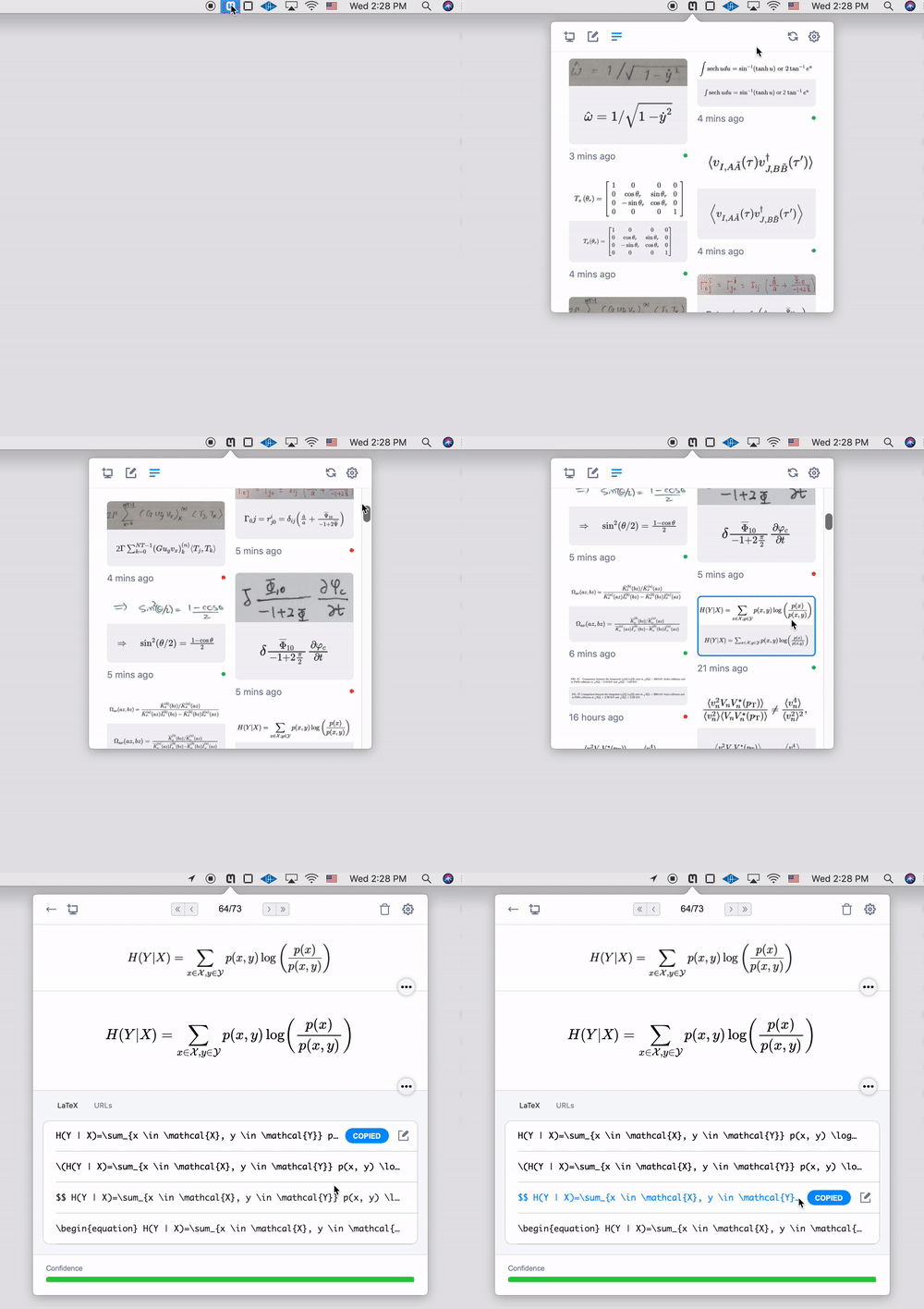
Take a screenshot of math and paste the LaTeX into your editor, all with a single keyboard shortcut. Choose your desired format, edit it, and more, right from your menu bar.
Visit
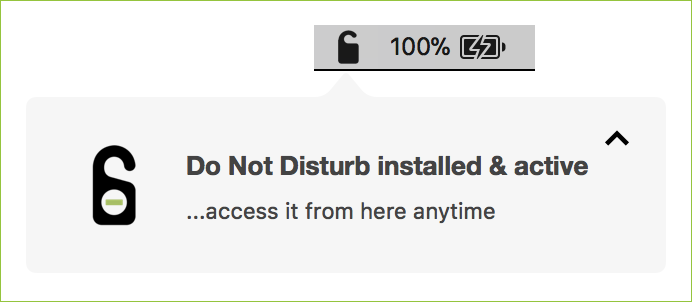
Do Not Disturb watches for the one moment most physical attacks on a laptop have in common: someone opening the lid. If that happens while you’re away, it alerts you, and it can send a message to your phone via Telegram, optionally with a webcam photo of whoever opened it.
Visit
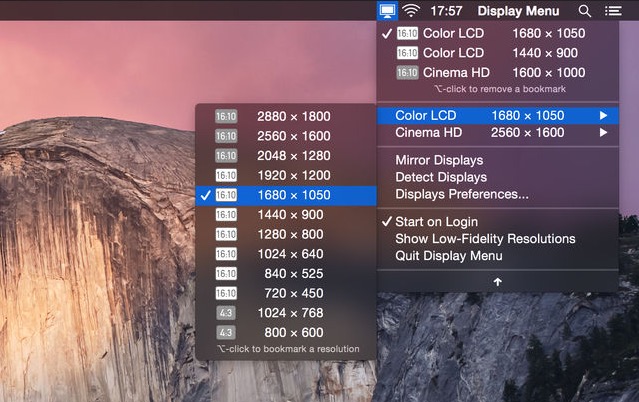
Display Menu makes it easy to adjust your screen settings with a single click. Switch resolutions, toggle mirroring, and fine-tune refresh rates on the fly. With the optional upgrade, you can unlock Retina resolutions, AppleScript support, and handy resolution bookmarks for even greater control.
Visit
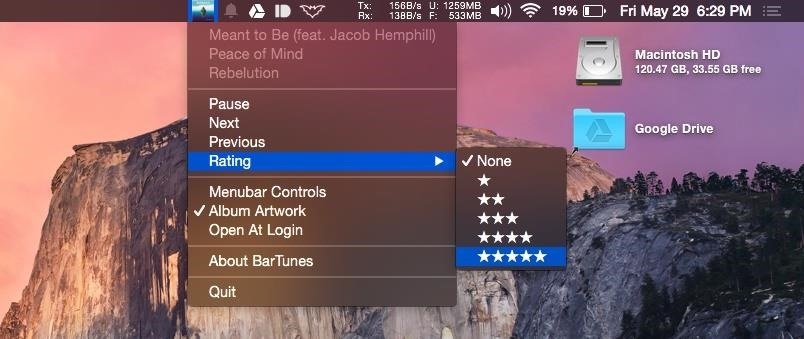
BarTunes puts effortless control of Apple Music or iTunes within easy reach, letting you play, pause, skip tracks and even rate songs while viewing album artwork and track details at a glance.
Visit
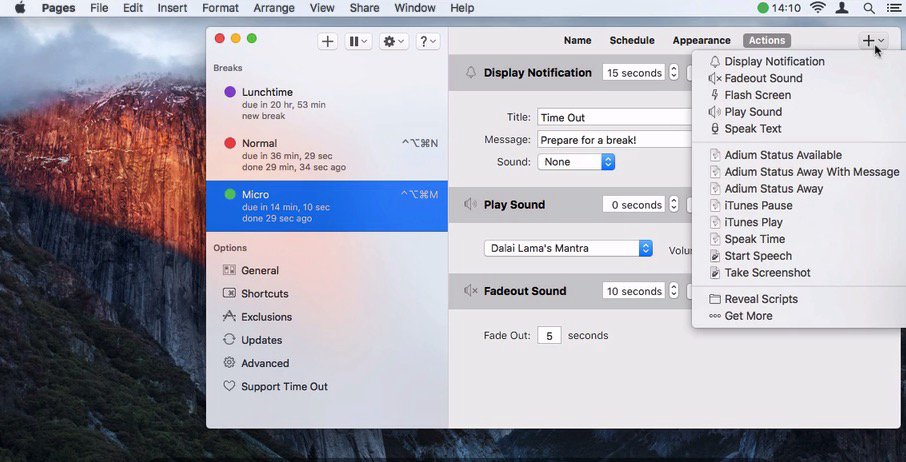
Your spine called. It would like a word. Time Out gently reminds you to step away before your shoulders turn into concrete. With customizable normal and micro breaks, flexible scheduling, editable themes, and optional sounds or scripts, it fits your rhythm while quietly protecting your focus and posture.
Visit
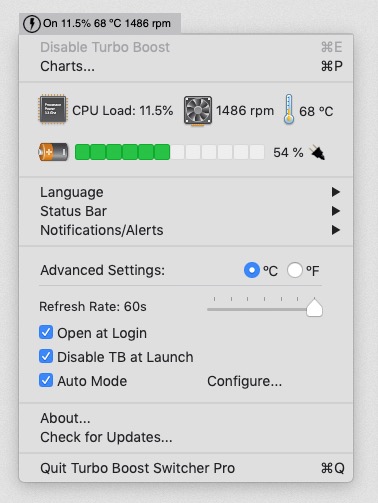
Turbo Boost Switcher gives you direct control over your Mac’s performance, toggling Turbo Boost on or off to reduce heat and extend battery life. Monitor CPU stats at a glance.
Visit
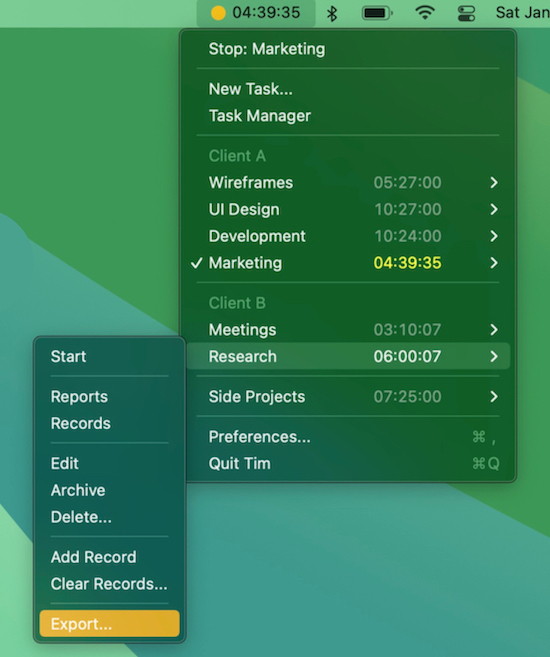
Tim keeps time tracking straightforward, showing your active task at a glance while offering detailed reports, flexible exports, and smart automations. Everything stays private on your device, so you stay in control of both your hours and your data.
Visit
