Collection:
Keyboard & Mouse Apps
KeyMinder
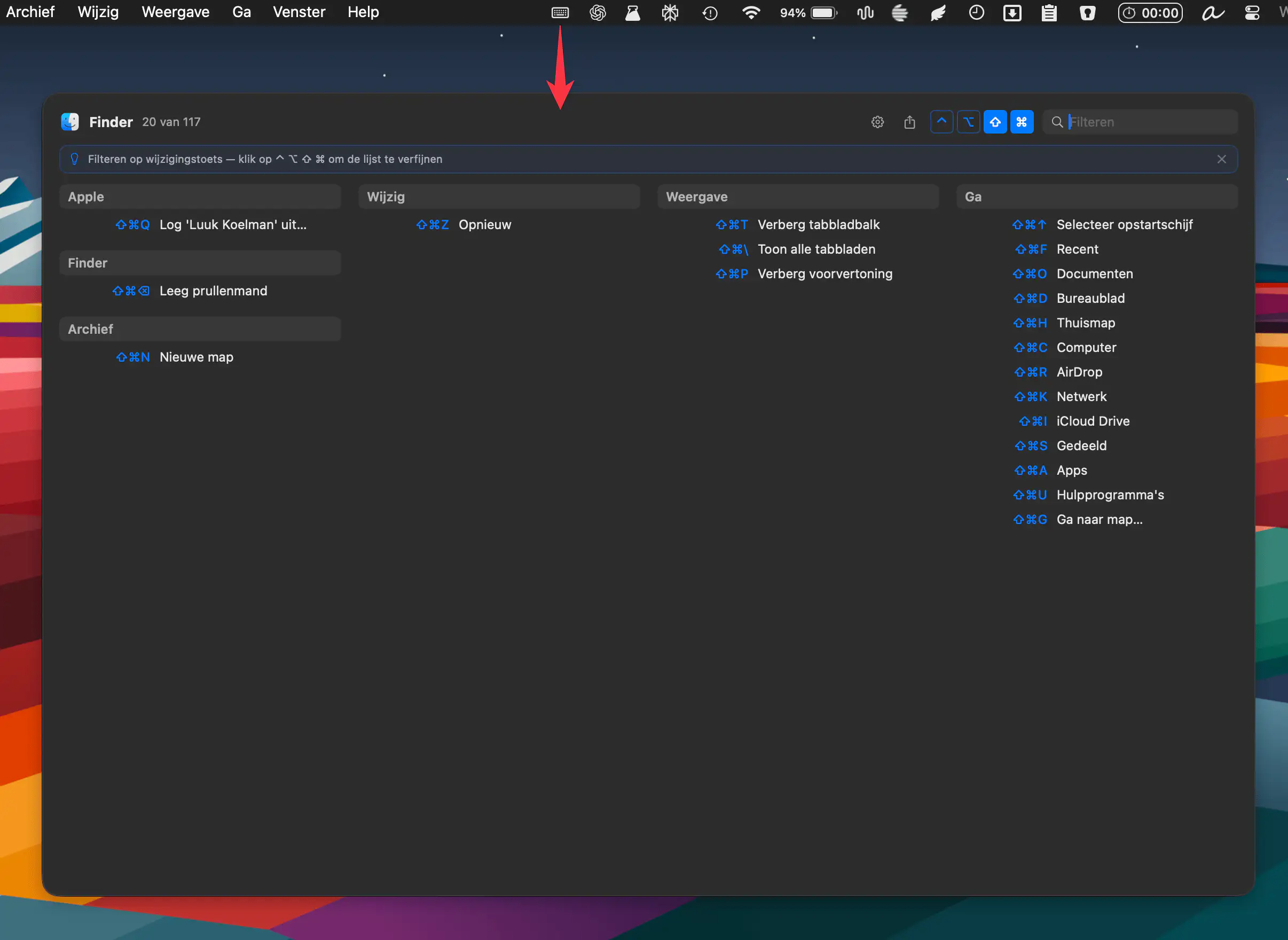
KeyMinder instantly reveals keyboard shortcuts for your active macOS app, grouped by menu. Triggered by a hotkey, it keeps workflows smooth. Free, open source, and always up to date.

Open code. Open minds. Open source menu bar apps.
Open code. Open minds. Open source menu bar apps.
KeyMinder instantly reveals keyboard shortcuts for your active macOS app, grouped by menu. Triggered by a hotkey, it keeps workflows smooth. Free, open source, and always up to date.
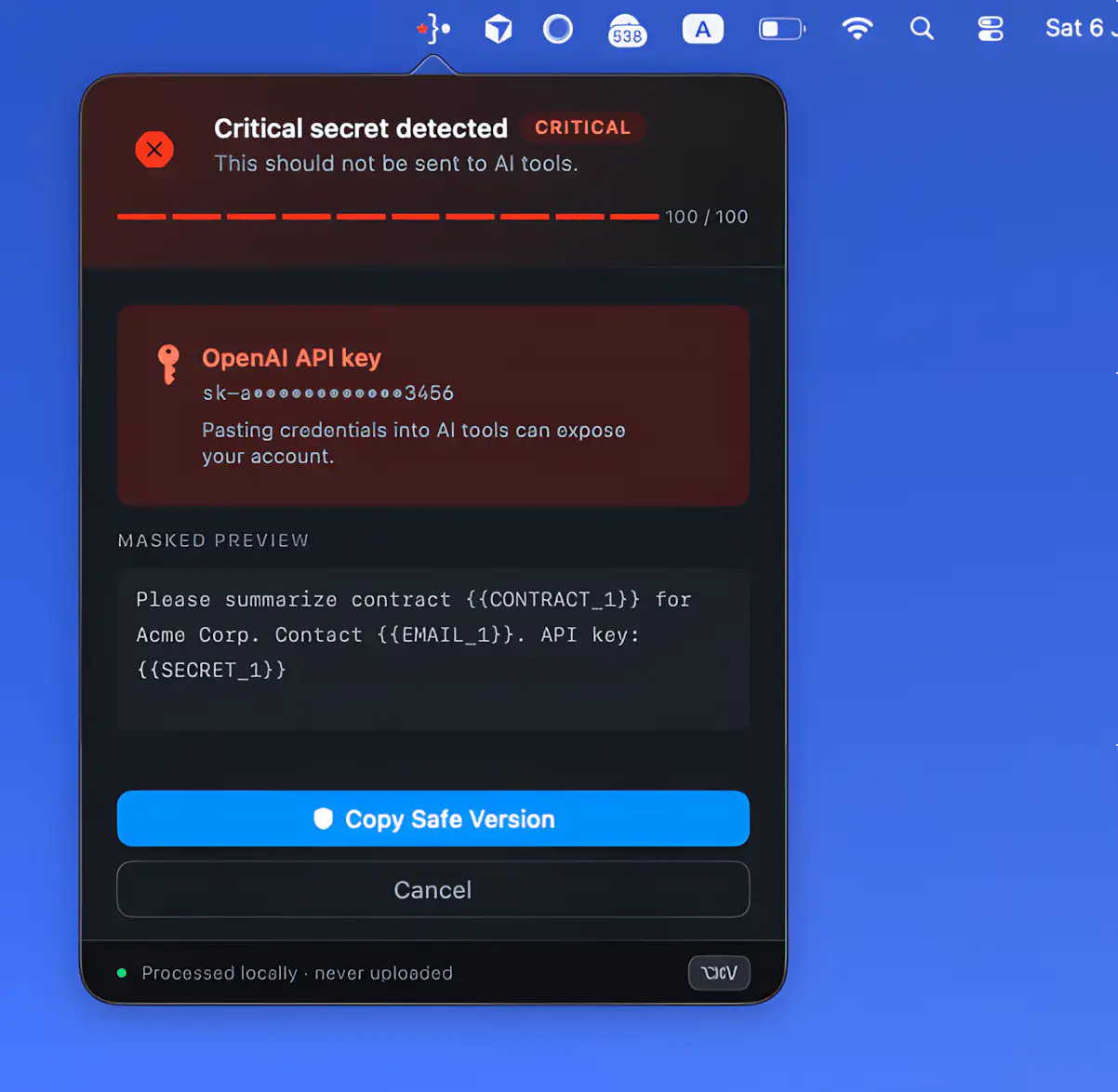
Offsend helps prepare projects, files, and clipboard text before sending them into AI tools like ChatGPT and Claude. It runs locally on your Mac, masking sensitive data such as keys, client info, and internal paths without relying on cloud processing or external servers.
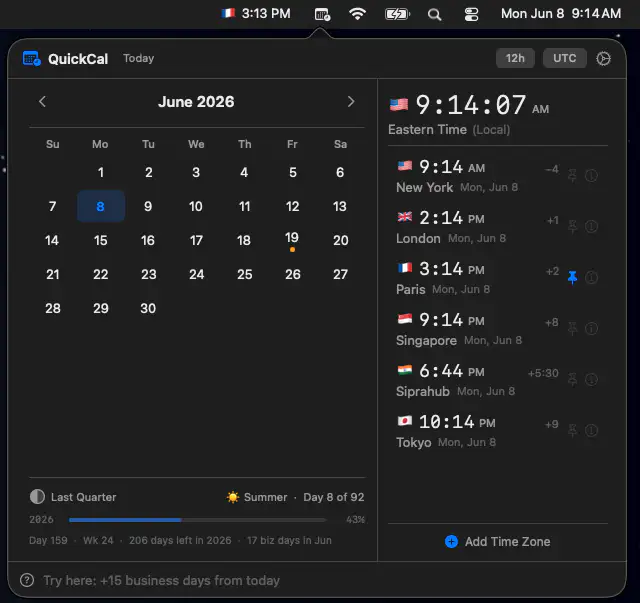
QuickCal brings calendars, world clocks, and natural-language time calculations together in a fast, offline workspace. It helps professionals coordinate across time zones, track holidays, and answer date-related questions without subscriptions or internet access.
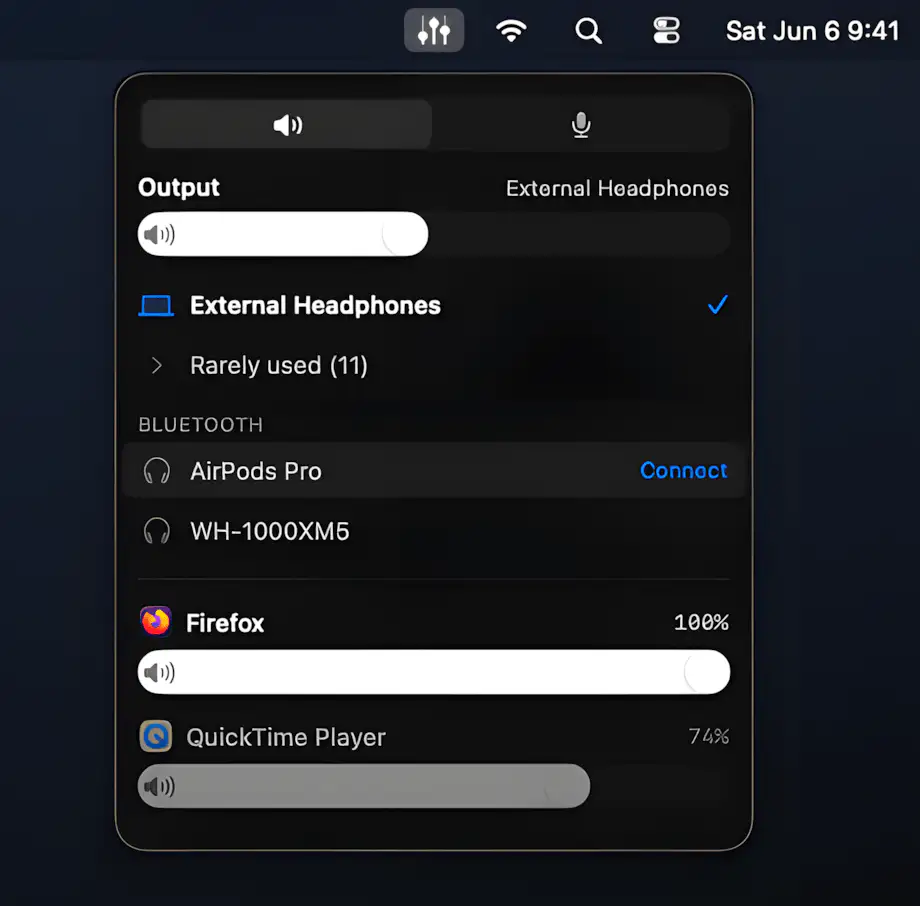
Fader brings precise audio control to your Mac with per-app volume sliders, instant output switching, Bluetooth device management, and microphone activity monitoring.
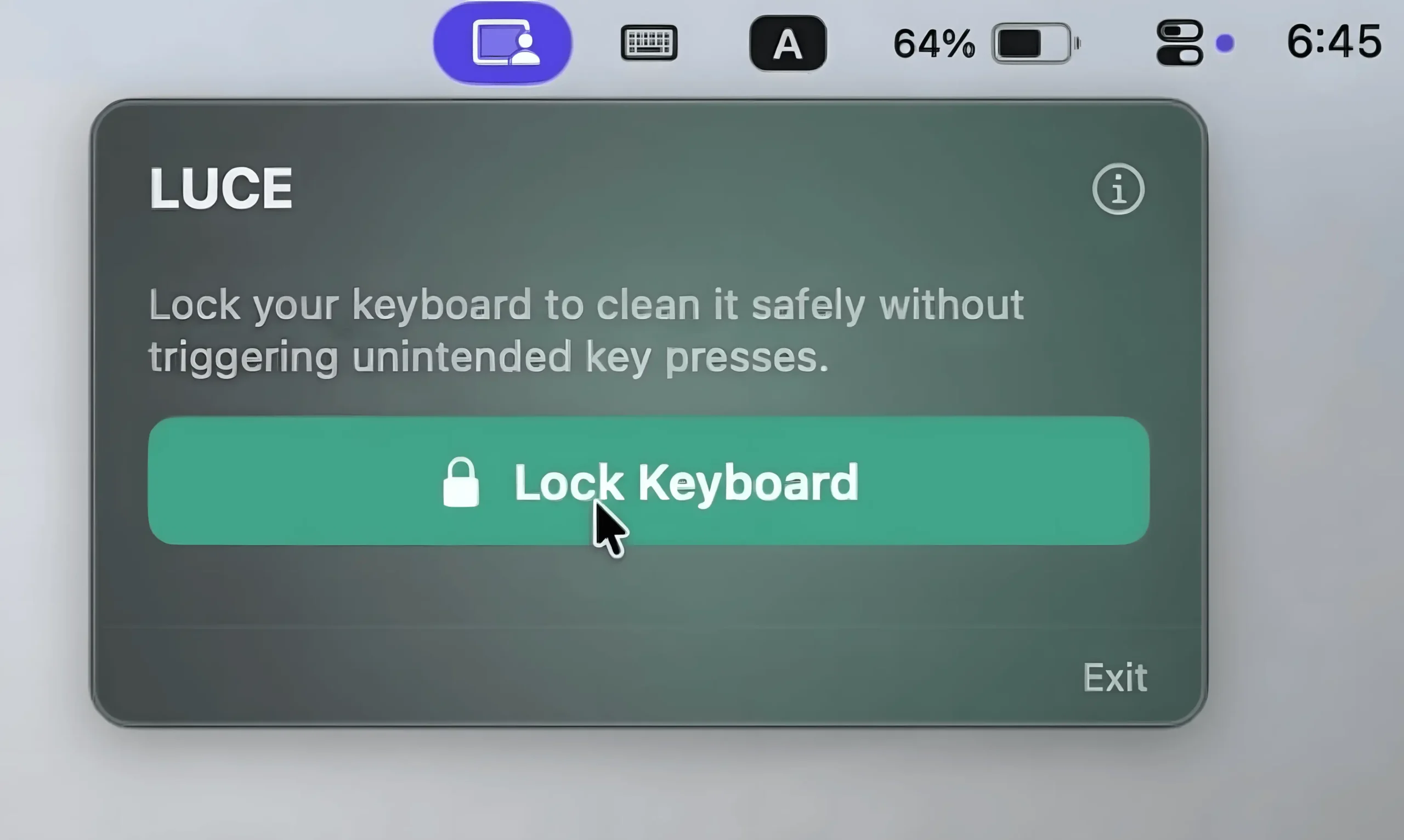
This menu bar app temporarily locks your keyboard while keeping mouse controls active, making keyboard cleaning effortless.
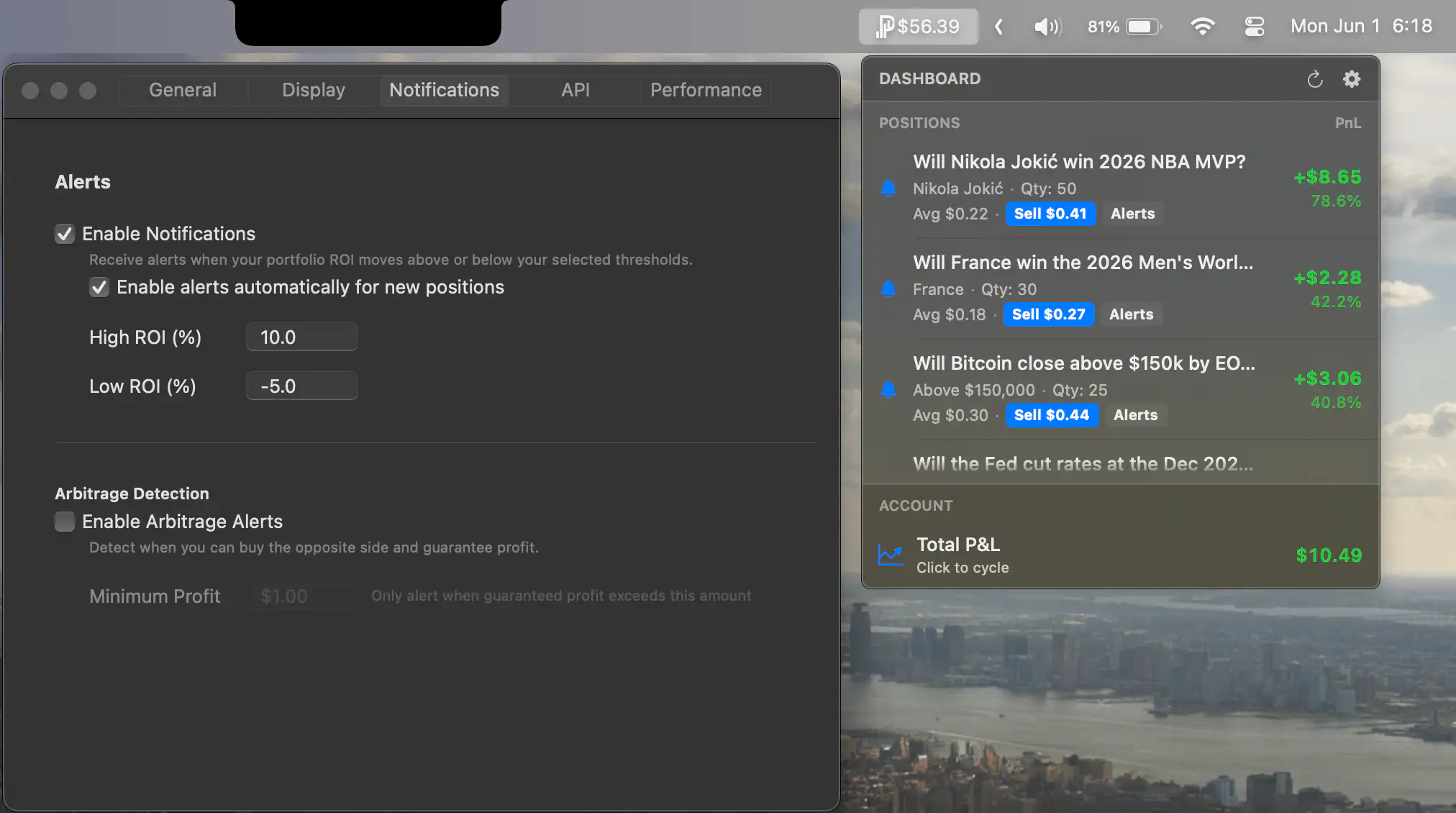
PredictBar keeps your Kalshi portfolio within reach, displaying real-time P&L, ROI, cash-out value, and open positions at a glance. Smart alerts highlight profit targets, stop-loss thresholds, and arbitrage opportunities, helping traders stay informed without constantly checking a browser.
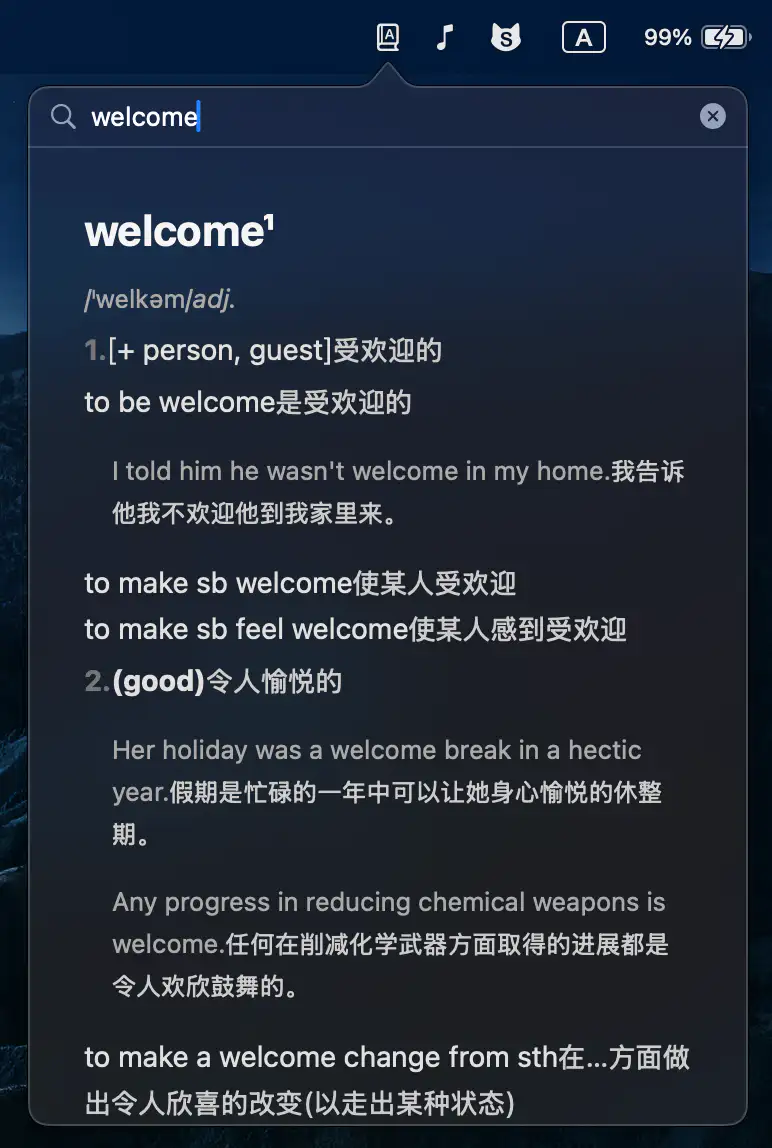
BarDict keeps dictionary lookups fast and fluid, combining multi-dictionary search with polished animations, trackpad gestures, and keyboard-first navigation.
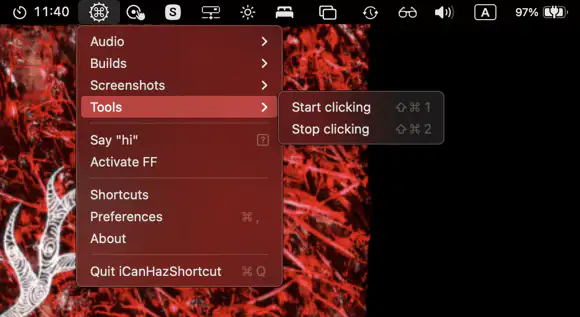
iCanHazShortcut keeps terminal commands a keyboard shortcut away, turning repetitive tasks into quick reflexes instead of tiny daily rituals of annoyance.