Open code. Open minds. Open source menu bar apps.
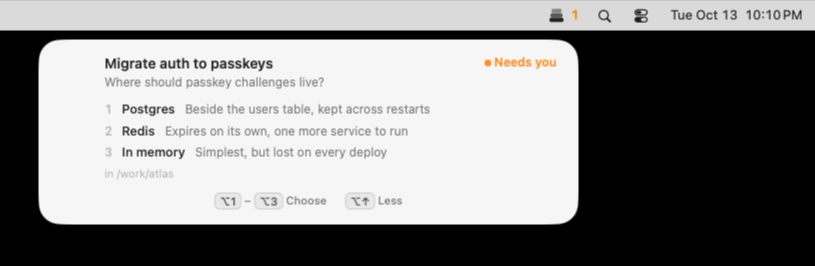
Keep Claude Code, Codex and Cursor agents moving without losing track of their requests. Muster alerts you when they need input, lets you approve or deny actions with keyboard shortcuts, and keeps multiple sessions organized, all locally on your Mac.
Visit
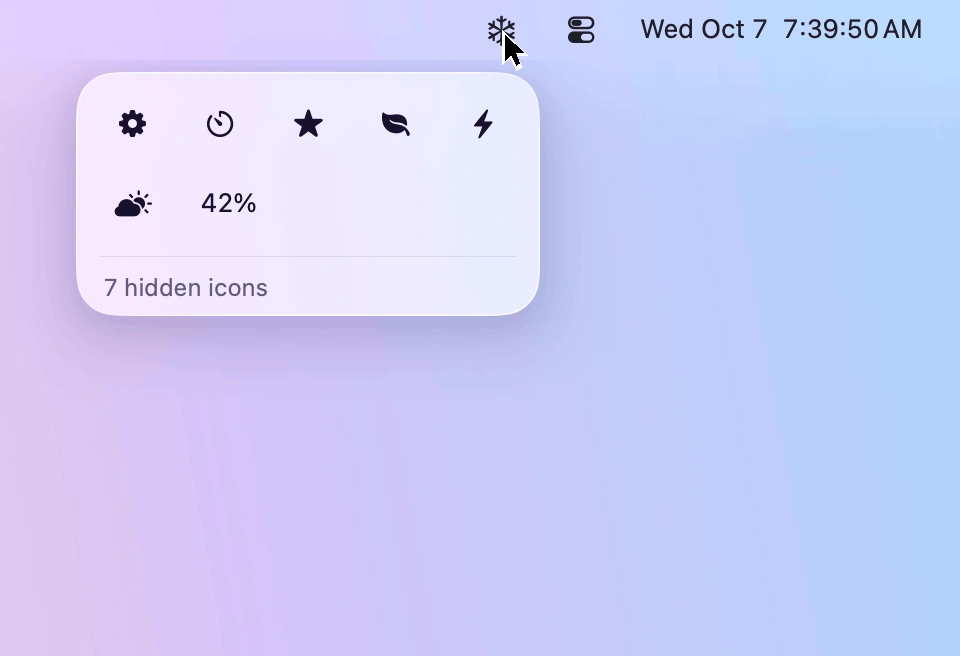
Keep your menu bar tidy by hiding rarely used icons and bringing them back with one click. Designed for macOS 26 and 27, Frost features Liquid Glass, customizable icon layouts, and easy access to hidden menus.
Visit
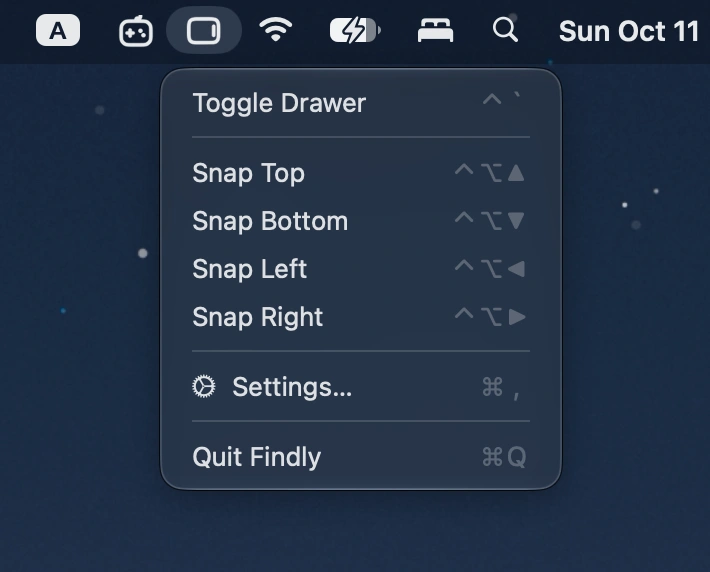
Summon a Finder-style file drawer from any screen edge with a hotkey. Browse files, access Finder favorites, preview items, and drag files between apps.
Visit
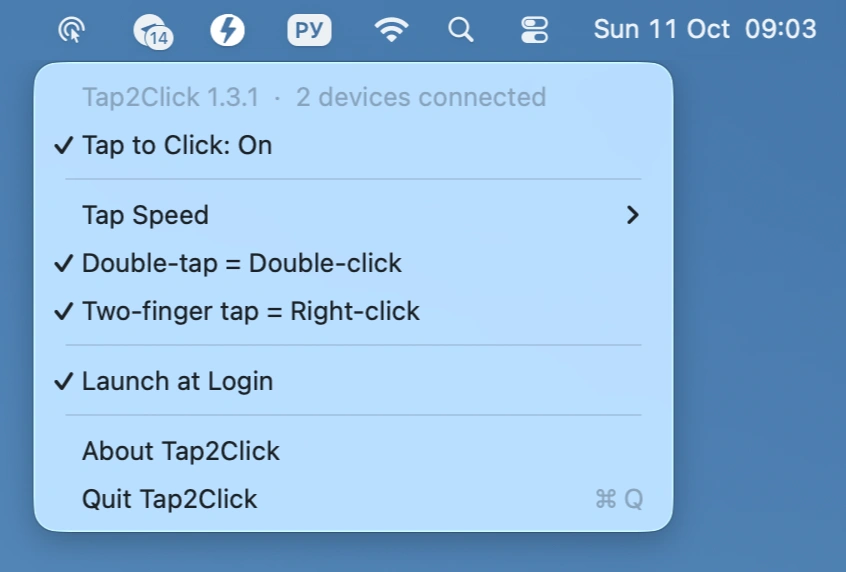
Add silent tap-to-click to your Apple Magic Mouse, with adjustable tap speed, double-tap for double-click, and two-finger tap for right-click, all controlled from the menu bar.
Visit
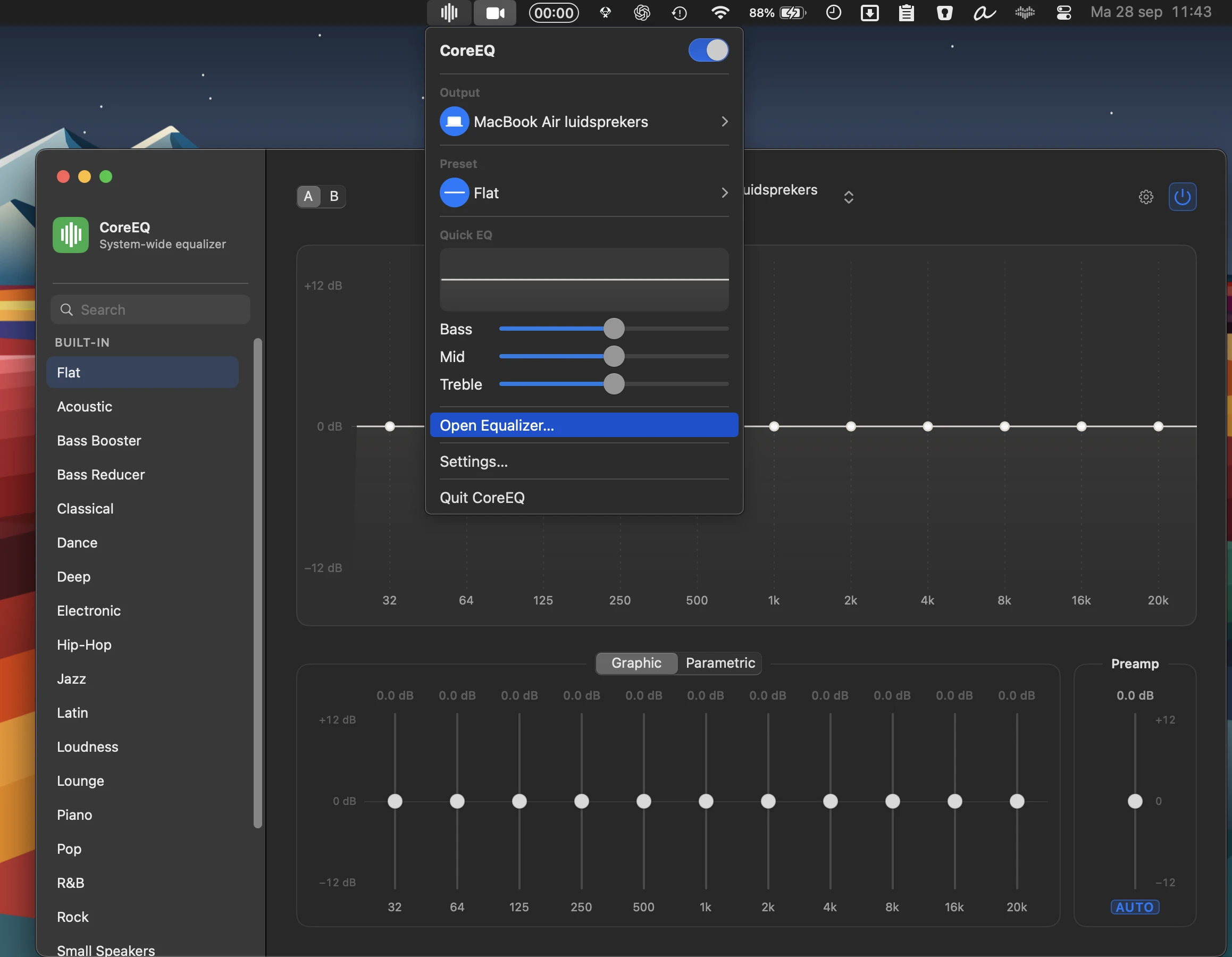
CoreEQ delivers system-wide equalization for music, video, calls, and games, with flexible graphic and parametric controls, real-time spectrum analysis, presets, automatic gain, and per-device settings.
Visit
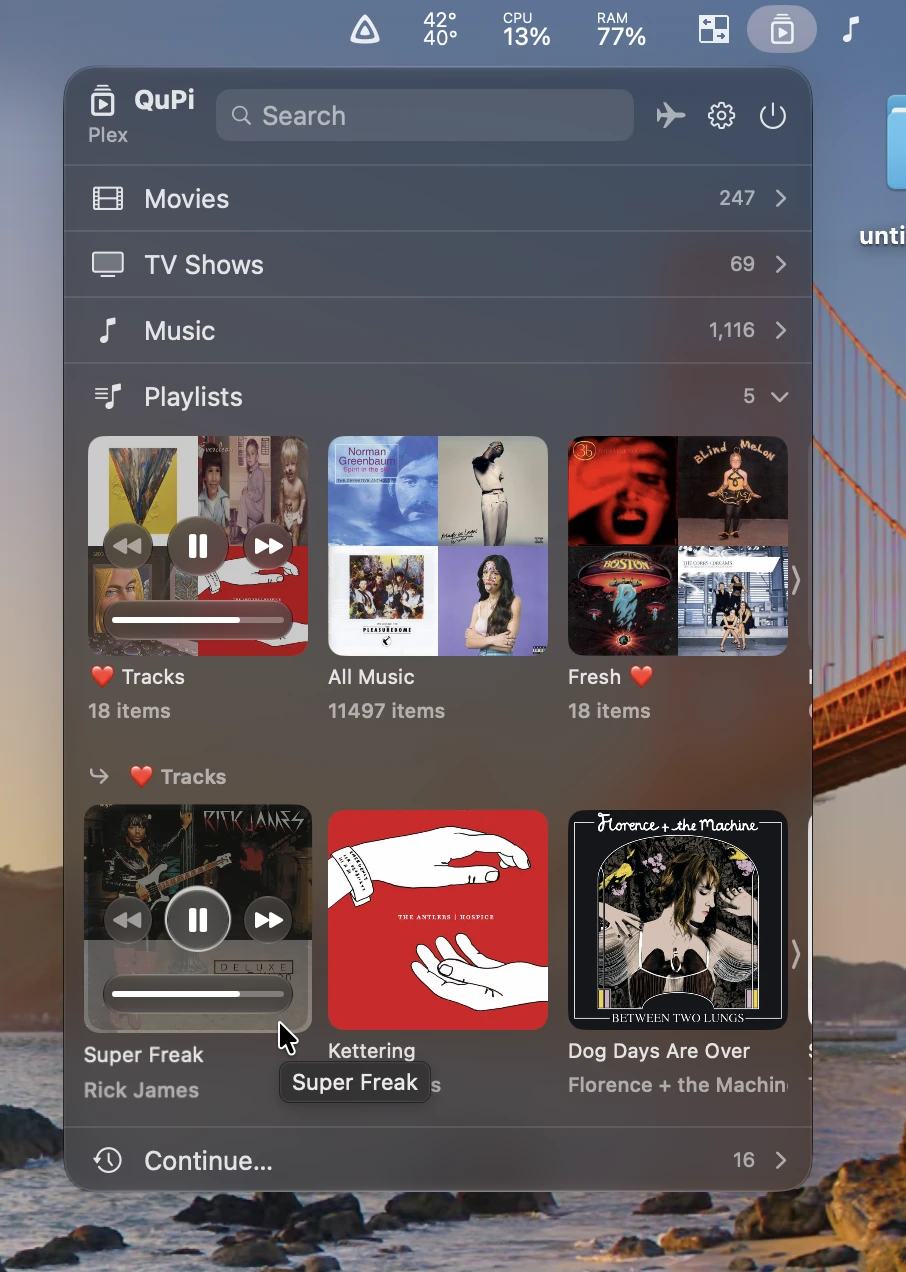
QuPi gives instant access to Plex and Jellyfin libraries, with fast search, playback controls, playlists, picture-in-picture video, and offline downloads, all from a customizable interface.
Visit
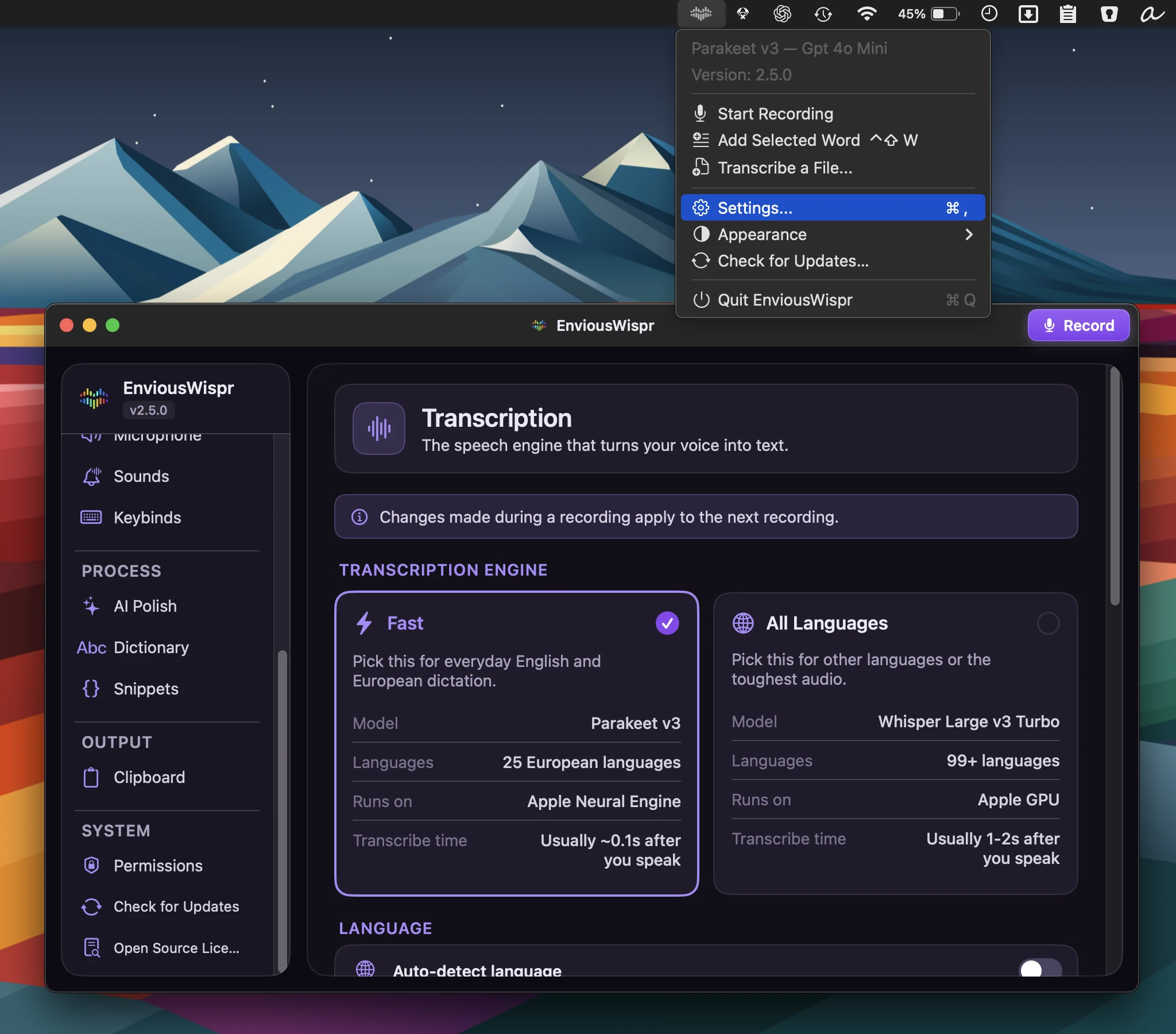
Fast, private AI dictation with offline transcription and text cleanup, turning spoken thoughts into polished writing across your favorite Mac apps, with no account or subscription.
Visit Watch
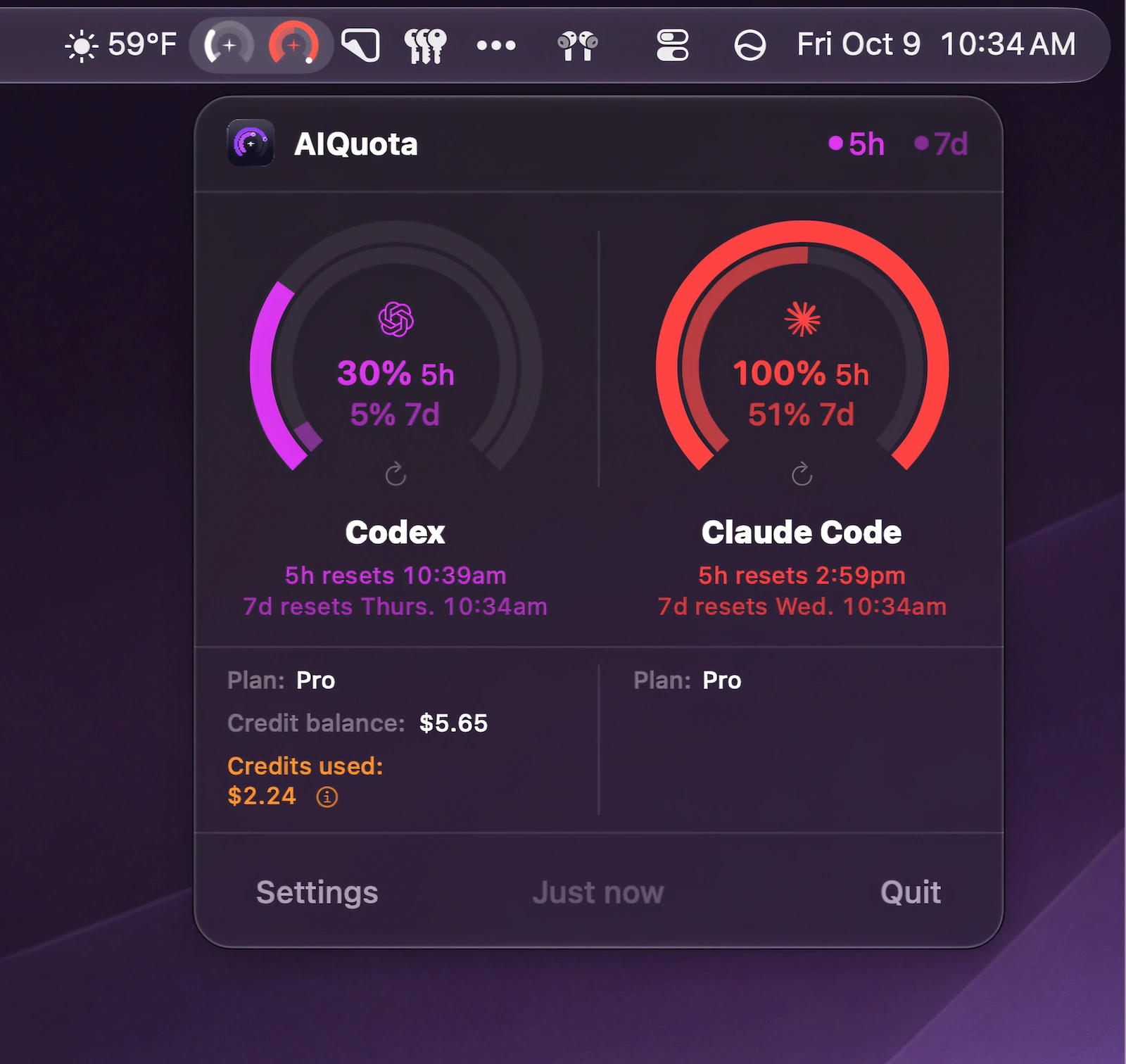
Track Codex and Claude Code usage at a glance with menu bar gauges, desktop widgets, reset countdowns, and timely warnings before you hit your limits.
Visit Watch
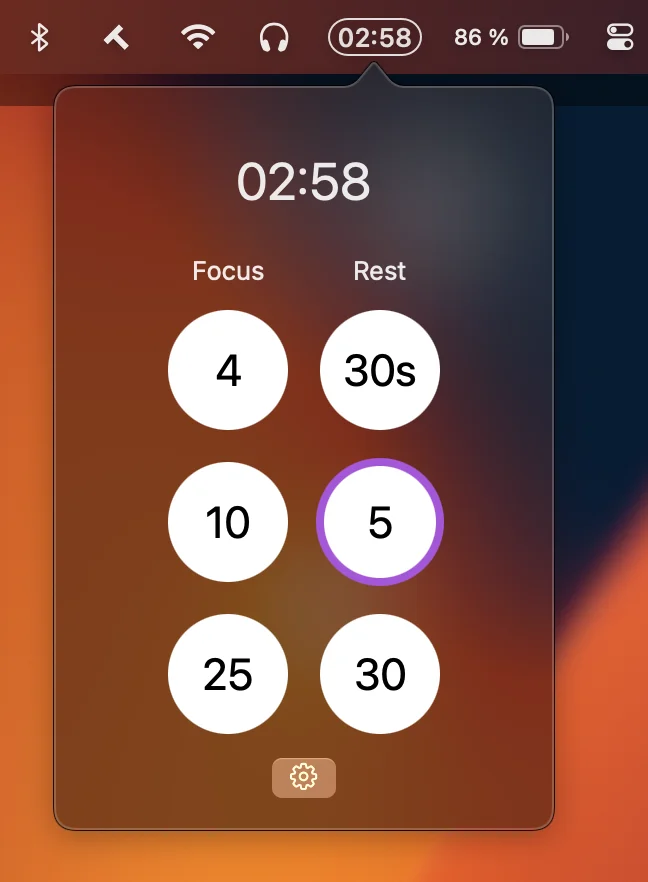
This menu bar app is a lightweight countdown timer for focus and rest, with customizable presets, native notifications, optional sounds, and no Dock clutter or unnecessary distractions.
Visit
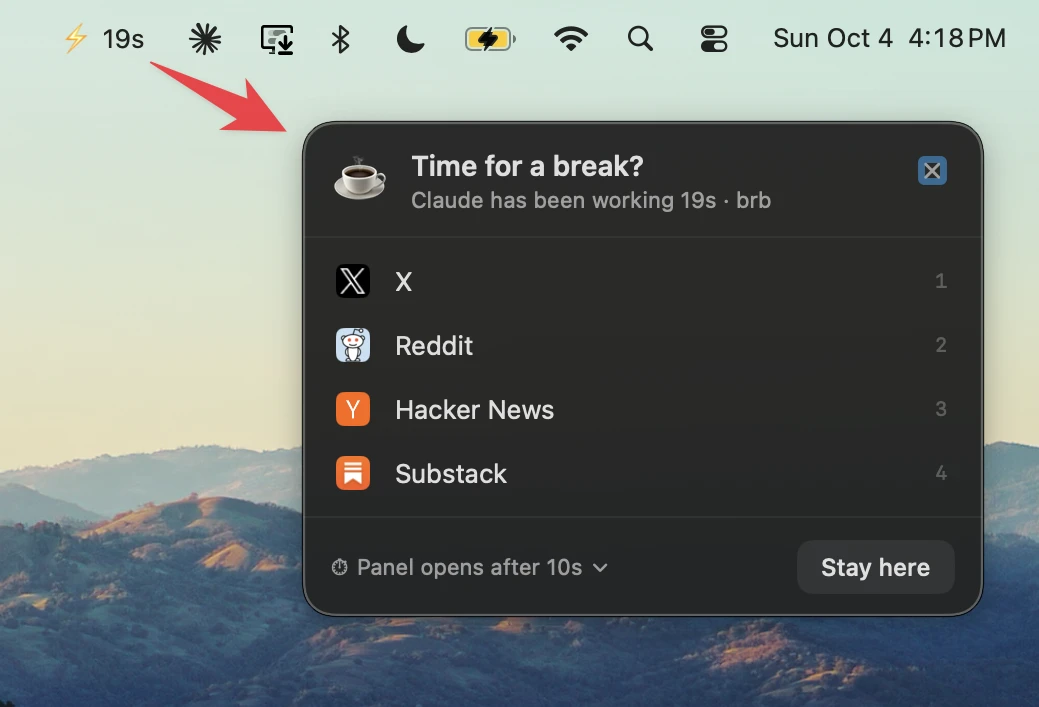
This menu bar app gives you a break while Claude Code works, then lets you know when the turn is done. It tracks progress from the menu bar and returns you to the terminal.
Visit Watch
