Collection:
Writing Apps
Some apps are worth paying for. These premium menu bar tools deliver serious value.
Collection:
Color Apps | Design Apps
ColorKeep
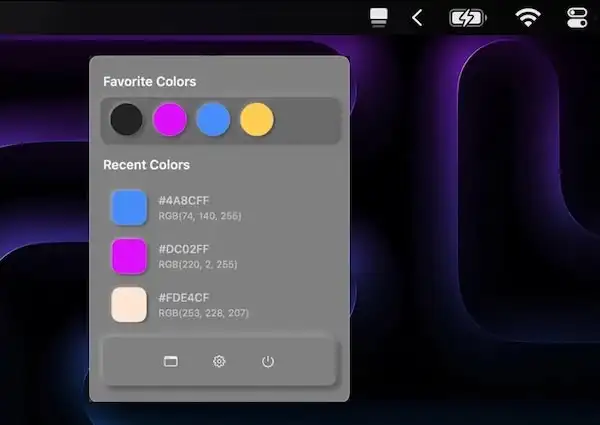
ColorKeep automatically captures HEX values from your clipboard, creating your perfect color library in seconds. Perfect for designers who need to quickly reuse colors.
Collection:
Meeting Apps
ZoneShare
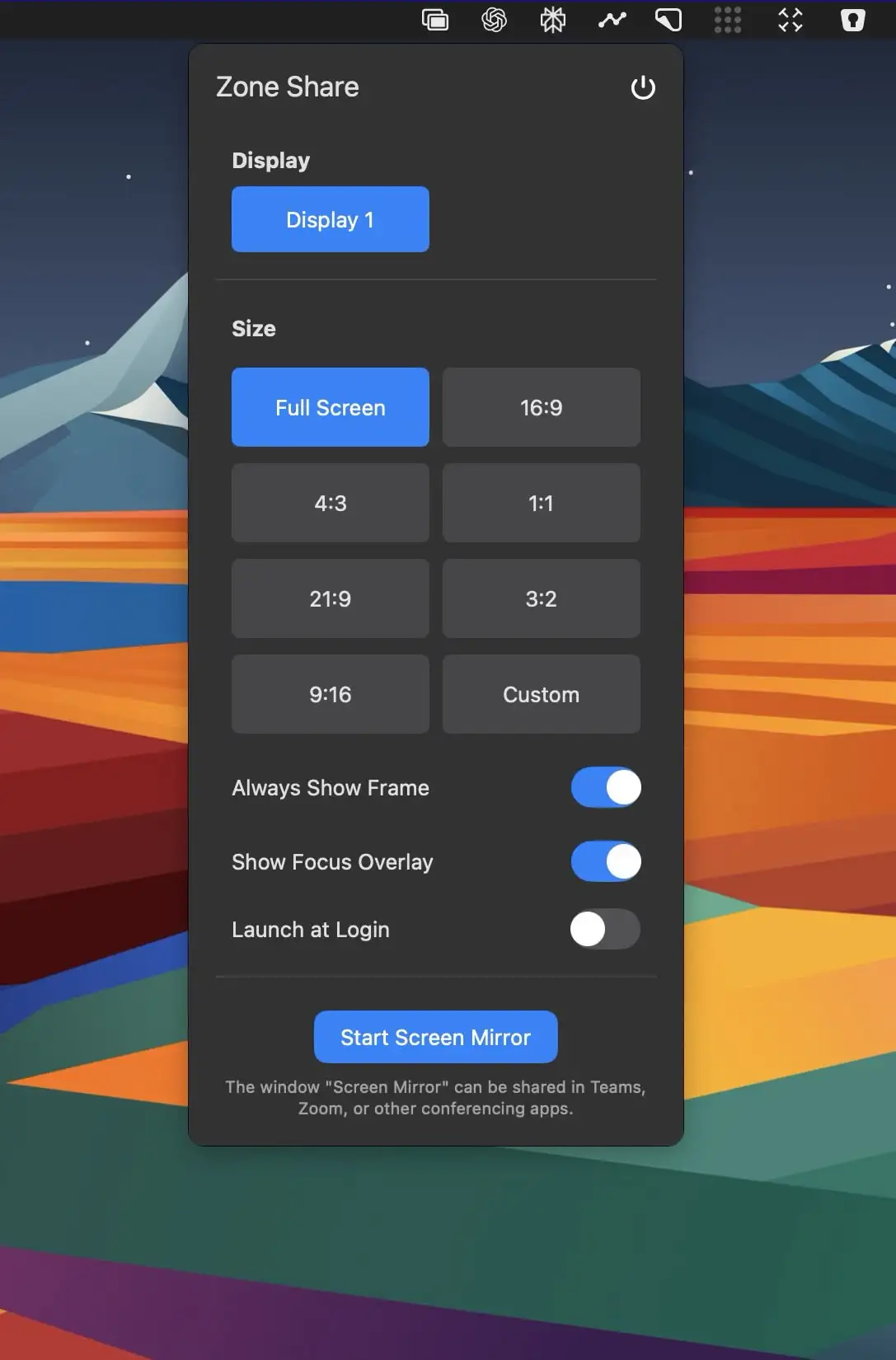
This menu bar app lets you mirror part of your screen into a resizable window—perfect for clearer screen sharing during video calls on ultra-wide monitors.
Collection:
Audio Apps
SoundShare
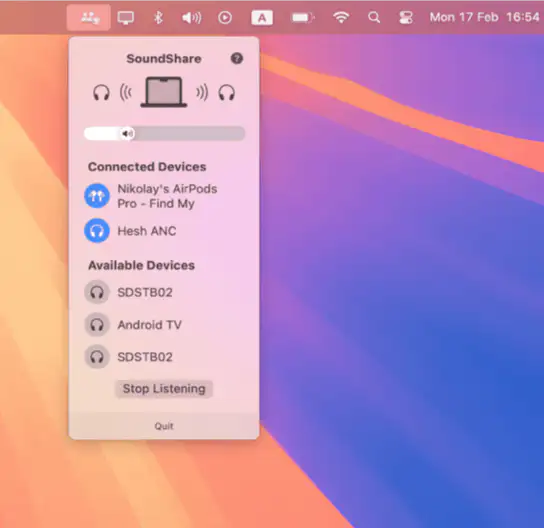
This menu bar app makes it easy to share audio on macOS, just like on iOS. Connect multiple Bluetooth audio devices and enjoy music, podcasts, or movies together—without the hassle. SoundShare keeps your audio perfectly in sync.
Collection:
Sleep Control Apps
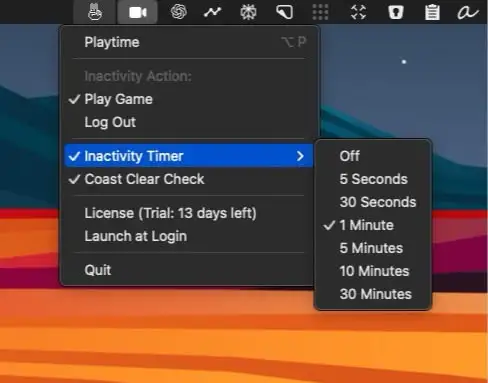
Peace
Collection:
Calculator Apps | Note Taking Apps
Antinote
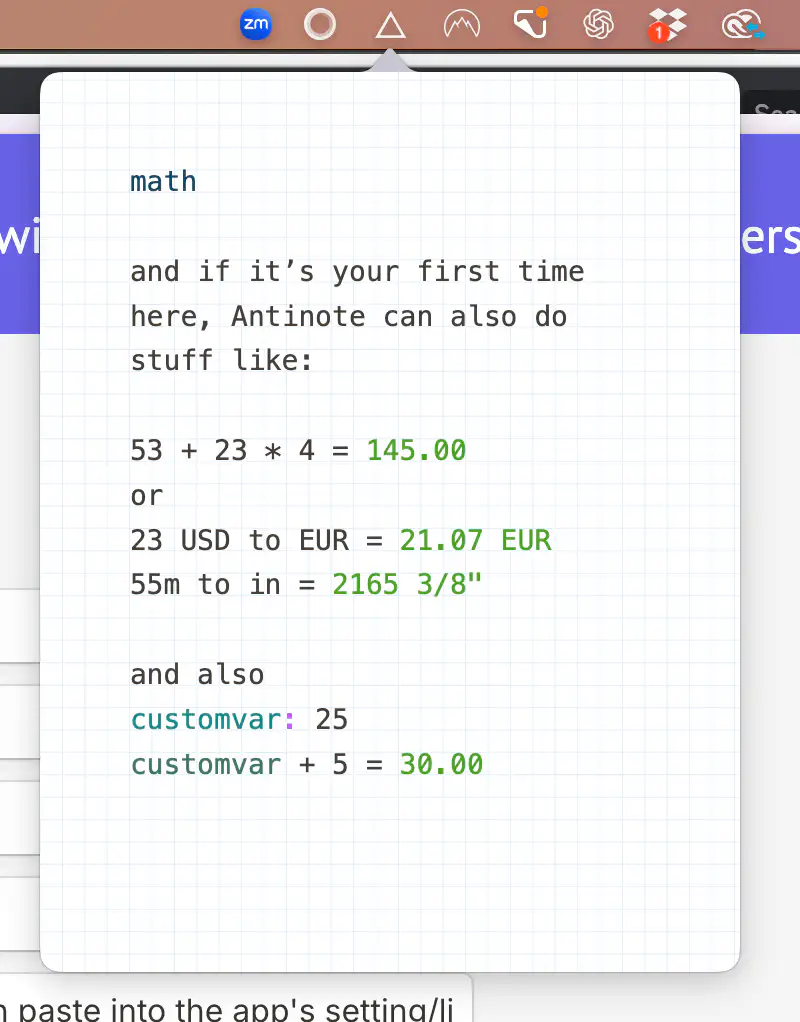
Antinote is a temporary notes and calculations app for quick tasks, featuring plain text, conversions, and easy export to other apps.
Collection:
Display Apps | Window Managers
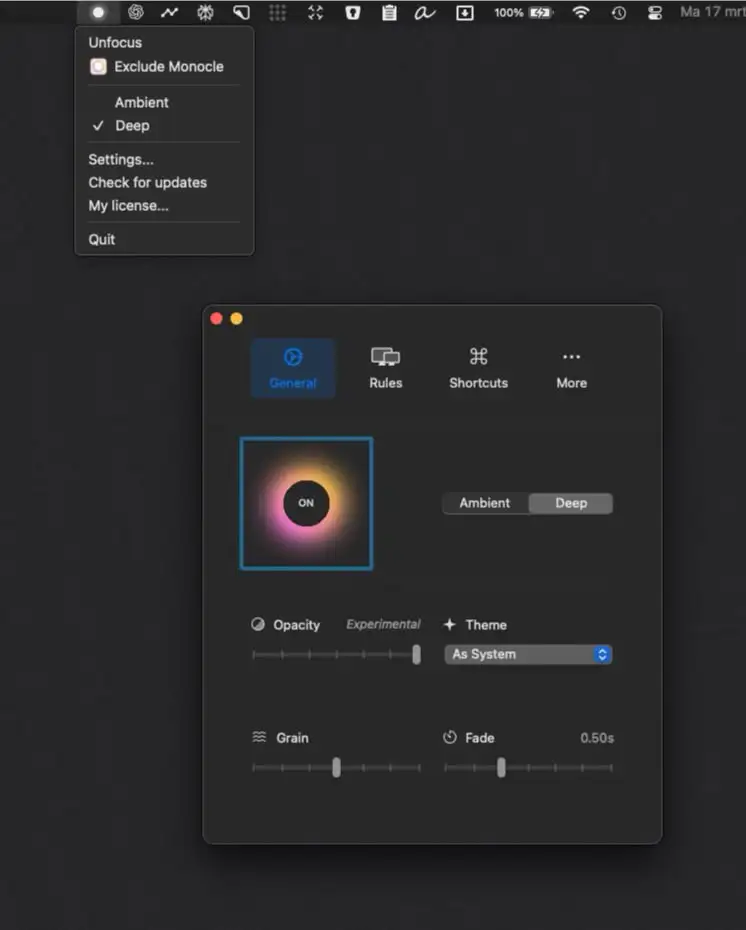
Monocle
Collection:
Time Apps
Year Progress App
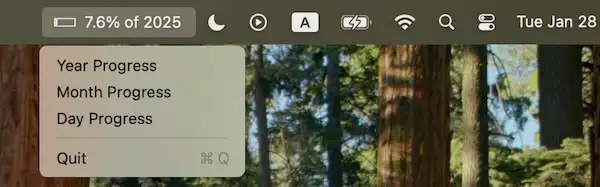
The Year Progress app visually tracks your progress through the year, displaying how much time has passed and how much remains. It offers a simple, motivating way to stay aware of time.
Collection:
Writing Apps
Wunderbar
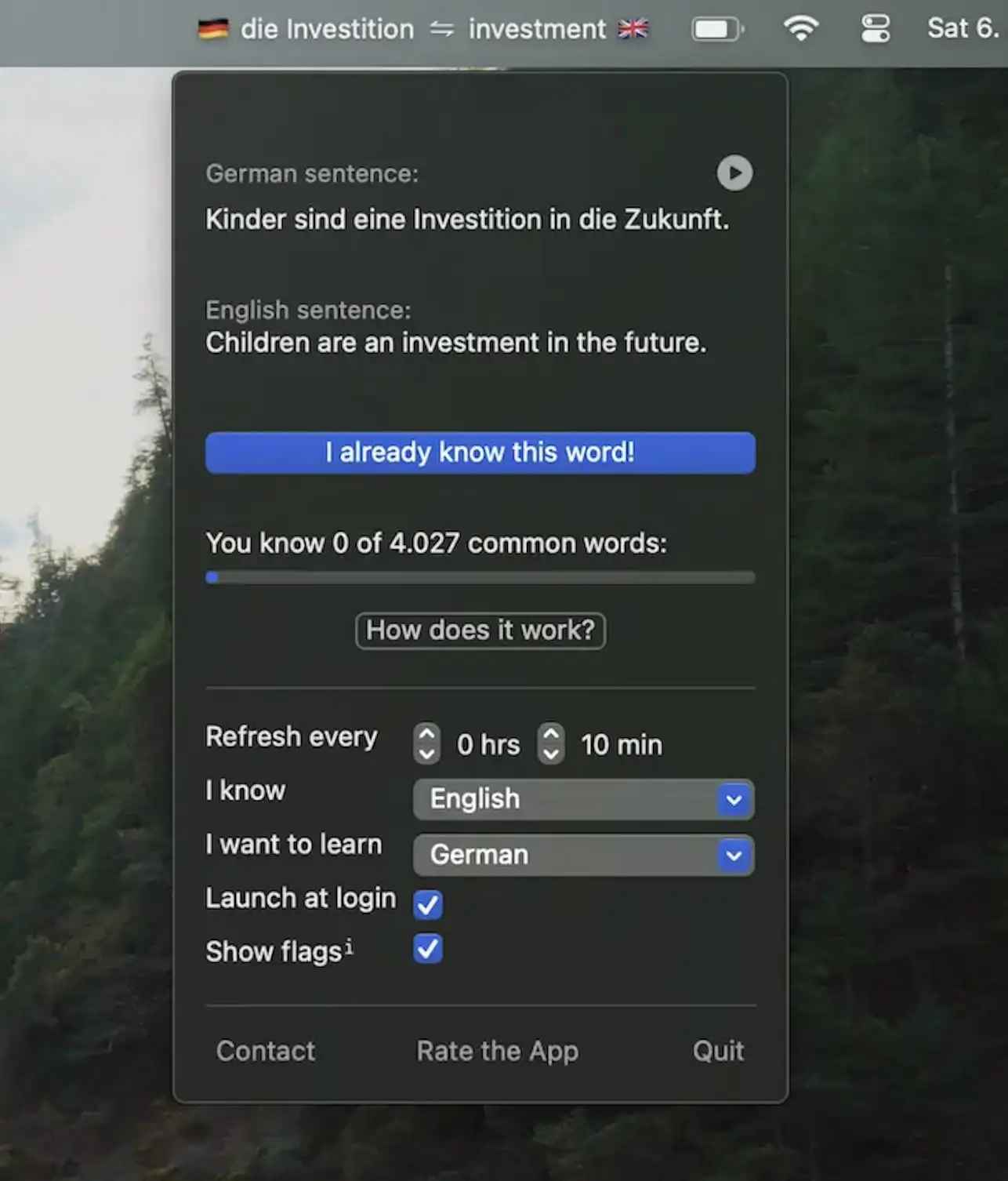
Wunderbar helps you learn new words in your target language through spaced repetition, example sentences, and audio—seamlessly integrating language learning into your daily workflow.
Collection:
Personal Apps | System Tools