Some apps are worth paying for. These premium menu bar tools deliver serious value.
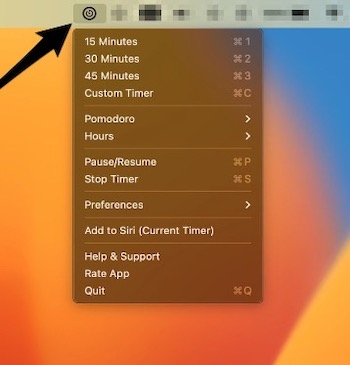
MenuBar Time is designed to simplify your time management, whether you’re working, studying, cooking, or simply looking to boost your productivity. Probably the most important feature of this app is the ability to use Siri to ask it to start a timer.
Visit
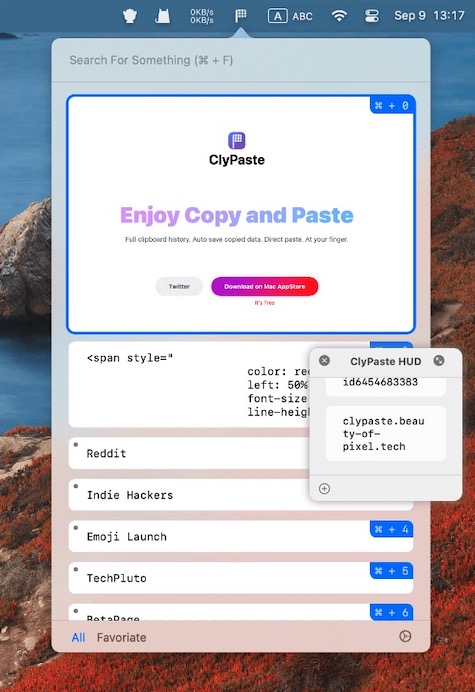
This menu bar app extends the core functionality of other clipboard managers by including a HUD (Heads-Up Display) window that displays the most frequently used items.
Visit
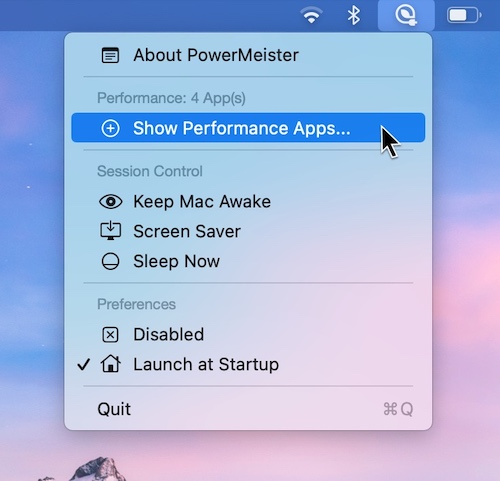
PowerMeister is a menu bar app that lets you run apps exclusively in Low Power Mode while also increasing performance by selecting apps that run exclusively in Performance Mode.
Visit
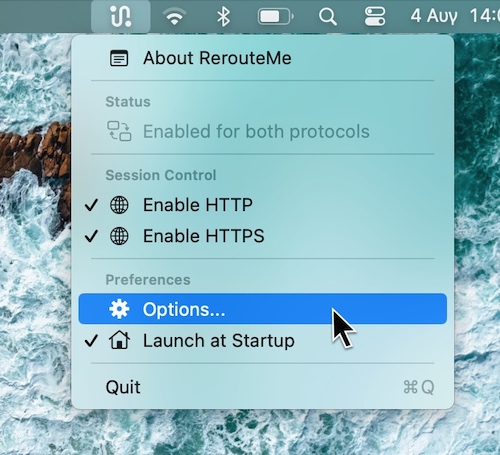
Just one click in your menu bar app to switch between Proxy Configurations. You can switch between a Localhost, WAN, or Custom Proxy Configuration.
Visit
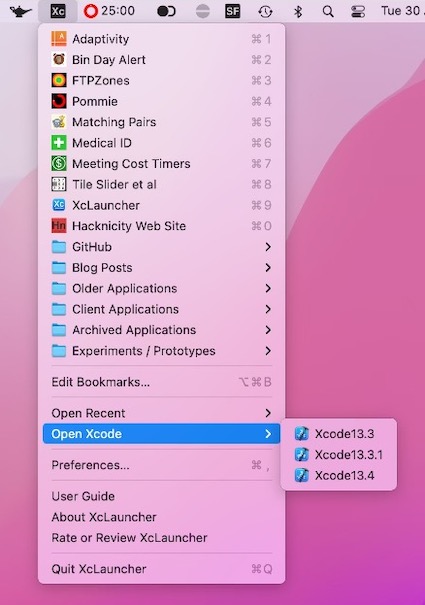
XcLauncher is a menu bar app that provides instant access to your favorite projects, workspaces, playgrounds and Swift files. It’s like having browser bookmarks for your Xcode files.
Visit
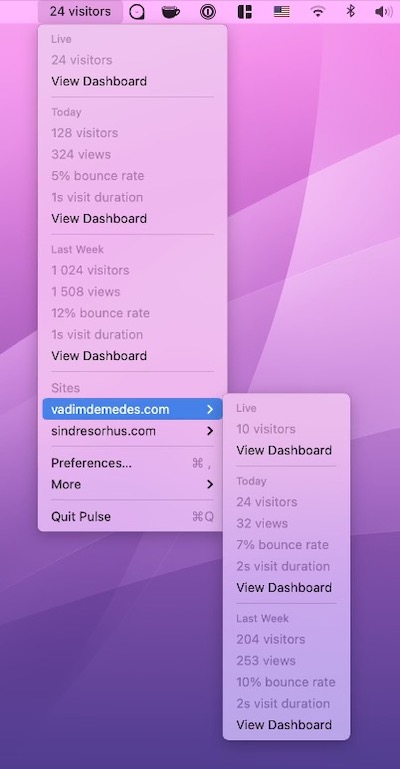
This menu bar app shows the latest stats from Plausible Analytics, a privacy-friendly Google Analytics alternative.
Visit
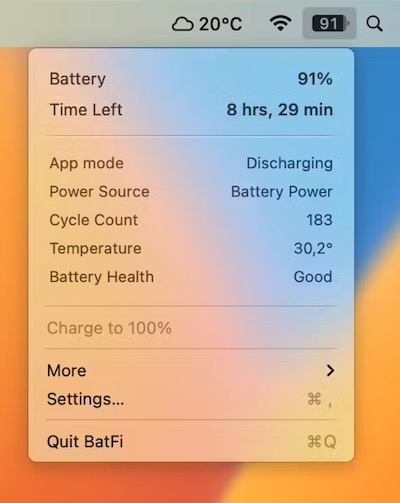
BatFi offers intelligent control over your battery to ensure optimal performance and longevity while preserving your full control. When needed you can select the ‘Charge to 100%’ command.
Visit
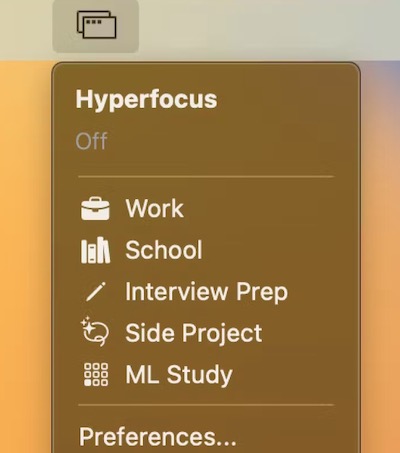
This menu bar app combines a window manager, app launcher and website blocker. You can for instance define specific screens/monitors to open your apps in and create a custom layout for their positions/sizes.
Visit
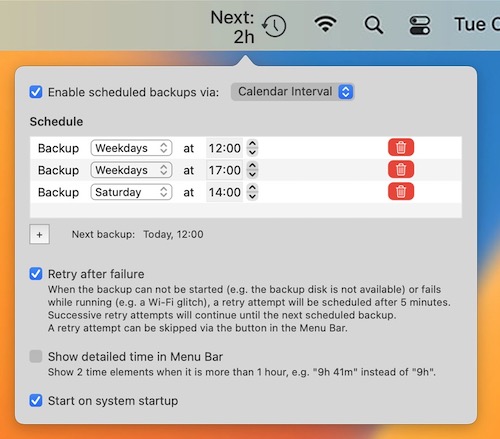
Schedule your Time Machine backups right inside your Mac’s menu bar. The app also shows the remaining time until the next backup.
Visit

With this menu bar app you can monitor and control your SABnzbd (binary newsreader) or NZBGet (usenet downloader) application.
Visit
