Collection:
Security Apps
MiniKey
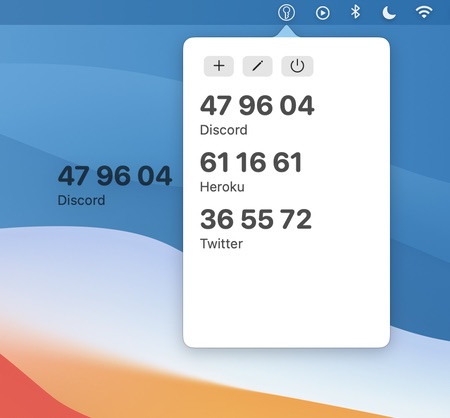
MiniKey is a one time password generator for two-factor authentication. It lets you copy generated codes with a click, and drag codes from MiniKey into authenticating apps.

Some apps are worth paying for. These premium menu bar tools deliver serious value.
Some apps are worth paying for. These premium menu bar tools deliver serious value.
MiniKey is a one time password generator for two-factor authentication. It lets you copy generated codes with a click, and drag codes from MiniKey into authenticating apps.
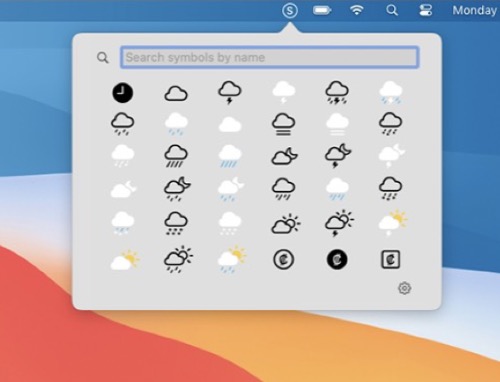
Quickly access SF Symbols straight from your menu bar (list or grid view). Search or click on a symbol to copy its name to your clipboard. Toggle multicolor or monochrome rendering.
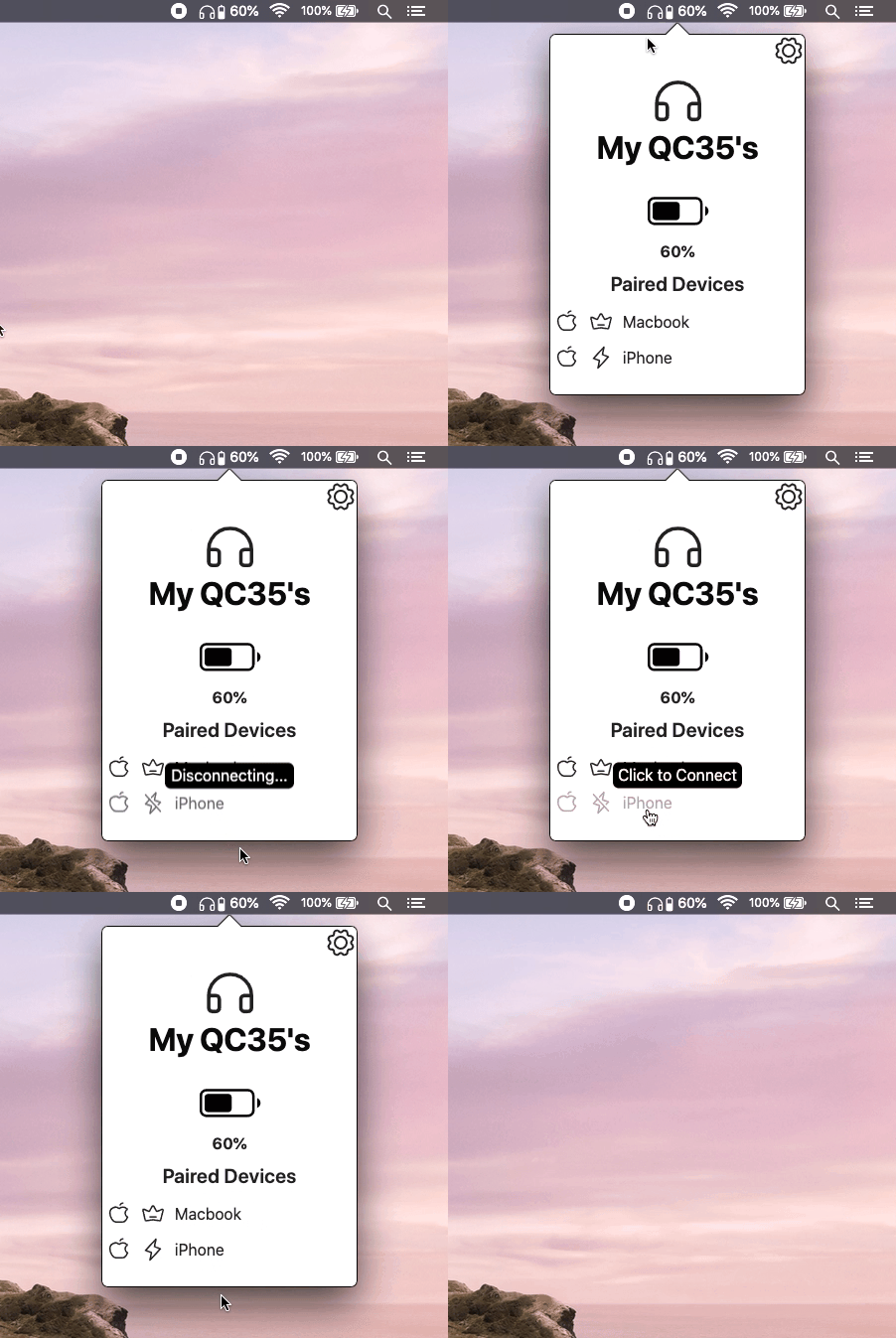
HeadphoneConnect puts your Bose headphones in the menu bar. Check the battery level and connect or disconnect paired devices without reaching for your phone. Works with all current Bose headphones, on Mac and Windows.
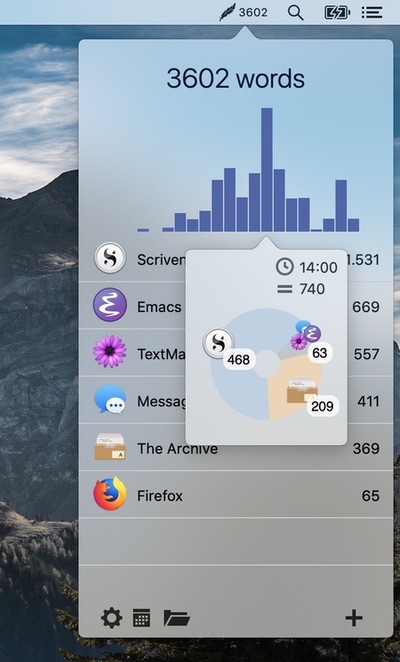
Track how many words you write daily across all your applications. This tool integrates seamlessly into your workflow without opening other applications or additional windows.
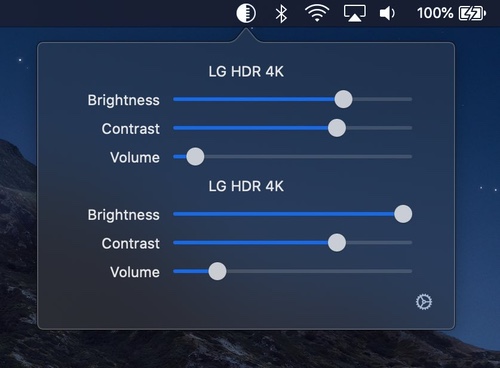
DisplayBuddy lets you control your external displays: Setting brightness, contrast, and volume from your Mac’s menu bar.
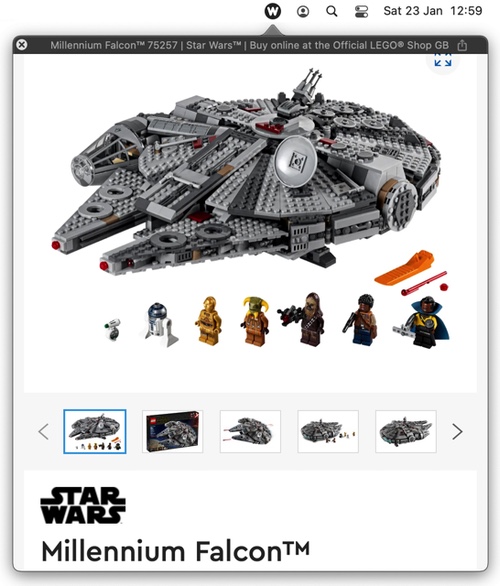
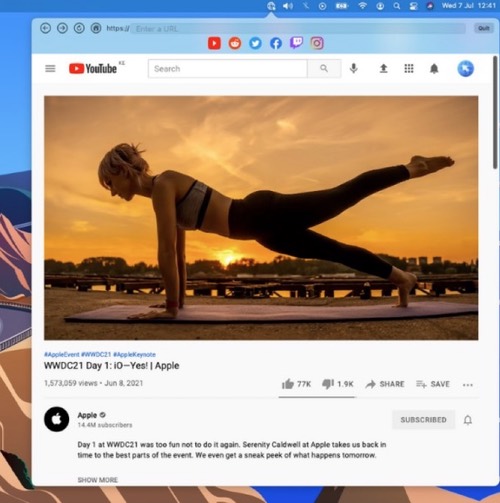
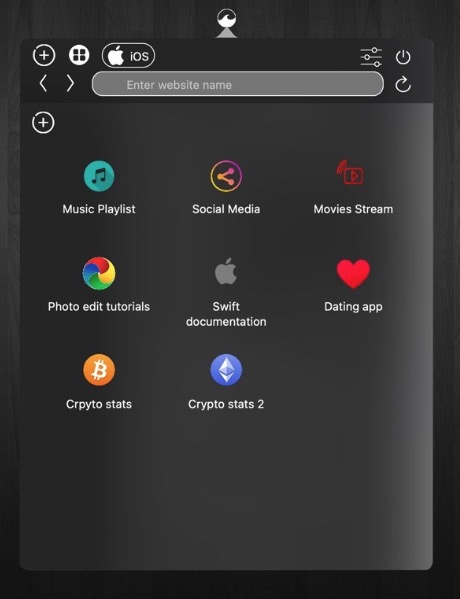
WebBuddy is a web browser that lives in your menu bar, intended for previewing links in non-browser apps and for quick searches so your main browser can be kept tidy.
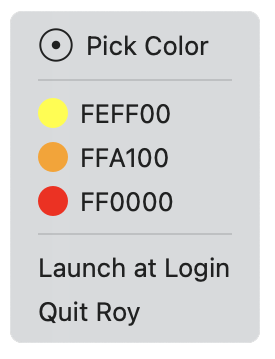
Roy is a simple color picker for designers that lives in your menu bar with hex values only. Not too feature-heavy like other color pickers.
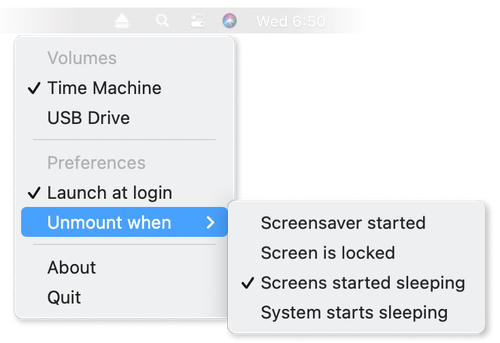
Ejectify automatically unmounts external volumes when your Mac starts sleeping, and mounts them again after it wakes up.
Useful when you have connected a USB drive to a display that powers off when your Mac starts sleeping, causing the drive to be ejected.