Collection:
Code Apps
Symbar
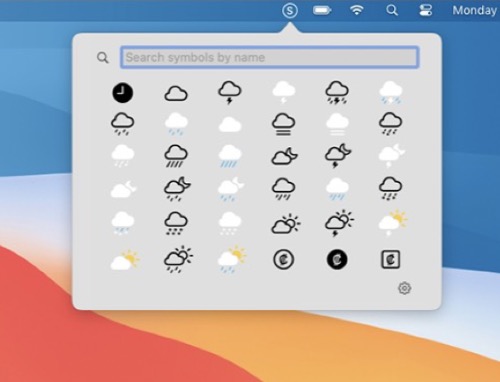
Quickly access SF Symbols straight from your menu bar (list or grid view). Search or click on a symbol to copy its name to your clipboard. Toggle multicolor or monochrome rendering.

Some apps are worth paying for. These premium menu bar tools deliver serious value.
Some apps are worth paying for. These premium menu bar tools deliver serious value.
Quickly access SF Symbols straight from your menu bar (list or grid view). Search or click on a symbol to copy its name to your clipboard. Toggle multicolor or monochrome rendering.
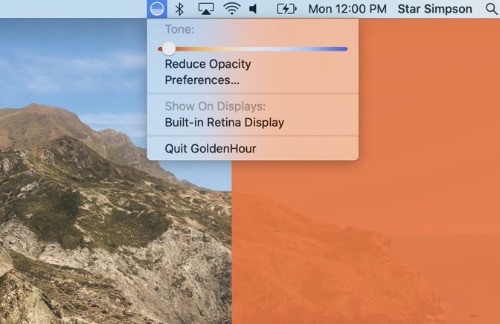
This menu bar app replicates the golden hour effect by reclaiming unused screen space when using your computer for video communication. It allows you to illuminate yourself with a consistent and pleasing rosy glow.
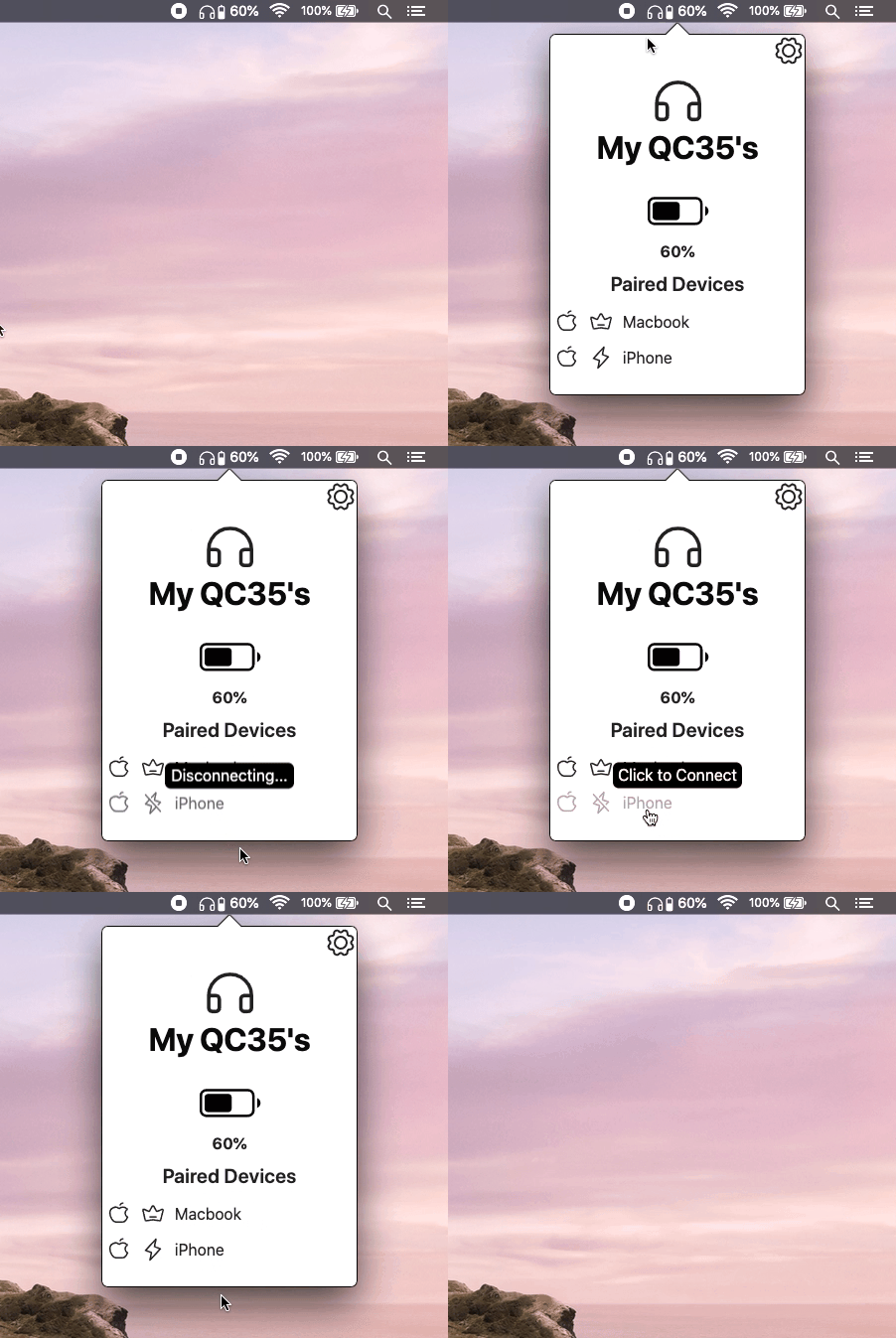
This menu bar app communicates with the headphones in the same way that the Bose mobile app does. Get complete visibilty and control on your Bose headphones from within your Mac’s menu bar.
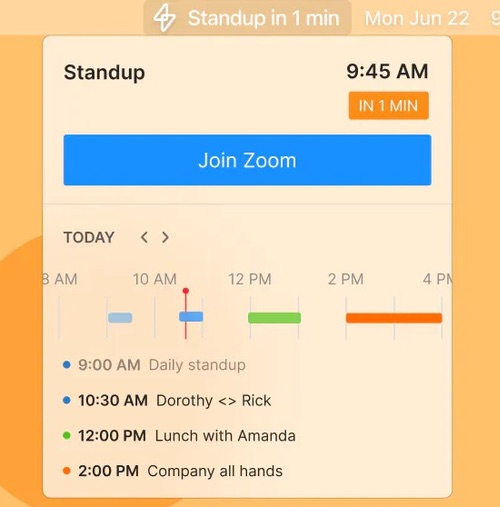
Join Zoom and Google Meet meetings in one-click from the menu bar. With Superpowered you can see your daily schedule and join meetings without having to go to your calendar.
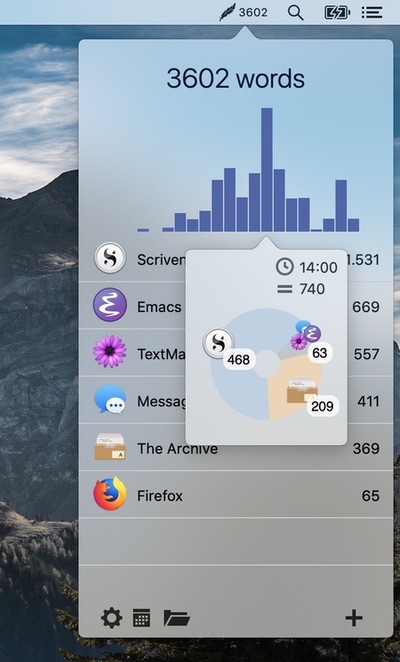
Track how many words you write daily across all your applications. This tool integrates seamlessly into your workflow without opening other applications or additional windows.
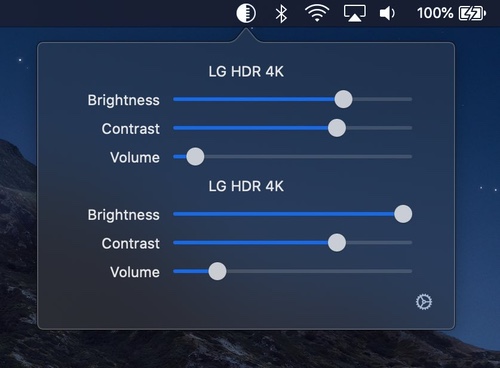
DisplayBuddy lets you control your external displays: Setting brightness, contrast, and volume from your Mac’s menu bar.
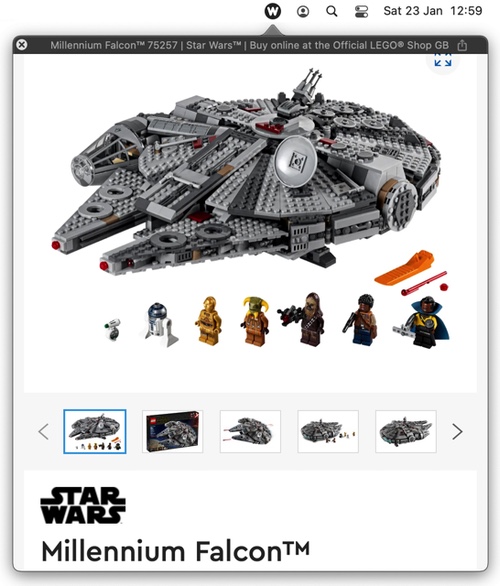
WebBuddy is a web browser that lives in your menu bar, intended for previewing links in non-browser apps and for quick searches so your main browser can be kept tidy.