Collection:
System Tools
Jettison
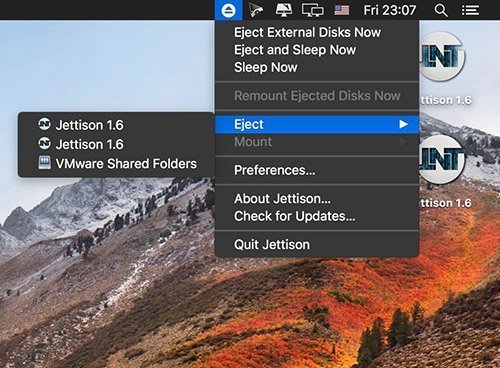
Jettison automatically ejects external disks from your Mac before your computer goes to sleep.

Some apps are worth paying for. These premium menu bar tools deliver serious value.
Some apps are worth paying for. These premium menu bar tools deliver serious value.
Jettison automatically ejects external disks from your Mac before your computer goes to sleep.
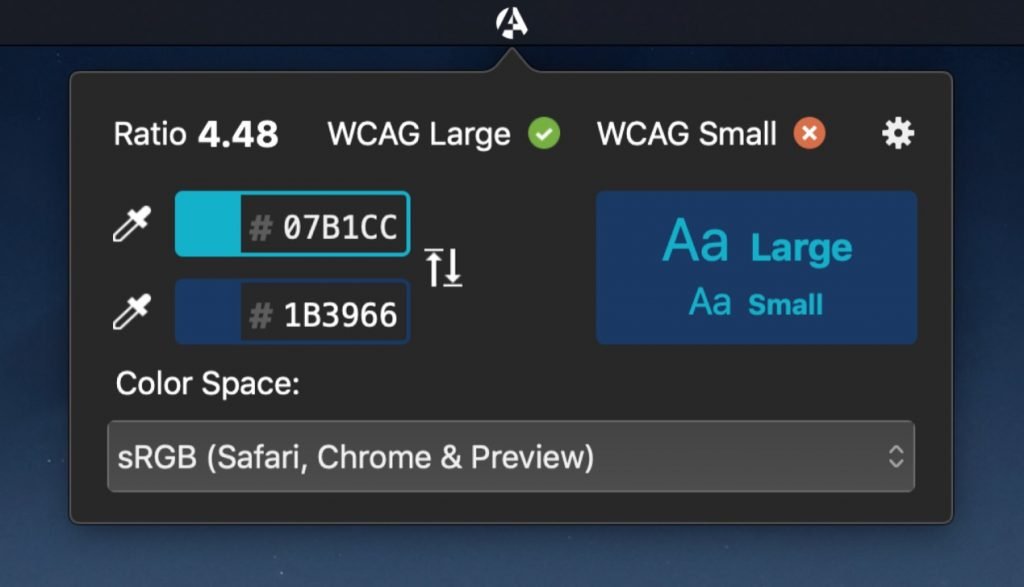
Contrast Safe allows you to check the contrast ratio between 2 colors and validate it against the WCAG standard. A nice companion for every digital designer.
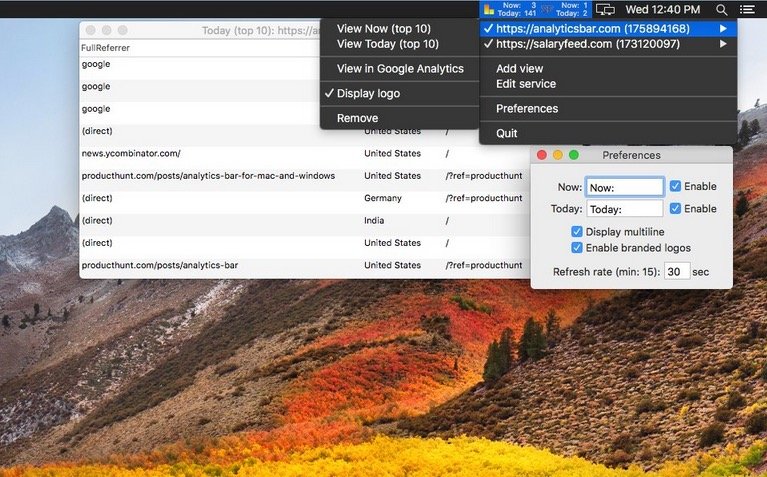
Realtime Google Analytics in your menu bar! This application delivers real time / current Google Analytics stats for the day of all your tracked websites.
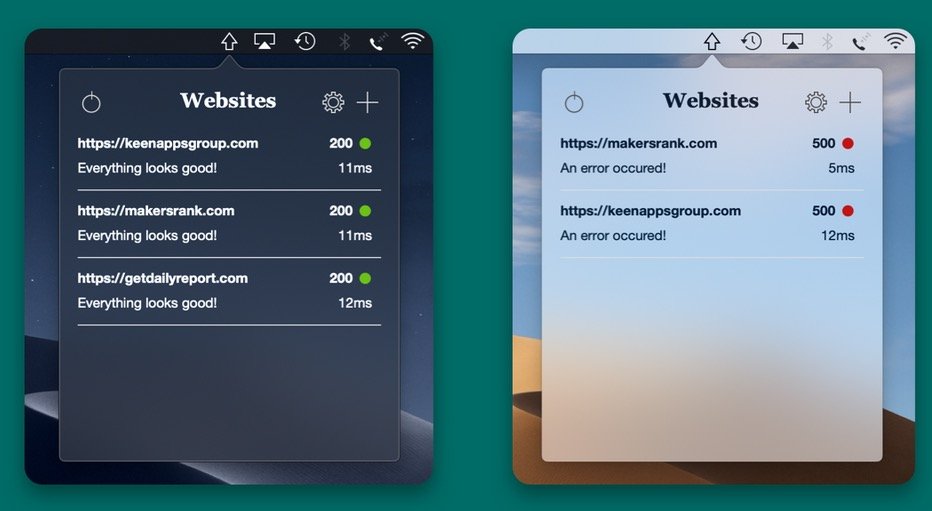
This menu bar app will ping all your websites straight from your computer and notify you when something is wrong with any of them, or when a broken website is back online.
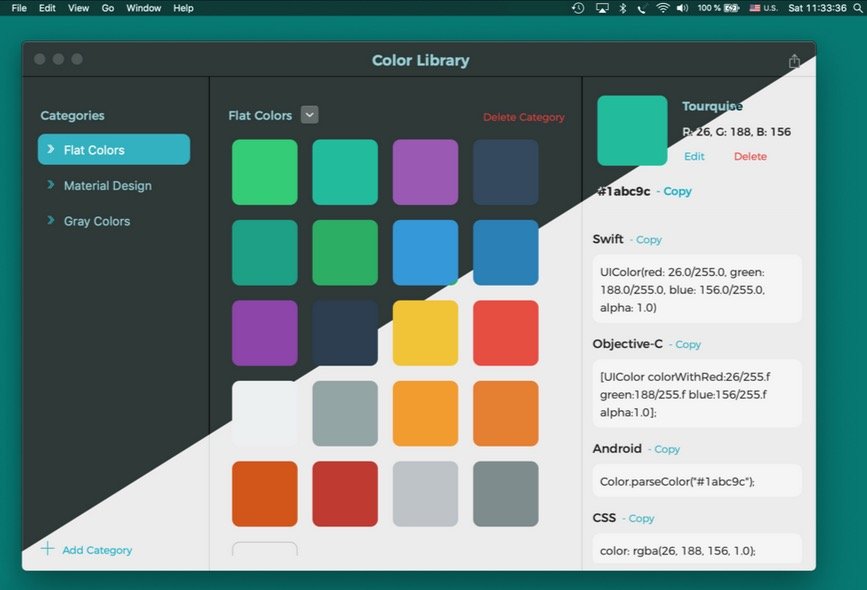
With Color Picker and Library you can keep all your colours in one place. Now it’s easy to keep your colors organized and share them with team members.
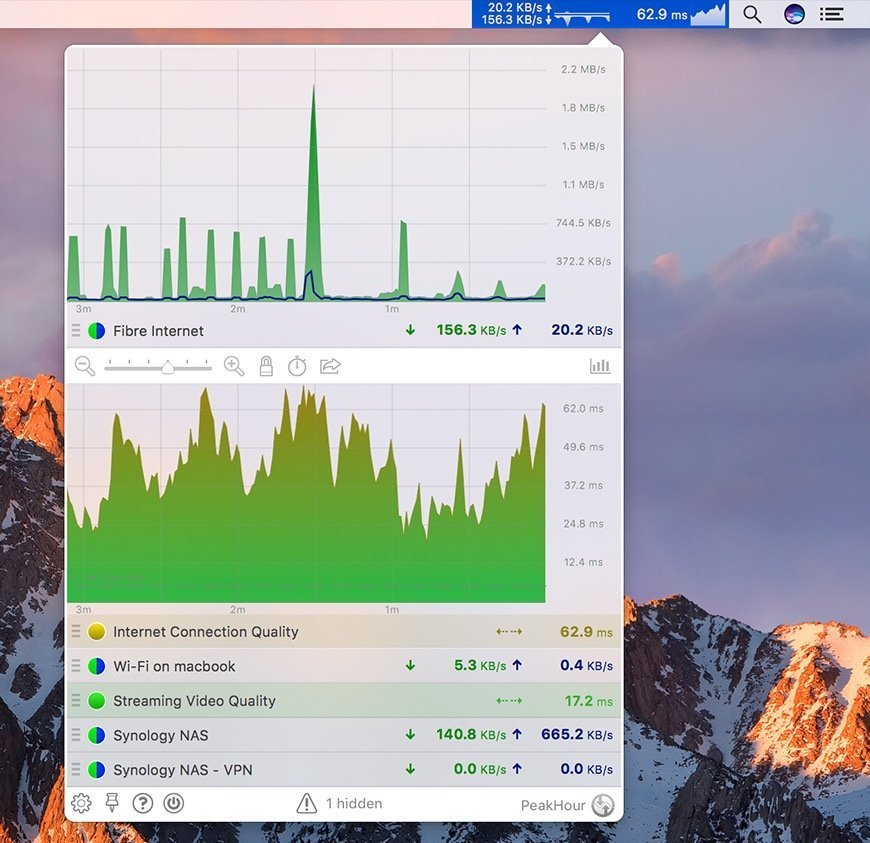
Monitor your Internet performance, usage, connection quality and lots more right from your menu bar with comprehensive real-time network statistics and insights.
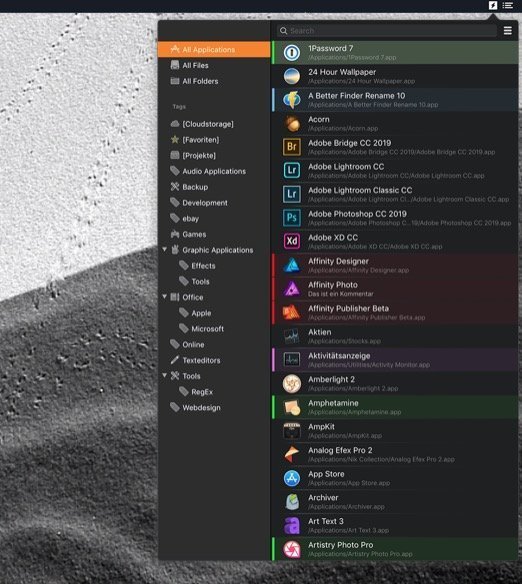
Innovative::bytes start is a launcher for macOS that allows you to open applications, documents or folders quickly and easily. Open your items with a simple mouse click in your menu bar.
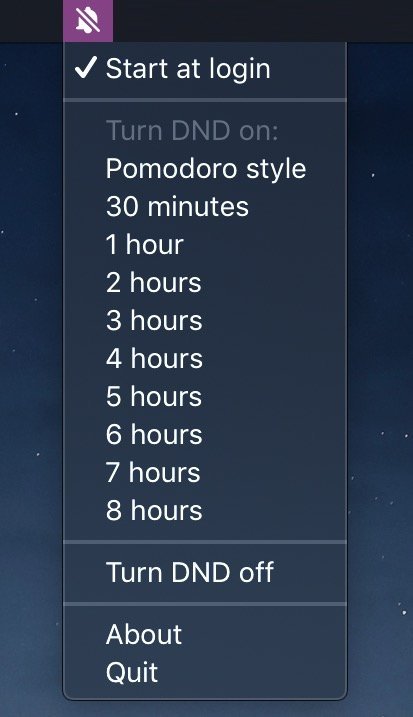
Ever wanted to get your work done? Do you turn Do Not Disturb on, but always forget to turn it off? Activate Do Not Disturb for a few hours and work distraction free.