Collection:
Timer Apps
Focusly
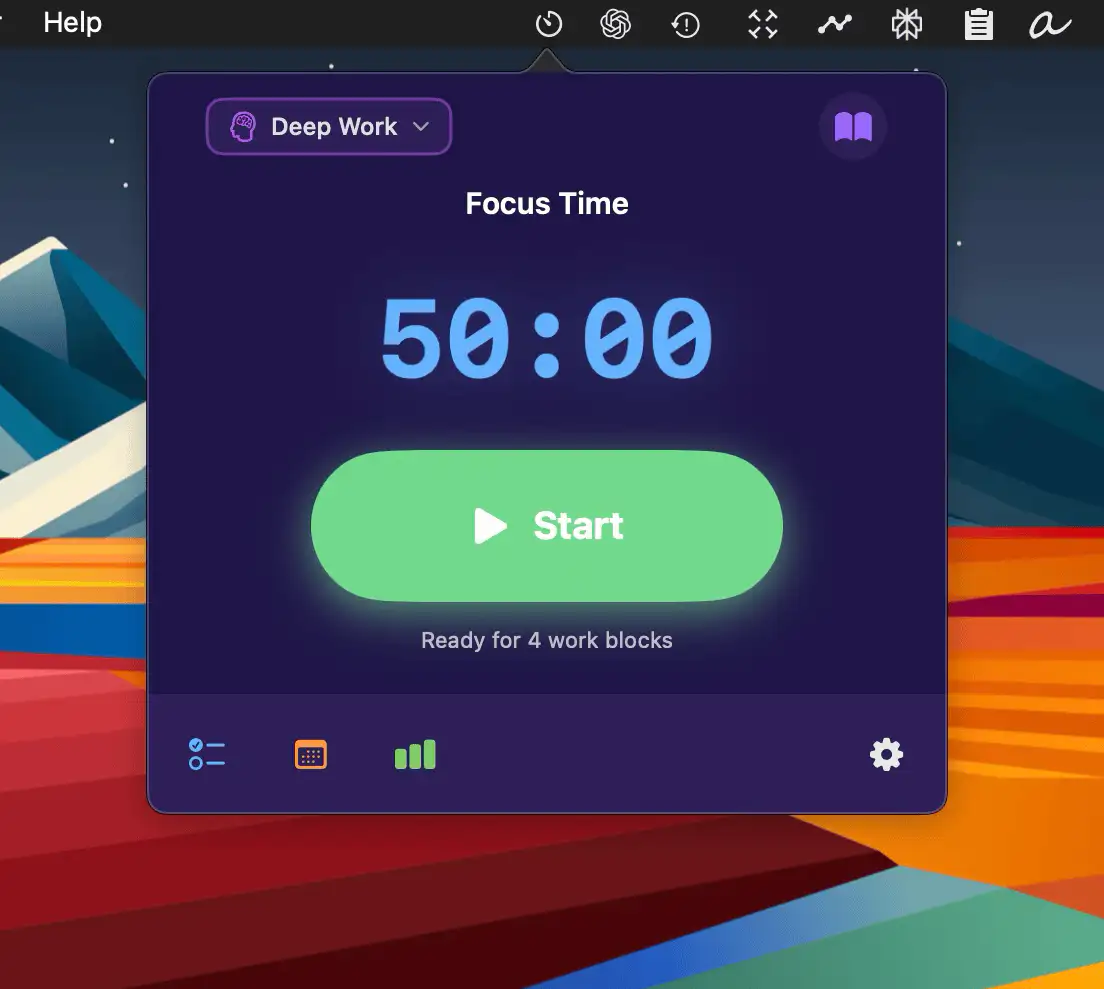
Focusly is a minimal, privacy-first focus timer for macOS that syncs with your calendar, tracks your deep-work sessions, and keeps you in flow with smart breaks and effortless simplicity.
The next time a site asks for a code, you’ll just tap it in. iPhone · iPad · Mac

Structure your focus with intentional intervals. Run Pomodoro sessions, create countdowns, launch quick drag-and-drop timers, trigger reminders, block distractions, analyze focus habits, track deep work, sync with calendars, automate breaks, and turn abstract intention into visible, ticking commitment.
Structure your focus with intentional intervals. Run Pomodoro sessions, create countdowns, launch quick drag-and-drop timers, trigger reminders, block distractions, analyze focus habits, track deep work, sync with calendars, automate breaks, and turn abstract intention into visible, ticking commitment.
Focusly is a minimal, privacy-first focus timer for macOS that syncs with your calendar, tracks your deep-work sessions, and keeps you in flow with smart breaks and effortless simplicity.
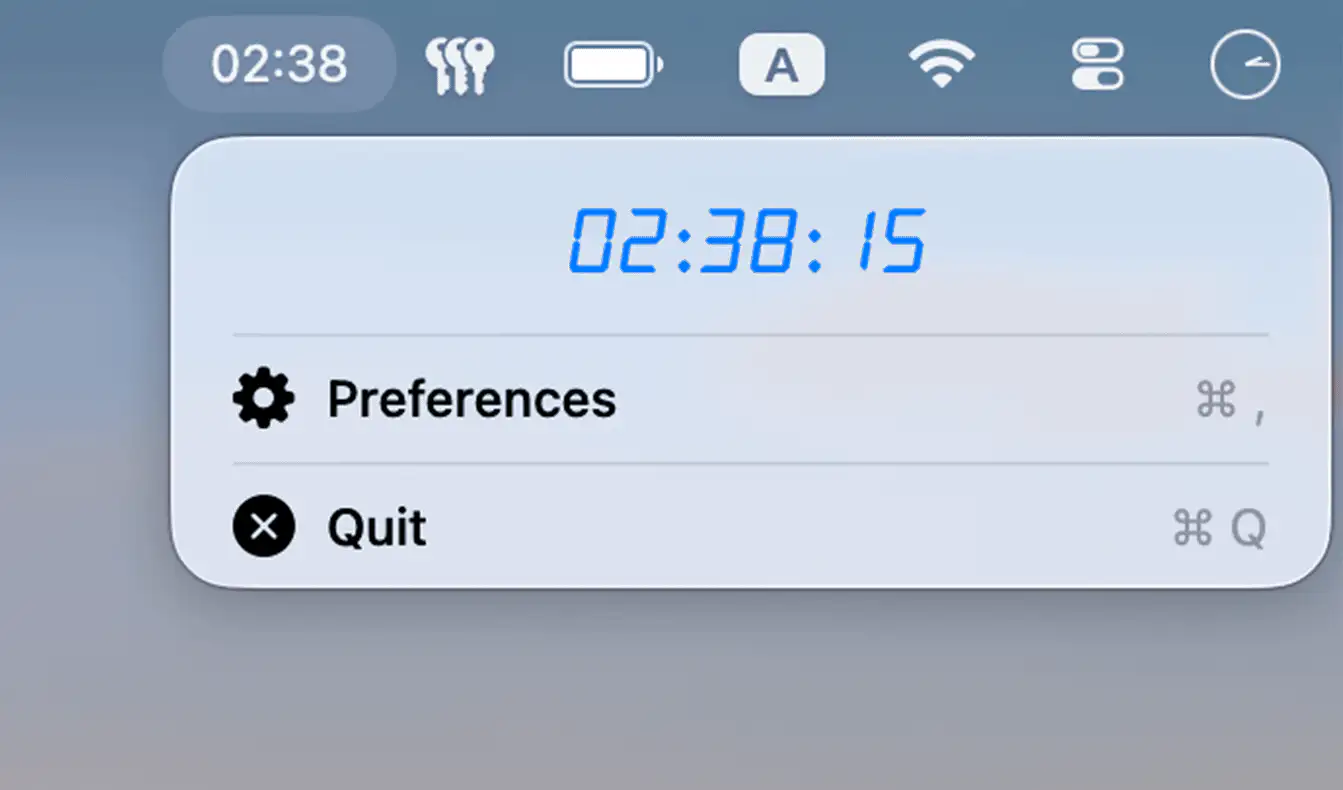
Peep is a minimal macOS menu bar app that gently tracks your daily screen time, offering subtle visual nudges to help you stay mindful and balanced while using your computer.
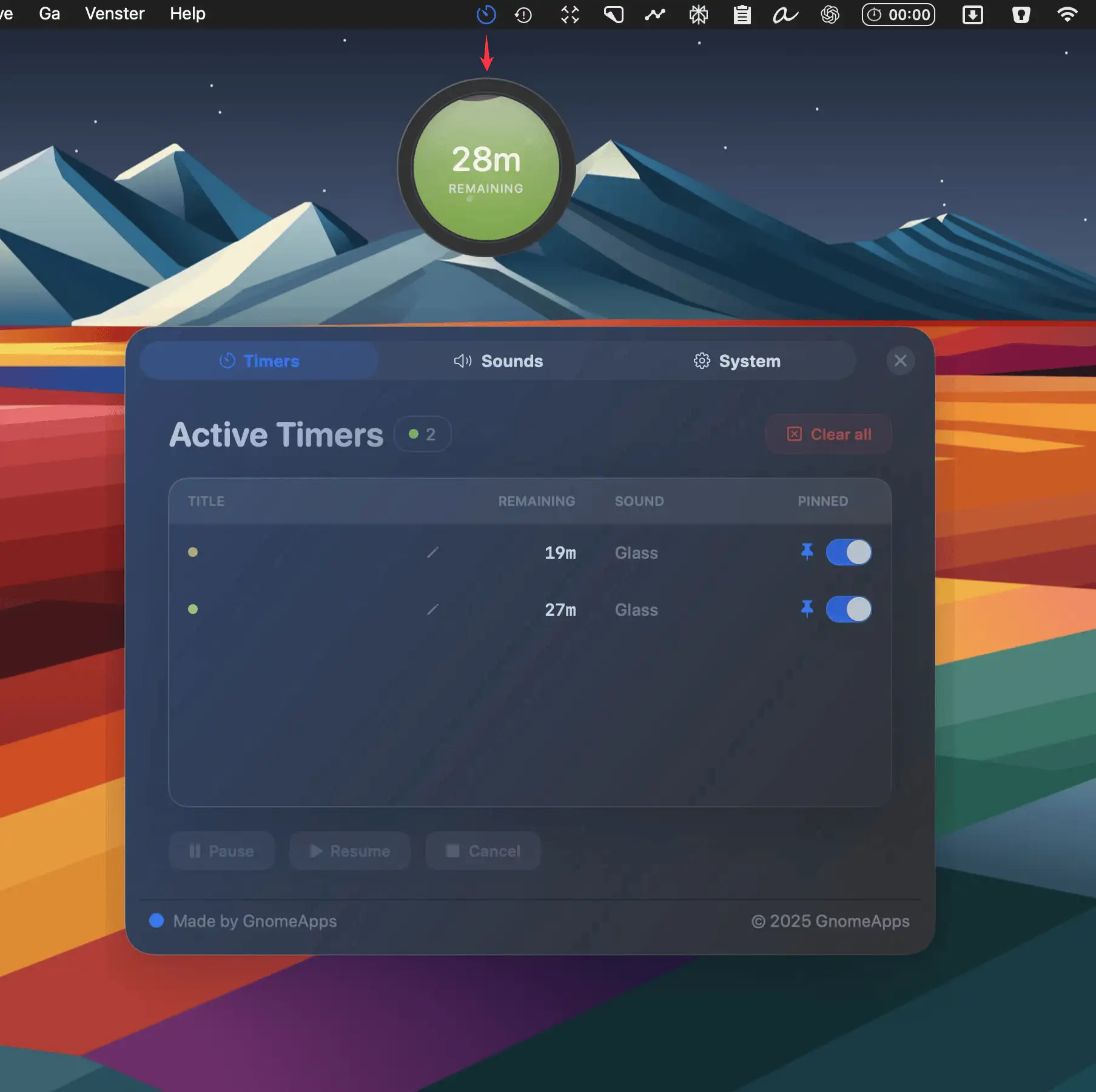
Liquid Timer is a playful Mac menu bar app for managing unlimited floating timers, each with its own look, sound, and animation—perfect for deep work, quick tasks, or oven pizza.
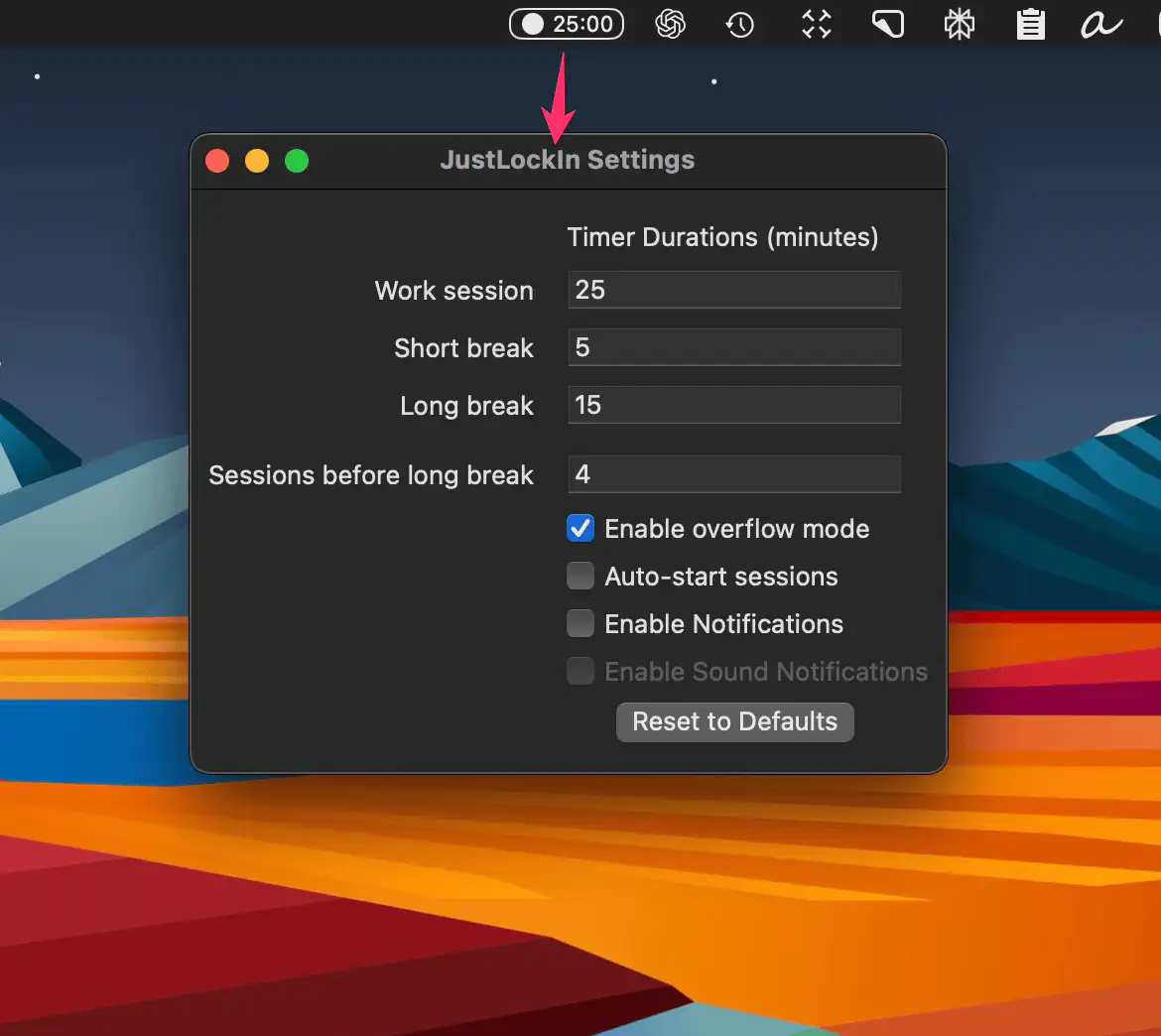
A clean, distraction-free pomodoro app that lives in your Mac’s menu bar. Start, pause, or extend focus sessions with one click, customize your workflow, and stay in the zone.
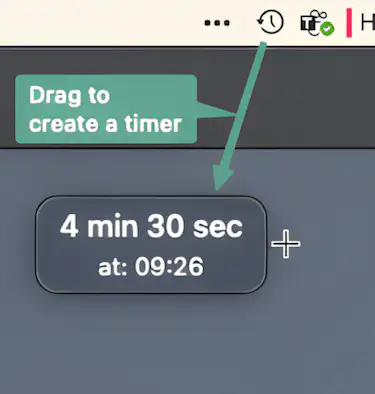
Dropclock lets you create timers instantly with a simple drag-and-drop gesture. No complicated menus—just click the menu bar icon, drag to set the time, and release to start your timer.

Cloud brings the Pomodoro technique to your Mac with a minimal interface, offering custom preset timers so you can fit your productivity rhythm to your unique workflow needs.
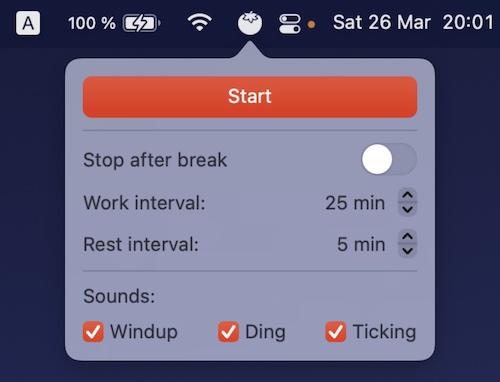
TomatoBar has all the essential features, like: configurable work and rest intervals, optional sounds, Touch Bar support and discreet notifications.