Collection:
Writing Apps
Viz

This menu bar app lets you extract text from images, videos, QR codes and barcodes with a simple snip mechanism.
The next time a site asks for a code, you’ll just tap it in. iPhone · iPad · Mac

Write faster, cleaner and smarter across every app. Dictate text offline, translate instantly, refine grammar and tone with AI, expand snippets, clean formatting, extract text from images, manage emojis and symbols, automate text transformations, and keep everything flowing without breaking your focus.
Write faster, cleaner and smarter across every app. Dictate text offline, translate instantly, refine grammar and tone with AI, expand snippets, clean formatting, extract text from images, manage emojis and symbols, automate text transformations, and keep everything flowing without breaking your focus.
This menu bar app lets you extract text from images, videos, QR codes and barcodes with a simple snip mechanism.

This menu bar app lets you look up words or translate text. It can automatically detect the language of the input text, supports input translate, select translate, and OCR screenshot translate.

Steecky is the text editor located in your menu bar. It’s always accessible, whether you’re working on something important or browsing the web. Steecky stores your entries as you type, ensuring that all information is retained.
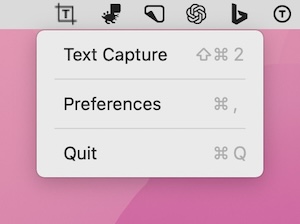
Capture text from anywhere on your screen with OCR technology for quick copying efficiently without extra steps for seamless integration with ease.
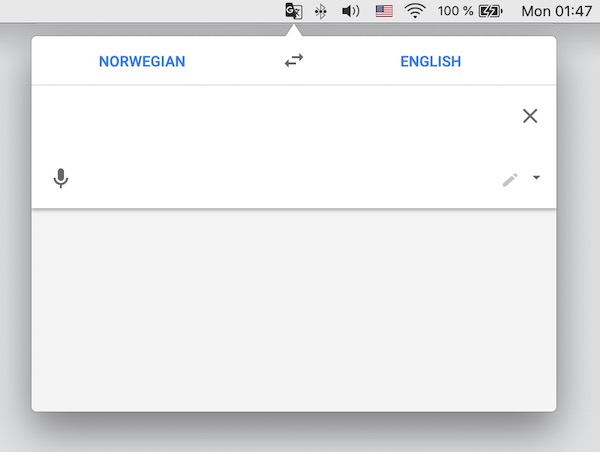
Translate text instantly using Google Translate from your menu bar for instant access. This streamlines your workflow significantly making your workflow more efficient with ease.
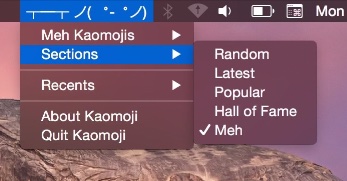
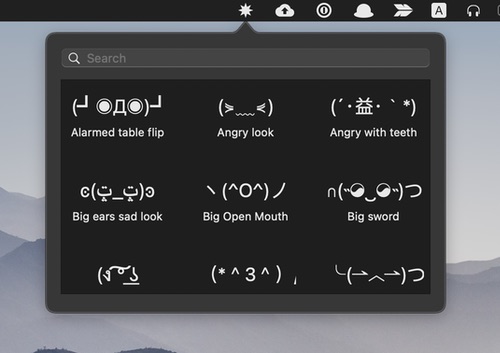
This menu bar app lets you directly enter random, populair and the latest kaomojis straight from your menu bar.
Kaomoji is the Japanese version of an emoticon. ¯\_(ツ)_/¯
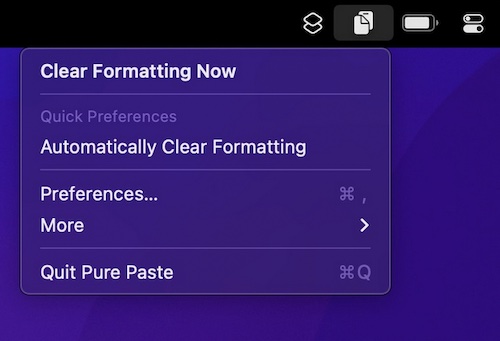
How many times have you pasted some text into an email, and ending up with a mess of different font sizes? Pure Paste clears all the formatting (fonts, colors, bold, links, tables, etc.) from text you copy.
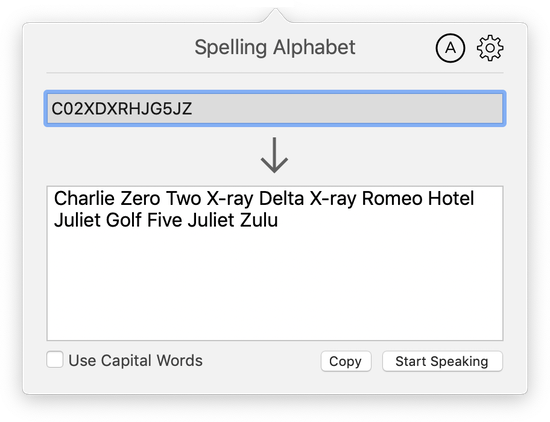
Eliminate mistakes reading letters and numbers by using clear, phonetic words from the NATO spelling alphabet. Spelling Alphabet runs in the background un-intrusively and is always available with just a click.
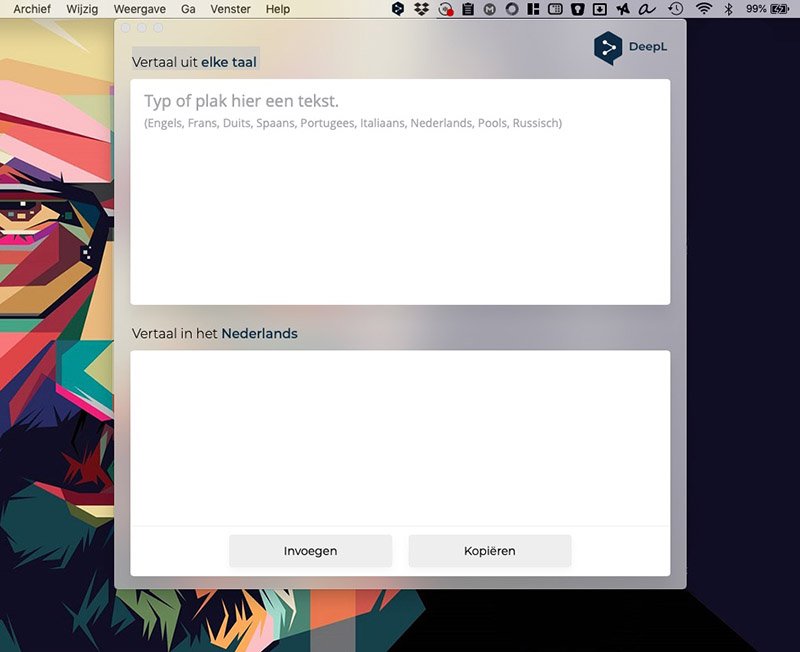
The free online translation service Deepl (way better than Google Tranlate) has its own menu bar app. It’s the fastest and easiest way to use DeepL.