PowerMode

Easily switch between low and high power mode, directly from your menu bar. When enabled, your MacBook automatically switches to low power mode when the battery drops below 20%.
Monitor, protect and optimize your Mac’s battery health. Track cycles, capacity and condition, set charging limits, manage low power modes, monitor real time watt usage, receive smart alerts, control clamshell behavior, extend lifespan, and keep all your devices’ battery levels visible at a glance.
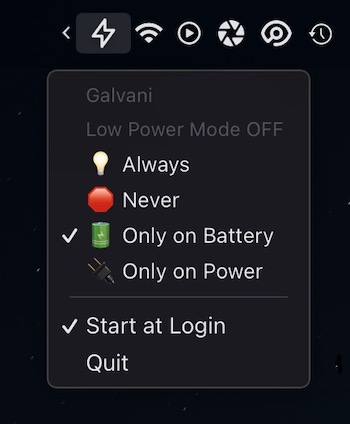

Easily switch between low and high power mode, directly from your menu bar. When enabled, your MacBook automatically switches to low power mode when the battery drops below 20%.

In order to get the battery information from your AirPods you need to Select your Bluetooth device and then see the battery levels! Now just move your eyes up to the menu bar and done!

Toggle Low Power Mode on your Mac from the menu bar for efficient battery management efficiently without extra steps.

Clamshell mode on your MacBook allows you to keep your Mac awake when you close the lid but it only works when a power adapter is connected.
This menu bar app aims to solve this problem by allowing clamshell mode even on battery.

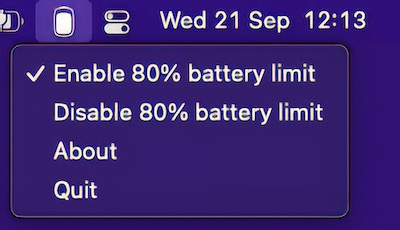
With this menu bar app it is possible to keep a chronically plugged in M1 Macbook at 80% battery, since that will prolong the longevity of the battery. This app will not work on non-M1 macs. In that case try the free version of AlDente.
End of content
End of content