Collection:
Battery Apps
WattBar
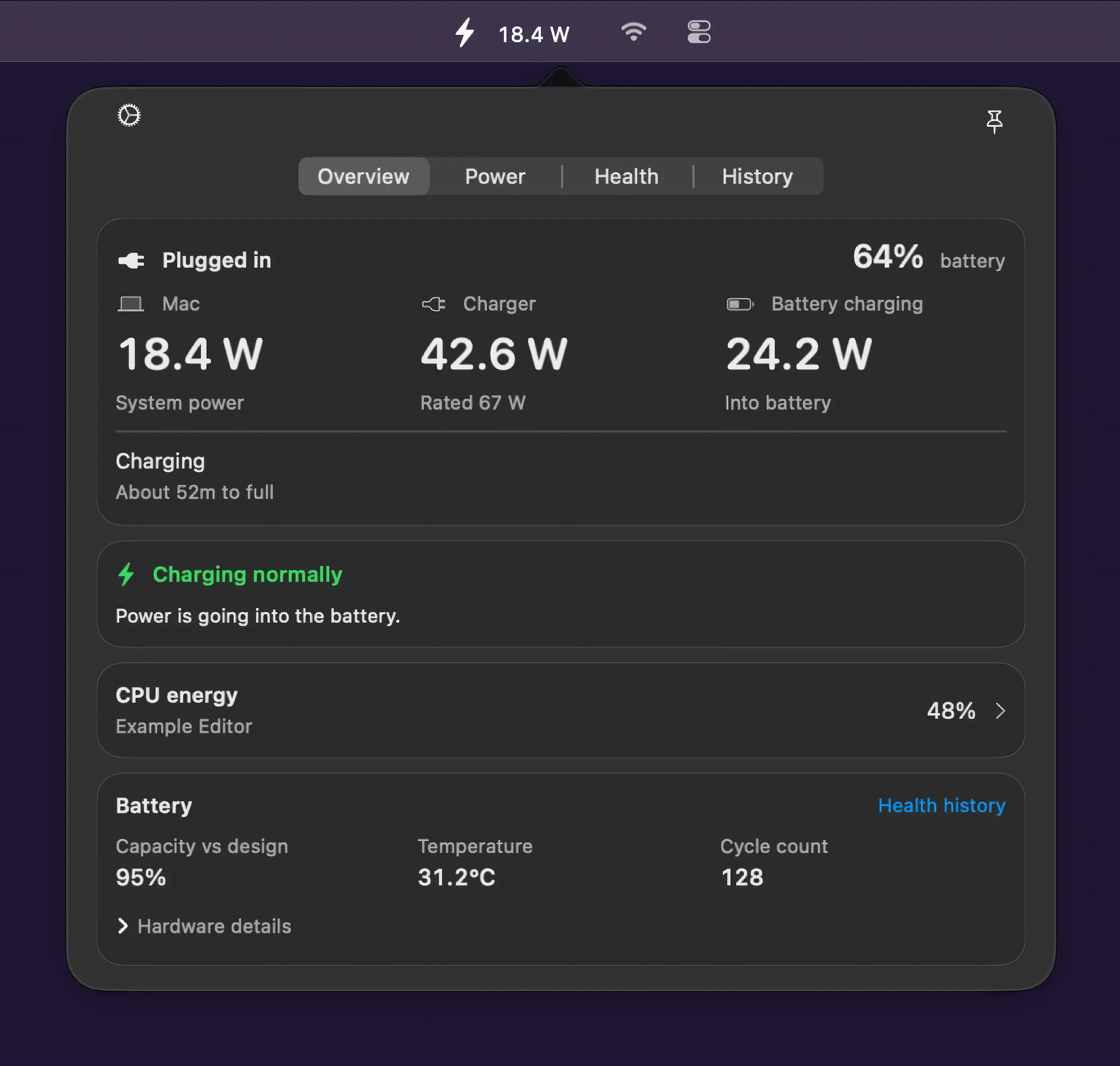
Monitor your Mac’s power usage at a glance, with live readings for system, charger and battery power, CPU energy activity, charging status and local history, all kept on-device.

Monitor, protect and optimize your Mac’s battery health. Track cycles, capacity and condition, set charging limits, manage low power modes, monitor real time watt usage, receive smart alerts, control clamshell behavior, extend lifespan, and keep all your devices’ battery levels visible at a glance.
Monitor, protect and optimize your Mac’s battery health. Track cycles, capacity and condition, set charging limits, manage low power modes, monitor real time watt usage, receive smart alerts, control clamshell behavior, extend lifespan, and keep all your devices’ battery levels visible at a glance.
Monitor your Mac’s power usage at a glance, with live readings for system, charger and battery power, CPU energy activity, charging status and local history, all kept on-device.
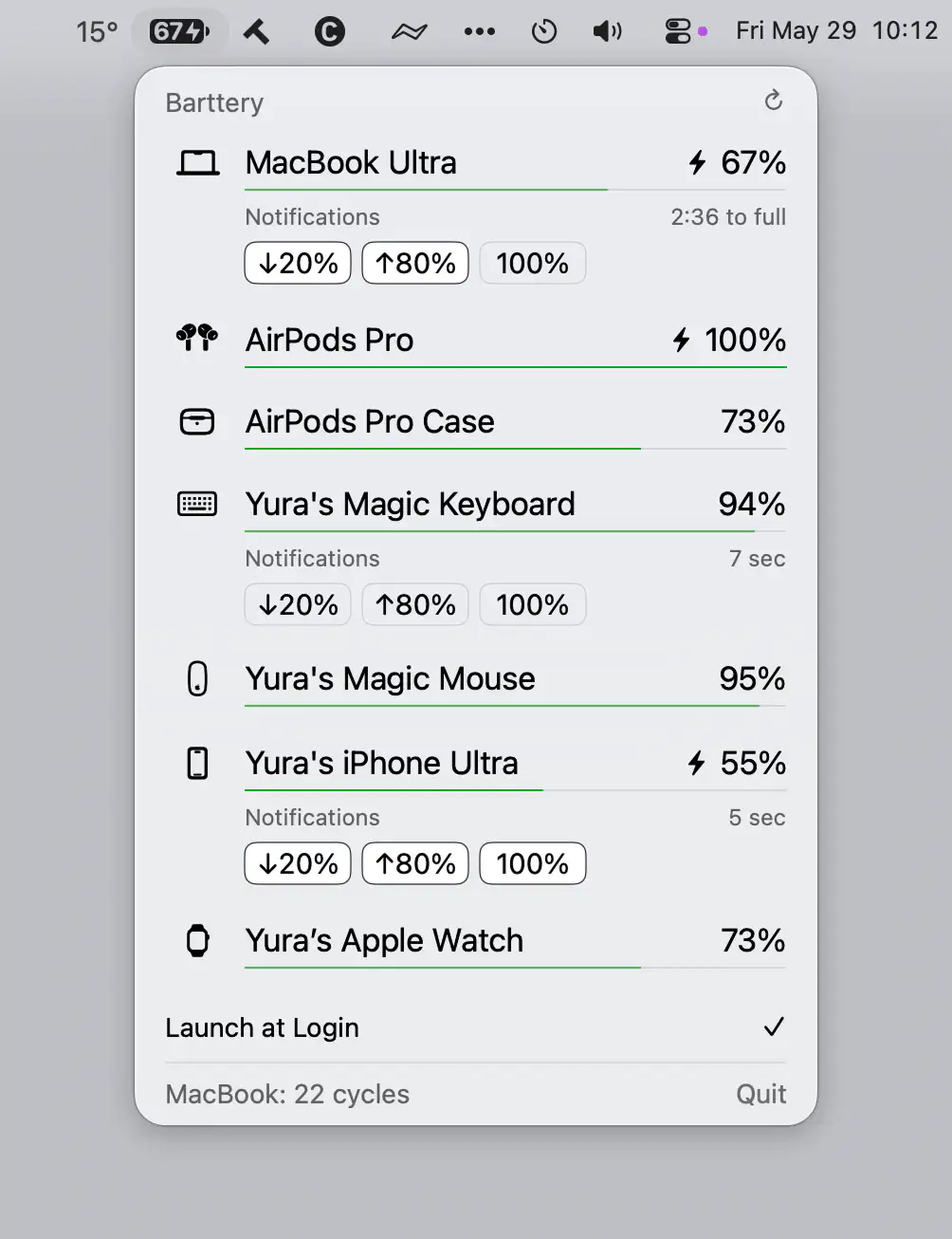
Barttery keeps track of your Apple devices’ battery levels in one place, showing charging status, remaining time, cycle counts, and customizable notifications across Mac, iPhone, iPad, Apple Watch, AirPods, and accessories.
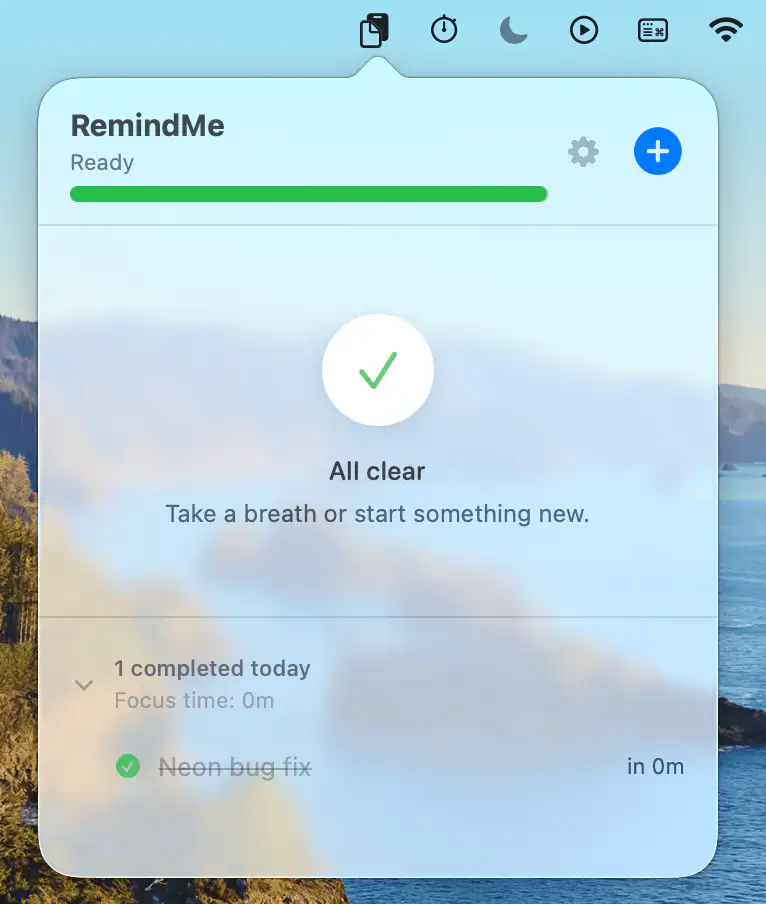
RemindMe helps you avoid unexpected shutdowns with clear, impossible-to-miss low battery alerts. It relies on native macOS notifications to stay responsive without wasting power.
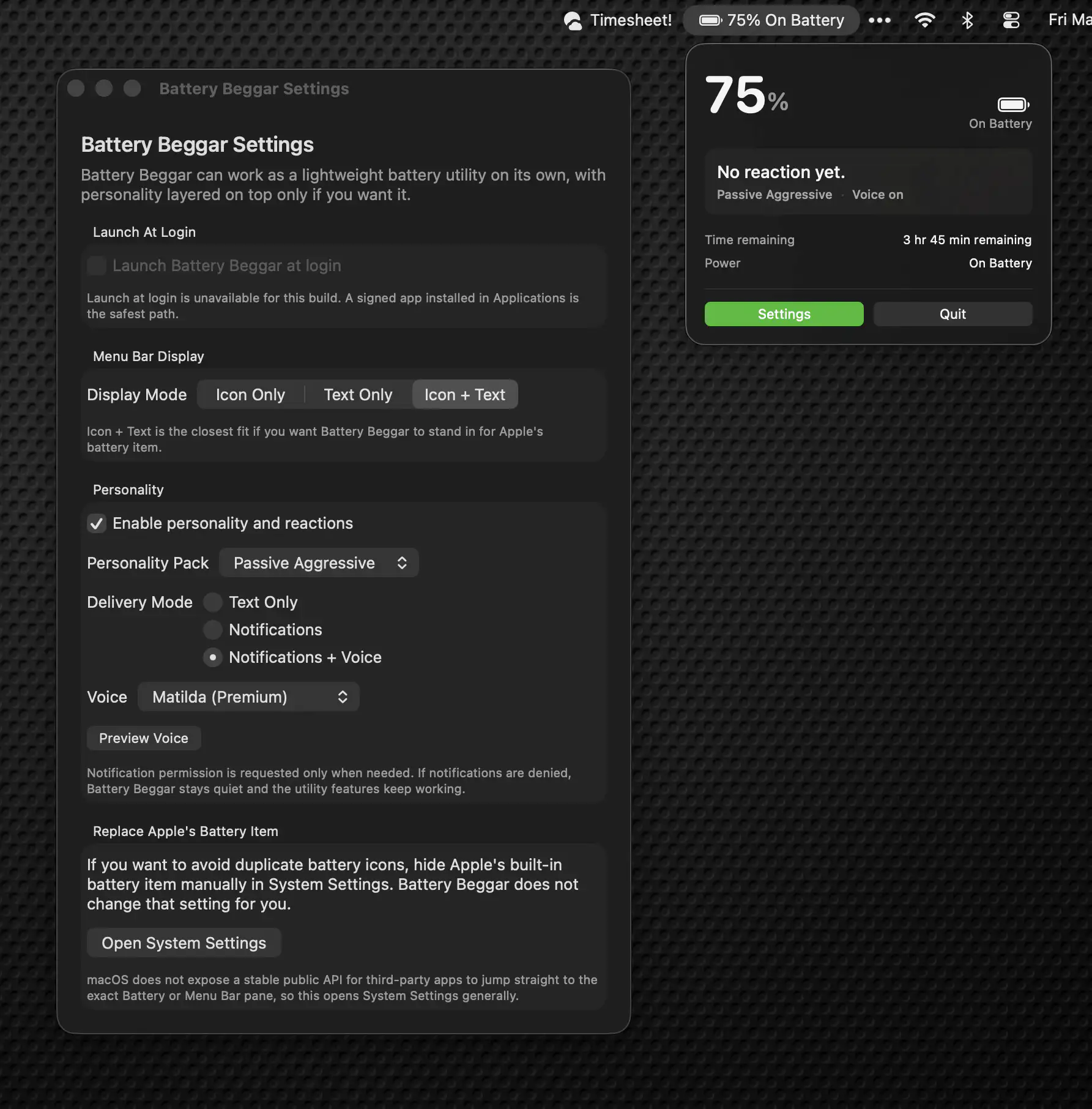
Battery Beggar turns your MacBook’s battery into a running commentator with opinions, anxiety, and occasional philosophical restraint. It tracks charge levels, reacts to your questionable charging habits, and somehow makes low battery warnings feel oddly entertaining.
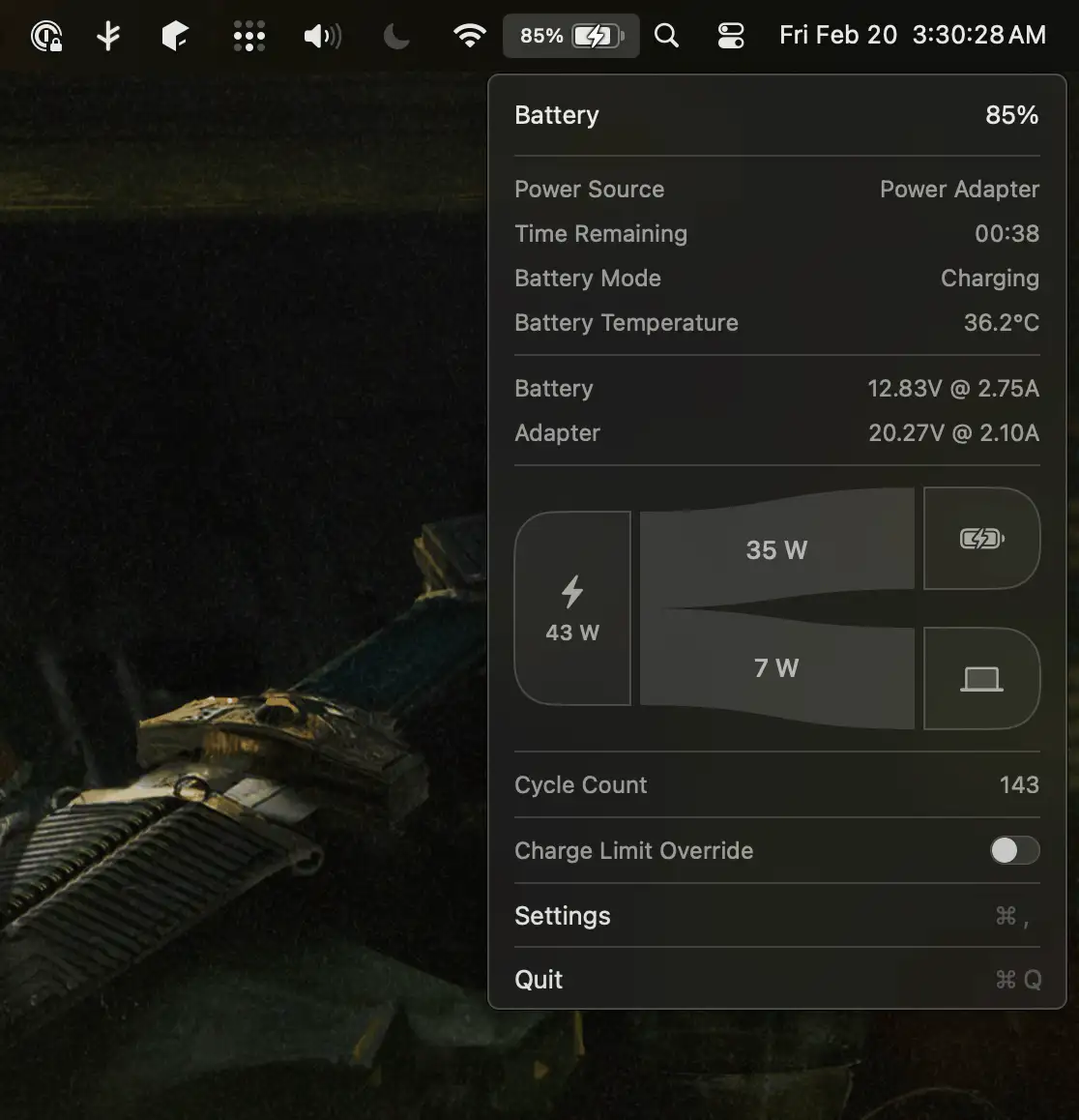
Stasis replaces the standard battery indicator with something far more informative, offering real-time power metrics, adjustable charge limits, and direct control over charging behavior so you can extend your MacBook’s battery lifespan without relying on Apple’s mysterious optimization logic.
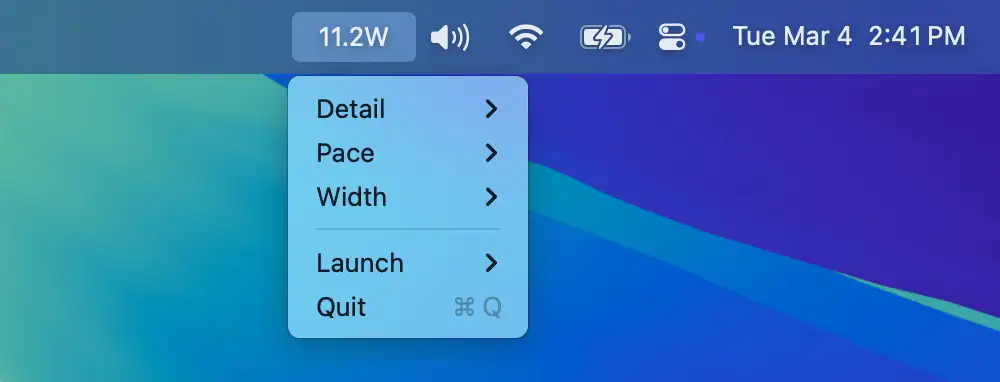
WattSec shows your system’s real-time power consumption (in watts) directly in the menu bar. It provides an easy way to monitor energy usage, helping users optimize power efficiency and battery life.
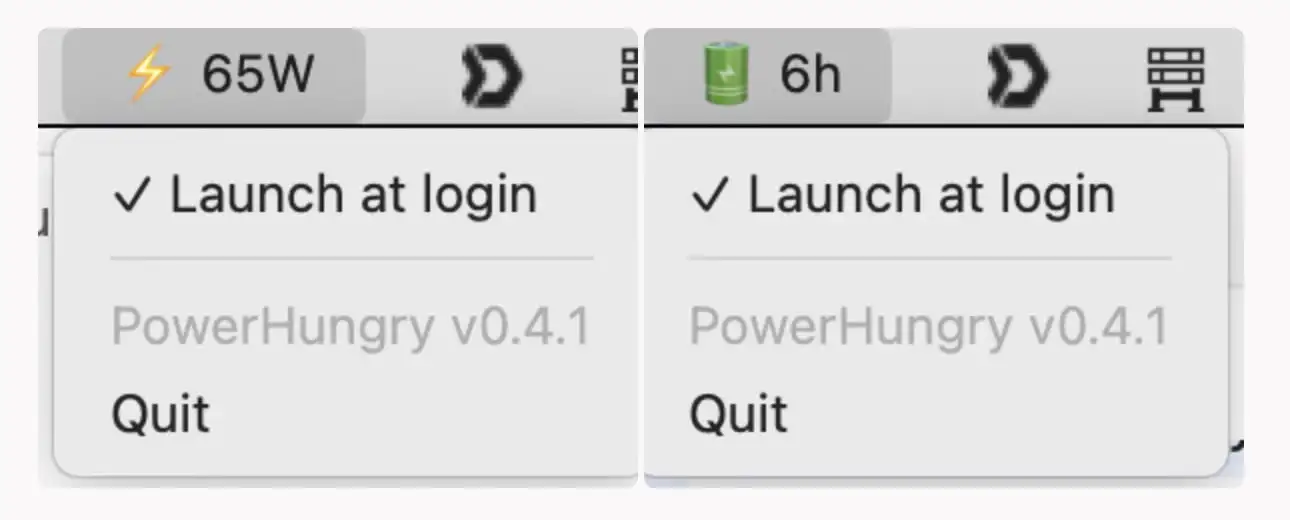
This menu bar app shows how much power your AC adapter is delivering and how much battery time you have left.
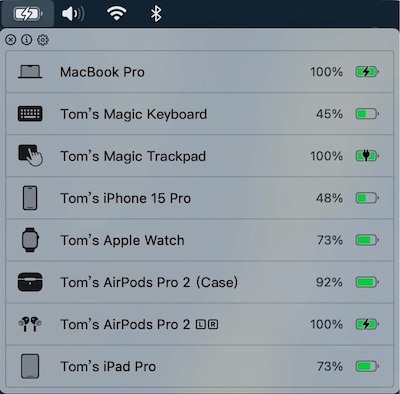
This menu bar app collects the battery usage of all your devices without installing any client app on them. You can also set battery alerts.
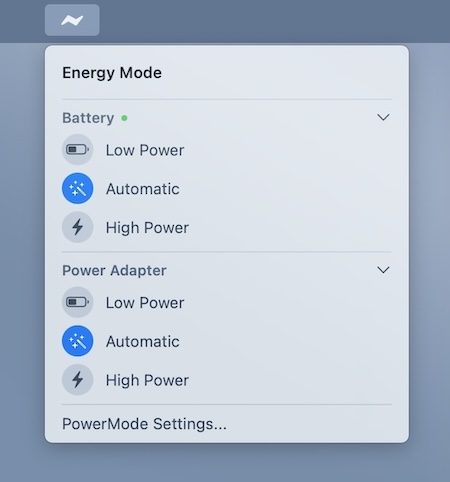
Easily switch between low and high power mode, directly from your menu bar. When enabled, your MacBook automatically switches to low power mode when the battery drops below 20%.
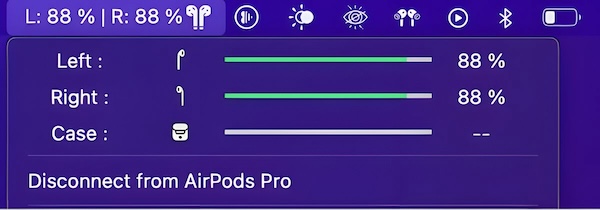
AirPods Battery Monitor shows the battery levels of your AirPods right in your menu bar, so you no longer have to dig through the Bluetooth menu to check them. It also comes with widgets for AirPods, AirPods Pro and AirPods Max.