Tame the web without opening a dozen tabs. Preview sites, pin web apps, manage bookmarks and feeds, route links between browsers, monitor uptime, block distractions, and keep essential pages floating neatly in your menu bar.
Show me the free apps only
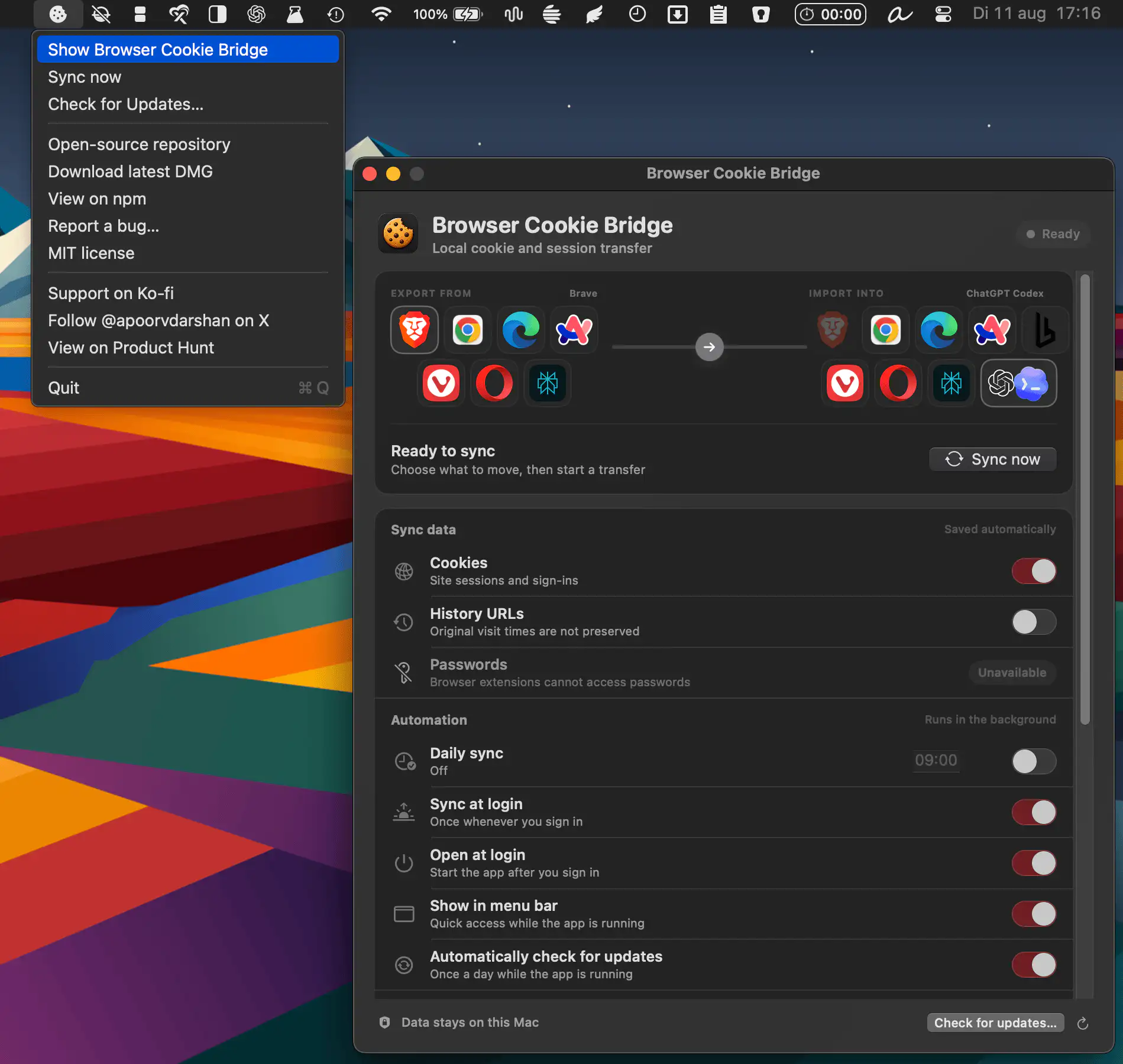
Browser Cookie Bridge transfers cookies and active sessions between seven Chromium browsers and ChatGPT Codex, with optional Browserless uploads, local-first processing, and background syncing for a smoother multi-browser workflow.
Visit

Default Tamer routes links to the right browser automatically, based on the app, domain, or URL pattern. Work, personal, and testing browsers stay neatly separated, while everything runs locally with no tracking.
Visit
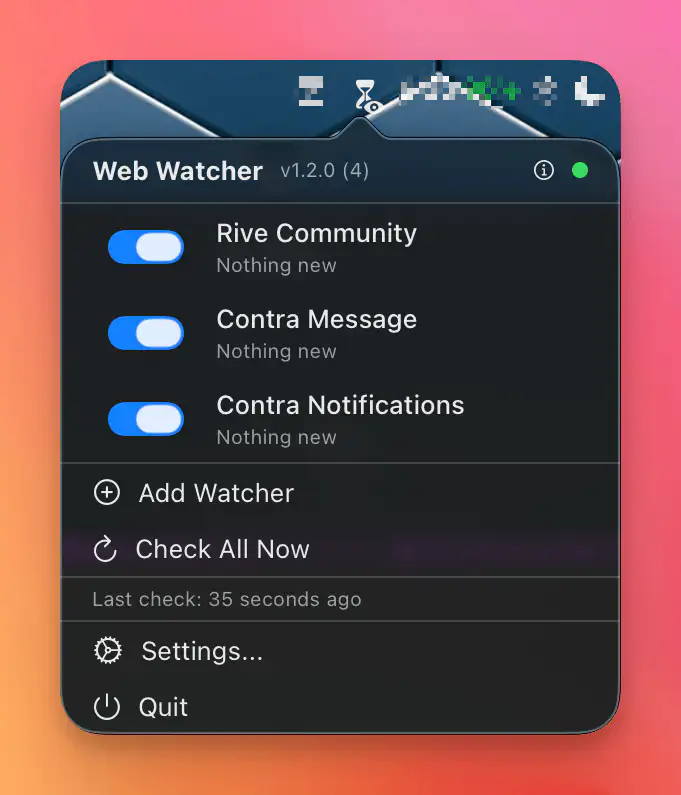
WebWatcher monitors websites from your Safari sessions, checking for changes and sending clean, native notifications, so important updates surface without extra logins or extensions.
Visit Watch
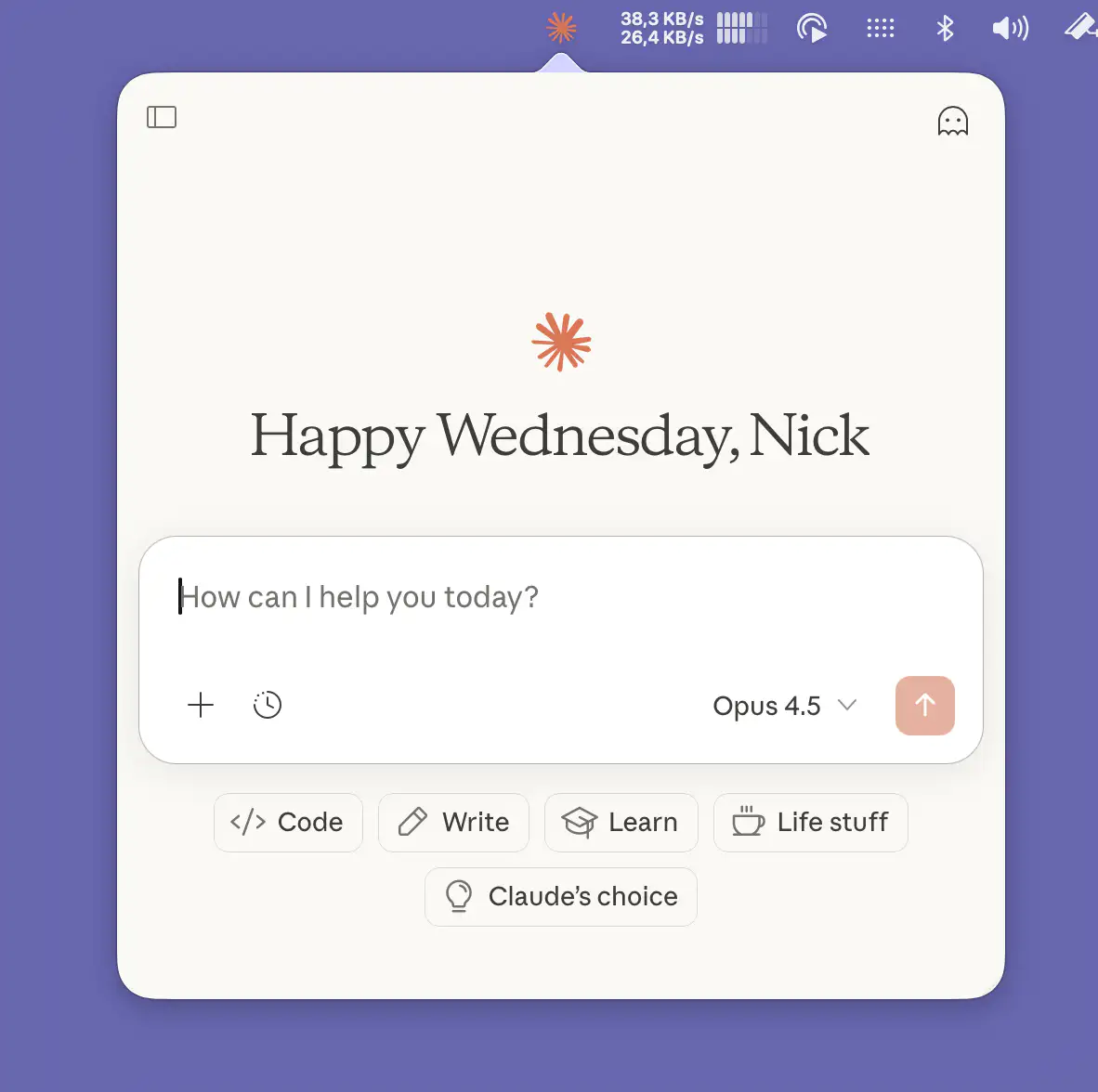
Pinster sits in your menu bar and opens pinned websites in fast, floating popovers, so your favorite tools stay close without the clutter of a full browser.
Visit
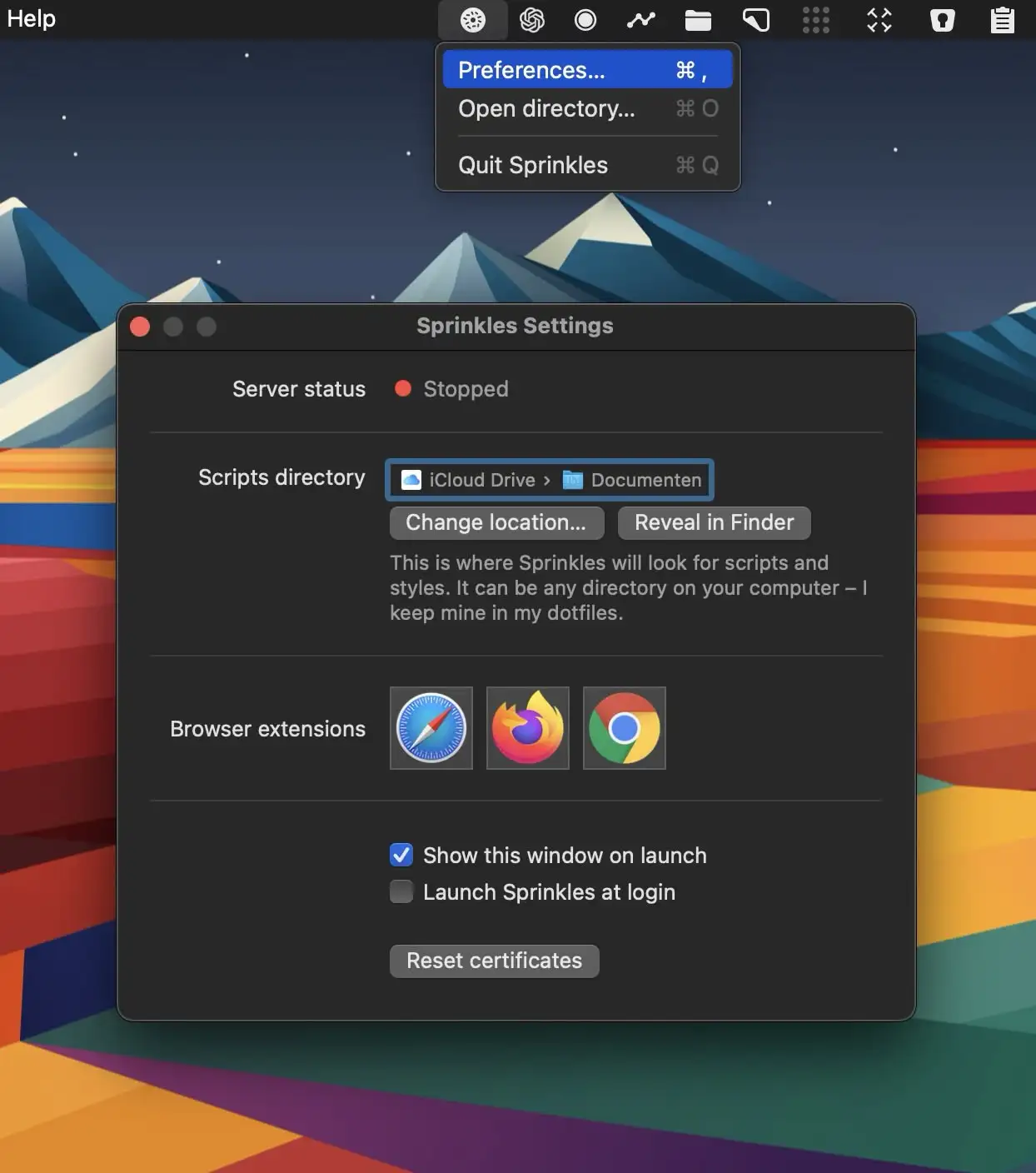
Ever wanted to change something about a website? Now you can! When you visit a website, Sprinkles checks a directory on your computer for CSS and JS files that match the site’s hostname, then applies them to the site.
Visit Watch

This menu bar app lets you access websites without leaving the app you’re currently in. This comprehensive tool helps you stay organized and efficient throughout your workday without distractions or complications.
Visit
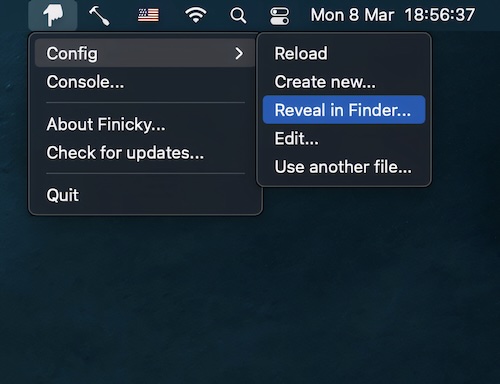
This menu bar app allows you to set up rules that decide which browser is opened for every link or url.
Visit
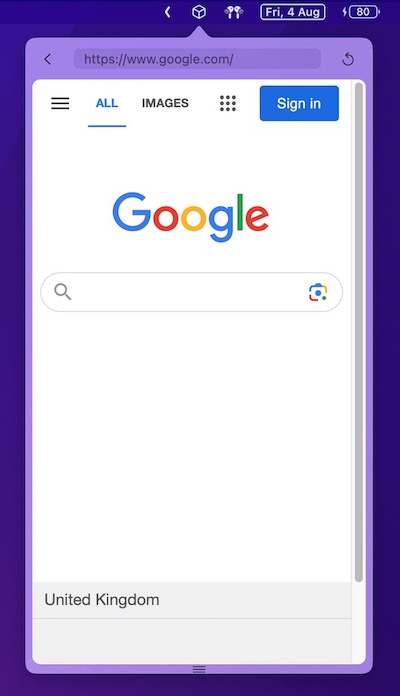
This menu bar app is an all-in-one mini browser. You can customize its size and position.
Visit
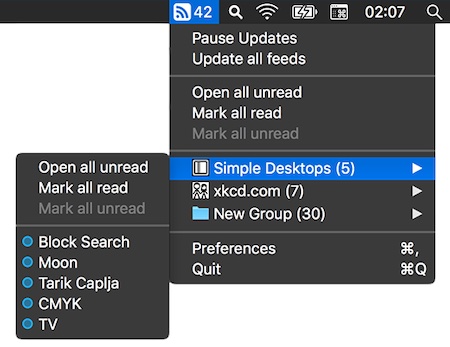
Read and stay current with your favorite RSS feeds directly from your menu bar using a clean, streamlined, distraction-free interface without any visual clutter making your workflow more efficient.
Visit
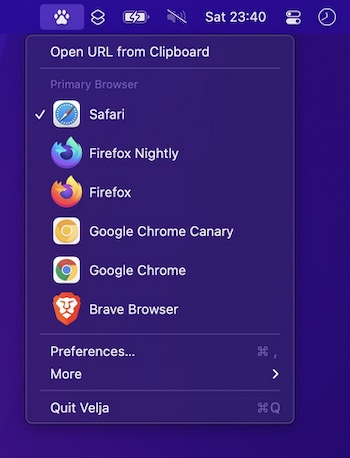
Open links in a specific browser (for example, you could create a rule to make all URLs with the domain “google.com” open in Chrome) or a matching native app.
Visit
