Collection:
Cleaning Apps
DevCleaner
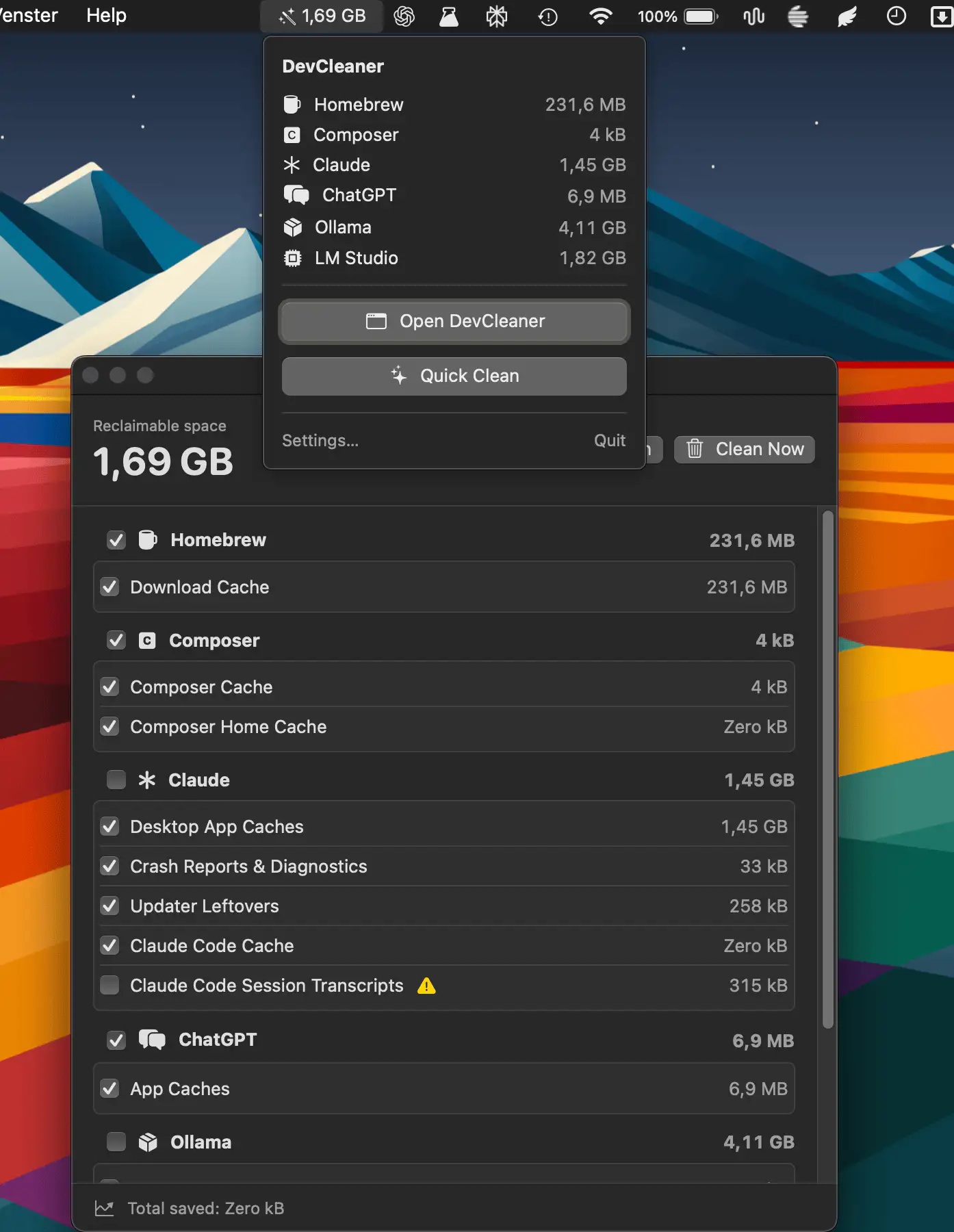
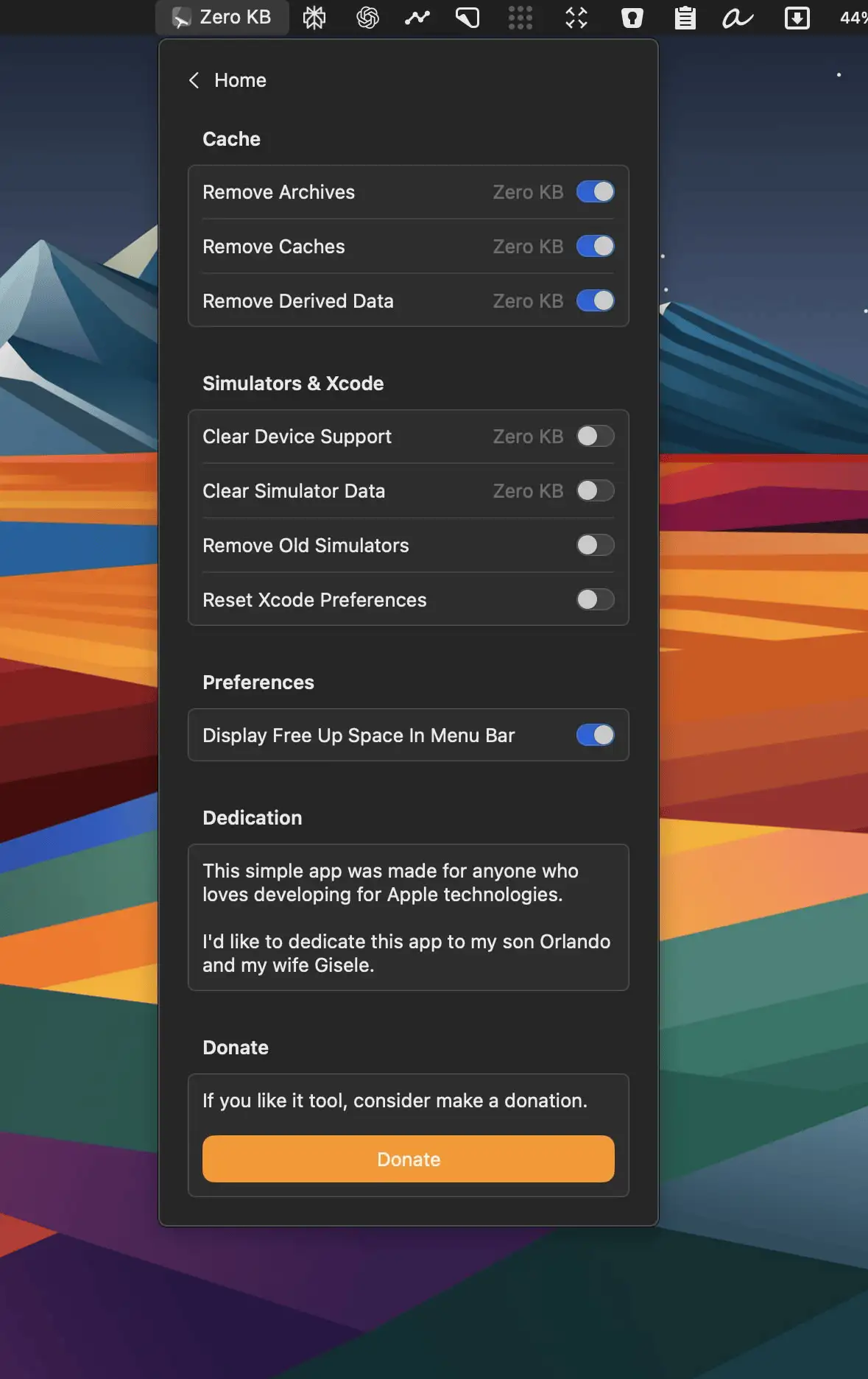
DevCleaner helps developers reclaim wasted disk space by scanning caches, build artifacts, old simulators, and AI tool leftovers across 22 ecosystems.
The next time a site asks for a code, you’ll just tap it in. iPhone · iPad · Mac

Declutter your Mac in seconds. Quit unused apps, hide desktop chaos, free up storage and memory, remove junk files, manage duplicates, and automate folder cleanup. These menu bar tools keep your workspace lean, calm, and under control.
Declutter your Mac in seconds. Quit unused apps, hide desktop chaos, free up storage and memory, remove junk files, manage duplicates, and automate folder cleanup. These menu bar tools keep your workspace lean, calm, and under control.
DevCleaner helps developers reclaim wasted disk space by scanning caches, build artifacts, old simulators, and AI tool leftovers across 22 ecosystems.
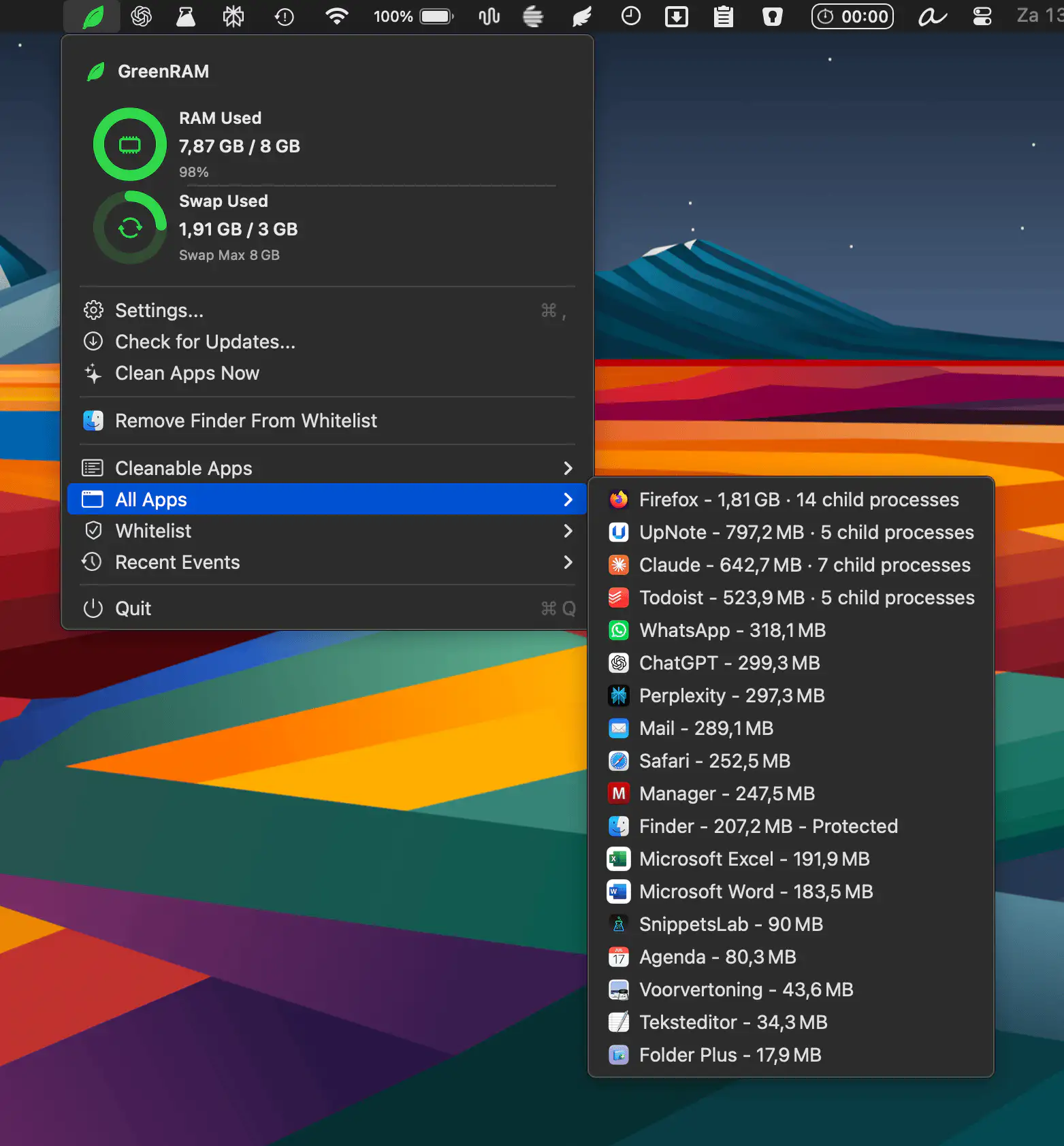
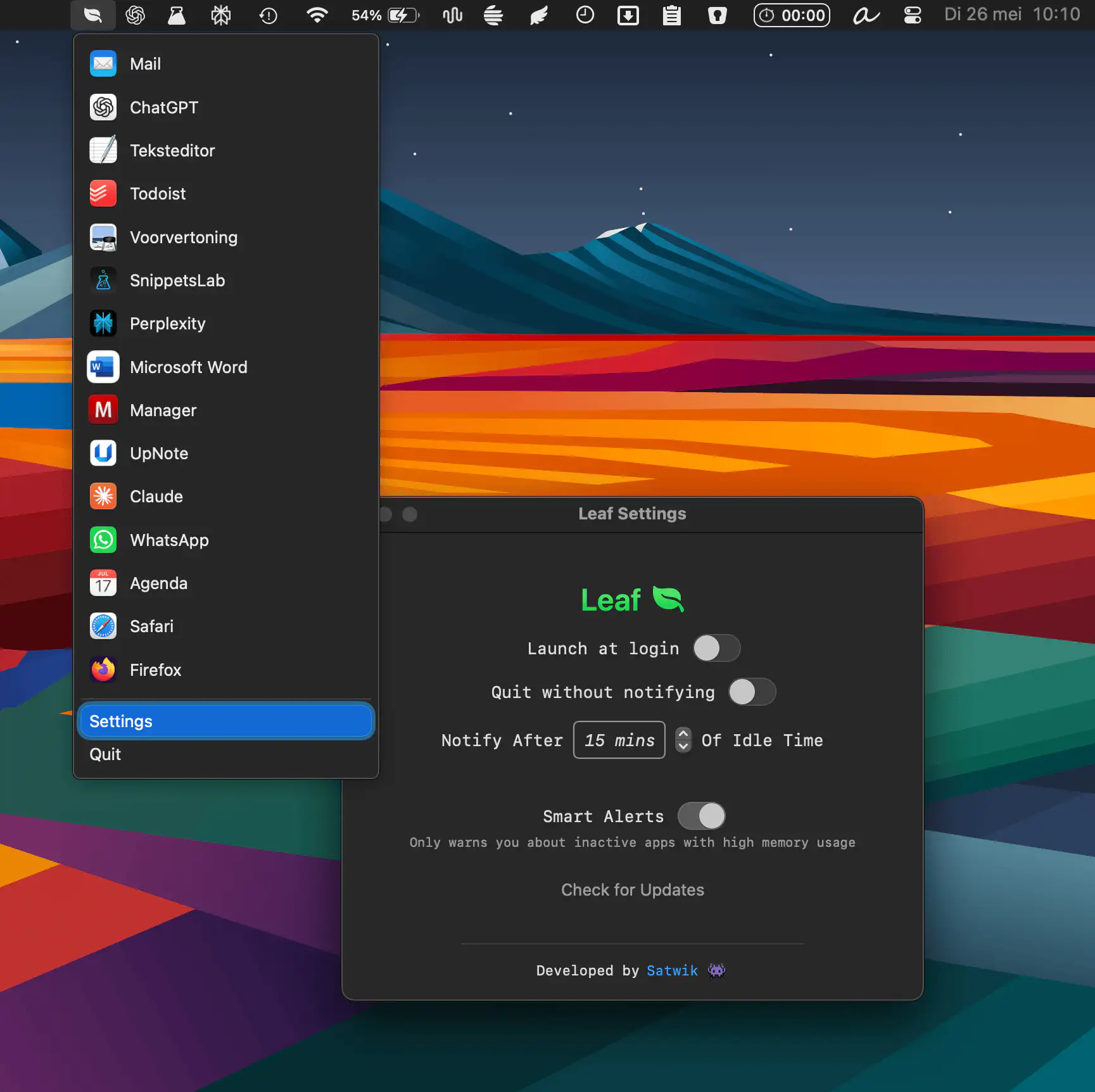
GreenRAM helps keep your Mac responsive by monitoring memory usage and automatically closing long-idle background apps. With customizable rules, smart app handling, and whitelist support, it reduces memory pressure without interfering with the app you’re actively using.
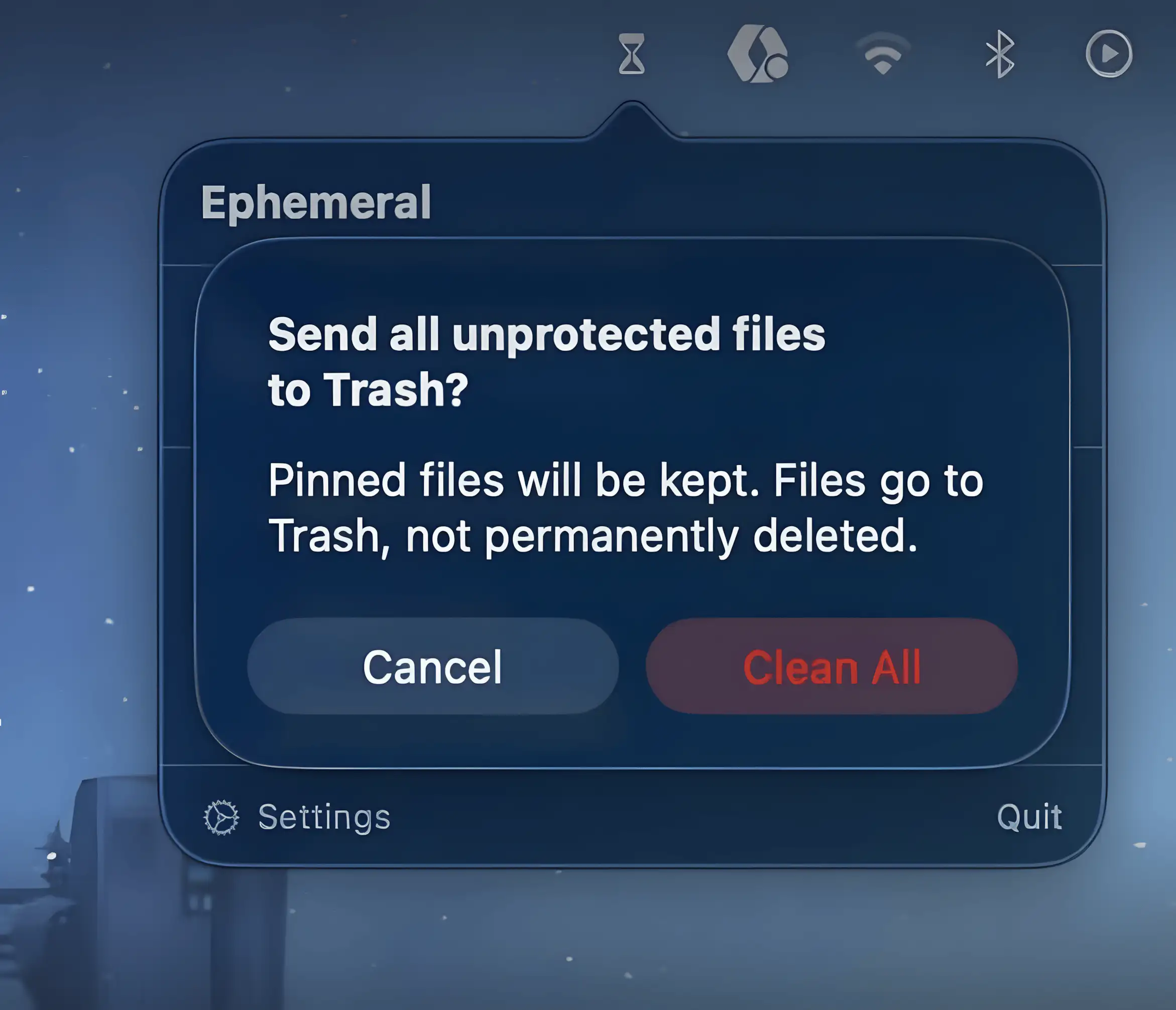
Ephemeral keeps temporary files from piling up by automatically sending them to Trash after a set time. Drop files in, forget about them, and your folders quietly stay tidy without constant manual cleanup.
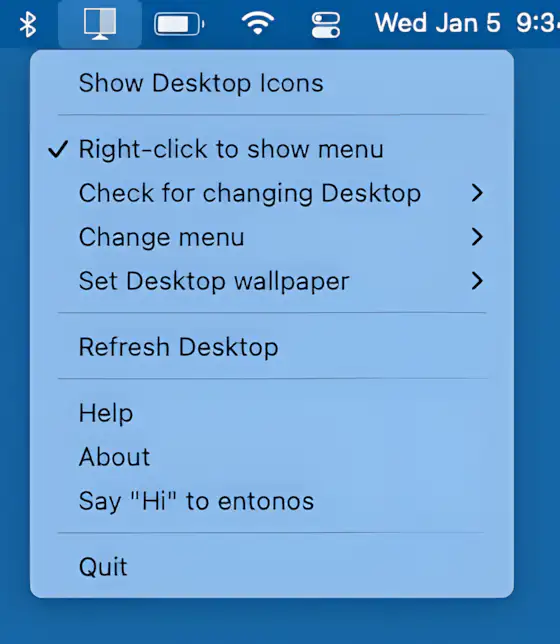
Hide Icons cleanly hides your Mac desktop clutter by overlaying a blank background, keeping your workspace distraction-free. Lightweight, customizable, and ideal for multi-desktop setups.

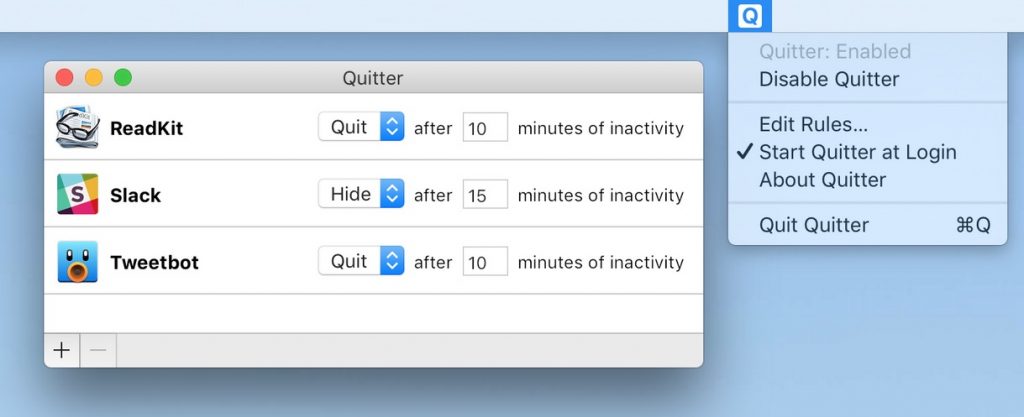
Tired of having a cluttered desktop and apps using power in the background? This menu bar app lets you automatically closes apps when you don’t use them anymore.

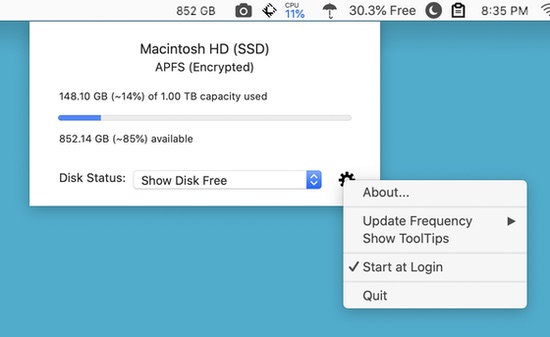
This menu bar app helps you free up unused RAM and speed up your Mac. Once you launch the app, it shows the memory usage on your Mac, including the memory used by a single application launched on your system.